How do I use the Asian Woman at Outdoor Cafe template?
Choose the primary action to open PicX Studio with the available template settings. Review the model and format, personalize the creative direction, and generate when ready.
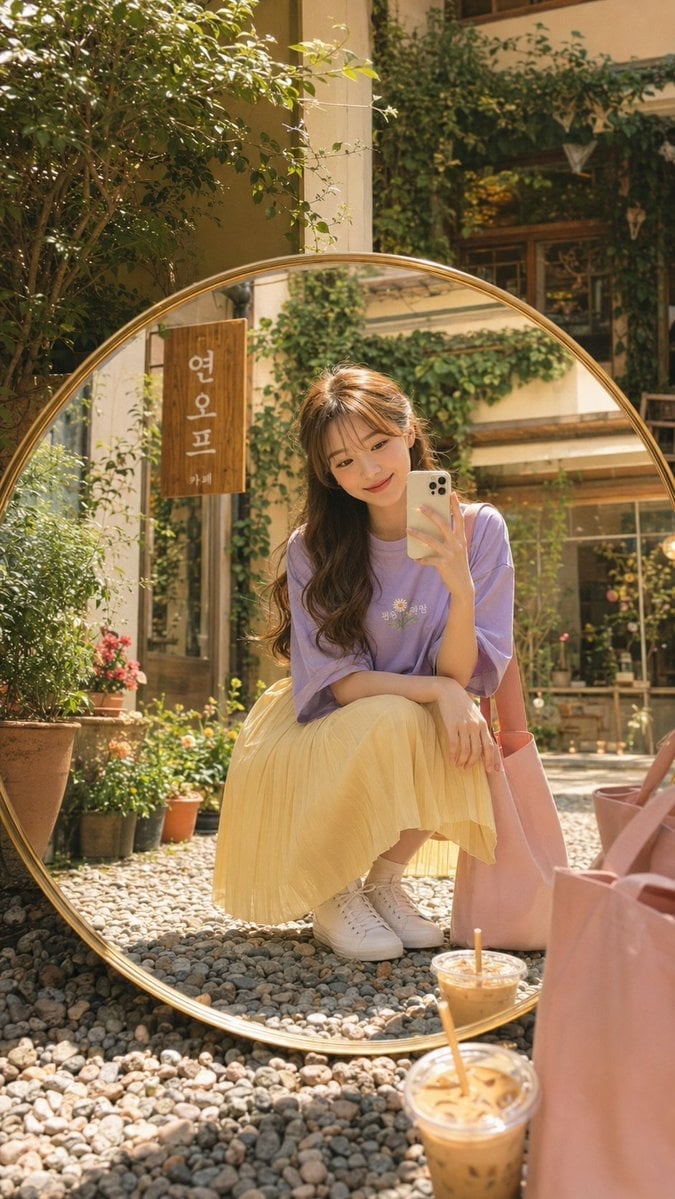
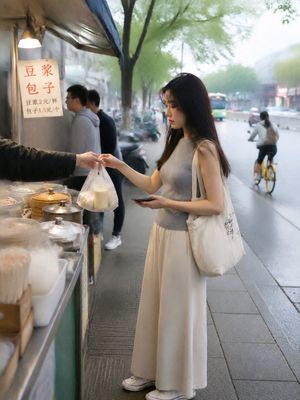
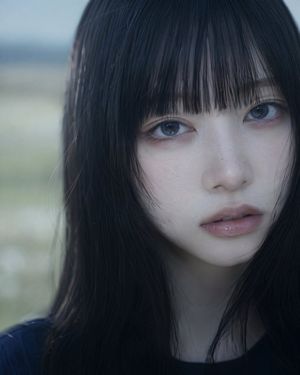
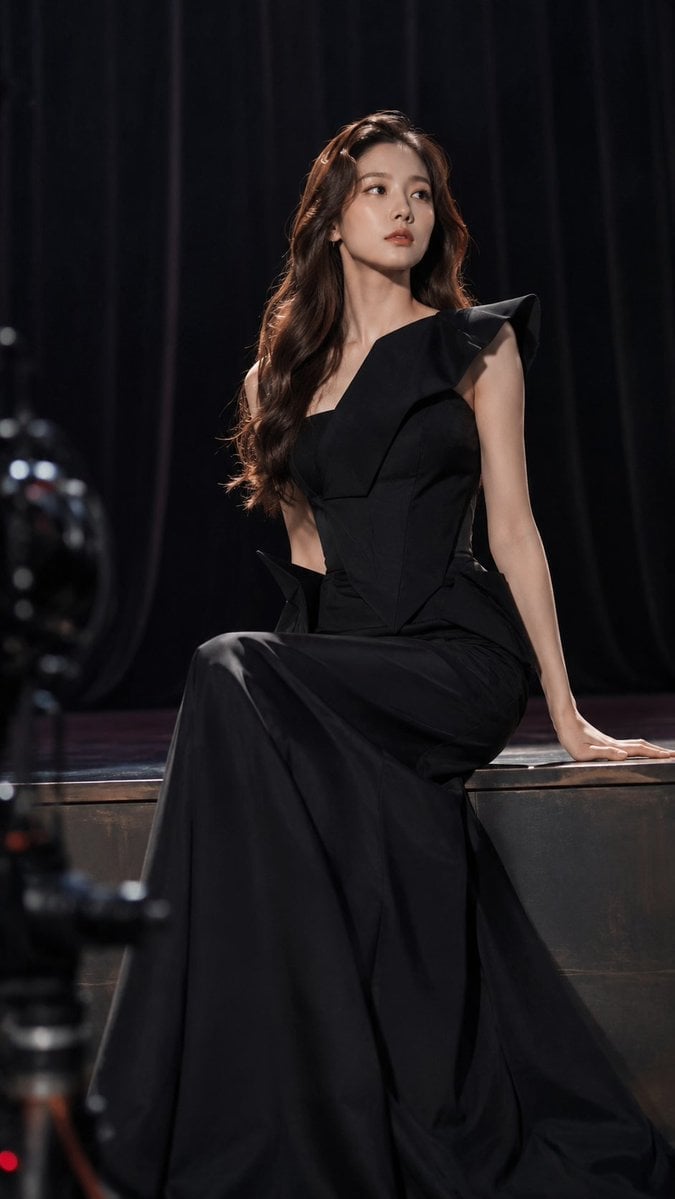
A photorealistic prompt of a chic young Asian woman sitting at a sunny outdoor cafe, featuring detailed fashion and a blurred cafe background.

A high-quality, realistic photograph of a {argument name="subject" default="chic young Asian woman"} sitting at an {argument name="setting" default="outdoor cafe table on a sunny day"}. She is smiling softly, resting her chin on her hand, looking slightly away from the camera. She has long, wavy dark brown hair styled in a half-updo, vivid red lipstick, and is wearing round, gold-rimmed dark sunglasses. Outfit & Accessories: She wears an {argument name="outfit" default="open, oversized light blue button-up shirt over a simple white tank top, paired with light-wash blue jeans"}. On her wrist is a classic gold watch, and she wears delicate gold bracelets and small hoop earrings. Setting & Composition: In front of her on the wooden table is a clear plastic cup of iced latte with a straw. In the background, there is a blurred chalkboard cafe menu reading "COFFEE" with prices, lush green potted plants, and warm, natural sunlight casting soft shadows. Photorealistic, 4k resolution, shallow depth of field, vibrant colors, shot on a 85mm lens.
Choose the primary action to open PicX Studio with the available template settings. Review the model and format, personalize the creative direction, and generate when ready.
Yes. You can change the subject, setting, lighting, mood, format, and available model controls before creating your image.
This template is free to open and customize. Generation usage is shown in PicX Studio before you create.
Start with Nano Banana 2, which is the model associated with this template. You can compare another compatible model for a different finish.
Follow a topic to a crawlable collection of related PicX Studio templates.