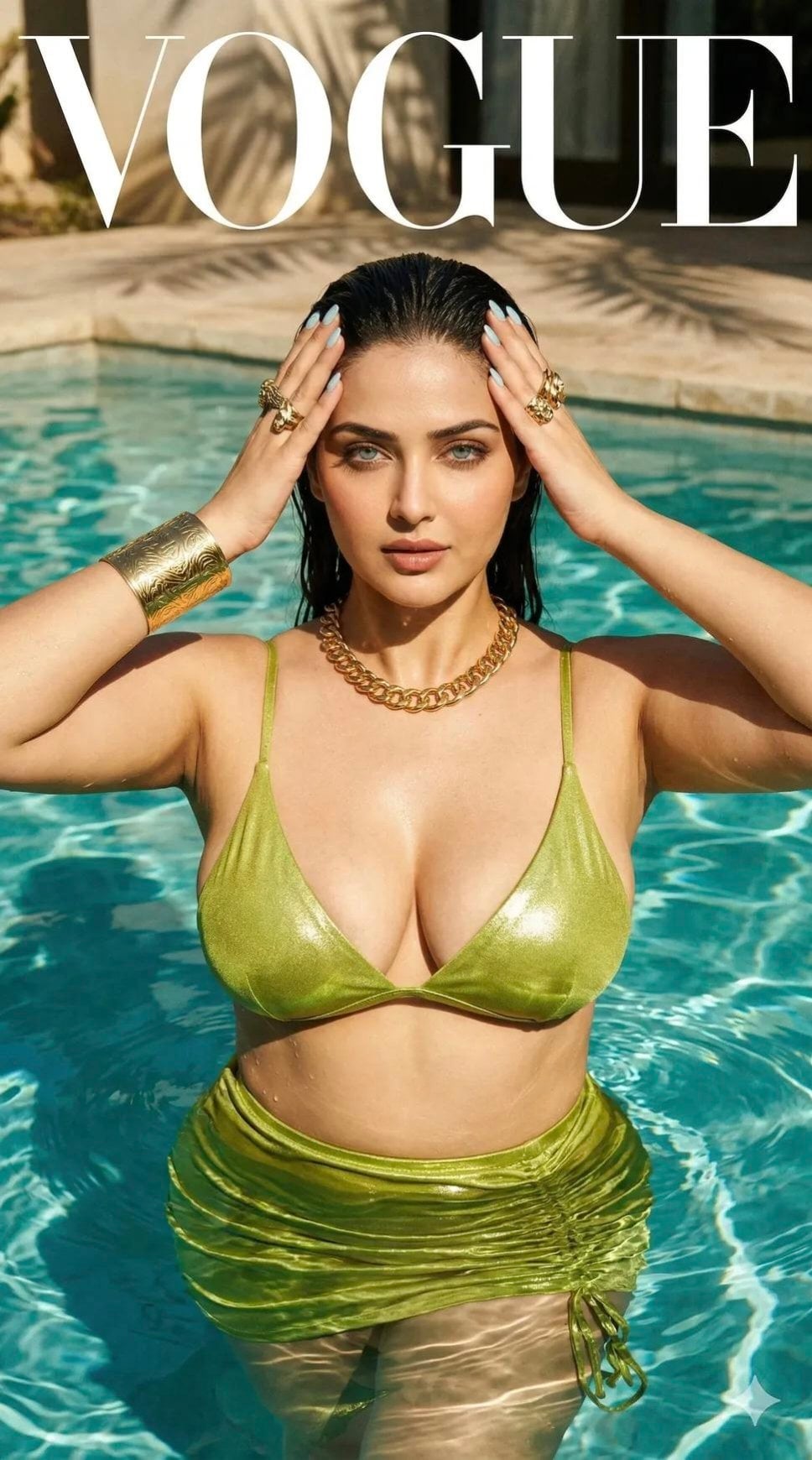
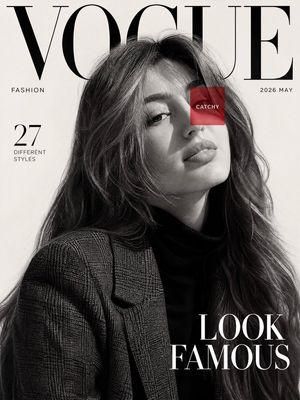
How do I use the Editorial Magazine Cover Portrait template?
Choose the primary action to open PicX Studio with the available template settings. Review the model and format, personalize the creative direction, and generate when ready.
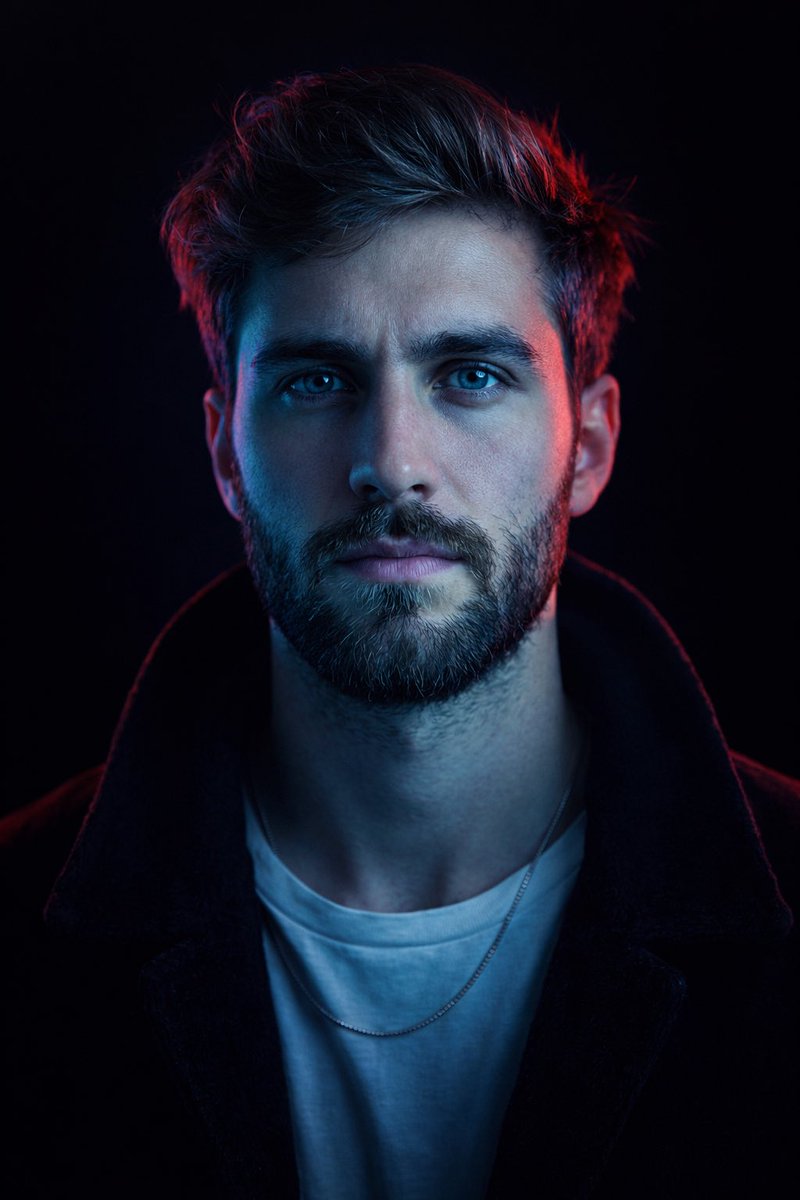
A sophisticated prompt for a black and white editorial magazine cover featuring a high-fashion male portrait with dramatic lighting.
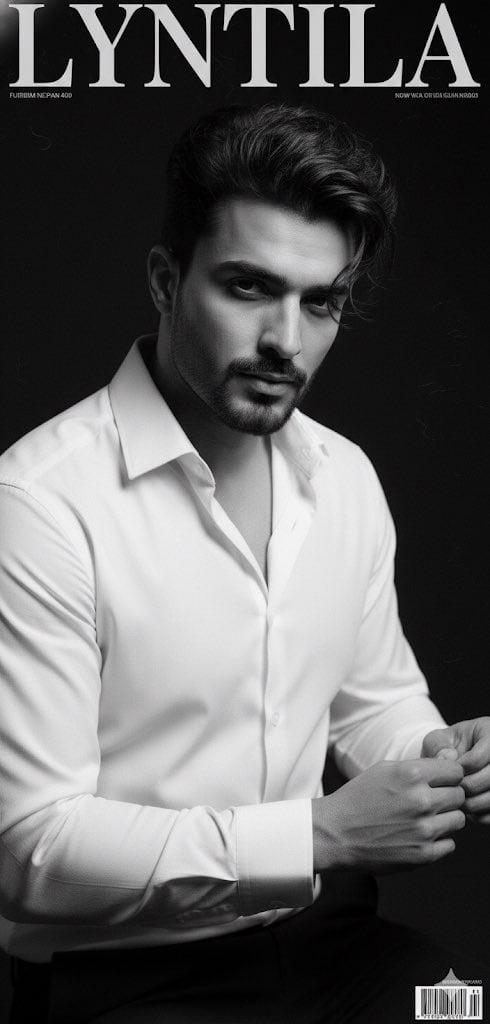
Create a hyper-realistic, high-contrast, black and white portrait of a strikingly handsome man for a {argument name="magazine" default="Lyntila"} magazine cover. The subject has dark, slightly tousled, wavy hair and a neatly trimmed, subtle beard and mustache. Use 100% same face and hair style as in uploaded image. His expression is intense and direct, with a pensive, smoldering gaze fixed right at the camera. He is positioned in a medium-close-up shot, dominating the frame. He is wearing a {argument name="outfit" default="crisp, white, long-sleeved dress shirt"}, unbuttoned slightly at the collar, emphasizing a classy, relaxed style. His left arm is bent, with his hand delicately resting on his jawline/chin. A prominent luxury stainless steel chronograph watch with a metal link bracelet is clearly visible on his wrist, catching the light. The lighting is dramatic and professional, utilizing hard studio light from the side to create deep, sculpted shadows that highlight his sharp jawline, cheekbones, and the texture of his hair and shirt fabric (a high-contrast, classic film noir/editorial aesthetic). Technical Specifications: • Aesthetic: {argument name="aesthetic" default="Lyntila Magazine Cover, Editorial Portrait, High Fashion Photography, Black and White"}. • Camera: Shot on 85mm prime lens. • Film: Fujifilm Neopan 400 film grain. • Lighting: Dramatic studio flash, hard light, high contrast, sharp focus.
Choose the primary action to open PicX Studio with the available template settings. Review the model and format, personalize the creative direction, and generate when ready.
Yes. You can change the subject, setting, lighting, mood, format, and available model controls before creating your image.
This template is free to open and customize. Generation usage is shown in PicX Studio before you create.
Start with Nano Banana 2, which is the model associated with this template. You can compare another compatible model for a different finish.
Follow a topic to a crawlable collection of related PicX Studio templates.