
18th Century Period Cinematic Portraits
Detailed prompts for creating historical cinematic portraits of women in 18th-century attire with Vermeer-style lighting.
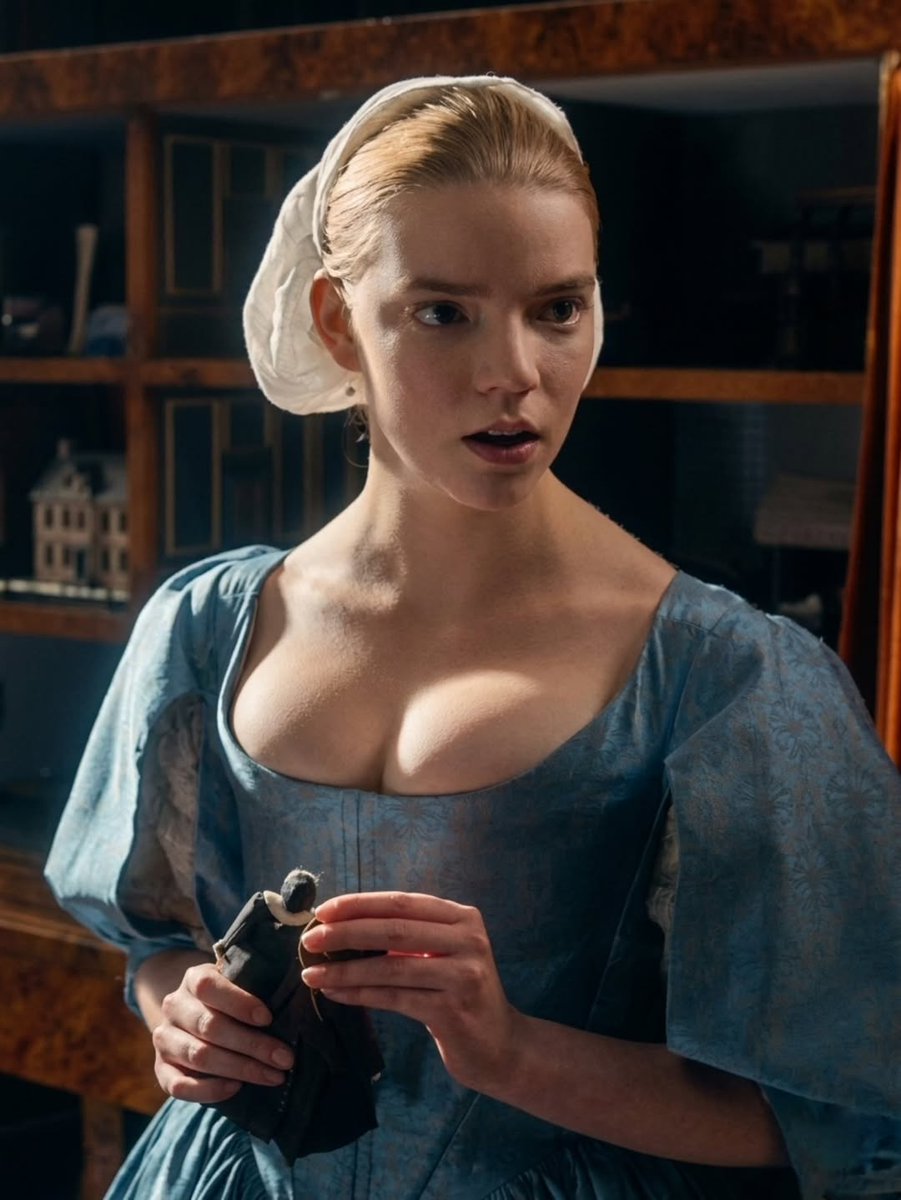
- Prompt included
- Model and format preset
- Free template
The prompt behind this image
Copy the exact prompt behind 18th Century Period Cinematic Portraits, or open it in the studio and make it yours.
Image 1: The Blue Gown and the Miniature: A cinematic, medium shot of a young woman with {argument name="hair color" default="vibrant auburn"} hair and striking blue eyes. She is dressed in a period-accurate, 18th-century style gown made of shimmering sky-blue jacquard fabric with delicate floral patterns. Her hair is partially covered by a simple white linen coif or bonnet. She is indoors, standing before a dark wooden cabinet filled with curiosities and a miniature model house. She holds a small, dark-clothed doll or figurine with both hands, looking off-camera with a contemplative and slightly anxious expression. The lighting is soft and naturalistic, reminiscent of a Vermeer painting, highlighting the textures of the fabric and the fine details of her complexion. Image 2: The Morning Room: A dramatic, side-profile cinematic shot of a young woman with red hair tied back in a neat bun. She is leaning forward over a dark, velvet-covered surface, perhaps a bed or a low table, in a richly paneled room. She wears a traditional period ensemble consisting of a {argument name="clothing color" default="white"} chemise with puffed sleeves and a structured {argument name="corset color" default="cream-colored"} corset or stays, adorned with tiny floral embroidery along the edges. The background features intricate, dark wood carvings on a wall or headboard, adding a sense of historical weight and opulence. Her expression is focused and solemn as she gazes into the distance. The atmosphere is moody and atmospheric, with a shallow depth of field that keeps the focus sharply on her features and the craftsmanship of her attire.
How to use 18th Century Period Cinematic Portraits in 3 steps
- 1Upload ImagePNG, JPG or paste
Add your photo
Upload the photo the template builds on. The prompt, model and format are already set.
- 2…a portrait of your subject in softgolden-hour light, 85mm…
Personalize
Edit the subject and creative details for your destination.
- 3Generate
Generate
Press Generate — your image is created in PicX Studio, so you can compare it with the original and refine one variable at a time.
More like this
Templates with the same subject, style or setup. Open one to see its prompt.
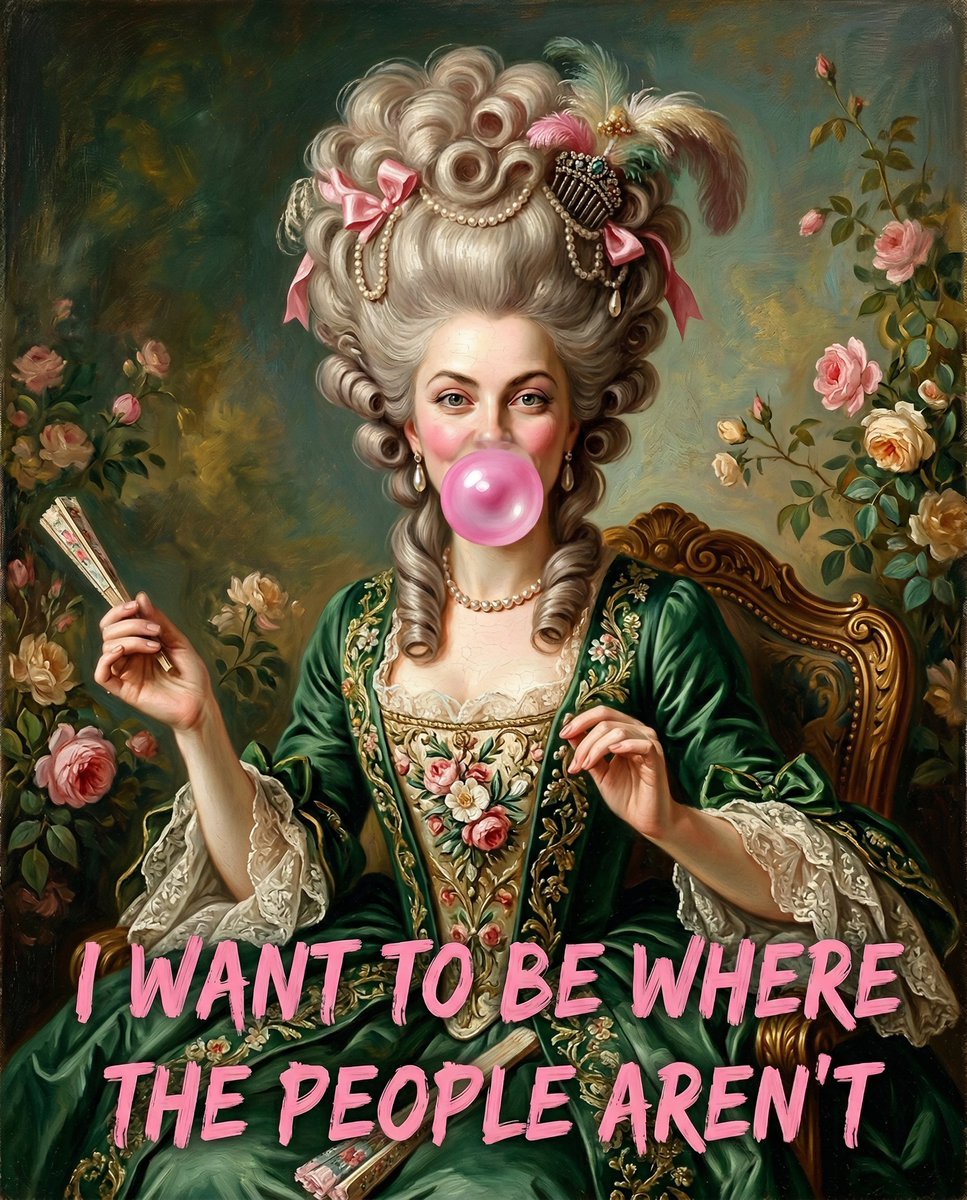
18th Century Woman Blowing Bubblegum
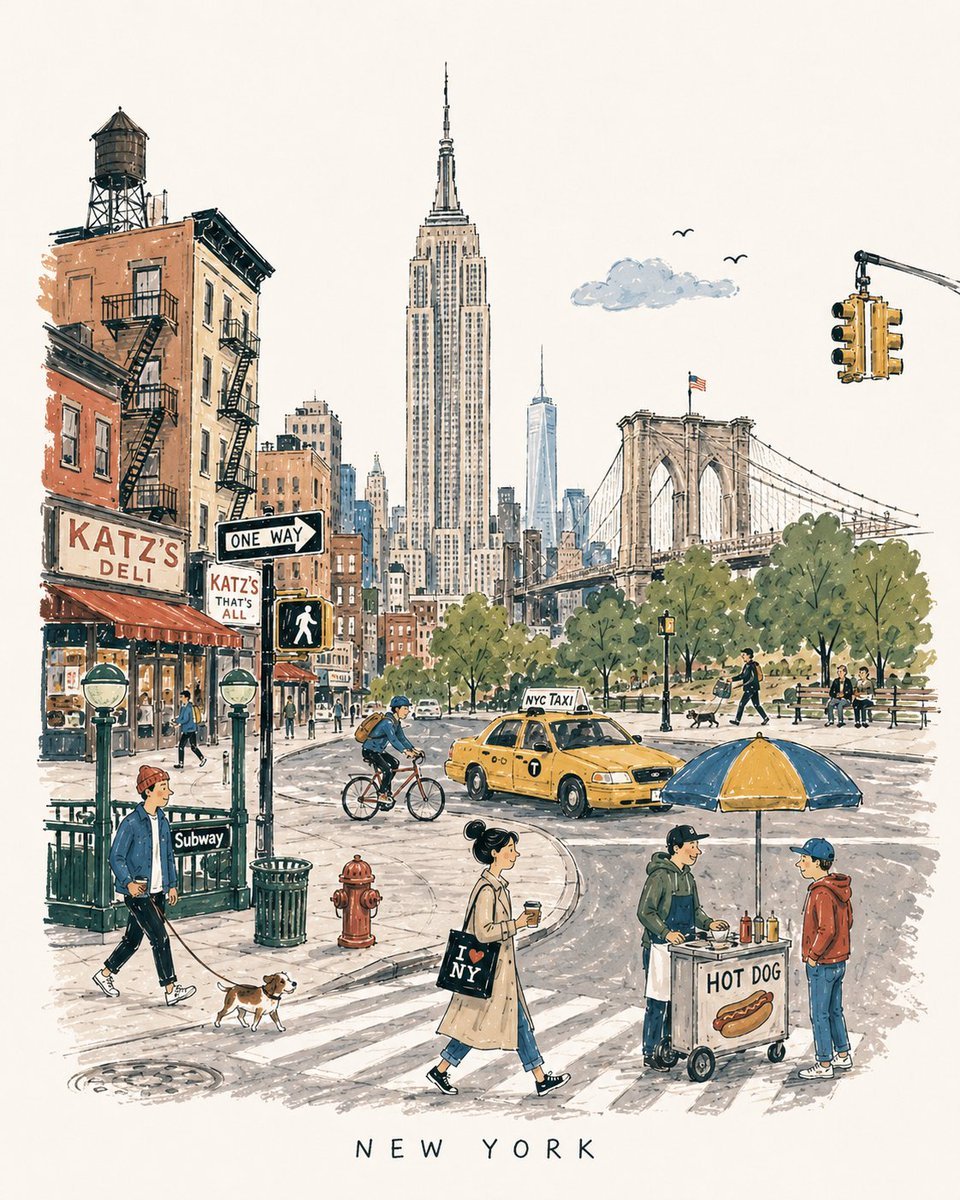
Mid-Century Travel Book Illustration
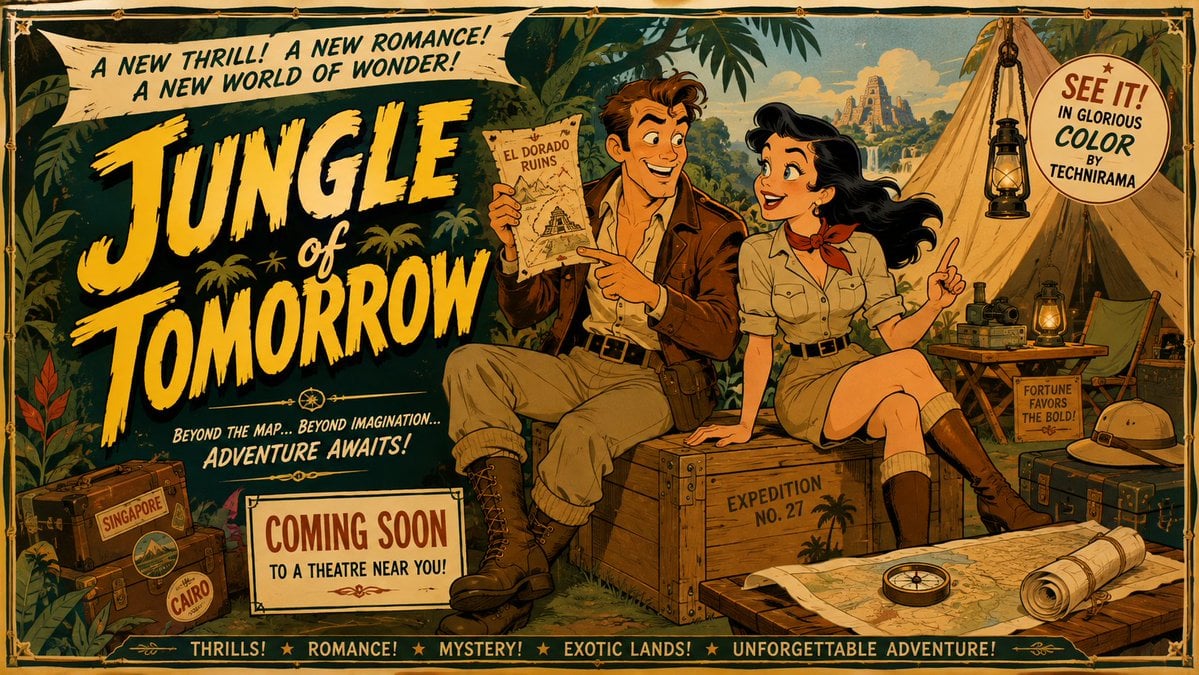
Mid-Century Theatrical Cartoon Banner
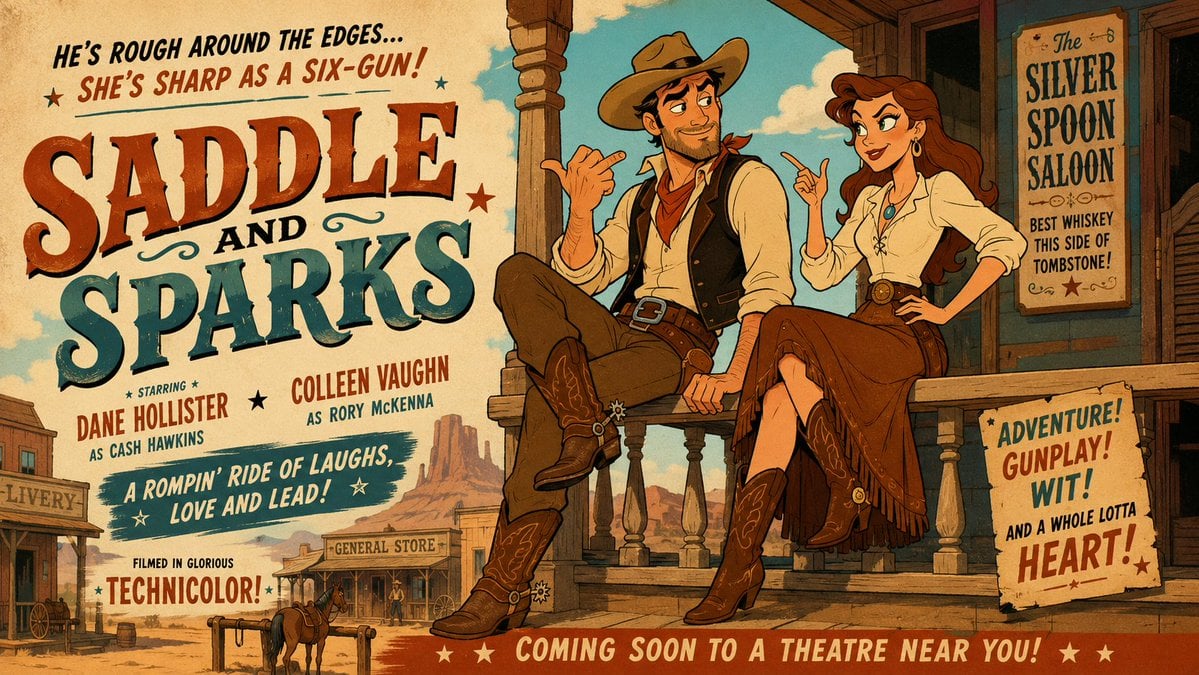
Mid-Century Western Movie Trailer Cartoon
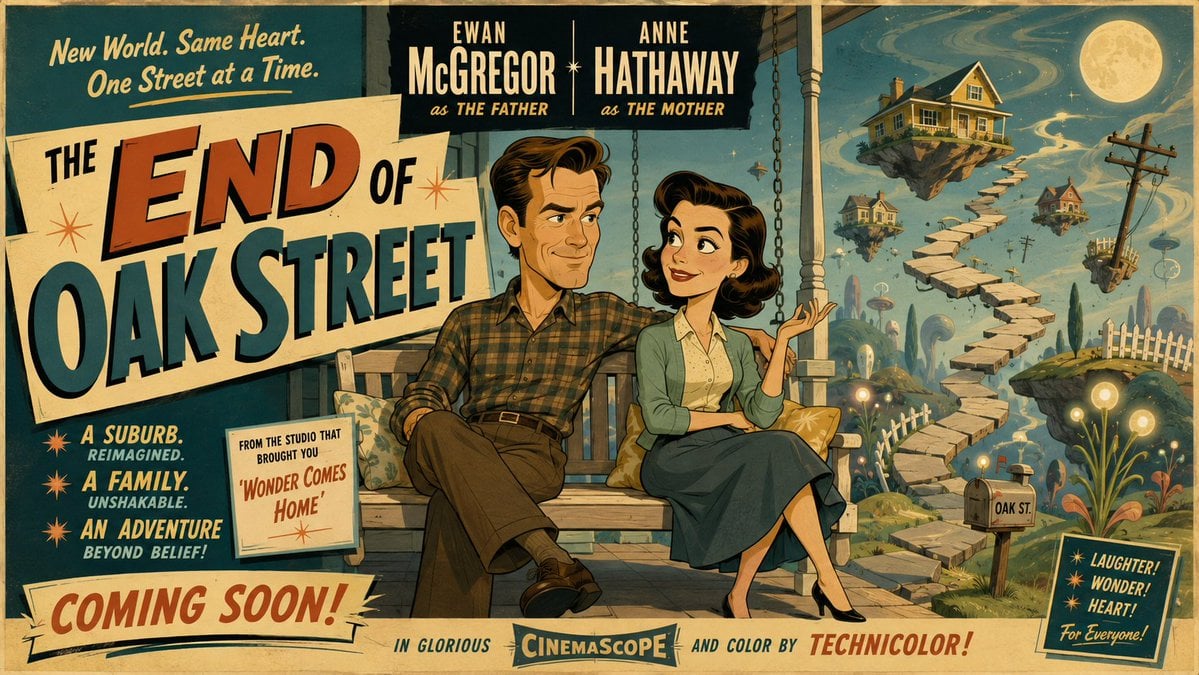
50s Mid-Century Cartoon Movie Banner
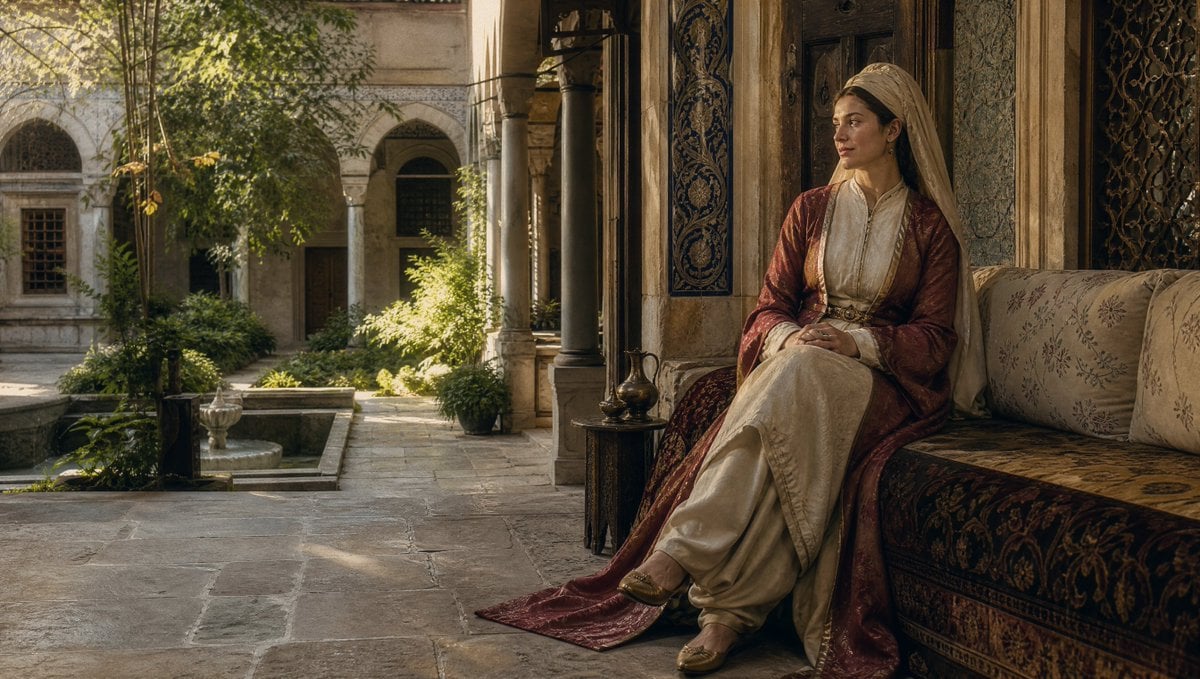
17th Century Ottoman Woman Portrait
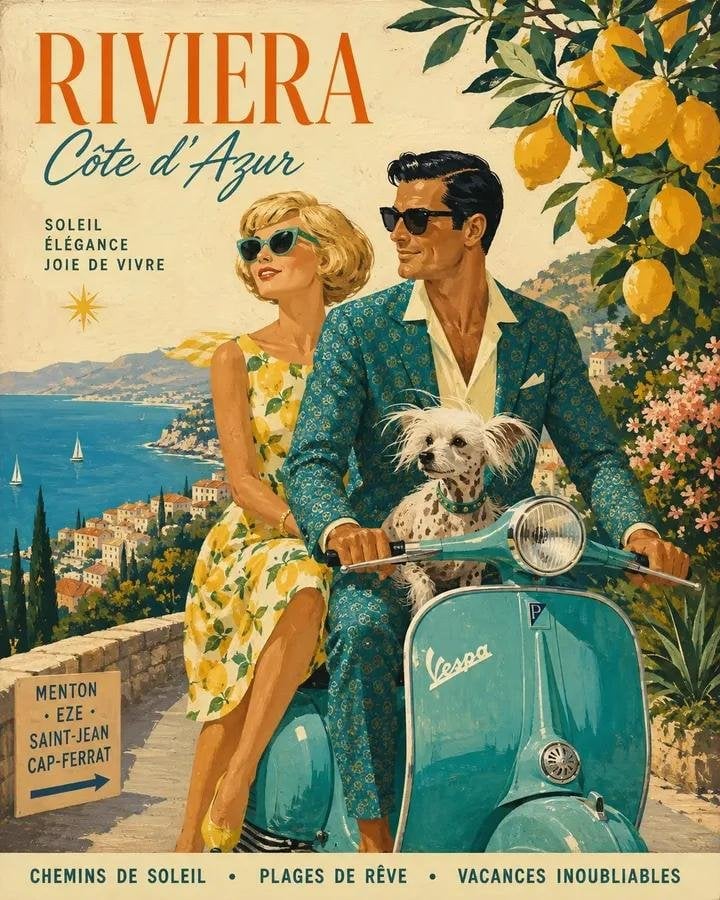
Mid-Century 1960s Travel Illustration
Vintage Mid-Century Travel Magazine Poster
Heian Period Fantasy Garden
Warring States Period Princess Portrait Photography
Mid-Century Modern Lifestyle Illustration
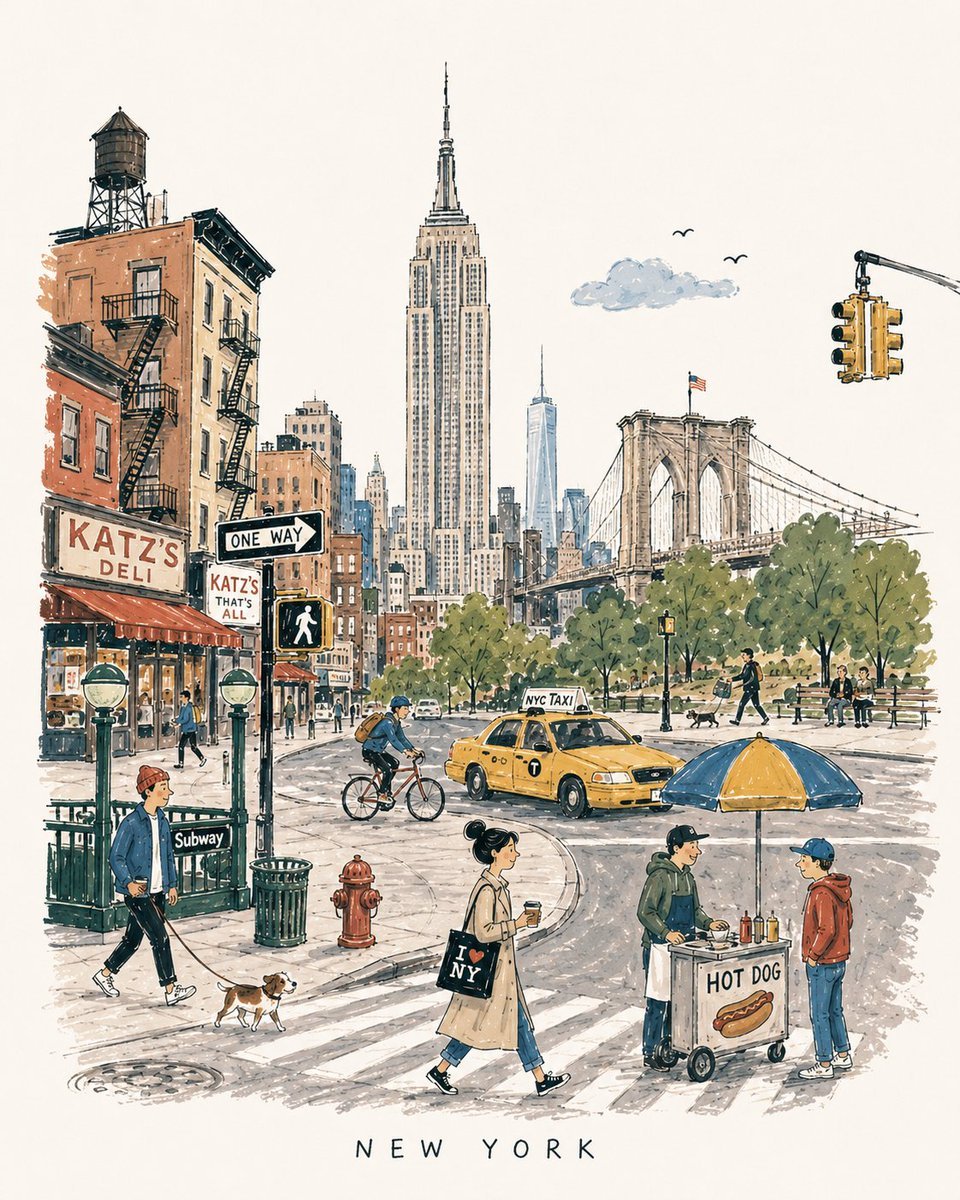
Mid-Century City Travel Picture Book
Make it yours
18th Century Period Cinematic Portraits works as-is. These are the safest ways to change it without losing the look.
Change one field
Copy a single group, rewrite it, and generate again so you can see what that field is doing.
Keep the frame, change the subject
Hold the composition and light of 18th Century Period Cinematic Portraits, then swap wardrobe, props or the person for a new take.
| If the result… | Why | Fix |
|---|---|---|
| The result drifts from the preview | Too many fields changed at once. | Reuse 18th Century Period Cinematic Portraits as-is first, then change one group — subject, light, or setting. |
| The model over-stylizes the scene | The prose prompt leaves finish and camera underspecified. | Add one camera or lighting sentence and stay on Nano Banana 2. |
More Nano Banana 2 templates
Other prompts made for Nano Banana 2.

Photorealistic Leaf Shaped Like a Dragon

K-Pop Idol Portrait Grid for Rapid Selection

Poetic Rain Forest Portrait During Golden Hour

Urban Street Portrait with Cartoon Inner Self Duo

Candid Nighttime Photo with Cat Prompt

High-Concept 3D Diorama Generation Prompt

Cinematic Futuristic Studio Portrait Template

Skincare Editorial Photography Collage Prompt

Hyper-Realistic Commercial Product Photography (Splash Effect)

Hyper-Realistic Nightclub Portrait Prompt
More image prompts
Fresh picks from across the catalog.
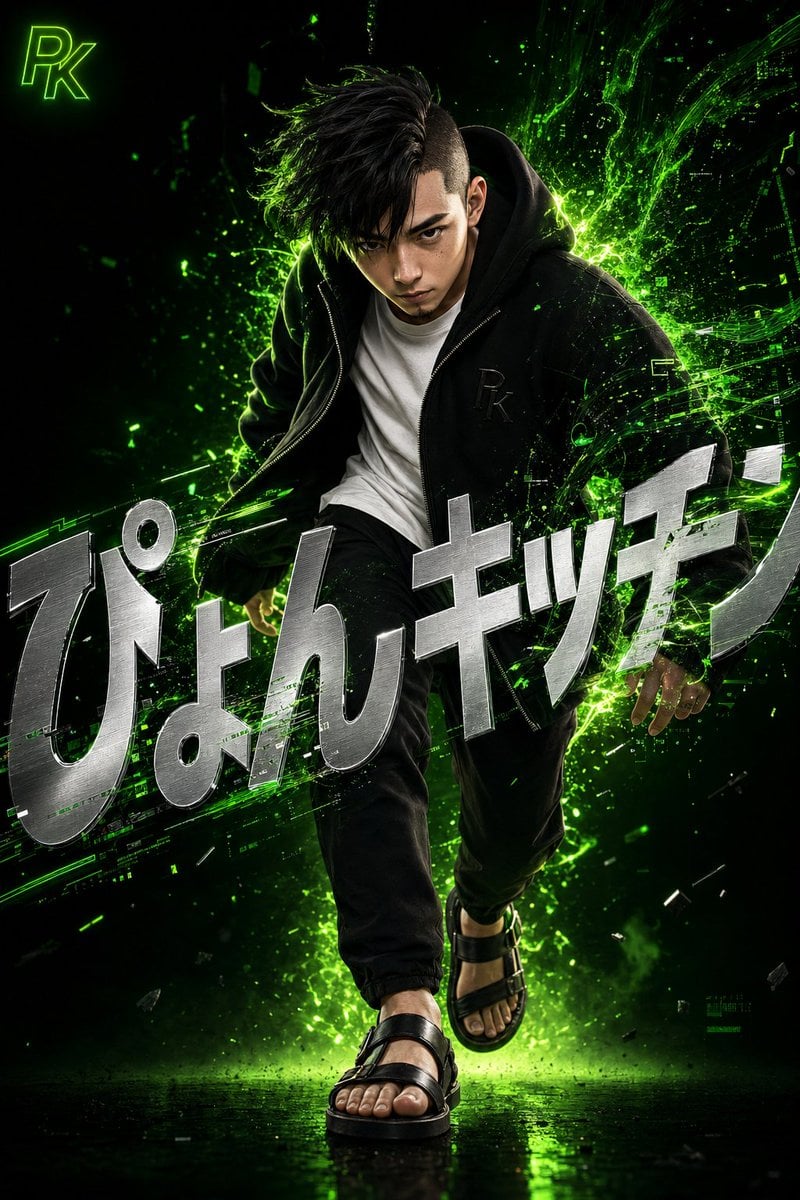
Surreal Japanese Tech Style Poster

Isometric Coastal Base Under Naval Attack
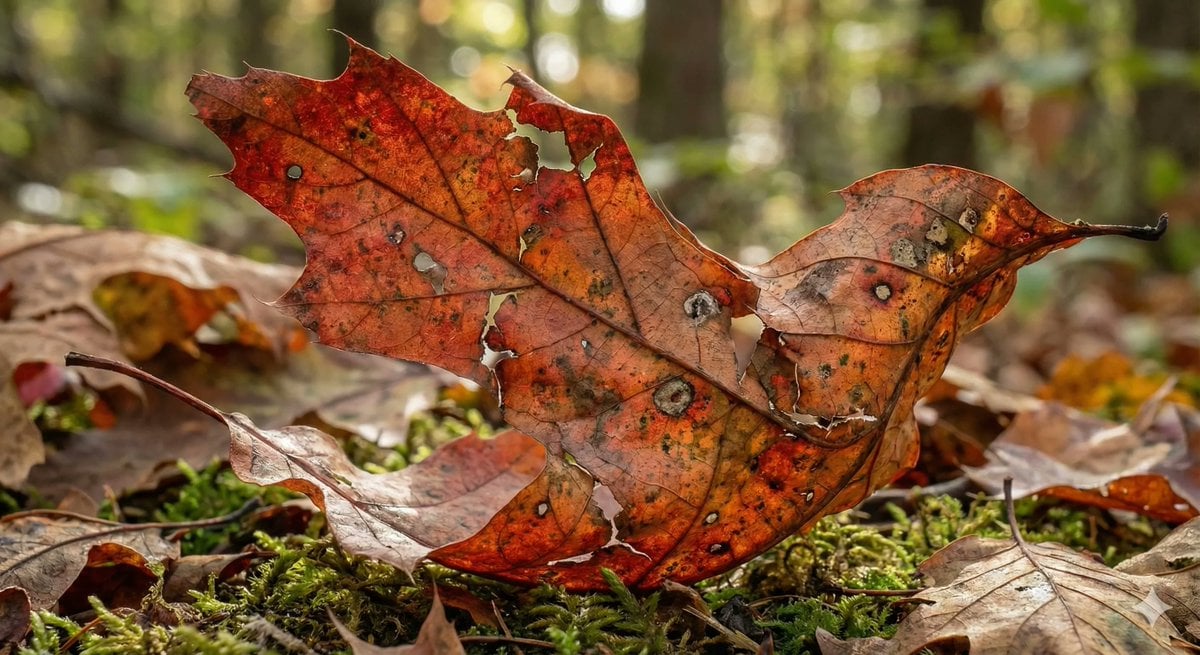
Photorealistic Leaf Shaped Like a Bird
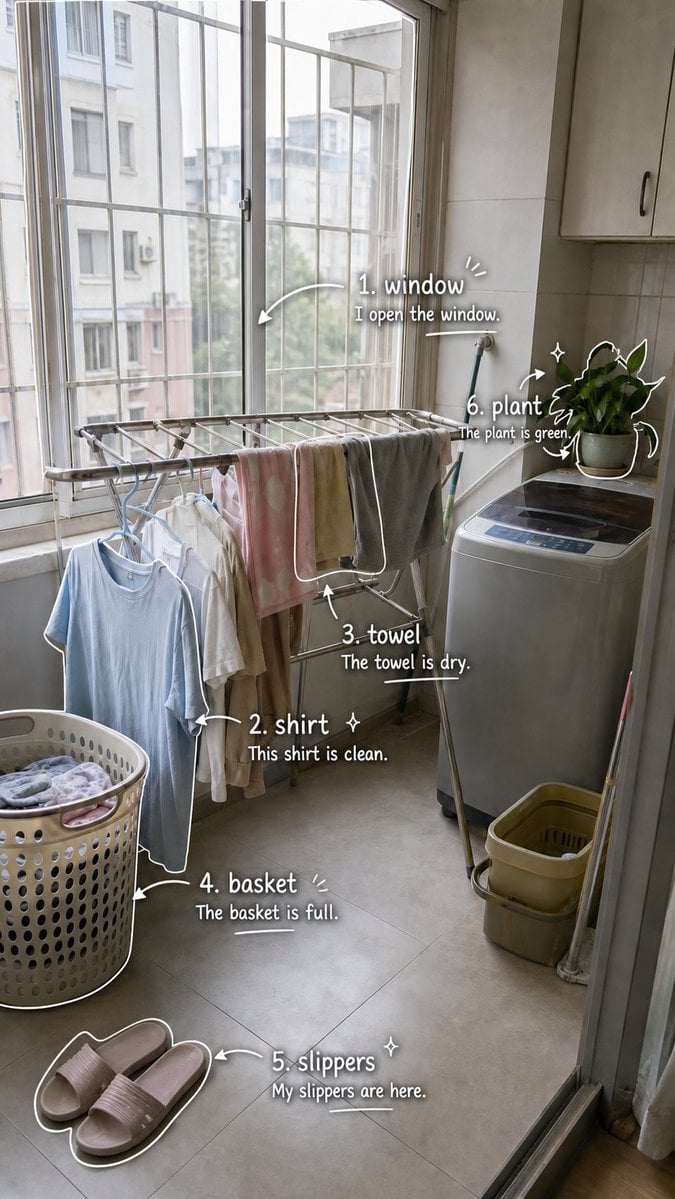
Laundry Balcony Vocabulary Journal

19 Luxury Helicopter Travel — California Series
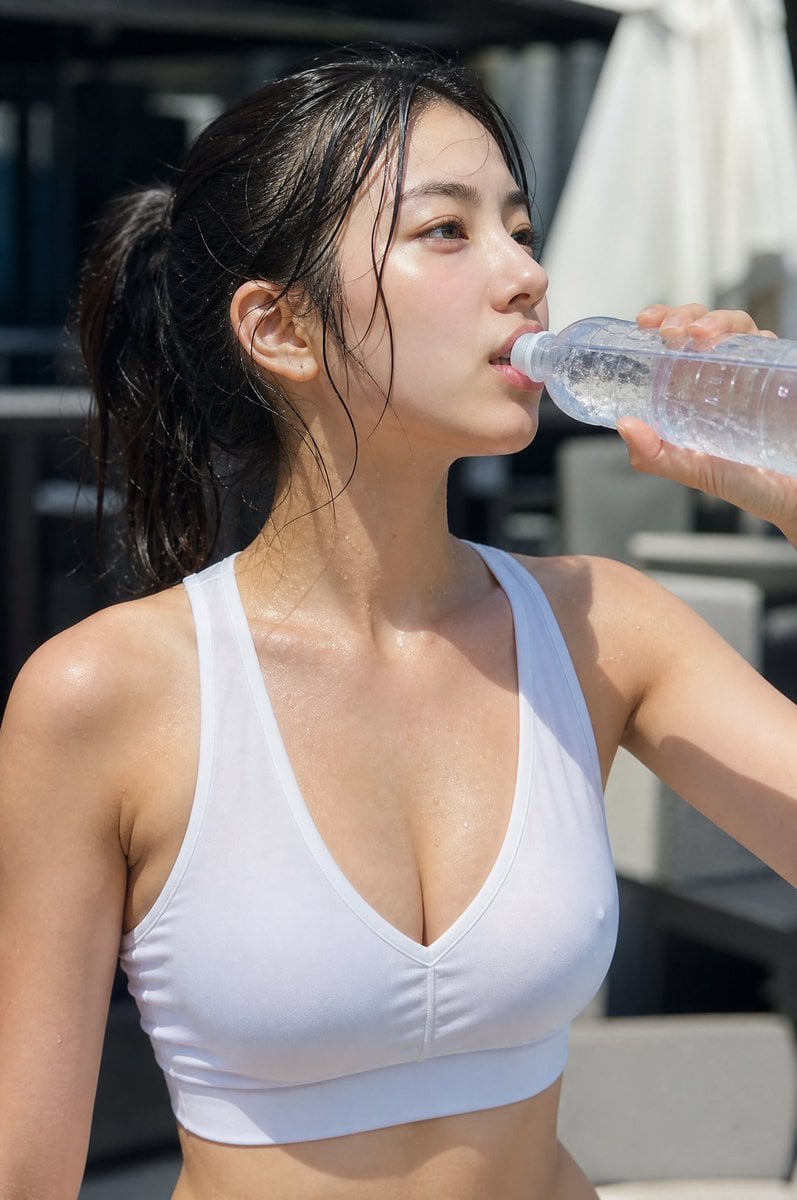
Minimalist Athletic Fashion Close-up
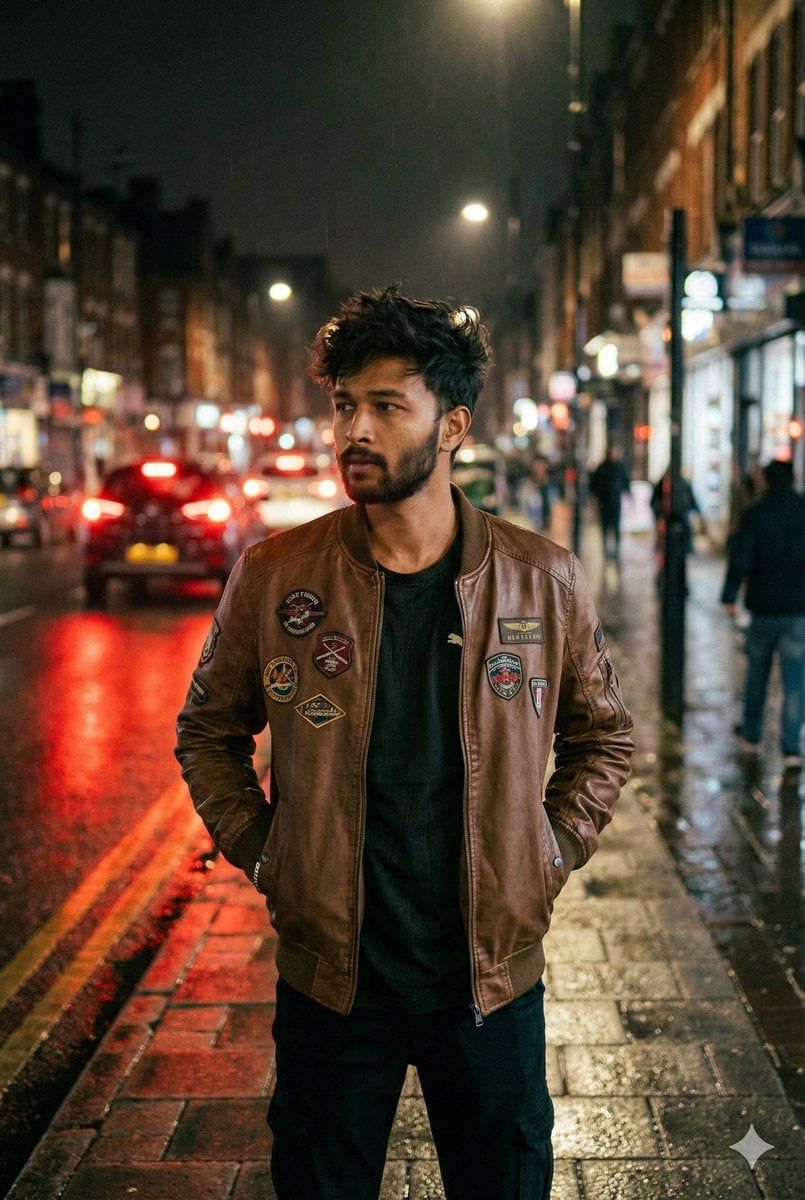
Nighttime Street Portrait with Face Reference
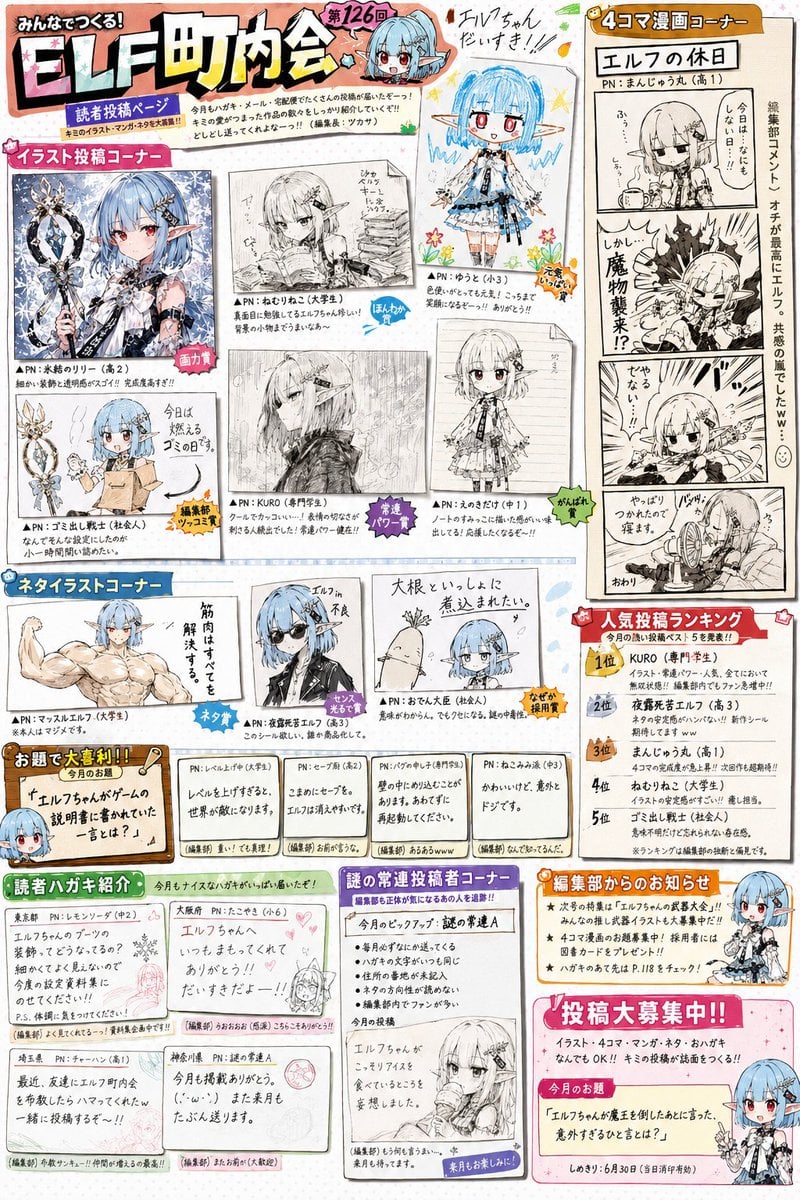
Retro Magazine Reader Submission Page
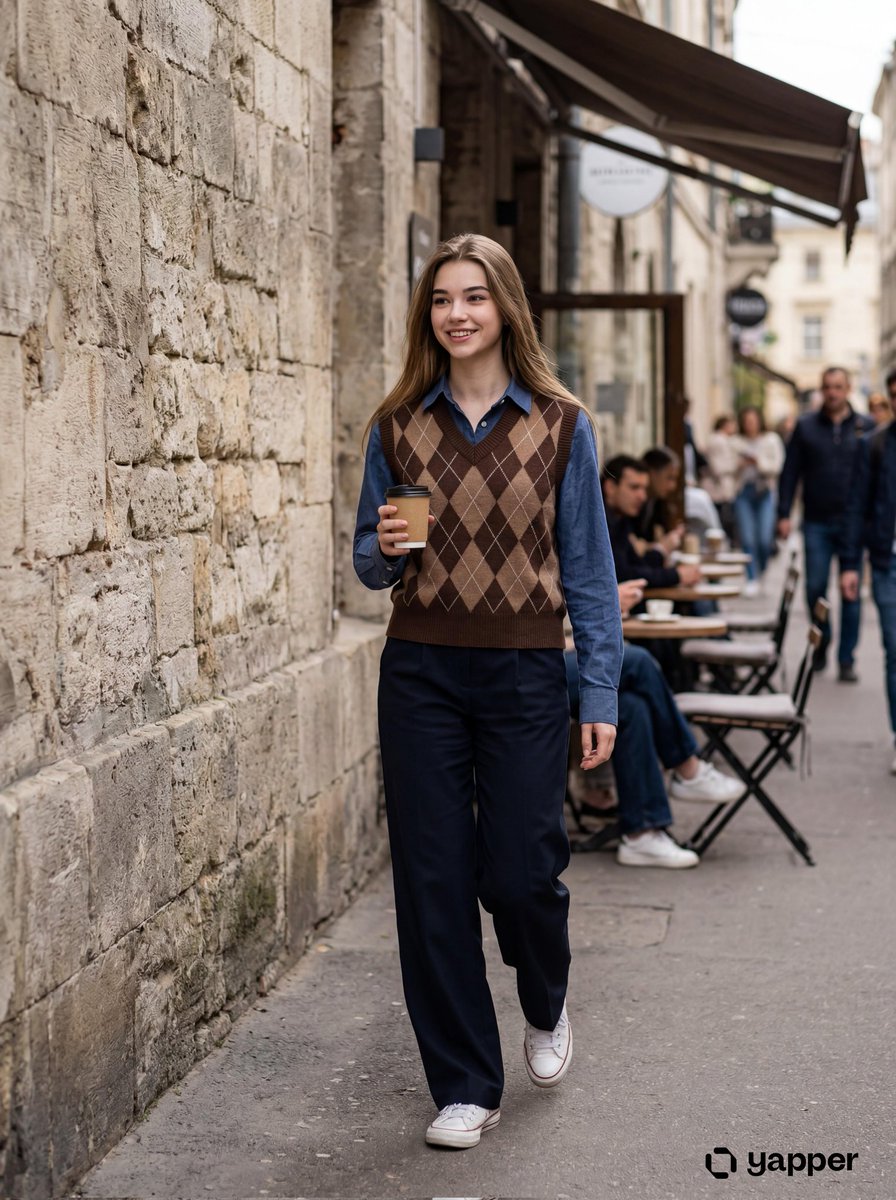
Photorealistic Lifestyle Photo of a Young Woman in an Urban Setting
Nanobanana Pro Banana Image Generation
Browse template categories
18th Century Period Cinematic Portraits questions
How do I use the 18th Century Period Cinematic Portraits template?
Add your photo if the template asks for one, edit the prompt if you like — the template's model and format are already selected — and press Generate. Your version opens in PicX Studio.
Can I customize the 18th Century Period Cinematic Portraits template?
Yes. You can change the subject, setting, lighting, mood, format, and available model controls before creating your image.
Is the 18th Century Period Cinematic Portraits template free?
Opening and editing this template is free. Generating uses credits, shown on the Generate button when you are signed in.
Which AI model should I use?
Start with Nano Banana 2, which is the model associated with this template. You can compare another compatible model for a different finish.
Looking for something else? Browse all templates.

Your photo, any look
Thousands of ready templates for every top image and video model, from one credit balance.