How do I use the Luxury Resort Fashion Collage template?
Choose the primary action to open PicX Studio with the available template settings. Review the model and format, personalize the creative direction, and generate when ready.
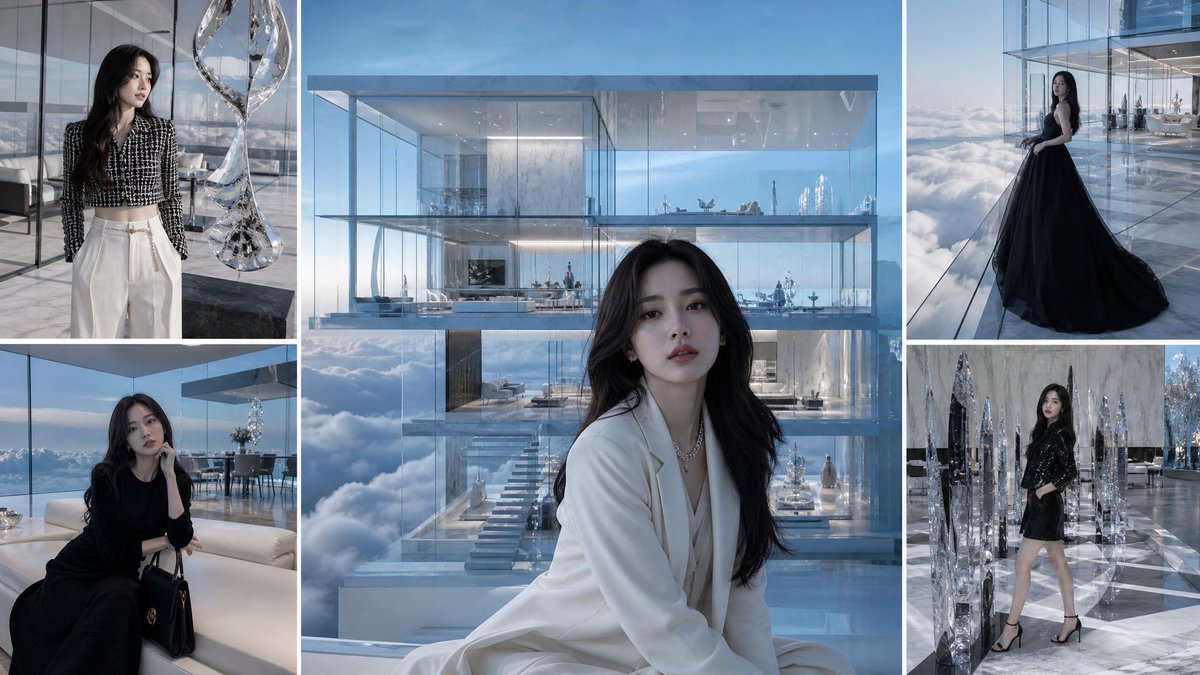
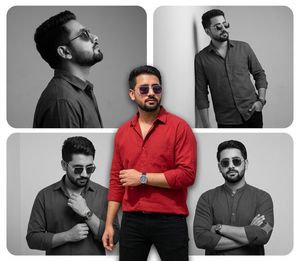
A multi-frame collage prompt for a luxury resort fashion shoot featuring a man in a red linen shirt at a swimming pool.
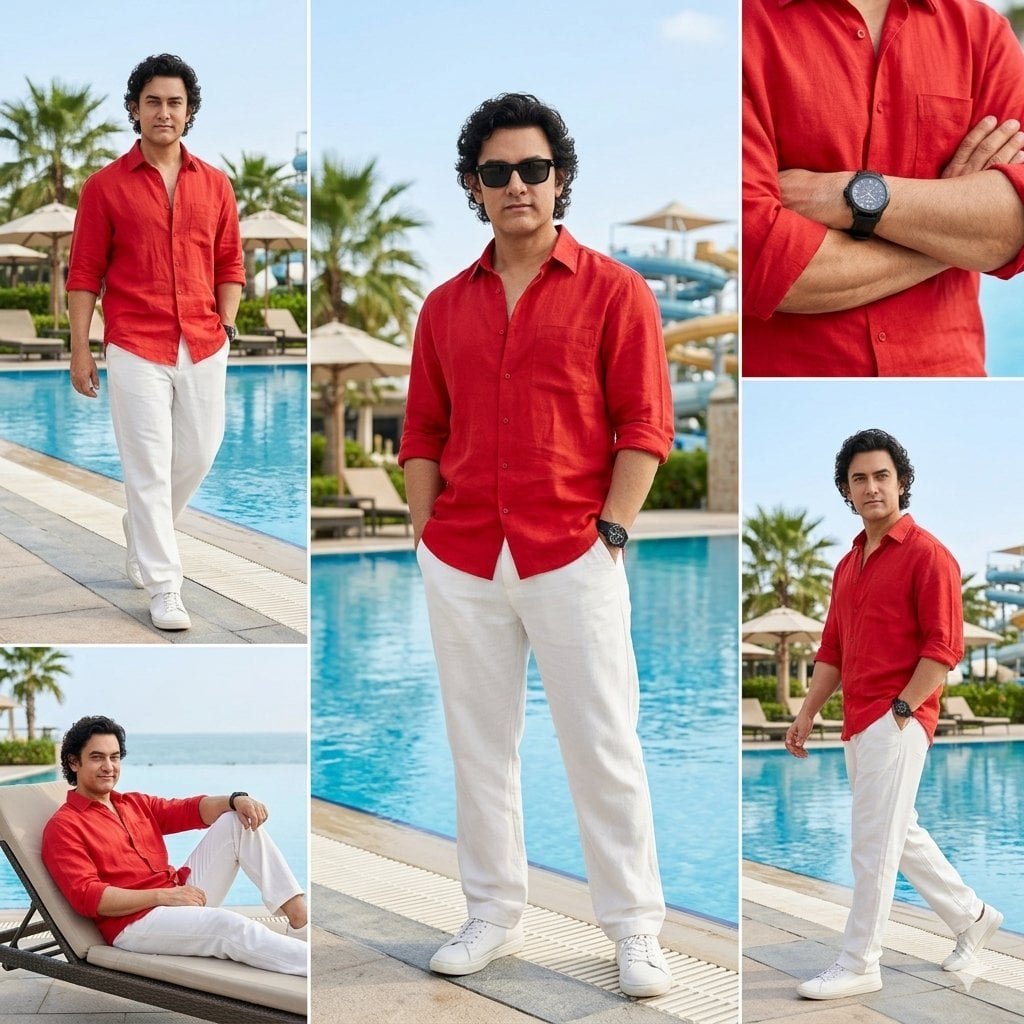
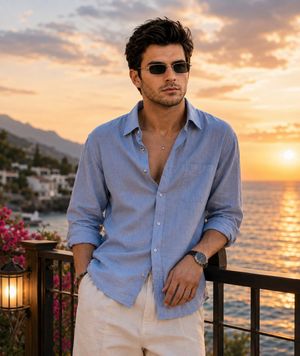
Create a photorealistic luxury resort fashion photoshoot collage featuring a stylish man (age 30–40) with {argument name="hair style" default="curly black hair"}, wearing black sunglasses, a {argument name="clothing" default="red linen button-up shirt (sleeves rolled up)"}, white relaxed-fit trousers, and white sneakers, with a black wristwatch. Scene is at a blue swimming pool resort with palm trees, sun umbrellas, lounge chairs, and waterpark slides in the background. Use a multi-frame collage layout: one main full-body standing pose in the center, plus side shots of walking, a sitting lounge chair pose, and a close-up of folded arms showing the watch. Lighting should be soft natural daylight, with clean skin tones, sharp focus, high-end editorial fashion look, DSLR quality, 4K ultra-detailed, and shallow depth of field for a blurred background. Negative Prompt: blurry, low quality, distorted face, extra fingers, extra limbs, bad anatomy, overexposed, watermark, text, logo, cartoon, anime.
Choose the primary action to open PicX Studio with the available template settings. Review the model and format, personalize the creative direction, and generate when ready.
Yes. You can change the subject, setting, lighting, mood, format, and available model controls before creating your image.
This template is free to open and customize. Generation usage is shown in PicX Studio before you create.
Start with Nano Banana 2, which is the model associated with this template. You can compare another compatible model for a different finish.
Follow a topic to a crawlable collection of related PicX Studio templates.