How do I use the Autumn Leaves Walk Video template?
Edit the prompt in the box under the preview — the template's model and format are already selected — and press Generate. Your version appears right on this page.
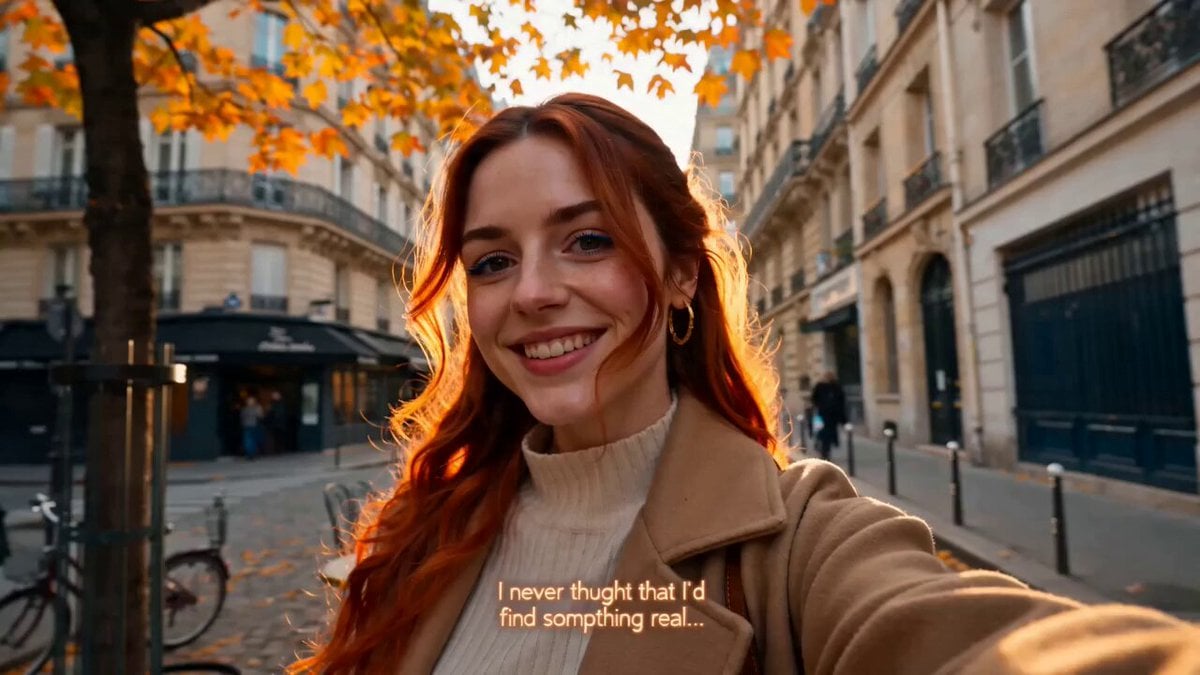
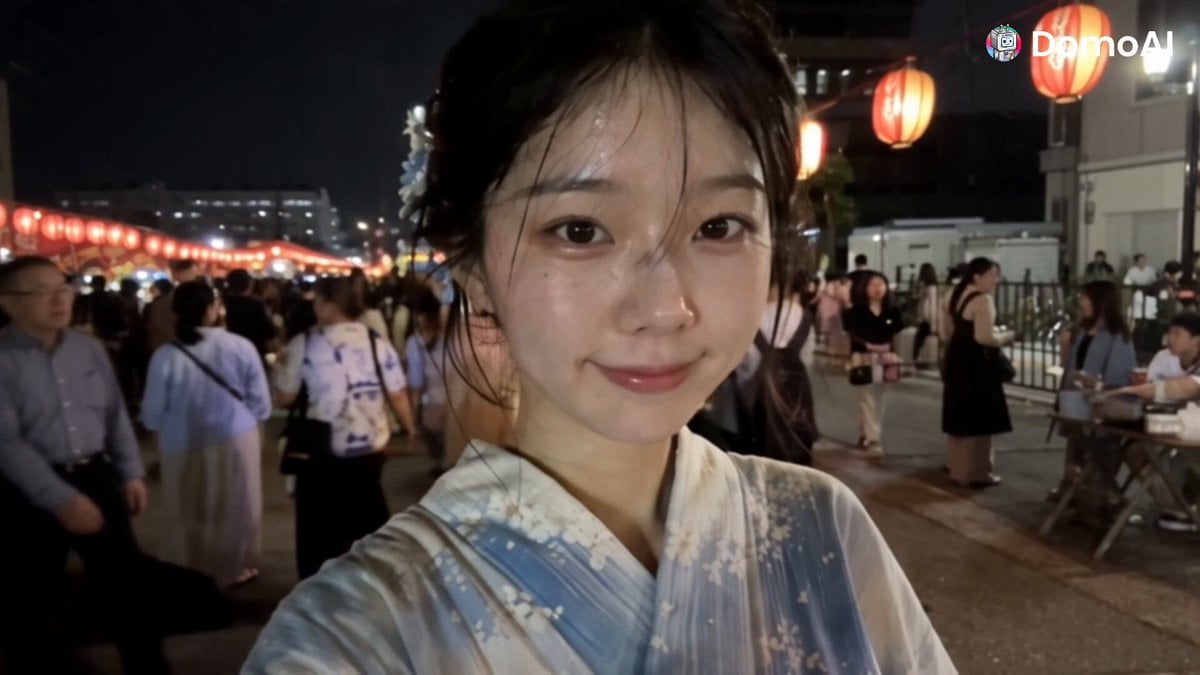
A natural cinematic video of a young woman walking through autumn leaves, capturing casual and warm personality traits.
Main Subject: Young Korean woman, early 20s, natural everyday appearance, faded charcoal-grey sleeveless crop top, loose high-waisted light-wash jeans, black canvas sneakers, black cord necklace, black wavy hair in a messy side ponytail with wispy bangs. Realistic skin texture, minimal makeup, warm and approachable personality. Maintain identical identity, clothing, hairstyle, and appearance throughout. Autumn Leaves Location: Tree-lined residential lane during autumn. 00:00–00:03 She kicks through colorful fallen leaves. 00:03–00:06 Camera briefly loses focus as leaves blow across the lens. 00:06–00:09 She collects a beautiful maple leaf and smiles. 00:09–00:12 Walking beneath orange trees while sunlight flickers through branches. 00:12–00:15 She waves casually before the camcorder stops.
Main Subject: Young Korean woman, early 20s, natural everyday appearance, faded charcoal-grey sleeveless crop top, loose high-waisted light-wash jeans, black canvas sneakers, black cord necklace, black wavy hair in a messy side ponytail with wispy bangs. Realistic skin texture, minimal makeup, warm and approachable personality. Maintain identical identity, clothing, hairstyle, and appearance throughout. Autumn Leaves Location: Tree-lined residential lane during autumn. 00:00–00:03 She kicks through colorful fallen leaves. 00:03–00:06 Camera briefly loses focus as leaves blow across the lens. 00:06–00:09 She collects a beautiful maple leaf and smiles. 00:09–00:12 Walking beneath orange trees while sunlight flickers through branches. 00:12–00:15 She waves casually before the camcorder stops.
Edit the prompt in the box under the preview — the template's model and format are already selected — and press Generate. Your version appears right on this page.
Yes. You can change the subject, setting, lighting, mood, format, and available model controls before creating your video.
Opening and editing this template is free. Generating uses credits, shown on the Generate button when you are signed in.
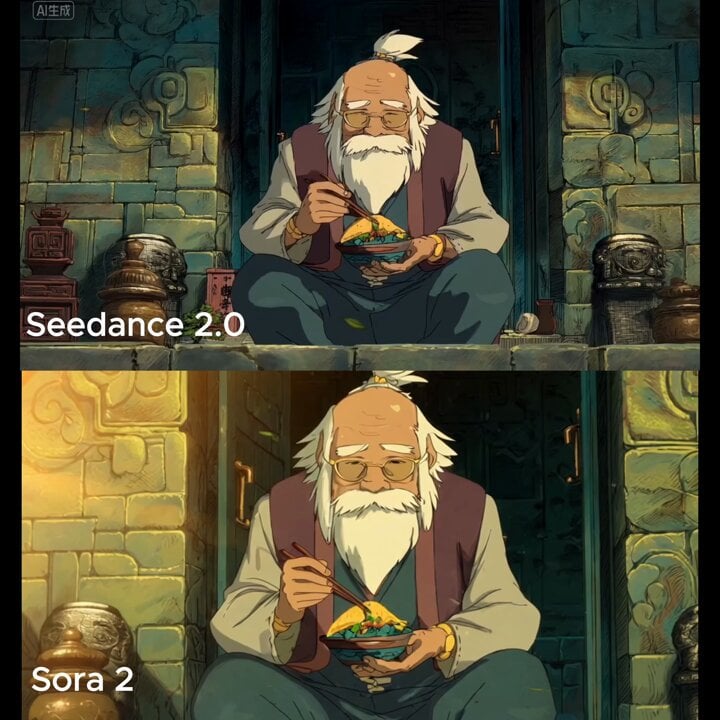
Start with Seedance 2.0, which is the model associated with this template. You can compare another compatible model for a different finish.
Follow a topic to a crawlable collection of related PicX Studio templates.