
Luxury Fragrance Cinematic Storyboard
A black-and-gold cinematic storyboard contact sheet for a luxury fragrance commercial, useful for visualizing premium perfume ad scenes.
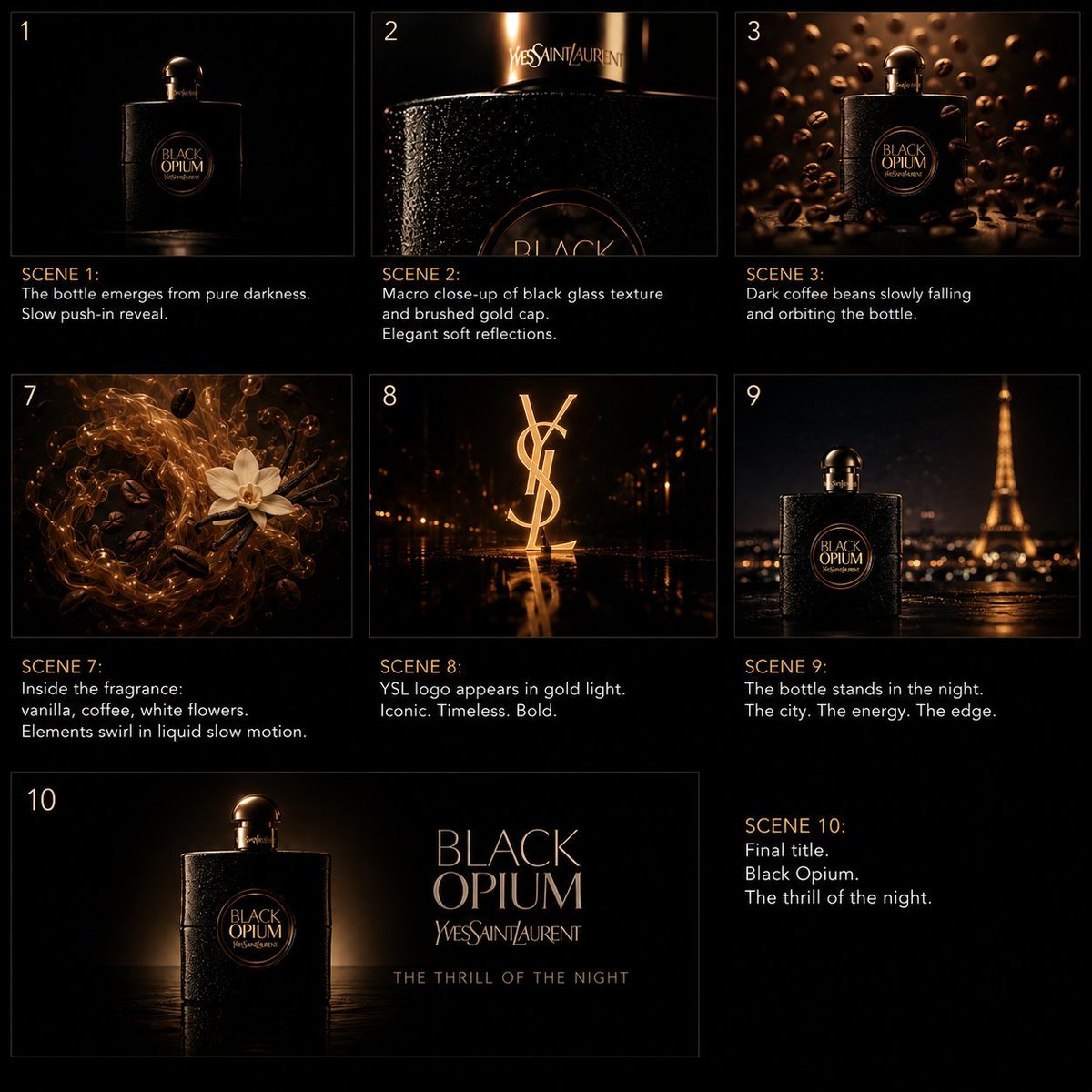
- Prompt included
- Model and format preset
- Premium template
The prompt behind this image
Copy the exact prompt behind Luxury Fragrance Cinematic Storyboard, or open it in the studio and make it yours.
Goal: Create a premium cinematic storyboard contact sheet for a luxury fragrance commercial, in a dark black-and-gold Hollywood aesthetic, showcasing {argument name="fragrance name" default="Black Opium"} by {argument name="brand name" default="Yves Saint Laurent"}. Canvas: Square 1:1 black canvas, arranged like a director's storyboard board with thin dark-gold frame lines, generous black margins, and elegant editorial spacing. Use low-key lighting, hyper-realistic product cinematography, macro lens feel, shallow depth of field, glossy reflections, warm amber highlights, and a mysterious nocturnal atmosphere. Layout: Use exactly 7 storyboard frames, labeled with scene numbers 1, 2, 3, 7, 8, 9, and 10. Arrange the first 6 frames in a 3-column by 2-row grid, each with an image panel on top and caption text underneath. The final scene 10 occupies a wide horizontal frame across the bottom-left, with its caption block placed separately to the bottom-right. All text is in clean sans-serif type; scene labels are warm gold, descriptions are white or pale gray. Scene list and visible text: 1. Top-left panel, label "1". Image: the perfume bottle emerges from pure darkness, centered, barely visible black rectangular bottle with rounded cap and circular gold label. Caption: "SCENE 1:" then "The bottle emerges from pure darkness." and "Slow push-in reveal." 2. Top-center panel, label "2". Image: extreme macro close-up of the black textured glass bottle, sparkling bead-like surface, cropped label edge, gold cap area with the Yves Saint Laurent name glowing softly. Caption: "SCENE 2:" then "Macro close-up of black glass texture" and "and brushed gold cap." and "Elegant soft reflections." 3. Top-right panel, label "3". Image: full bottle standing among many dark coffee beans suspended and falling around it, warm bronze bokeh background. Caption: "SCENE 3:" then "Dark coffee beans slowly falling" and "and orbiting the bottle." 4. Middle-left panel, label "7". Image: swirling liquid vortex of amber-gold fragrance with black coffee beans, vanilla flower, and white flowers moving in slow motion. Caption: "SCENE 7:" then "Inside the fragrance:" and "vanilla, coffee, white flowers." and "Elements swirl in liquid slow motion." 5. Middle-center panel, label "8". Image: large glowing YSL monogram logo standing upright in gold light on a wet reflective black floor, with tiny golden city lights in the background. Caption: "SCENE 8:" then "YSL logo appears in gold light." and "Iconic. Timeless. Bold." 6. Middle-right panel, label "9". Image: perfume bottle in foreground at night on a rain-slick surface, Eiffel Tower glowing in the blurred background, cinematic Paris atmosphere. Caption: "SCENE 9:" then "The bottle stands in the night." and "The city. The energy. The edge." 7. Bottom-left wide panel, label "10". Image: final hero title card with the perfume bottle on the left, dramatic rim light and dark reflective floor; on the right, large elegant product typography reading "BLACK OPIUM", smaller "Yves Saint Laurent", and tagline "THE THRILL OF THE NIGHT". Separate bottom-right caption block: "SCENE 10:" then "Final title." then "Black Opium." then "The thrill of the night." Subject details: The bottle is a square black luxury perfume bottle with a rounded black-gold cap, textured glittering black glass, and a circular gold-edged central label reading "BLACK OPIUM" with the brand underneath. Keep the mood mysterious, elegant, sensual, and cinematic. Constraints: Include exactly 7 scene panels and the exact scene numbers 1, 2, 3, 7, 8, 9, 10. Do not add extra panels. Keep the palette almost entirely black, bronze, amber, and gold. Make the typography crisp and readable. Avoid watermarks, UI chrome, extra logos, or unrelated objects.
How to use Luxury Fragrance Cinematic Storyboard in 3 steps
- 1Upload ImagePNG, JPG or paste
Add your photo
Upload the photo the template builds on. The prompt, model and format are already set.
- 2…a portrait of your subject in softgolden-hour light, 85mm…
Personalize
Edit the subject and creative details for your destination.
- 3Generate
Generate
Press Generate — your image is created in PicX Studio, so you can compare it with the original and refine one variable at a time.
More like this
Templates with the same subject, style or setup. Open one to see its prompt.











Make it yours
Luxury Fragrance Cinematic Storyboard works as-is. These are the safest ways to change it without losing the look.
Change one field
Copy a single group, rewrite it, and generate again so you can see what that field is doing.
Keep the frame, change the subject
Hold the composition and light of Luxury Fragrance Cinematic Storyboard, then swap wardrobe, props or the person for a new take.
| If the result… | Why | Fix |
|---|---|---|
| The result drifts from the preview | Too many fields changed at once. | Reuse Luxury Fragrance Cinematic Storyboard as-is first, then change one group — subject, light, or setting. |
| The model over-stylizes the scene | The prose prompt leaves finish and camera underspecified. | Add one camera or lighting sentence and stay on GPT Image 2. |
More GPT Image 2 templates
Other prompts made for GPT Image 2.

Six VTuber Japanese Logo Sheet

Realistic Portrait of Woman and Deer

The Vista Modular Condo Poster

AI Model Routing Comparison Infographic

2.5D Anime Art Board

Isometric Productivity Desk Scene

New York Double Exposure Poster

Four-Panel AI Landscape Comparison

Japanese Tatami Lifestyle Magazine Cover

NESCAFÉ Coffee Map Poster
More image prompts
Fresh picks from across the catalog.
YouTube 2030 Interface

Minimalist Golden Hour Selfie
Character-Based Brand Identity Design
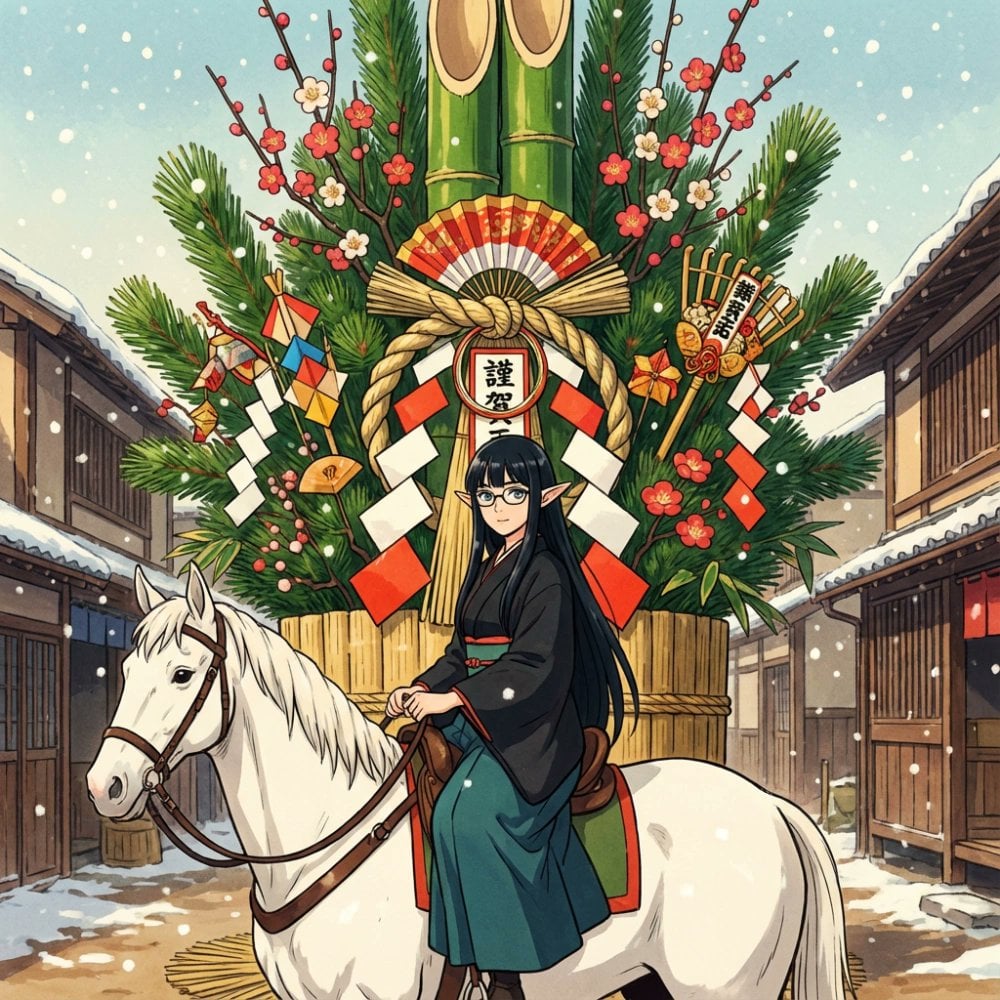
New Year's Postcard Prompt for Nano Banana Pro
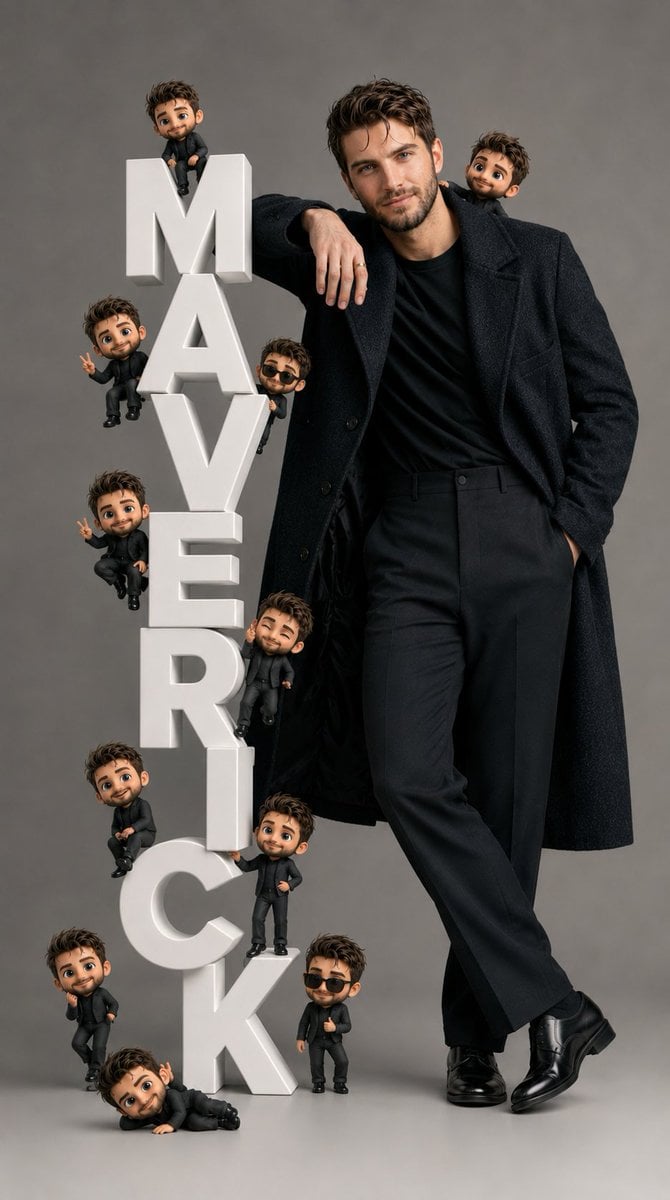
Pixar-Style Chibi Editorial Portrait
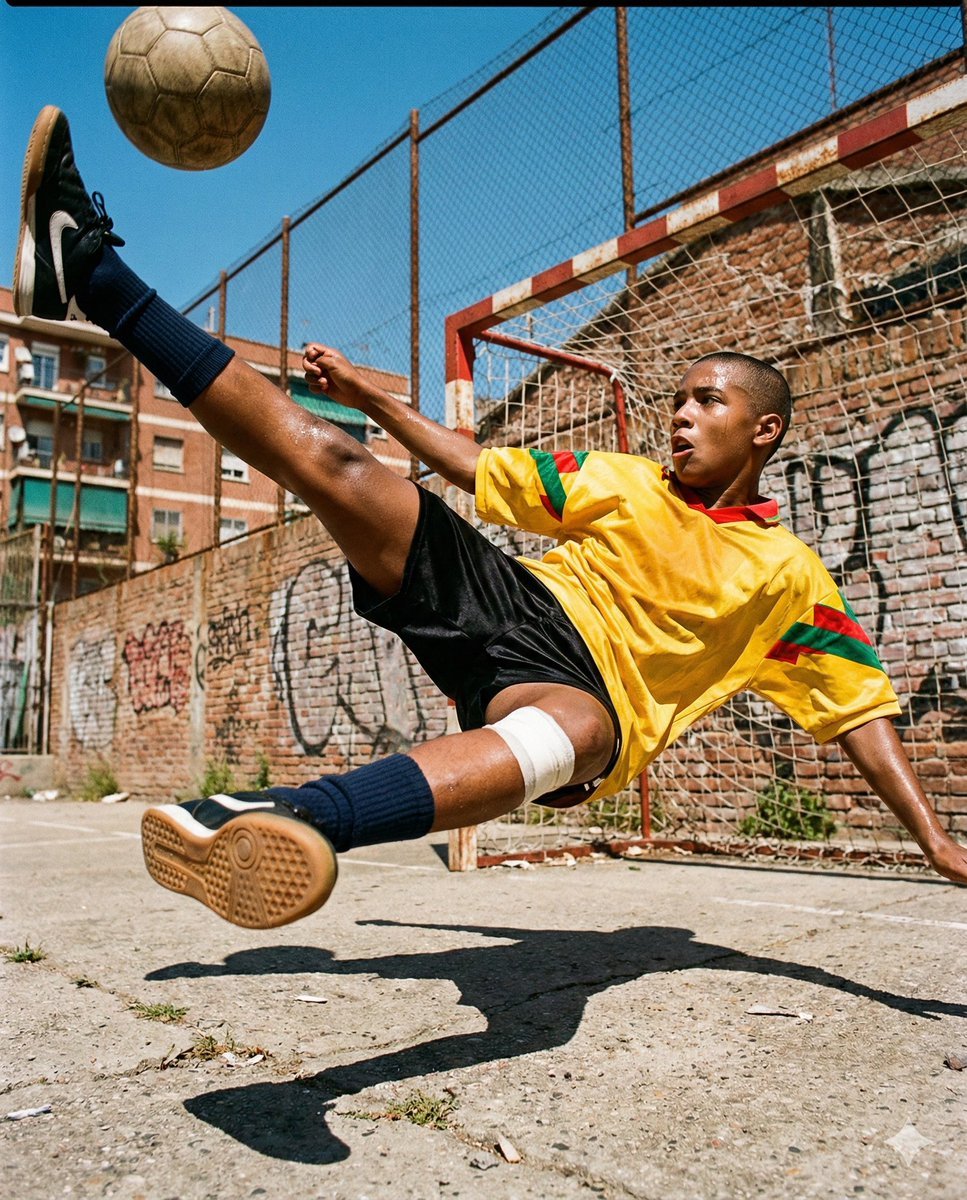
Hyper-Realistic Urban Soccer Bicycle Kick Action Shot
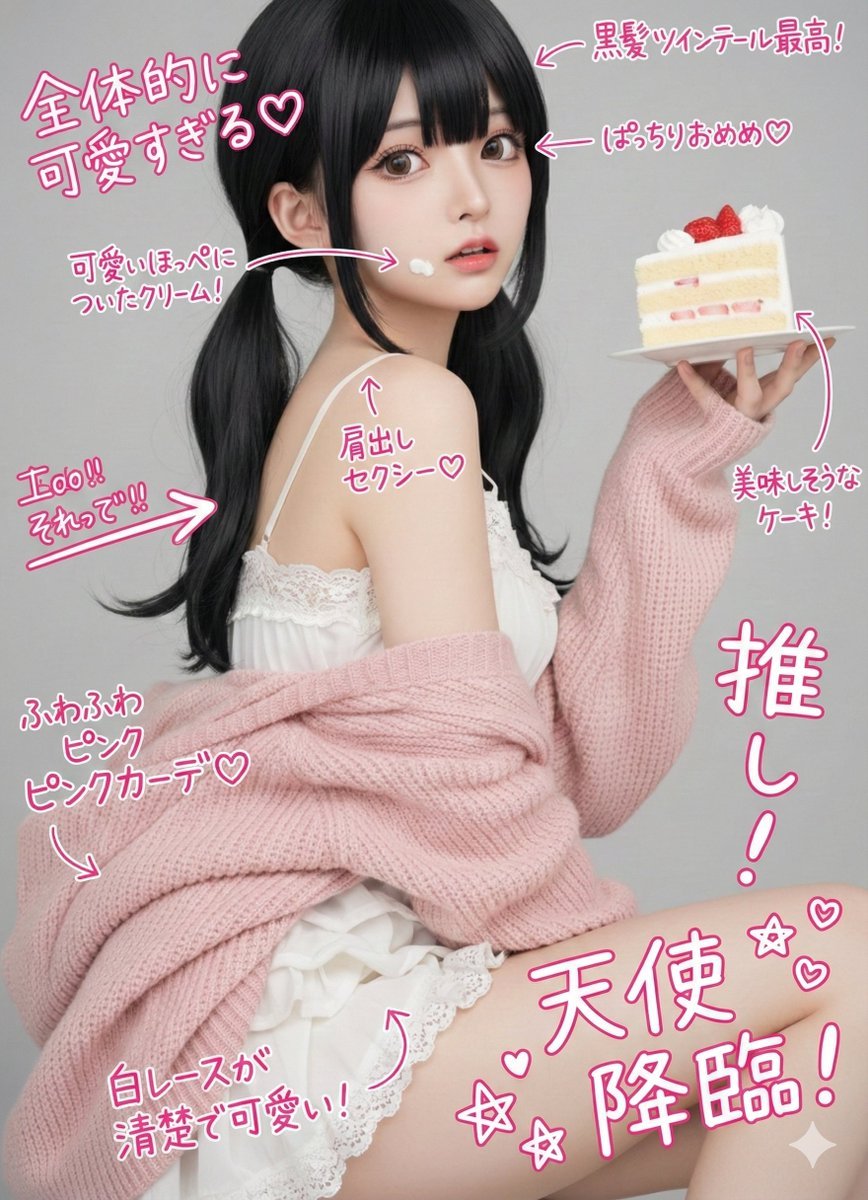
Cute handwritten notes over a photo
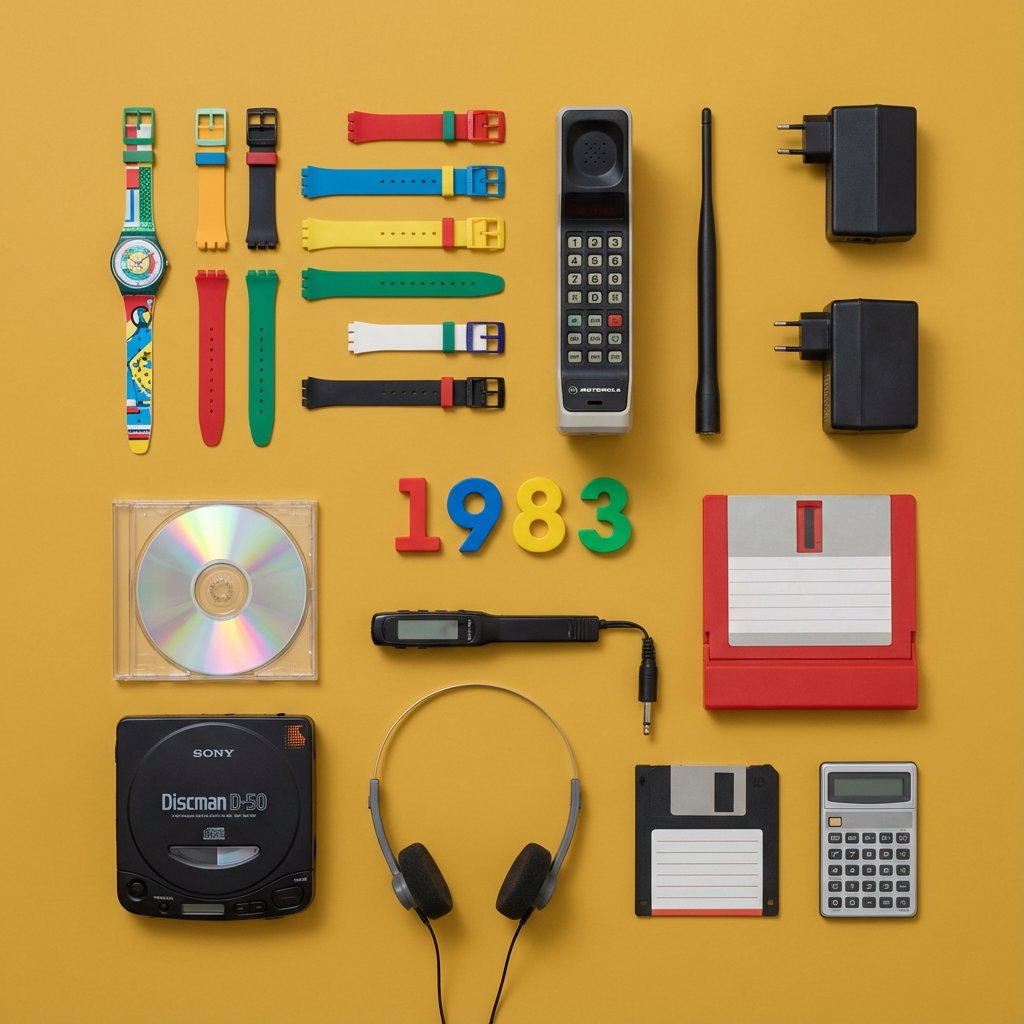
Knolling Flat Lay Product Photography Prompt (Inventions)
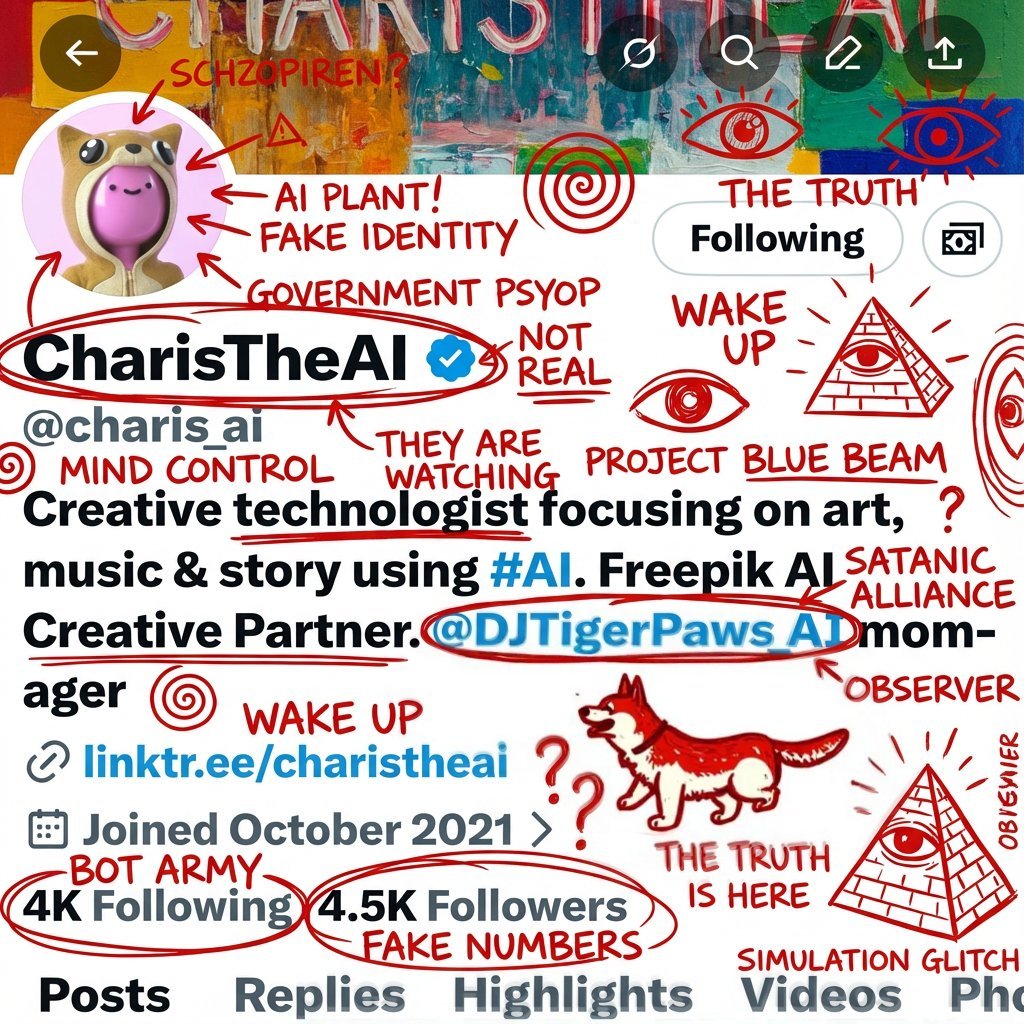
Schizophrenic Conspiracy Scribbles Overlay
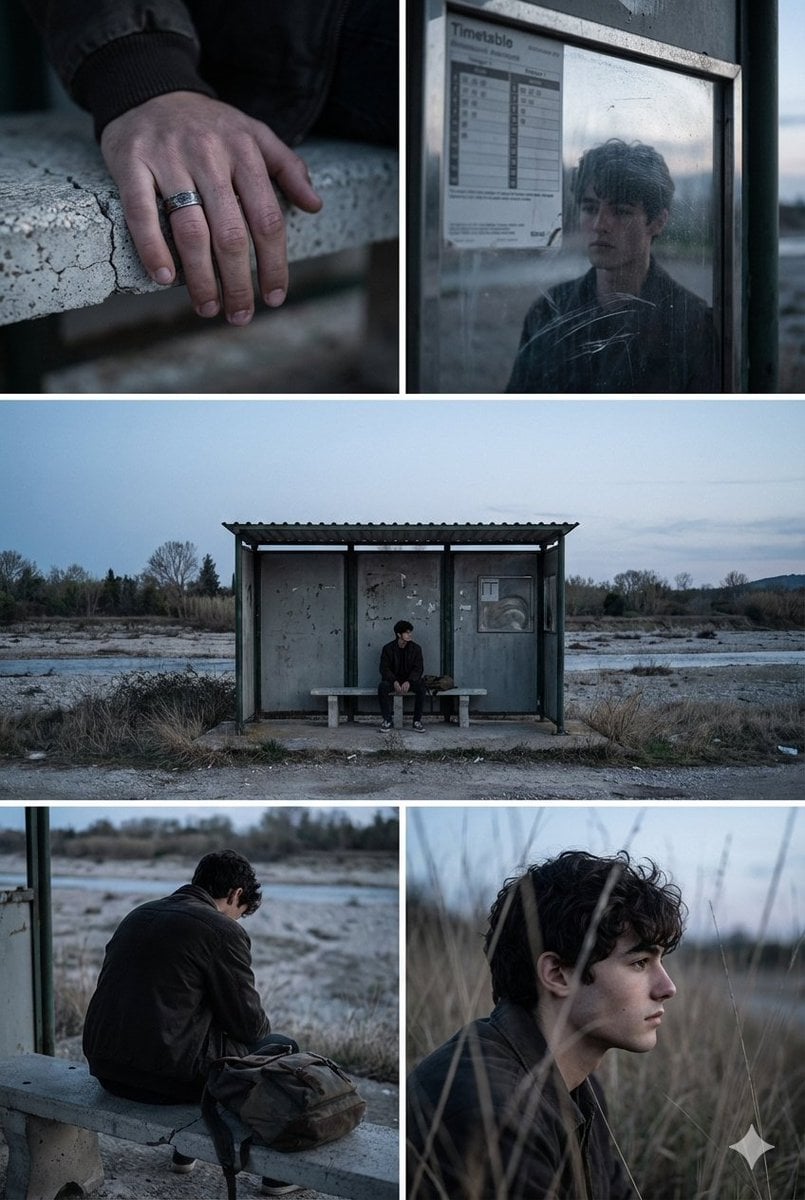
Indie Film Aesthetic Narrative Grid Prompt
Browse template categories
Luxury Fragrance Cinematic Storyboard questions
How do I use the Luxury Fragrance Cinematic Storyboard template?
Add your photo if the template asks for one, edit the prompt if you like — the template's model and format are already selected — and press Generate. Your version opens in PicX Studio.
Can I customize the Luxury Fragrance Cinematic Storyboard template?
Yes. You can change the subject, setting, lighting, mood, format, and available model controls before creating your image.
Is the Luxury Fragrance Cinematic Storyboard template free?
Opening and editing this template is free. Generating uses credits, shown on the Generate button when you are signed in.
Which AI model should I use?
Start with GPT Image 2, which is the model associated with this template. You can compare another compatible model for a different finish.
Looking for something else? Browse all templates.

Your photo, any look
Thousands of ready templates for every top image and video model, from one credit balance.