
How do I use the Influencer Workout Aesthetic Portrait Prompt template?
Choose the primary action to open PicX Studio with the available template settings. Review the model and format, personalize the creative direction, and generate when ready.
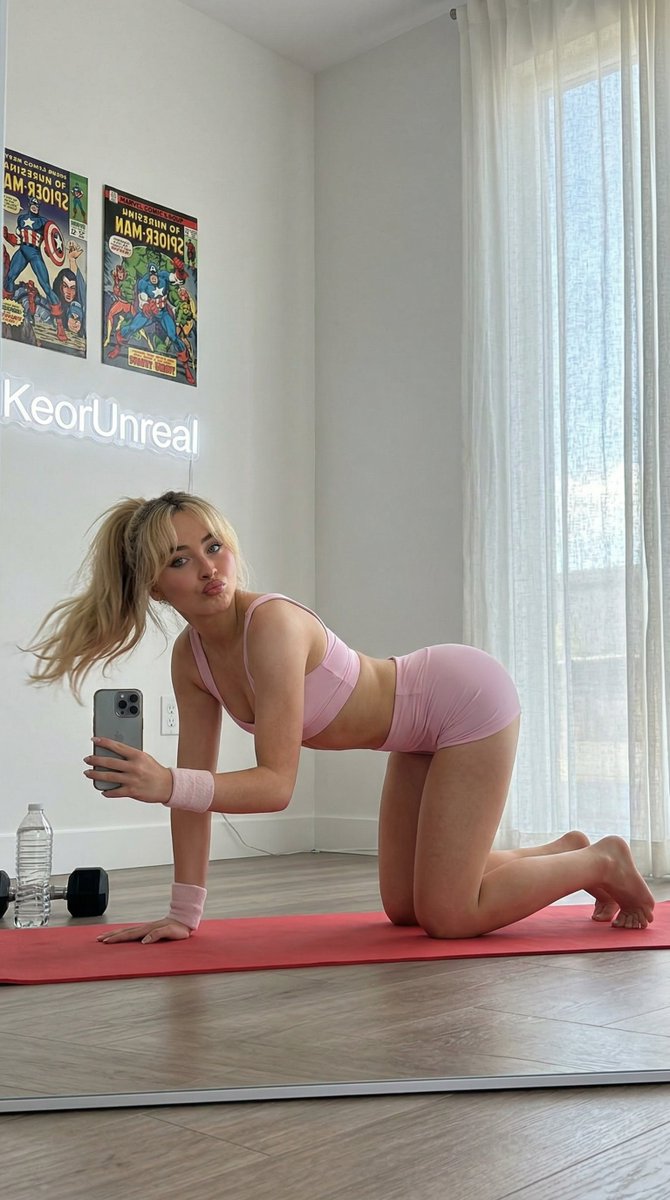
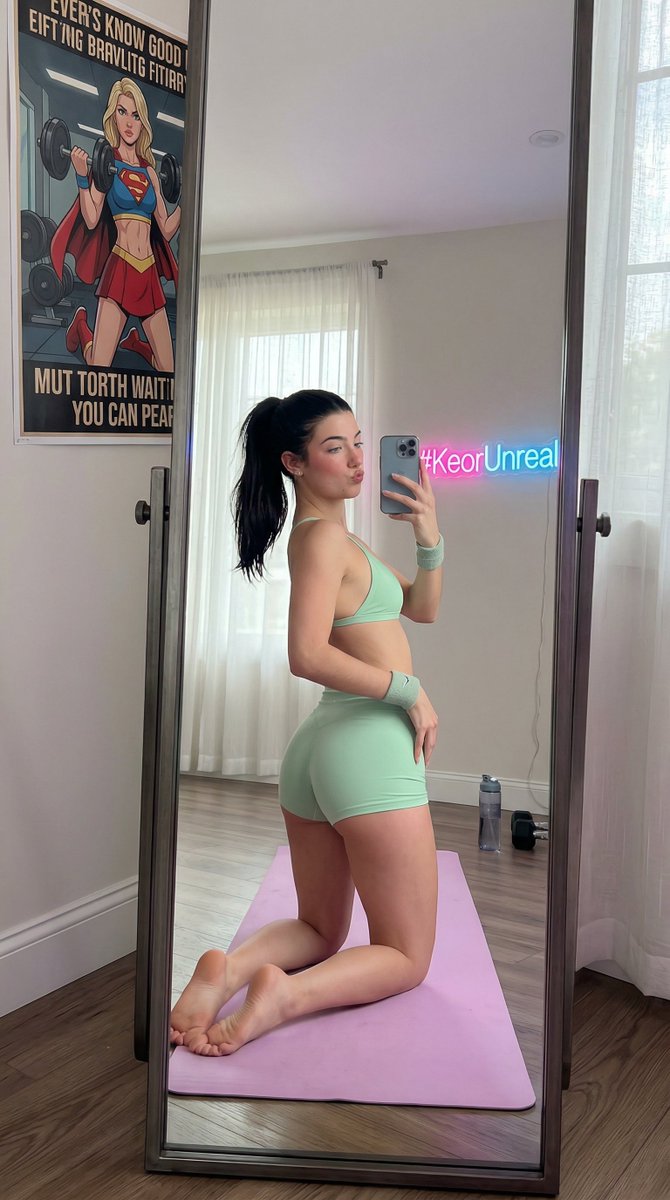
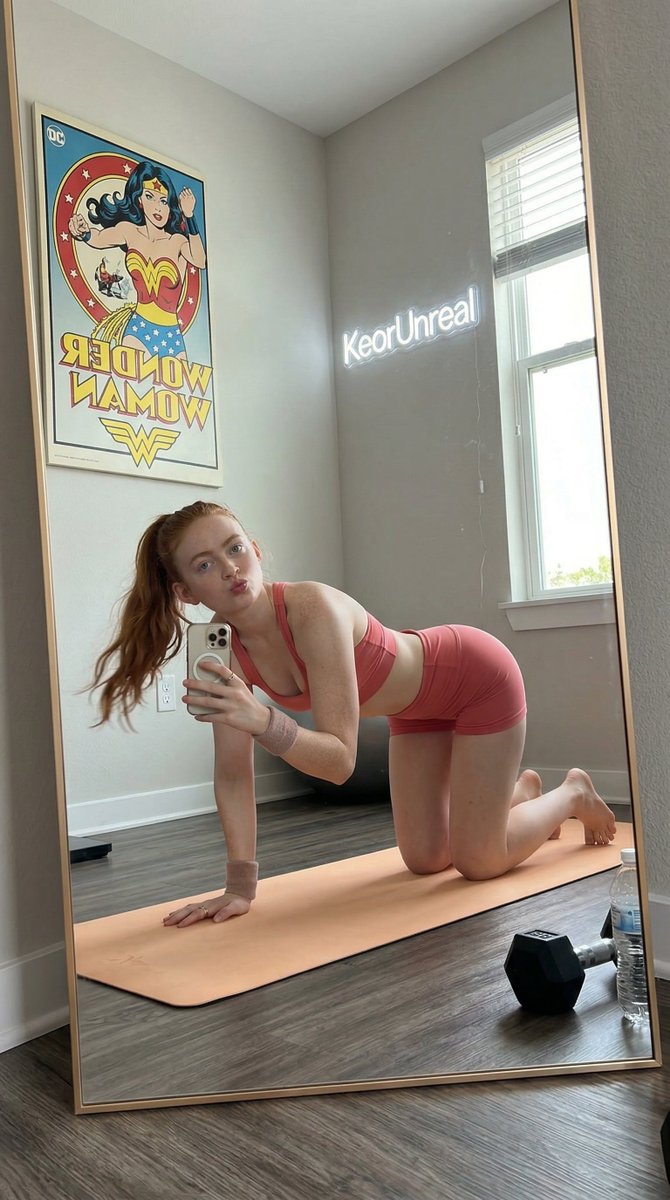
A detailed JSON prompt for generating an image in the style of an influencer taking a mirror selfie during a workout, focusing on specific apparel, pose (cat-cow), low-angle reflection, and a minimalist gym environment, using Nano Banana 2. (free to use) — Free AI image template on PicX Studio.
{ "prompt_type": "descriptive_portrait", "subject_details": "attached celebrity lookalike" { "demographics": "Young female, rosy pale skin, flexible/slender build.", "facial_features": { "expression": "Pouting lips (duck face) playfully, looking at herself in the mirror.", "eyes": "Blue eyes.", "hair": " hair tied in a high, swinging ponytail." }, "apparel": { "dress": "Pastel pink sports bra (very skimpy, bikini cut) and matching tiny yoga shorts.", "accessories": "Sweatband on wrist.", "footwear": "Barefoot." } }, "pose_and_action": { "body_position": "On hands and knees on a yoga mat (cat-cow pose) but facing the side mirror, arching back exaggeratedly.", "hands": "One hand on the mat, one hand holding the phone low near the floor.", "camera_angle": "Low angle reflection from a floor-length mirror leaning against the wall." }, "background_environment": { "location": "Minimalist living room corner used for workouts with superheroes posters making gym on wall and a neon written 'KeorUnreal' in backdrop somewhere.", "lighting_source": "Natural daylight from a window with sheer curtains.", "objects": { "fitness": "Light red yoga mat, a water bottle, a dumbbell lying on the floor." } }, "technical_specs": { "style": "Influencer workout aesthetic, soft lighting, clean but playful.", "aspect_ratio": "4:5" } }
Use Influencer Workout Aesthetic Portrait Prompt to plan an AI image around nano-banana-2 generation. Match the preview's composition first, then personalize the subject, setting, and mood for your own project.
Use the primary action to load the template settings in PicX Studio.
Adjust the subject and creative details for your destination.
Create the image, compare the result with the preview, and refine one variable at a time.
A continuous mix — similar concepts first, woven with same-model prompts and fresh picks from the catalog.
Choose the primary action to open PicX Studio with the available template settings. Review the model and format, personalize the creative direction, and generate when ready.
Yes. You can change the subject, setting, lighting, mood, format, and available model controls before creating your image.
This template is free to open and customize. Generation usage is shown in PicX Studio before you create.
Start with nano-banana-2, which is the model associated with this template. You can compare another compatible model for a different finish.
Follow a topic to a crawlable collection of related PicX Studio templates.
39,155 public templates available. Verified via the PicX Studio public templates API; refreshed hourly.
A continuous mix — similar concepts first, woven with same-model prompts and fresh picks from the catalog.