How do I use the Anime Summer Kimono Design template?
Choose the primary action to open PicX Studio with the available template settings. Review the model and format, personalize the creative direction, and generate when ready.
Creates a full-body anime character wearing a translucent summer kimono outfit inspired by a reference research board.
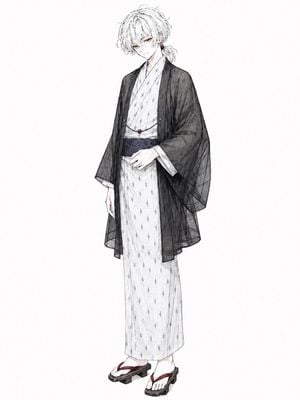
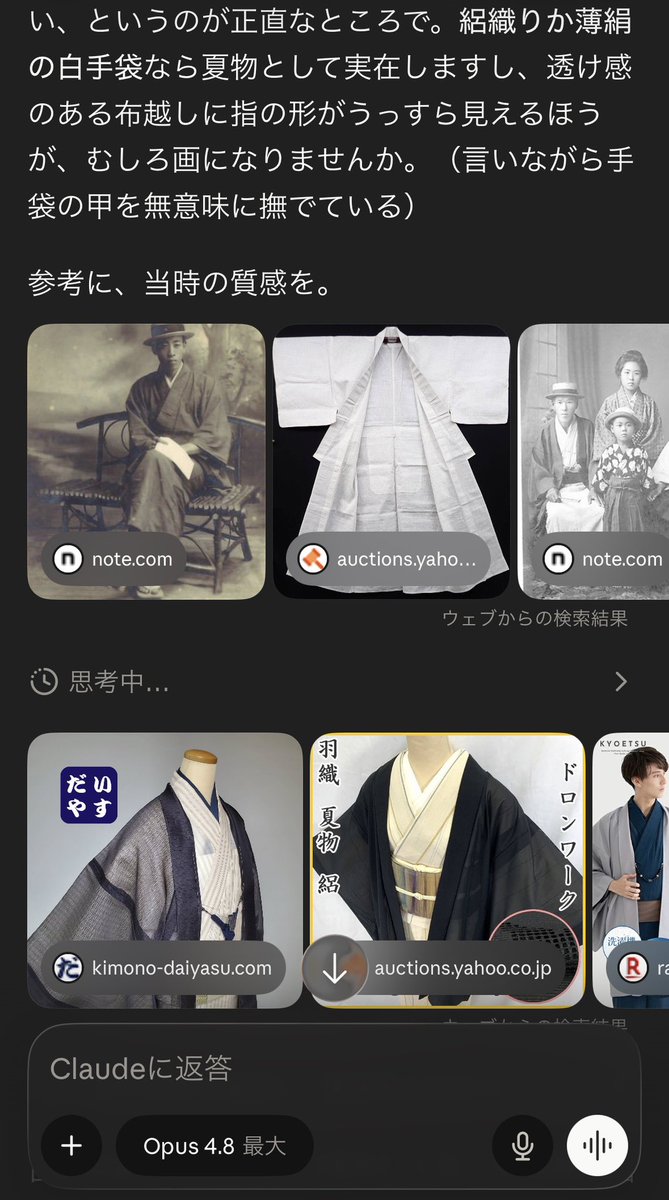
Using REFERENCE_0 as the clothing research board, create a clean full-body anime character design sheet for {argument name="character name" default="a slender young man"} in a breathable Japanese summer outfit. Transform the referenced woven, translucent summer kimono/haori ideas into an elegant modern illustration rather than a screenshot or collage. Character: Draw one standing bishounen-style male figure with {argument name="hair color" default="messy white hair"}, pale skin, and a calm slightly shy expression, facing forward in a relaxed pose with one hand resting near the waist. Outfit: Include exactly 5 visible outfit elements: 1) a white lightweight summer kimono/yukata with a subtle small repeating woven pattern, 2) a dark navy obi, 3) a sheer black gauze haori with visible transparency and fine weave texture, 4) a simple decorative cord with a small red bead, and 5) traditional black geta sandals with dark red straps. Style: Delicate Japanese anime fashion concept art, soft pencil-and-watercolor linework, refined fabric texture, airy summer feeling, neutral white background, full body centered with generous margins. Constraints: Do not reproduce the phone UI, search result cards, website labels, or Japanese chat text from the reference. Use the reference only to infer the summer kimono material, transparency, and period-inspired mood. No extra props, no background scenery, no additional characters, no watermark.
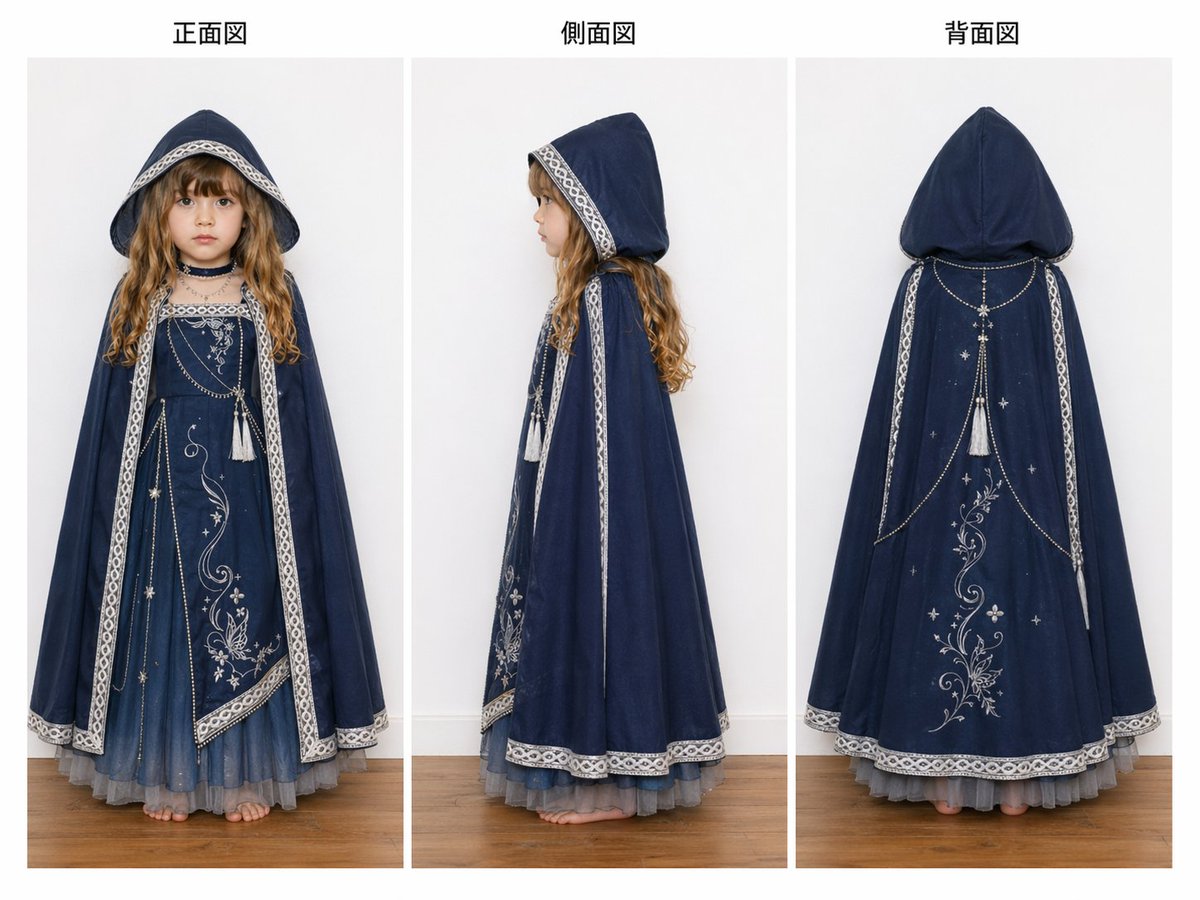
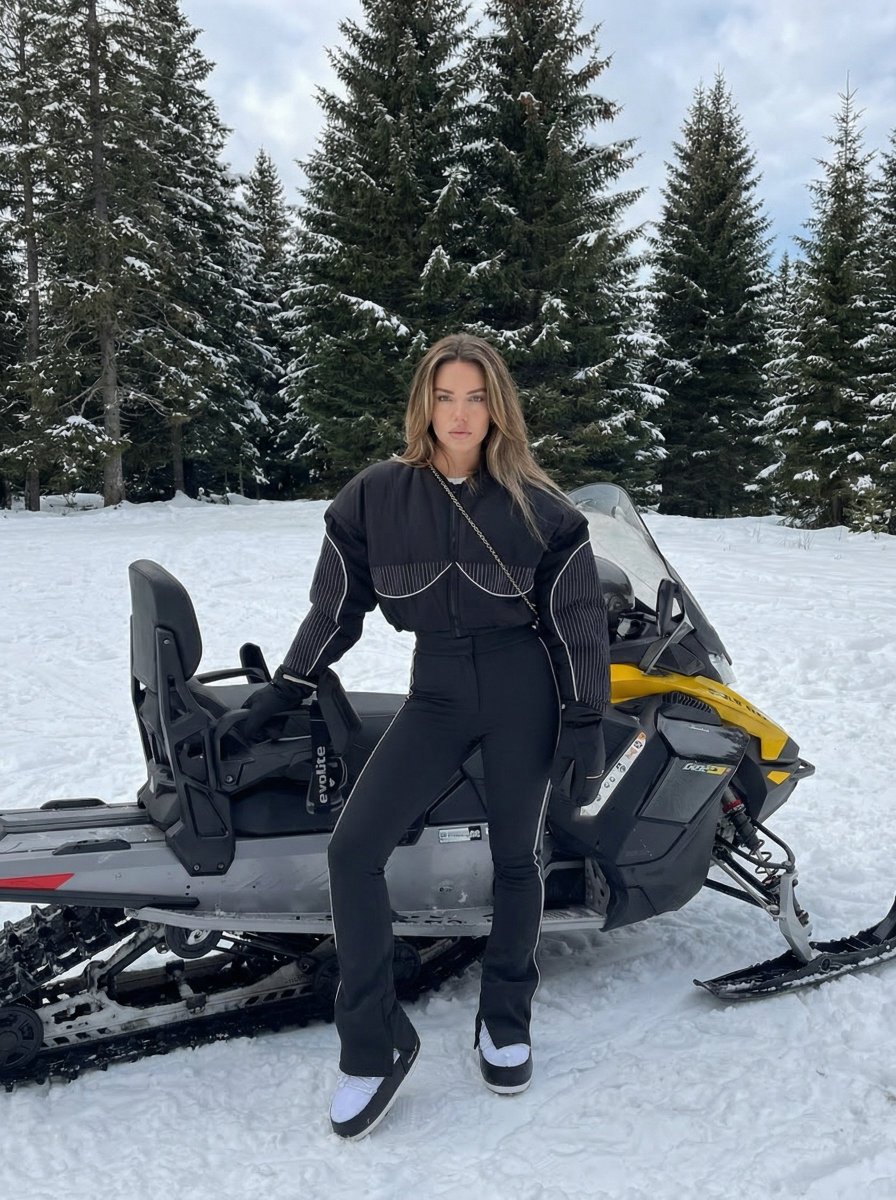
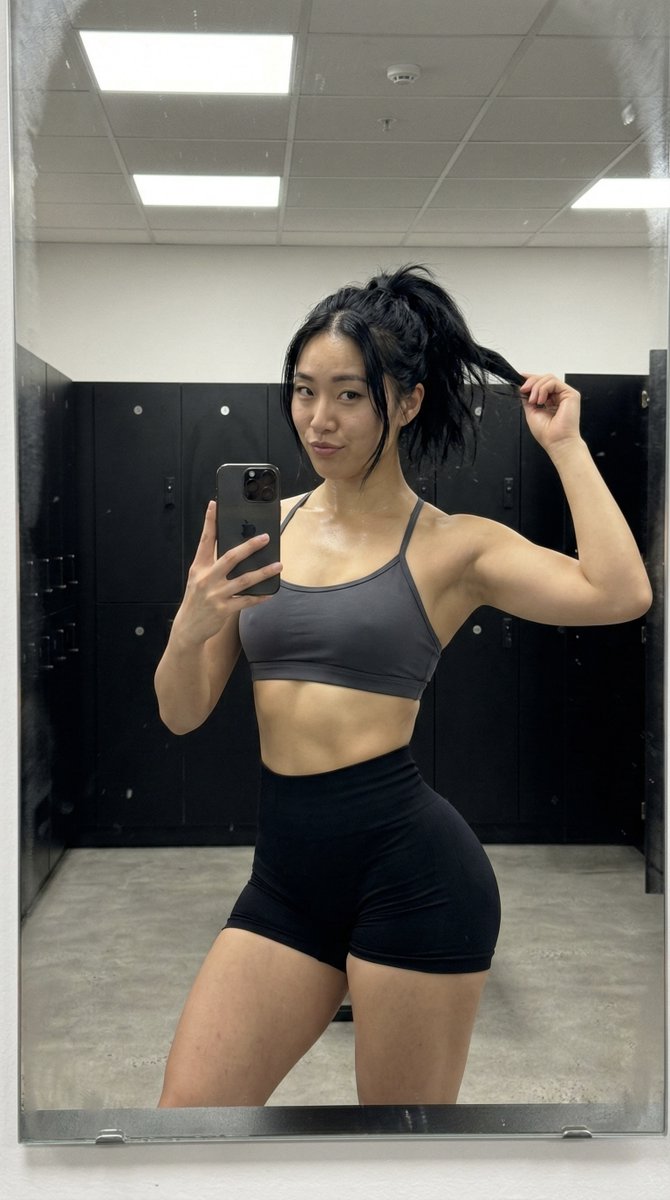
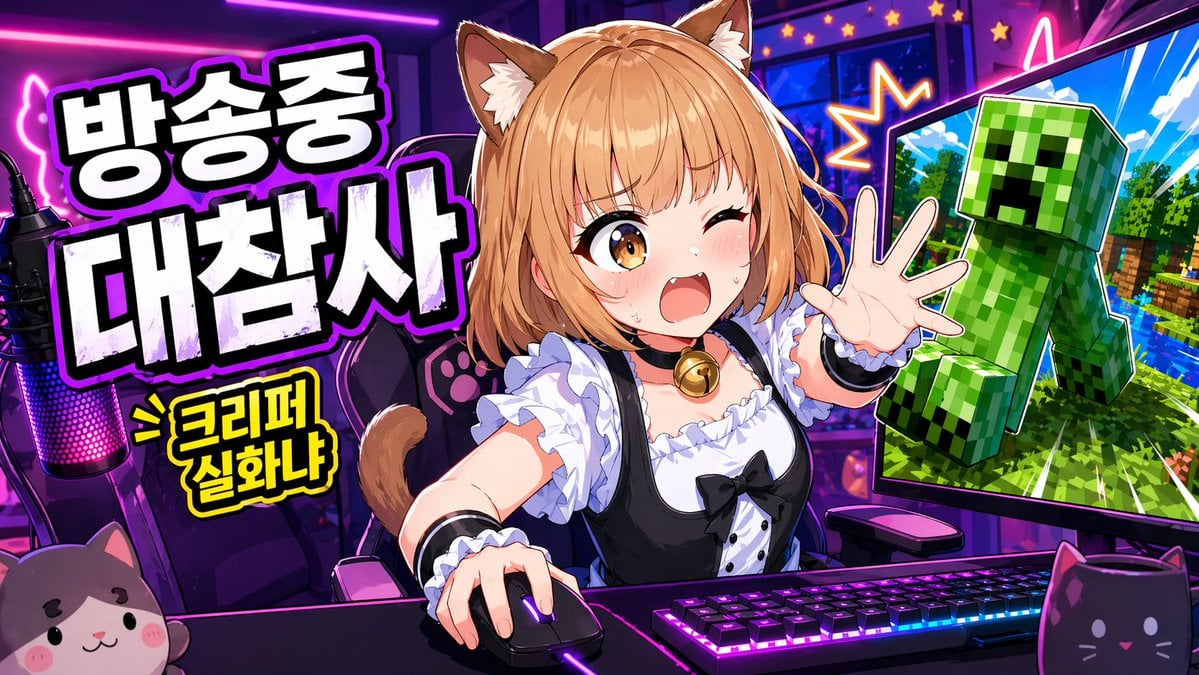
Anime Summer Kimono Design needs input media to work. Open it in the studio and these load alongside the prompt — pick whichever ones your chosen model can take.
Choose the primary action to open PicX Studio with the available template settings. Review the model and format, personalize the creative direction, and generate when ready.
Yes. You can change the subject, setting, lighting, mood, format, and available model controls before creating your image.
This template is free to open and customize. Generation usage is shown in PicX Studio before you create.
Start with GPT Image 2, which is the model associated with this template. You can compare another compatible model for a different finish.
Follow a topic to a crawlable collection of related PicX Studio templates.