
Anime Strawberry 1500 Celebration Cake
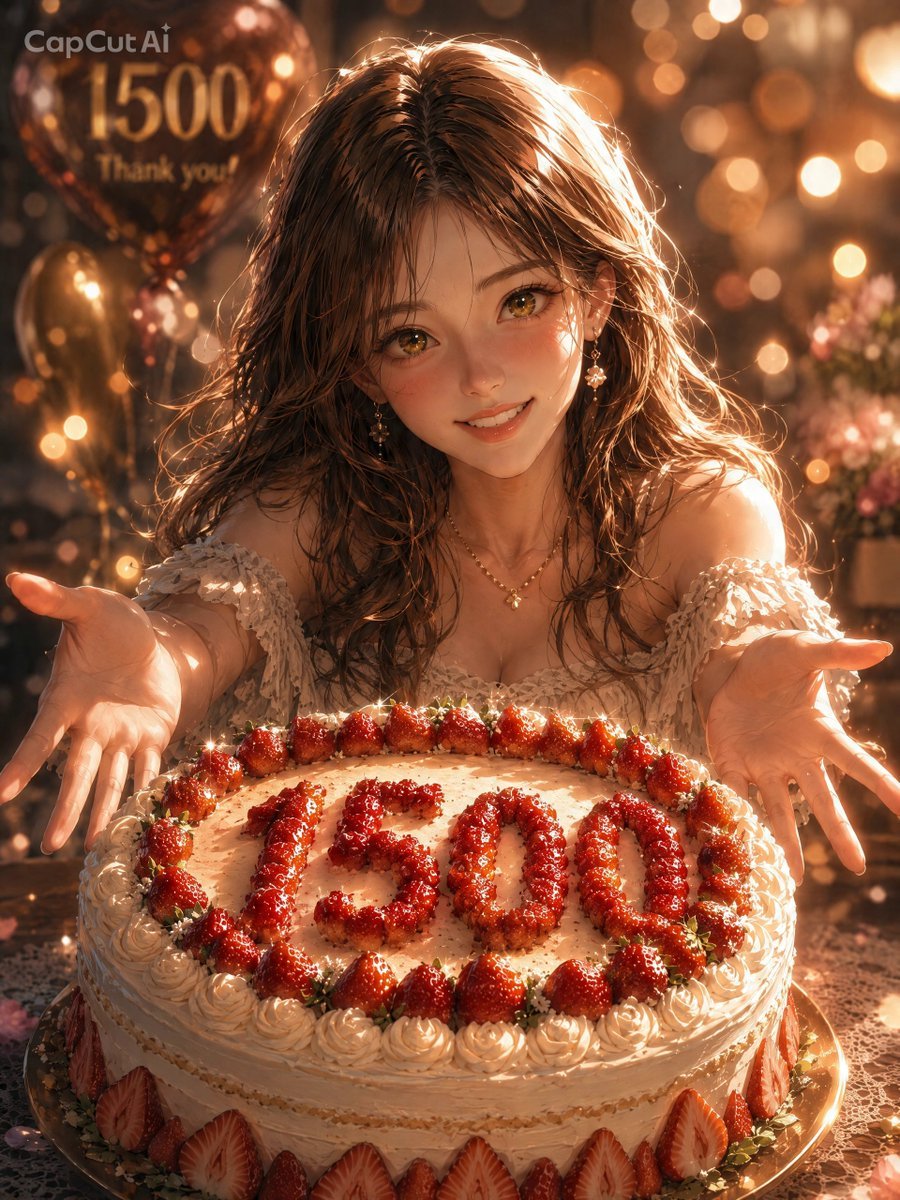
A warm anime-style celebration portrait featuring a smiling girl presenting a strawberry cake marked 1500, ideal for follower milestone thank-you visuals.
- Prompt included
- Model and format preset
- Free template
The prompt behind this image
Copy the exact prompt behind Anime Strawberry 1500 Celebration Cake, or open it in the studio and make it yours.
Create a warm, cinematic anime-style celebration portrait: a beautiful young woman with {argument name="hair color" default="long wavy chestnut-brown hair"} and golden eyes leans forward behind a large round strawberry shortcake, smiling gently and holding both hands open toward the viewer as if presenting the cake. The cake is covered in cream frosting, piped rosettes, and many glossy strawberries; the number {argument name="cake number" default="1500"} is written large on top using small red strawberries, with an additional ring of strawberries around the top edge and sliced strawberries decorating the side. She wears an off-shoulder ivory lace dress with delicate floral texture, dangling earrings, and a small gold necklace. Set the scene indoors at a cozy party table with lace cloth, glowing amber bokeh lights, soft floating sparkles, and warm backlighting. In the background on the upper left, include metallic bronze balloons with readable celebration text: {argument name="balloon text" default="1500 Thank you!!"}. Add a small semi-transparent watermark text {argument name="watermark text" default="CapCut AI"} in the upper-left corner. Use a vertical 3:4 composition, close-up perspective, shallow depth of field, rich golden highlights, highly detailed semi-realistic anime rendering, romantic celebratory atmosphere, and no extra characters.
How to use Anime Strawberry 1500 Celebration Cake in 3 steps
- 1Upload ImagePNG, JPG or paste
Add your photo
Upload the photo the template builds on. The prompt, model and format are already set.
- 2…a portrait of your subject in softgolden-hour light, 85mm…
Personalize
Edit the subject and creative details for your destination.
- 3Generate
Generate
Press Generate — your image is created in PicX Studio, so you can compare it with the original and refine one variable at a time.
More like this
Templates with the same subject, style or setup. Open one to see its prompt.











Make it yours
Anime Strawberry 1500 Celebration Cake works as-is. These are the safest ways to change it without losing the look.
Change one field
Copy a single group, rewrite it, and generate again so you can see what that field is doing.
Keep the frame, change the subject
Hold the composition and light of Anime Strawberry 1500 Celebration Cake, then swap wardrobe, props or the person for a new take.
| If the result… | Why | Fix |
|---|---|---|
| The result drifts from the preview | Too many fields changed at once. | Reuse Anime Strawberry 1500 Celebration Cake as-is first, then change one group — subject, light, or setting. |
| The model over-stylizes the scene | The prose prompt leaves finish and camera underspecified. | Add one camera or lighting sentence and stay on GPT Image 2. |
More GPT Image 2 templates
Other prompts made for GPT Image 2.

Six VTuber Japanese Logo Sheet

Realistic Portrait of Woman and Deer

The Vista Modular Condo Poster

AI Model Routing Comparison Infographic

2.5D Anime Art Board

Isometric Productivity Desk Scene

New York Double Exposure Poster

Four-Panel AI Landscape Comparison

Japanese Tatami Lifestyle Magazine Cover

NESCAFÉ Coffee Map Poster
More image prompts
Fresh picks from across the catalog.
Anime Ita-bag Mockup
Romantic Piggyback Scene in Istanbul at Night
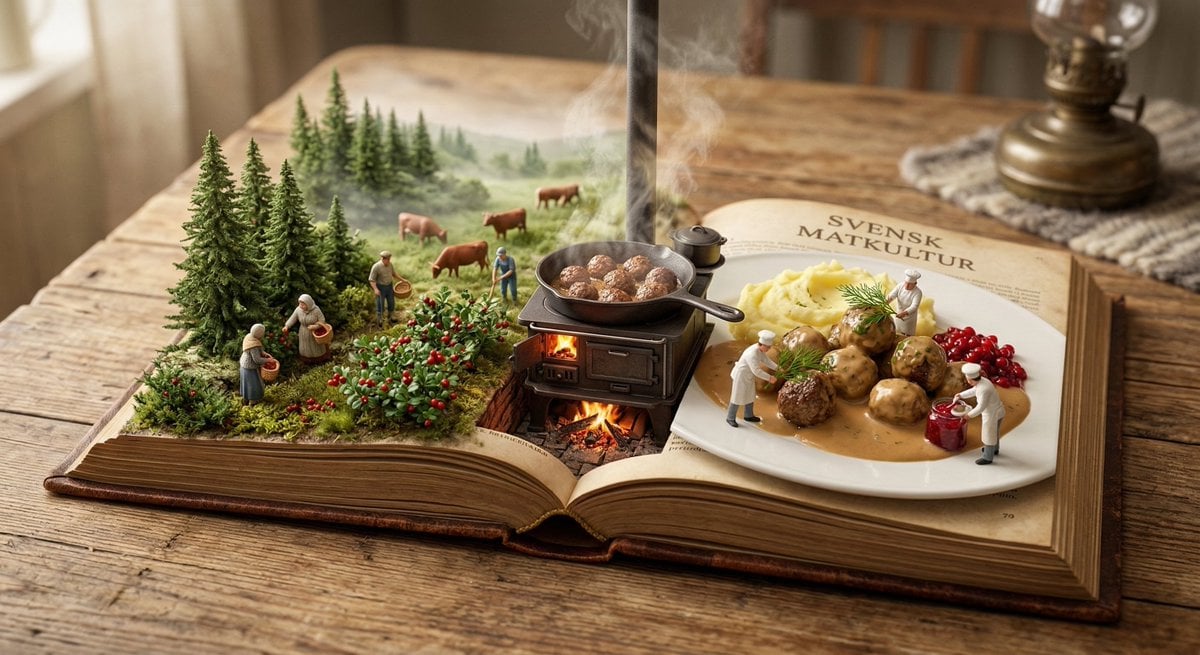
Culinary Pop-Up Book Diorama of Swedish Meatballs
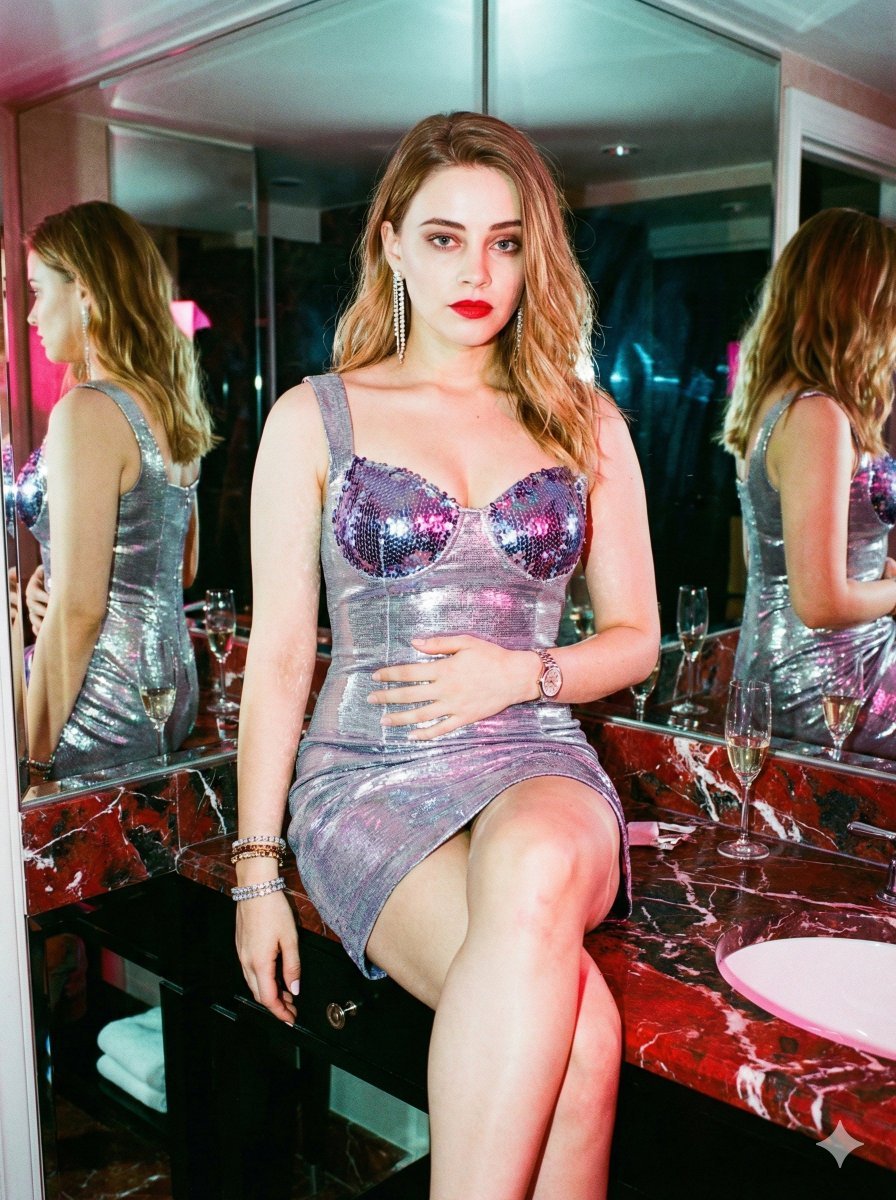
Y2K Surreal After-Party Glamour (Duplicate)
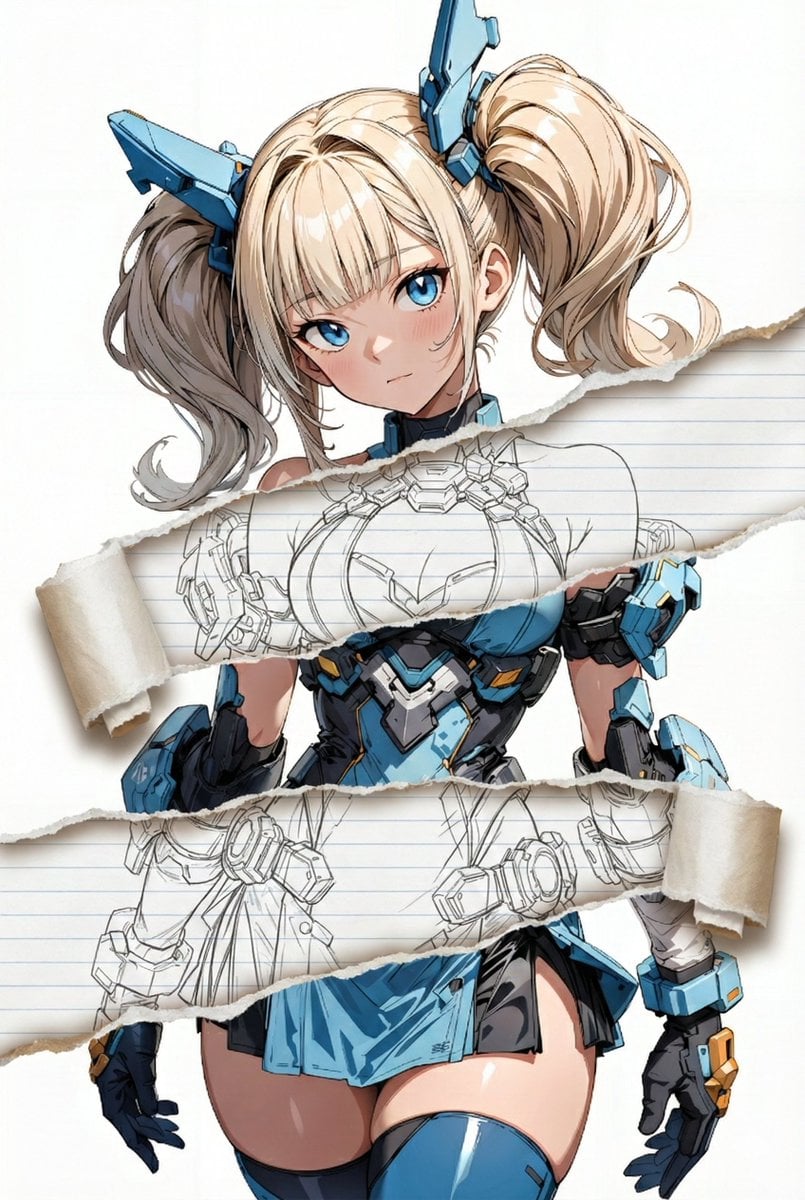
Nano Banana Pro torn paper style-switching edit prompt
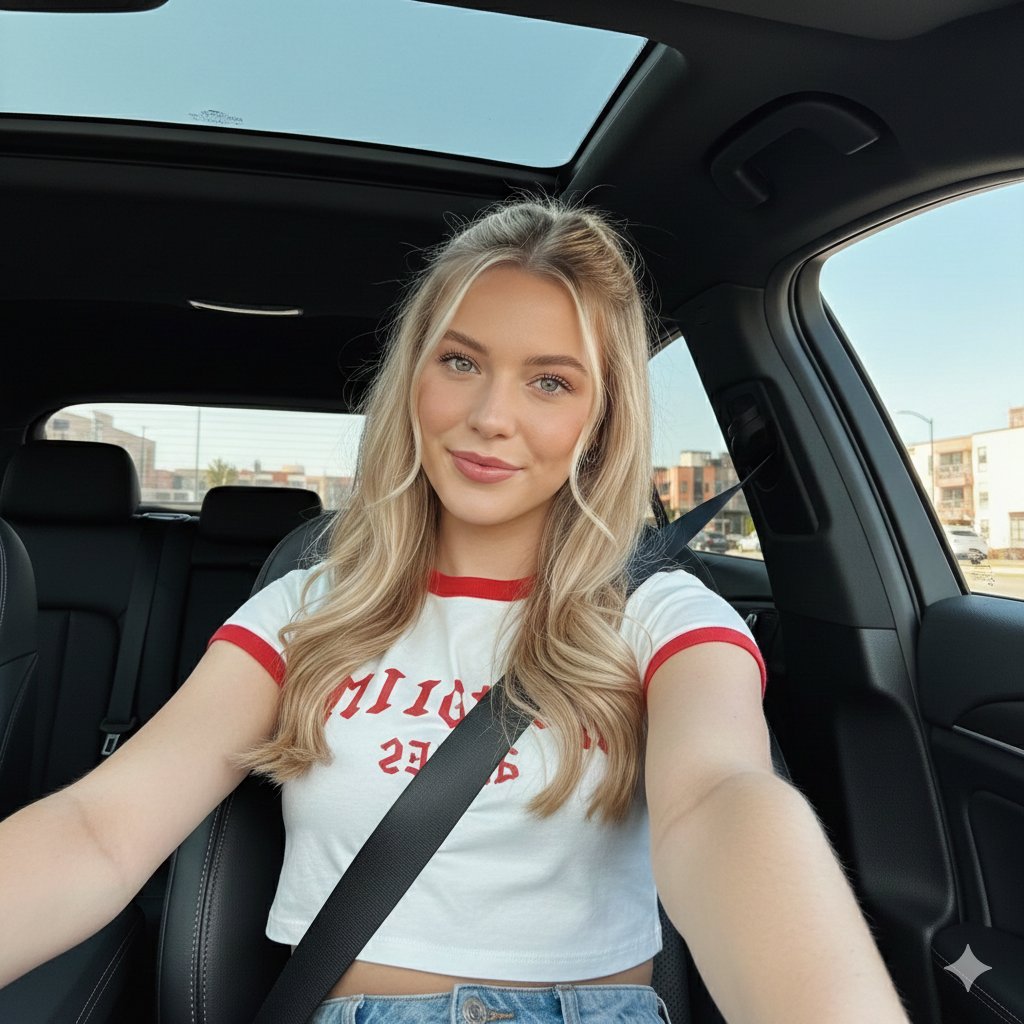
Wide-Angle Car Selfie with Panoramic Sunroof
Flirty Studio Portrait with Wink and Tongue Out
Fantasy Movie Poster Style Conversion
Golden Hour School Uniform 'Rock On' Portrait
Hyper-realistic Travel Food Postcard
Browse template categories
Anime Strawberry 1500 Celebration Cake questions
How do I use the Anime Strawberry 1500 Celebration Cake template?
Add your photo if the template asks for one, edit the prompt if you like — the template's model and format are already selected — and press Generate. Your version opens in PicX Studio.
Can I customize the Anime Strawberry 1500 Celebration Cake template?
Yes. You can change the subject, setting, lighting, mood, format, and available model controls before creating your image.
Is the Anime Strawberry 1500 Celebration Cake template free?
Opening and editing this template is free. Generating uses credits, shown on the Generate button when you are signed in.
Which AI model should I use?
Start with GPT Image 2, which is the model associated with this template. You can compare another compatible model for a different finish.
Looking for something else? Browse all templates.

Your photo, any look
Thousands of ready templates for every top image and video model, from one credit balance.