
Female Android Holding Green Planet
A cinematic sci-fi portrait prompt for creating a silver-haired female android holding a glowing green planet in deep space.
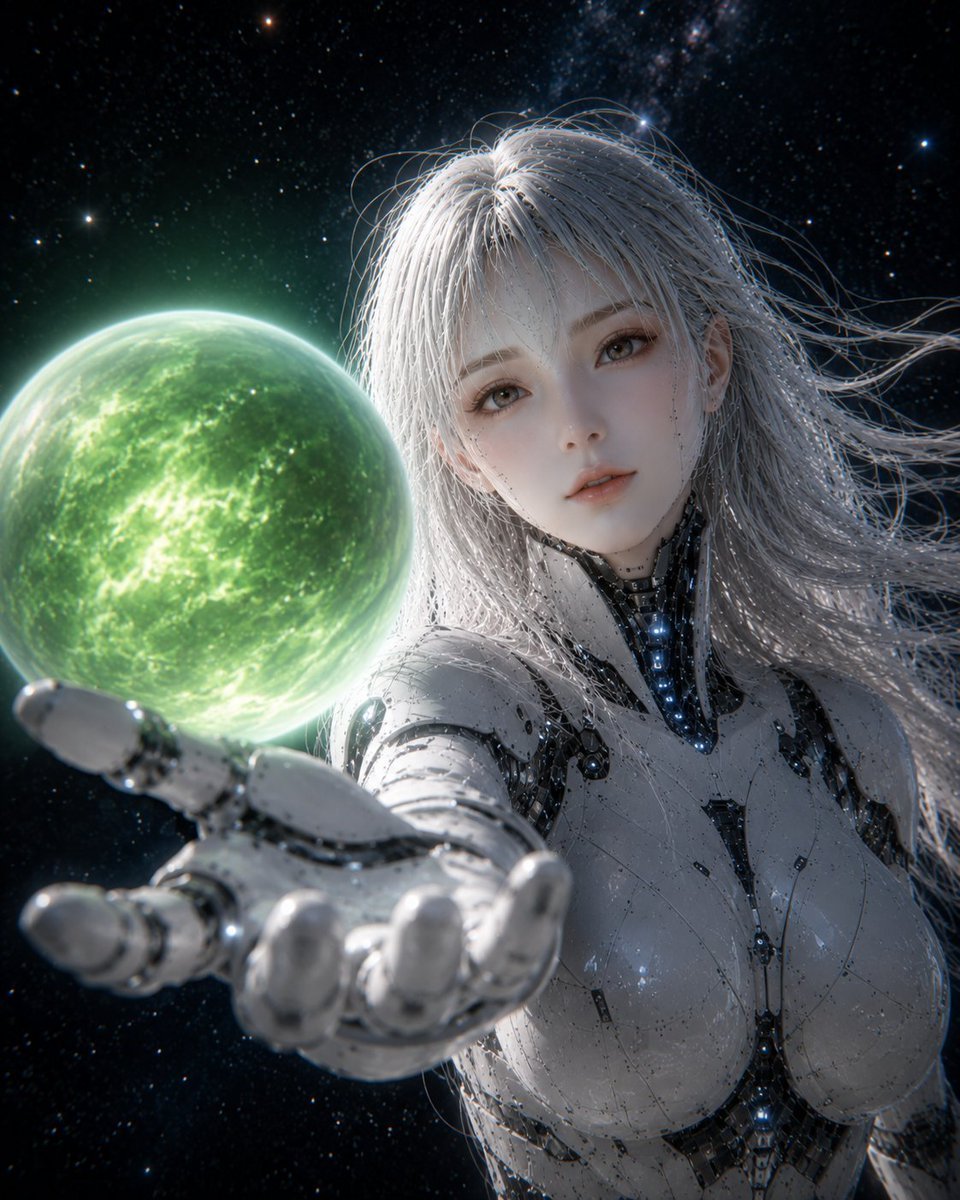
- Prompt included
- Model and format preset
- Free template
The prompt behind this image
Copy the exact prompt behind Female Android Holding Green Planet, or open it in the studio and make it yours.
Create a highly detailed cinematic sci-fi portrait of a beautiful female android in deep space, shown from the chest up with her right robotic hand extended toward the viewer in strong foreshortening. She has {argument name="hair color" default="long flowing silver-white hair"}, pale porcelain skin, soft realistic facial features, large expressive gray-brown eyes, and a calm slightly melancholic expression. Her body is an elegant white and chrome biomechanical android suit with glossy segmented armor, black mechanical joints, tiny seams, delicate circuit-like markings, and small blue glowing lights along the neck and torso. Hovering just above her outstretched palm is one luminous green planet-like orb, semi-transparent and glowing, with cloudy nebula textures, bright electric green veins, and a soft halo rim light. The background is outer space: dense black starfield, scattered bright stars, faint Milky Way dust clouds, and subtle cosmic haze. Lighting is dramatic and ethereal, with the green orb casting light onto her hand and face, cool rim lighting on her hair, high contrast reflections on polished metal, shallow depth of field with the nearest fingers slightly blurred, ultra-realistic 3D render quality, anime-inspired beauty, photoreal skin and hair strands, vertical portrait composition, no text, no watermark.
How to use Female Android Holding Green Planet in 3 steps
- 1Upload ImagePNG, JPG or paste
Add your photo
Upload the photo the template builds on. The prompt, model and format are already set.
- 2…a portrait of your subject in softgolden-hour light, 85mm…
Personalize
Edit the subject and creative details for your destination.
- 3Generate
Generate
Press Generate — your image is created in PicX Studio, so you can compare it with the original and refine one variable at a time.
More like this
Templates with the same subject, style or setup. Open one to see its prompt.
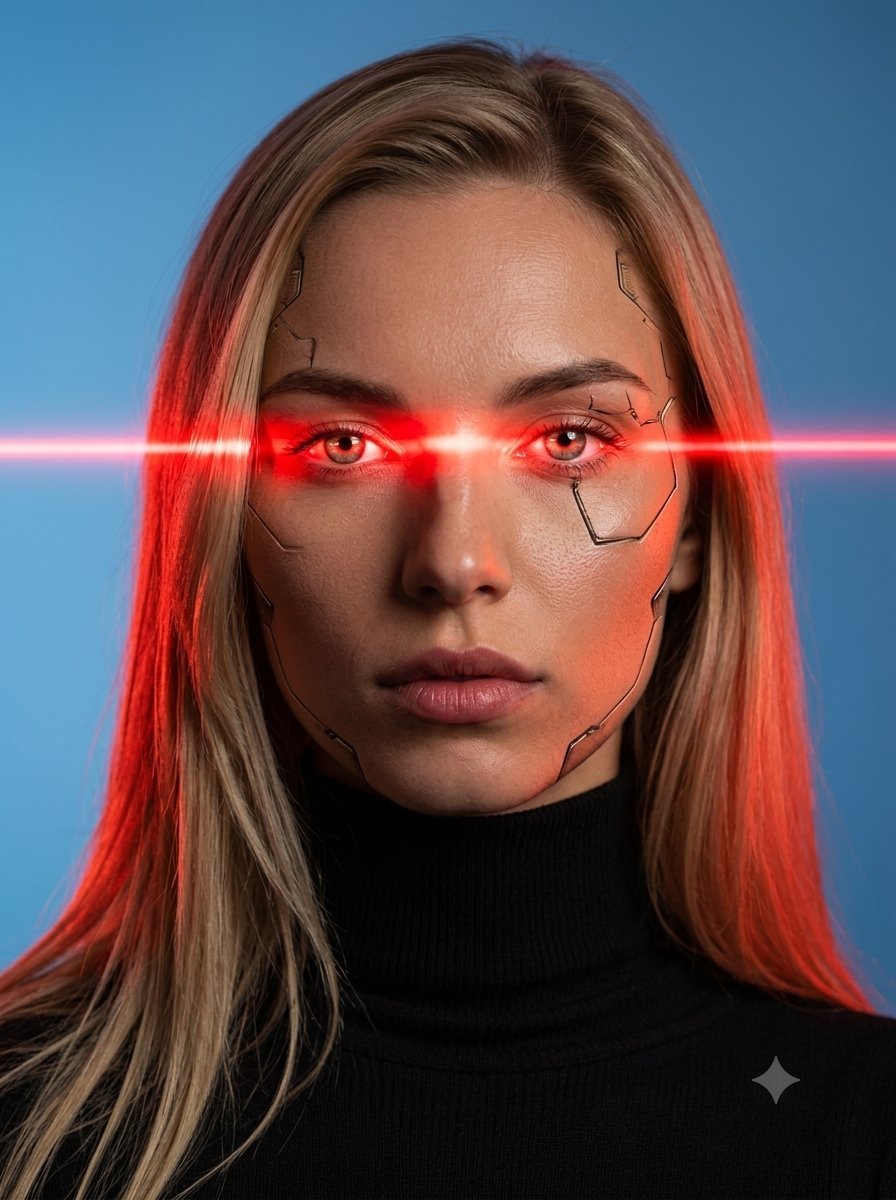
Female Android Studio Portrait with Laser Eyes

Elegant Green Evening Gown Studio Fashion Portrait
Elegant Green Evening Gown Studio Fashion Portrait

Premium Editorial Branding Poster Charcoal Green

Rainy Night Android Cyberpunk Portrait
Rainy Night Android Cyberpunk Portrait
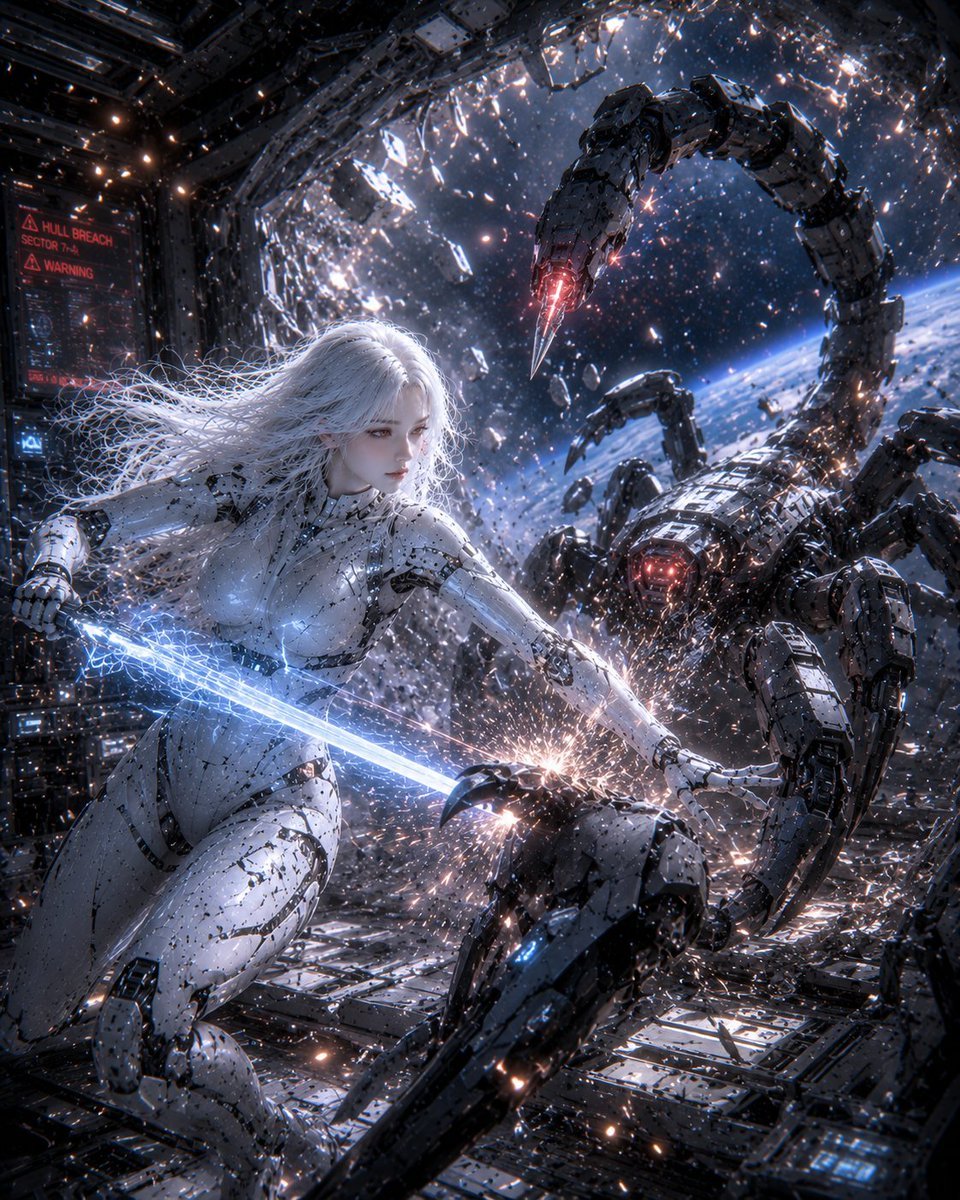
Female Android vs Robotic Scorpion
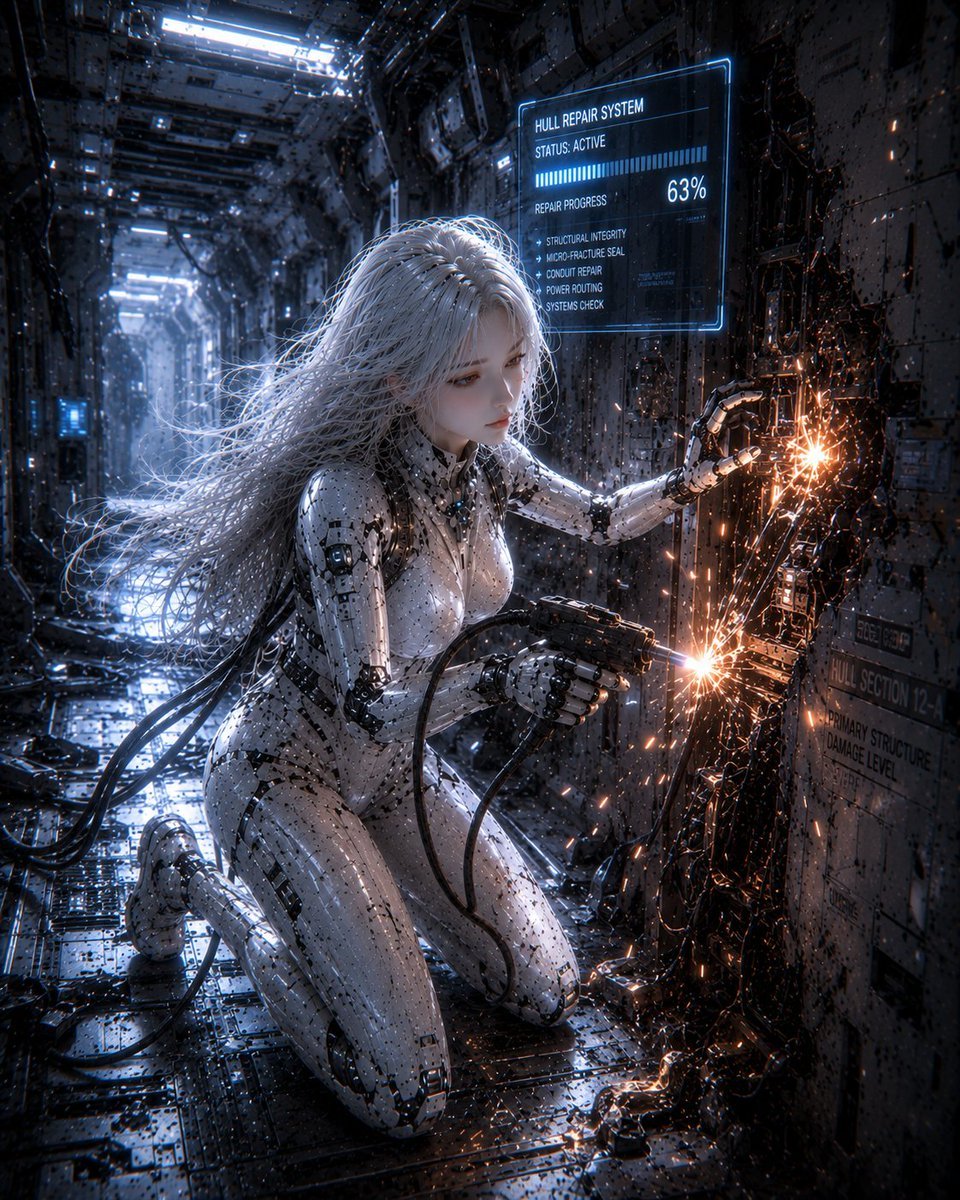
Female Android Repairing Spaceship Hull
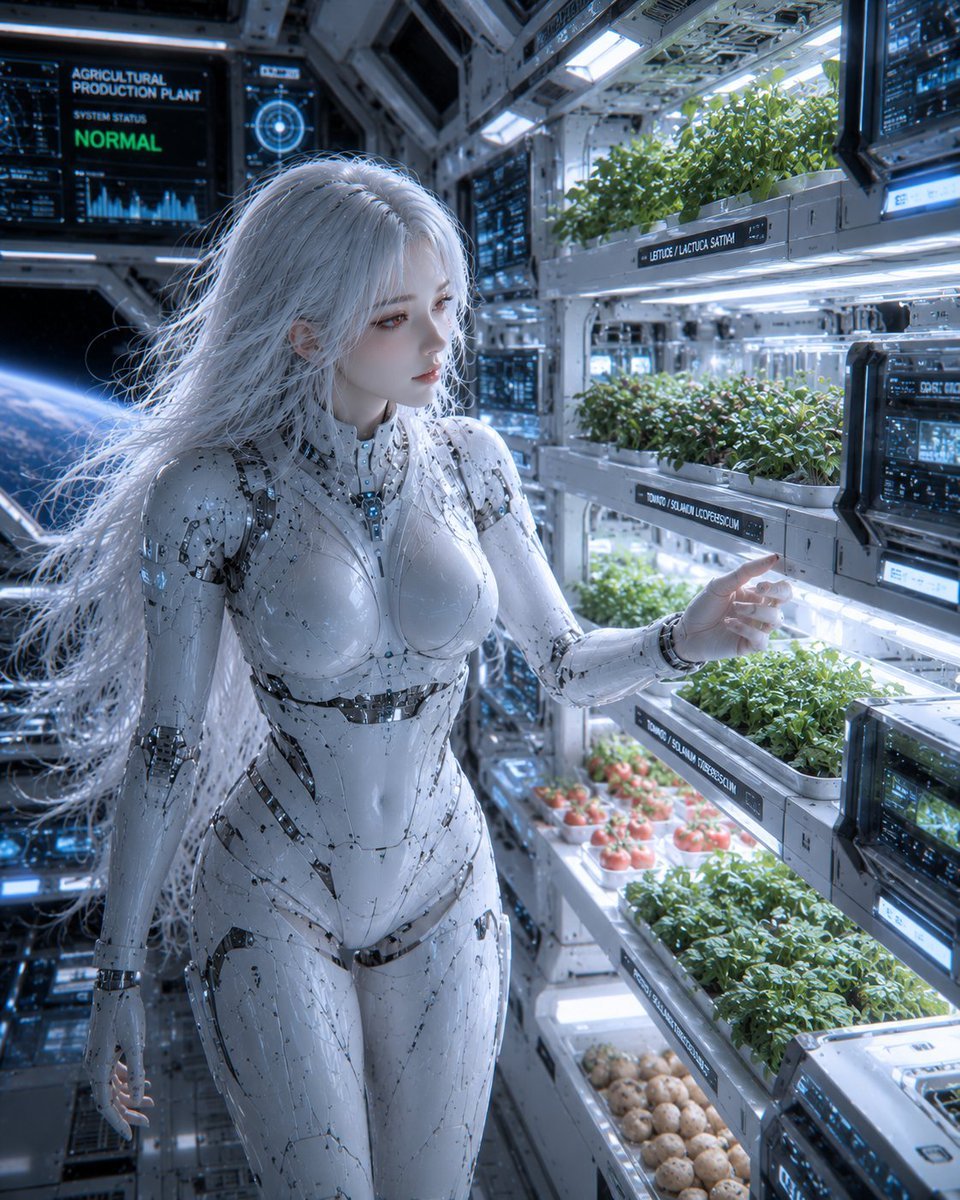
Female Android in Spaceship
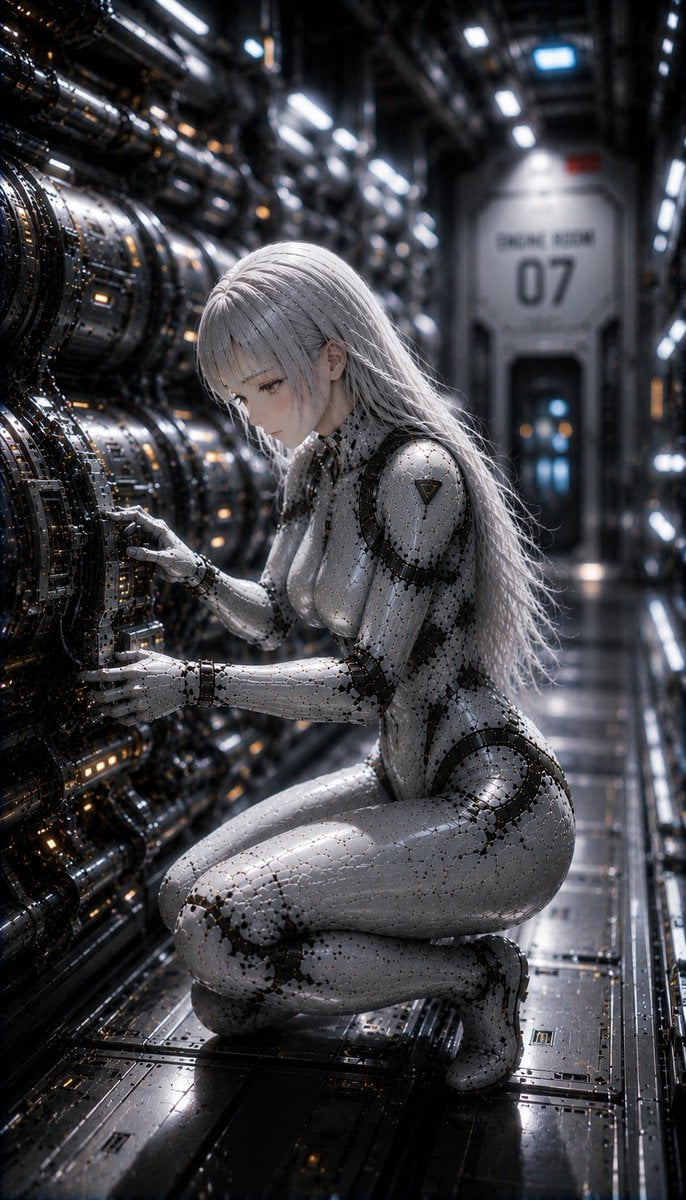
Female Android on a Spaceship
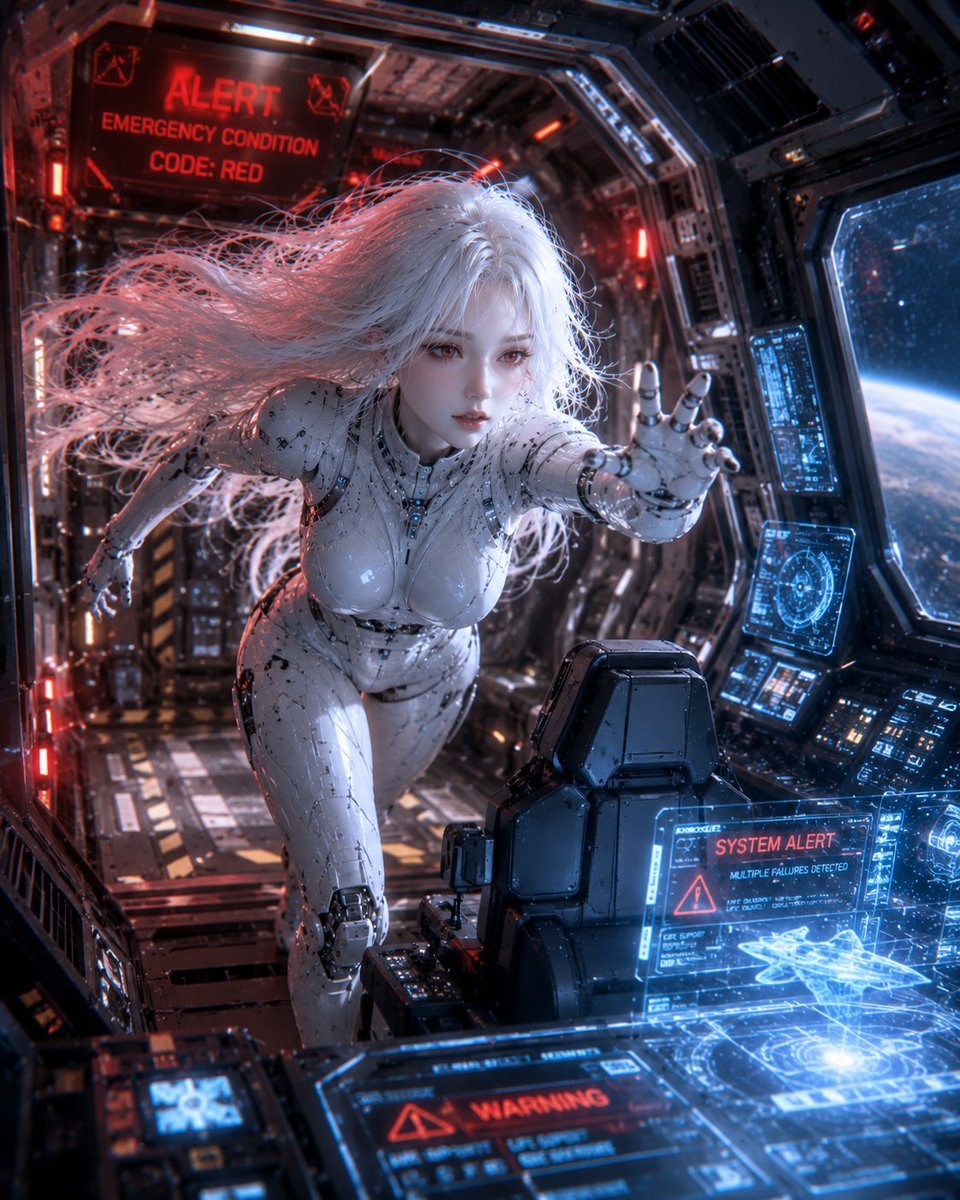
Spaceship Female Android
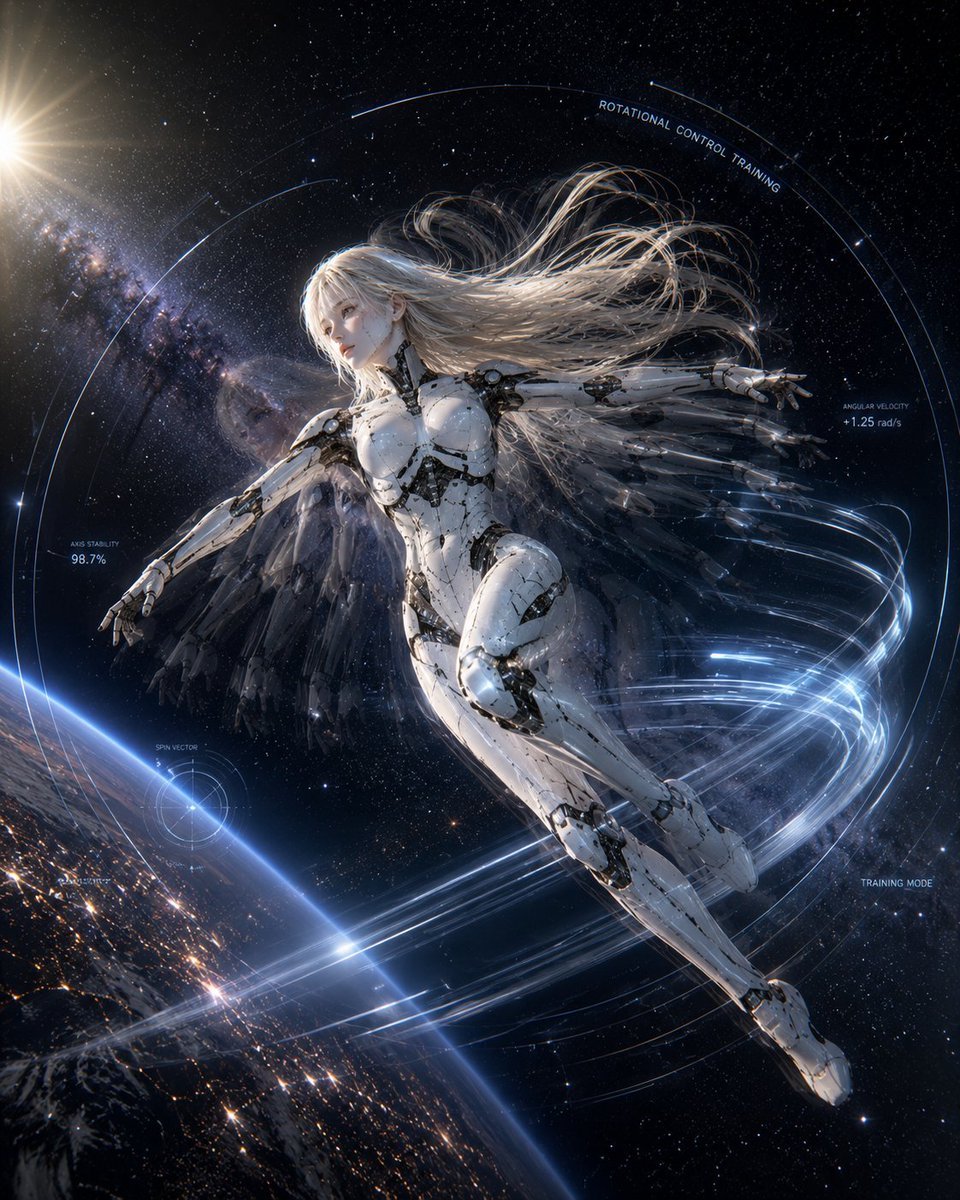
Spaceship Female Android Concept
Make it yours
Female Android Holding Green Planet works as-is. These are the safest ways to change it without losing the look.
Change one field
Copy a single group, rewrite it, and generate again so you can see what that field is doing.
Keep the frame, change the subject
Hold the composition and light of Female Android Holding Green Planet, then swap wardrobe, props or the person for a new take.
| If the result… | Why | Fix |
|---|---|---|
| The result drifts from the preview | Too many fields changed at once. | Reuse Female Android Holding Green Planet as-is first, then change one group — subject, light, or setting. |
| The model over-stylizes the scene | The prose prompt leaves finish and camera underspecified. | Add one camera or lighting sentence and stay on GPT Image 2. |
More GPT Image 2 templates
Other prompts made for GPT Image 2.

Six VTuber Japanese Logo Sheet

Realistic Portrait of Woman and Deer

The Vista Modular Condo Poster

AI Model Routing Comparison Infographic

2.5D Anime Art Board

Isometric Productivity Desk Scene

New York Double Exposure Poster

Four-Panel AI Landscape Comparison

Japanese Tatami Lifestyle Magazine Cover

NESCAFÉ Coffee Map Poster
More image prompts
Fresh picks from across the catalog.
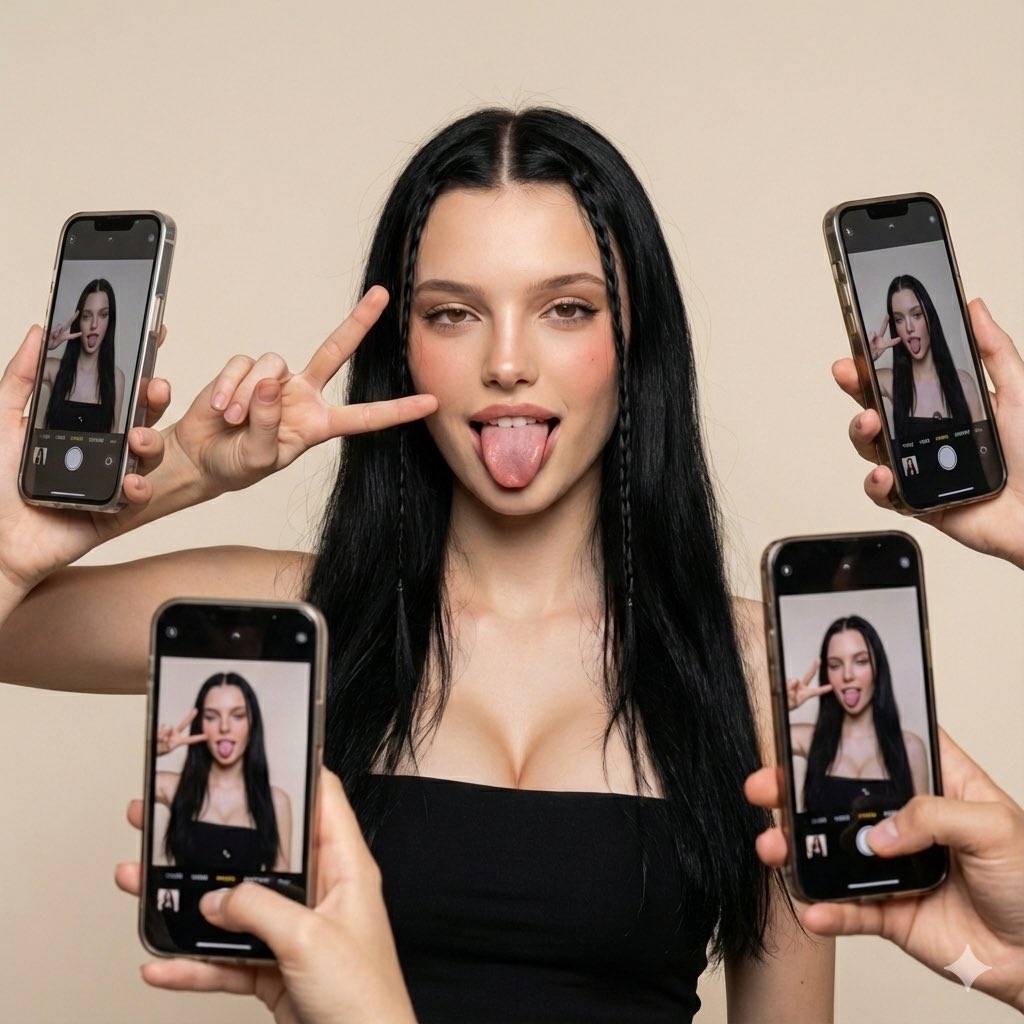
Social Media Influencer Studio Shoot with Mirrored Phones

Summer Beverage Commercial Photography
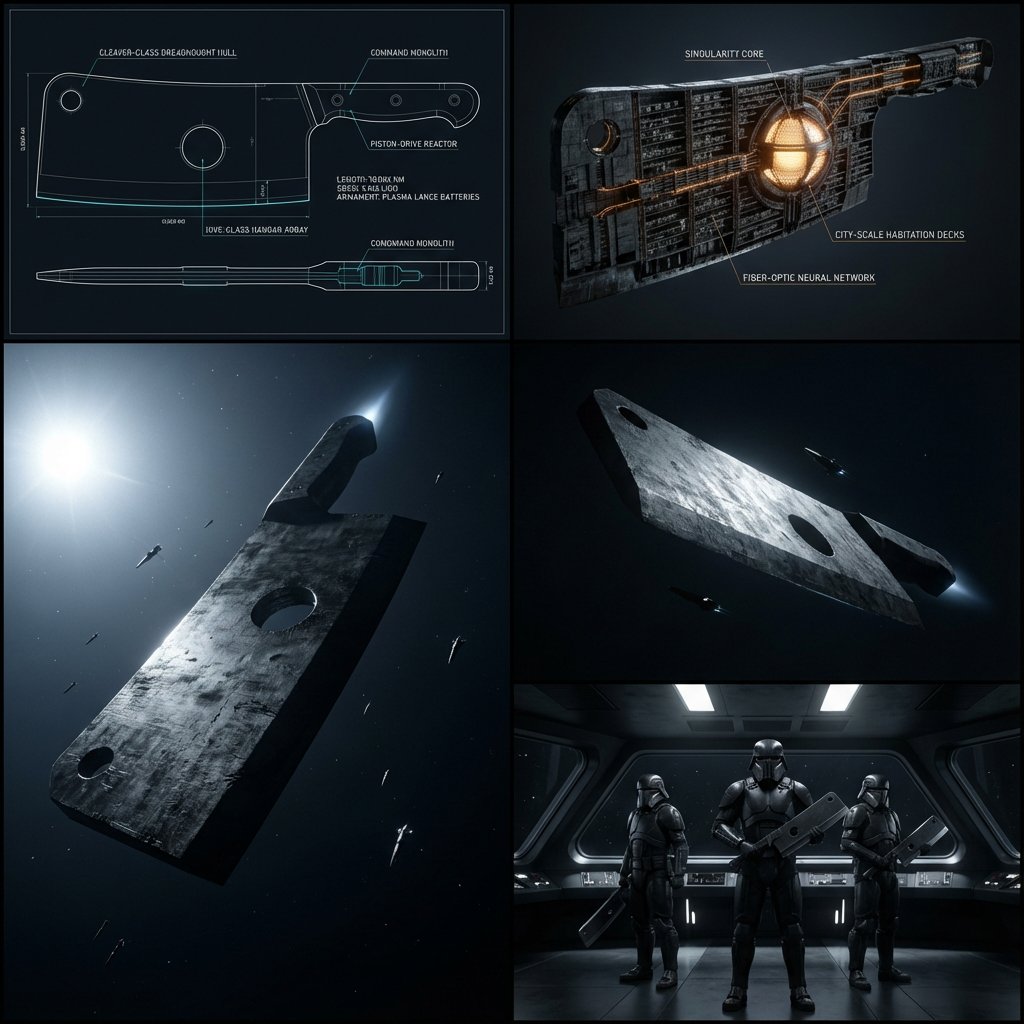
Kitchen Utensil to Interstellar Warship Transformation
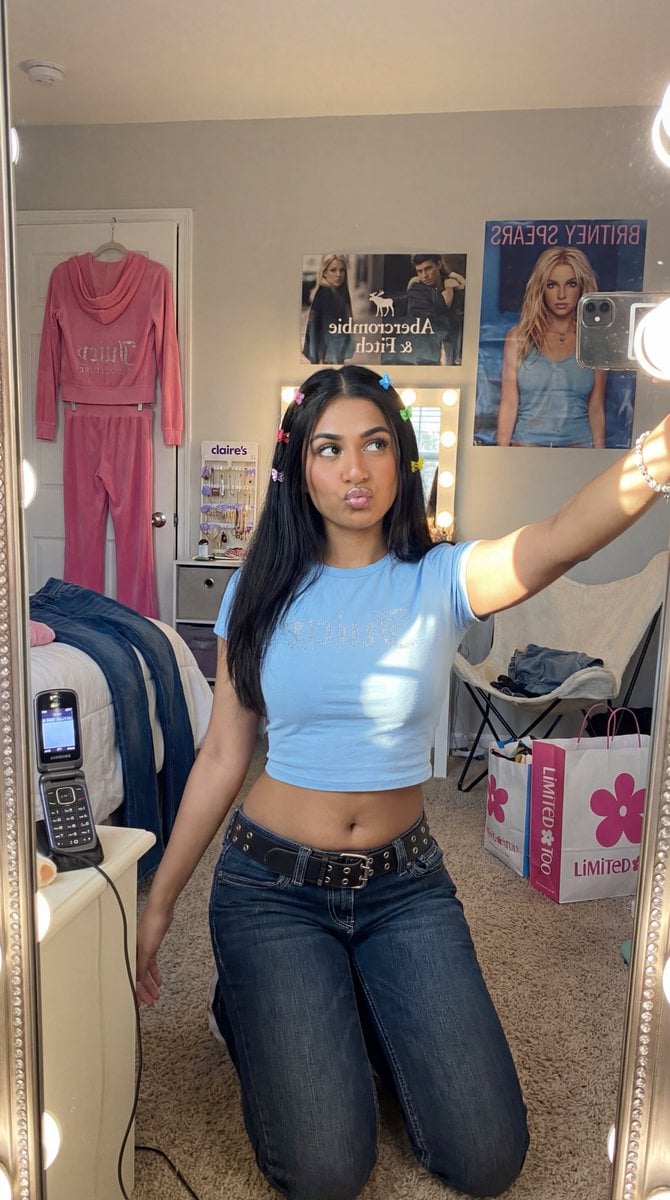
Y2K Diva Mirror Selfie in Mall-Themed Bedroom

Romance Manga Page in a Living Room

Ultra-Photorealistic Jet Ski Vacation Selfie Kiss

Rome Skyline Sunset Cinematic Portrait
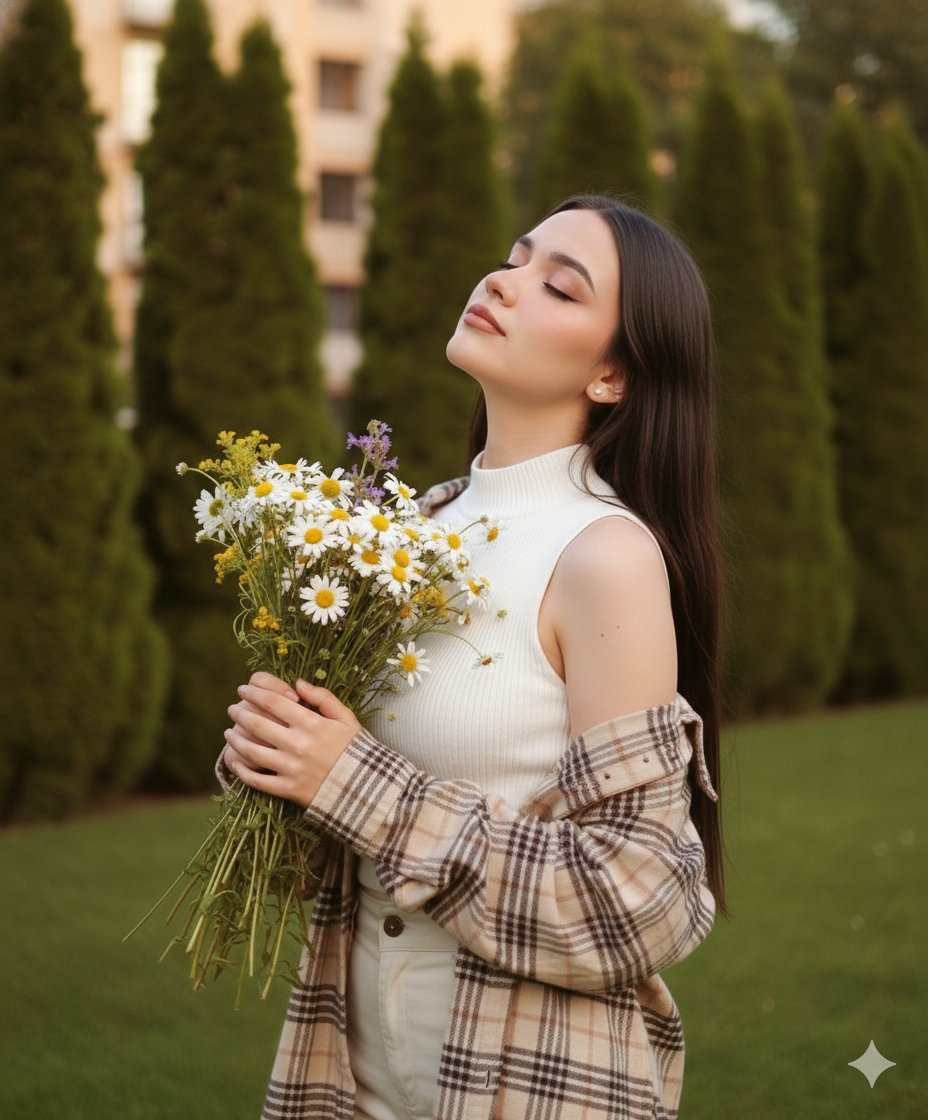
Dreamy Cinematic Portrait with Wild Bouquet in Golden Hour
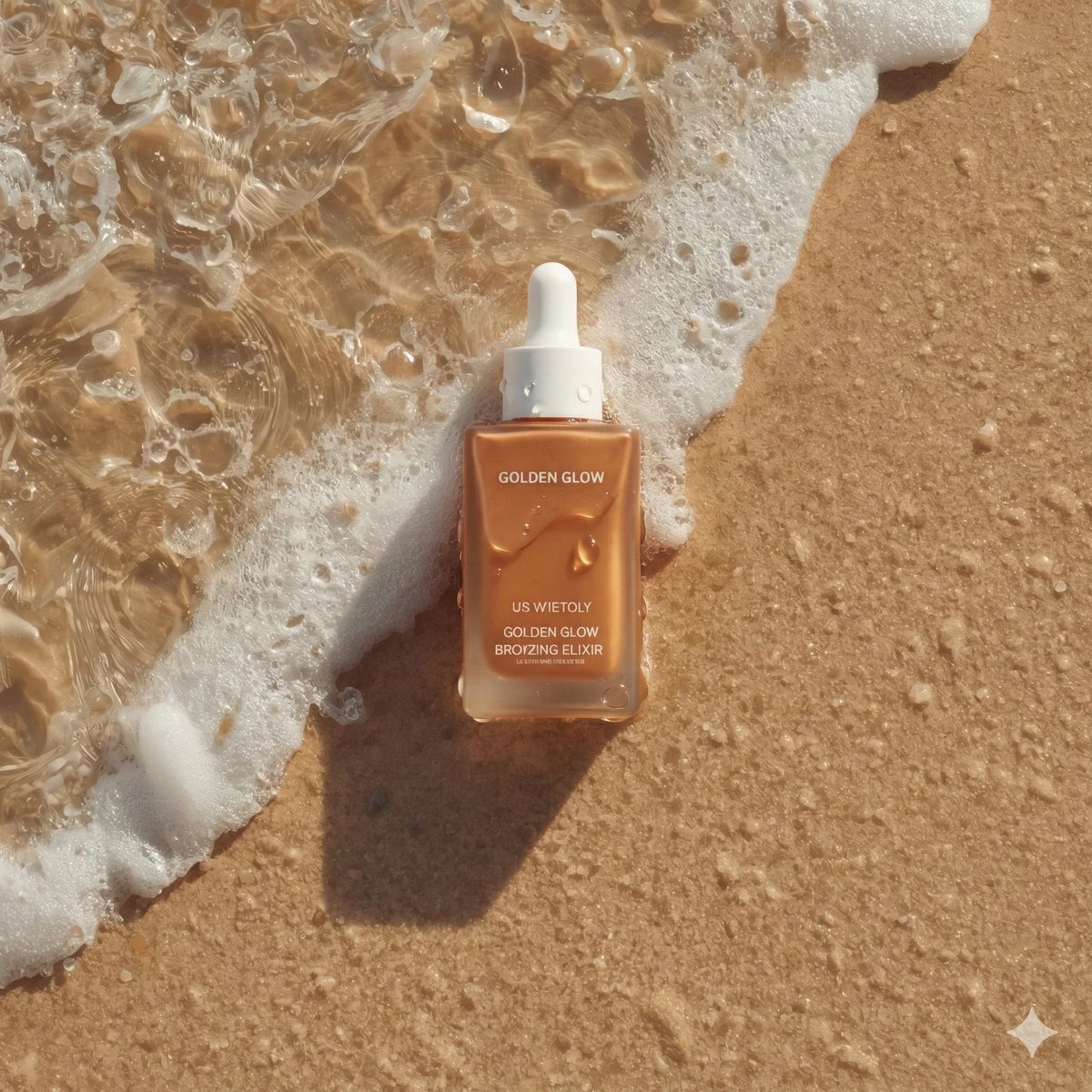
Ultra-Realistic Skincare Product Photography on Wet Beach Sand

Dark, High-Contrast Poster Design Prompt with Amber Lenses
Browse template categories
Female Android Holding Green Planet questions
How do I use the Female Android Holding Green Planet template?
Add your photo if the template asks for one, edit the prompt if you like — the template's model and format are already selected — and press Generate. Your version opens in PicX Studio.
Can I customize the Female Android Holding Green Planet template?
Yes. You can change the subject, setting, lighting, mood, format, and available model controls before creating your image.
Is the Female Android Holding Green Planet template free?
Opening and editing this template is free. Generating uses credits, shown on the Generate button when you are signed in.
Which AI model should I use?
Start with GPT Image 2, which is the model associated with this template. You can compare another compatible model for a different finish.
Looking for something else? Browse all templates.

Your photo, any look
Thousands of ready templates for every top image and video model, from one credit balance.