How do I use the Bold Editorial Cartoon Illustration template?
Choose the primary action to open PicX Studio with the available template settings. Review the model and format, personalize the creative direction, and generate when ready.
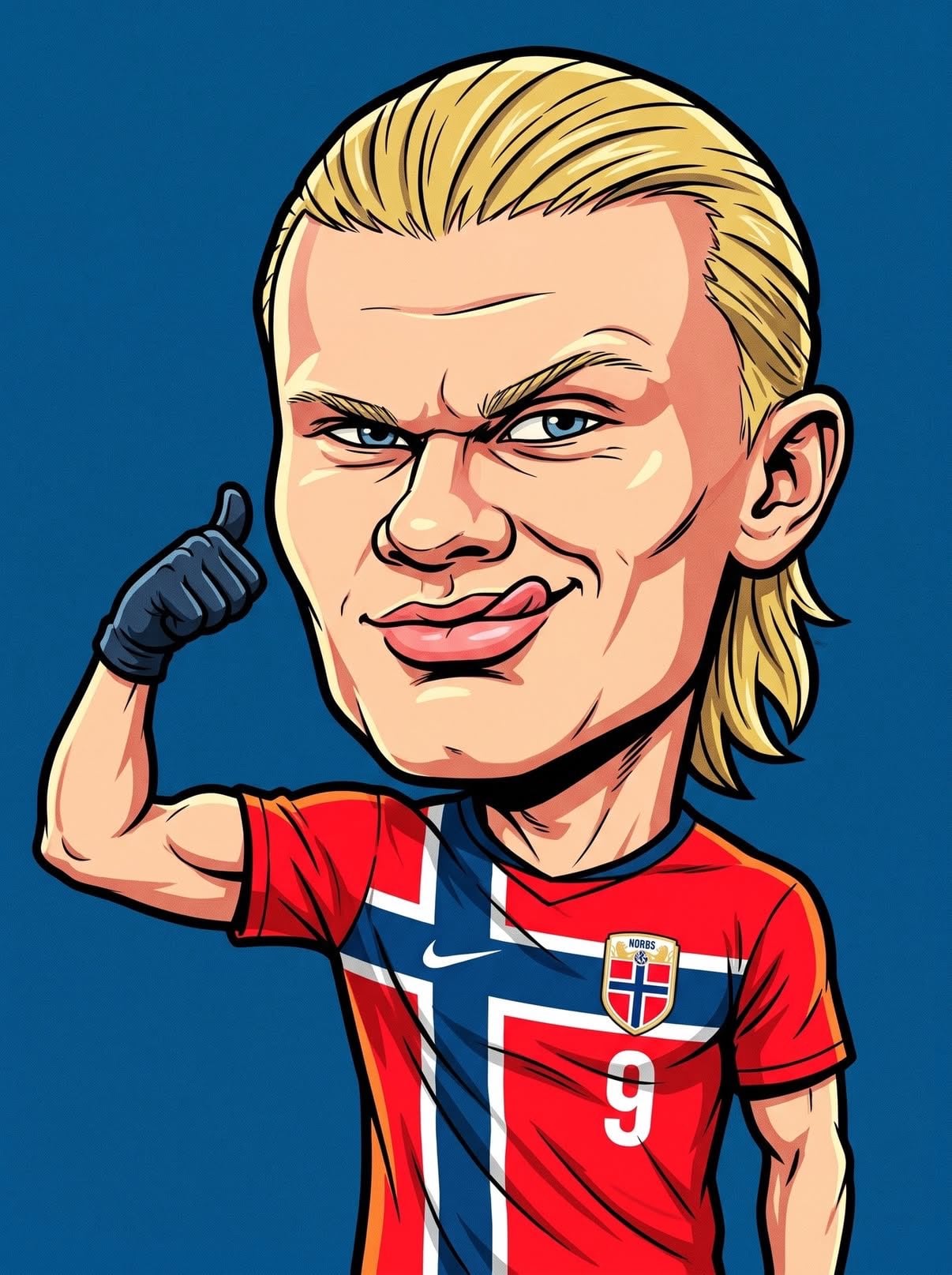
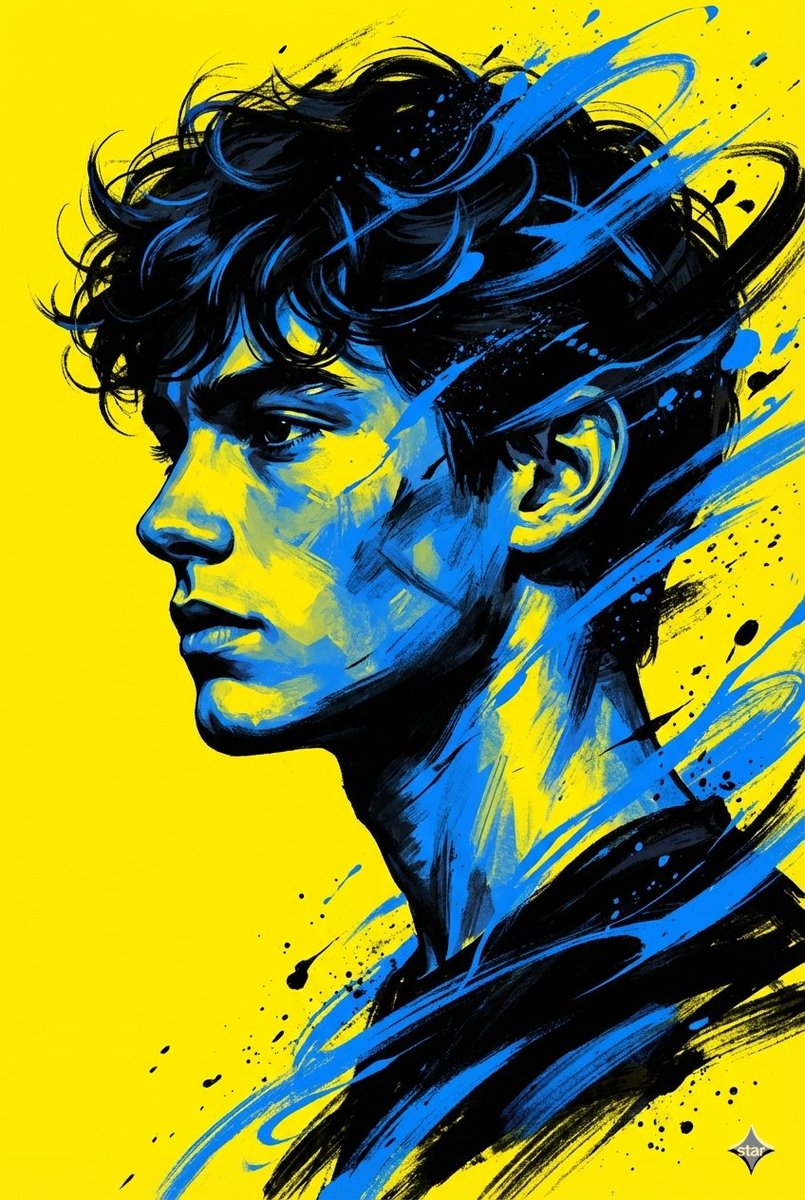
An editorial-style vector prompt that creates humorous illustrations with exaggerated features, vintage print effects, and clean cel shading.
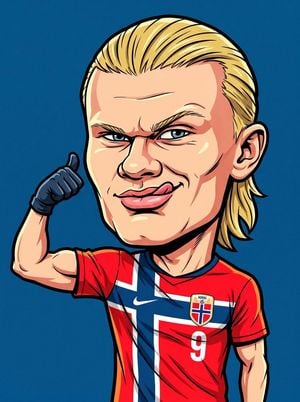
Create a bold editorial cartoon illustration of {argument name="character" default="[MAIN CHARACTER]"} with an oversized {argument name="cartoon head" default="[CARTOON HEAD]"}, showing {argument name="facial expression" default="[FACIAL EXPRESSION]"}. The character wears [OUTFIT], performing [POSE], with [HAND GESTURE]. Draw in a clean vector comic style using thick black outlines, flat colors, cel shading, subtle grain texture, vintage print effect, minimal solid background in [BACKGROUND COLOR], centered composition, exaggerated proportions, humorous editorial illustration, urban pop art aesthetic, vibrant colors, high contrast, ultra sharp details, professional vector artwork, poster quality, 8K.
Choose the primary action to open PicX Studio with the available template settings. Review the model and format, personalize the creative direction, and generate when ready.
Yes. You can change the subject, setting, lighting, mood, format, and available model controls before creating your image.
This template is free to open and customize. Generation usage is shown in PicX Studio before you create.
Start with GPT Image 2, which is the model associated with this template. You can compare another compatible model for a different finish.
Follow a topic to a crawlable collection of related PicX Studio templates.