
A photorealistic fashion upper body shot of wearing
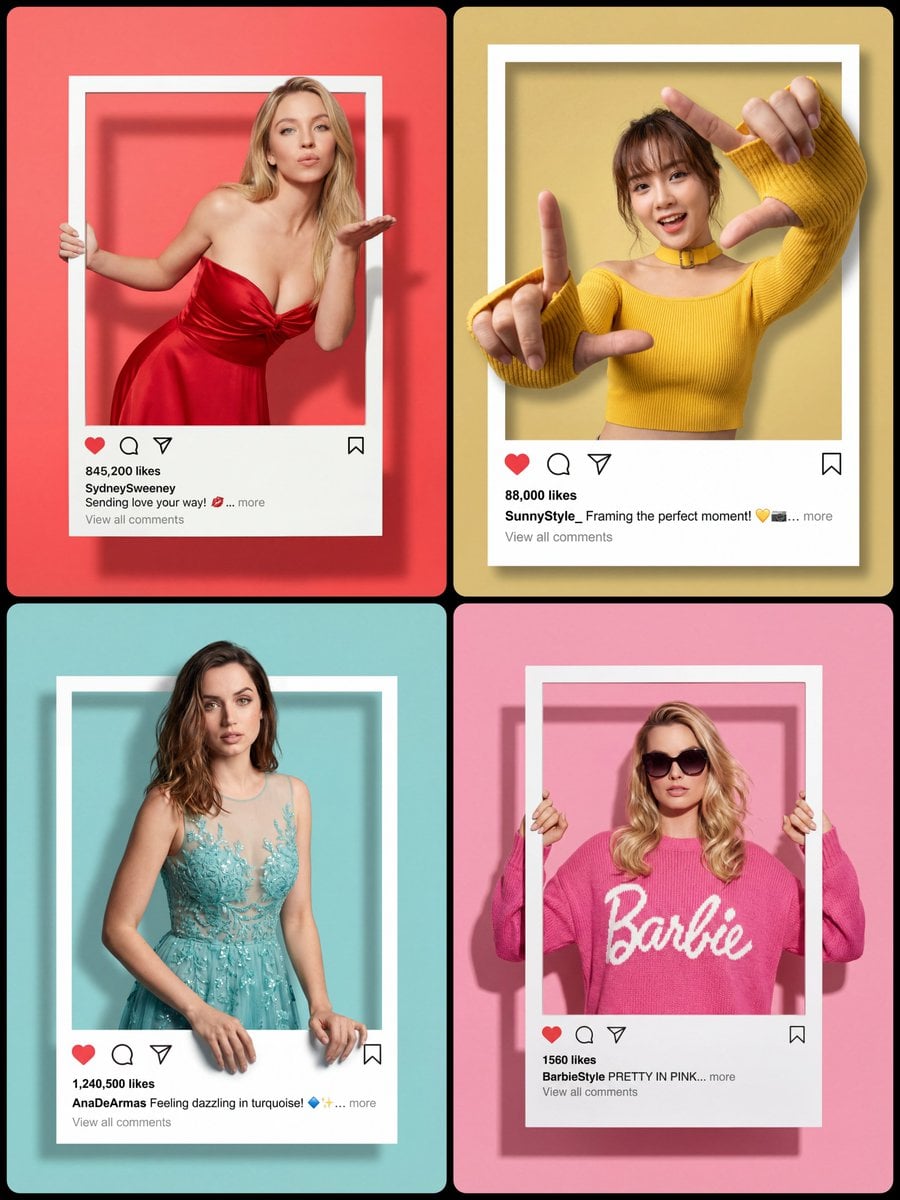
A photorealistic fashion upper body shot of [Character Description and expression] wearing [Detailed Outfit Description].
- Prompt included
- Model and format preset
- Premium template
The prompt behind this image
Copy the exact prompt behind A photorealistic fashion upper body shot of wearing, or open it in the studio and make it yours.
A photorealistic fashion upper body shot of [Character Description and expression] wearing [Detailed Outfit Description]. The subject is framed inside a central white Instagram-style post border. Composition & Spacing: The white frame is perfectly centered in the middle of the image, leaving balanced empty [Soft Background Color matching the outfit] space above and below the frame to match the theme. Frame Details: The top, left, and right white borders are very thin. The bottom white section is thicker to include UI elements. The bottom section features a red heart icon, comment bubble, share icon, and bookmark icon. Text Details: Clearly visible text on the bottom panel: "[Number] likes", username "[Username]", caption "[Caption text]... more", and below that, "View all comments". 3D Pop-Out Effect & Hand Pose: [CHOOSE ONE OF THE FOLLOWING ACTIONS OR DESCRIBE YOUR OWN ACTION:] 1. (Grip): head and arms are physically popping out OVER the top and side thin borders. hands are realistically gripping the outer edges of the thin side borders, appearing to hold the frame firmly. 2. (Kiss): Her body is leaning forward towards the camera, creating a strong sense of depth. Her head remains securely framed WITHIN the top thin white border. Only her right hand, raised near her mouth in a blowing-kiss gesture, physically extends forward and breaks OUT of the thin side frame boundary. Her left hand realistically grips the side edge. 3. (Resting): She is looking directly at the camera with a gentle smile. Her head and shoulders physically pop out OVER the top thin white border. Crucially, her hands are realistically resting comfortably on top of the thicker bottom white UI panel, appearing to lean casually on the frame edge. 4. (Dynamic Frame): Her upper body and head remain secure WITHIN the boundaries of the white frame. However, both of her arms are fully extended outward dynamically, breaking past the thin borders up to her elbows, reaching straight toward the camera lens. She forms a distinct “L” shape with both hands, as if framing a scene. Due to perspective, her hands are positioned significantly closer to the camera than her face, showing strong spatial depth. Subject Dimensionality & Texture: The subject must look like a solid, three-dimensional figure, not flat. Emphasize the detailed texture of the [Specific Fabric Name from outfit description], the contours of the face, and realistic hair details. She should have distinct depth separating her from the flat [Background Color] background. Lighting & Shadows: Professional studio lighting creating soft, realistic drop shadows cast by the physical frame and, crucially, by the [popping-out elements, e.g., hands/head/arms] onto the solid flat [Background Color] background, enhancing the dramatic depth and illusion. High definition, commercial photography.
How to use A photorealistic fashion upper body shot of wearing in 3 steps
- 1
Open
The prompt is already in the box next to the preview, with the template's model and format selected.
- 2…a portrait of your subject in softgolden-hour light, 85mm…
Personalize
Edit the subject and creative details for your destination.
- 3Generate
Generate
Press Generate — your image is created in PicX Studio, so you can compare it with the original and refine one variable at a time.
More like this
Templates with the same subject, style or setup. Open one to see its prompt.
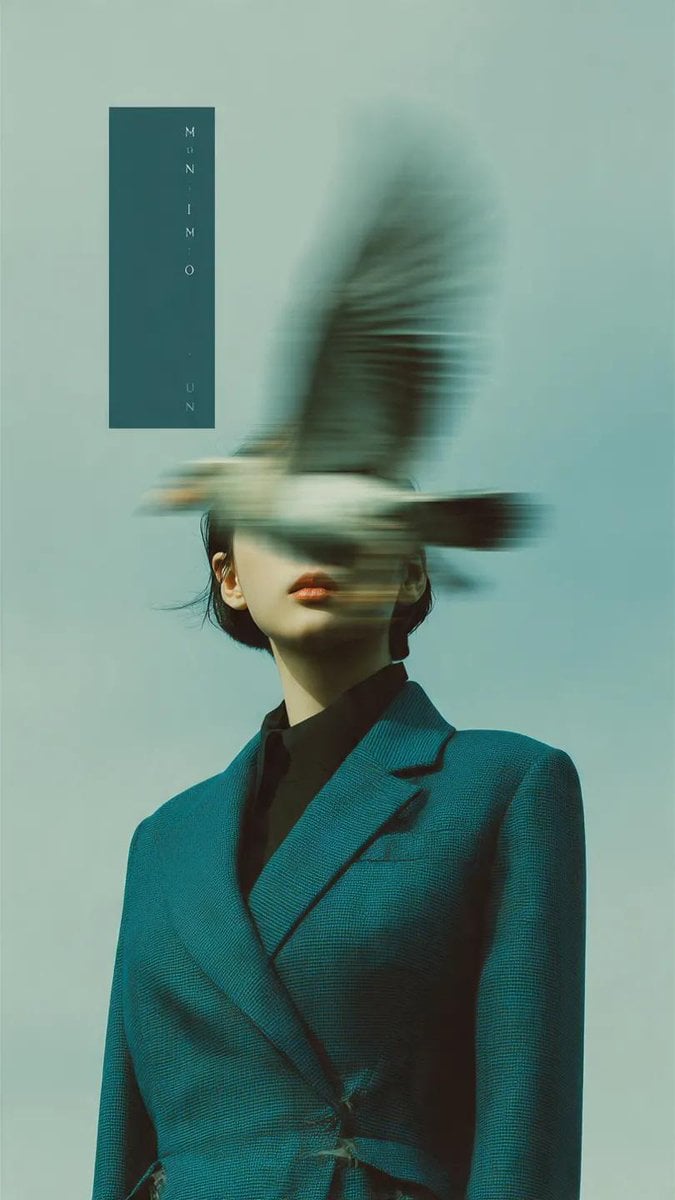
Editorial photography, a woman wearing a structured deep teal blazer
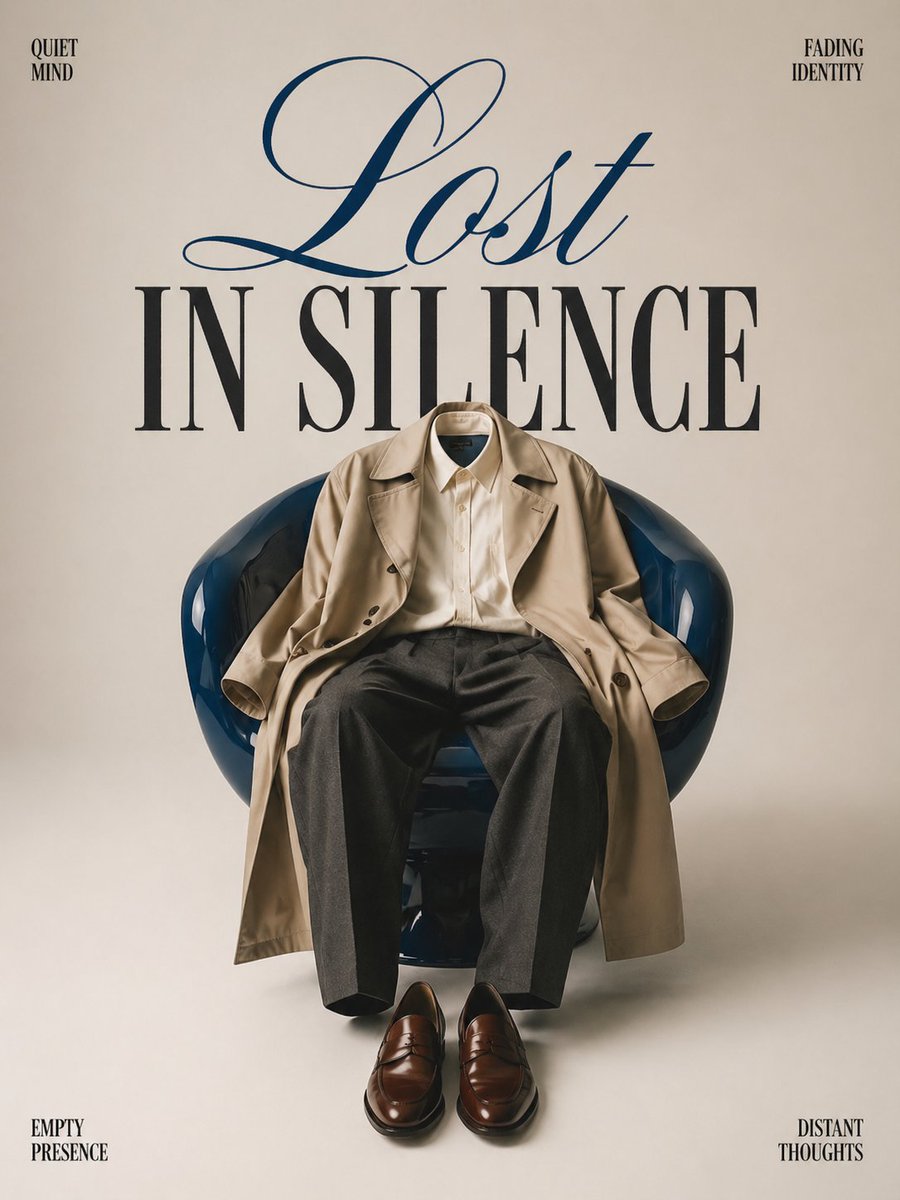
Minimalist conceptual fashion editorial poster, studio shot on a clean
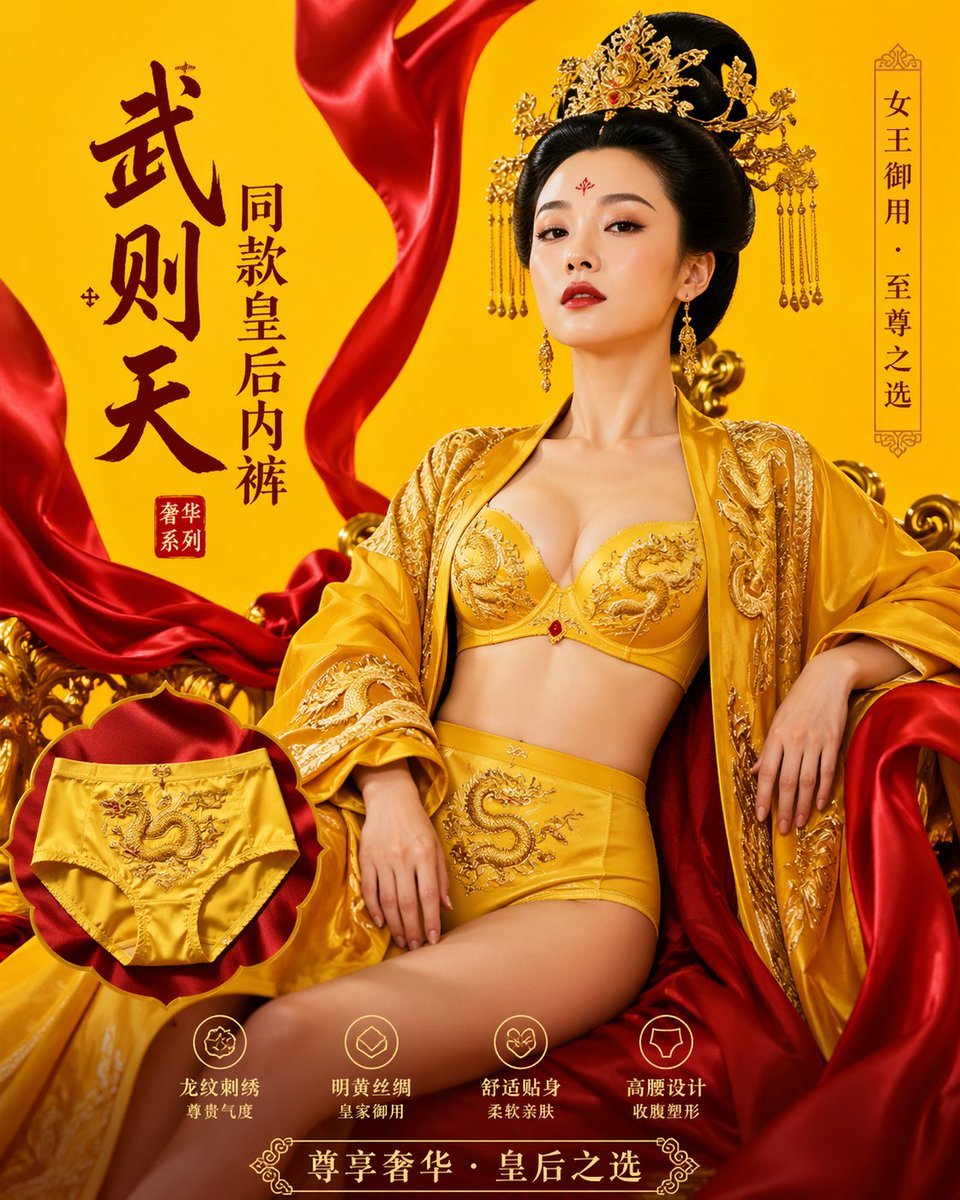
武则天同款皇后内衣广告大片,明黄底色龙纹刺绣,大红丝绸飘带衬托
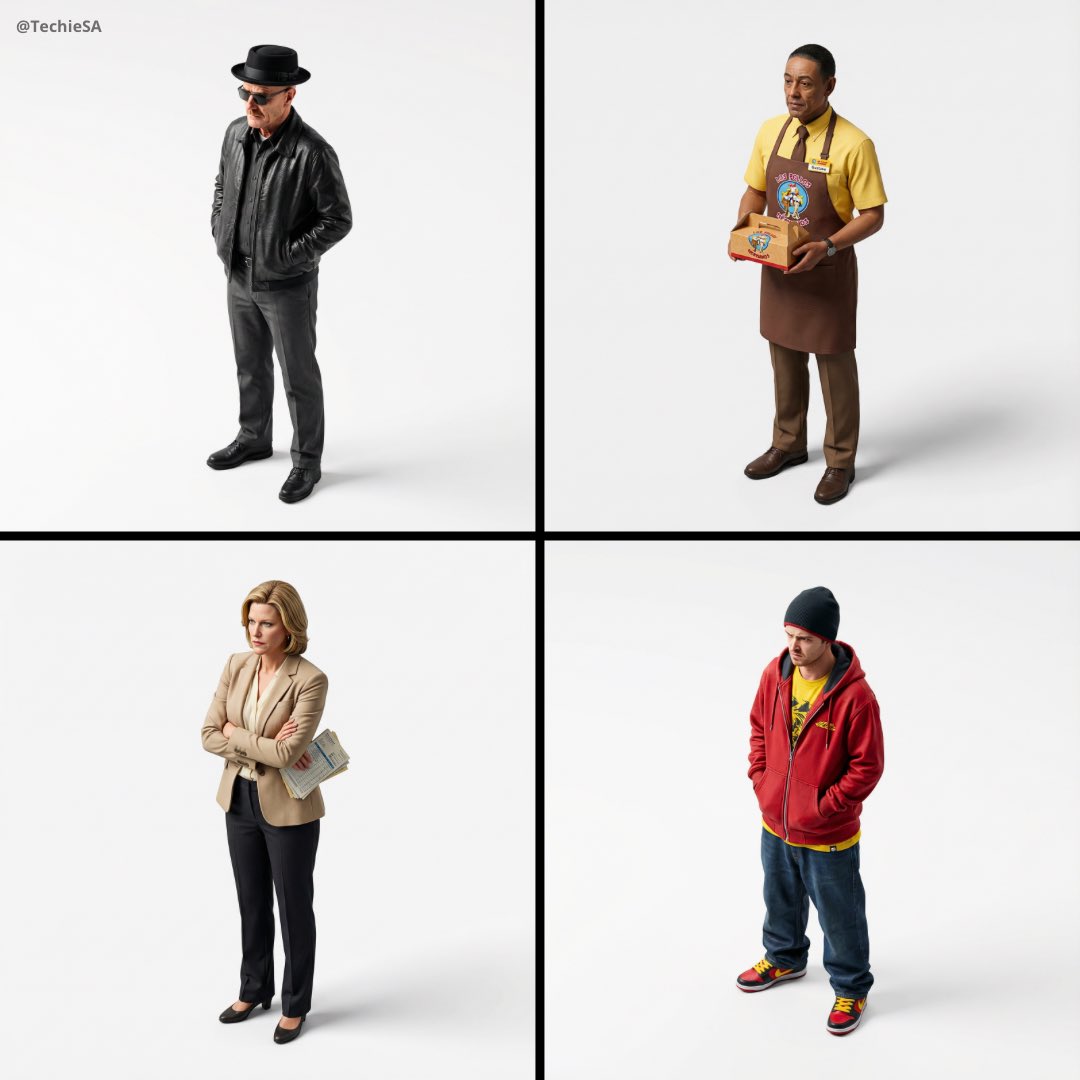
Miniature, full-body, isometric, ultra-realistic figurine wearing their
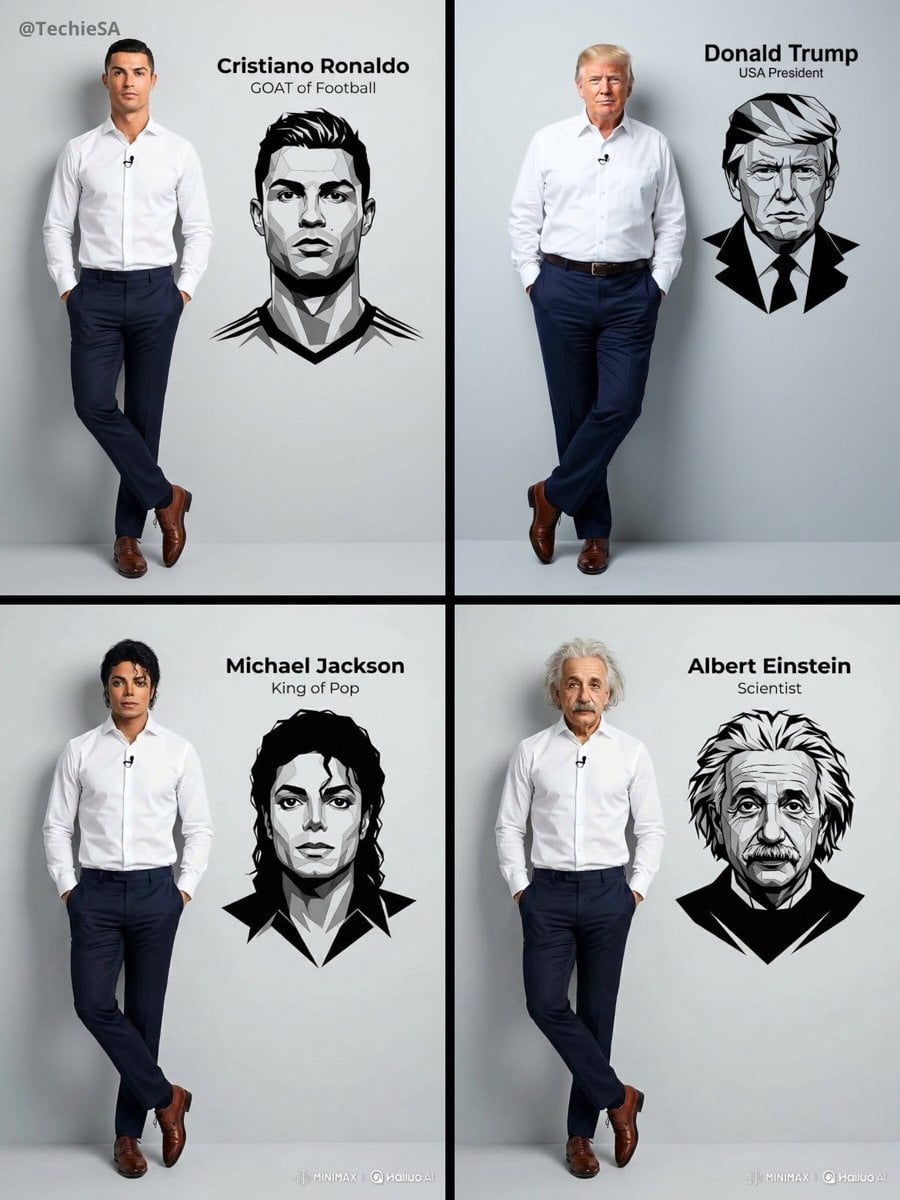
Ultra-realistic 8K full body portrait wearing a clean and pressed white
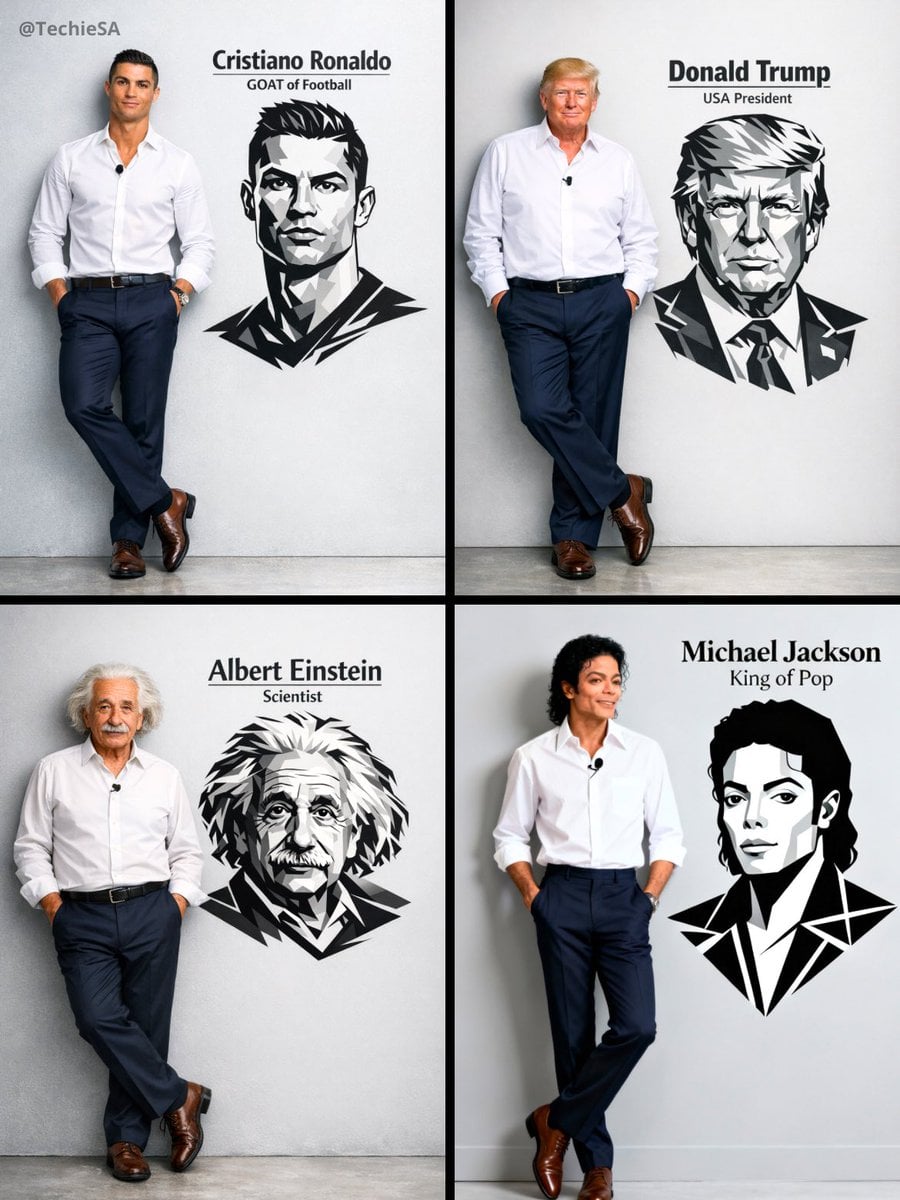
Ultra-realistic 8K full body portrait wearing a clean and pressed white
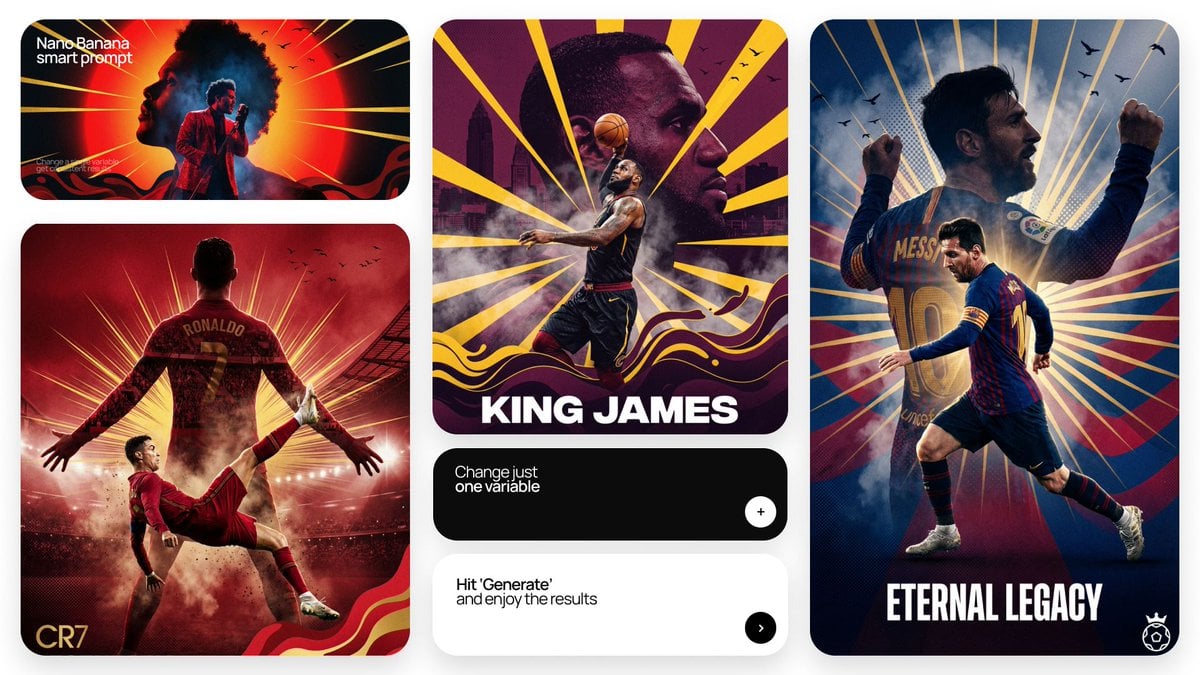
Act as a Senior Art Director

Multiple dark purple berries erupting from inside the can
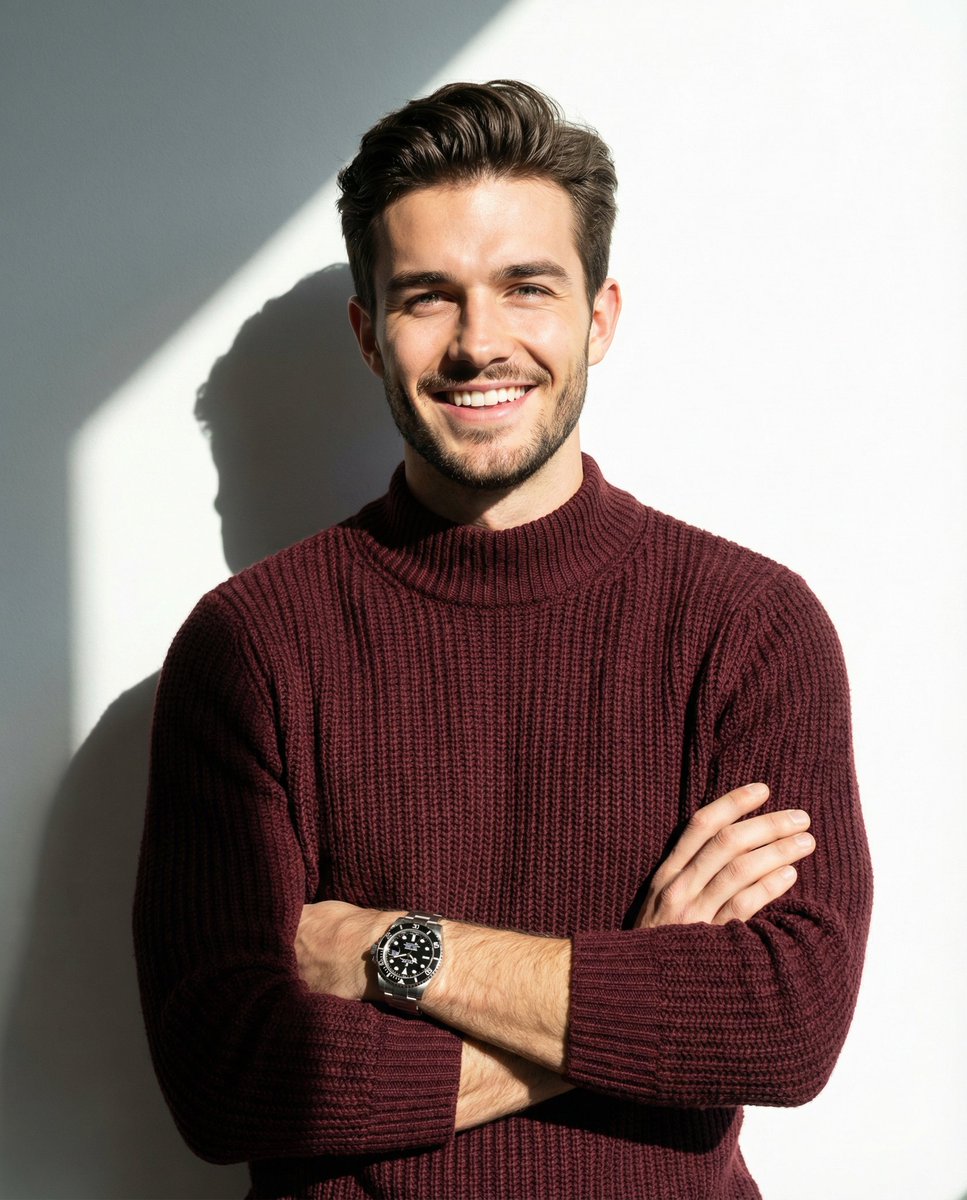
A man smiling and posing with his arms crossed, wearing a maroon knitted
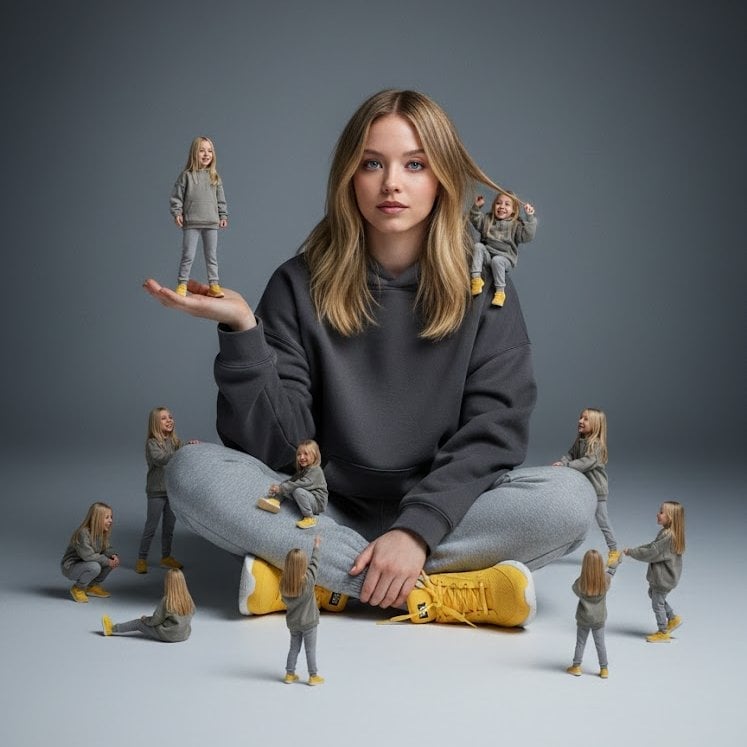
A creative surreal image of a woman sitting on the ground, wearing
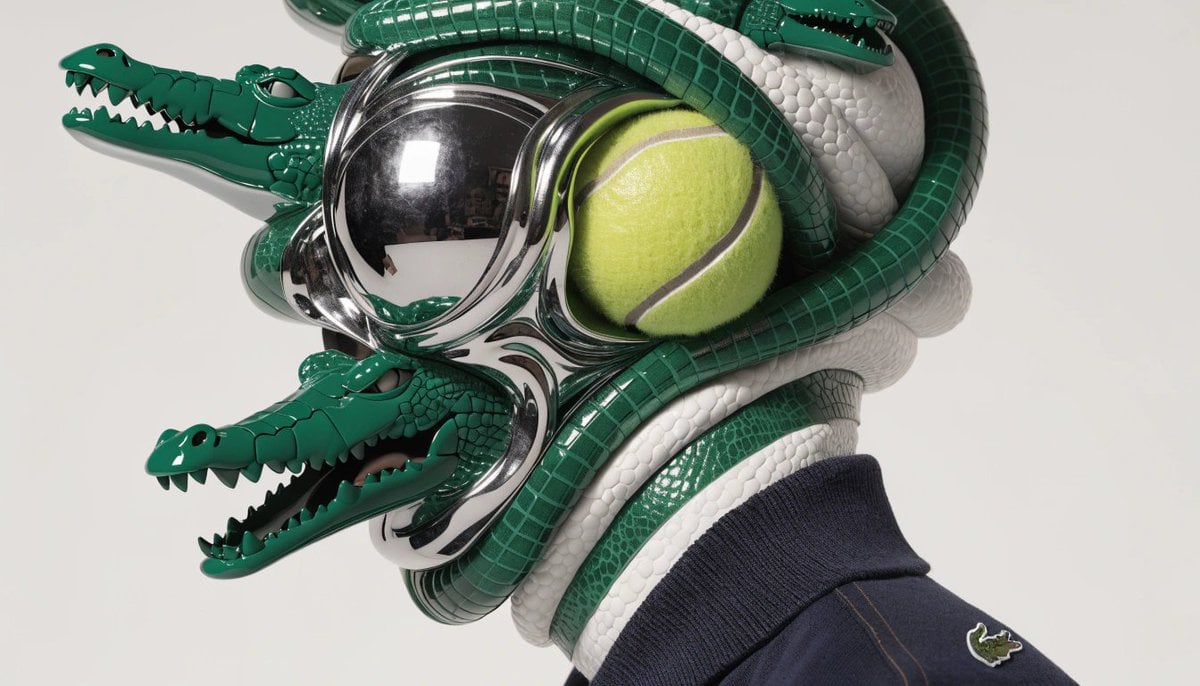
A hyperrealistic editorial photo of a figure wearing a unique helmet
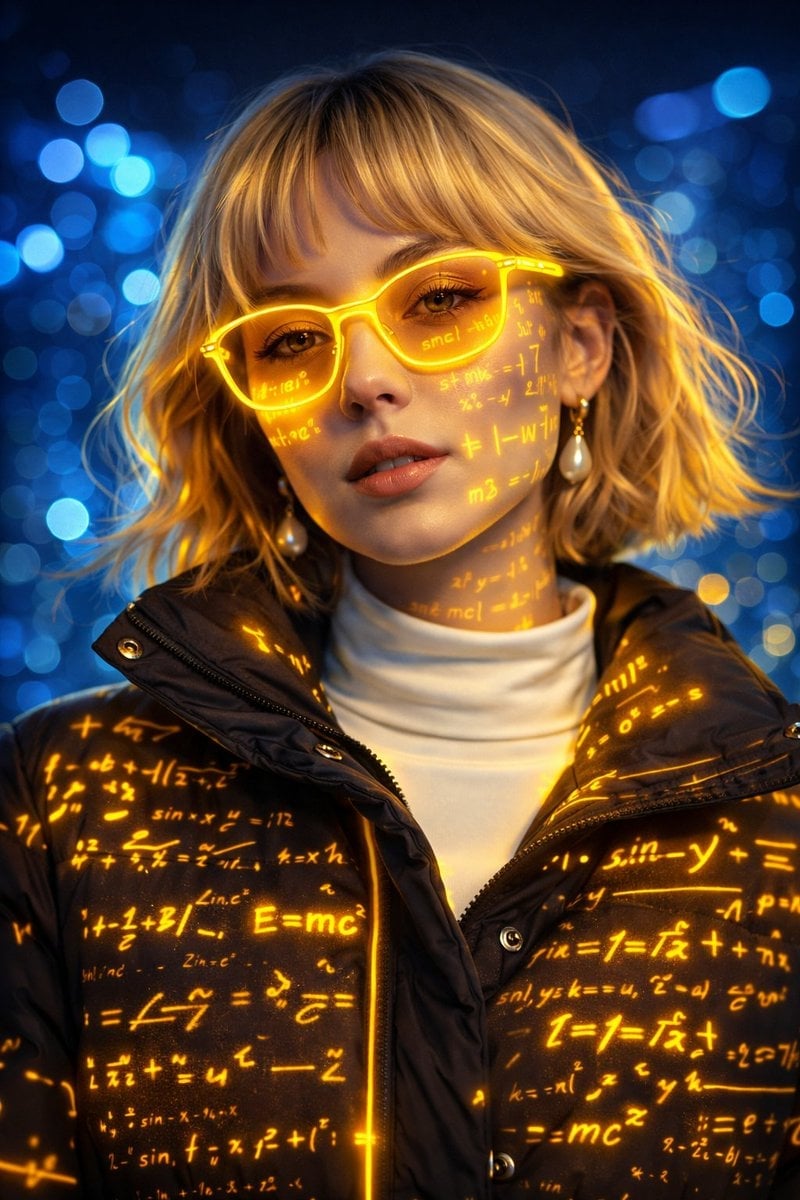
A futuristic cyber-aesthetic portrait of a young woman wearing glowing
Make it yours
A photorealistic fashion upper body shot of wearing works as-is. These are the safest ways to change it without losing the look.
Change one field
Copy a single group, rewrite it, and generate again so you can see what that field is doing.
Keep the frame, change the subject
Hold the composition and light of A photorealistic fashion upper body shot of wearing, then swap wardrobe, props or the person for a new take.
| If the result… | Why | Fix |
|---|---|---|
| The result drifts from the preview | Too many fields changed at once. | Reuse A photorealistic fashion upper body shot of wearing as-is first, then change one group — subject, light, or setting. |
| The model over-stylizes the scene | The prose prompt leaves finish and camera underspecified. | Add one camera or lighting sentence and stay on Nano Banana 2. |
More Nano Banana 2 templates
Other prompts made for Nano Banana 2.

Photorealistic Leaf Shaped Like a Dragon

K-Pop Idol Portrait Grid for Rapid Selection

Poetic Rain Forest Portrait During Golden Hour

Urban Street Portrait with Cartoon Inner Self Duo

Candid Nighttime Photo with Cat Prompt

High-Concept 3D Diorama Generation Prompt

Cinematic Futuristic Studio Portrait Template

Skincare Editorial Photography Collage Prompt

Hyper-Realistic Commercial Product Photography (Splash Effect)

Hyper-Realistic Nightclub Portrait Prompt
More image prompts
Fresh picks from across the catalog.

Nano Banana Pro brand hero image plus prompt pack link
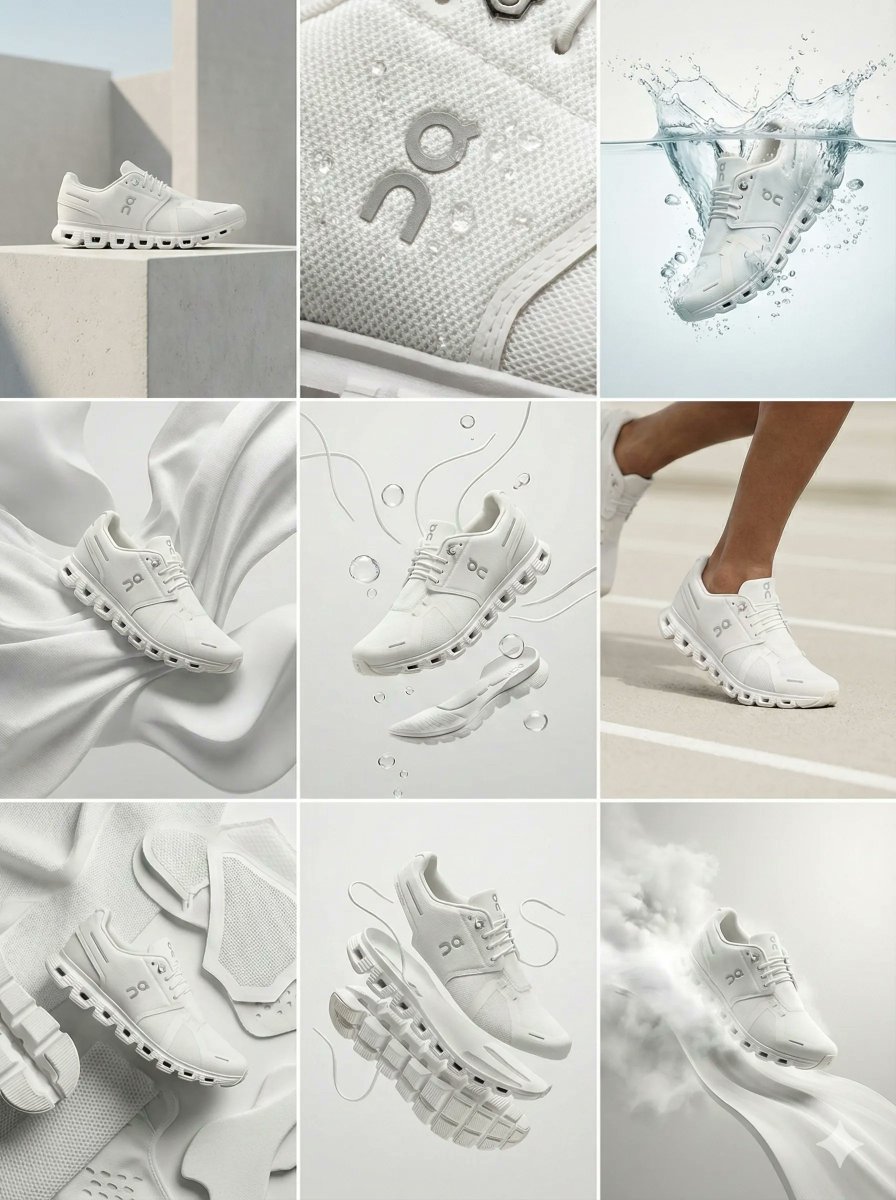
Nano Banana Pro Ad Generation Template
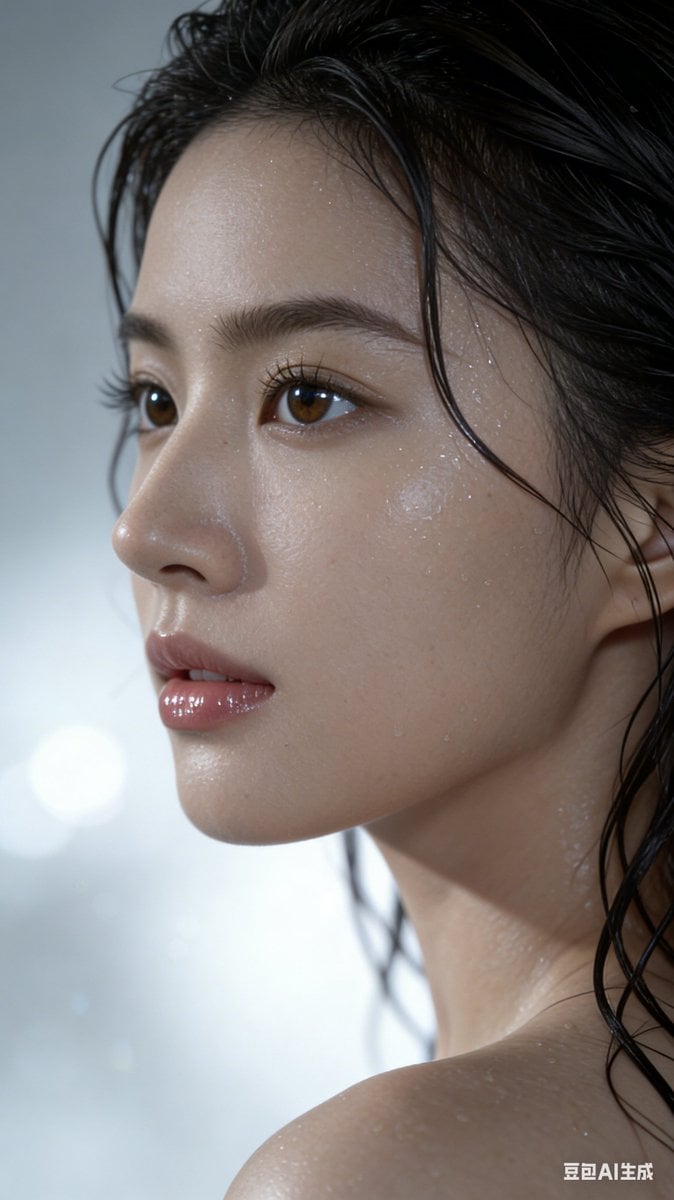
Hyper-Realistic Wet Look Portrait
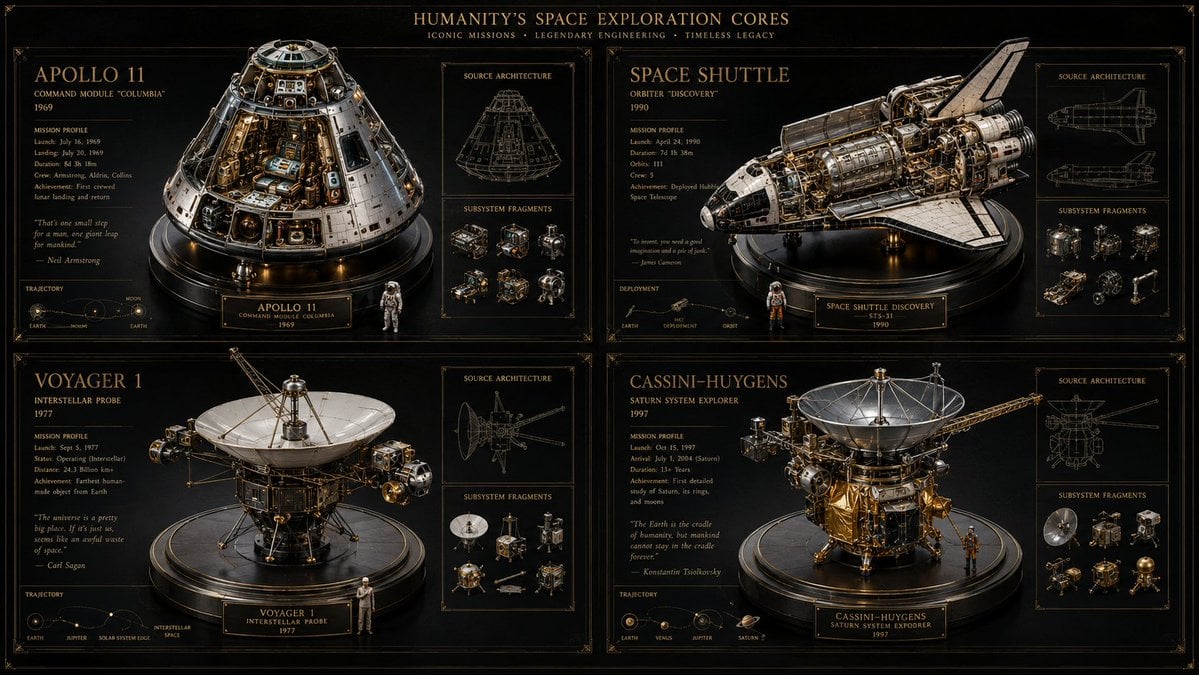
Space Mission Technical Artifacts
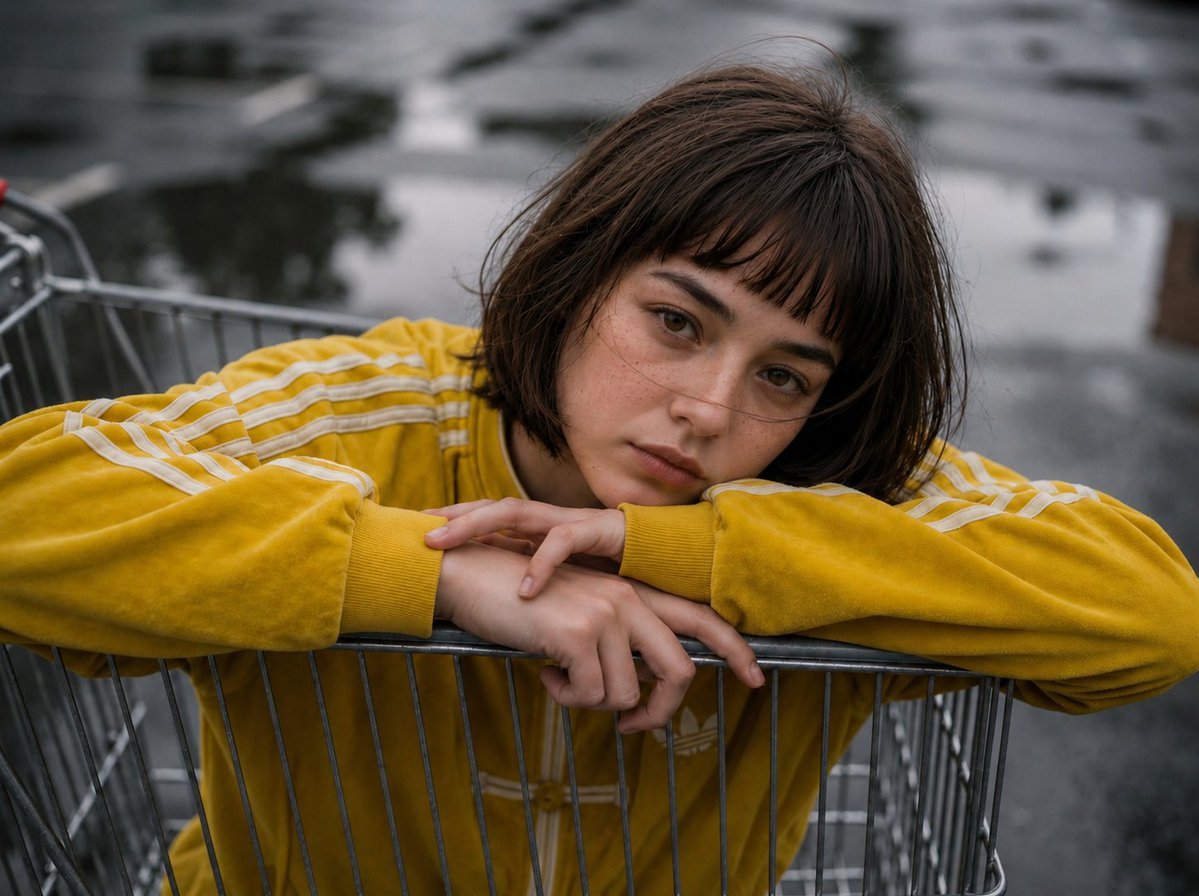
Retro Urban Fashion Portrait
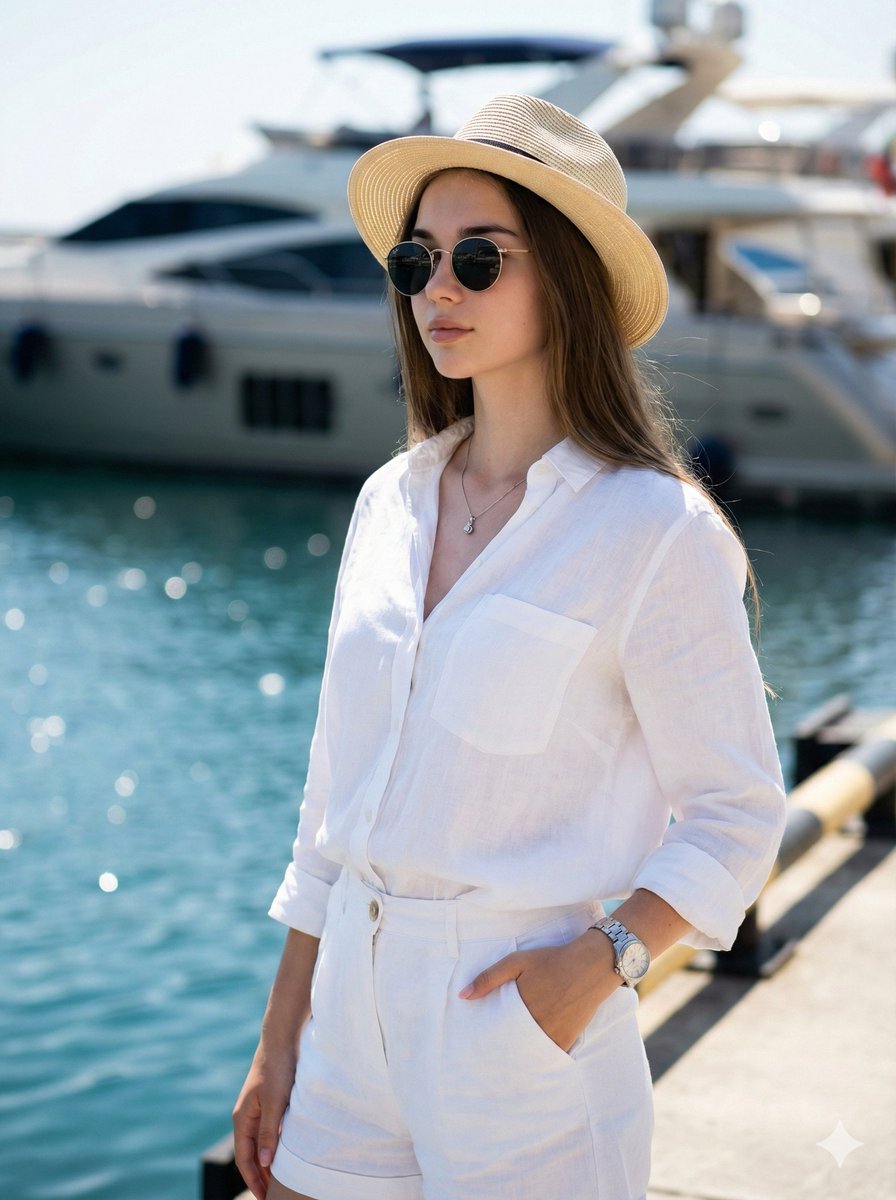
High-Fashion Marina Editorial Prompt with Strict Identity Lock
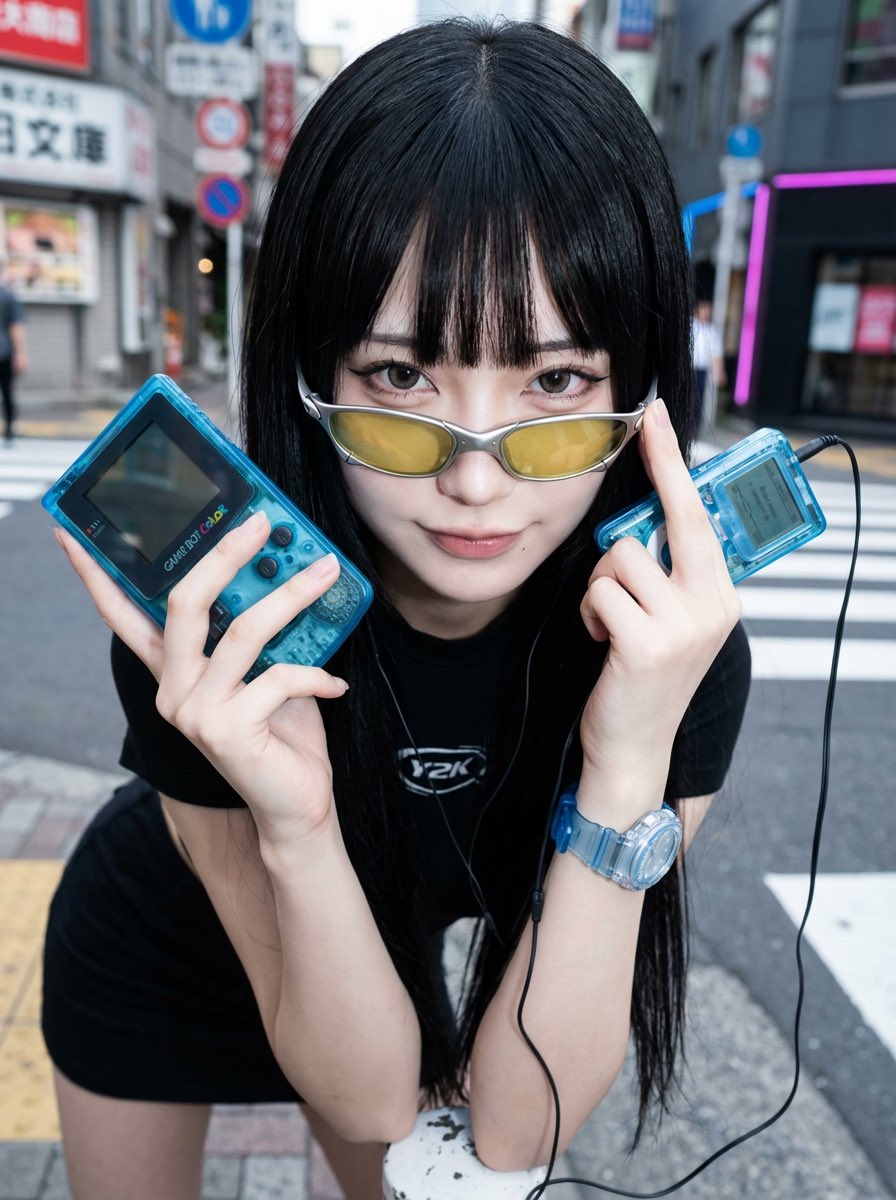
Y2K Fashion Influencer Character Generation Prompt
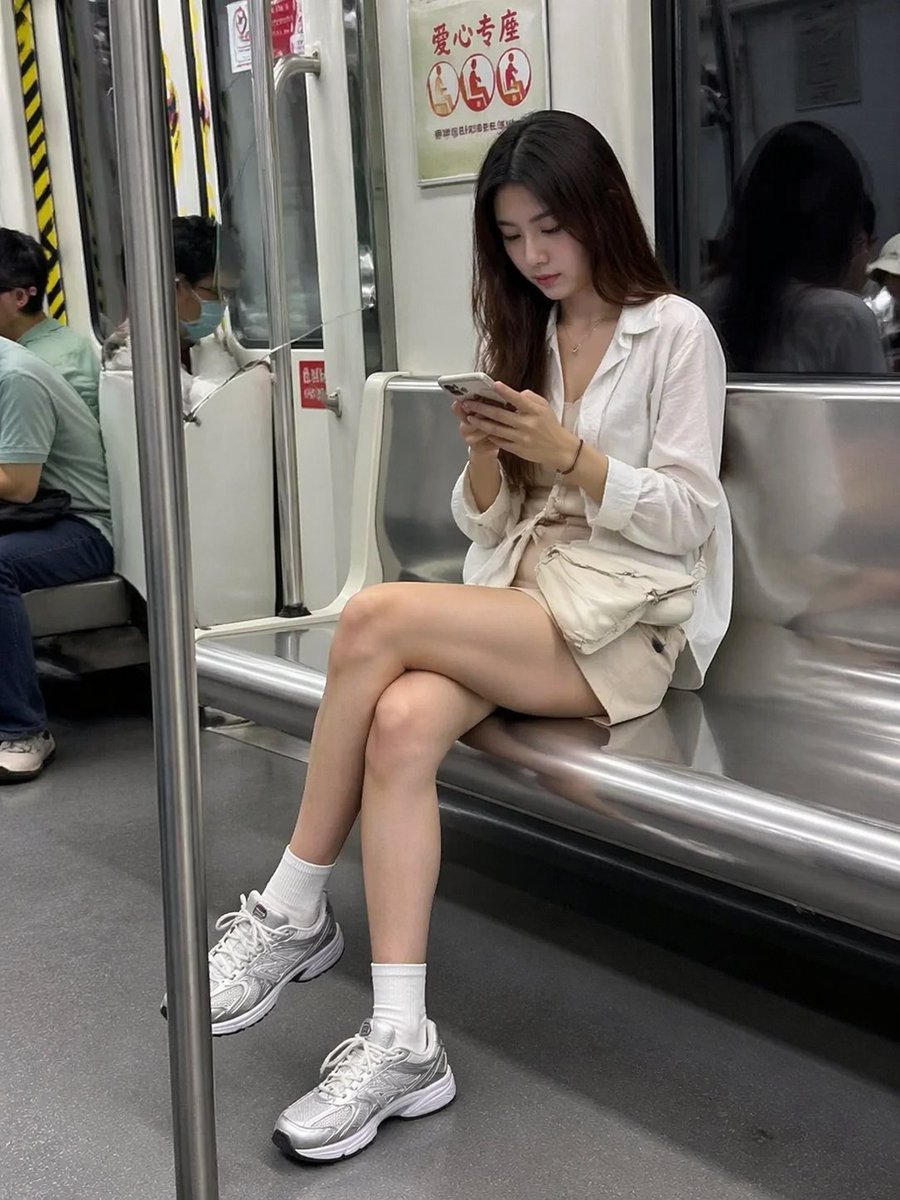
Candid Subway Photography Style
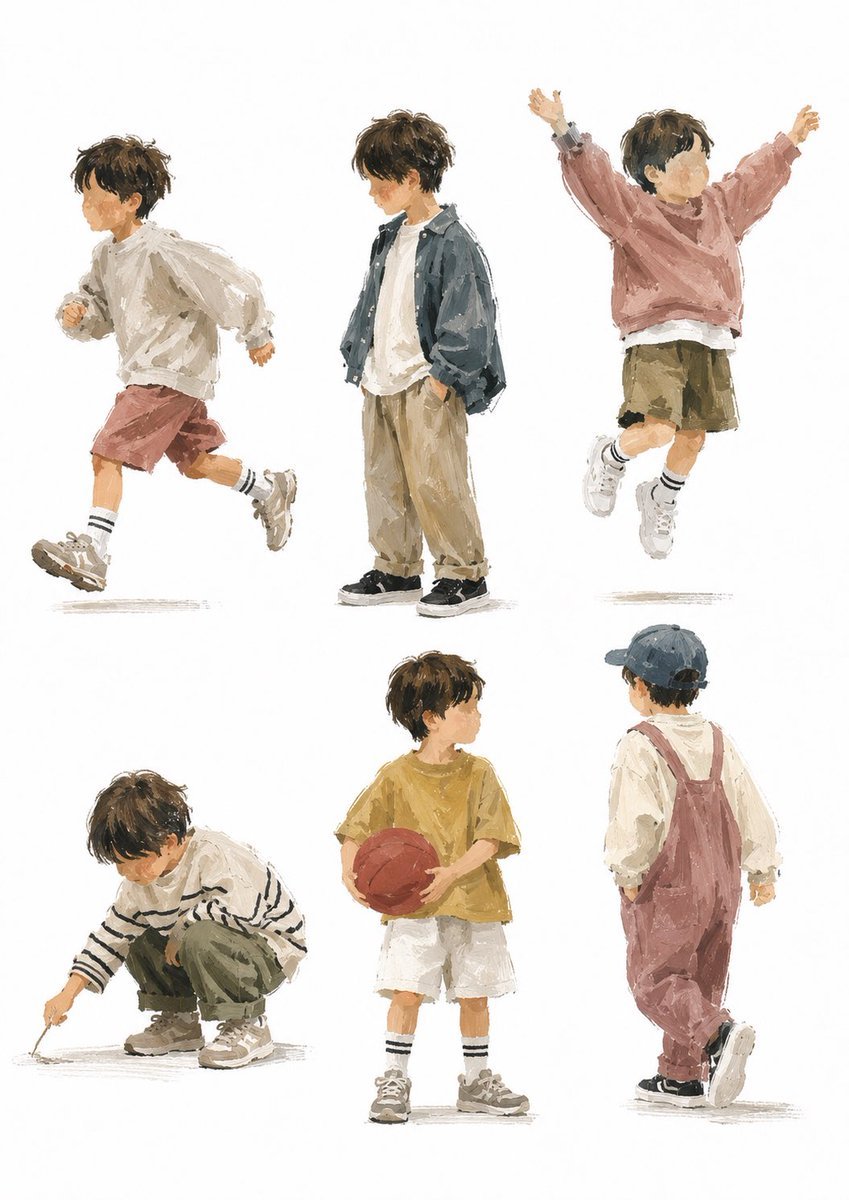
Painterly Boy Fashion Character Sheet
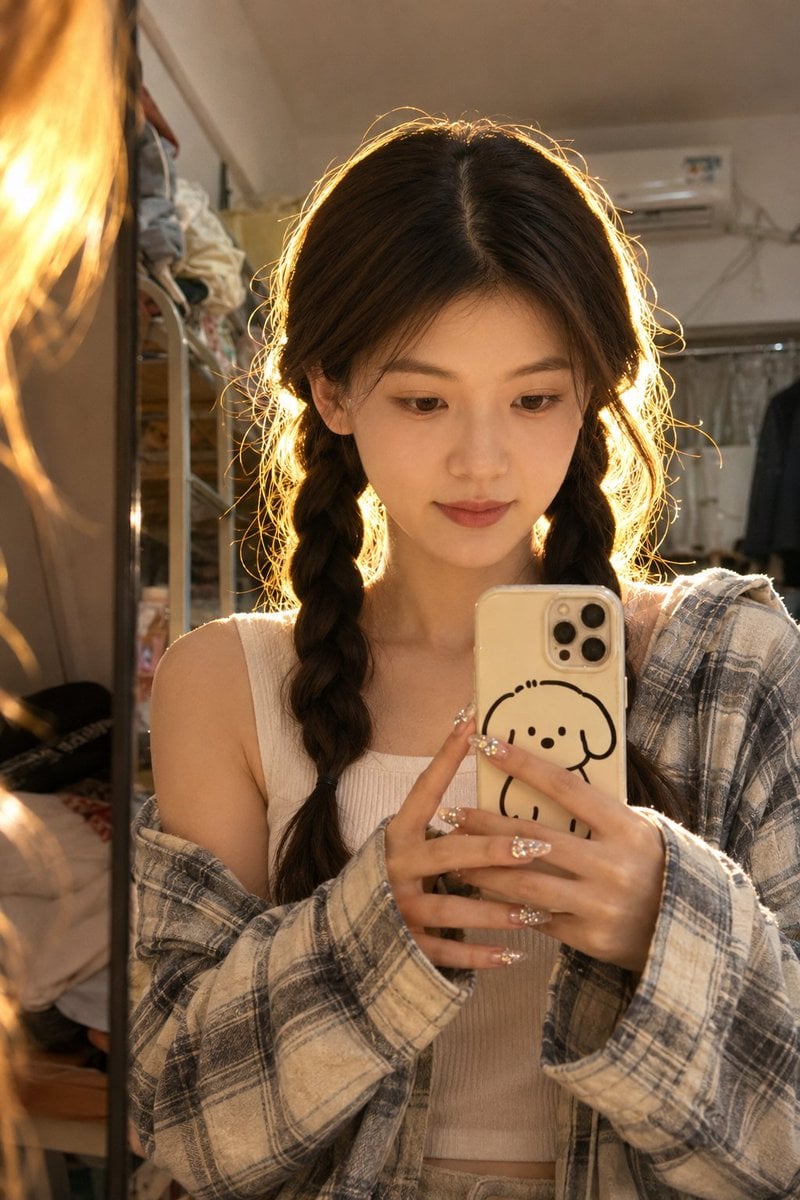
Dorm Mirror Selfie Identity Reference
Browse template categories
A photorealistic fashion upper body shot of wearing questions
How do I use the A photorealistic fashion upper body shot of wearing template?
Add your photo if the template asks for one, edit the prompt if you like — the template's model and format are already selected — and press Generate. Your version opens in PicX Studio.
Can I customize the A photorealistic fashion upper body shot of wearing template?
Yes. You can change the subject, setting, lighting, mood, format, and available model controls before creating your image.
Is the A photorealistic fashion upper body shot of wearing template free?
Opening and editing this template is free. Generating uses credits, shown on the Generate button when you are signed in.
Which AI model should I use?
Start with Nano Banana 2, which is the model associated with this template. You can compare another compatible model for a different finish.
Looking for something else? Browse all templates.

Your photo, any look
Thousands of ready templates for every top image and video model, from one credit balance.