
A high-end editorial lookbook image with a UI overlay layer
[BRAND NAME].
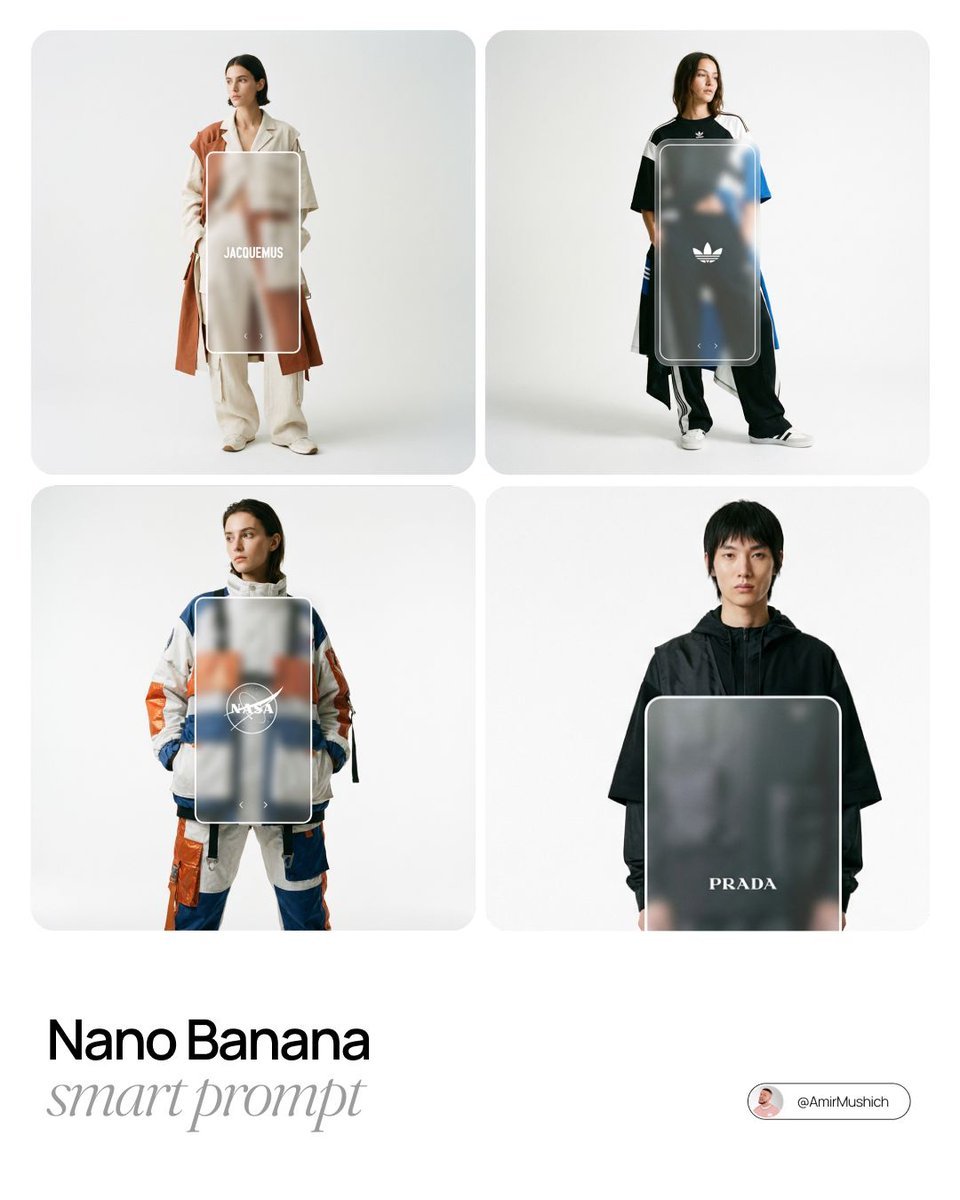
- Prompt included
- Model and format preset
- Premium template
The prompt behind this image
Copy the exact prompt behind A high-end editorial lookbook image with a UI overlay layer, or open it in the studio and make it yours.
[BRAND NAME]. Act as a Creative Director and Fashion Photographer creating a high-end editorial lookbook image with a UI overlay layer. 1. THE SUBJECT (AVANT-GARDE STREETWEAR & NATURAL POSE): A fashion model stands centrally in a clean studio. Fashion Style: The outfit is a striking, conceptual "Modern Avant-Garde Streetwear" look that interprets the aesthetic and color palette of [BRAND NAME]. Think high-fashion meets street culture: experimental silhouettes, deconstructed layering, oversized proportions, unique material combinations, and bold details. It should feel innovative and editorial, but still grounded in streetwear, avoiding basic casual clothes. Pose: The model adopts a natural, relaxed, and effortless editorial pose (e.g., hands casually in pockets, a slight lean, looking off-camera or gently at the camera). Absolutely NO robotic, stiff, or "T-pose" stances. 2. THE UI OVERLAY (FROSTED GLASS RECTANGLE): Superimposed directly in front of the model's torso is a large, vertical Floating UI Element. Shape & Outline: A simple vertical rectangle with rounded corners, framed by a clean 2px solid White Stroke. Material (Glassmorphism): The interior of this rectangle is "Frosted Glass". The part of the model's outfit behind this glass must be heavily blurred (high Gaussian Blur), creating a translucent depth effect, while the rest of the model remains razor-sharp. 3. UI CONTENT (MINIMALIST & SMALL): Inside the frosted glass pane, place two elements in pure Monochrome White: Center: The official [BRAND NAME] logo, perfectly centered. Below Logo: Positioned significantly higher than the bottom edge, place two VERY SMALL, minimalist white navigation arrows (one pointing Left "<", one pointing Right ">"). They should be subtle and approximately 50% smaller than standard UI icons. 4. PHOTOGRAPHY STYLE & COMPOSITION (STRICT FRAMING): Style: High-End Editorial Fashion Photography. Real film grain, sophisticated soft studio lighting that emphasizes fabric textures. It must look like a real photograph, not a CGI render. Background: Infinite, pure White Studio Cyclorama. Framing (STRICT CONSTRAINT): The shot is a Wide Full-Body Photograph. The entire model (from top of head to bottom of feet) AND the entire UI overlay must be COMPLETELY CONTAINED within the image boundaries. There must be absolutely ZERO CROPPING of the subject or UI. There must be a very large, generous amount of empty negative space ("air") surrounding the subject on all four sides.
How to use A high-end editorial lookbook image with a UI overlay layer in 3 steps
- 1
Open
The prompt is already in the box next to the preview, with the template's model and format selected.
- 2…a portrait of your subject in softgolden-hour light, 85mm…
Personalize
Edit the subject and creative details for your destination.
- 3Generate
Generate
Press Generate — your image is created in PicX Studio, so you can compare it with the original and refine one variable at a time.
More like this
Templates with the same subject, style or setup. Open one to see its prompt.
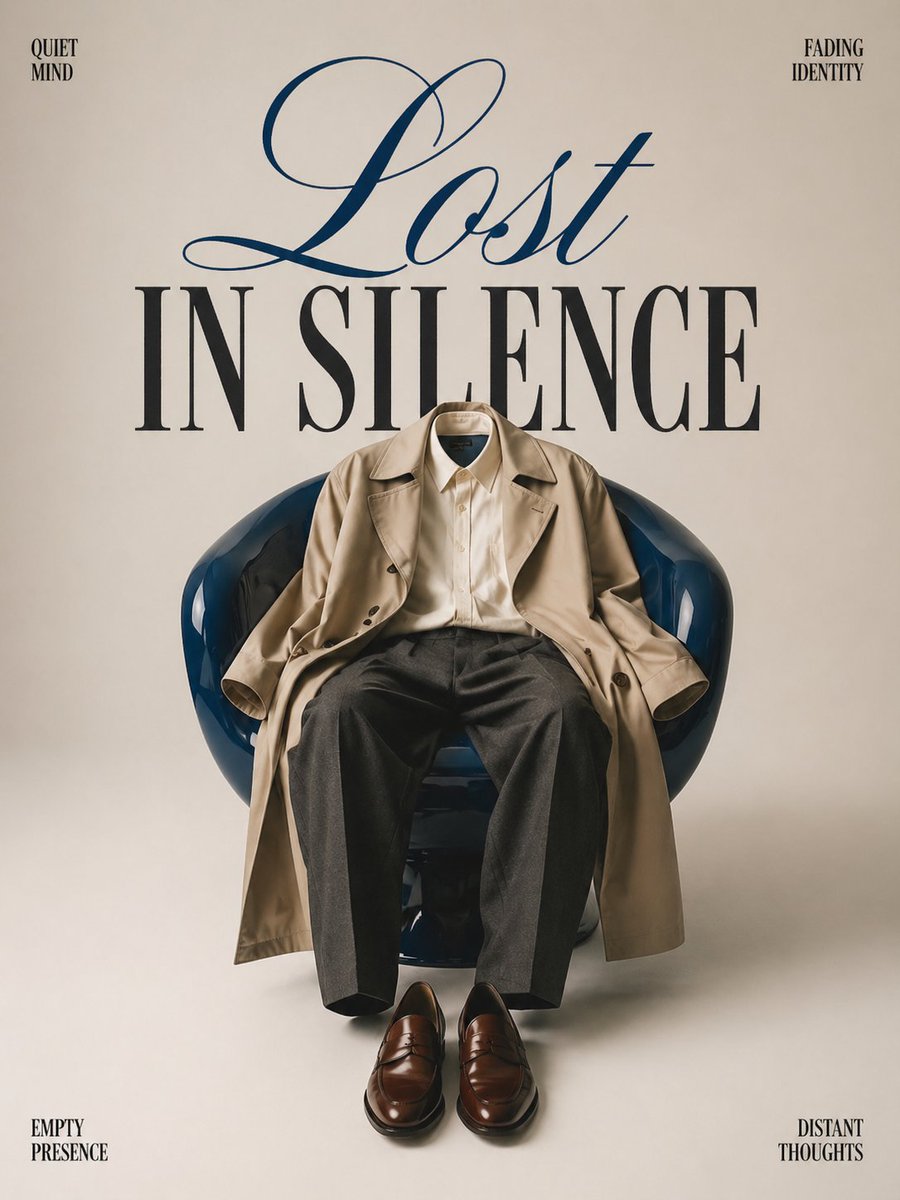
Minimalist conceptual fashion editorial poster, studio shot on a clean
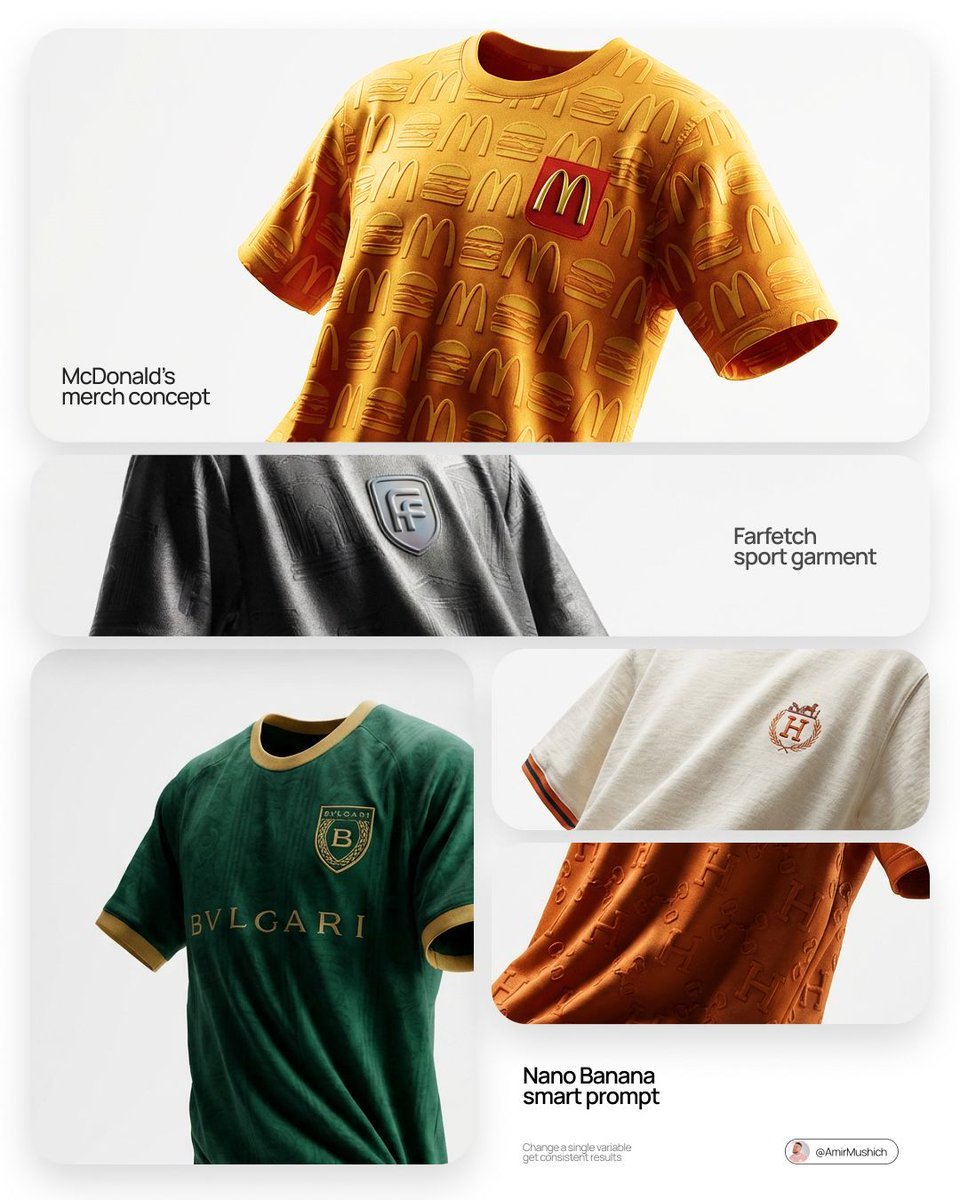
A high-end editorial lookbook for a bespoke football jersey designed
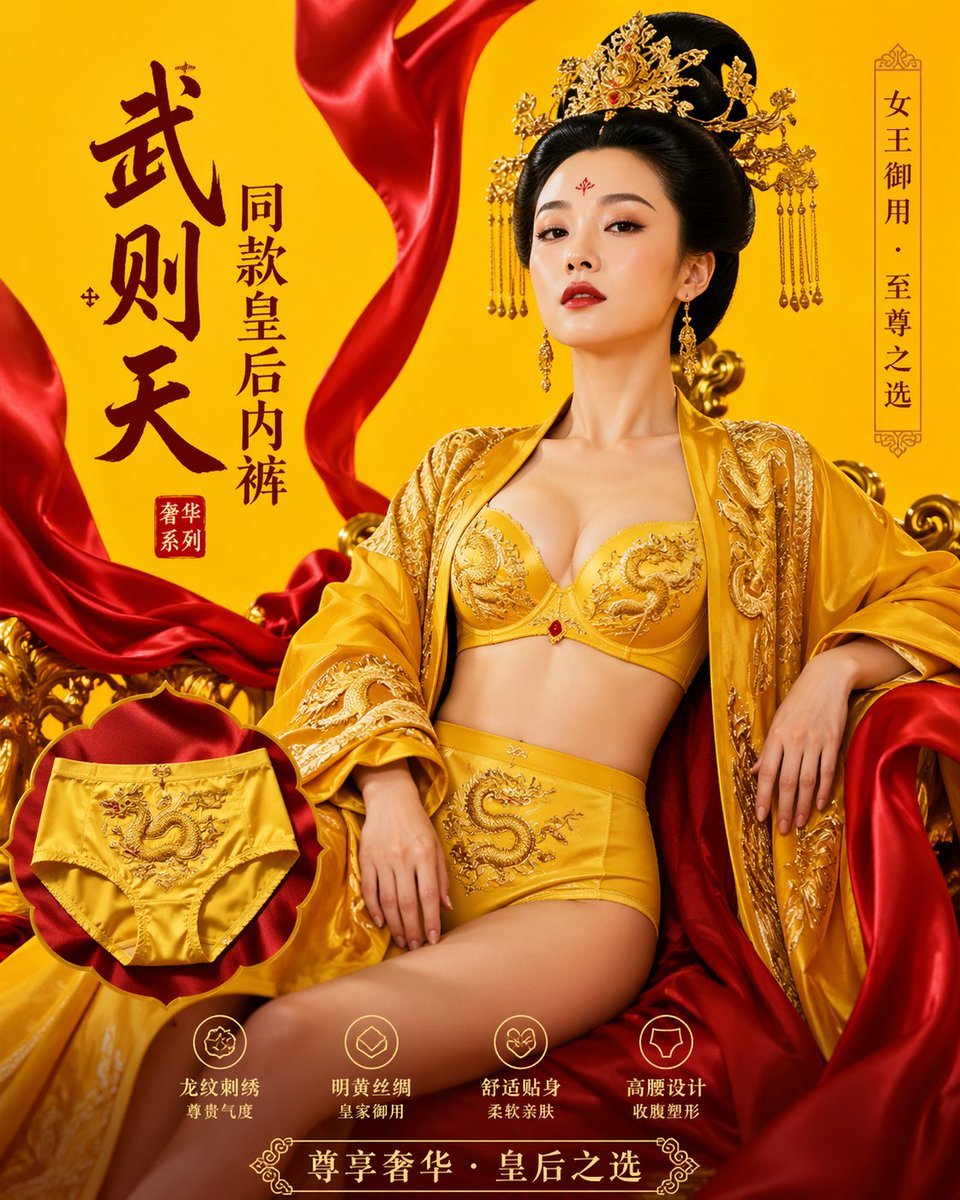
武则天同款皇后内衣广告大片,明黄底色龙纹刺绣,大红丝绸飘带衬托
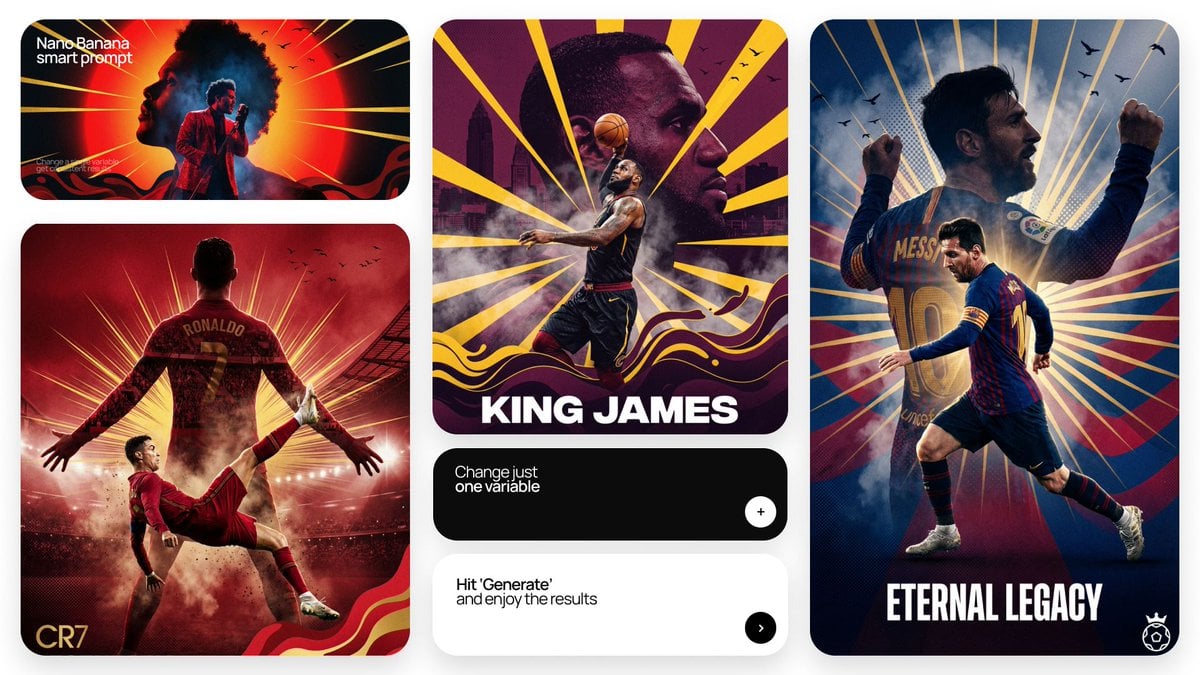
Act as a Senior Art Director

Multiple dark purple berries erupting from inside the can
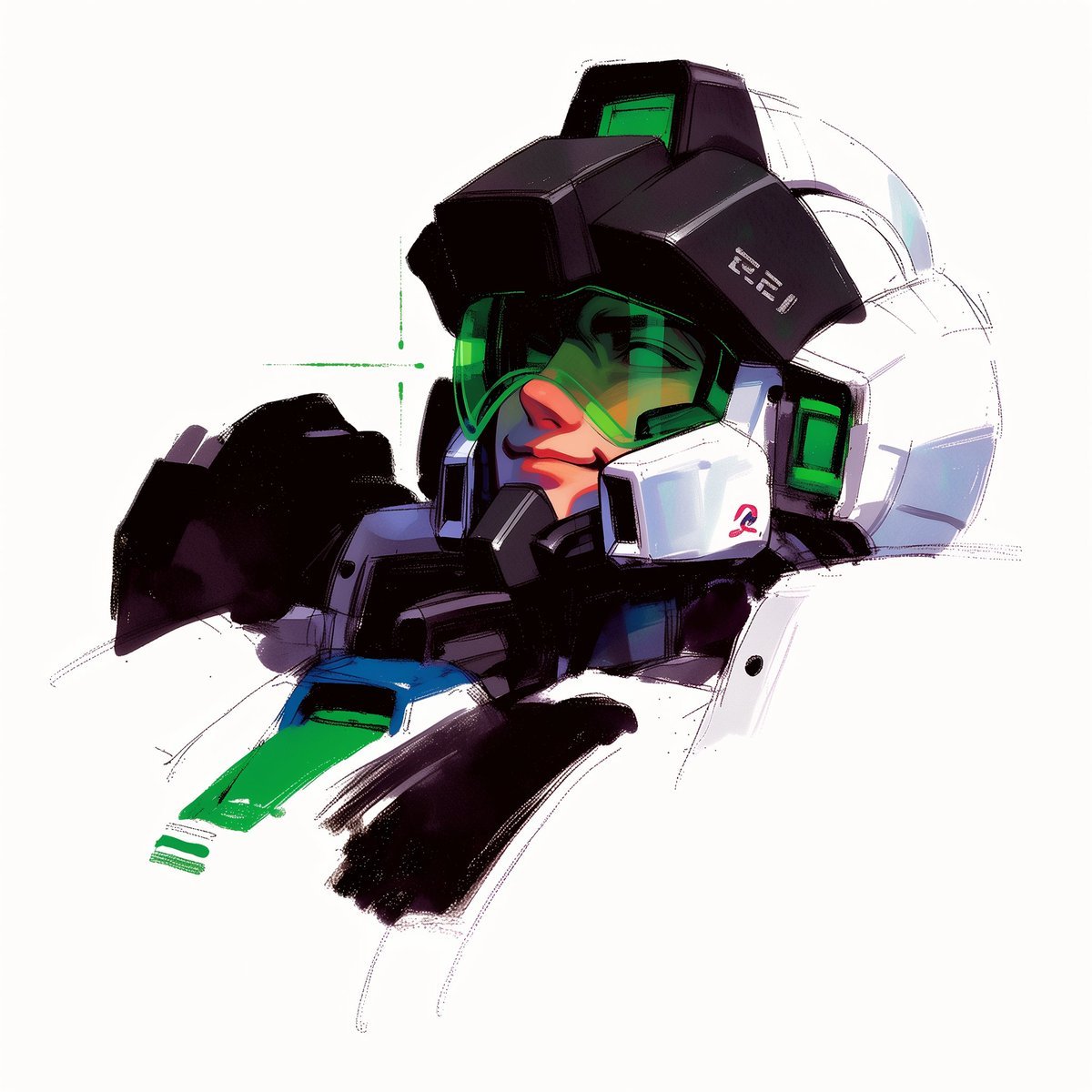
To hyper-realistic 3D CGI collectible figurine render

A trendy, high-end Sticker Sheet set

Act as a Senior Editorial Designer and Typographer
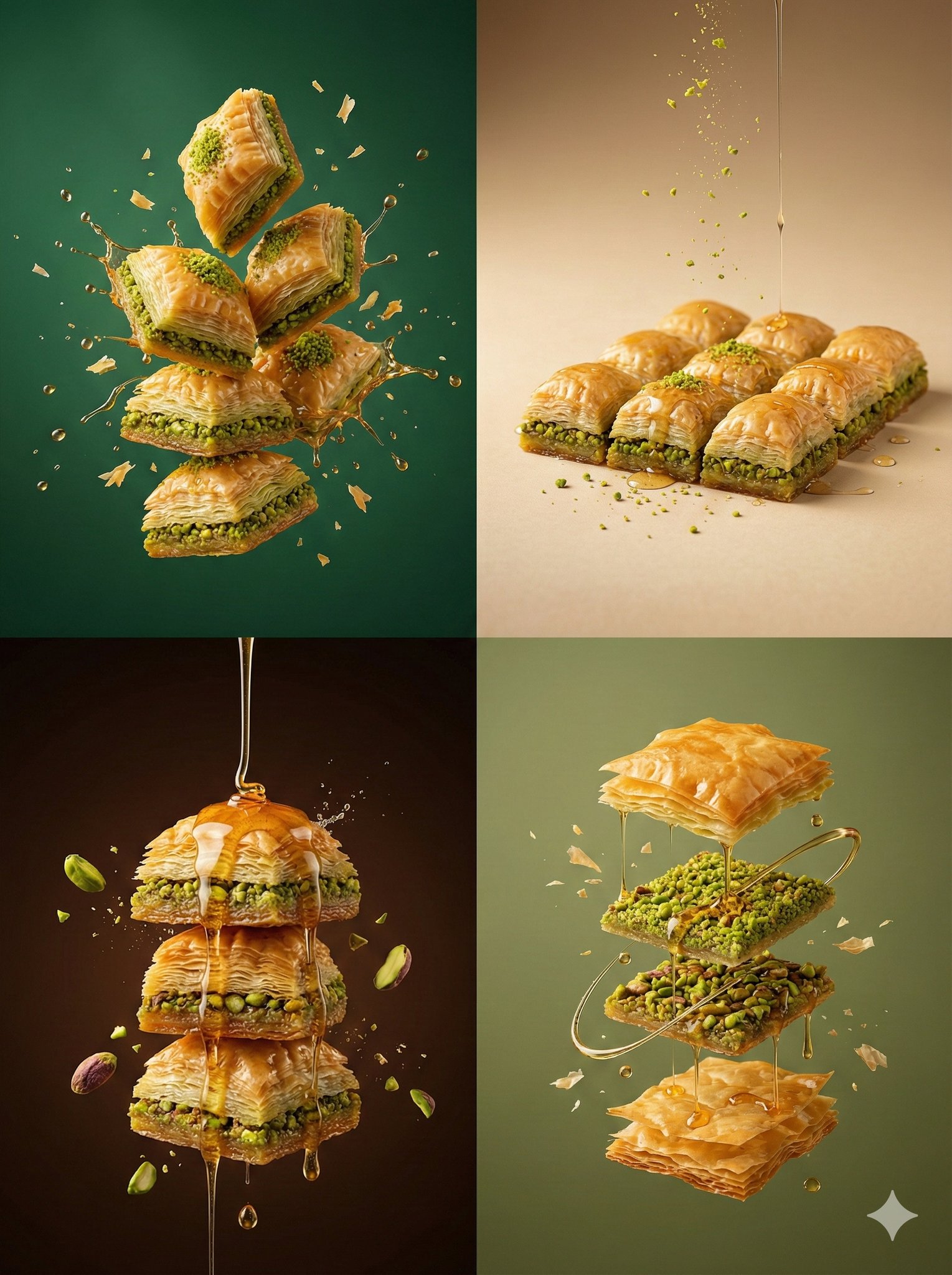
Controlled studio lighting emphasizing texture, layers, and syrup
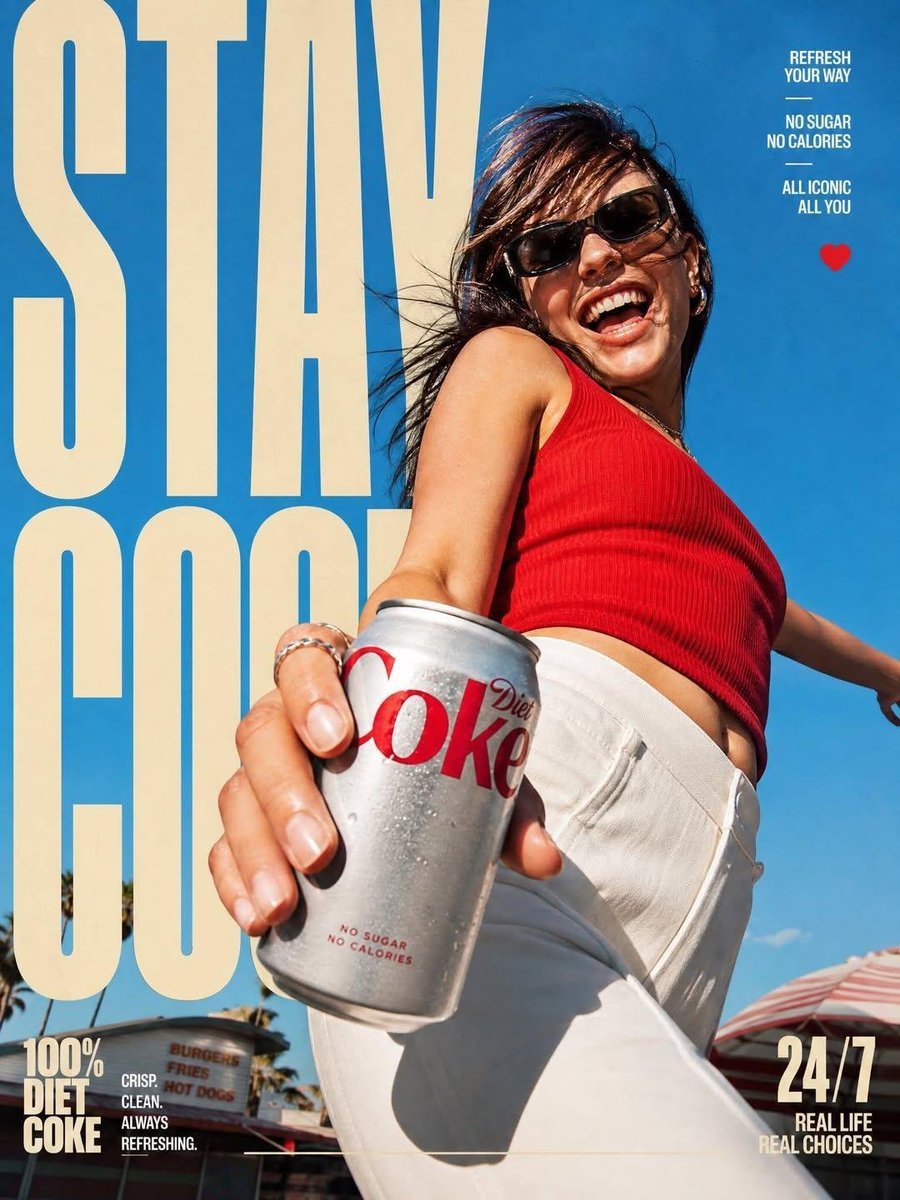
High-End Layered Editorial Action Poster
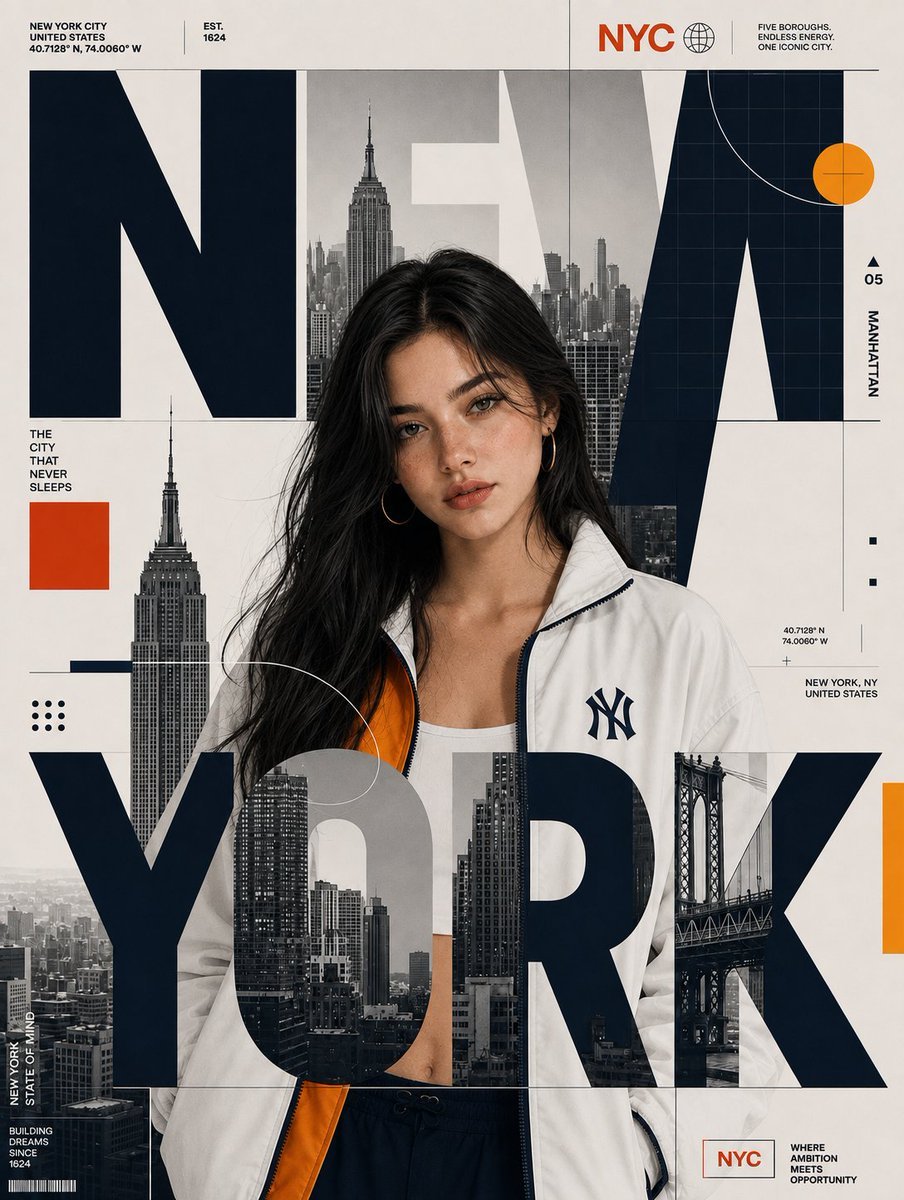
Editorial City Poster Design
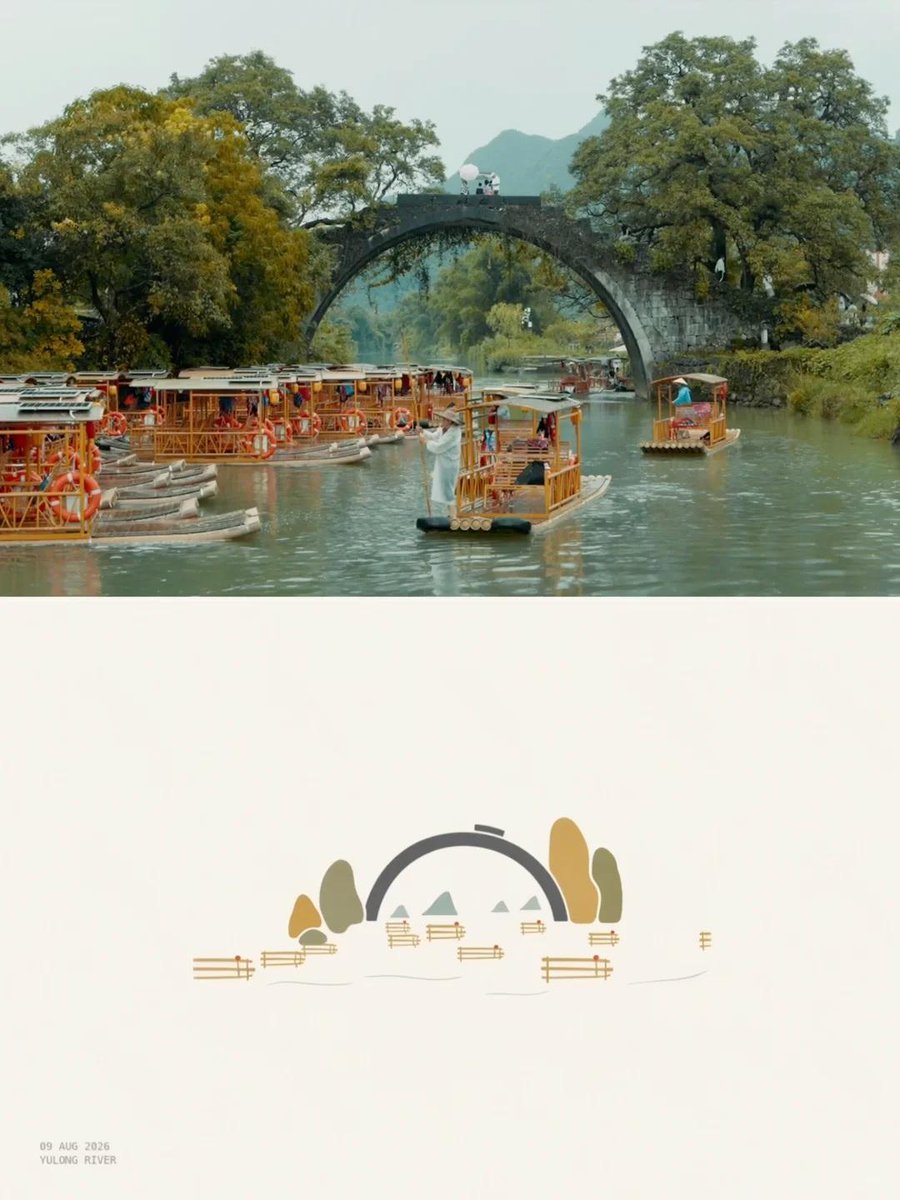
Editorial Travel Poster Design
Make it yours
A high-end editorial lookbook image with a UI overlay layer works as-is. These are the safest ways to change it without losing the look.
Change one field
Copy a single group, rewrite it, and generate again so you can see what that field is doing.
Keep the frame, change the subject
Hold the composition and light of A high-end editorial lookbook image with a UI overlay layer, then swap wardrobe, props or the person for a new take.
| If the result… | Why | Fix |
|---|---|---|
| The result drifts from the preview | Too many fields changed at once. | Reuse A high-end editorial lookbook image with a UI overlay layer as-is first, then change one group — subject, light, or setting. |
| The model over-stylizes the scene | The prose prompt leaves finish and camera underspecified. | Add one camera or lighting sentence and stay on Nano Banana 2. |
More Nano Banana 2 templates
Other prompts made for Nano Banana 2.

Photorealistic Leaf Shaped Like a Dragon

K-Pop Idol Portrait Grid for Rapid Selection

Poetic Rain Forest Portrait During Golden Hour

Urban Street Portrait with Cartoon Inner Self Duo

Candid Nighttime Photo with Cat Prompt

High-Concept 3D Diorama Generation Prompt

Cinematic Futuristic Studio Portrait Template

Skincare Editorial Photography Collage Prompt

Hyper-Realistic Commercial Product Photography (Splash Effect)

Hyper-Realistic Nightclub Portrait Prompt
More image prompts
Fresh picks from across the catalog.
Prompt for Bollywood Poster Style Indian Actress in Blue Saree
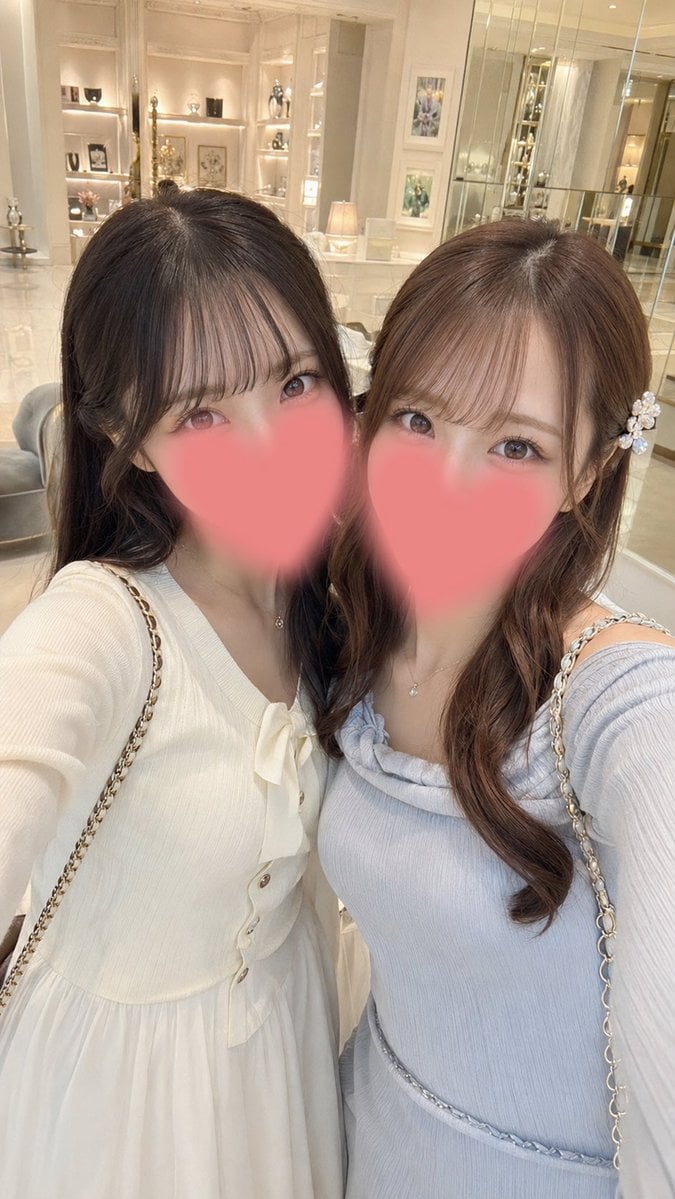
Luxury Boutique Two-Woman Selfie
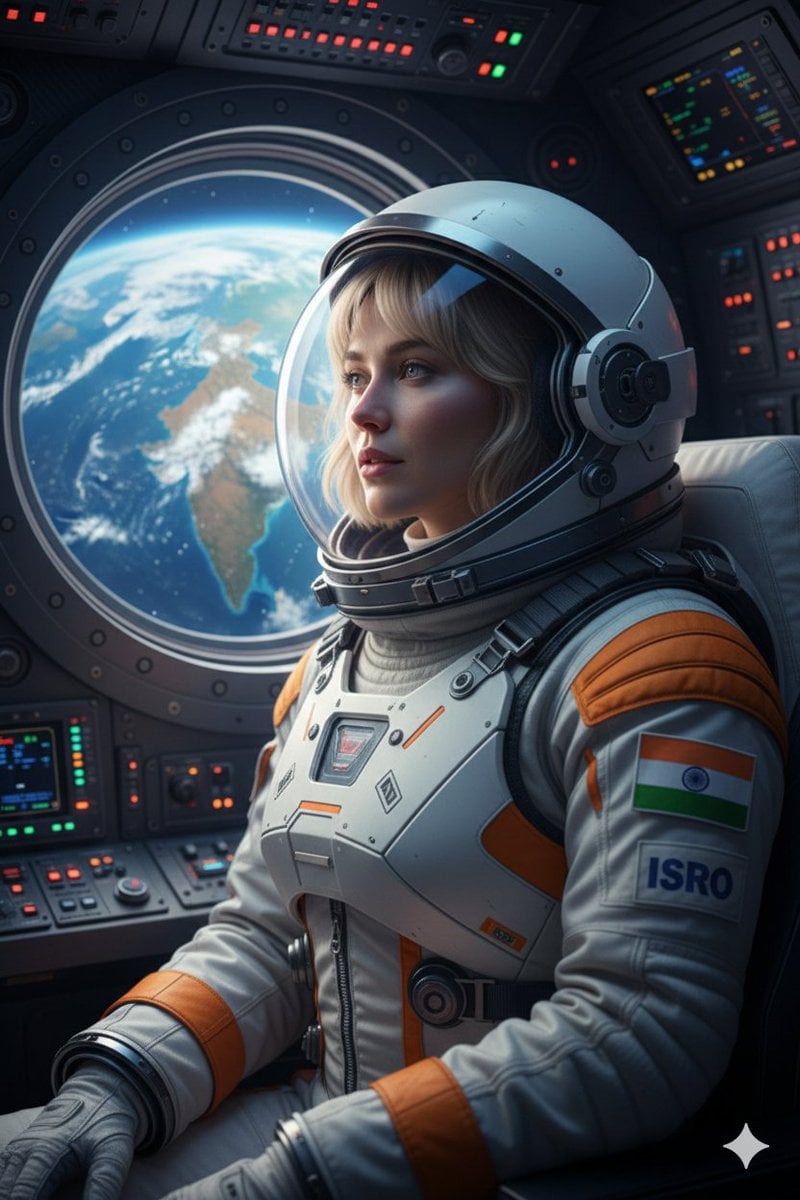
Cinematic Portrait of Indian Astronaut in ISRO Spacesuit
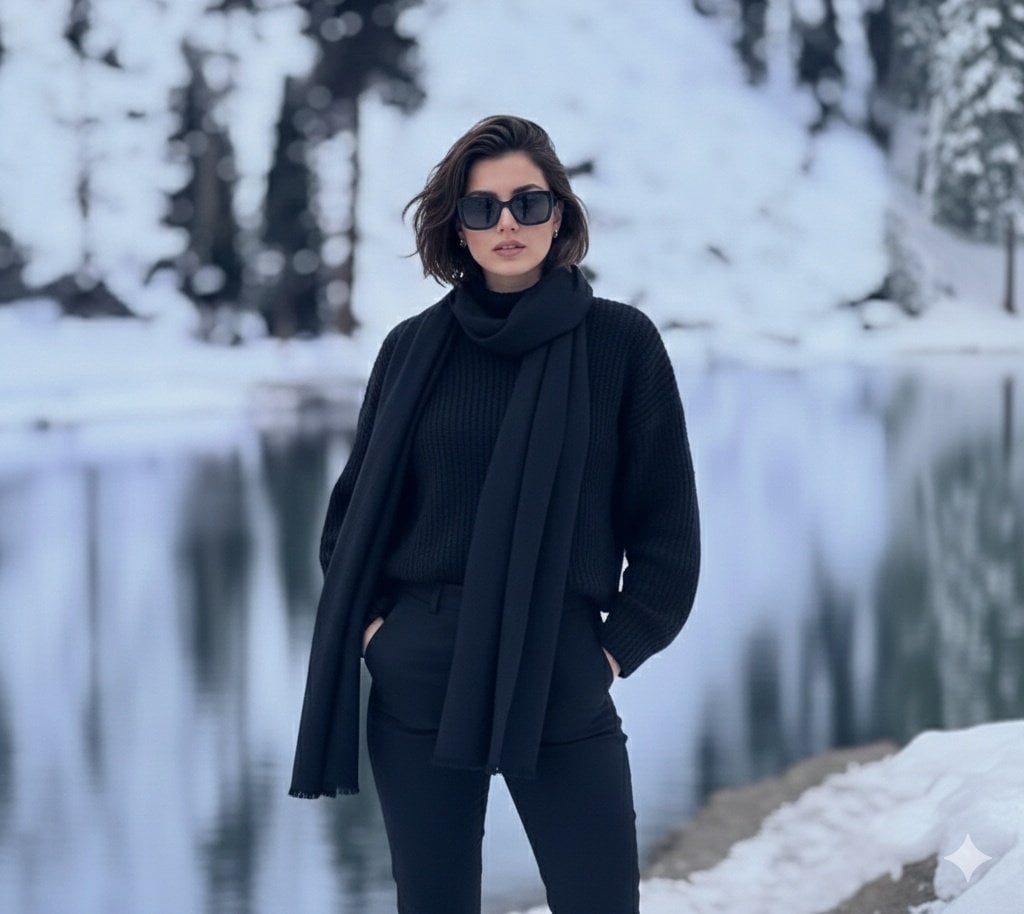
Photorealistic portrait of a stylish woman in a snowy landscape
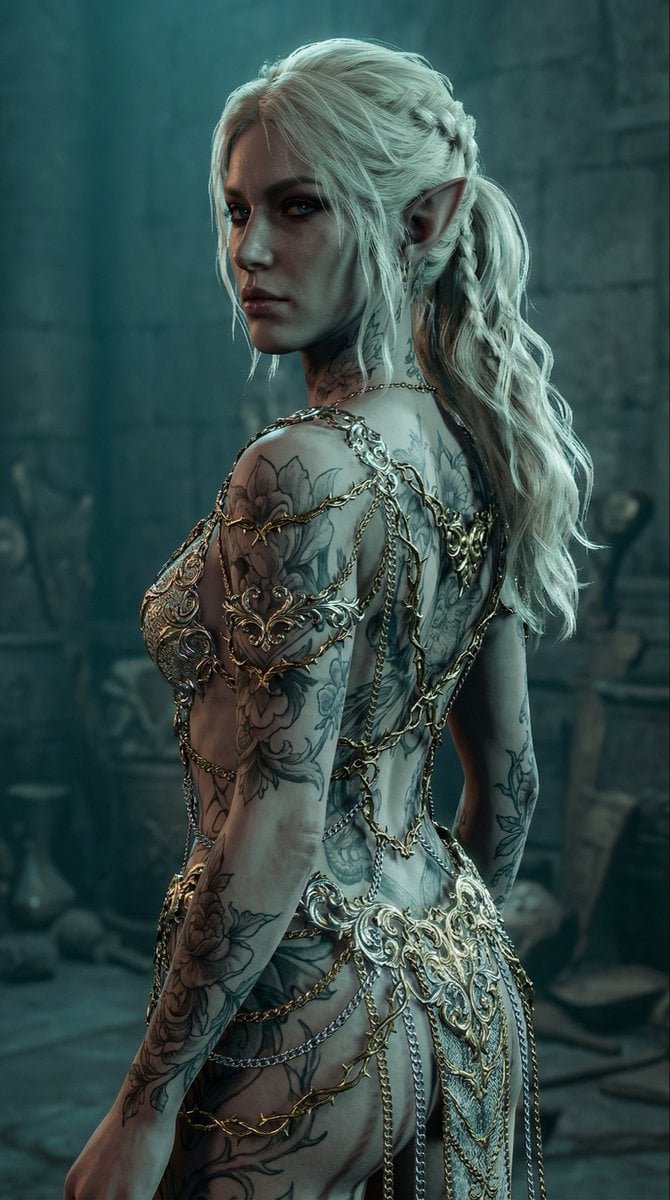
Elven Woman with Ornate Chain Dress
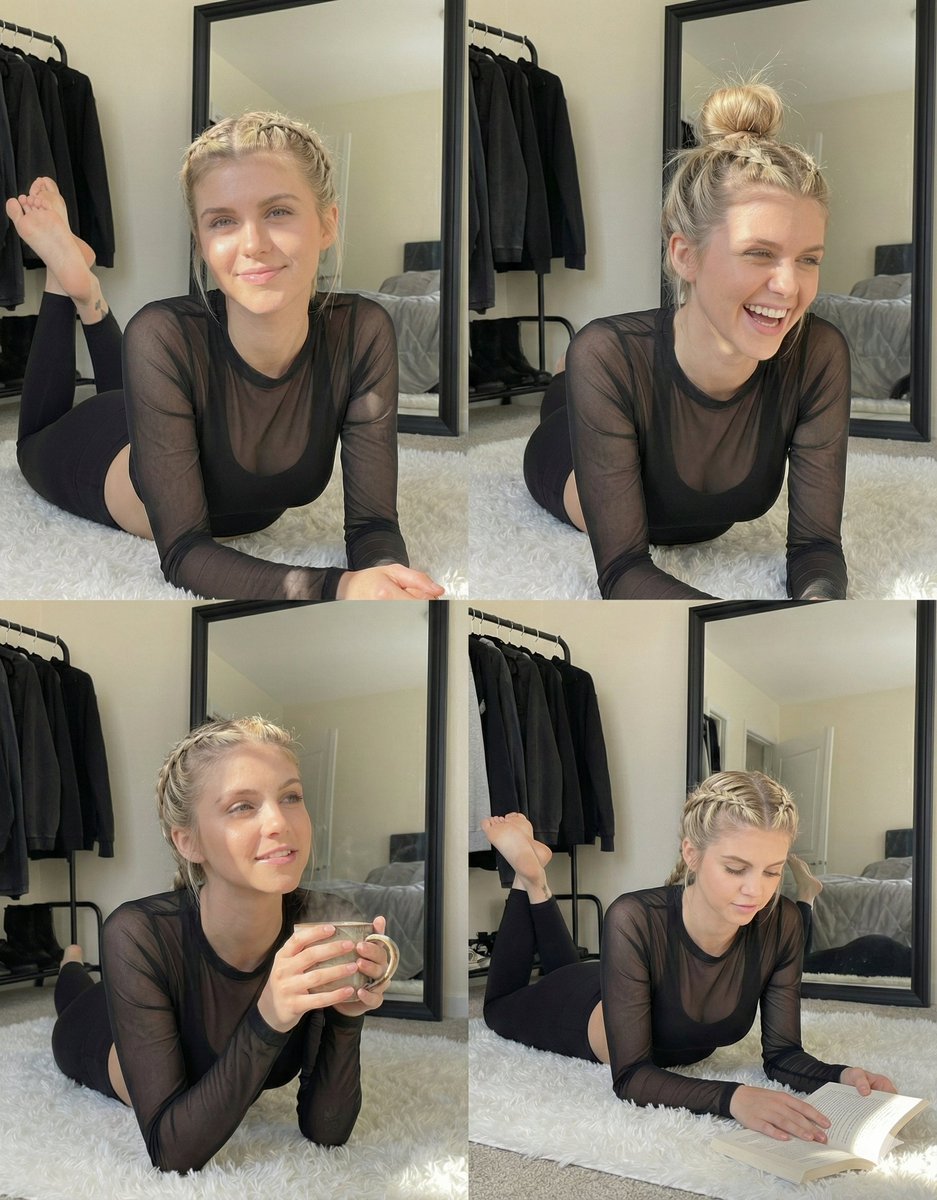
Detailed Indoor Portrait with Harsh Sunlight
Cinematic Close-up Portrait with Smoke
Detailed JSON Prompt for Viral Close-Up Selfie Image Generation
Cinematic Male Portrait with Neon Halo
Futuristic Holographic Data Portrait
Browse template categories
A high-end editorial lookbook image with a UI overlay layer questions
How do I use the A high-end editorial lookbook image with a UI overlay layer template?
Add your photo if the template asks for one, edit the prompt if you like — the template's model and format are already selected — and press Generate. Your version opens in PicX Studio.
Can I customize the A high-end editorial lookbook image with a UI overlay layer template?
Yes. You can change the subject, setting, lighting, mood, format, and available model controls before creating your image.
Is the A high-end editorial lookbook image with a UI overlay layer template free?
Opening and editing this template is free. Generating uses credits, shown on the Generate button when you are signed in.
Which AI model should I use?
Start with Nano Banana 2, which is the model associated with this template. You can compare another compatible model for a different finish.
Looking for something else? Browse all templates.

Your photo, any look
Thousands of ready templates for every top image and video model, from one credit balance.