How do I use the Stock Market Crash News Broadcast template?
Edit the prompt in the box under the preview — the template's model and format are already selected — and press Generate. Your version appears right on this page.
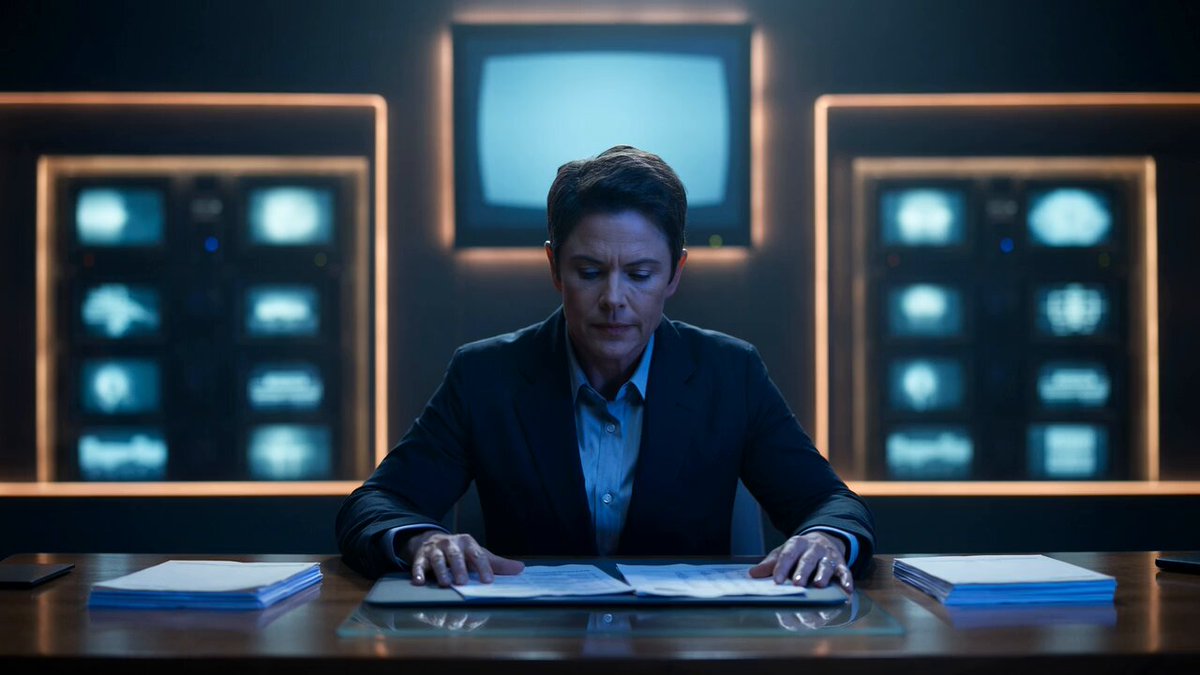
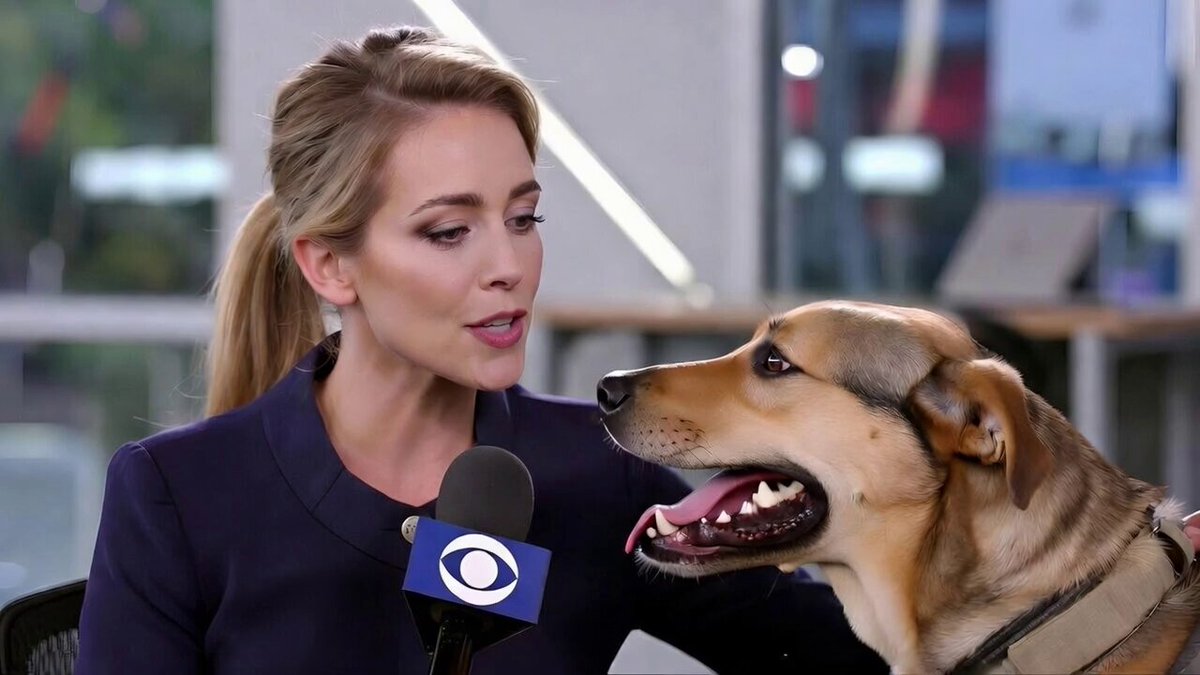
A highly detailed broadcast-style prompt for a live news report atmosphere, including reporter details, location settings, and cinematic camera cues.
BROADCAST TYPE: Live business news report covering a sudden stock market crash during trading hours. ON-AIR REPORTER: Female journalist, early 30s. Sharp blazer, earpiece, handheld mic with financial network logo. Composed but visibly tense. LIVE BROADCAST TIME: 11:20 AM. Bright daylight, glass-walled trading floor visible behind glass partition. REPORT LOCATION: Outside a stock exchange building. Digital ticker boards flashing red numbers. Traders visible through windows, gesturing anxiously. Passersby stopping to check phones. BROADCAST CAMERA: Steady tripod-mounted main shot with a secondary handheld cutaway camera. Occasional quick zoom to ticker board numbers dropping. Reflections of red digital numbers on glass. LIVE SEGMENTS: Opening: Reporter explains the sudden index drop and market panic. Update: Camera cuts to trading floor screens showing plunging graphs. Eyewitness Moment: A trader stepping outside briefly comments on the chaos. Situation Change: Ticker shows a fresh plunge, reporter reacts live to the number. Closing: Reporter signs off, noting market will be watched closely into afternoon. LIVE AUDIO: Muffled trading floor shouting, city traffic, notification pings from nearby phones, reporter's controlled voice, no music. BROADCAST REALISM: Genuine tension, traders ignoring camera, real-time number changes driving reactions, natural interruptions from passersby glancing at screens.
BROADCAST TYPE: Live business news report covering a sudden stock market crash during trading hours. ON-AIR REPORTER: Female journalist, early 30s. Sharp blazer, earpiece, handheld mic with financial network logo. Composed but visibly tense. LIVE BROADCAST TIME: 11:20 AM. Bright daylight, glass-walled trading floor visible behind glass partition. REPORT LOCATION: Outside a stock exchange building. Digital ticker boards flashing red numbers. Traders visible through windows, gesturing anxiously. Passersby stopping to check phones. BROADCAST CAMERA: Steady tripod-mounted main shot with a secondary handheld cutaway camera. Occasional quick zoom to ticker board numbers dropping. Reflections of red digital numbers on glass. LIVE SEGMENTS: Opening: Reporter explains the sudden index drop and market panic. Update: Camera cuts to trading floor screens showing plunging graphs. Eyewitness Moment: A trader stepping outside briefly comments on the chaos. Situation Change: Ticker shows a fresh plunge, reporter reacts live to the number. Closing: Reporter signs off, noting market will be watched closely into afternoon. LIVE AUDIO: Muffled trading floor shouting, city traffic, notification pings from nearby phones, reporter's controlled voice, no music. BROADCAST REALISM: Genuine tension, traders ignoring camera, real-time number changes driving reactions, natural interruptions from passersby glancing at screens.
Edit the prompt in the box under the preview — the template's model and format are already selected — and press Generate. Your version appears right on this page.
Yes. You can change the subject, setting, lighting, mood, format, and available model controls before creating your video.
Opening and editing this template is free. Generating uses credits, shown on the Generate button when you are signed in.
Start with Seedance 2.0, which is the model associated with this template. You can compare another compatible model for a different finish.
Follow a topic to a crawlable collection of related PicX Studio templates.