How do I use the Young Korean Woman Bicycle Ride template?
Edit the prompt in the box under the preview — the template's model and format are already selected — and press Generate. Your version appears right on this page.
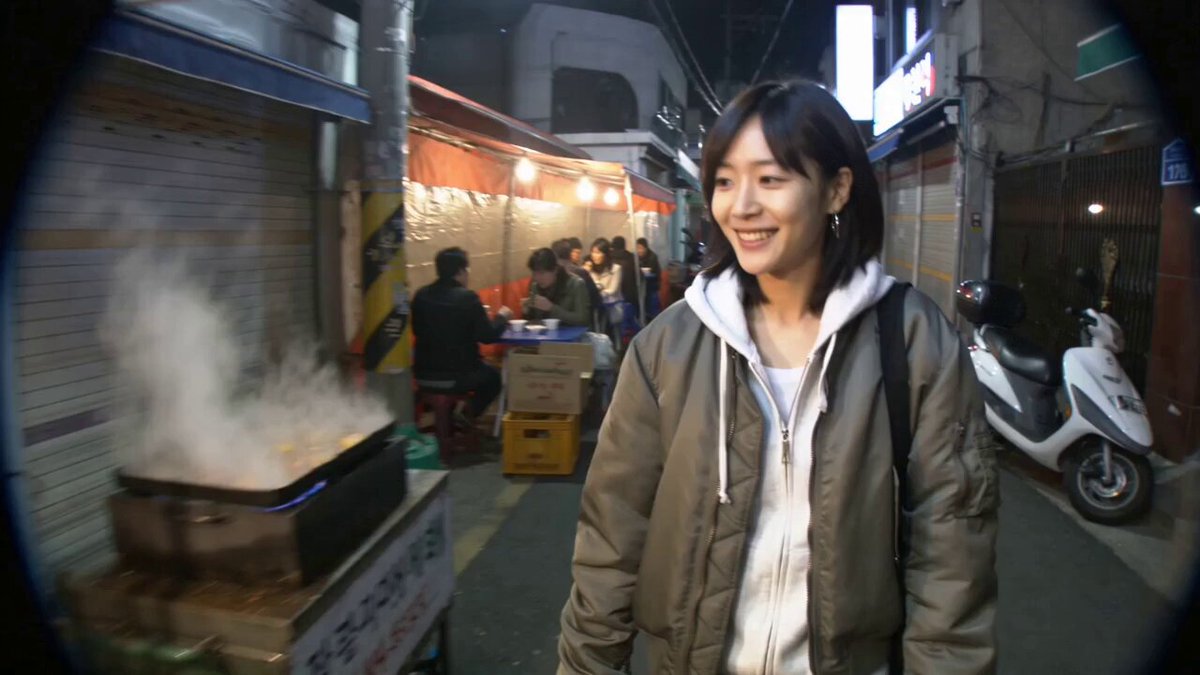
A detailed narrative prompt describing a young Korean woman's bicycle journey through a neighborhood, including specific timestamps for character actions.
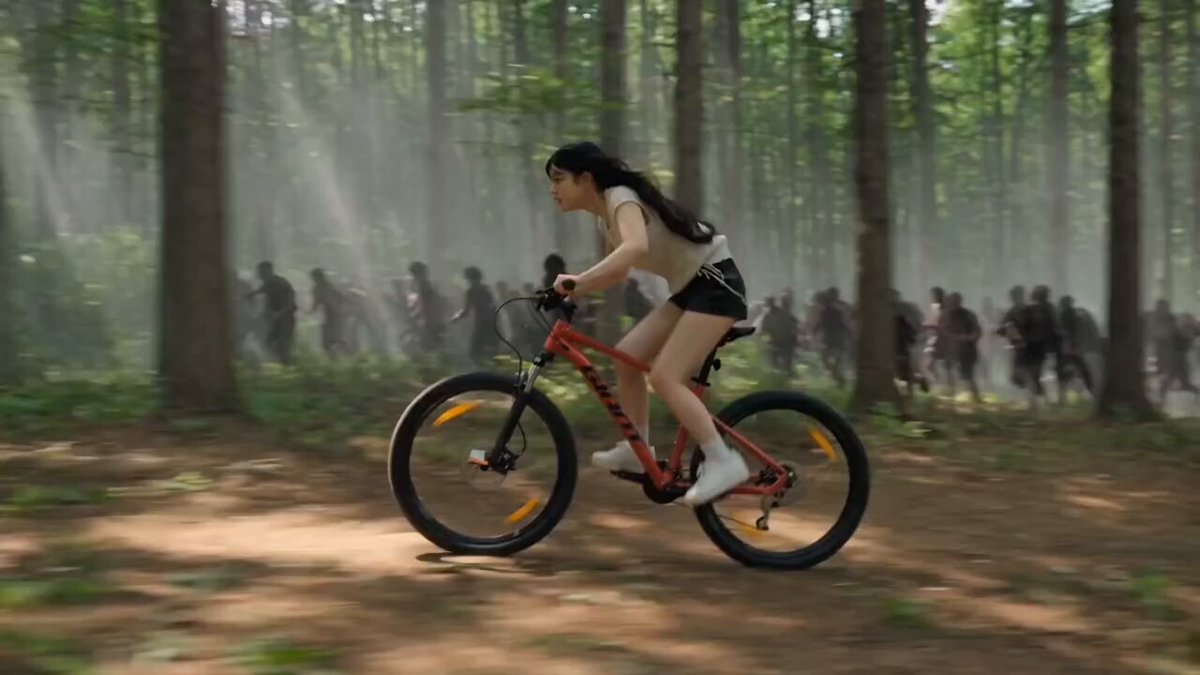
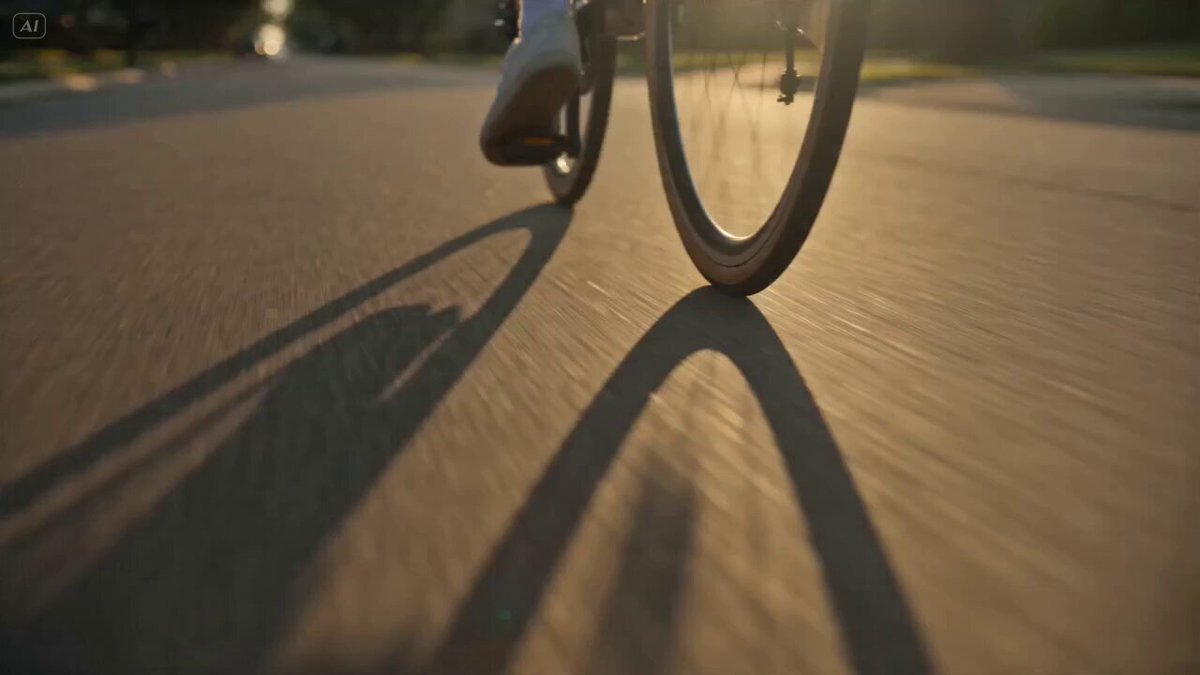
Main Subject: Young Korean woman, early 20s, natural everyday appearance, faded charcoal-grey sleeveless crop top, loose high-waisted light-wash jeans, black canvas sneakers, black cord necklace, black wavy hair in a messy side ponytail with wispy bangs. Realistic skin texture, minimal makeup, warm and approachable personality. Maintain identical identity, clothing, hairstyle, and appearance throughout. Bicycle Ride Location: Peaceful neighborhood streets. 00:00–00:03 She unlocks an old bicycle beside her house. 00:03–00:06 The camera jogs behind while she rides slowly. 00:06–00:09 She rings the bicycle bell while passing trees. 00:09–00:12 She stops beside a small bridge overlooking a narrow stream. 00:12–00:15 She smiles toward the camera before riding away.
Main Subject: Young Korean woman, early 20s, natural everyday appearance, faded charcoal-grey sleeveless crop top, loose high-waisted light-wash jeans, black canvas sneakers, black cord necklace, black wavy hair in a messy side ponytail with wispy bangs. Realistic skin texture, minimal makeup, warm and approachable personality. Maintain identical identity, clothing, hairstyle, and appearance throughout. Bicycle Ride Location: Peaceful neighborhood streets. 00:00–00:03 She unlocks an old bicycle beside her house. 00:03–00:06 The camera jogs behind while she rides slowly. 00:06–00:09 She rings the bicycle bell while passing trees. 00:09–00:12 She stops beside a small bridge overlooking a narrow stream. 00:12–00:15 She smiles toward the camera before riding away.
Edit the prompt in the box under the preview — the template's model and format are already selected — and press Generate. Your version appears right on this page.
Yes. You can change the subject, setting, lighting, mood, format, and available model controls before creating your video.
Opening and editing this template is free. Generating uses credits, shown on the Generate button when you are signed in.
Start with Seedance 2.0, which is the model associated with this template. You can compare another compatible model for a different finish.
Follow a topic to a crawlable collection of related PicX Studio templates.