How do I use the Authentic Smartphone Home Video Vlog template?
Edit the prompt in the box under the preview — the template's model and format are already selected — and press Generate. Your version appears right on this page.
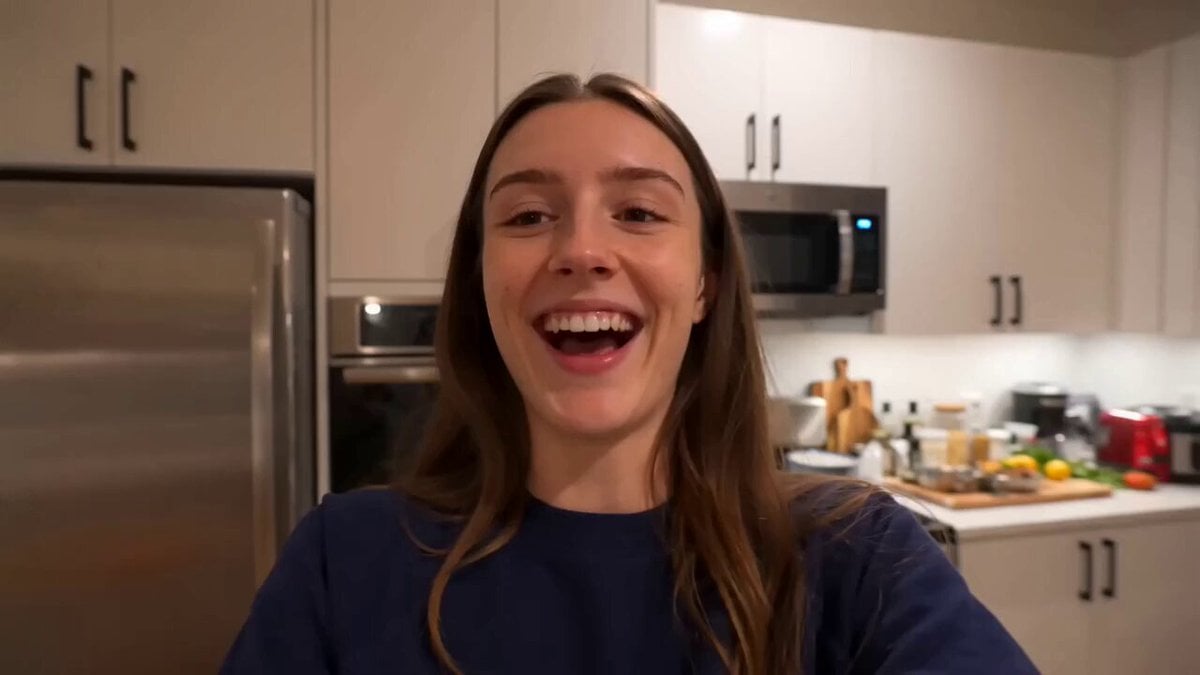
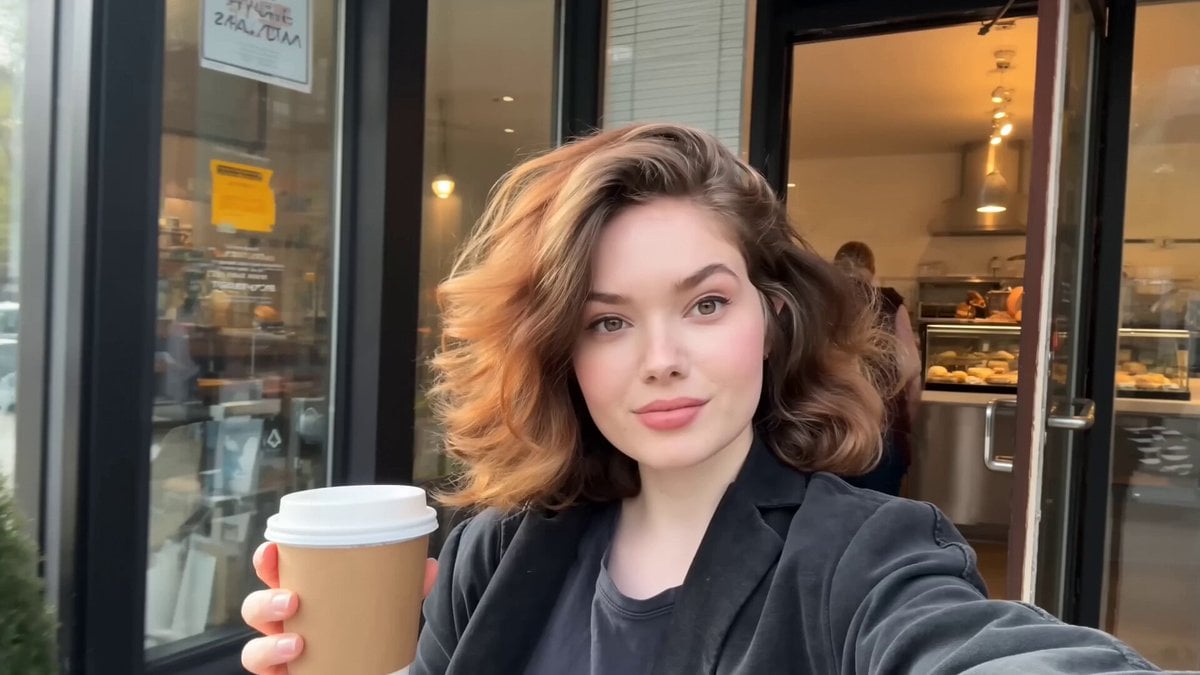
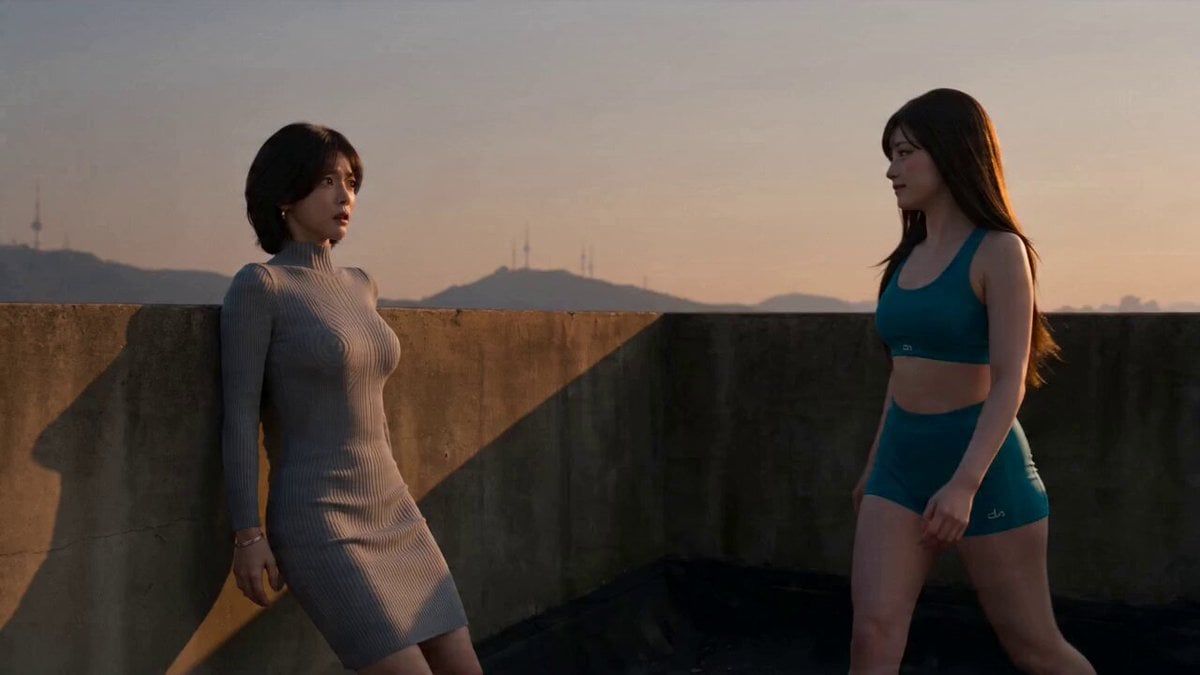
A prompt designed for an unpolished smartphone home video look, featuring a young Korean woman sweeping and gardening in a courtyard.
Main Subject: Young Korean woman in her early 20s with a natural everyday appearance. She wears a faded charcoal-grey sleeveless crop top, loose high-waisted light-wash jeans, black canvas sneakers, and a black cord necklace. Her black wavy hair is tied in a messy side ponytail with wispy bangs. Realistic skin texture, minimal makeup, warm and approachable personality. Maintain identical identity, clothing, hairstyle, and facial features throughout the entire video. Style: Ultra-realistic smartphone home video footage. Natural mobile phone camera quality with slight authentic handheld shake, casual framing imperfections, smooth natural motion, and unpolished weekend home-video aesthetics. No cinematic polish or professional effects. Location: Small Korean home courtyard during a peaceful weekend morning with soft natural sunlight, potted plants, fallen leaves, and subtle ambient breeze. 0–3s: She casually sweeps fallen leaves from the concrete courtyard while the handheld camera gently sways, capturing a candid moment. 3–6s: The camera accidentally frames only half of her body as the autofocus briefly hunts before naturally correcting itself, preserving the authentic smartphone-recording feel. 6–9s: She waters several potted plants while smiling softly as sunlight reflects naturally from the leaves and watering can. 9–12s: She wipes sweat from her forehead, laughs naturally at the person filming, and briefly brushes loose strands of hair from her face. 12–15s: She picks up the watering can and walks back inside the house as the recording abruptly ends like a genuine weekend memory. Audio Design: - Soft morning birdsong. - Gentle breeze moving through leaves and plants. - Natural footsteps on concrete. - Water pouring softly from the watering can. - Subtle clothing movement and ambient courtyard sounds. - Quiet candid laughter and realistic smartphone audio characteristics. Visual Quality: - Ultra-realistic smartphone footage. - Slight handheld camera shake. - Authentic autofocus breathing. - Natural lighting and shadows. - Realistic skin texture and physics. - Stable character consistency throughout. - Smooth natural motion with zero cinematic effects. Negative Prompt: CGI, cartoon style, unrealistic skin, excessive beauty filters, cinematic lighting, overprocessed footage, distorted anatomy, extra fingers, flickering presidential frames, inconsistent face or clothing, unnatural motion, low resolution, frame glitches, artificial shadows, plastic skin texture, excessive camera stabilization, text, watermark, logo, oversaturated colors, professional studio effects, unrealistic environments, duplicated objects, and identity inconsistencies.
Main Subject: Young Korean woman in her early 20s with a natural everyday appearance. She wears a faded charcoal-grey sleeveless crop top, loose high-waisted light-wash jeans, black canvas sneakers, and a black cord necklace. Her black wavy hair is tied in a messy side ponytail with wispy bangs. Realistic skin texture, minimal makeup, warm and approachable personality. Maintain identical identity, clothing, hairstyle, and facial features throughout the entire video. Style: Ultra-realistic smartphone home video footage. Natural mobile phone camera quality with slight authentic handheld shake, casual framing imperfections, smooth natural motion, and unpolished weekend home-video aesthetics. No cinematic polish or professional effects. Location: Small Korean home courtyard during a peaceful weekend morning with soft natural sunlight, potted plants, fallen leaves, and subtle ambient breeze. 0–3s: She casually sweeps fallen leaves from the concrete courtyard while the handheld camera gently sways, capturing a candid moment. 3–6s: The camera accidentally frames only half of her body as the autofocus briefly hunts before naturally correcting itself, preserving the authentic smartphone-recording feel. 6–9s: She waters several potted plants while smiling softly as sunlight reflects naturally from the leaves and watering can. 9–12s: She wipes sweat from her forehead, laughs naturally at the person filming, and briefly brushes loose strands of hair from her face. 12–15s: She picks up the watering can and walks back inside the house as the recording abruptly ends like a genuine weekend memory. Audio Design: - Soft morning birdsong. - Gentle breeze moving through leaves and plants. - Natural footsteps on concrete. - Water pouring softly from the watering can. - Subtle clothing movement and ambient courtyard sounds. - Quiet candid laughter and realistic smartphone audio characteristics. Visual Quality: - Ultra-realistic smartphone footage. - Slight handheld camera shake. - Authentic autofocus breathing. - Natural lighting and shadows. - Realistic skin texture and physics. - Stable character consistency throughout. - Smooth natural motion with zero cinematic effects. Negative Prompt: CGI, cartoon style, unrealistic skin, excessive beauty filters, cinematic lighting, overprocessed footage, distorted anatomy, extra fingers, flickering presidential frames, inconsistent face or clothing, unnatural motion, low resolution, frame glitches, artificial shadows, plastic skin texture, excessive camera stabilization, text, watermark, logo, oversaturated colors, professional studio effects, unrealistic environments, duplicated objects, and identity inconsistencies.
Edit the prompt in the box under the preview — the template's model and format are already selected — and press Generate. Your version appears right on this page.
Yes. You can change the subject, setting, lighting, mood, format, and available model controls before creating your video.
Opening and editing this template is free. Generating uses credits, shown on the Generate button when you are signed in.
Start with Seedance 2.0, which is the model associated with this template. You can compare another compatible model for a different finish.
Follow a topic to a crawlable collection of related PicX Studio templates.