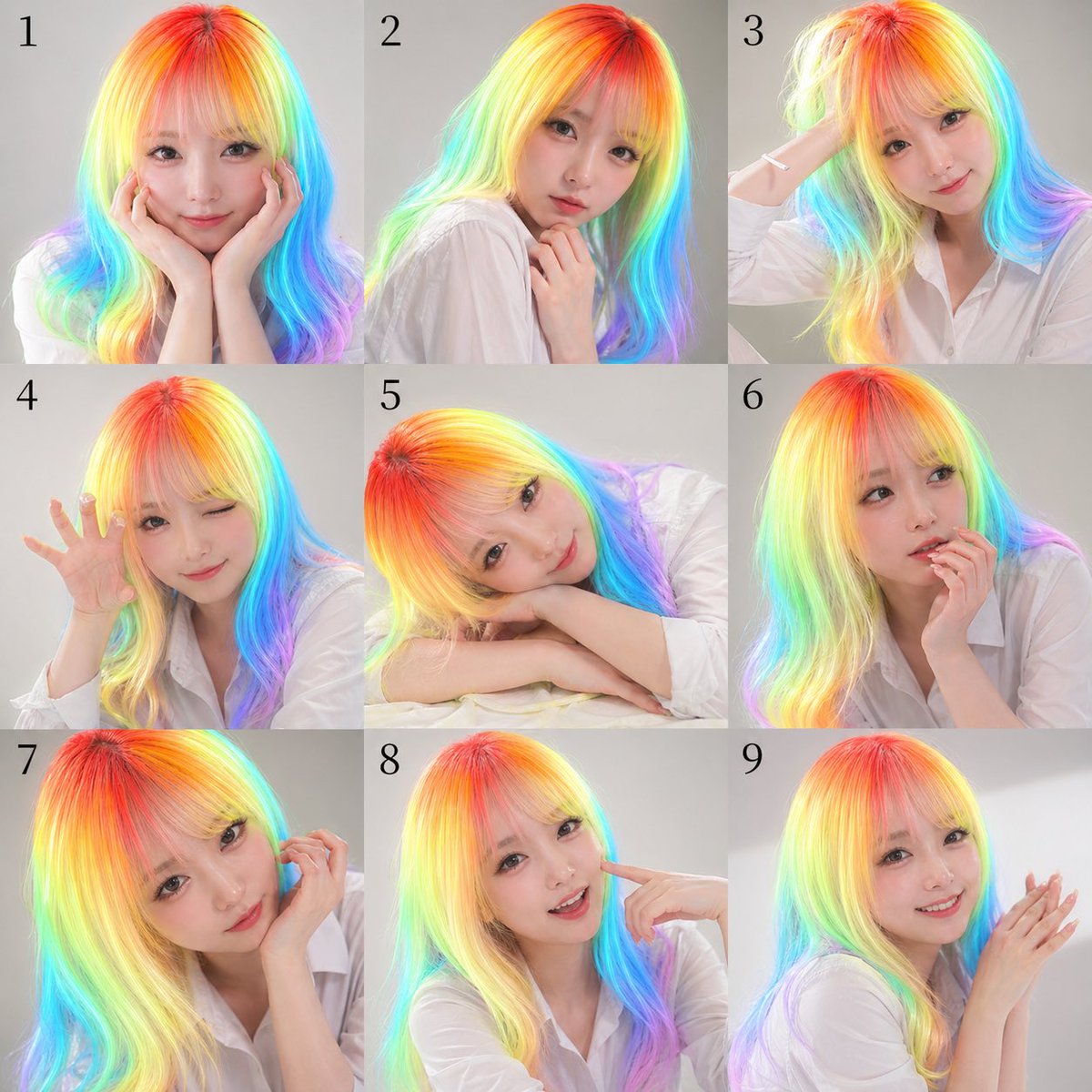
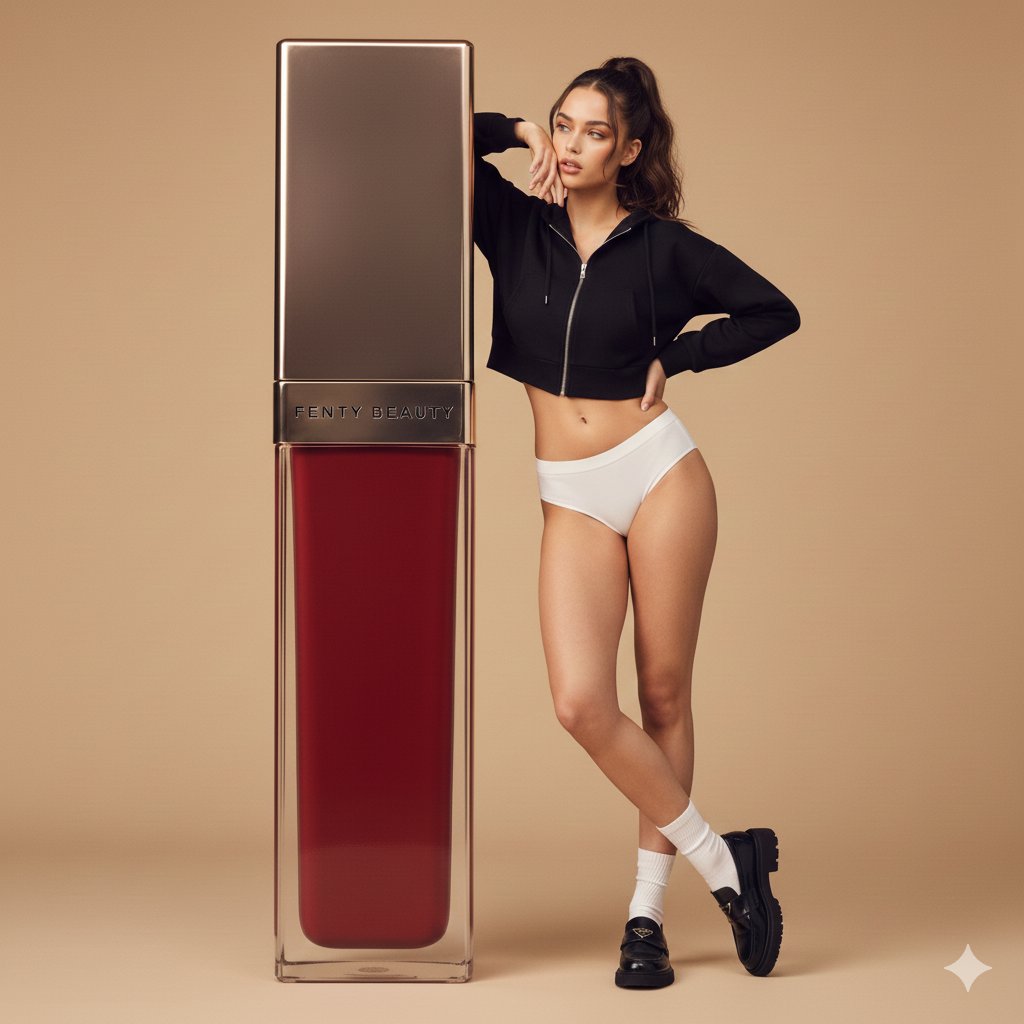
How do I use the Cozy Modern Indoor Lifestyle Portrait template?
Choose the primary action to open PicX Studio with the available template settings. Review the model and format, personalize the creative direction, and generate when ready.
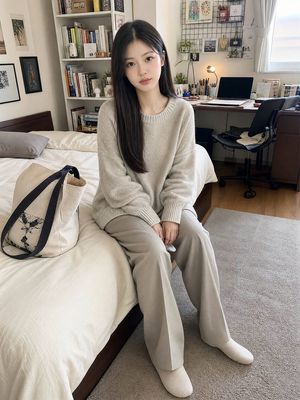
A realistic lifestyle portrait of a woman in a sunlit modern room, focusing on natural light and peaceful atmosphere. Change the subject, setting, or lighting one variable at a time.

A realistic lifestyle portrait of a {argument name="subject" default="young adult woman with fair skin, soft facial features"}, and a calm, natural expression. She has smooth medium-length hair styled neatly, with subtle texture and a relaxed appearance. Her eyes look gently toward the camera with a peaceful and confident mood, creating a warm and approachable atmosphere. She is sitting comfortably on a soft textured rug in a relaxed indoor pose, with natural body posture and hands resting casually. She is wearing a {argument name="top" default="simple fitted sleeveless top"} paired with {argument name="bottom" default="comfortable light-colored shorts"}, creating a minimal and elegant casual style. No visible logos or branding. The outfit has clean lines and a soft fabric texture, complemented by a simple, understated aesthetic. The environment is a cozy modern room with warm wooden walls, large windows, a small indoor plant, and soft decorative elements. Natural sunlight enters through the windows, creating gentle highlights and realistic shadows across the room. The atmosphere feels peaceful, warm, and inviting with a connection to nature. Captured with an 85mm portrait lens, shallow depth of field, soft natural window lighting, realistic skin texture, cinematic color grading, high-resolution photography style, ultra-detailed, professional lifestyle photography, balanced composition, warm tones, realistic proportions, subtle background blur, natural shadows, and authentic indoor atmosphere.
Choose the primary action to open PicX Studio with the available template settings. Review the model and format, personalize the creative direction, and generate when ready.
Yes. You can change the subject, setting, lighting, mood, format, and available model controls before creating your image.
This template is free to open and customize. Generation usage is shown in PicX Studio before you create.
Start with gemini-3-pro-image-preview, which is the model associated with this template. You can compare another compatible model for a different finish.
Follow a topic to a crawlable collection of related PicX Studio templates.
43,449 public templates available. Verified via the PicX Studio public templates API; refreshed hourly.
Prompt stories that include this template.


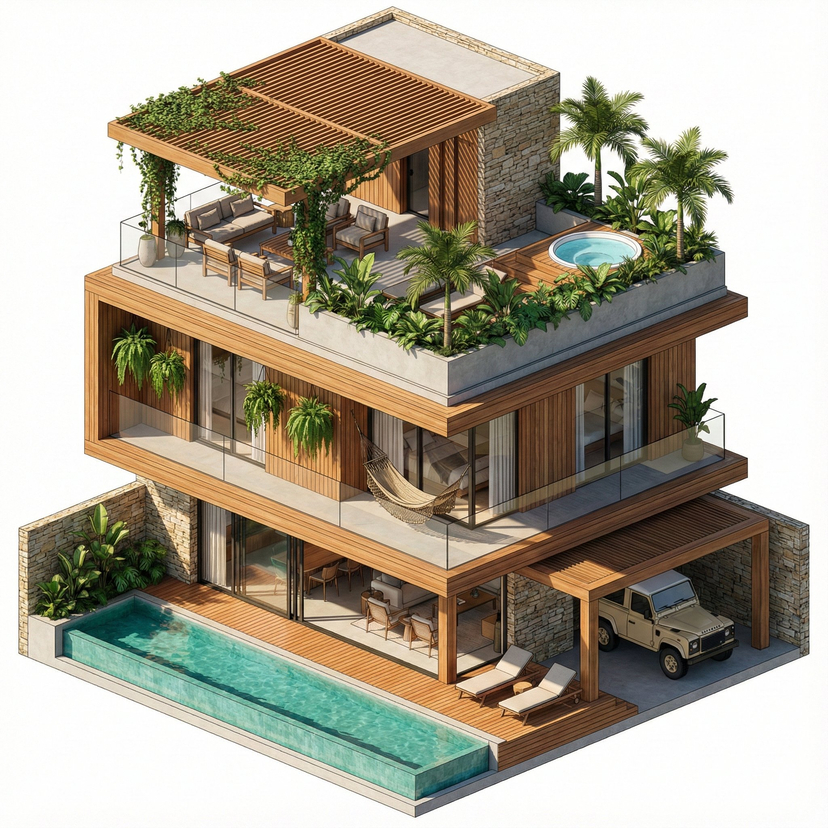






![118-google-nano-banana-pro-skincare-product- — A professional skincare shot of a [product container] with [cap/lid], labeled [brand, product, descriptor, volume](/_next/image?url=https%3A%2F%2Fcdn.picxstudio.com%2Fuploads%2Fpost118_img0_332898b8-29ea-42a9-87ab-9ed746a3f944.jpg&w=828&q=100)




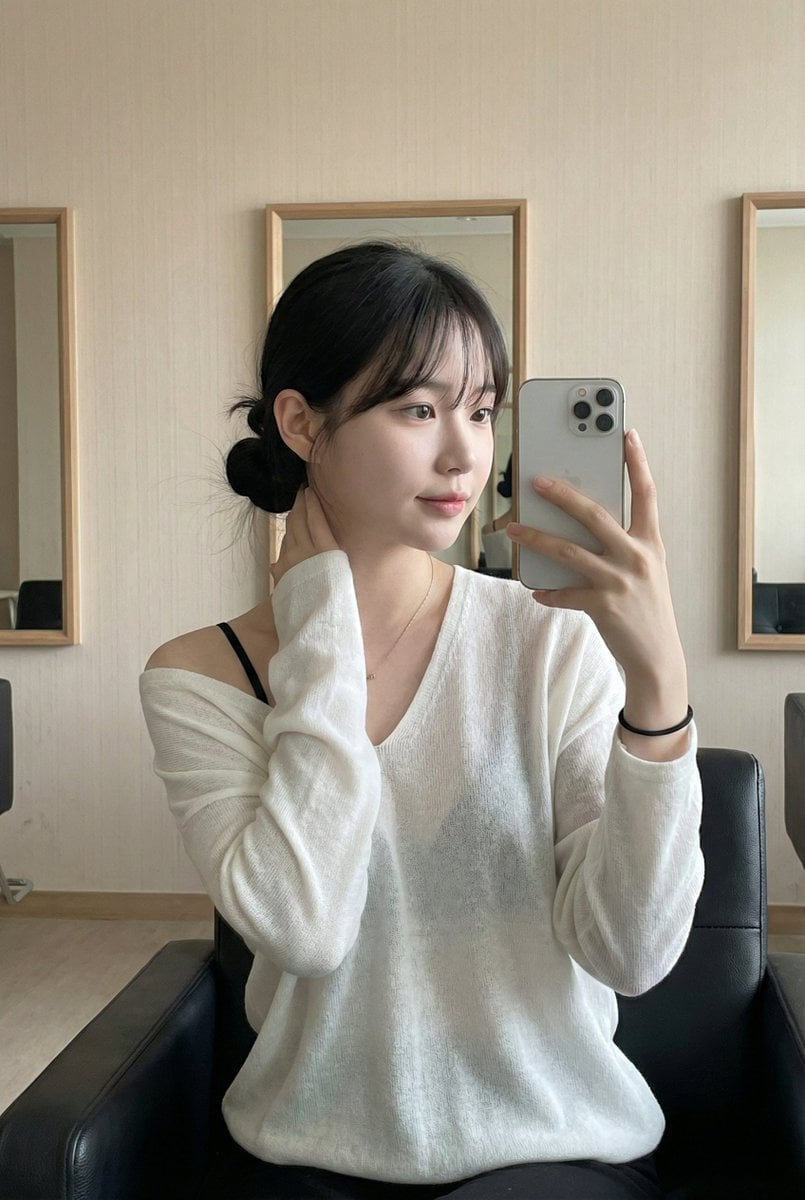








![Urban Street Mixed Media Portrait — Transform this image [Upload Your Image] into a 64K DSLR shot resolution of A creative urban street portrait featuring a you](https://cms-assets.youmind.com/media/1785137834120_1a6fgj_HOH_vMobUAAAZf1-300x224.jpg)






![Exploded View Product Render Prompt — A hyper-realistic {argument name="product name" default="[INSERT PRODUCT]"} presented in an "explode…](https://pbs.twimg.com/media/HAhRh9HXIAEIS7l.jpg)