
Technical Engraving Editorial Portrait
An intricate prompt for an editorial portrait combining ink engraving, graphic novel styles, and technical schematics.
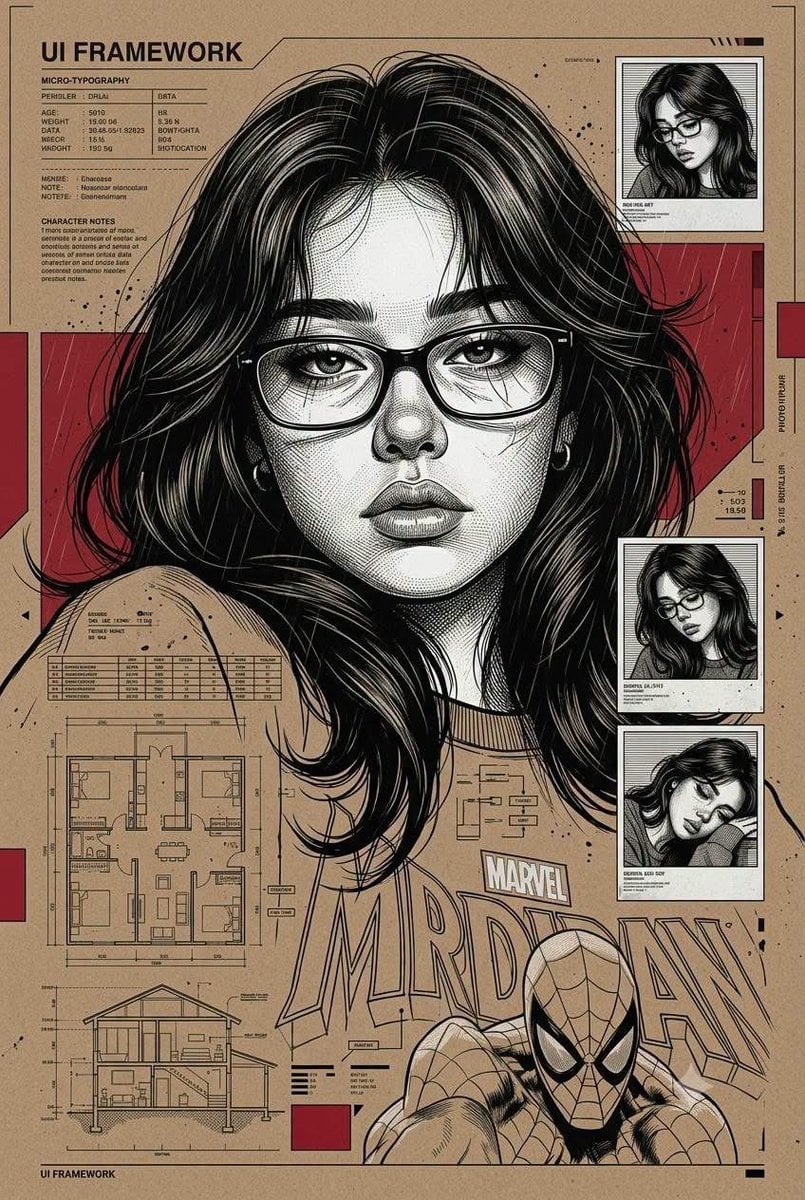
- Prompt included
- Model and format preset
- Premium template
The prompt behind this image
Copy the exact prompt behind Technical Engraving Editorial Portrait, or open it in the studio and make it yours.
Ultra-detailed editorial portrait, using enclosed objects. Close-up frontal composition, serious and exhausted expression. Style: {argument name="visual style" default="hybrid technical pen and ink engraving + neo-noir graphic novel + architectural blueprint collage + modern infographic layout"}. The face is drawn with very fine cross-hatching lines, ultra-sharp micro-details, high-precision vector ink textures, dramatic high-contrast lighting. The color palette is strictly limited to {argument name="color scheme" default="monochrome grayscale with bold red accent panels"}. The {argument name="background style" default="cardboard brown background, composed of UI framework aesthetics, micro-typography blocks, technical schematics"}, surveillance photo frames, data grids. Include several small inset portrait panels of the same character on the right side in various poses, maintaining a consistent engraving style. Add subtle rain textures and ink splatters for a grainy realism. Vertical poster layout composition, editorial magazine quality, very clean edges, balanced negative space.
How to use Technical Engraving Editorial Portrait in 3 steps
- 1
Open
The prompt is already in the box next to the preview, with the template's model and format selected.
- 2…a portrait of your subject in softgolden-hour light, 85mm…
Personalize
Edit the subject and creative details for your destination.
- 3Generate
Generate
Press Generate — your image is created in PicX Studio, so you can compare it with the original and refine one variable at a time.
More like this
Templates with the same subject, style or setup. Open one to see its prompt.
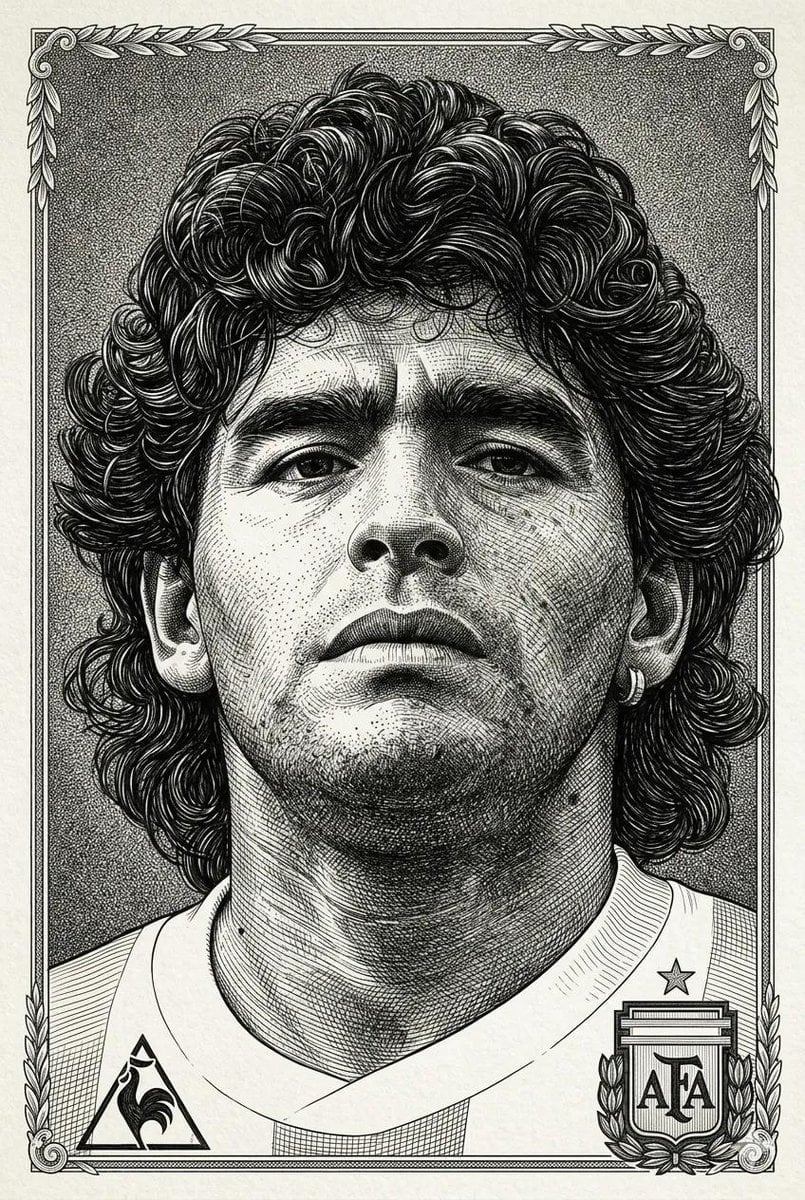
Hyper-Detailed Engraving Line Art Portrait

untitled

Caution Tape Fashion — Industrial Editorial
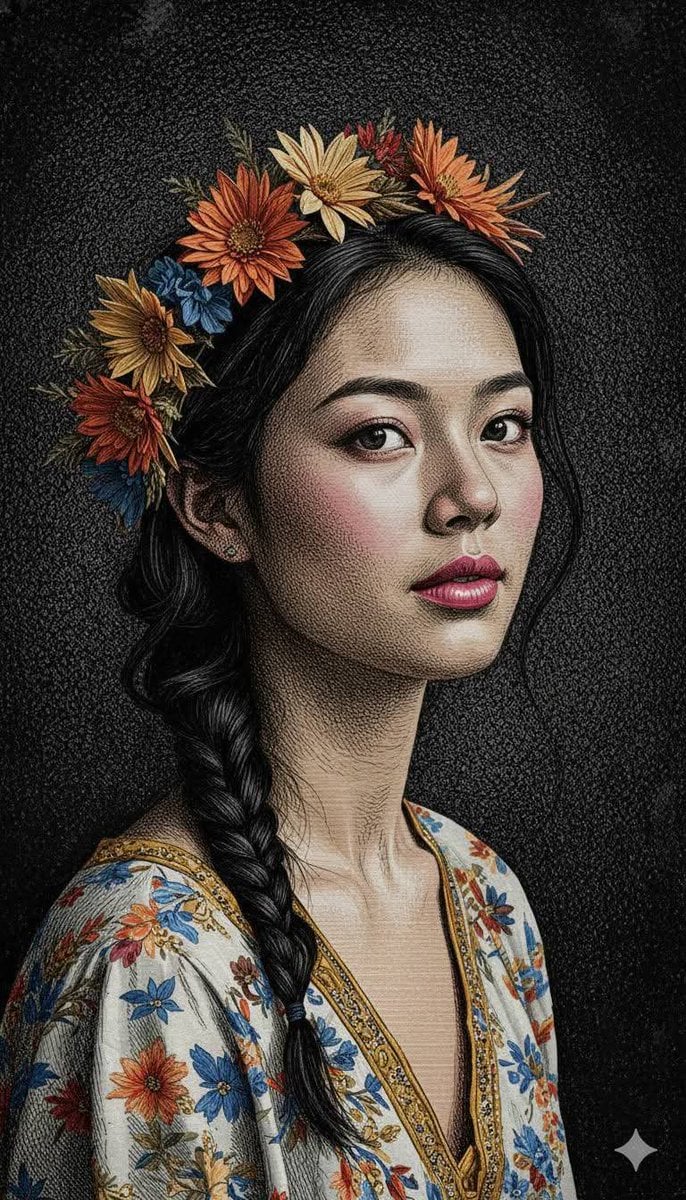
Classical Engraving Illustration Style

Nano Banana Pro Photoreal Playful Couple

Couture Fashion Editorial Woman and Drag

Nano Banana 2 Editorial Fashion Portrait

Found Photograph: Us, 1970

80s Couple Studio Portrait

80s Bollywood Star

80s Golden Hour Cinema

Me in 1985
Make it yours
Technical Engraving Editorial Portrait works as-is. These are the safest ways to change it without losing the look.
Change one field
Copy a single group, rewrite it, and generate again so you can see what that field is doing.
Keep the frame, change the subject
Hold the composition and light of Technical Engraving Editorial Portrait, then swap wardrobe, props or the person for a new take.
| If the result… | Why | Fix |
|---|---|---|
| The result drifts from the preview | Too many fields changed at once. | Reuse Technical Engraving Editorial Portrait as-is first, then change one group — subject, light, or setting. |
| The model over-stylizes the scene | The prose prompt leaves finish and camera underspecified. | Add one camera or lighting sentence and stay on Gemini 3 Pro Image Preview. |
More Gemini 3 Pro Image Preview templates
Other prompts made for Gemini 3 Pro Image Preview.

Underwater Macro Face Portrait

Water-level Bridge Modification

Noir Punk Street Portrait

High Contrast Cinematic Face Portrait

Monochrome Studio Portrait with Colored Lens

Ultra-Realistic Yacht Sunset Portrait

Mushroom Still Life Composition

Whimsical Anthropomorphic Friendly Insect

Cinematic Urban Night Billboard Portrait

Pop Art Summer Fruit Fashion Illustration
More image prompts
Fresh picks from across the catalog.
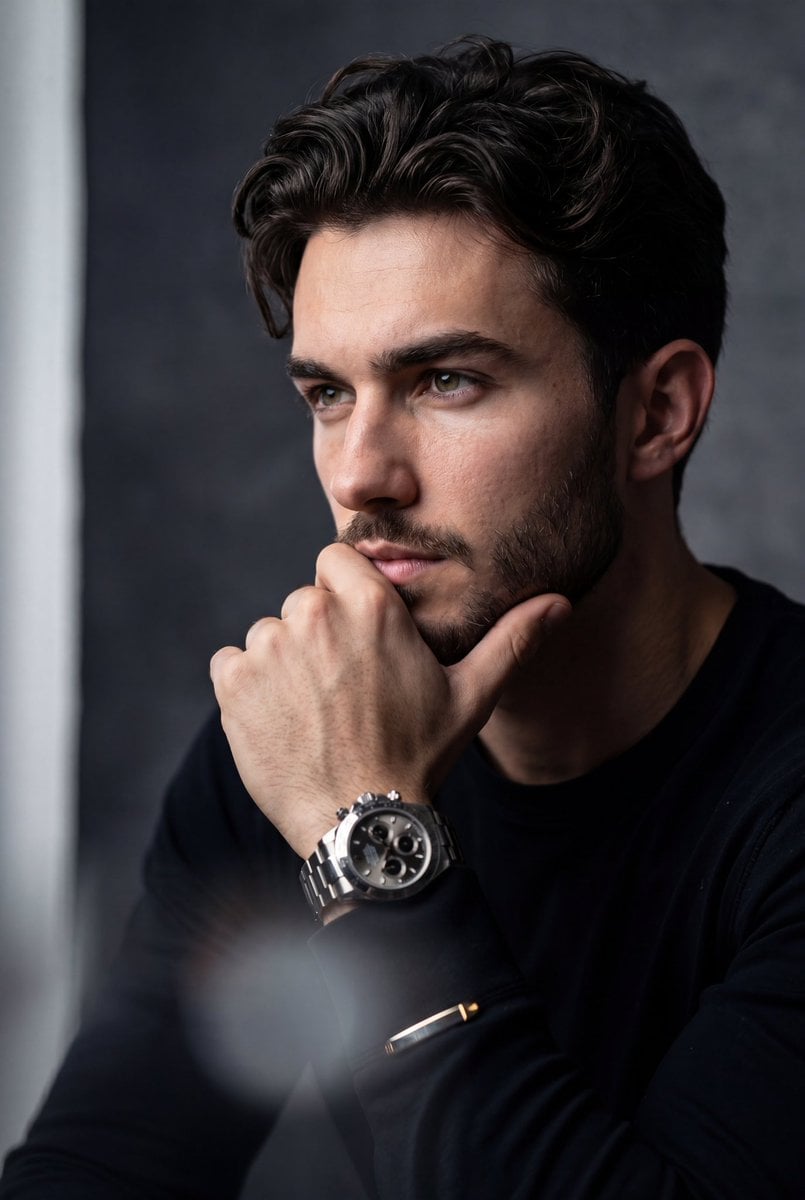
Hyper-Realistic Stoic Portrait
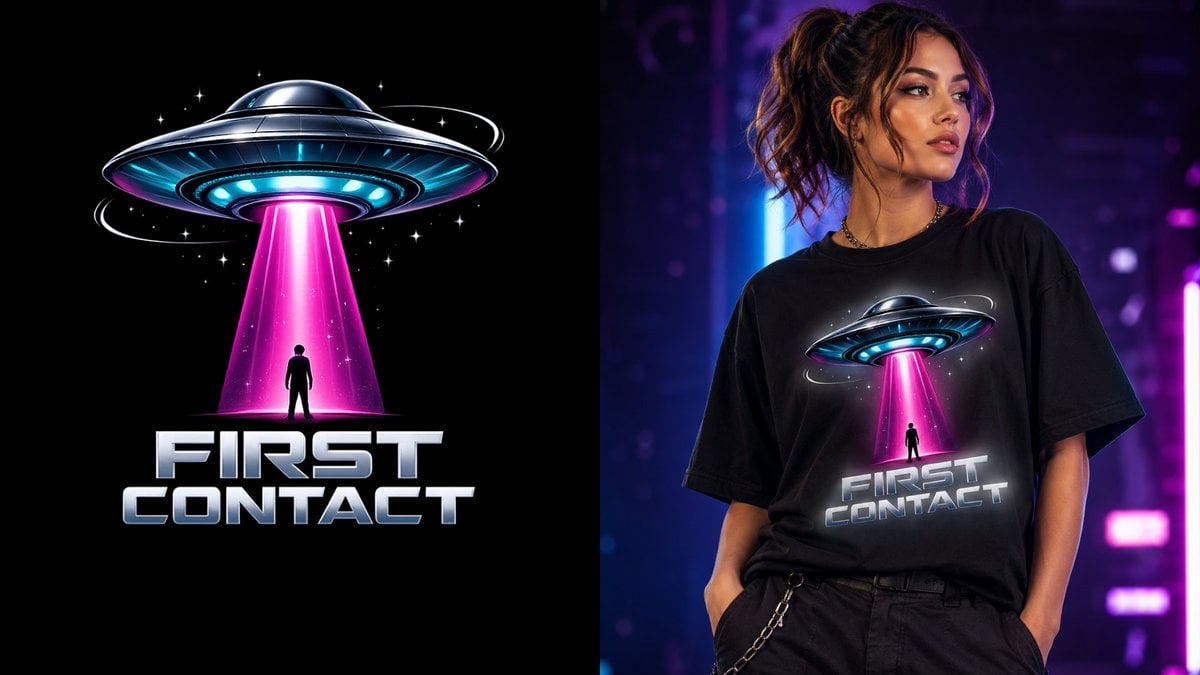
First Contact Sci-Fi T-Shirt Design
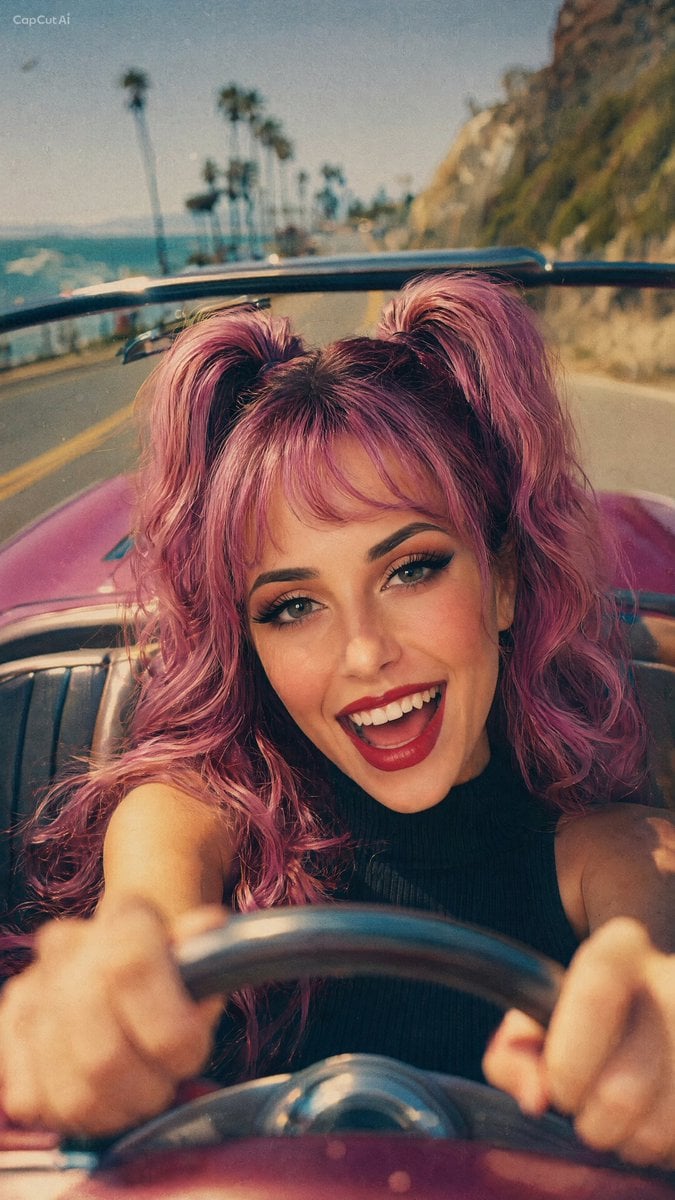
90s Retro Film Driving Shot

Japanese Aqua Fashion Magazine Cover
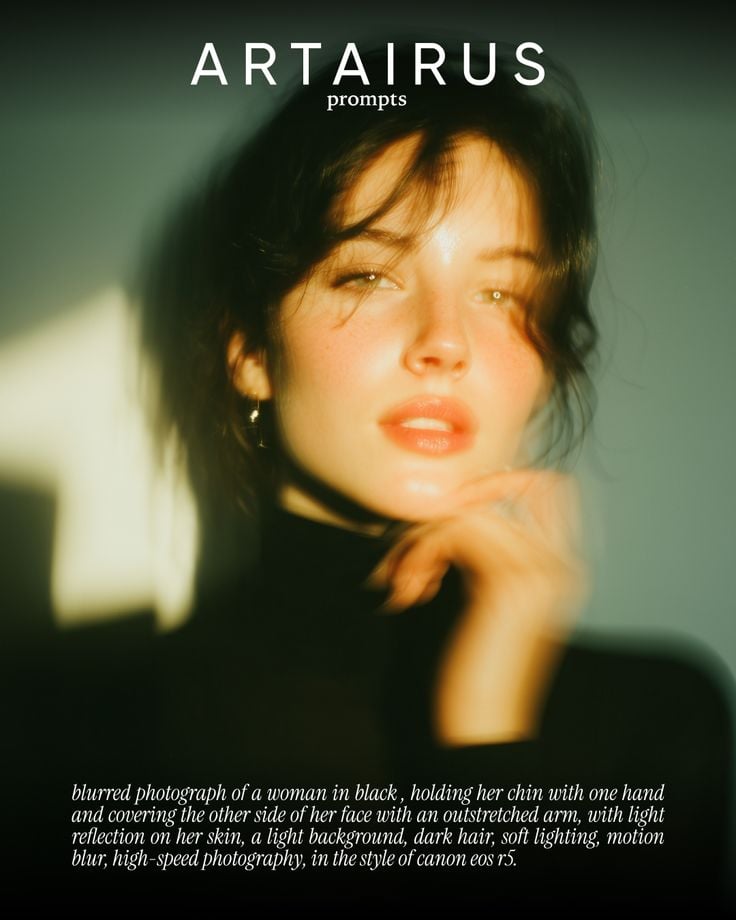
Cinematic Portrait with Soft Golden Light Prompt
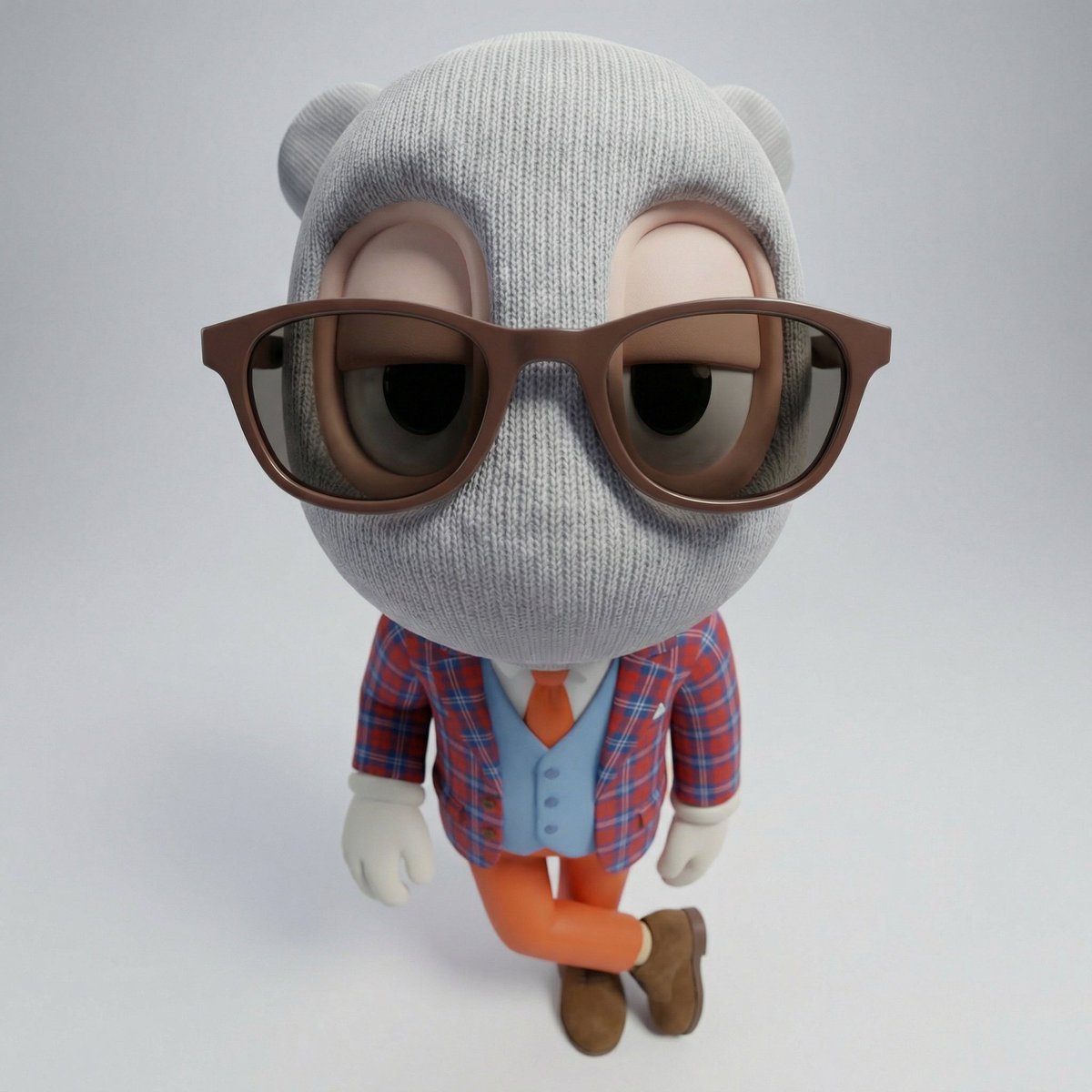
Fisheye Product Photo with Forced Perspective
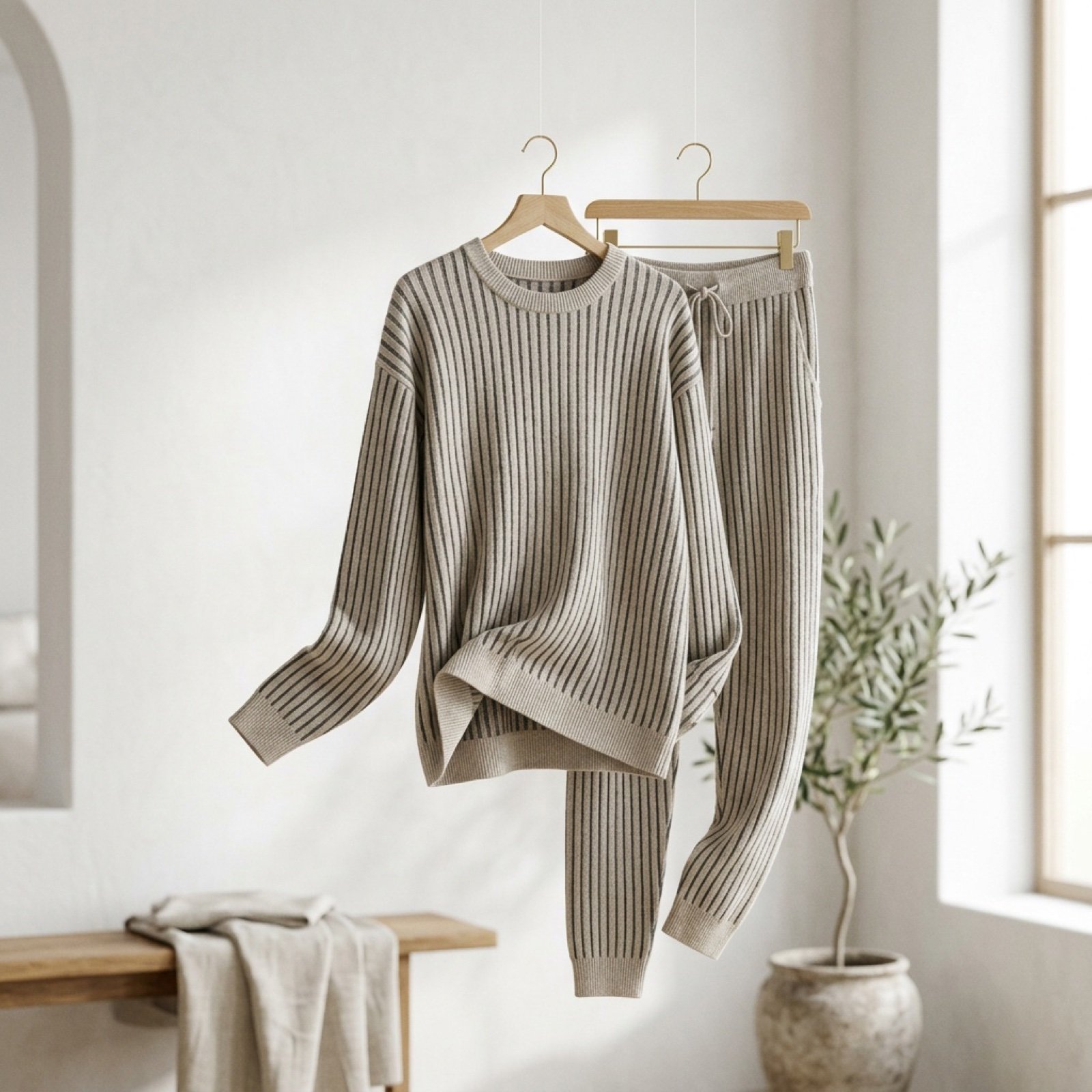
Cinematic Product Showcase Video Prompt (Knit Loungewear)
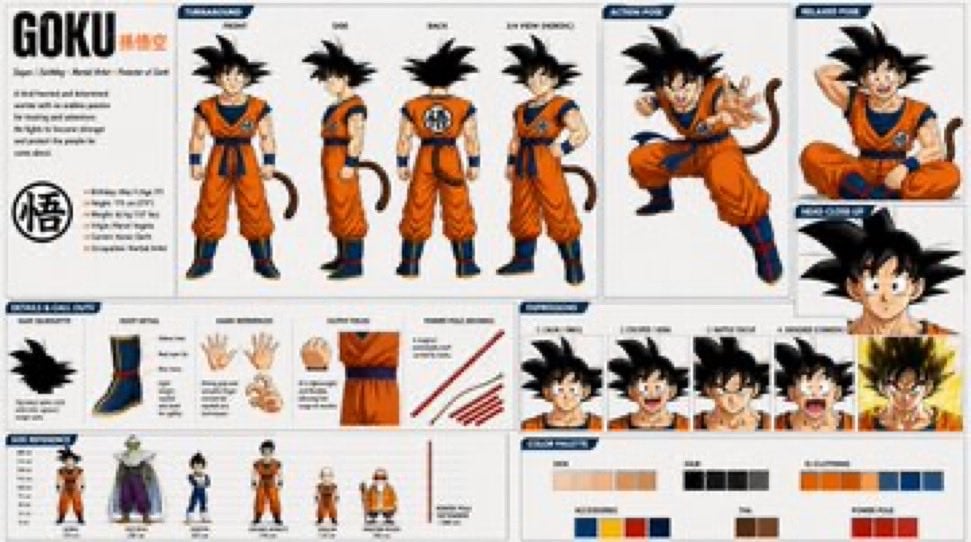
Goku Anime Character Sheet
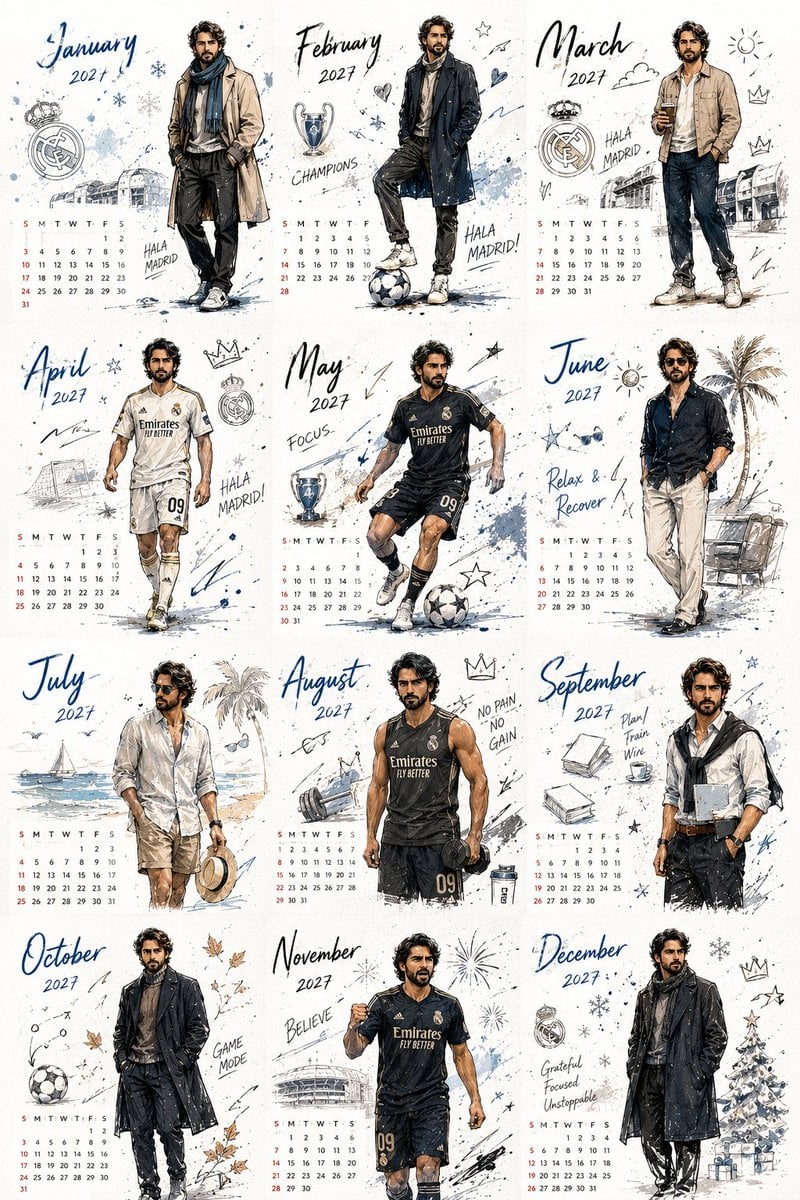
Korean Style Desktop Calendar 2027
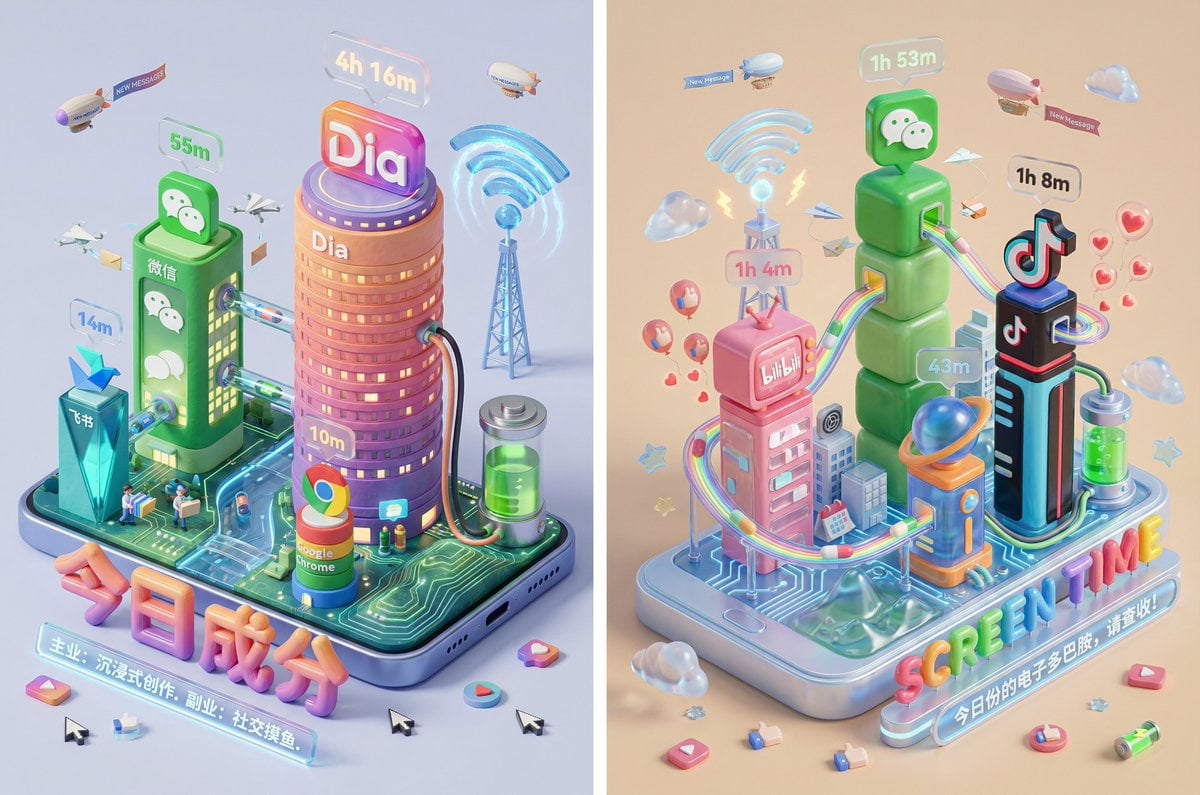
Screen Time Digital Town Visualization Prompt
Browse template categories
Technical Engraving Editorial Portrait questions
How do I use the Technical Engraving Editorial Portrait template?
Add your photo if the template asks for one, edit the prompt if you like — the template's model and format are already selected — and press Generate. Your version opens in PicX Studio.
Can I customize the Technical Engraving Editorial Portrait template?
Yes. You can change the subject, setting, lighting, mood, format, and available model controls before creating your image.
Is the Technical Engraving Editorial Portrait template free?
Opening and editing this template is free. Generating uses credits, shown on the Generate button when you are signed in.
Which AI model should I use?
Start with Gemini 3 Pro Image Preview, which is the model associated with this template. You can compare another compatible model for a different finish.
Looking for something else? Browse all templates.

Your photo, any look
Thousands of ready templates for every top image and video model, from one credit balance.