
Neo-Retro Vector Illustration Poster
A bold, graphic-novel style prompt for generating neo-retro vector illustrations with high-contrast flat colors and expressive inking.
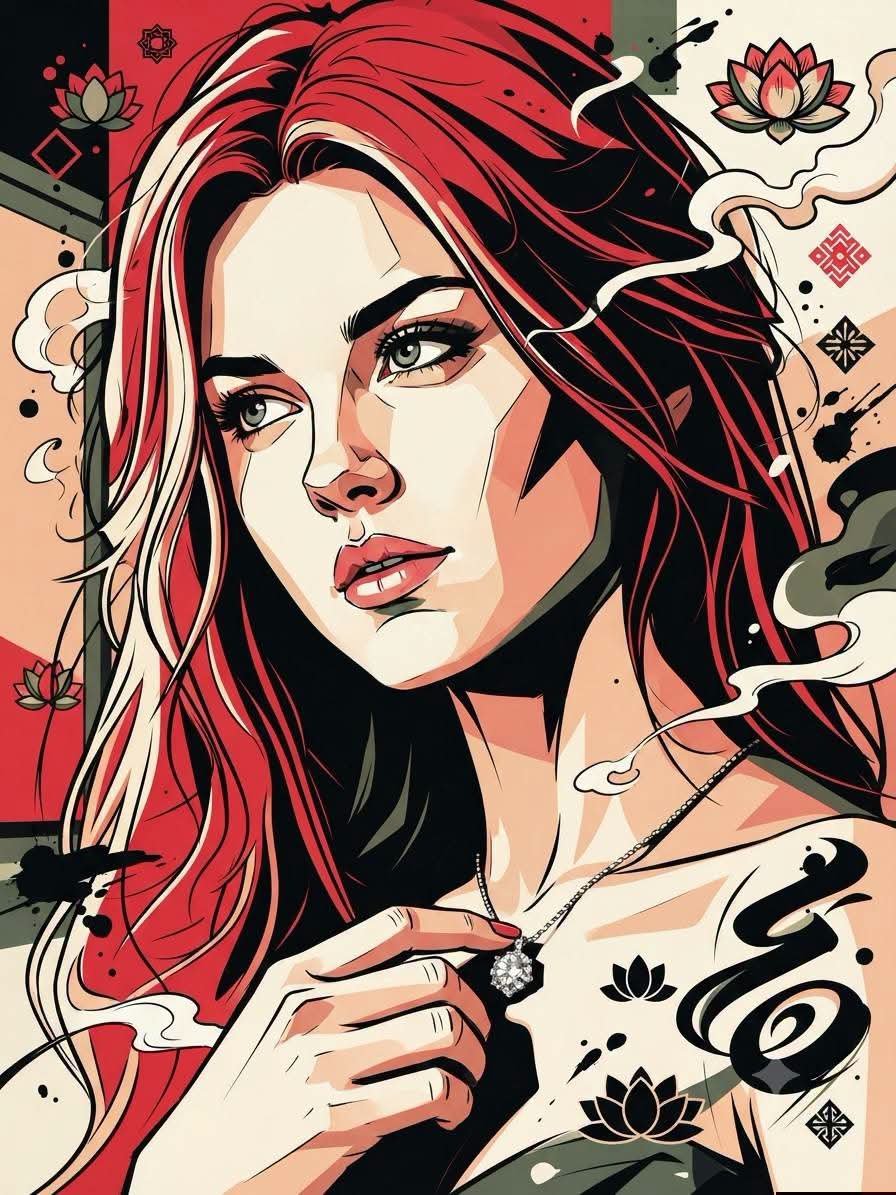
- Prompt included
- Model and format preset
- Premium template
The prompt behind this image
Copy the exact prompt behind Neo-Retro Vector Illustration Poster, or open it in the studio and make it yours.
Make a same 100% with object! Bold {argument name="style" default="neo-retro vector illustration"} with premium graphic-novel aesthetics, combining clean cel-shaded rendering and expressive hand-inked linework. Thick, confident black contour lines with varied line weight, crisp silhouette definition, and simplified geometric forms. High-contrast flat-color shading with subtle tonal layering, minimal gradients, and smooth vector precision. Dramatic chiaroscuro using large solid shadow masses and sharp highlight shapes. Limited color palette dominated by {argument name="colors" default="vivid crimson red, deep matte black, warm ivory, muted peach, soft beige, dark charcoal, olive green accents, and clean white highlights"}. Stylized facial anatomy with {argument name="details" default="exaggerated wrinkles, angular planes, flowing hair and beard strands"} rendered through elegant tapered ink strokes. Dynamic comic-inspired composition with decorative abstract smoke, swirling calligraphic shapes, ink splashes, floating graphic motifs, and subtle distressed textures. Modern Asian poster design influence blended with vintage pulp illustration, tattoo-inspired vector art, and contemporary editorial graphics. Ultra-clean edges, high visual impact, cinematic contrast, layered depth through overlapping flat shapes, premium screen-print aesthetic, sharp vector finish, bold negative space, highly detailed yet simplified forms, no photorealism, no painterly texture, no 3D rendering, no text, no watermark, no logo.
How to use Neo-Retro Vector Illustration Poster in 3 steps
- 1Upload ImagePNG, JPG or paste
Add your photo
Upload the photo the template builds on. The prompt, model and format are already set.
- 2…a portrait of your subject in softgolden-hour light, 85mm…
Personalize
Edit the subject and creative details for your destination.
- 3Generate
Generate
Press Generate — your image is created in PicX Studio, so you can compare it with the original and refine one variable at a time.
More like this
Templates with the same subject, style or setup. Open one to see its prompt.
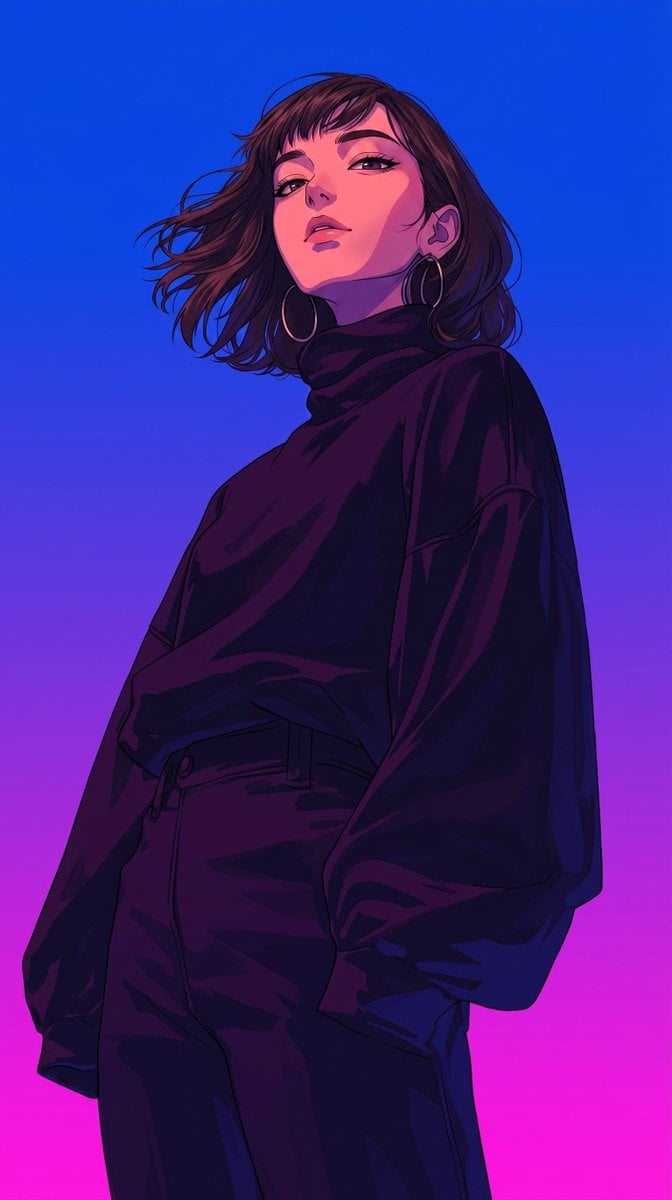
Retro-Modern Neon Anime Painting
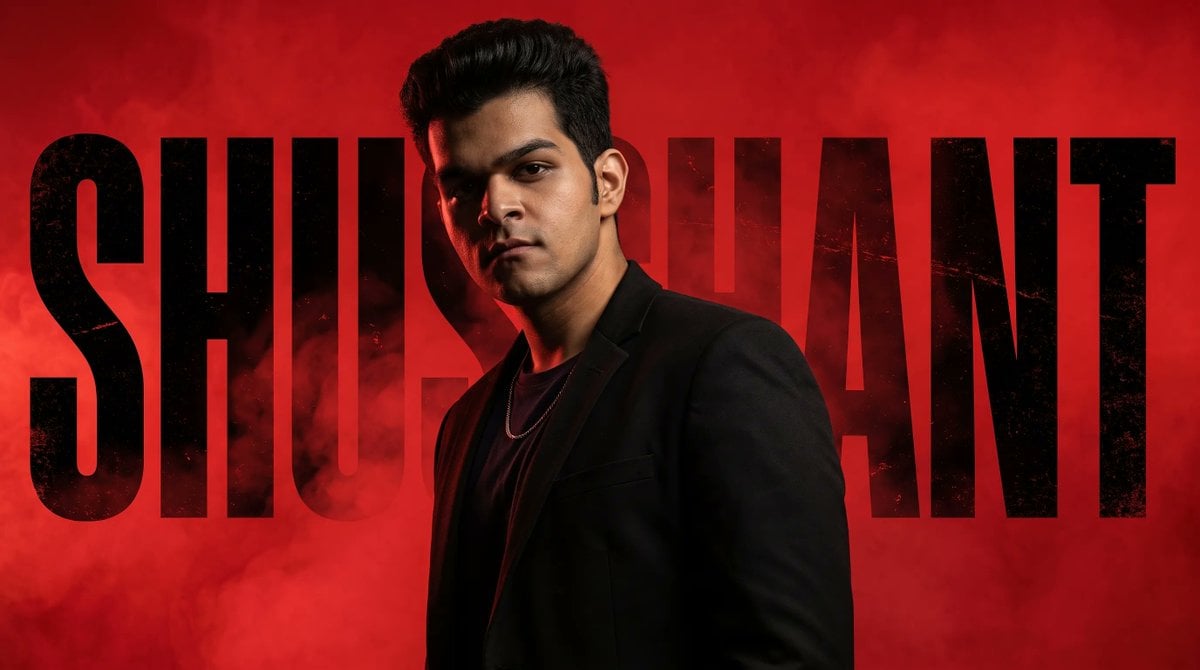
Neo-Noir Typographic Avatar Poster

80s Neon Disco Night

Pop Art Summer Fruit Fashion Illustration
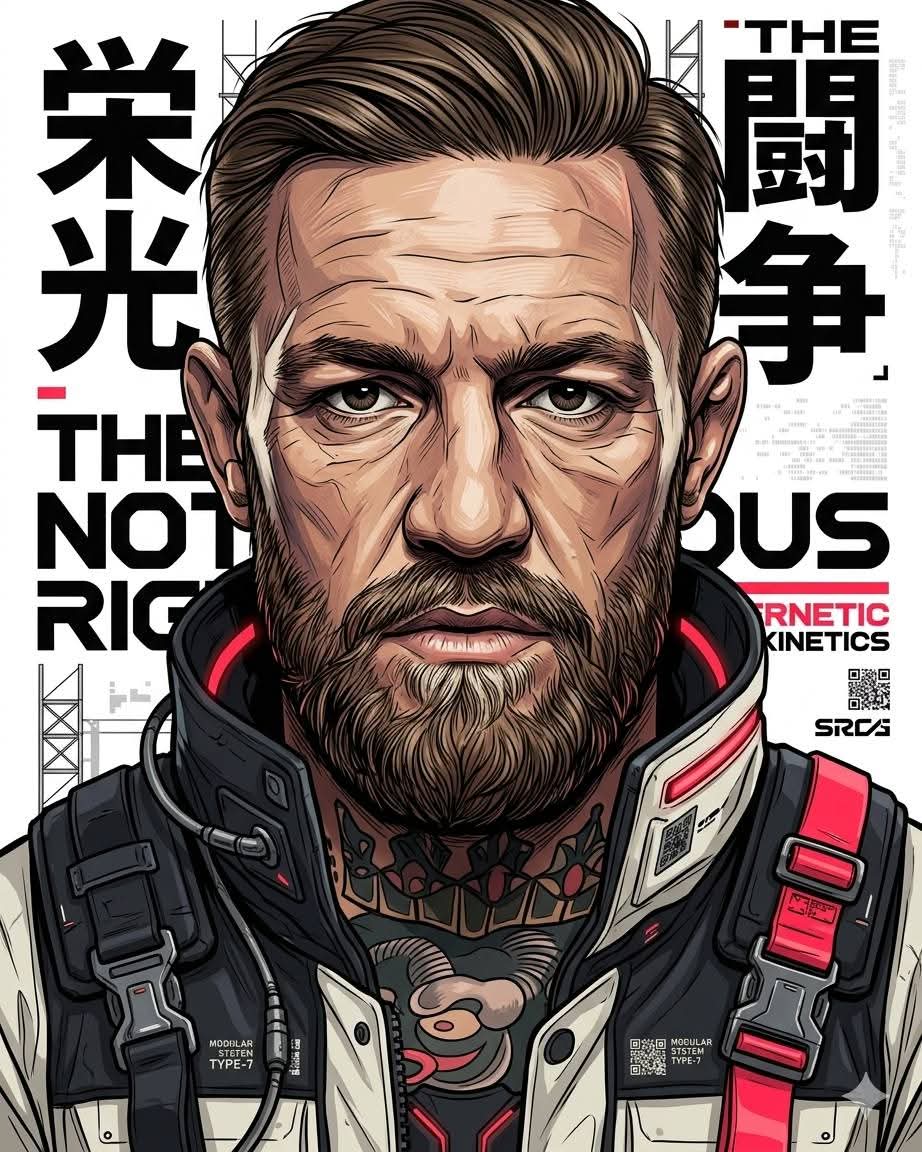
Futuristic Neo-Illustration Poster

Sunday Afternoon, 1988

Two Tickets, One Night

If We Met in 1985

Found Photograph: Us, 1970

One Dance Before Midnight

Before We said Goodbye

Our Song was on a Cassette
Make it yours
Neo-Retro Vector Illustration Poster works as-is. These are the safest ways to change it without losing the look.
Change one field
Copy a single group, rewrite it, and generate again so you can see what that field is doing.
Keep the frame, change the subject
Hold the composition and light of Neo-Retro Vector Illustration Poster, then swap wardrobe, props or the person for a new take.
| If the result… | Why | Fix |
|---|---|---|
| The result drifts from the preview | Too many fields changed at once. | Reuse Neo-Retro Vector Illustration Poster as-is first, then change one group — subject, light, or setting. |
| The model over-stylizes the scene | The prose prompt leaves finish and camera underspecified. | Add one camera or lighting sentence and stay on Gemini 3 Pro Image Preview. |
More Gemini 3 Pro Image Preview templates
Other prompts made for Gemini 3 Pro Image Preview.

Creative Character in Pink Office

Avant-Garde Asian Fashion Model

Underwater Macro Face Portrait

Water-level Bridge Modification

Noir Punk Street Portrait

High Contrast Cinematic Face Portrait

Monochrome Studio Portrait with Colored Lens

Ultra-Realistic Yacht Sunset Portrait

Mushroom Still Life Composition

Whimsical Anthropomorphic Friendly Insect
More image prompts
Fresh picks from across the catalog.
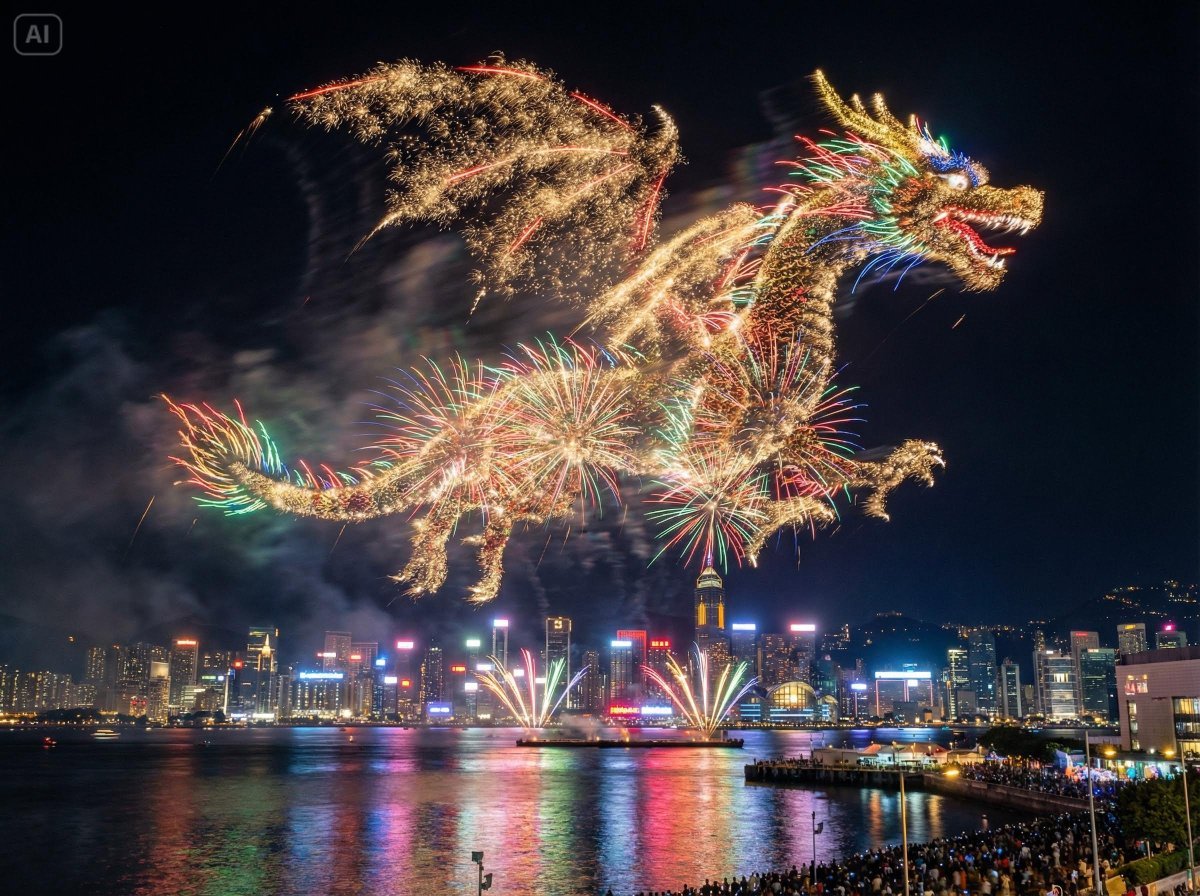
Photorealistic Fireworks Display Prompt for Dreamina AI
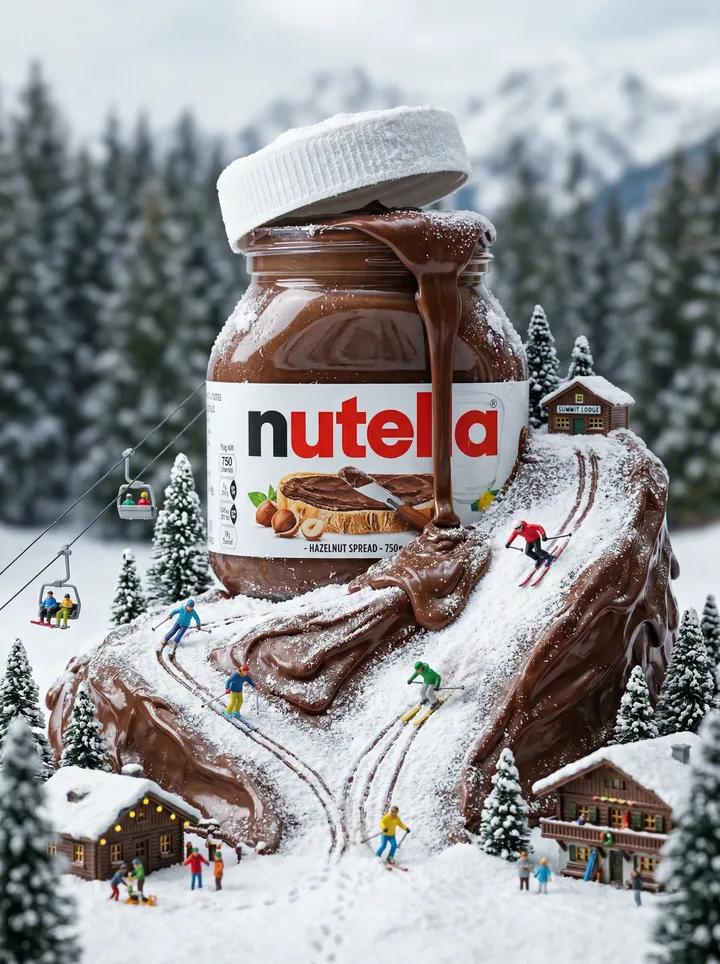
Nutella Miniature Winter World Video Prompt (JSON)
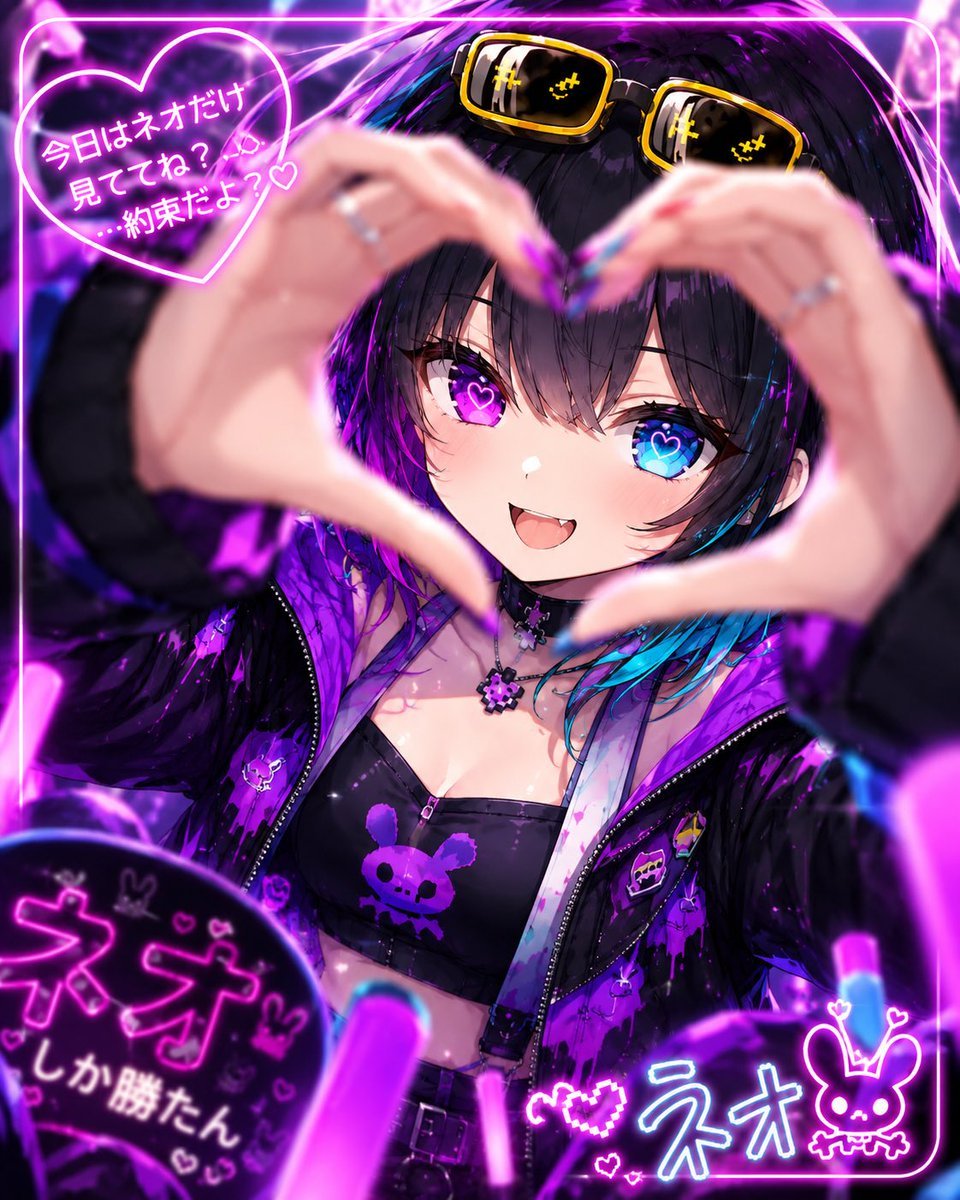
Neon Anime Idol Fan Poster
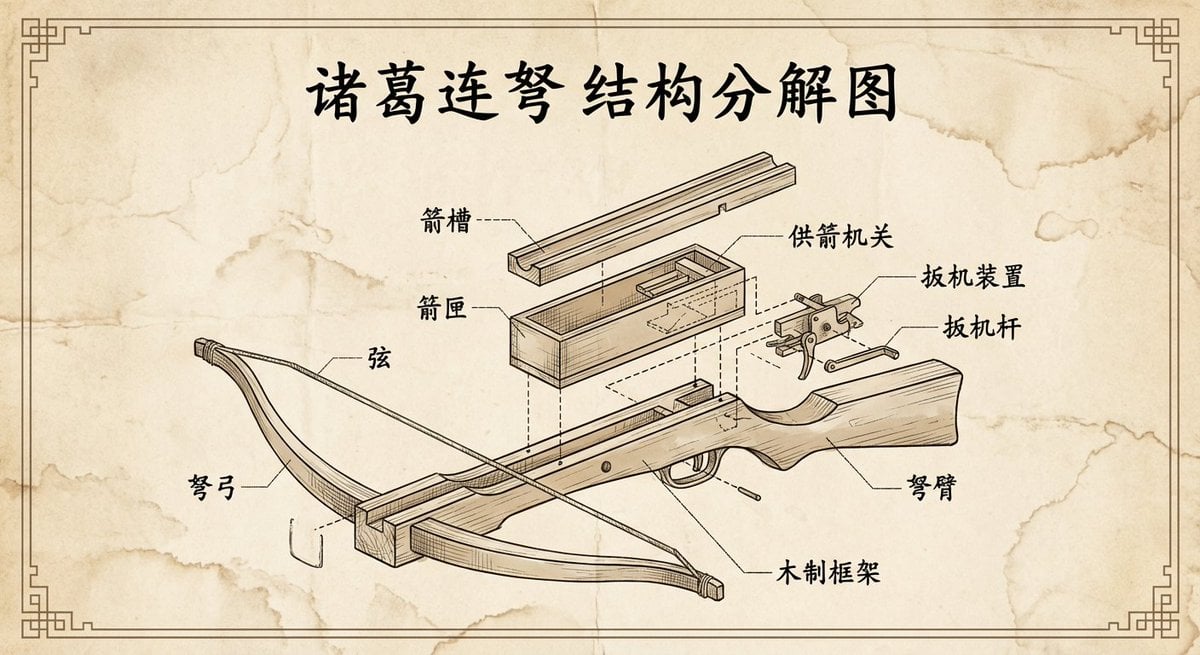
Vintage engineering exploded view of Zhuge repeating crossbow
Monochrome Engraved Portrait
Retro Nightlife Flash Wallpaper

Cinematic Camera Instructions for Nano Banana Pro
Golden Hour Picnic with Chibi Miniatures
3D Pixar-Style Animated Character Grid Prompt
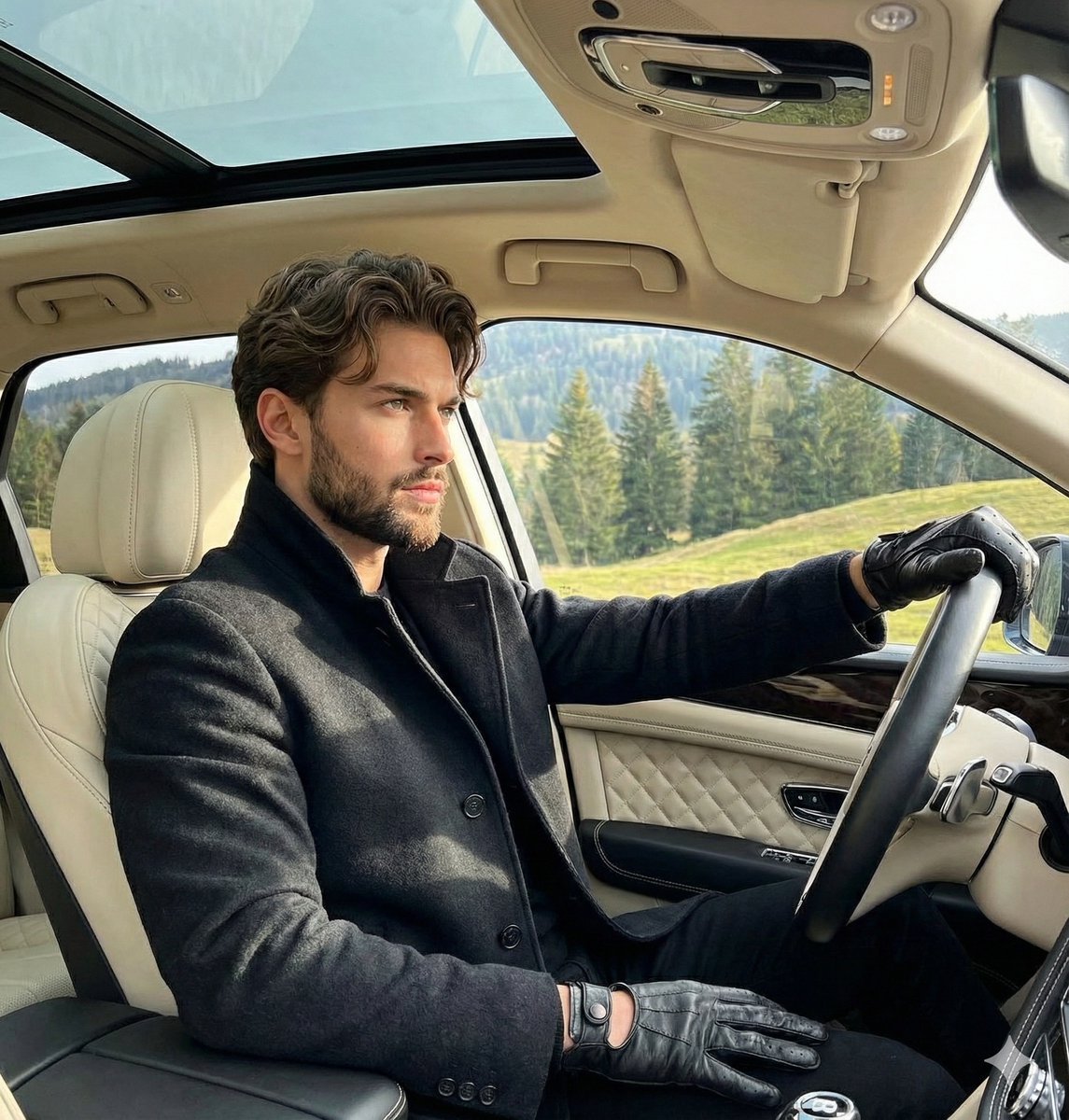
Luxury Automotive Editorial Photo Prompt
Browse template categories
Neo-Retro Vector Illustration Poster questions
How do I use the Neo-Retro Vector Illustration Poster template?
Add your photo if the template asks for one, edit the prompt if you like — the template's model and format are already selected — and press Generate. Your version opens in PicX Studio.
Can I customize the Neo-Retro Vector Illustration Poster template?
Yes. You can change the subject, setting, lighting, mood, format, and available model controls before creating your image.
Is the Neo-Retro Vector Illustration Poster template free?
Opening and editing this template is free. Generating uses credits, shown on the Generate button when you are signed in.
Which AI model should I use?
Start with Gemini 3 Pro Image Preview, which is the model associated with this template. You can compare another compatible model for a different finish.
Looking for something else? Browse all templates.

Your photo, any look
Thousands of ready templates for every top image and video model, from one credit balance.