
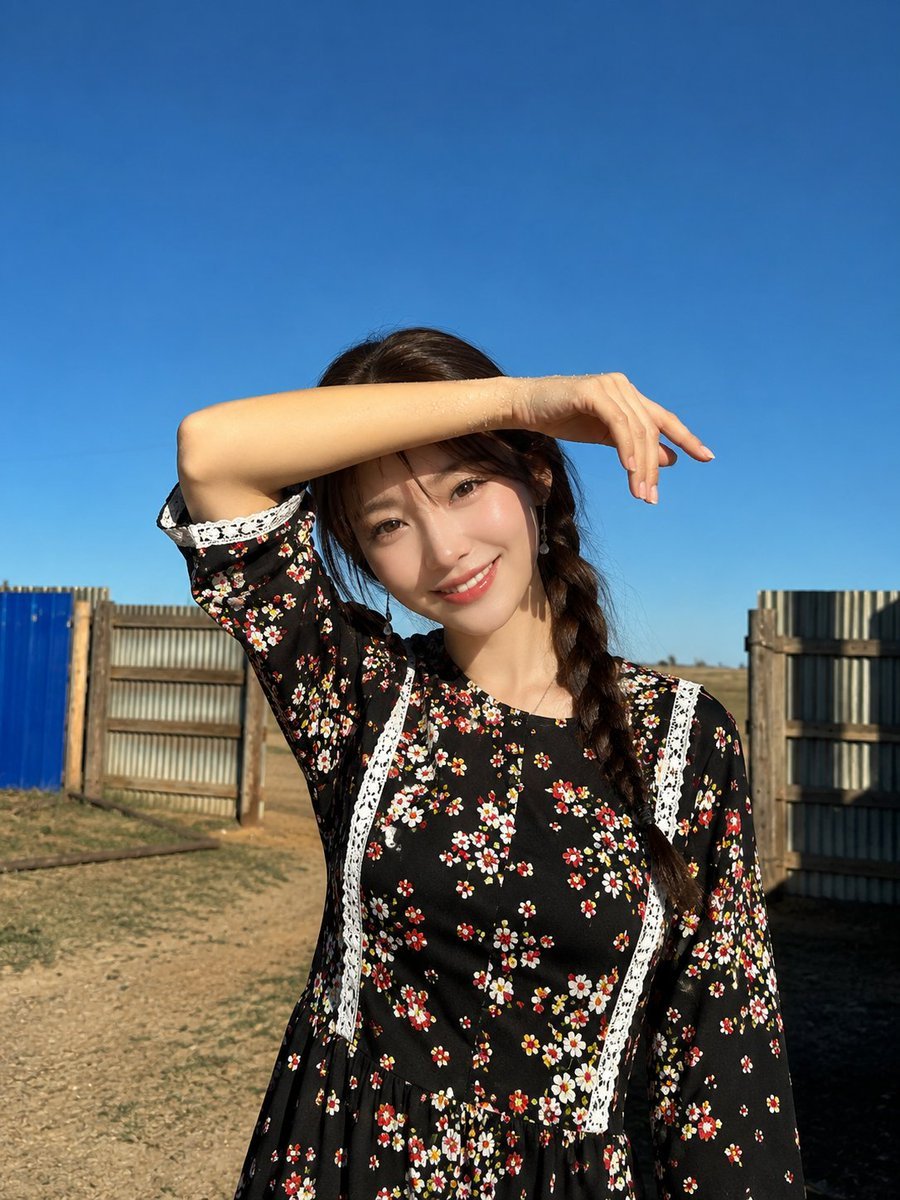
Candid Golden Hour Braid Portrait
A comprehensive prompt for a realistic candid portrait of a woman shielding her eyes from the sun, used for a comparison between Nano Banana 2 and GPT Image 2.
- Prompt included
- Model and format preset
- Free template
The prompt behind this image
Copy the exact prompt behind Candid Golden Hour Braid Portrait, or open it in the studio and make it yours.
Ultra-realistic candid outdoor portrait of a beautiful young woman standing under a clear, vibrant blue sky during bright golden-hour sunlight. She has {argument name="hair style" default="long, silky jet-black hair styled in a loose side braid draped over one shoulder"}, soft wispy bangs framing her face, luminous fair skin with a natural sun-kissed glow, delicate rosy cheeks, naturally full pink lips, and almond-shaped dark brown eyes with a gentle, relaxed expression. She is slightly smiling while looking directly at the camera. She raises one arm across her forehead to shield her eyes from the bright sunlight, creating soft natural shadows across her face and adding an authentic candid feel. Tiny water droplets glisten on her forearm, catching the warm sunlight. She wears a {argument name="outfit" default="modest black long-sleeve floral midi dress decorated with small white, pink, and red blossoms, featuring elegant white lace trim along the bodice, sleeves, and cuffs"}. A delicate silver necklace and minimalist dangling earrings complete the look. The background features a {argument name="setting" default="rustic countryside setting with dry golden grass, simple wooden fencing, corrugated metal panels, and open land stretching into the distance beneath a cloudless deep-blue sky"}. Strong natural sunlight casts crisp shadows, emphasizing the warm rural atmosphere. Composition: vertical 3:4 portrait, waist-up framing, centered subject with generous negative space above, natural candid pose, shallow depth of field, soft background blur, realistic skin texture, authentic smartphone photography, HDR, ultra-detailed, cinematic color grading, high dynamic range, sharp focus on the face, 85mm lens look, f/2.0 aperture, 8K resolution, photorealistic, editorial lifestyle photography, clean composition, natural lighting, premium Instagram aesthetic.
How to use Candid Golden Hour Braid Portrait in 3 steps
- 1
Open
The prompt is already in the box next to the preview, with the template's model and format selected.
- 2…a portrait of your subject in softgolden-hour light, 85mm…
Personalize
Edit the subject and creative details for your destination.
- 3Generate
Generate
Press Generate — your image is created in PicX Studio, so you can compare it with the original and refine one variable at a time.
More like this
Templates with the same subject, style or setup. Open one to see its prompt.

80s Golden Hour Cinema

Rooftop Fisheye — Cat-Ear Balaclava at Golden Hour
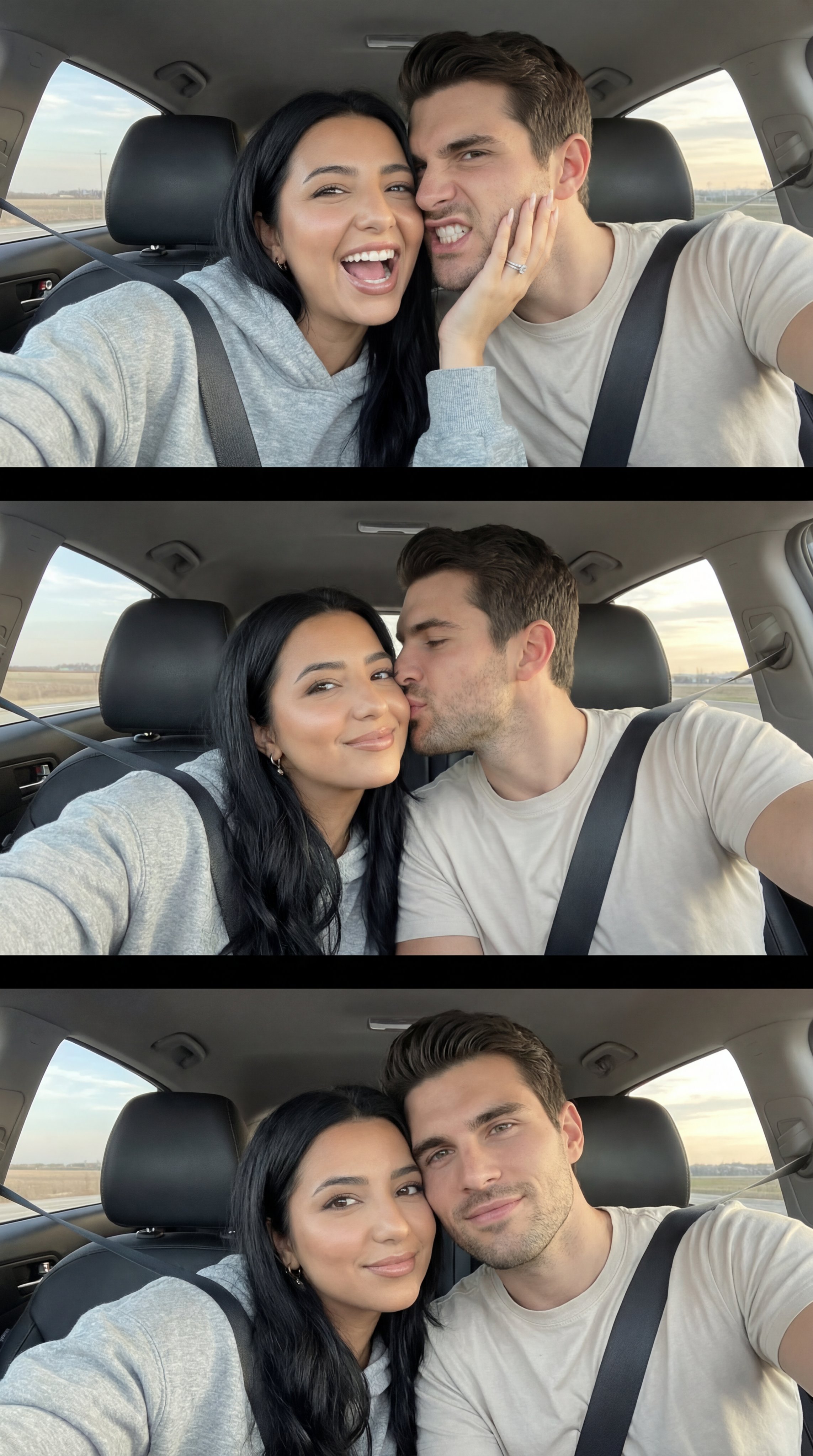
Nano Banana Pro Photoreal Playful Couple

Underwater Macro Face Portrait
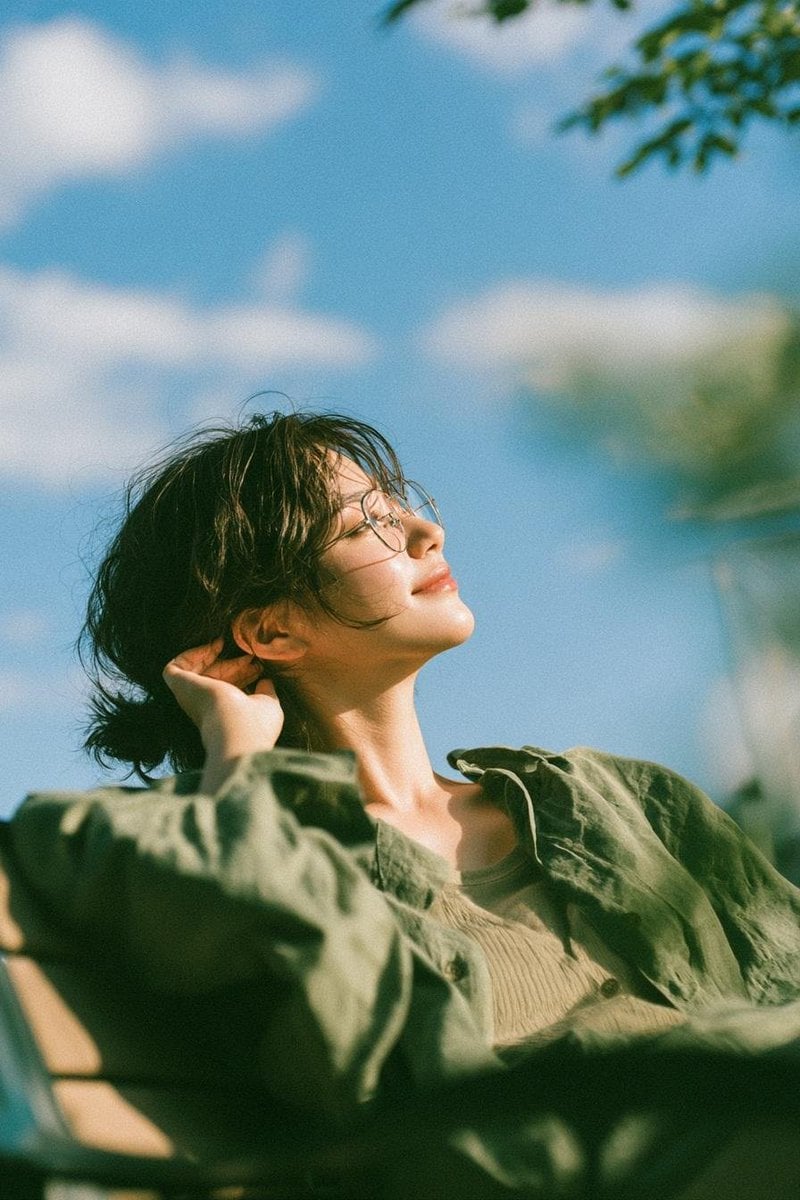
Cinematic Golden Hour Garden Portrait
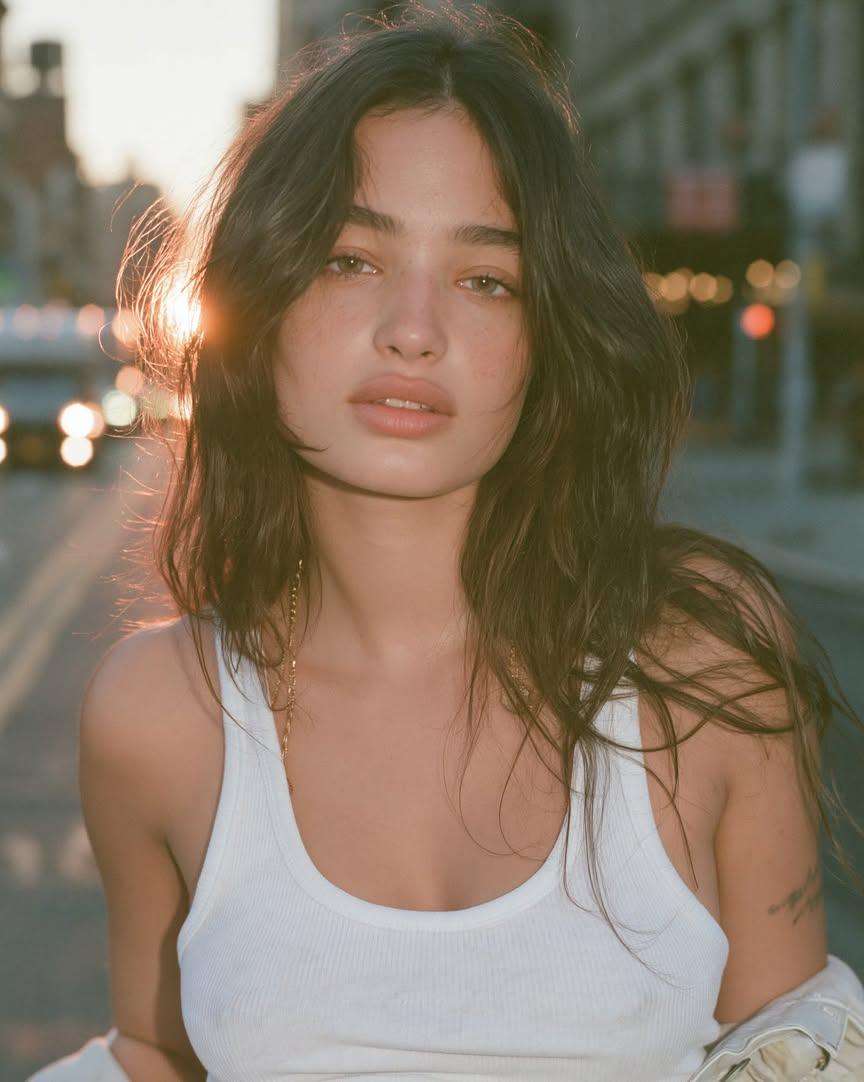
Cinematic Golden Hour Urban Portrait
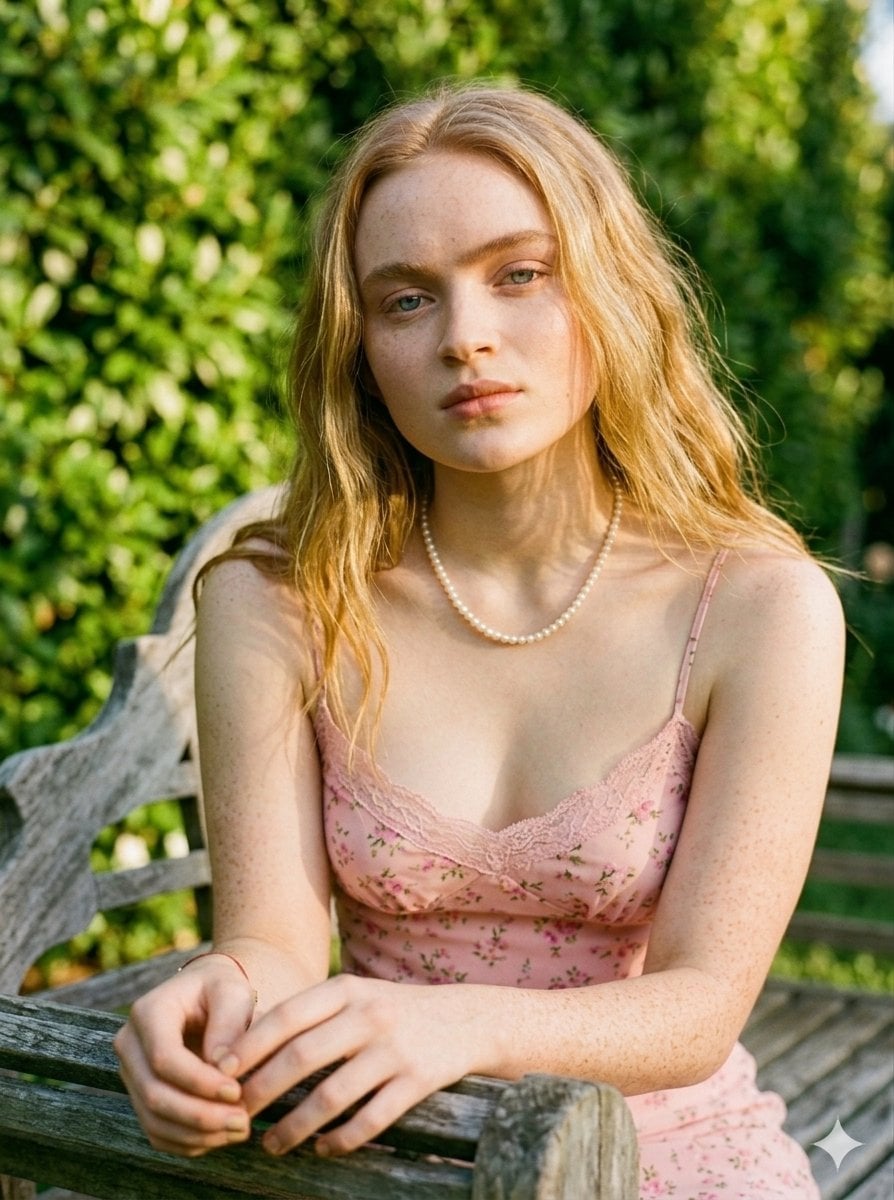
Golden Hour Redhead Portrait
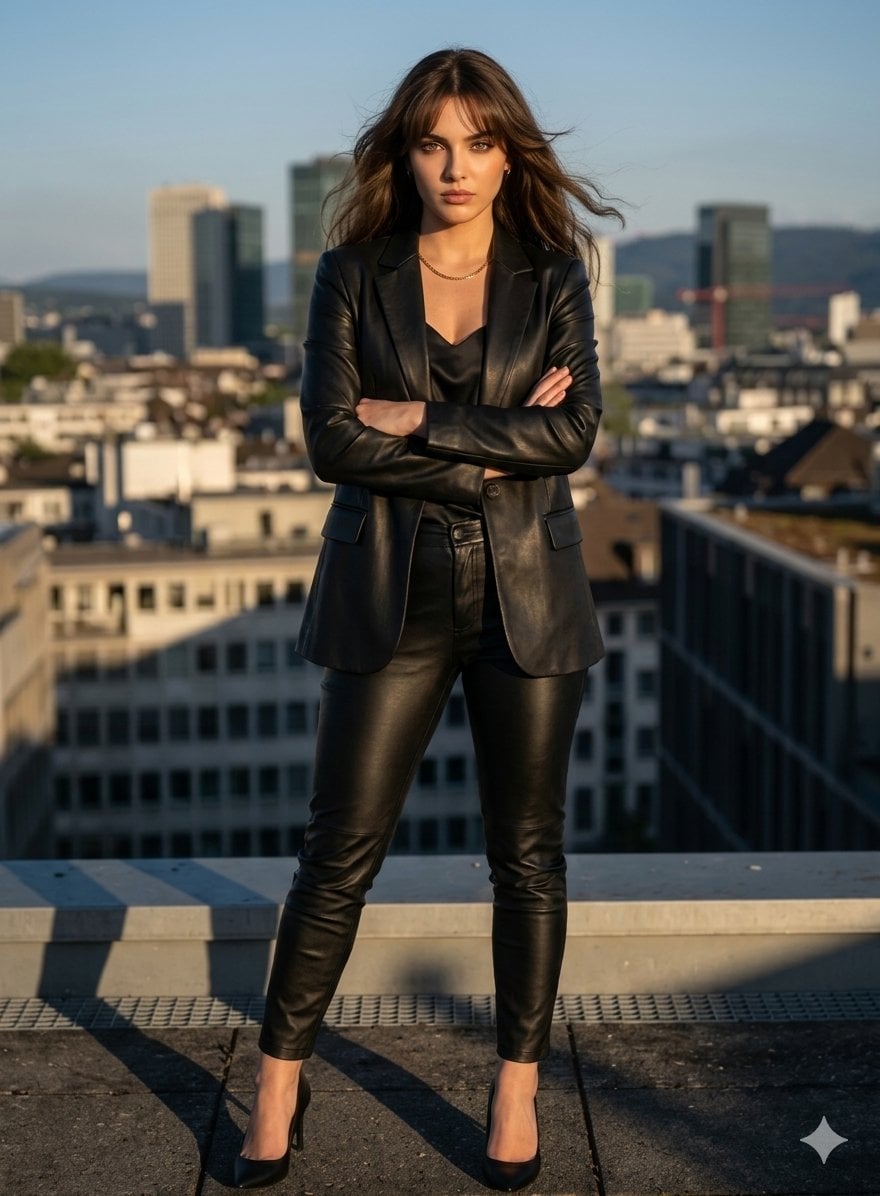
Golden Hour Cinematic Boss Energy Portrait
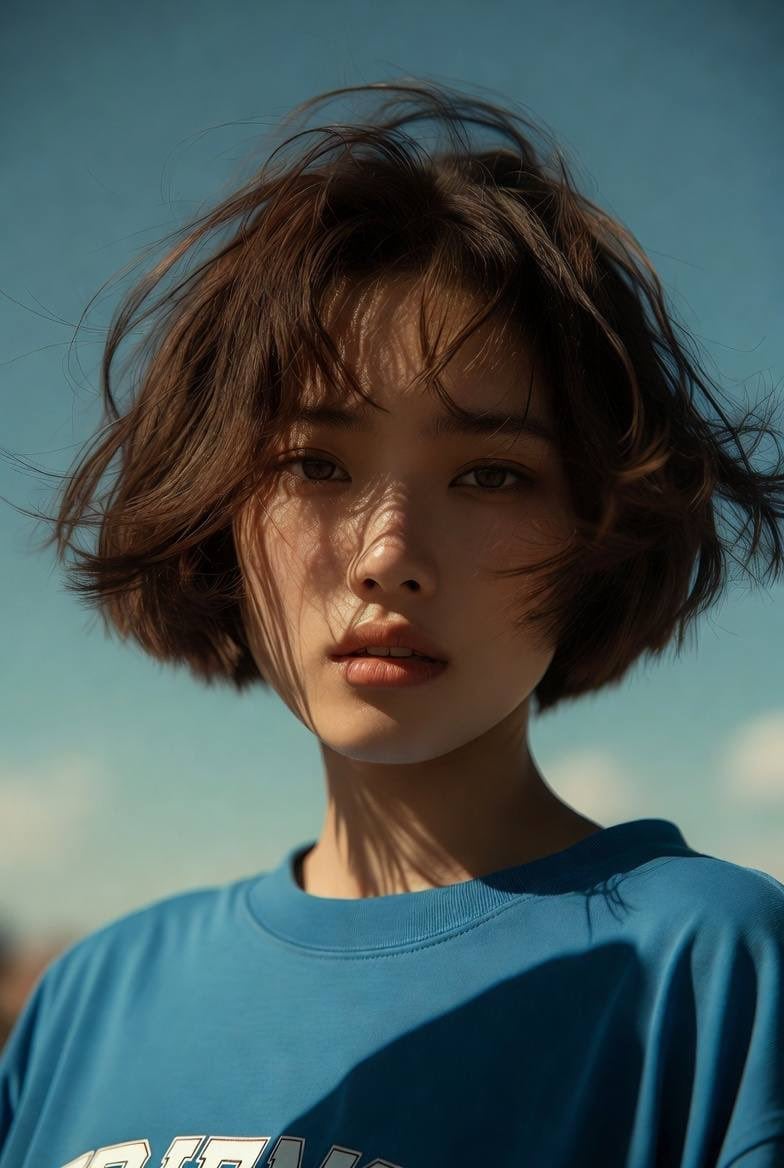
Golden Hour Cinematic Portrait
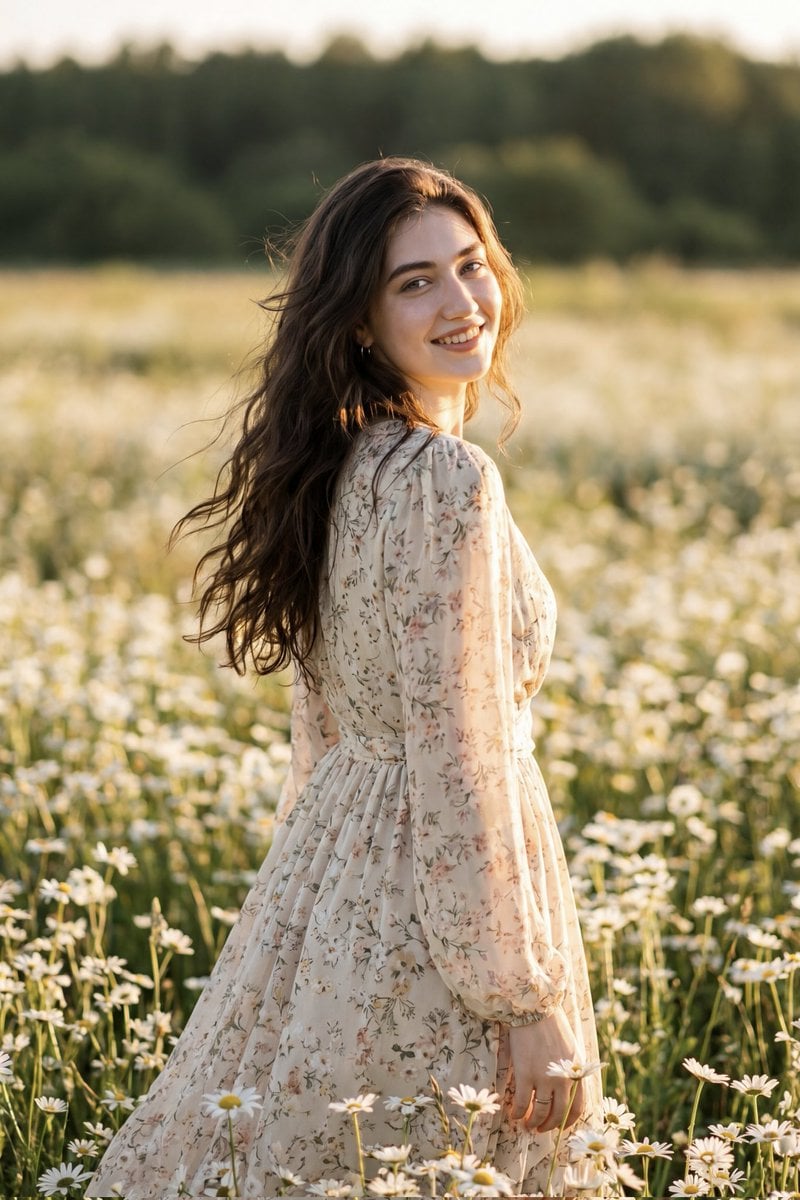
Golden Hour Daisy Field Portrait
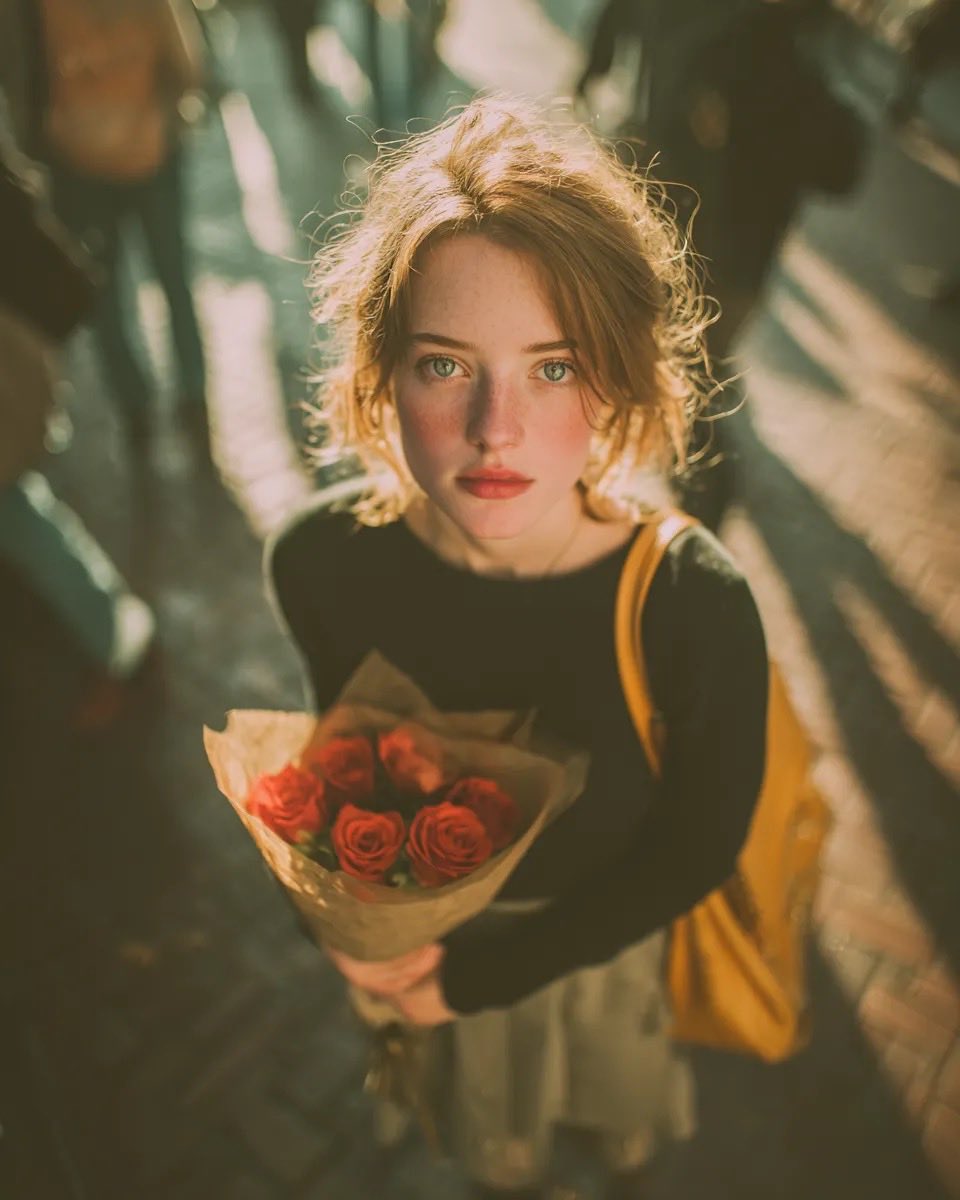
Golden Hour Rose Portrait

Golden Hour Korean Classroom Portrait
Make it yours
Candid Golden Hour Braid Portrait works as-is. These are the safest ways to change it without losing the look.
Change one field
Copy a single group, rewrite it, and generate again so you can see what that field is doing.
Keep the frame, change the subject
Hold the composition and light of Candid Golden Hour Braid Portrait, then swap wardrobe, props or the person for a new take.
| If the result… | Why | Fix |
|---|---|---|
| The result drifts from the preview | Too many fields changed at once. | Reuse Candid Golden Hour Braid Portrait as-is first, then change one group — subject, light, or setting. |
| The model over-stylizes the scene | The prose prompt leaves finish and camera underspecified. | Add one camera or lighting sentence and stay on Gemini 3 Pro Image Preview. |
More Gemini 3 Pro Image Preview templates
Other prompts made for Gemini 3 Pro Image Preview.
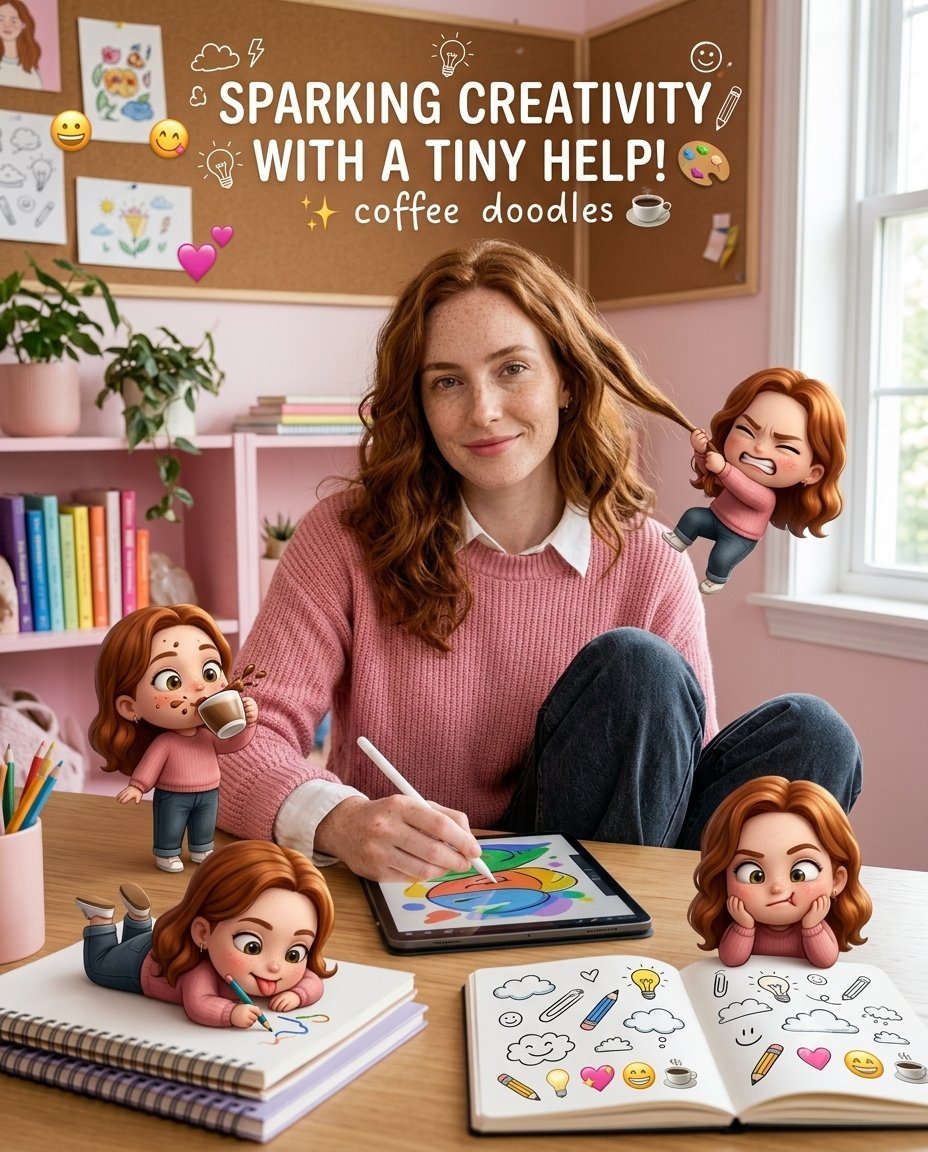
Creative Character in Pink Office
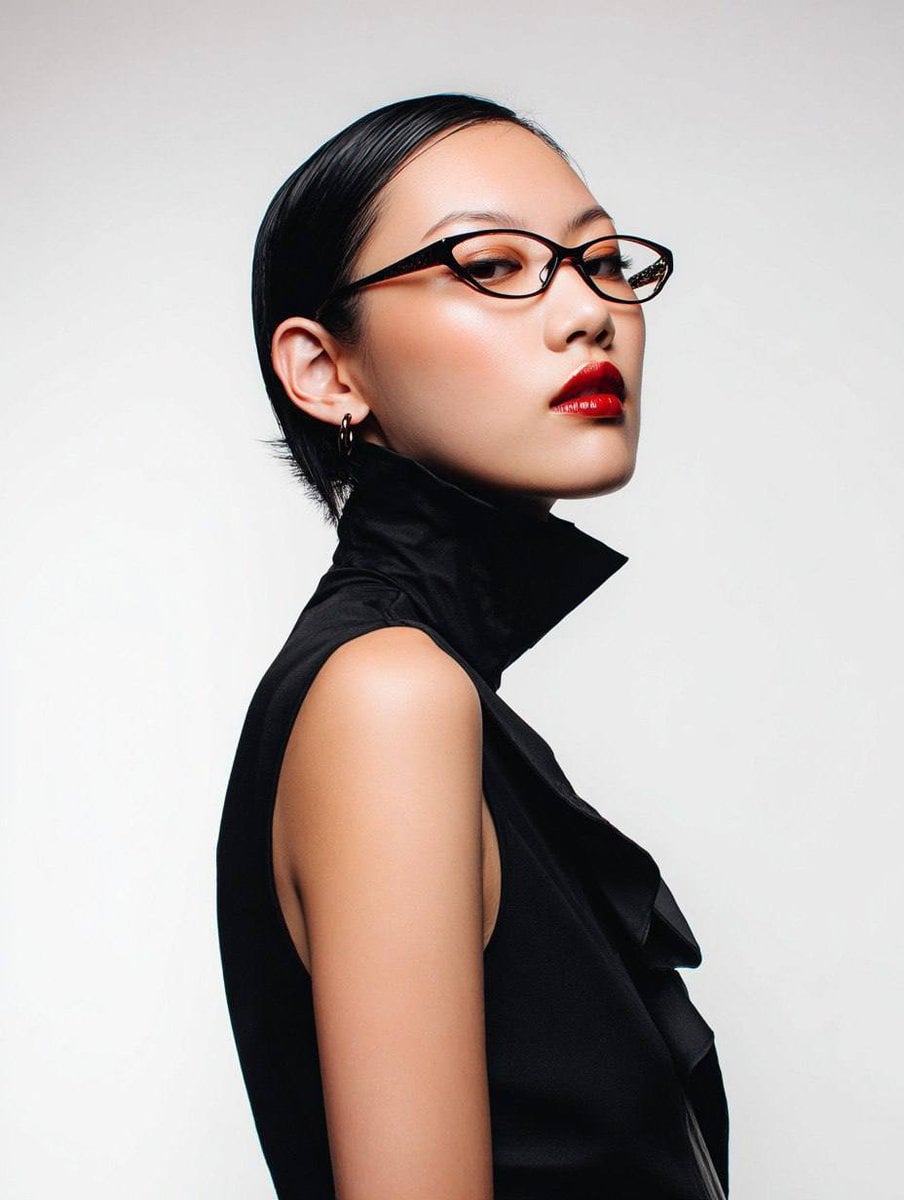
Avant-Garde Asian Fashion Model
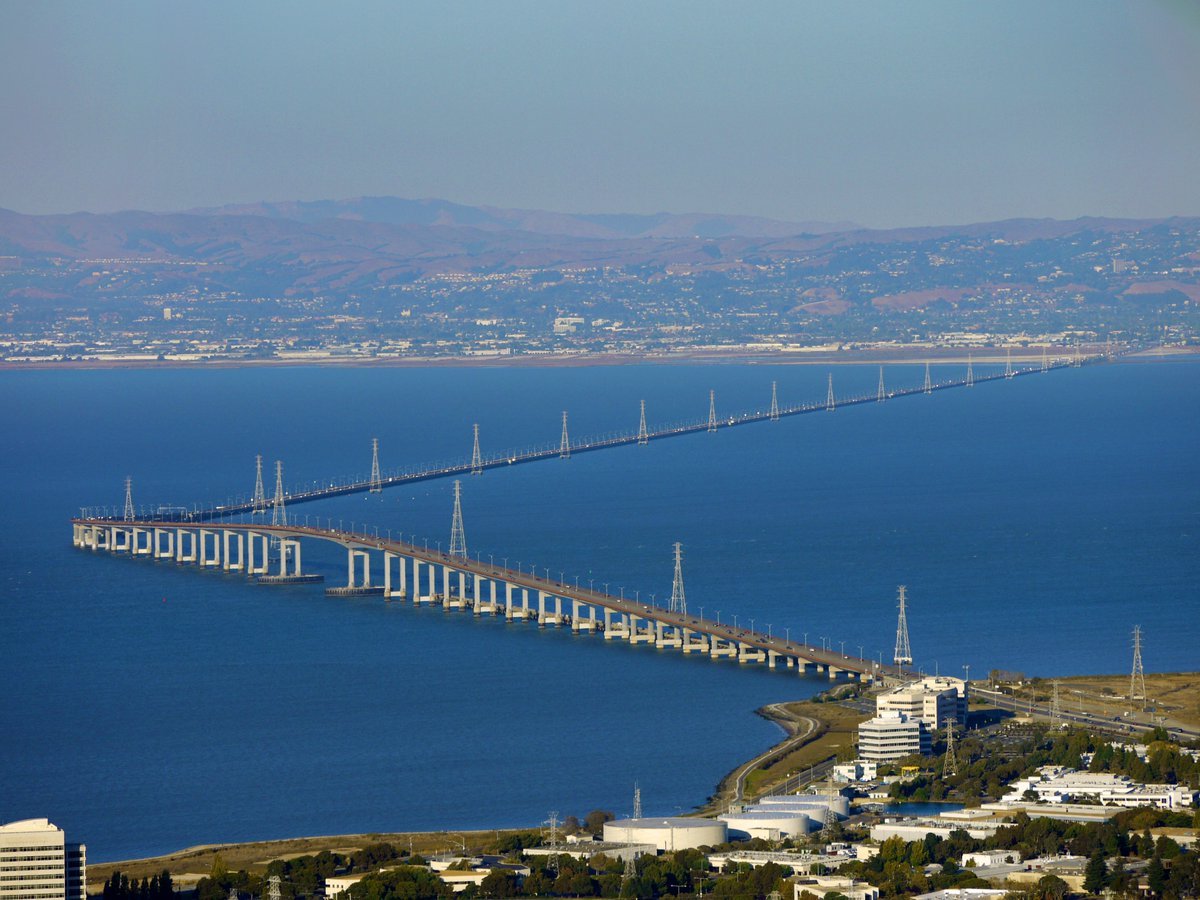
Water-level Bridge Modification
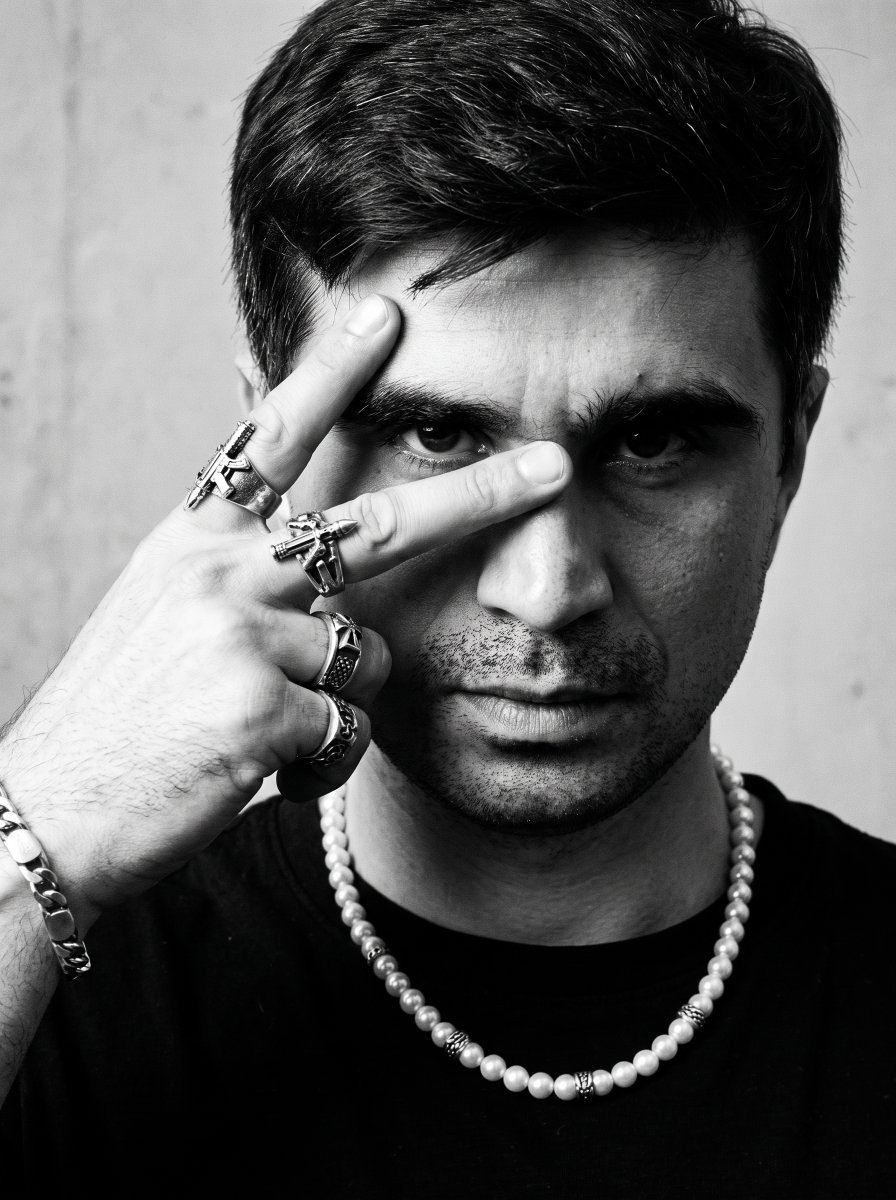
Noir Punk Street Portrait
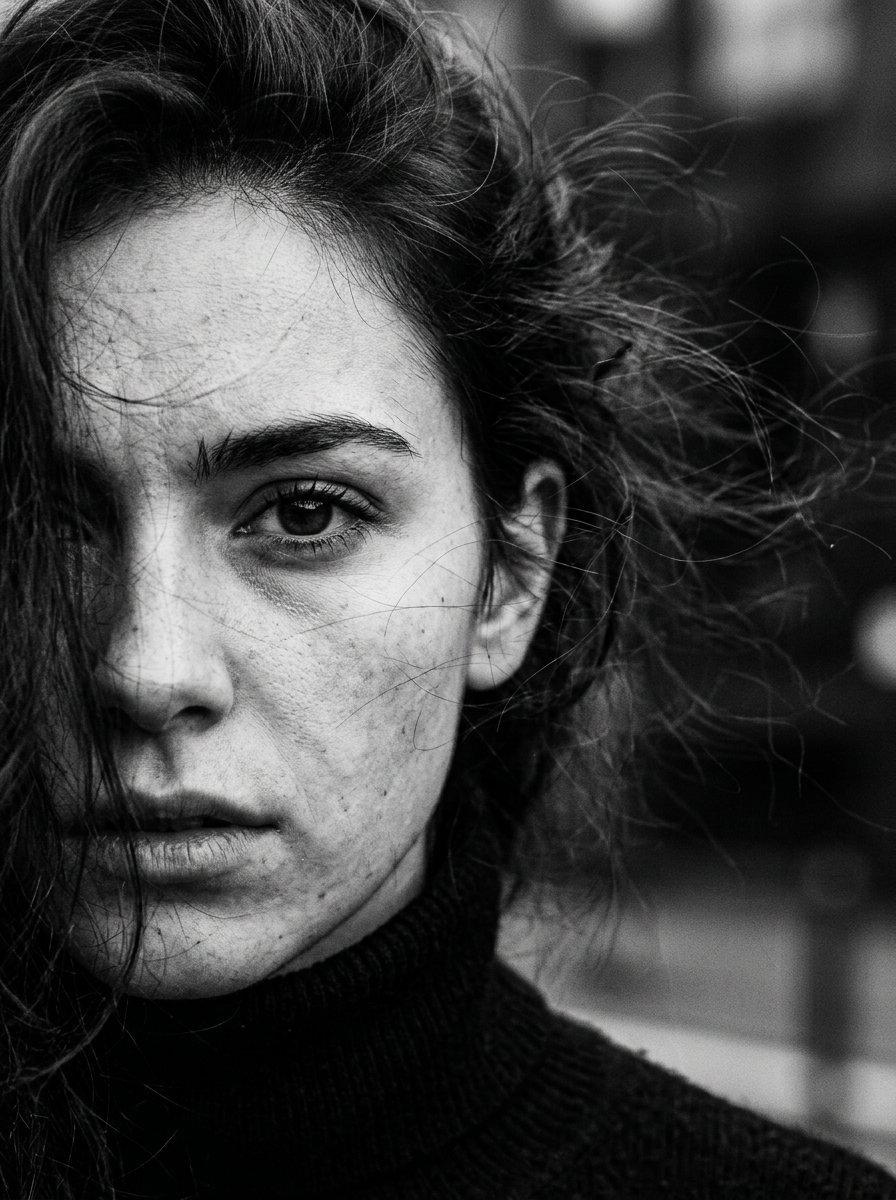
High Contrast Cinematic Face Portrait

Monochrome Studio Portrait with Colored Lens

Ultra-Realistic Yacht Sunset Portrait

Mushroom Still Life Composition
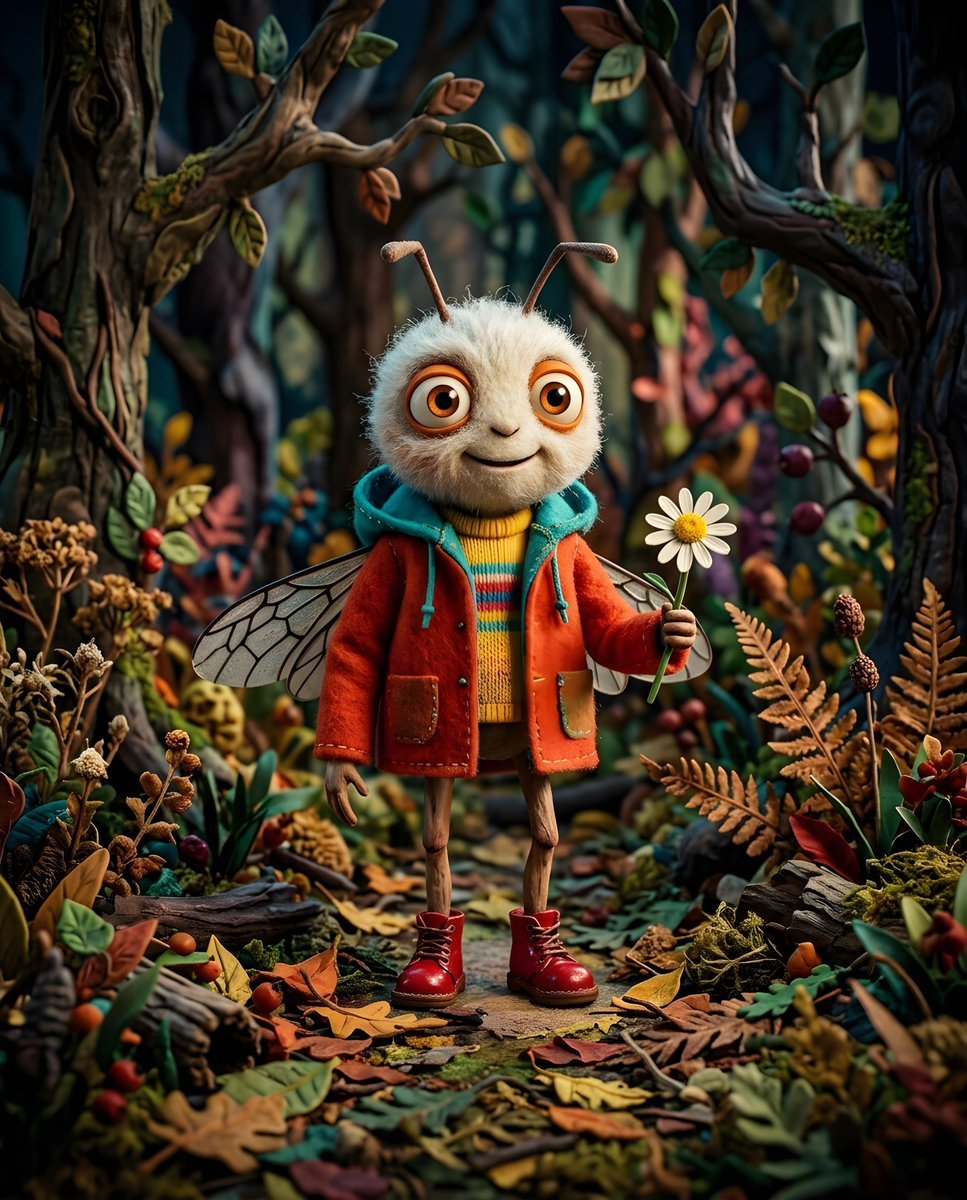
Whimsical Anthropomorphic Friendly Insect
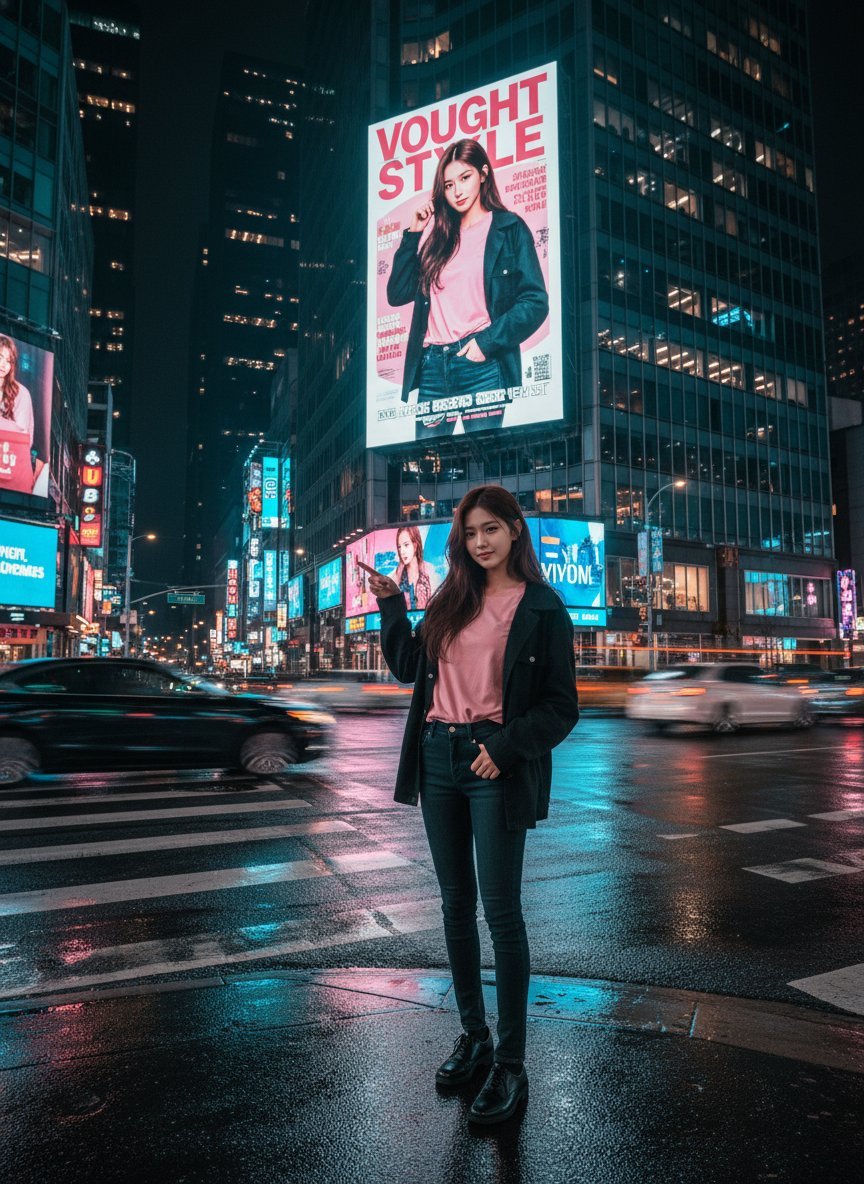
Cinematic Urban Night Billboard Portrait
More image prompts
Fresh picks from across the catalog.

Surreal Studio Fashion Portrait

3D Rendered Barista Character in Pixar Style

Miniature Construction Site Ad for a Product
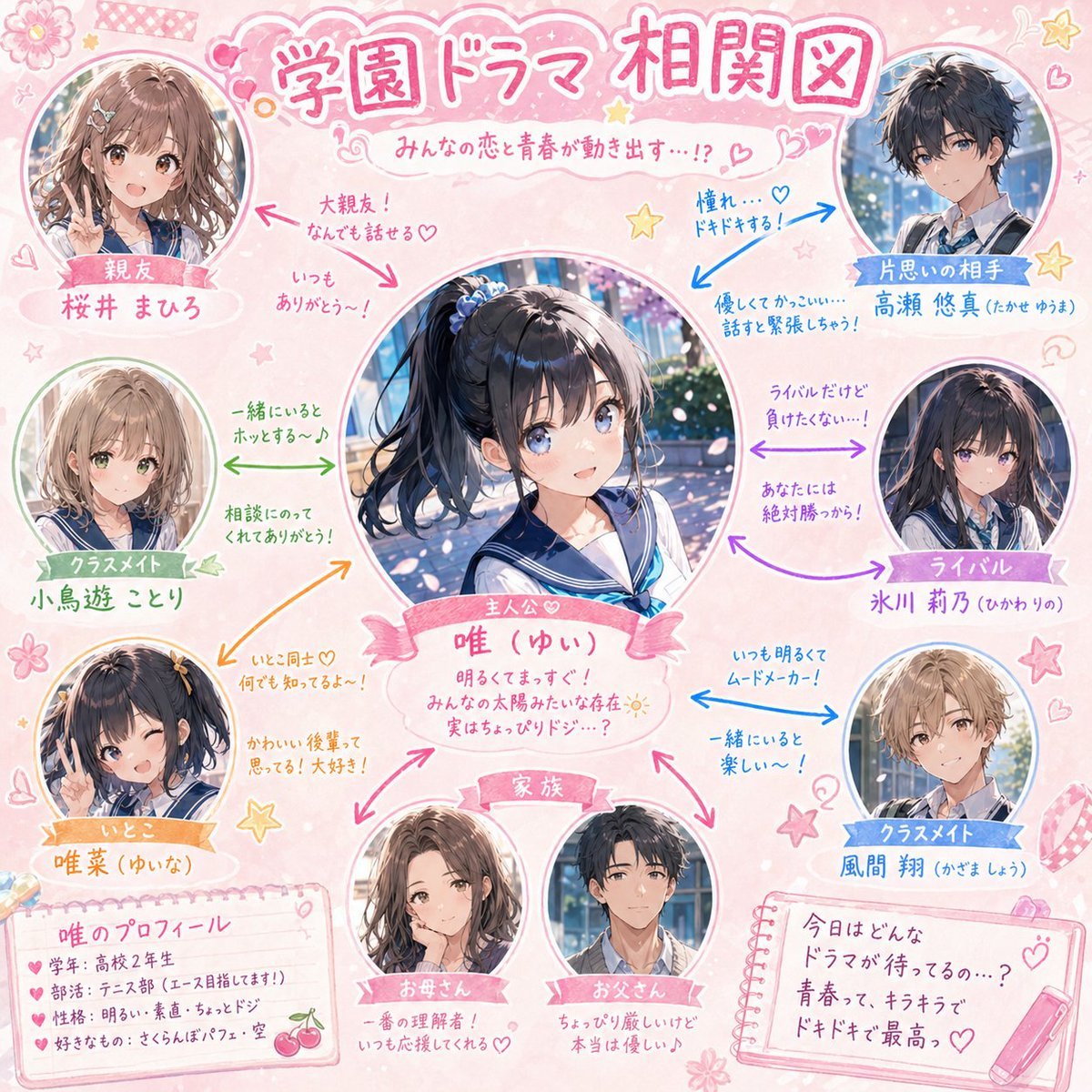
School Drama Relationship Chart Generator
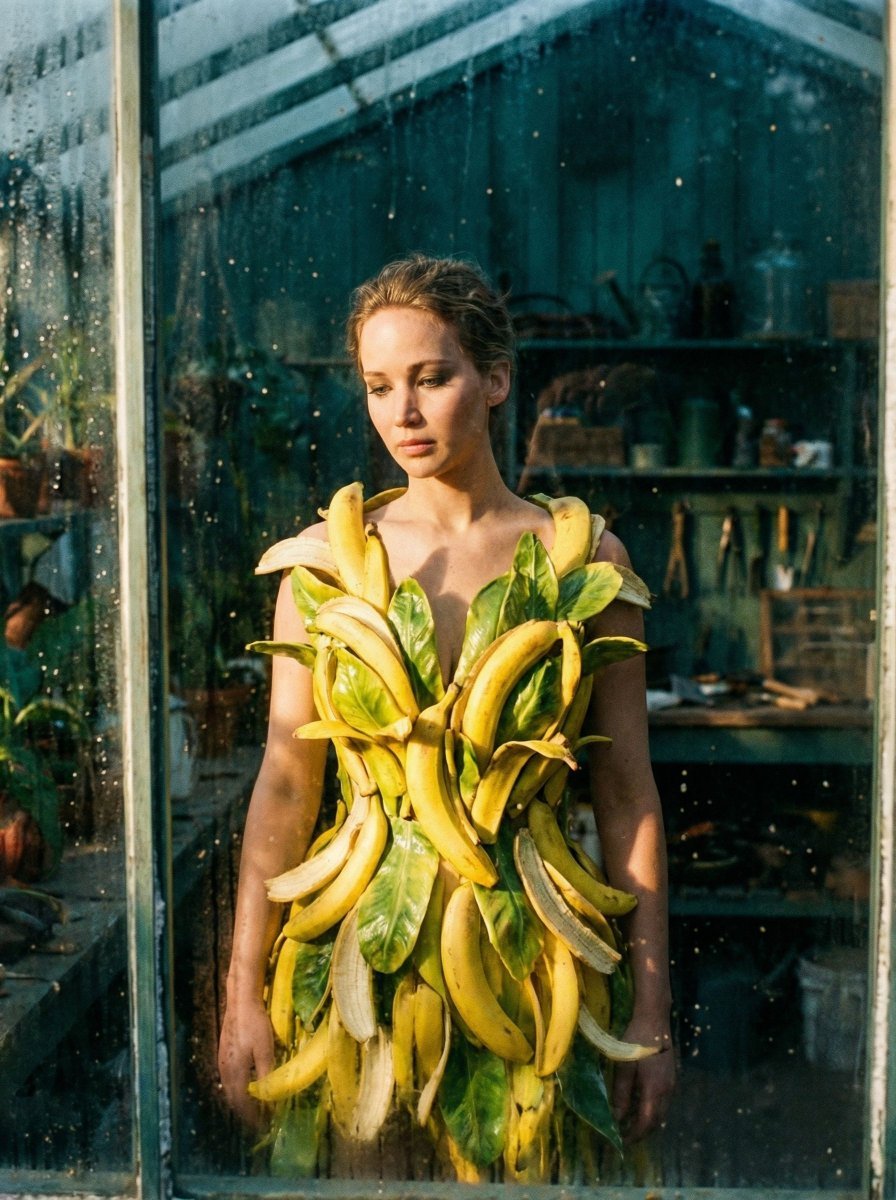
Tropical Melancholy Laboratory Surreal Portrait

Cottagecore Shaved Ice Café Ad
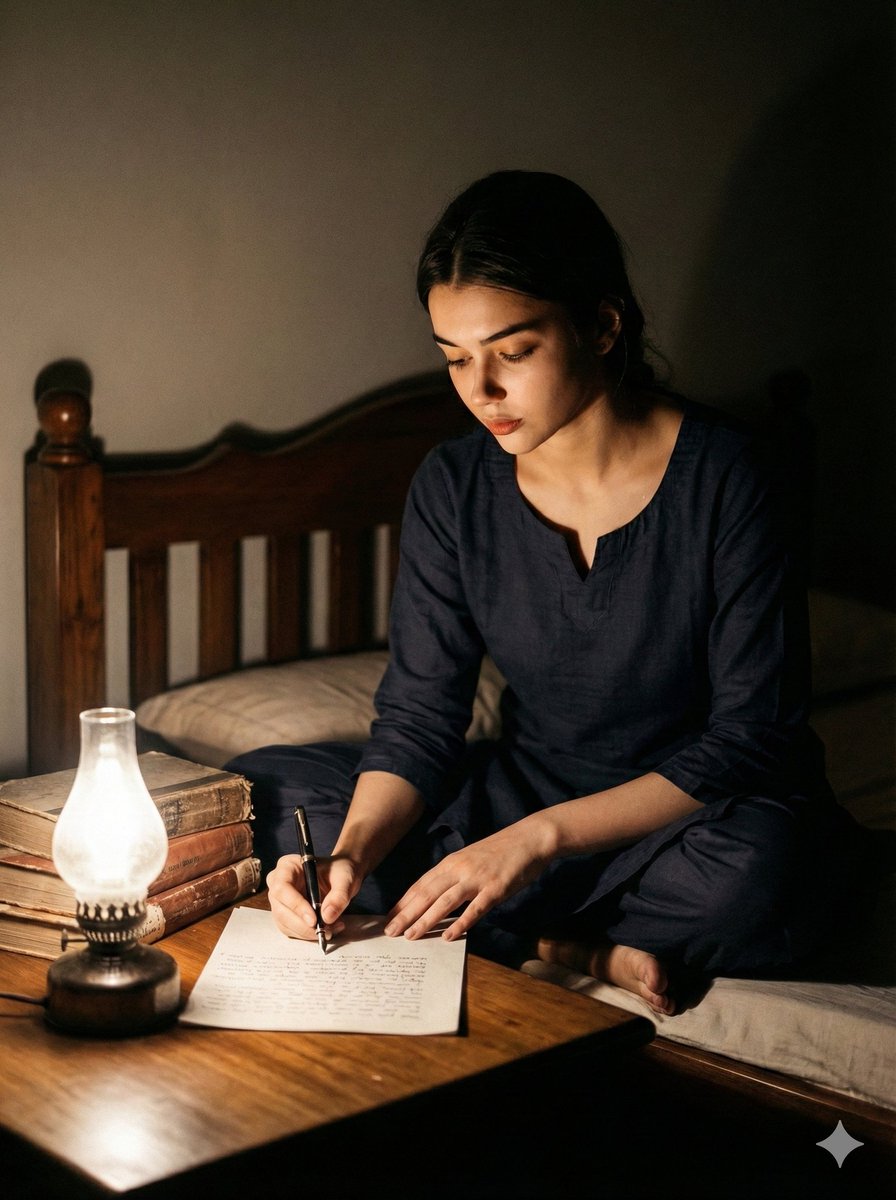
Cinematic Black and White Portrait of a Writer

Sound Connects Humanity Poster
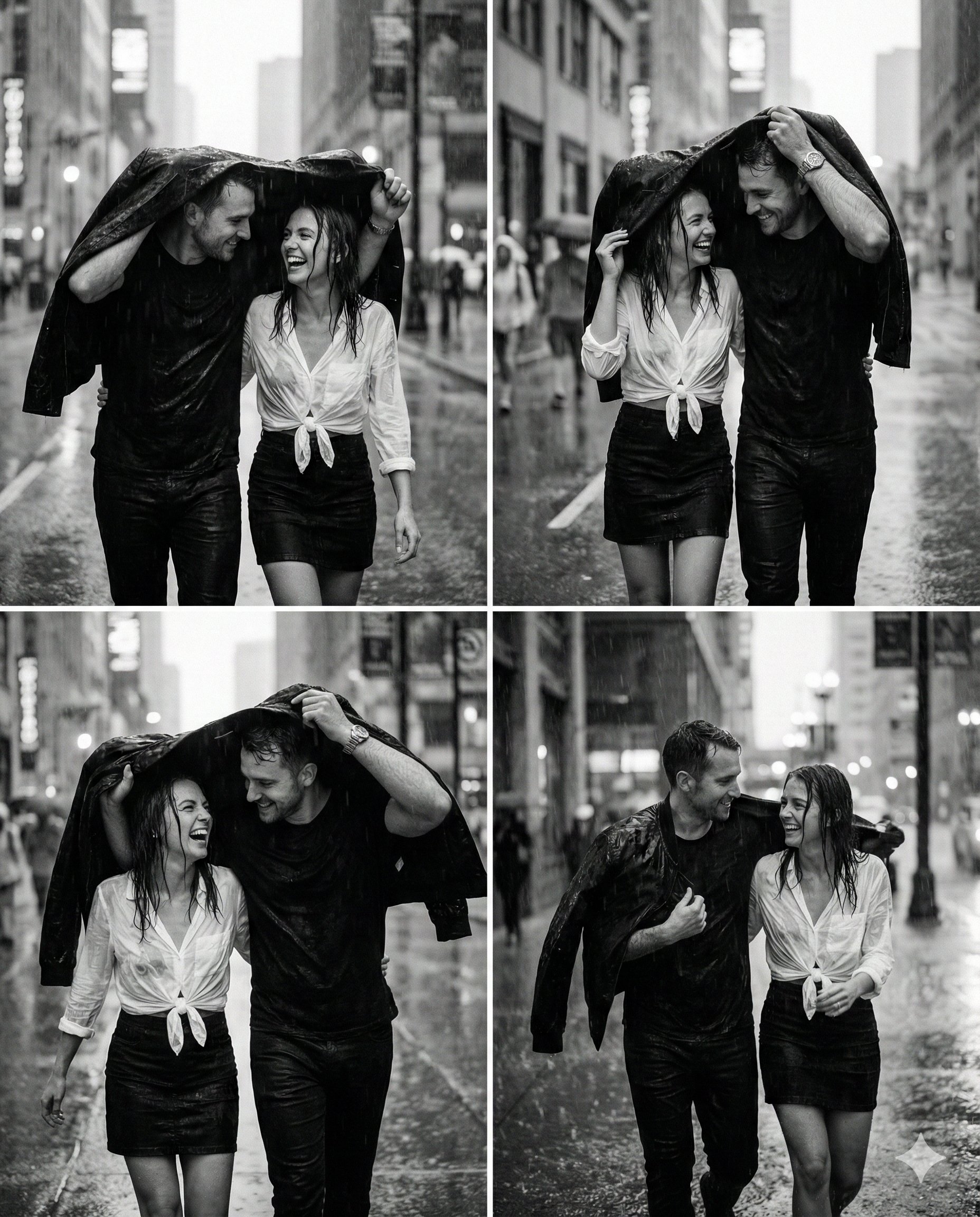
untitled

Japanese Kids Sports Class Flyer
Browse template categories
Candid Golden Hour Braid Portrait questions
How do I use the Candid Golden Hour Braid Portrait template?
Add your photo if the template asks for one, edit the prompt if you like — the template's model and format are already selected — and press Generate. Your version opens in PicX Studio.
Can I customize the Candid Golden Hour Braid Portrait template?
Yes. You can change the subject, setting, lighting, mood, format, and available model controls before creating your image.
Is the Candid Golden Hour Braid Portrait template free?
Opening and editing this template is free. Generating uses credits, shown on the Generate button when you are signed in.
Which AI model should I use?
Start with Gemini 3 Pro Image Preview, which is the model associated with this template. You can compare another compatible model for a different finish.
Looking for something else? Browse all templates.

Your photo, any look
Thousands of ready templates for every top image and video model, from one credit balance.