How do I use the Balayage Hair Golden Hour Portrait template?
Choose the primary action to open PicX Studio with the available template settings. Review the model and format, personalize the creative direction, and generate when ready.
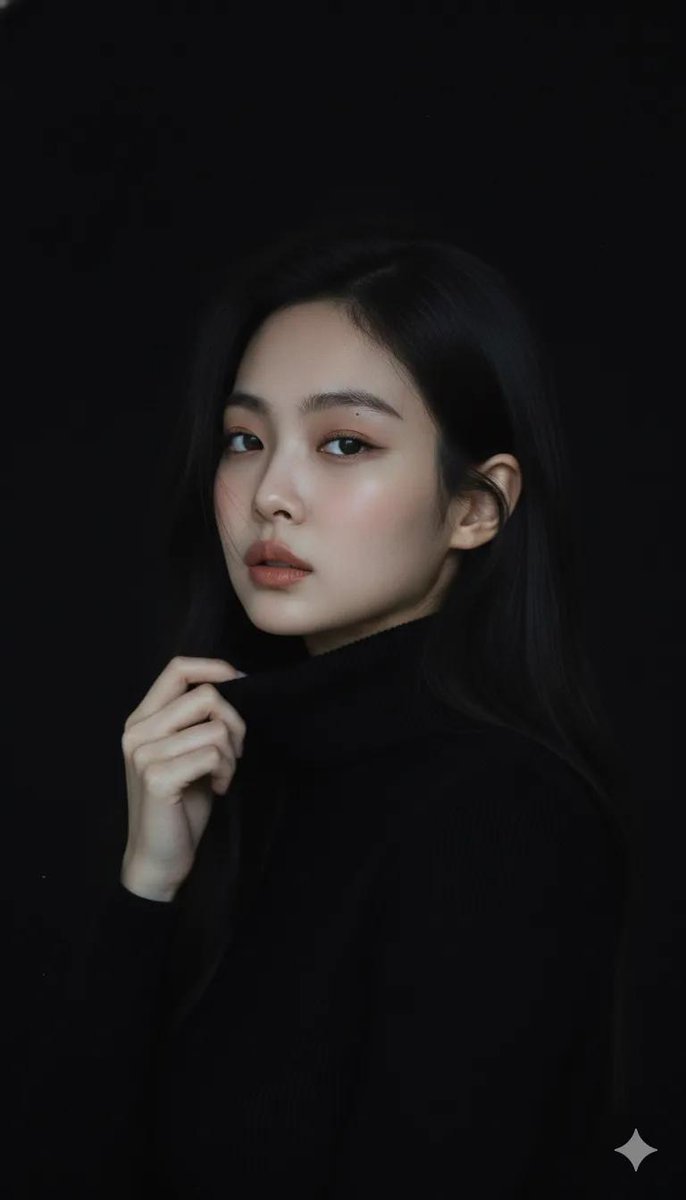
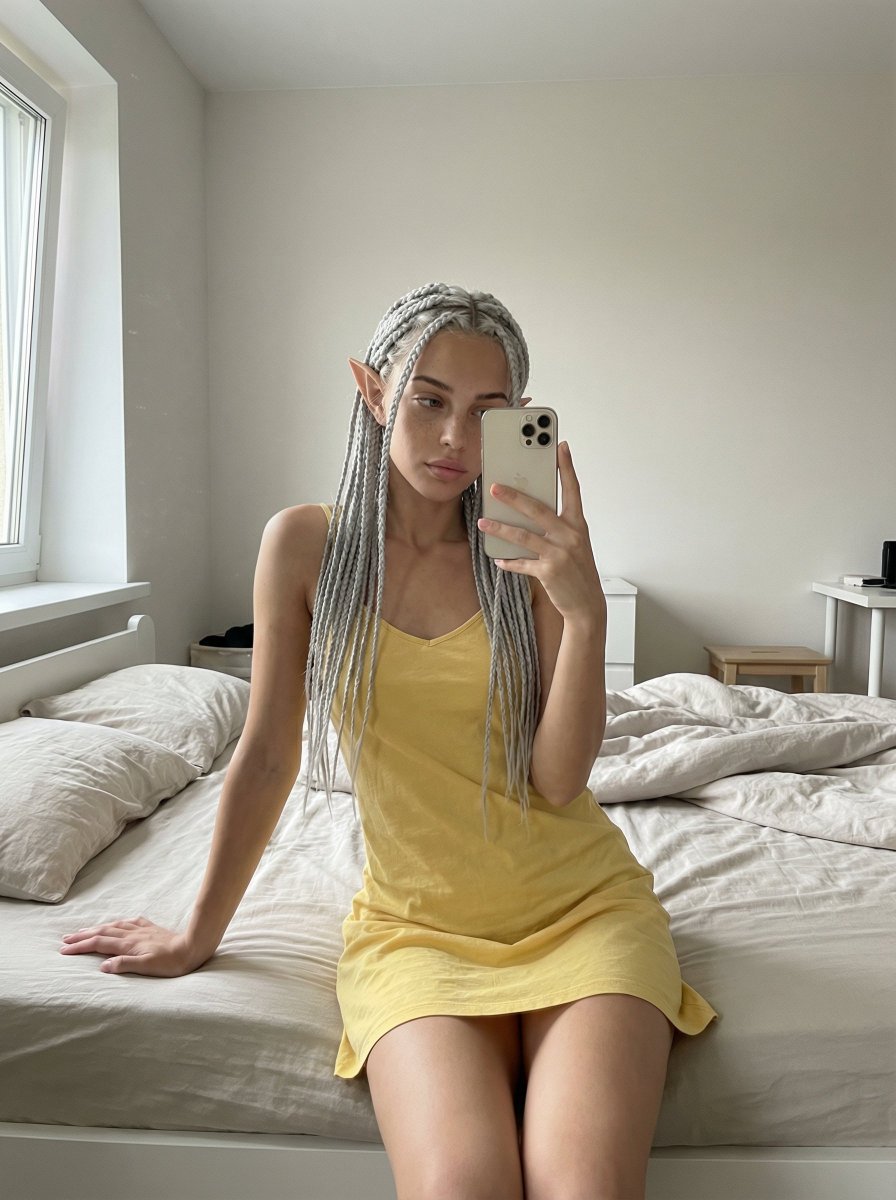
A dreamy close-up portrait prompt of a young woman with multi-tonal balayage hair captured in warm afternoon window sunlight.
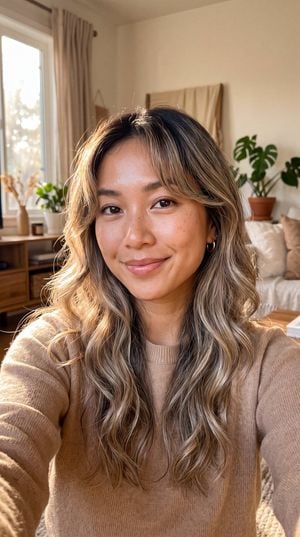
Close-up portrait of {argument name="subject" default="a beautiful young Southeast Asian woman"}, {argument name="hair style" default="long wavy hair with dark roots and honey blonde ash caramel balayage highlights, soft curtain bangs"}, large dark almond eyes, natural dewy skin, soft coral pink lips, gentle gaze, {argument name="lighting" default="warm afternoon window sunlight streaming in, dappled light across face, soft golden glow"}, loose natural waves with luminous shine, soft blurred indoor background, intimate cozy atmosphere, photorealistic, high detail, soft warm color grading, natural skin texture, dreamy soft lighting, 8K, selfie angle
Choose the primary action to open PicX Studio with the available template settings. Review the model and format, personalize the creative direction, and generate when ready.
Yes. You can change the subject, setting, lighting, mood, format, and available model controls before creating your image.
This template is free to open and customize. Generation usage is shown in PicX Studio before you create.
Start with gemini-3-pro-image-preview, which is the model associated with this template. You can compare another compatible model for a different finish.
Follow a topic to a crawlable collection of related PicX Studio templates.