
Moody Cinematic Suit Portrait
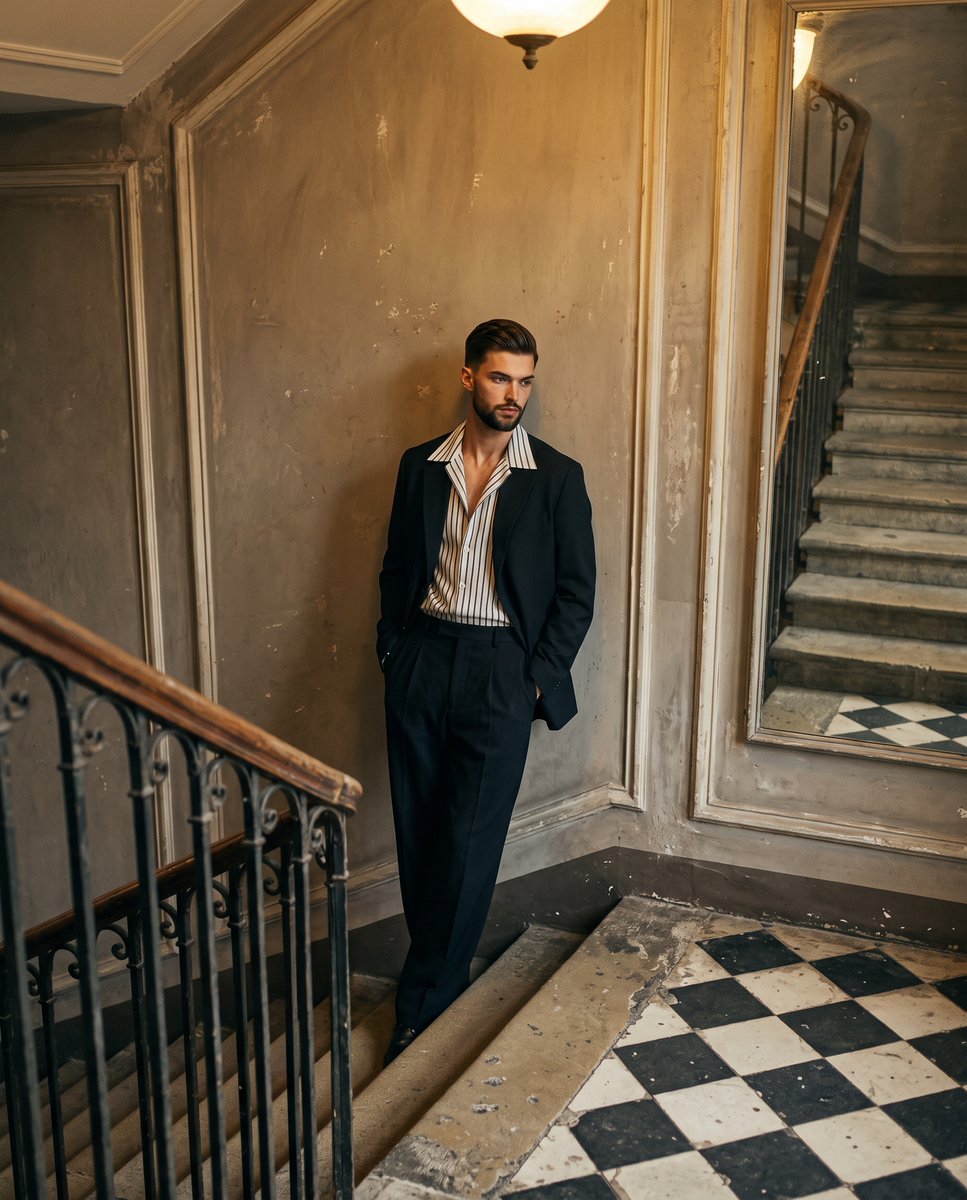
A detailed editorial photograph of a young man in a historic interior setting.
- Prompt included
- Model and format preset
- Free template
The prompt behind this image
Copy the exact prompt behind Moody Cinematic Suit Portrait, or open it in the studio and make it yours.
A young man in a {argument name="suit color" default="dark navy-black"}, relaxed-fit suit with a wide-collar striped shirt left unbuttoned leans with shifted weight and relaxed shoulders, facing the camera with his hands resting out of sight in his jacket pockets. His hair is cut short above the ears in a relaxed push-back style, displaying a natural wavy texture, matte finish, visible flyaways, a deep natural part, and organic growth patterns. His serious, deliberately posed expression features relaxed eyebrows and a neutral mouth as he casts a quiet, melancholic gaze away from the viewer. He stands in a deep, historic indoor space, positioned off-center left against a {argument name="wall texture" default="weathered, warm gray plaster wall"} characterized by a matte, slightly textured painted finish, patchy faded reddish and greenish faux-paneling borders, and visible scuffs. In the foreground to his left, a worn dark wood staircase banister with wrought iron balusters leads the eye, while a striking, heavily worn black and white checkered tile landing dominates the bottom right, counterbalancing his visual weight. In the upper right background, a large vintage mirror reflects a deep stone staircase extending upward. The mysterious, reflective atmosphere is shaped by warm, golden, soft mixed lighting diffused smoothly from overhead ambient sources and a weak frontal fill, casting short, soft-edged gray shadows onto the wall behind him and beneath the banister rails. Preserved highlights gently illuminate his face, his white shirt collar, and the brighter floor tiles, accentuating a high-contrast but heavily desaturated palette of aged beige, faded red, off-white, and dark navy. Captured from a high-angle perspective using a 35mm lens at f/4.0, 1/125s, and ISO 800, this realistic editorial photograph evokes European cinema and moody romanticism through a deep depth of field, slightly soft sharpness, and authentic film grain, finalized with lifted blacks, a warm shadow tint, and reduced clarity for a faded historic grandeur, ultimately framed in a 4:5 aspect ratio.
How to use Moody Cinematic Suit Portrait in 3 steps
- 1
Open
The prompt is already in the box next to the preview, with the template's model and format selected.
- 2…a portrait of your subject in softgolden-hour light, 85mm…
Personalize
Edit the subject and creative details for your destination.
- 3Generate
Generate
Press Generate — your image is created in PicX Studio, so you can compare it with the original and refine one variable at a time.
More like this
Templates with the same subject, style or setup. Open one to see its prompt.

Rainy Café Window Moody Portrait

Nano Banana Pro Photoreal Playful Couple

Underwater Macro Face Portrait

Noir Punk Street Portrait

High Contrast Cinematic Face Portrait

Monochrome Studio Portrait with Colored Lens

Ultra-Realistic Yacht Sunset Portrait
Moody Luxury Lifestyle Portrait of a Man in a Navy Suit

Found Photograph: Us, 1970

80s Couple Studio Portrait

80s Bollywood Star

80s Golden Hour Cinema
Make it yours
Moody Cinematic Suit Portrait works as-is. These are the safest ways to change it without losing the look.
Change one field
Copy a single group, rewrite it, and generate again so you can see what that field is doing.
Keep the frame, change the subject
Hold the composition and light of Moody Cinematic Suit Portrait, then swap wardrobe, props or the person for a new take.
| If the result… | Why | Fix |
|---|---|---|
| The result drifts from the preview | Too many fields changed at once. | Reuse Moody Cinematic Suit Portrait as-is first, then change one group — subject, light, or setting. |
| The model over-stylizes the scene | The prose prompt leaves finish and camera underspecified. | Add one camera or lighting sentence and stay on Gemini 3 Pro Image Preview. |
More Gemini 3 Pro Image Preview templates
Other prompts made for Gemini 3 Pro Image Preview.

Mushroom Still Life Composition

Whimsical Anthropomorphic Friendly Insect

Cinematic Urban Night Billboard Portrait

Pop Art Summer Fruit Fashion Illustration

Ultra-Realistic iPhone Selfie with Motion Blur

Cinematic Mirror Reflection Portrait

Elegant Men's Twilight Editorial

Coastal Freedom Sunset Portrait

Ergonomic Office Chair E-commerce Mobile Detail Page

Macro Guitar Fret Dressing
More image prompts
Fresh picks from across the catalog.
Depression Patient's Inner Monologue
Four-panel anime manga with panda-girl character
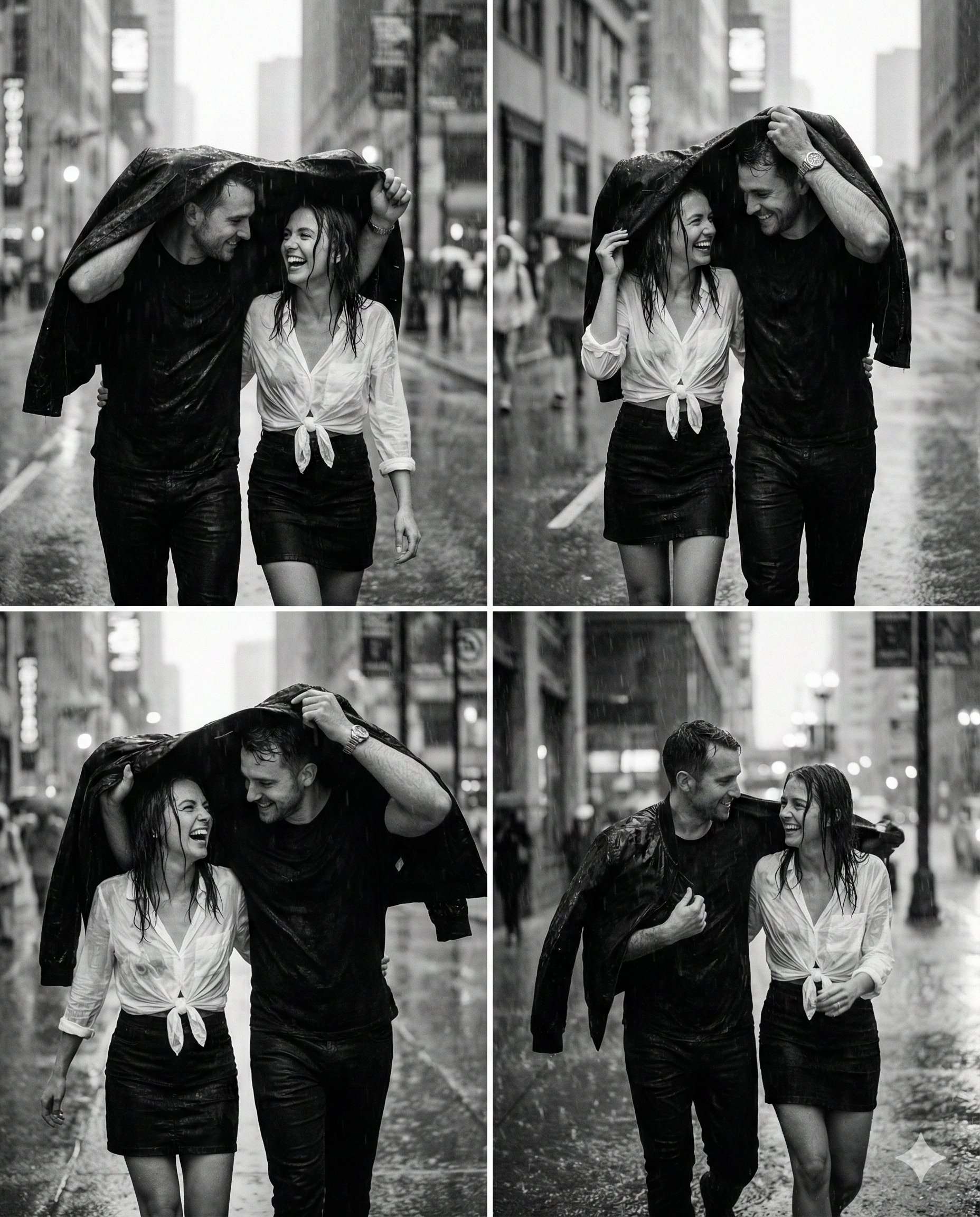
Magical Ai Prompt for Couple
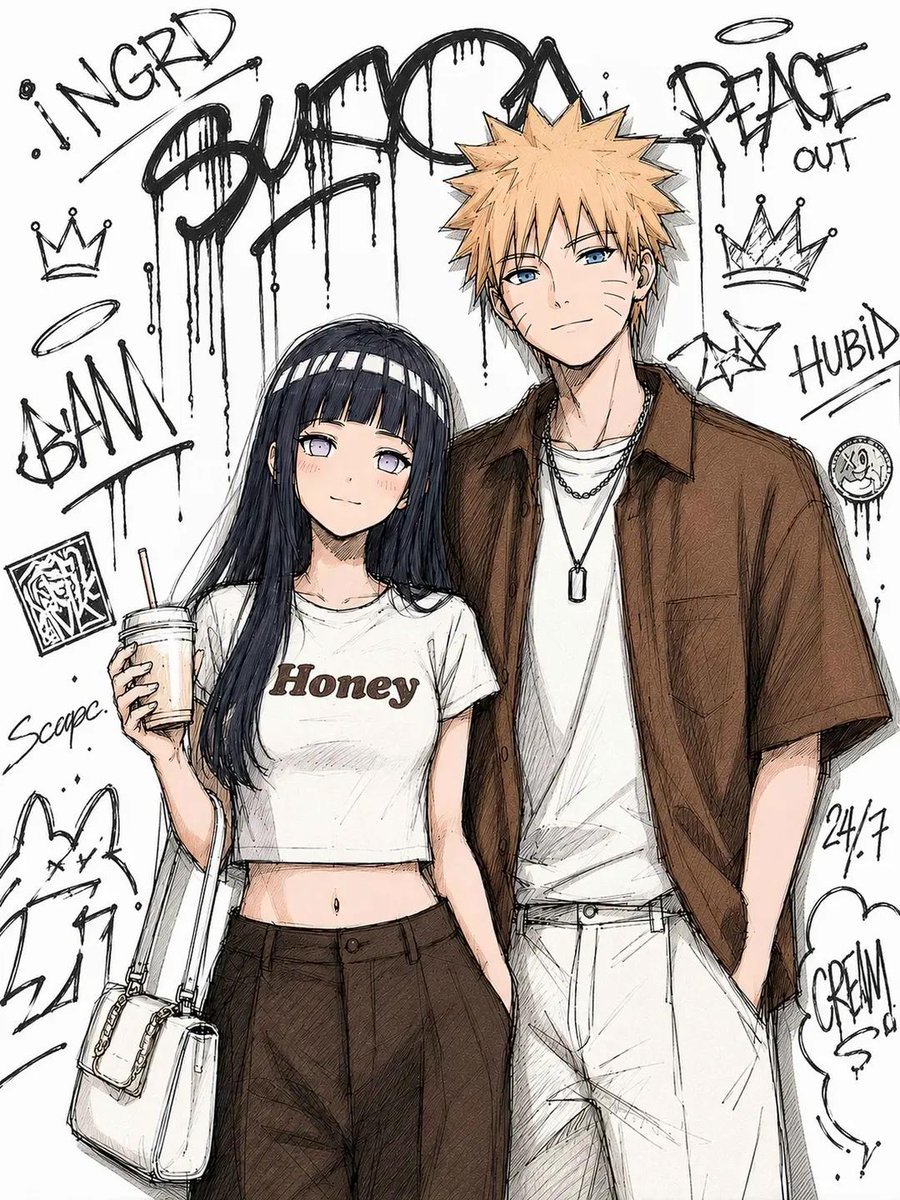
Tokyo Street Fashion Anime Art
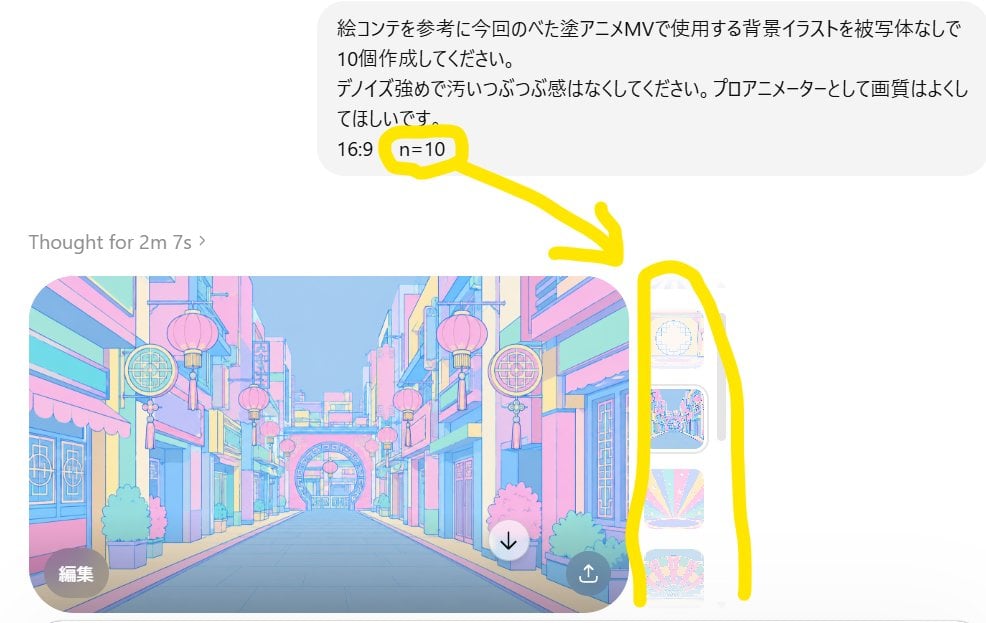
Annotated ChatGPT Multiple Image Outputs
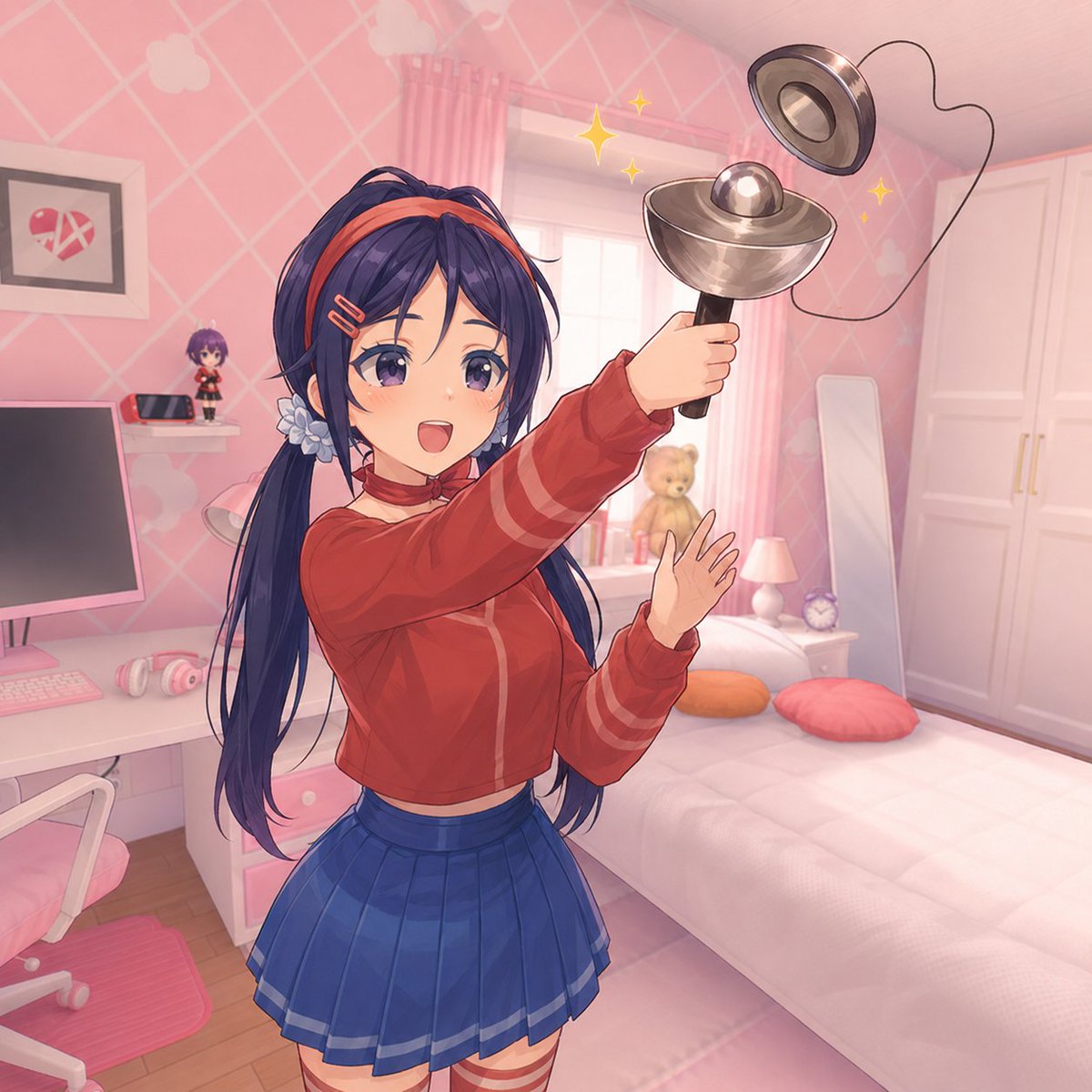
Anime Girl Spinning Top Mishap
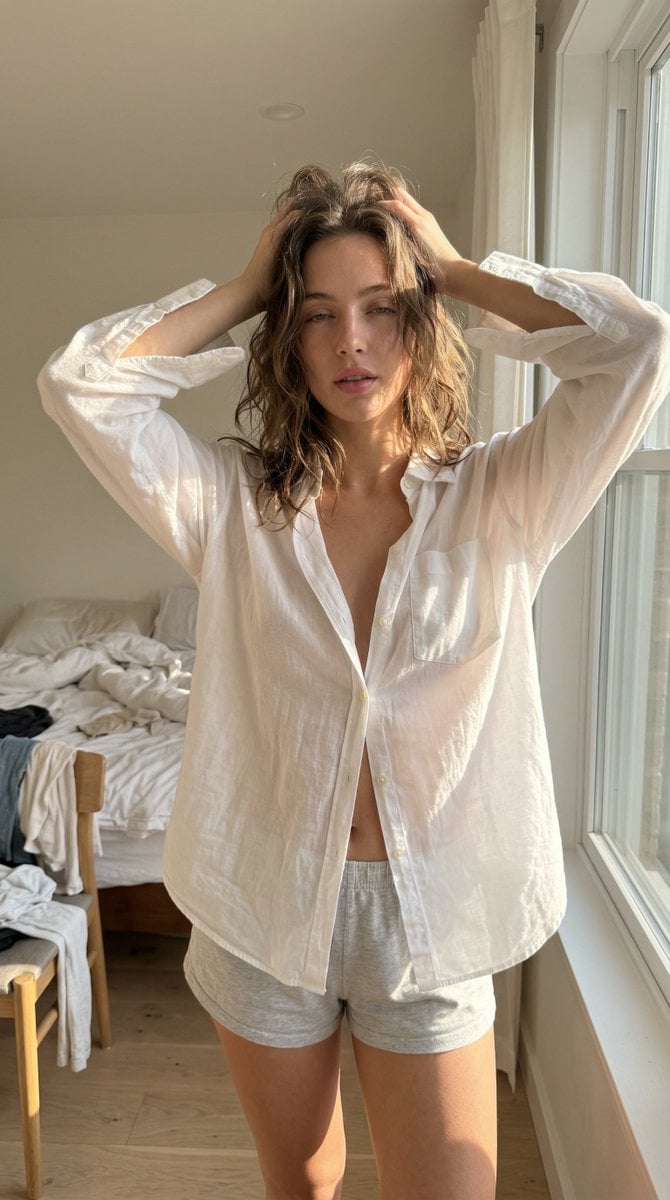
Structured Ultra Photorealistic iPhone Realism Prompt for Nano Banana Pro
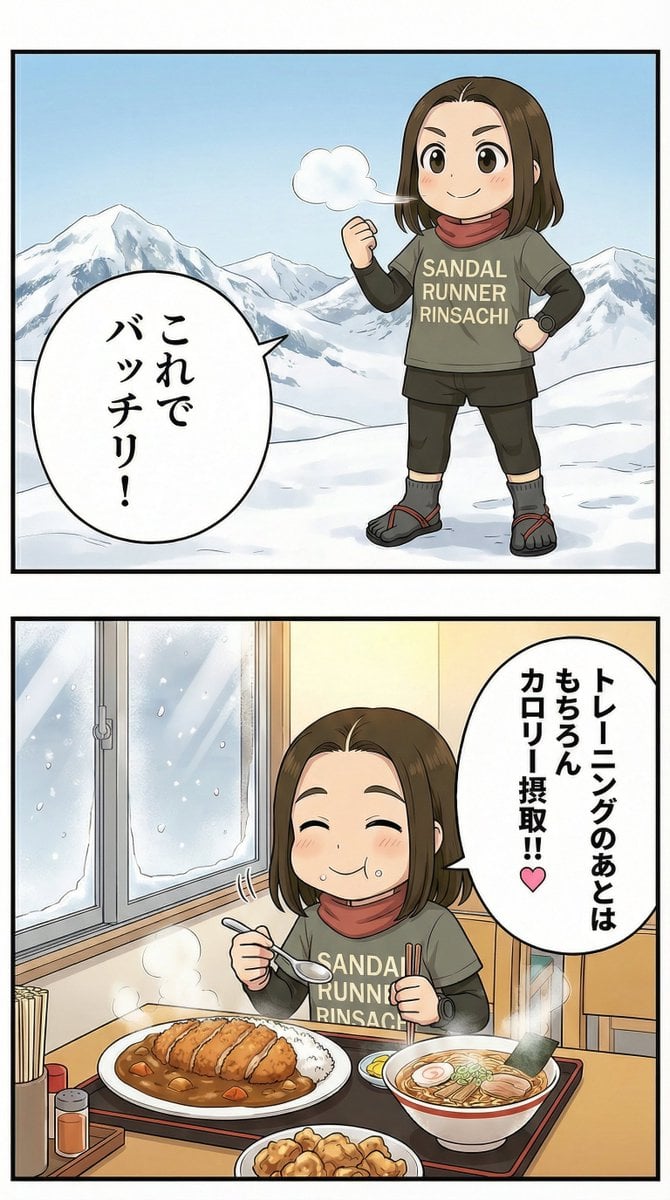
Manga Panel Image Editing Prompt: Katsu Curry Scene
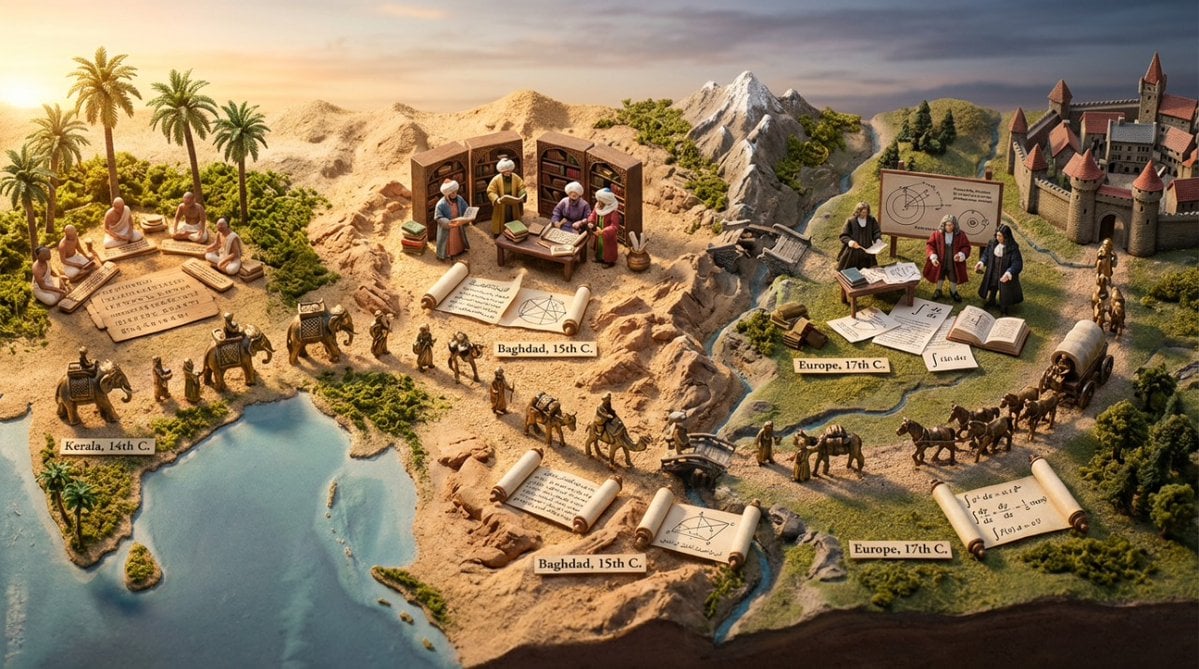
Miniature Diorama Prompt for Visualizing the Historical Journey of Calculus
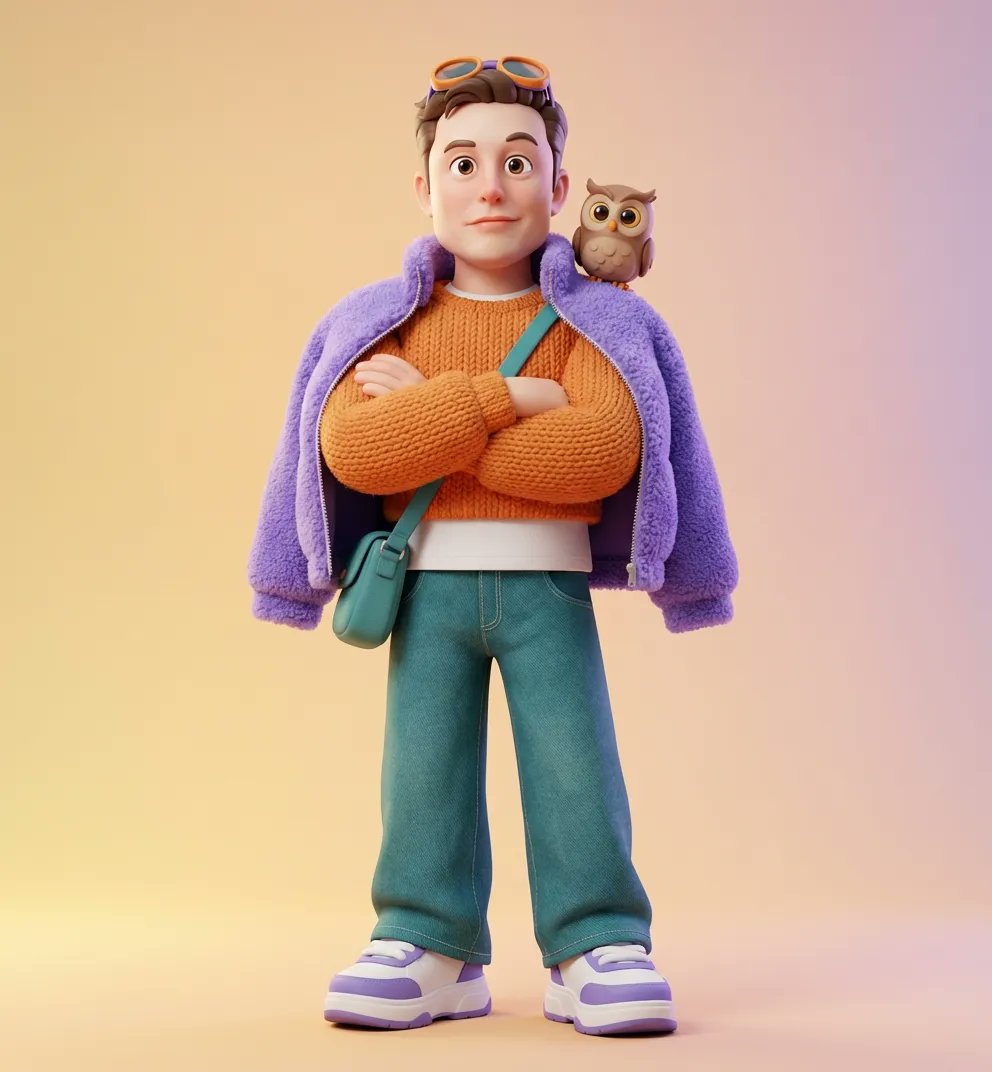
Ultra-Detailed 3D Stylized Character Design Prompt
Browse template categories
Moody Cinematic Suit Portrait questions
How do I use the Moody Cinematic Suit Portrait template?
Add your photo if the template asks for one, edit the prompt if you like — the template's model and format are already selected — and press Generate. Your version opens in PicX Studio.
Can I customize the Moody Cinematic Suit Portrait template?
Yes. You can change the subject, setting, lighting, mood, format, and available model controls before creating your image.
Is the Moody Cinematic Suit Portrait template free?
Opening and editing this template is free. Generating uses credits, shown on the Generate button when you are signed in.
Which AI model should I use?
Start with Gemini 3 Pro Image Preview, which is the model associated with this template. You can compare another compatible model for a different finish.
Looking for something else? Browse all templates.

Your photo, any look
Thousands of ready templates for every top image and video model, from one credit balance.