
Candid Airport Lounge Portrait
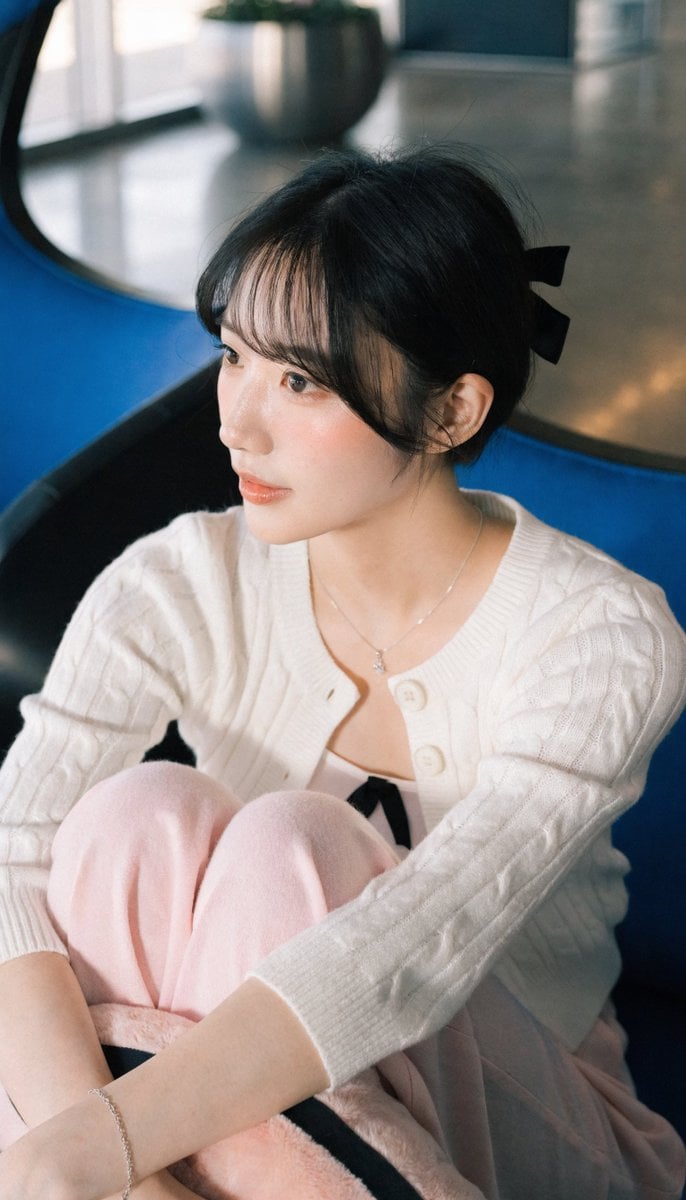
A photorealistic portrait of a young woman in an airport lounge, capturing a calm and contemplative atmosphere with high detail.
- Prompt included
- Model and format preset
- Free template
The prompt behind this image
Copy the exact prompt behind Candid Airport Lounge Portrait, or open it in the studio and make it yours.
ar 9:16 High A realistic photograph of a young East Asian woman in her {argument name="age range" default="late teens or early 20s"} sitting in a modern airport or public waiting lounge. She has fair, smooth skin, soft natural makeup, slightly parted lips, and a gentle, calm, slightly contemplative expression while looking off to the left of the camera. Her black hair is cut in a {argument name="hair style" default="neat, slightly messy bob"} with soft bangs framing her face and a small black hair bow or clip at the back. She is wearing a {argument name="top clothing" default="white cable-knit cardigan"} with three-quarter sleeves, two visible white buttons, and a soft textured knit pattern, worn open over a white camisole or tank top with a small black bow detail at the center of the neckline. Around her neck is a delicate silver necklace with a small pendant. On her left wrist she wears a thin silver chain bracelet. She is seated with her legs drawn up, arms crossed loosely over her knees, holding a soft light-pink or pale rose-colored pillow or plush object with a black ribbon or stripe. She wears matching light pink wide-leg pants or a soft skirt that drapes over her legs. The setting is a bright, modern indoor public space with large blue and black modern lounge chairs, a round metallic planter with greenery in the background, polished concrete or stone flooring, and soft natural daylight mixed with indoor lighting. The composition is a medium close-up, slightly low angle, shallow depth of field with the background softly blurred. Photorealistic style, natural skin texture, high detail on clothing fabric and jewelry, soft natural lighting, candid and elegant atmosphere.
How to use Candid Airport Lounge Portrait in 3 steps
- 1
Open
The prompt is already in the box next to the preview, with the template's model and format selected.
- 2…a portrait of your subject in softgolden-hour light, 85mm…
Personalize
Edit the subject and creative details for your destination.
- 3Generate
Generate
Press Generate — your image is created in PicX Studio, so you can compare it with the original and refine one variable at a time.
More like this
Templates with the same subject, style or setup. Open one to see its prompt.

Stylish Airport Travel Portrait
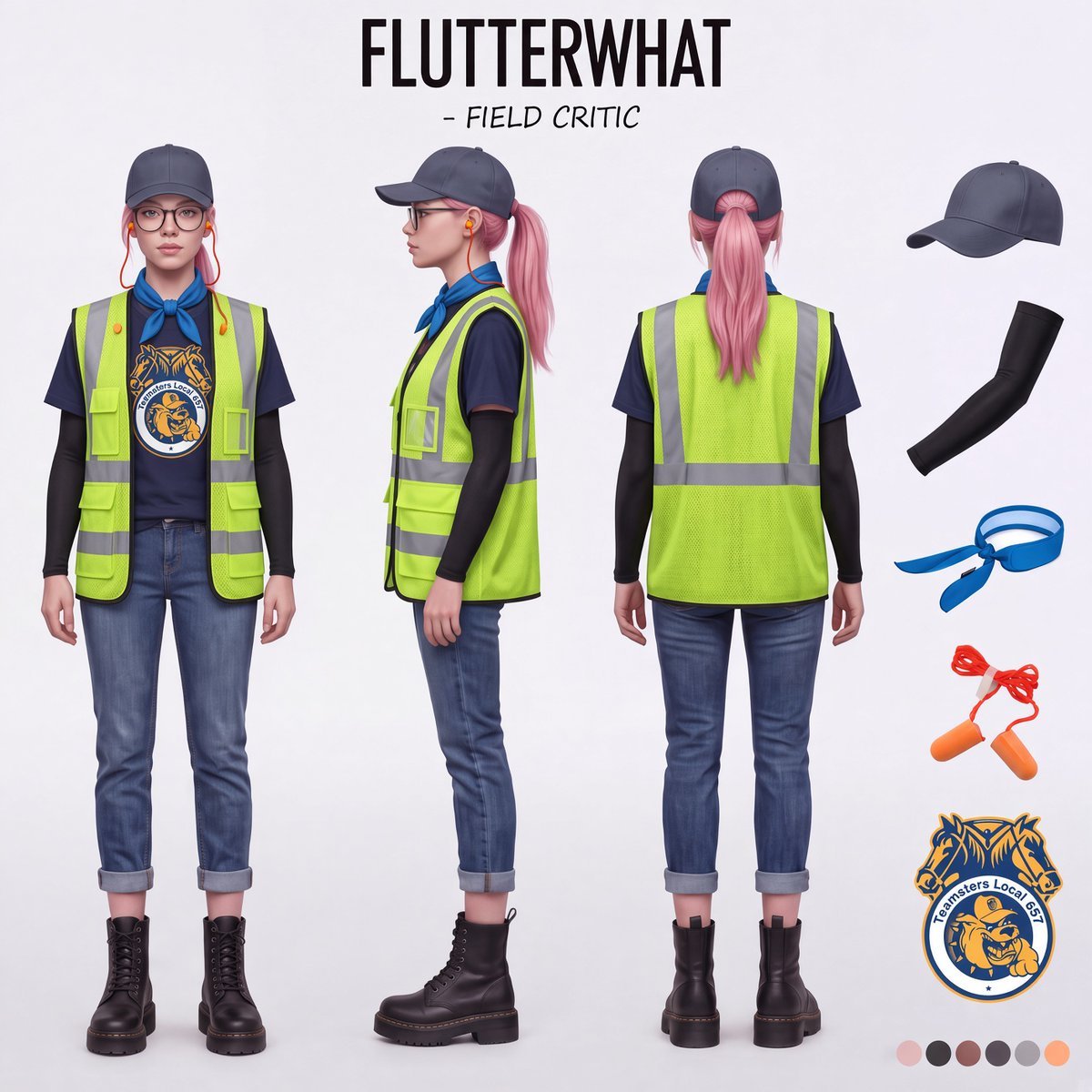
Airport Ready Cooling Gear Critic
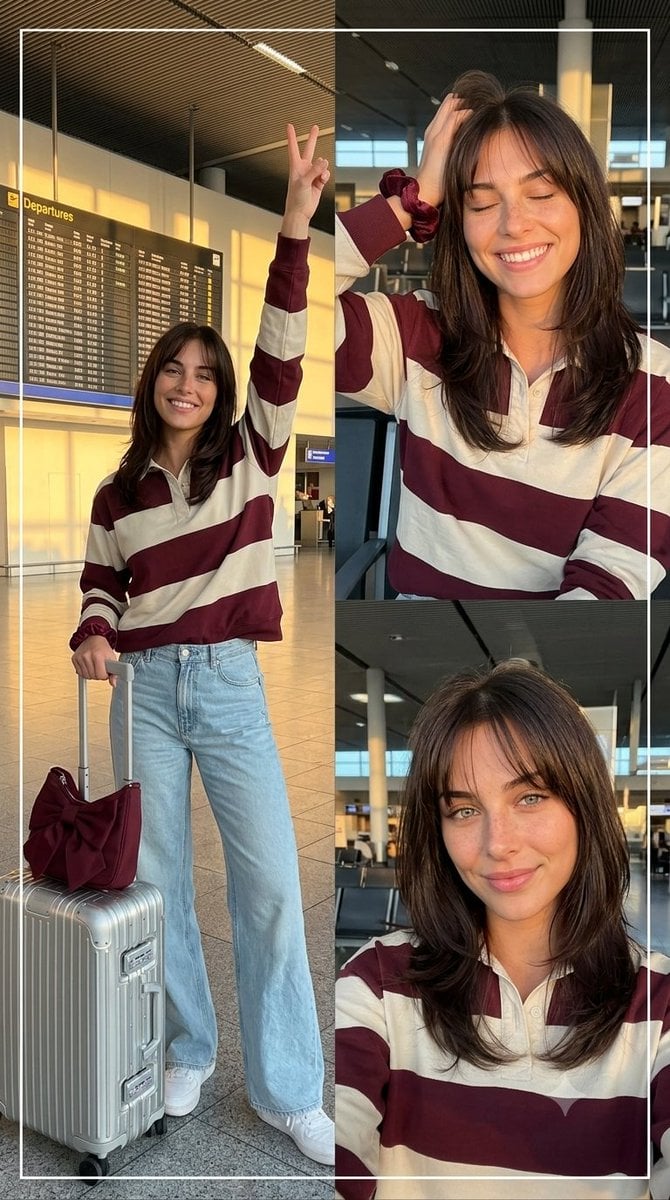
Airport Golden Hour Triptych
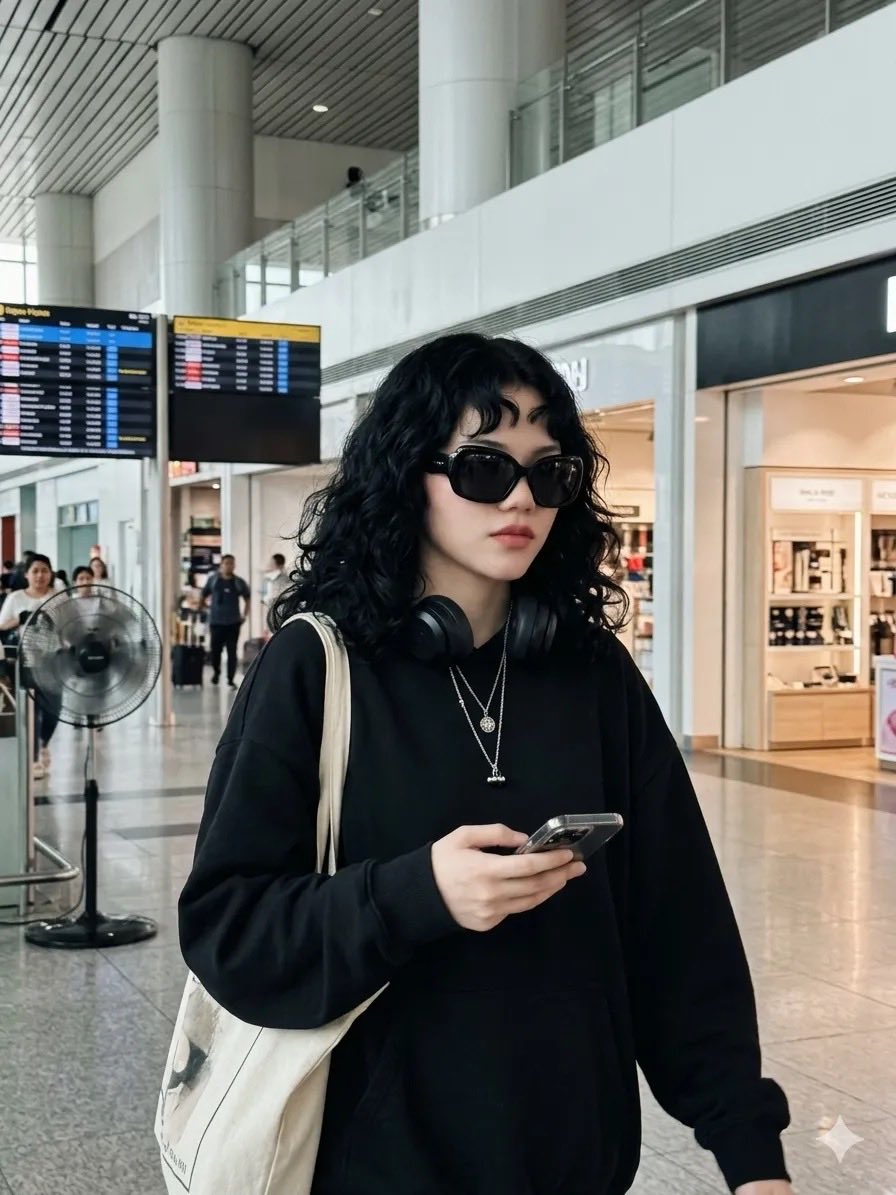
Candid Airport Street Style Portrait
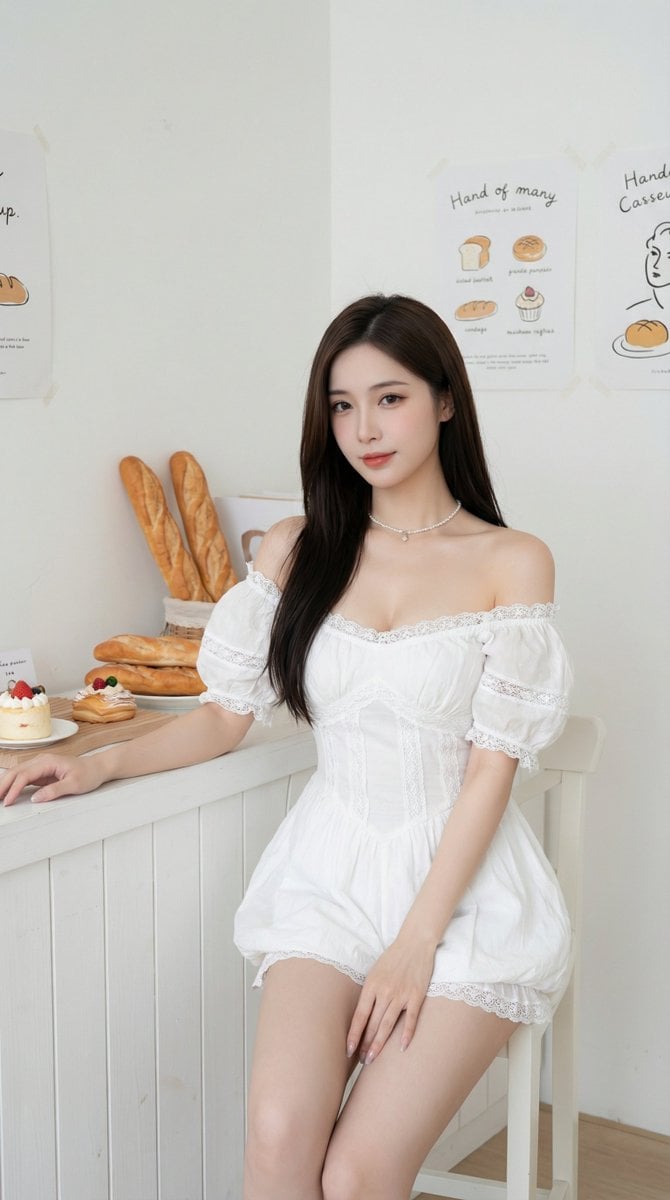
Dual Portrait Prompts for Nano Banana Pro: Airport and Cafe Scenes

Nano Banana Pro Photoreal Playful Couple

Sunday Afternoon, 1988

Found Photograph: Us, 1970

Our Song was on a Cassette

The Date After College

80s Couple Studio Portrait

80s College Gate
Make it yours
Candid Airport Lounge Portrait works as-is. These are the safest ways to change it without losing the look.
Change one field
Copy a single group, rewrite it, and generate again so you can see what that field is doing.
Keep the frame, change the subject
Hold the composition and light of Candid Airport Lounge Portrait, then swap wardrobe, props or the person for a new take.
| If the result… | Why | Fix |
|---|---|---|
| The result drifts from the preview | Too many fields changed at once. | Reuse Candid Airport Lounge Portrait as-is first, then change one group — subject, light, or setting. |
| The model over-stylizes the scene | The prose prompt leaves finish and camera underspecified. | Add one camera or lighting sentence and stay on Gemini 3 Pro Image Preview. |
More Gemini 3 Pro Image Preview templates
Other prompts made for Gemini 3 Pro Image Preview.

Underwater Macro Face Portrait

Water-level Bridge Modification

Noir Punk Street Portrait

High Contrast Cinematic Face Portrait

Monochrome Studio Portrait with Colored Lens

Ultra-Realistic Yacht Sunset Portrait

Mushroom Still Life Composition

Whimsical Anthropomorphic Friendly Insect

Cinematic Urban Night Billboard Portrait

Pop Art Summer Fruit Fashion Illustration
More image prompts
Fresh picks from across the catalog.
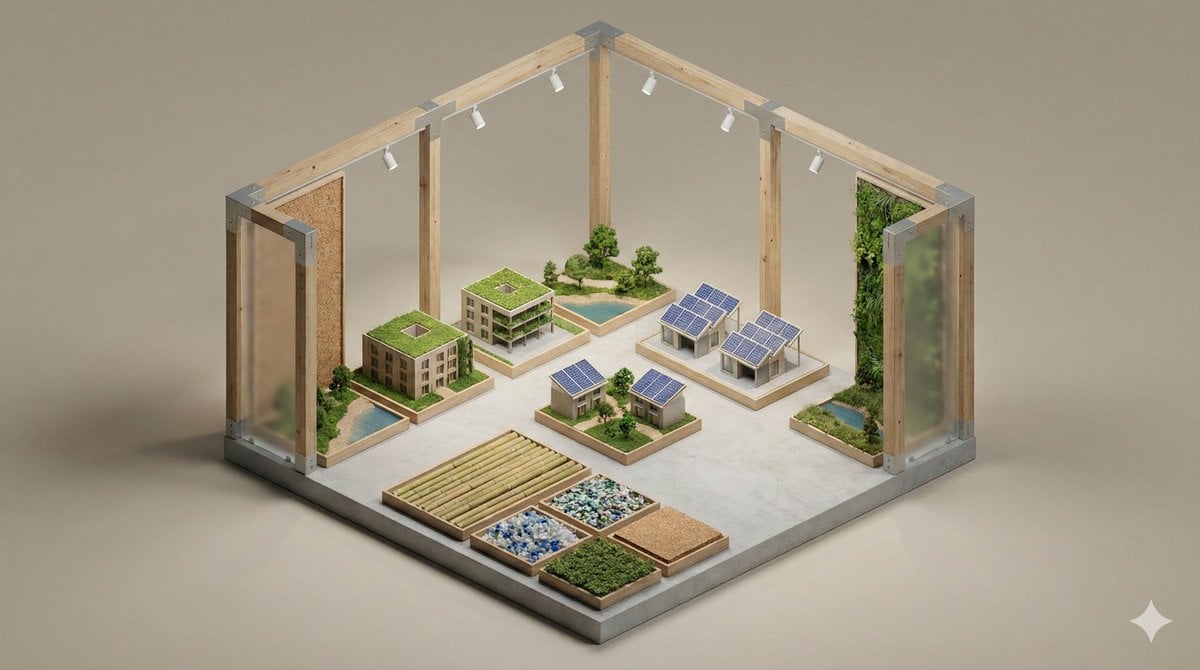
Minimalist 3D Isometric Exhibition Pod Diorama

Gpt2 Social Media Post Artist and Ethereal Muse at Night
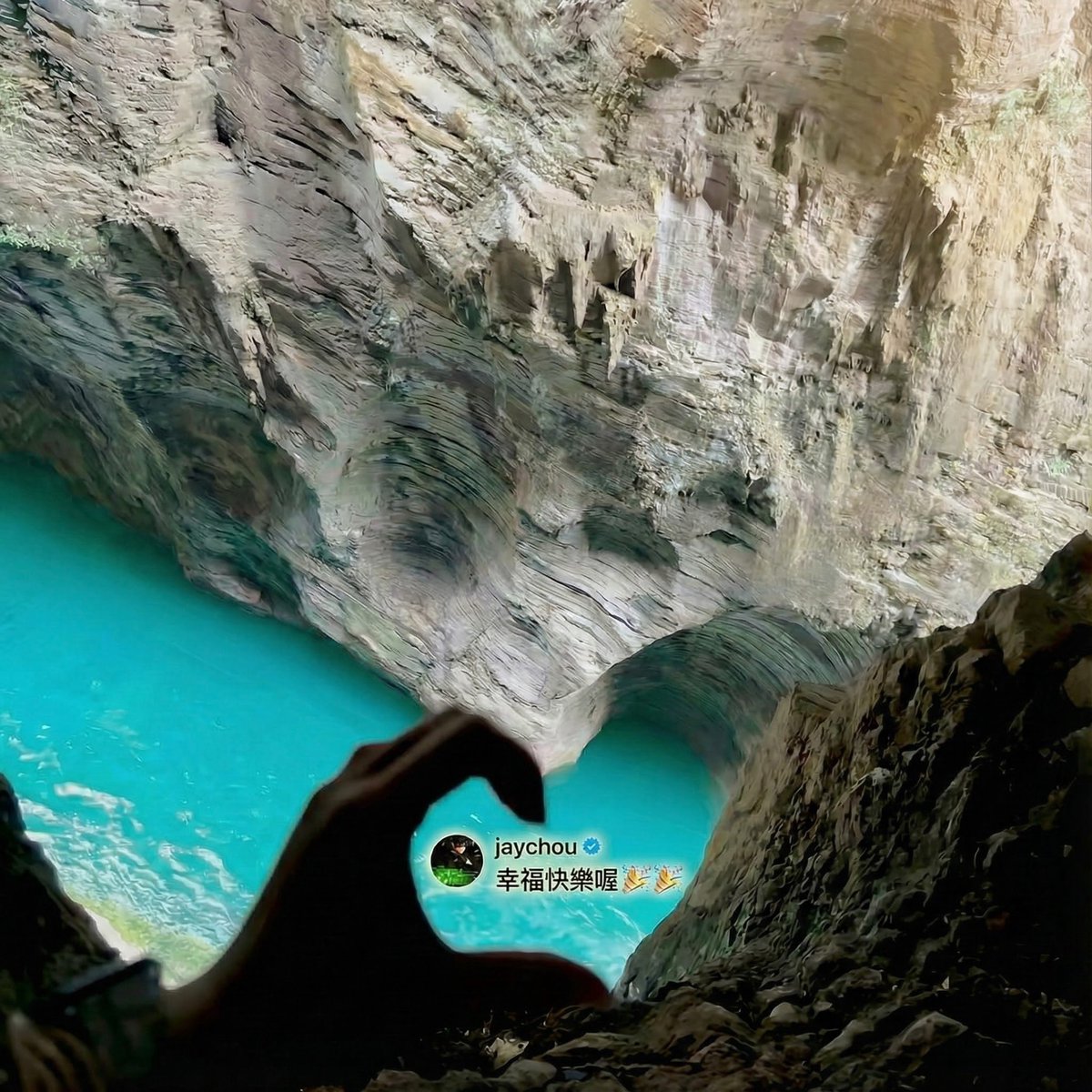
Jay Chou Blessing Image Integration Prompt
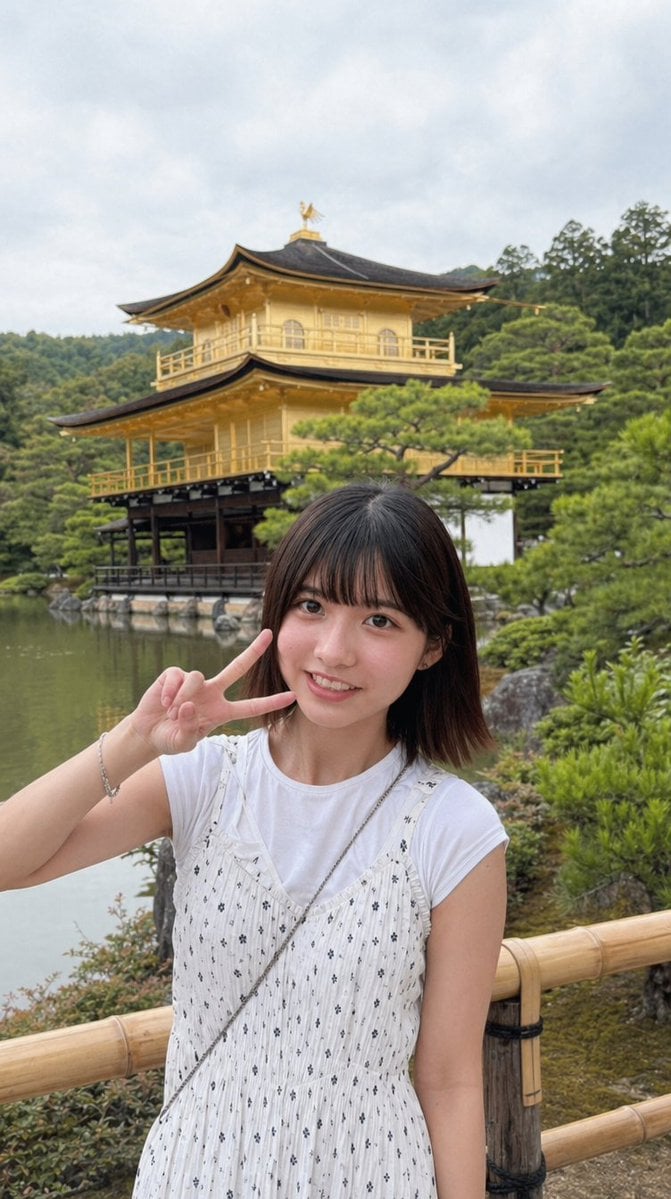
Arcade Portrait to Kyoto Travel Photo

Die-Cut Sticker Illustration Prompt with Japanese Text
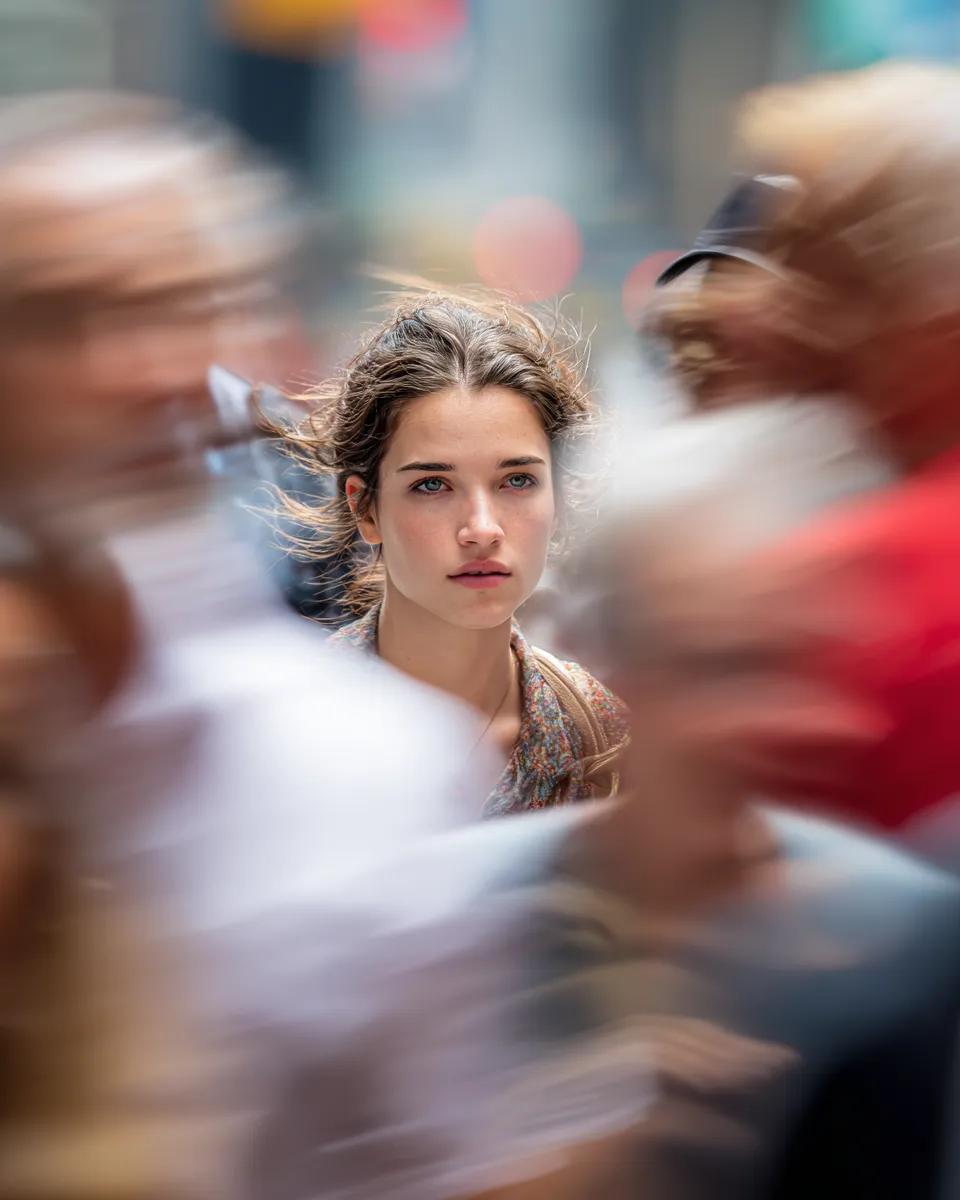
Close-Up Portrait on Busy New York Street
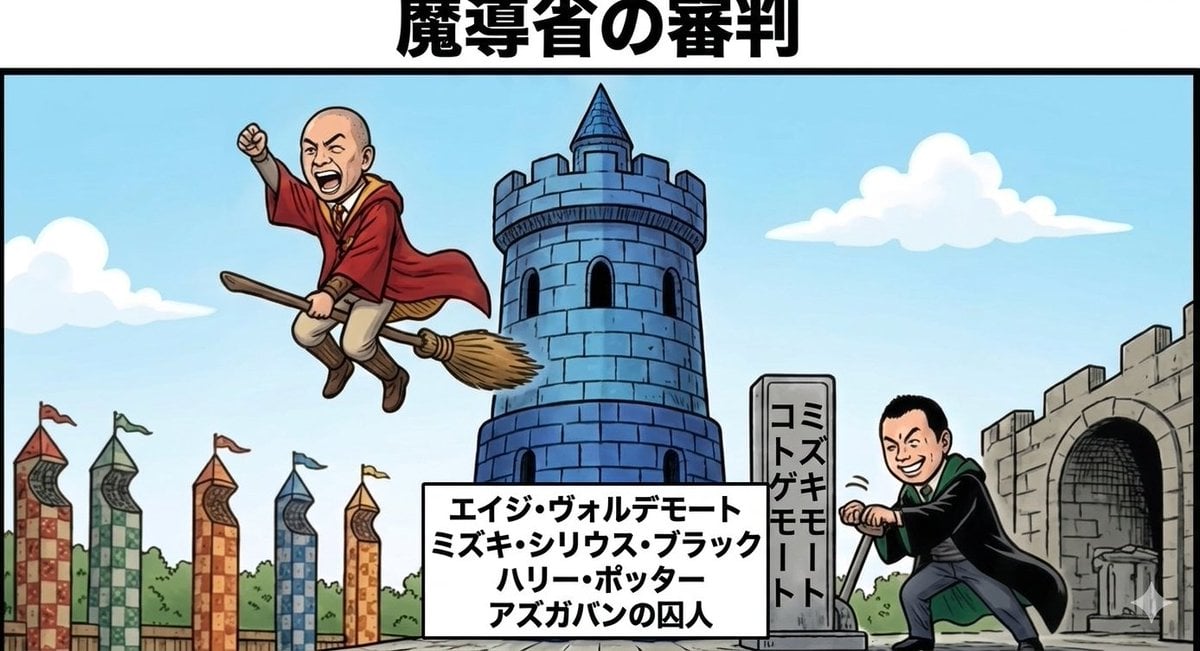
Harry Potter/Viking Crossover Prompt

Micro Diorama Scene Generator

Baseball Garlic Pepper Chips Bag

Hollywood Haute Couture Fantasy Seedance
Browse template categories
Candid Airport Lounge Portrait questions
How do I use the Candid Airport Lounge Portrait template?
Add your photo if the template asks for one, edit the prompt if you like — the template's model and format are already selected — and press Generate. Your version opens in PicX Studio.
Can I customize the Candid Airport Lounge Portrait template?
Yes. You can change the subject, setting, lighting, mood, format, and available model controls before creating your image.
Is the Candid Airport Lounge Portrait template free?
Opening and editing this template is free. Generating uses credits, shown on the Generate button when you are signed in.
Which AI model should I use?
Start with Gemini 3 Pro Image Preview, which is the model associated with this template. You can compare another compatible model for a different finish.
Looking for something else? Browse all templates.

Your photo, any look
Thousands of ready templates for every top image and video model, from one credit balance.