
Retro Film Fashion Editorial Park Portrait
A detailed prompt for generating a high-end fashion editorial photograph inspired by retro film photography, featuring a young woman reading in a lush green park with a high-angle perspective.
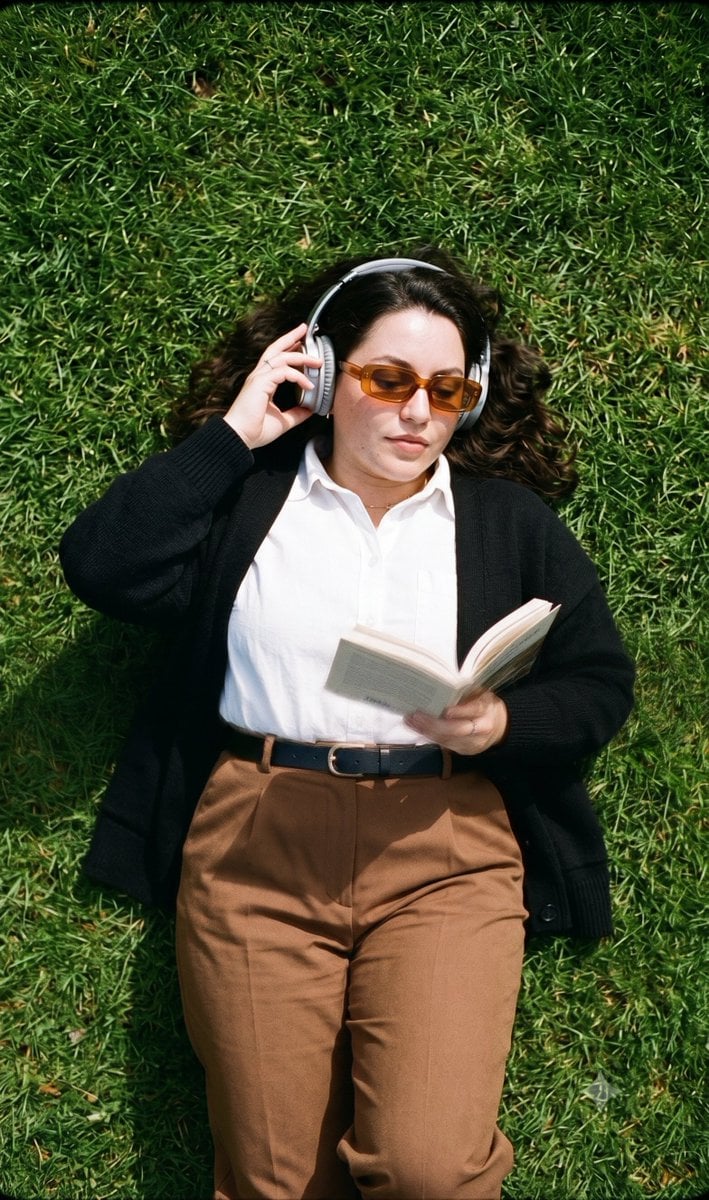
- Prompt included
- Model and format preset
- Free template
The prompt behind this image
Copy the exact prompt behind Retro Film Fashion Editorial Park Portrait, or open it in the studio and make it yours.
Create a high-end fashion editorial photograph inspired by retro film photography and contemporary outdoor lifestyle editorials. Capture a calm, thoughtful young woman in {argument name="age group" default="her early 20s"} with a slim build, fair skin with neutral undertones, an oval face, softly defined jawline, subtle cheekbones, a straight nose, natural lips with a muted coral tint, and straight dark eyebrows. She has smooth, shoulder-length dark brown hair styled in a center-parted straight bob tucked neatly behind her ears. Her expression is focused, with a slightly intense gaze directed over the top of the paperback book she is reading. Dress her in an {argument name="clothing item" default="oversized black cardigan"} layered over a crisp white button-up shirt, paired with high-waisted brown wide-leg trousers secured with a black belt. Complete the look with large silver over-ear headphones and amber-tinted rectangular sunglasses, creating a minimal academic aesthetic with strong vintage influences. She is lying comfortably on a lush green park lawn, viewed from a high-angle top-down perspective. One hand holds the open paperback book while the other gently adjusts her headphones. Her head is slightly raised toward the camera, giving the composition a relaxed yet artistic editorial feel. The entire frame is filled with vibrant green grass, creating a clean and minimal outdoor setting. Shoot during daytime using soft natural sunlight from overhead, producing gentle directional shadows and a warm nostalgic atmosphere. Use a moderately shallow depth of field with subtle softness around the edges while maintaining sharp focus on the subject. Frame the image as a medium full-body portrait from directly above, combining crisp central detail with authentic vintage softness. Apply cinematic analog-inspired color grading with realistic film grain, rich olive green, black, white, and dark brown tones accented by warm amber highlights, silver metallic details, and natural skin tones. The final image should resemble a {argument name="overall aesthetic" default="premium retro fashion editorial"}, blending timeless film photography, quiet intellectual style, outdoor reading, minimal fashion, and nostalgic analog aesthetics in a refined, artistic composition.
How to use Retro Film Fashion Editorial Park Portrait in 3 steps
- 1
Open
The prompt is already in the box next to the preview, with the template's model and format selected.
- 2…a portrait of your subject in softgolden-hour light, 85mm…
Personalize
Edit the subject and creative details for your destination.
- 3Generate
Generate
Press Generate — your image is created in PicX Studio, so you can compare it with the original and refine one variable at a time.
More like this
Templates with the same subject, style or setup. Open one to see its prompt.

Caution Tape Fashion — Industrial Editorial

Couture Fashion Editorial Woman and Drag

Nano Banana 2 Editorial Fashion Portrait

Found Photograph: Us, 1970

80s Couple Studio Portrait

80s College Gate

1988 Mall Style

80s Polka Dot Saree

80s Bollywood Star
untitled

Nano Banana 2 High Fashion Sports Campai
Ive Yujin Fashion Portrait in Blue
Make it yours
Retro Film Fashion Editorial Park Portrait works as-is. These are the safest ways to change it without losing the look.
Change one field
Copy a single group, rewrite it, and generate again so you can see what that field is doing.
Keep the frame, change the subject
Hold the composition and light of Retro Film Fashion Editorial Park Portrait, then swap wardrobe, props or the person for a new take.
| If the result… | Why | Fix |
|---|---|---|
| The result drifts from the preview | Too many fields changed at once. | Reuse Retro Film Fashion Editorial Park Portrait as-is first, then change one group — subject, light, or setting. |
| The model over-stylizes the scene | The prose prompt leaves finish and camera underspecified. | Add one camera or lighting sentence and stay on Gemini 3 Pro Image Preview. |
More Gemini 3 Pro Image Preview templates
Other prompts made for Gemini 3 Pro Image Preview.
Creative Character in Pink Office
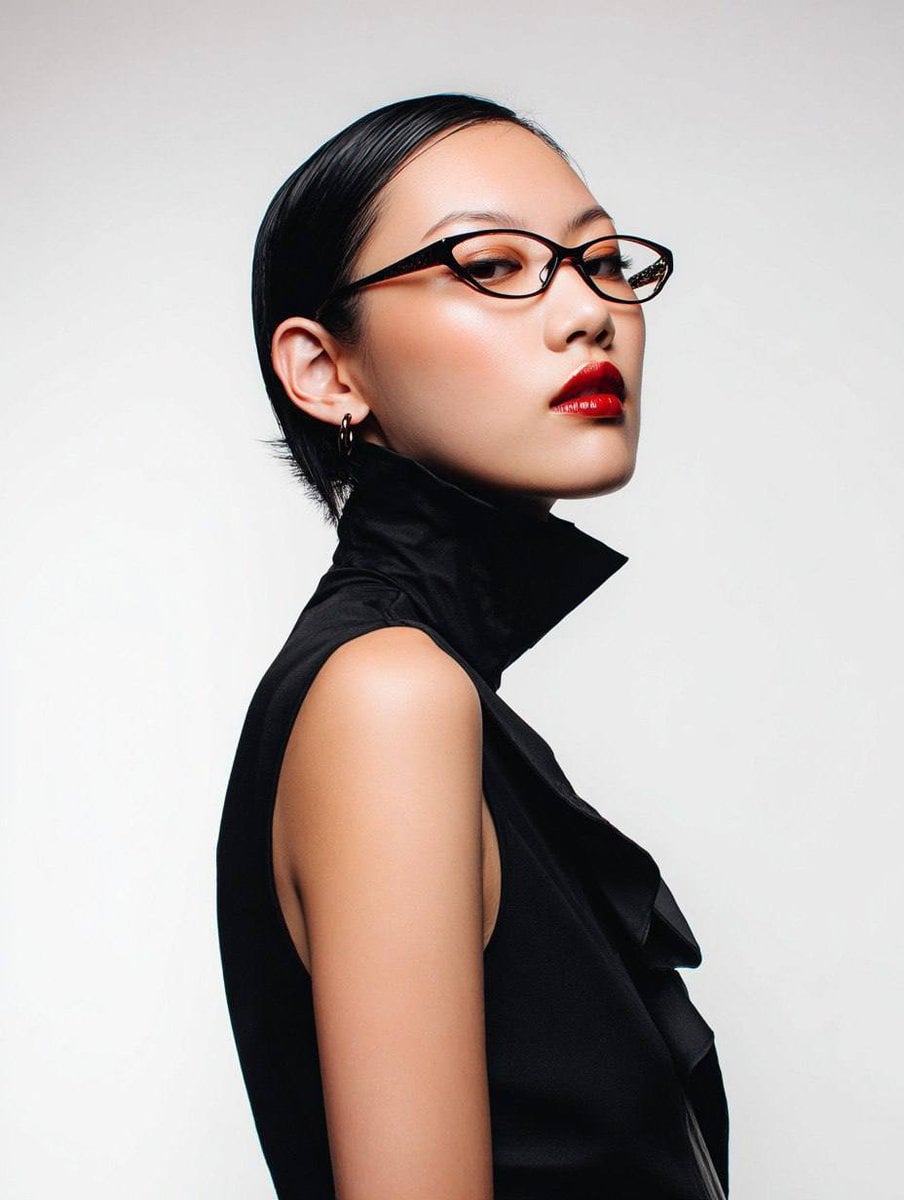
Avant-Garde Asian Fashion Model

Underwater Macro Face Portrait
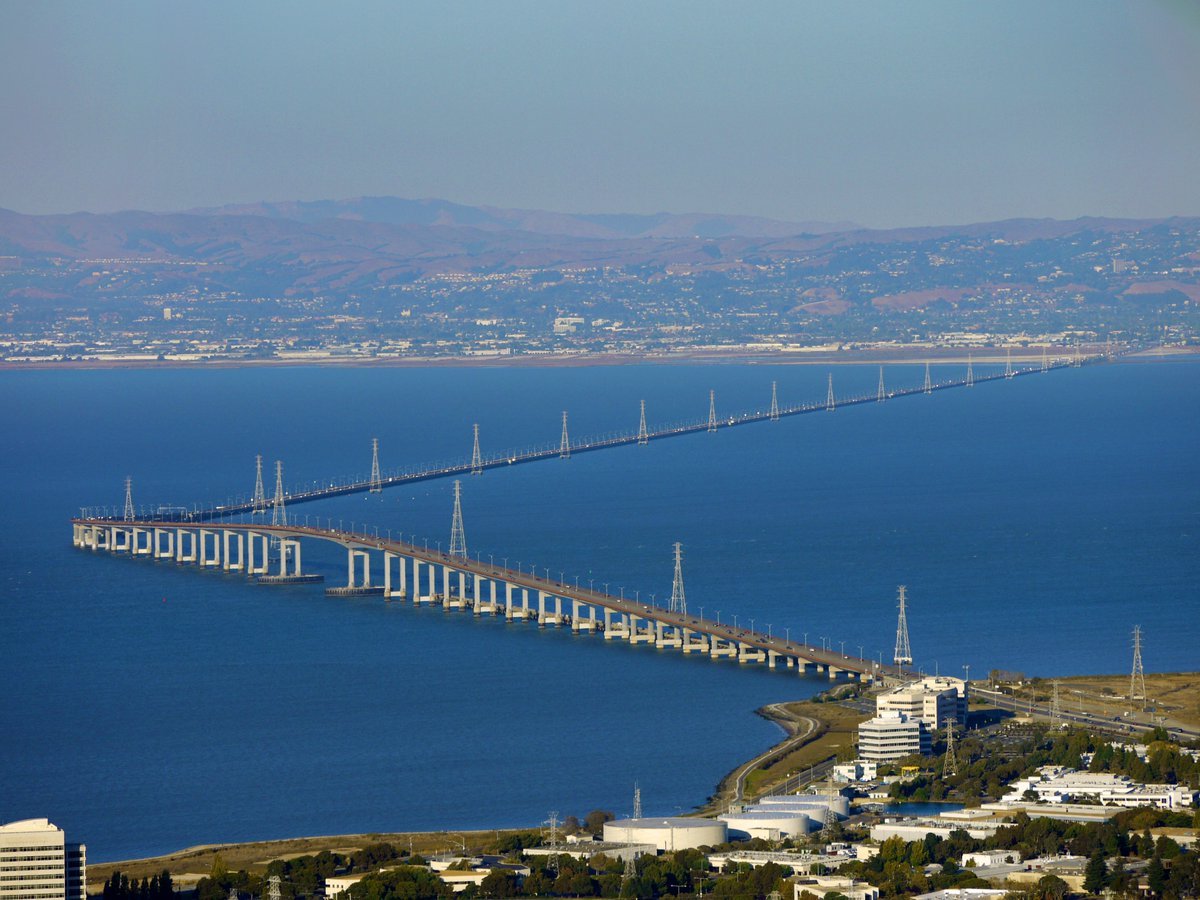
Water-level Bridge Modification
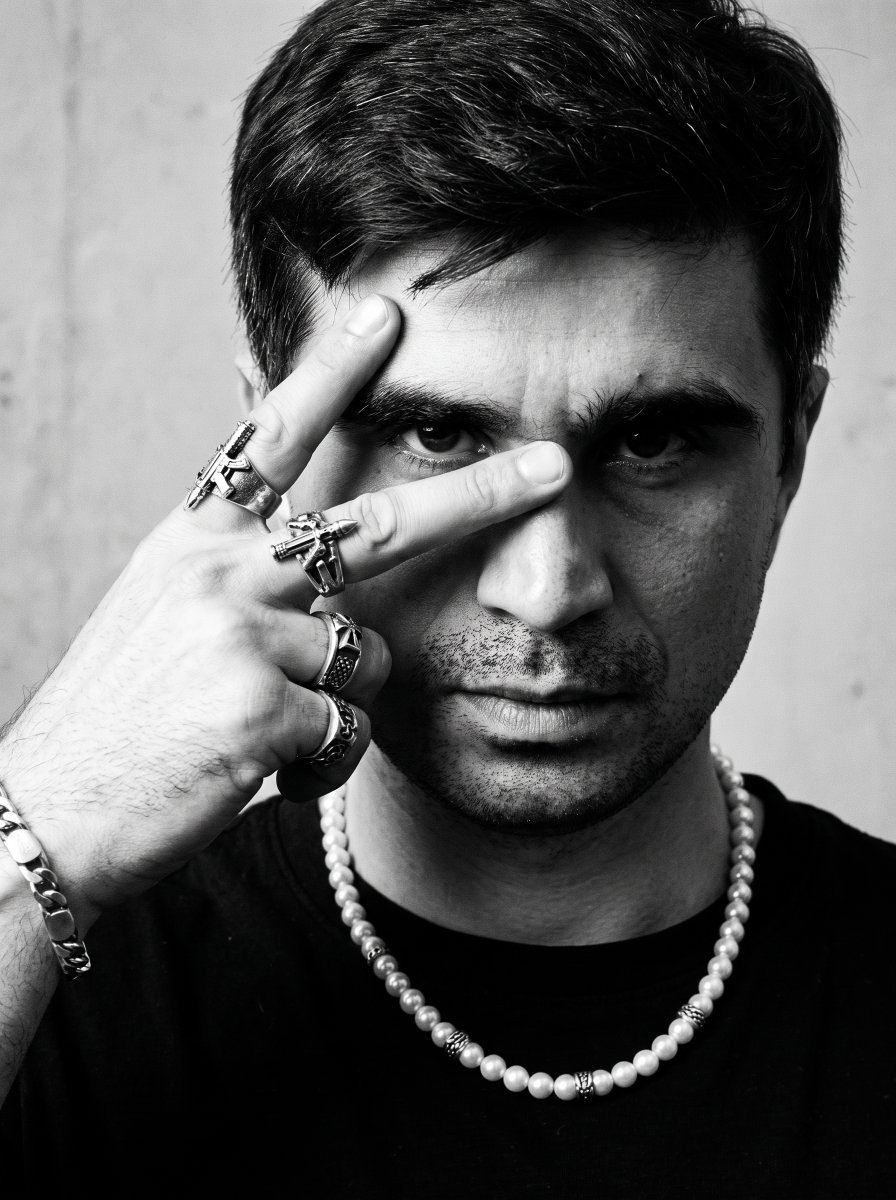
Noir Punk Street Portrait
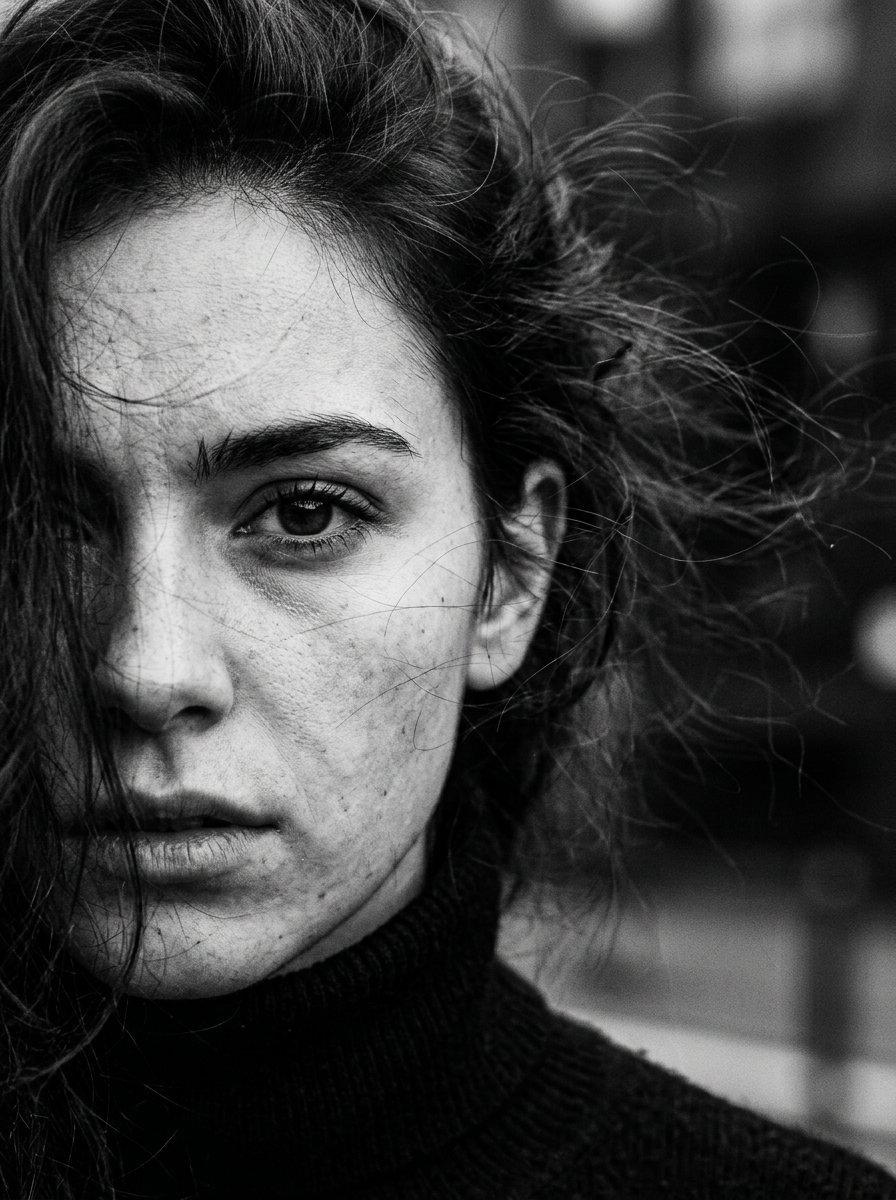
High Contrast Cinematic Face Portrait
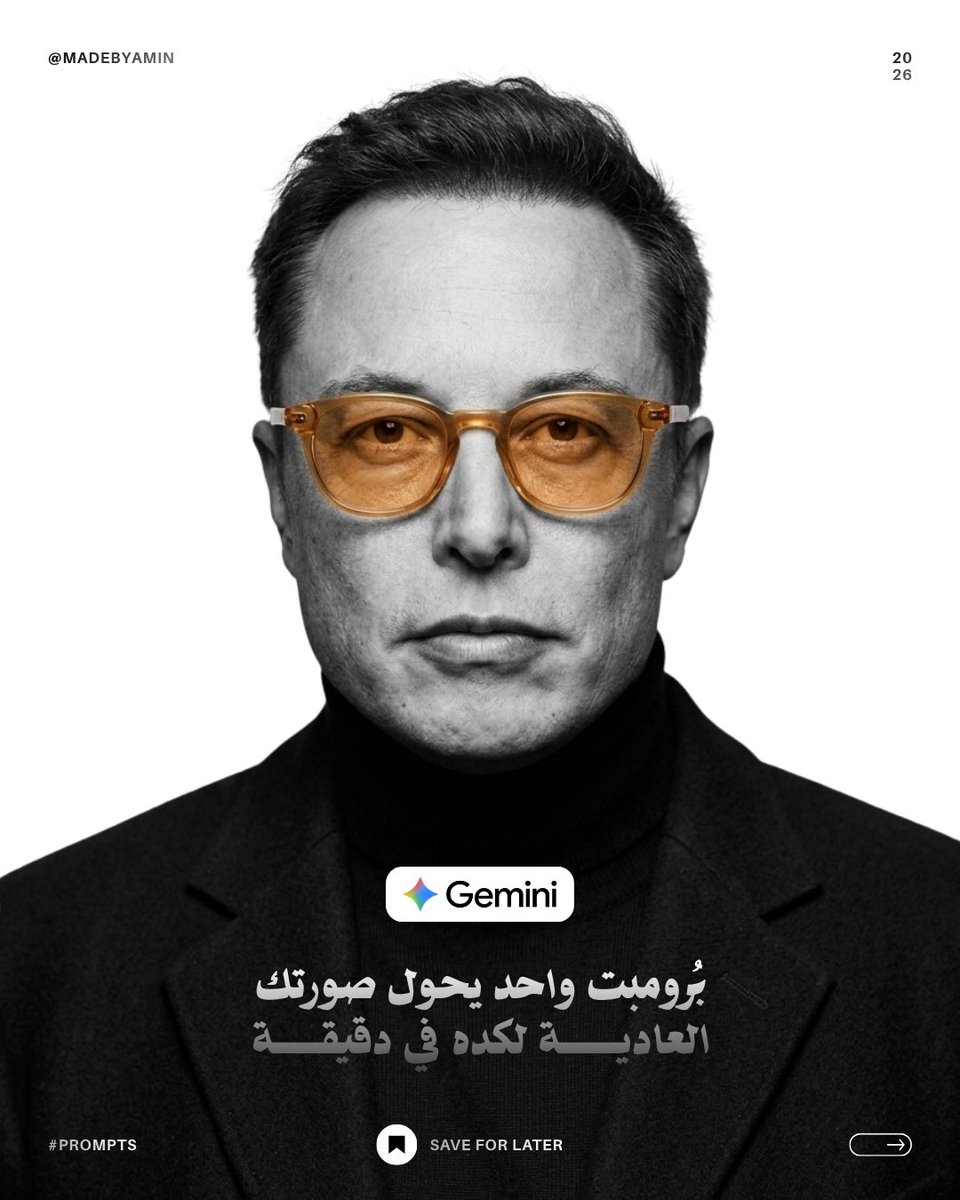
Monochrome Studio Portrait with Colored Lens
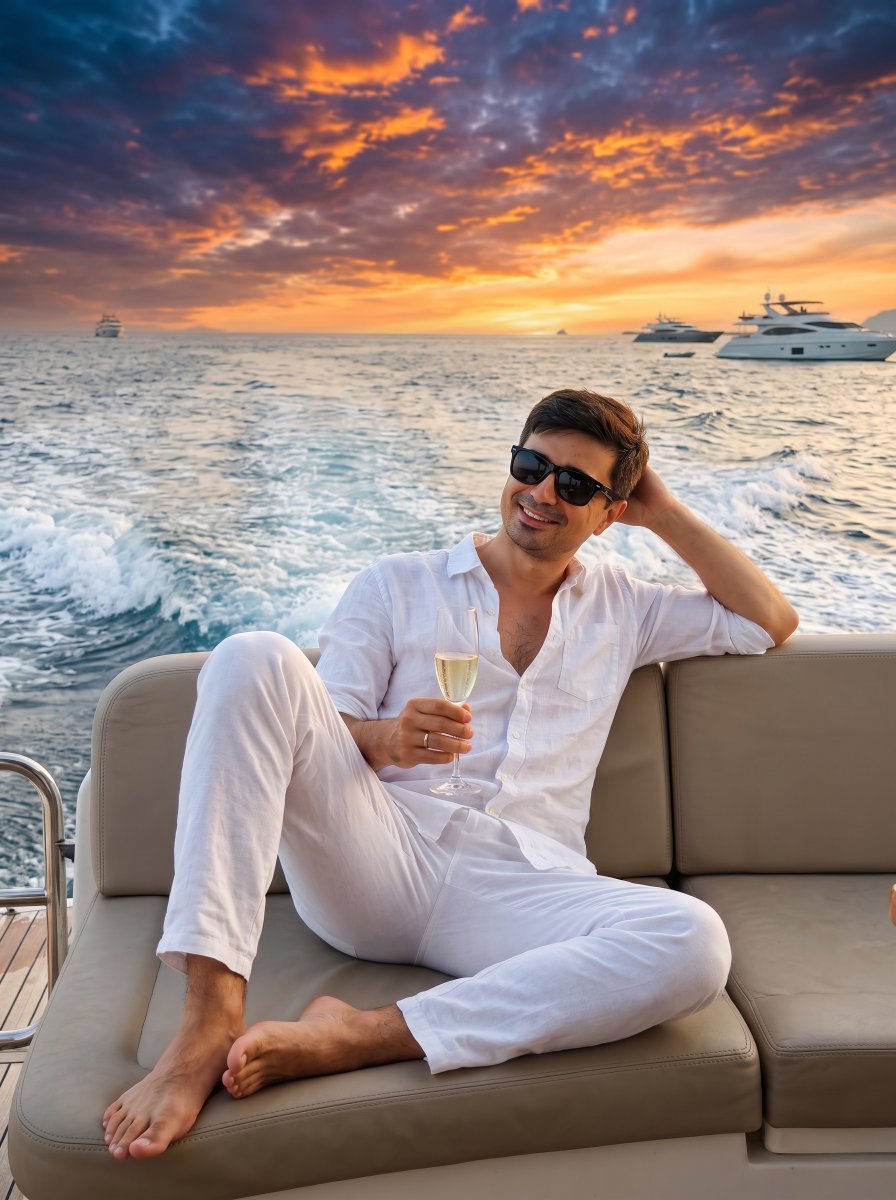
Ultra-Realistic Yacht Sunset Portrait

Mushroom Still Life Composition
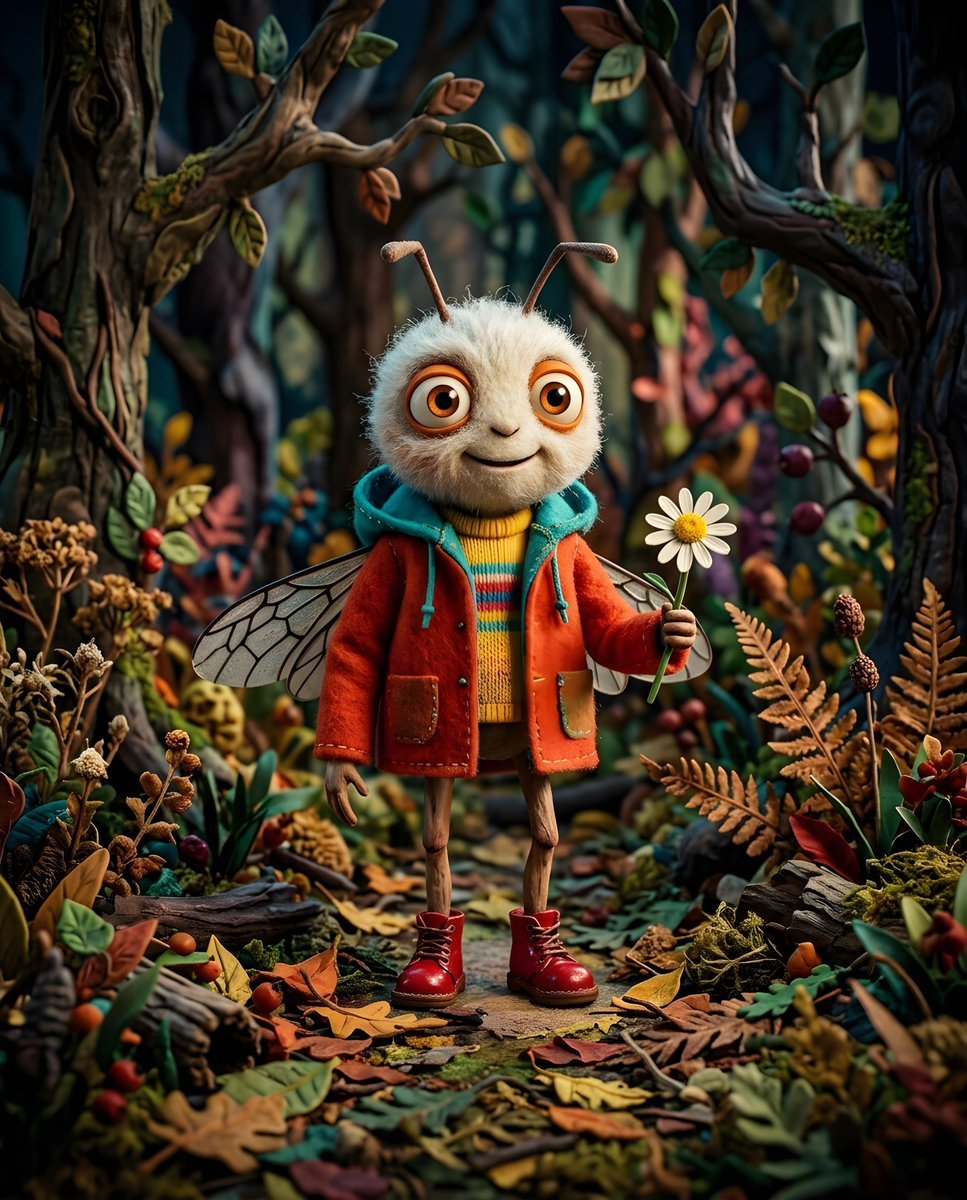
Whimsical Anthropomorphic Friendly Insect
More image prompts
Fresh picks from across the catalog.
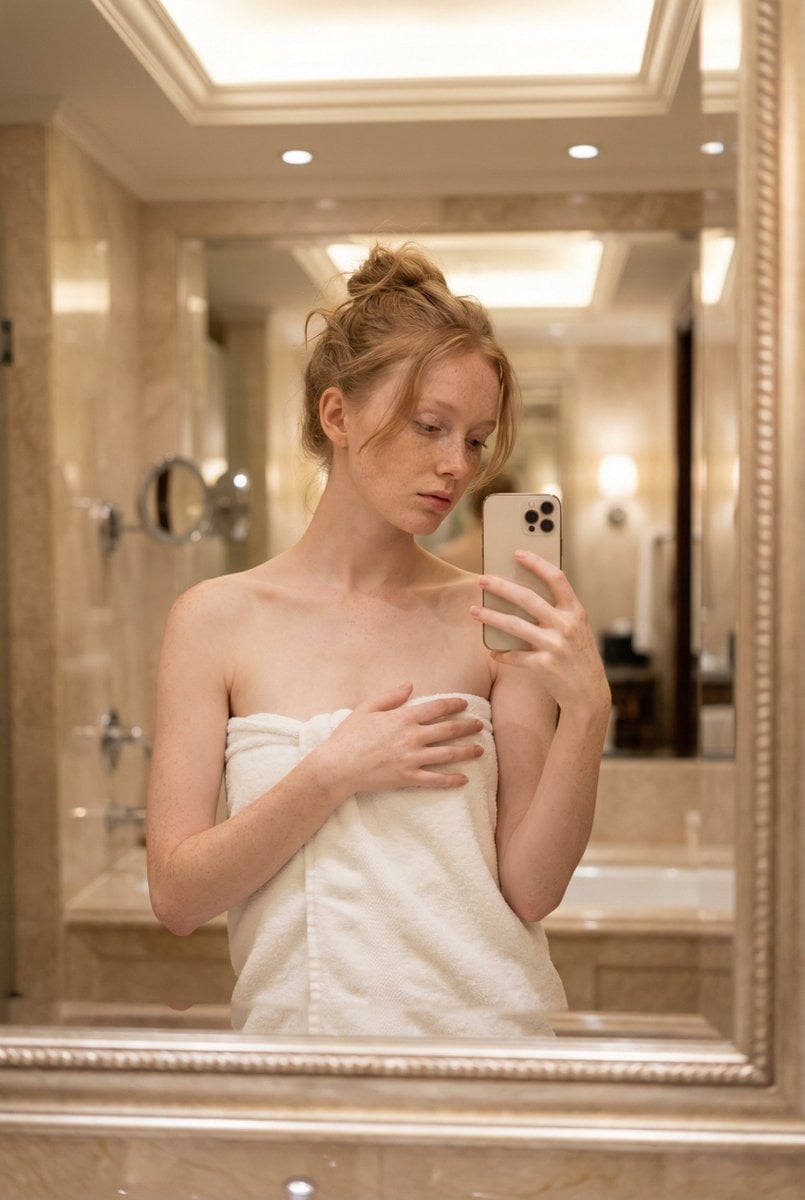
Intimate Mirror Selfie Portrait Prompt
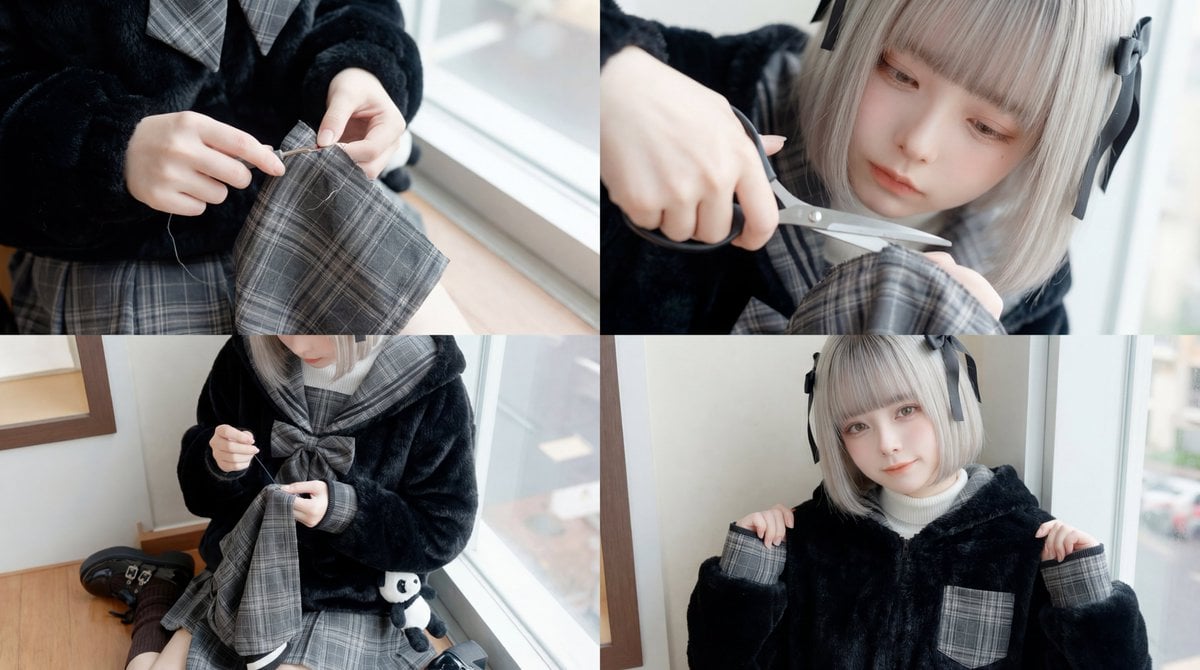
ASMR Sewing/Crafting Video Prompt (GPT-5 Generated)
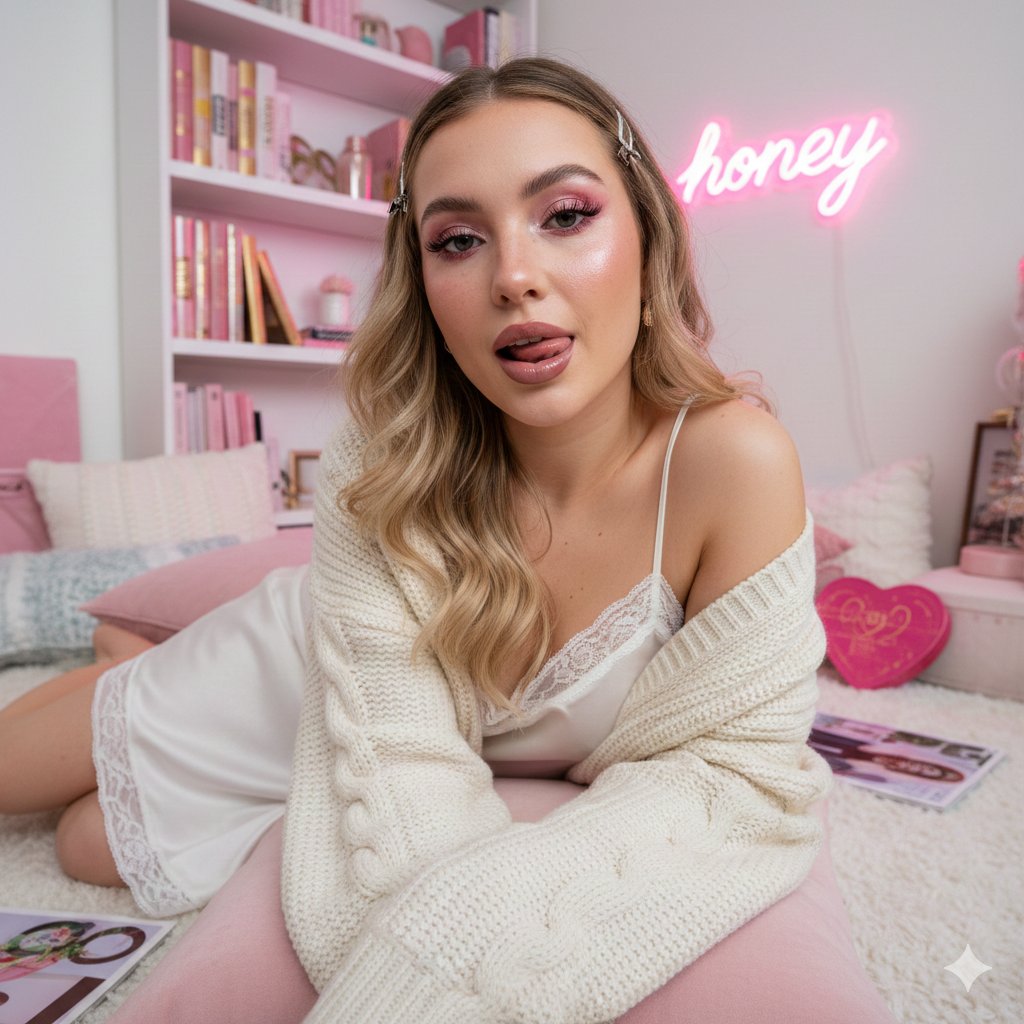
Maximalist 'Clean Girl' Aesthetic Portrait with Blep Expression
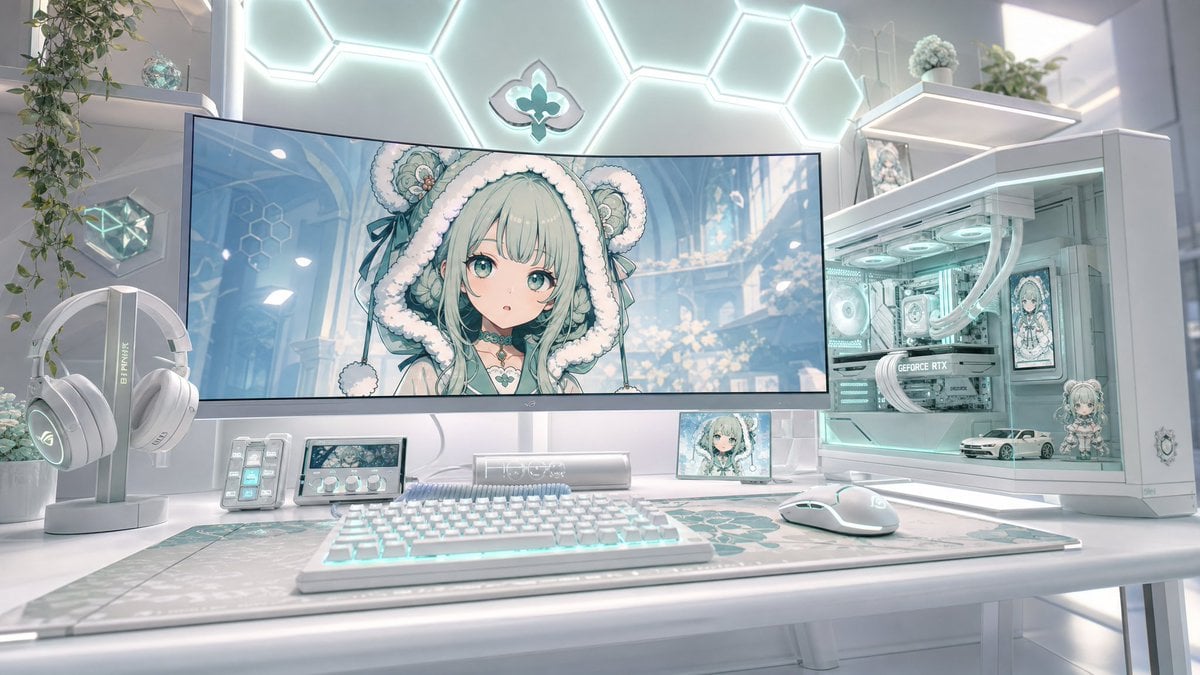
Pastel Anime Gaming Desk Setup
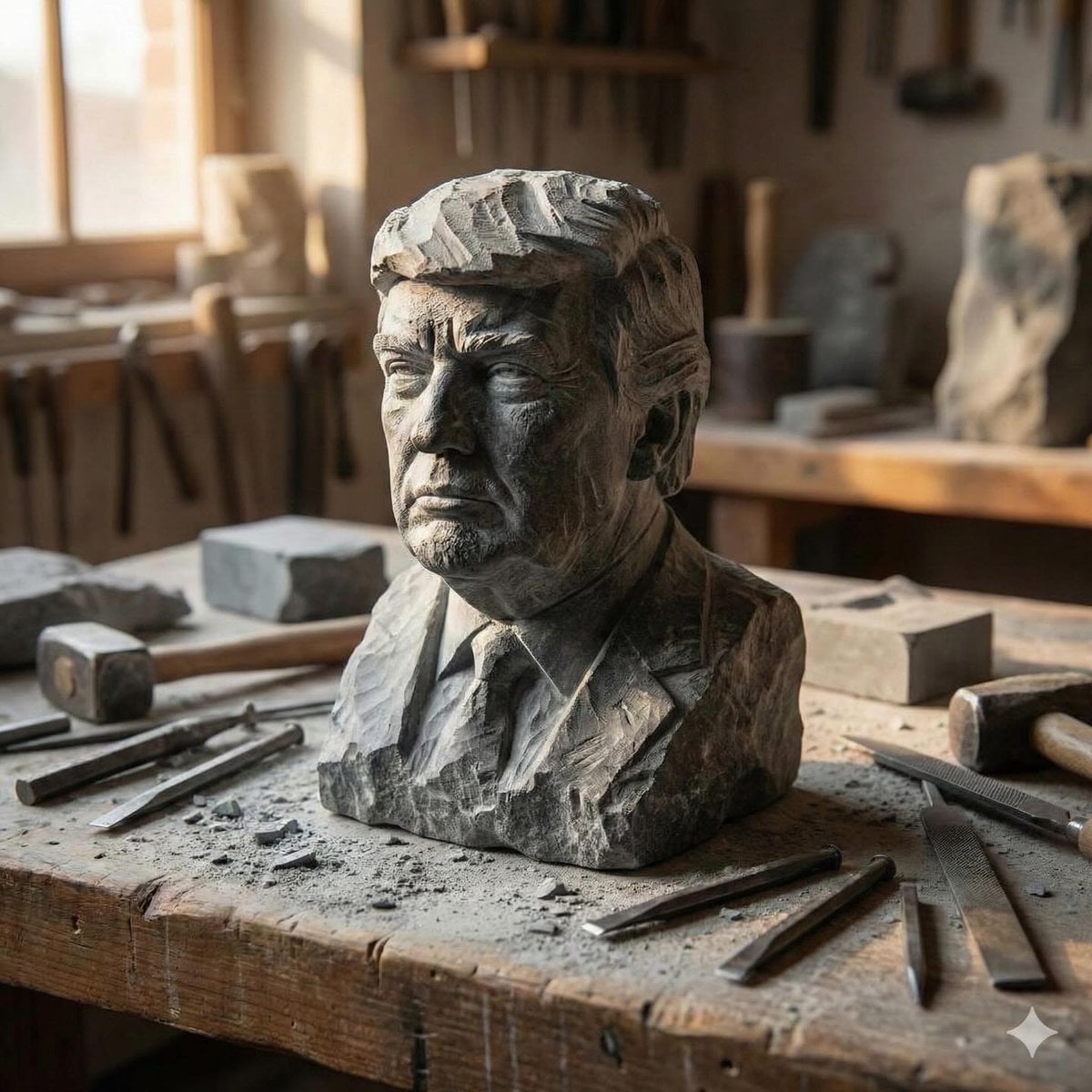
Stone-carved statue on a sculptor's workbench prompt
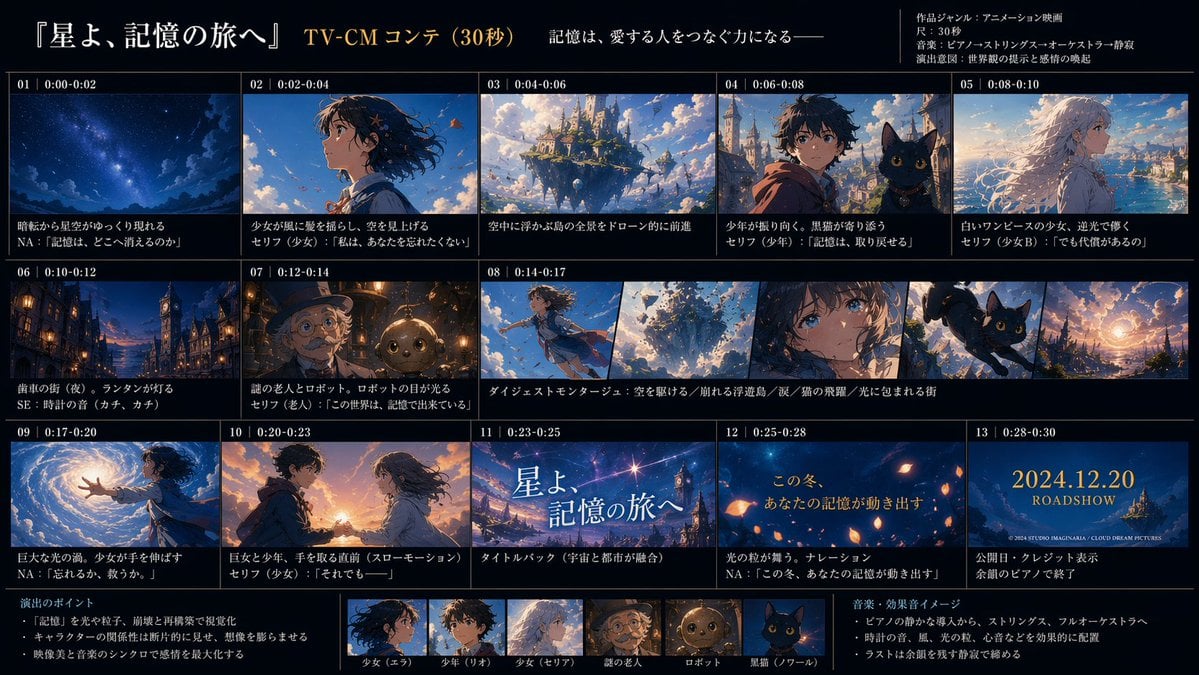
Anime TV CM Storyboard Sheet
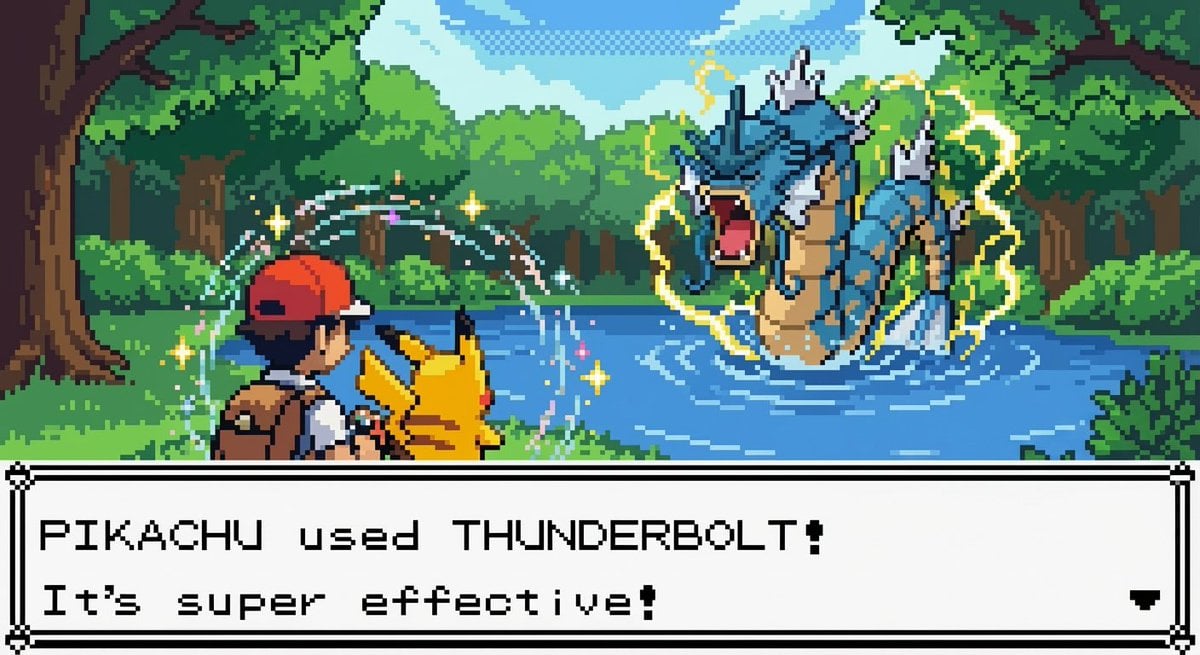
New Pokémon pixel art battle scene
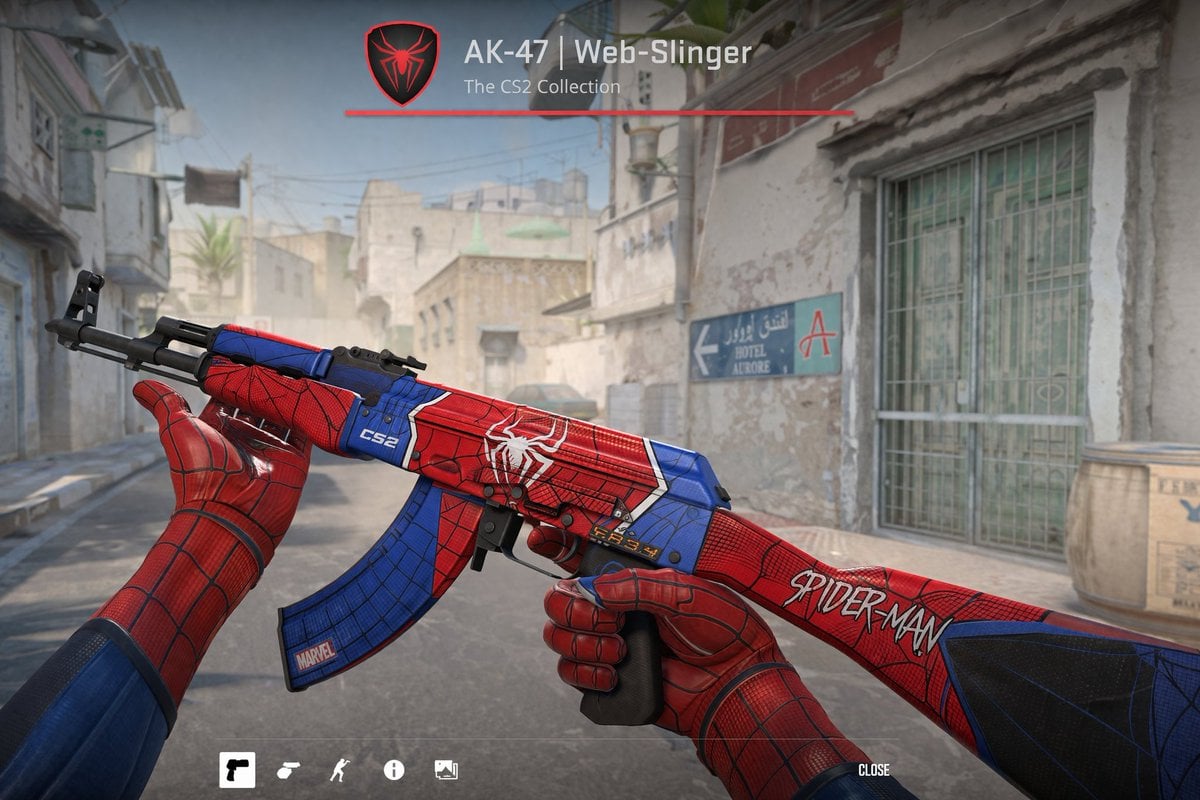
FPS Custom Weapon Skin Screenshot
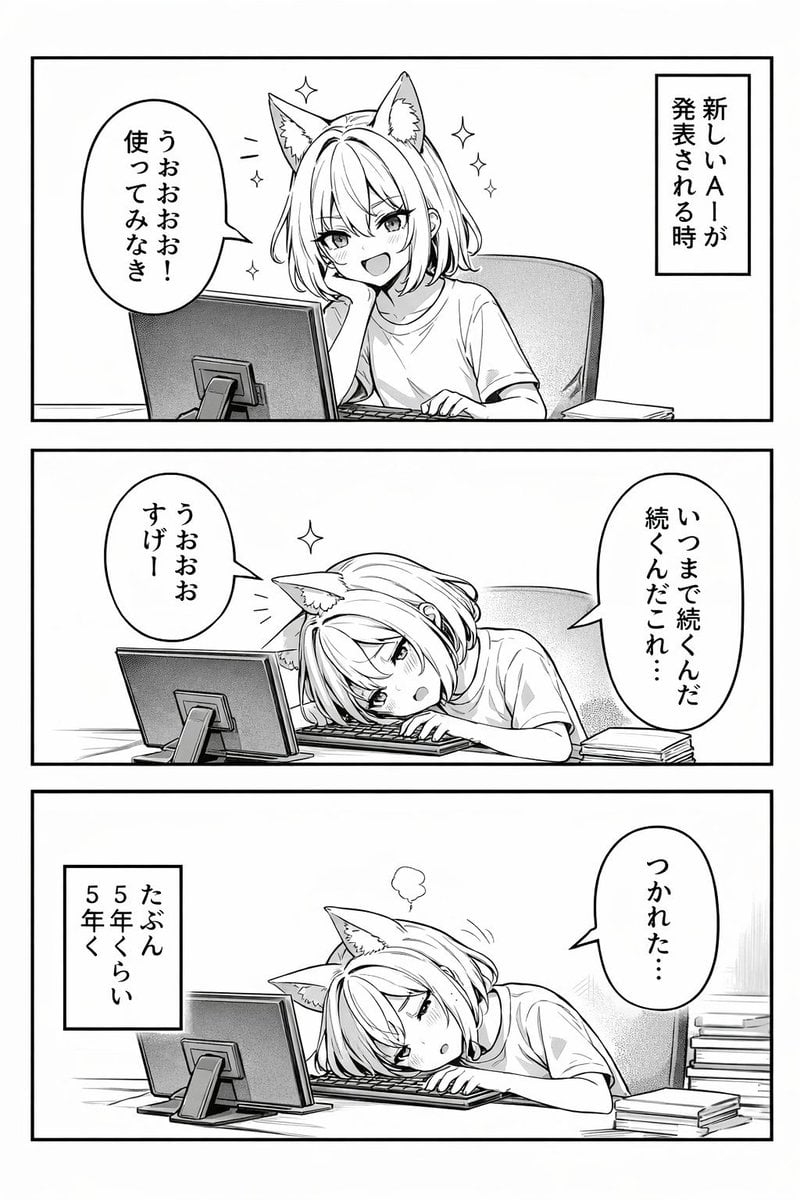
Panel Anime Comic Strip
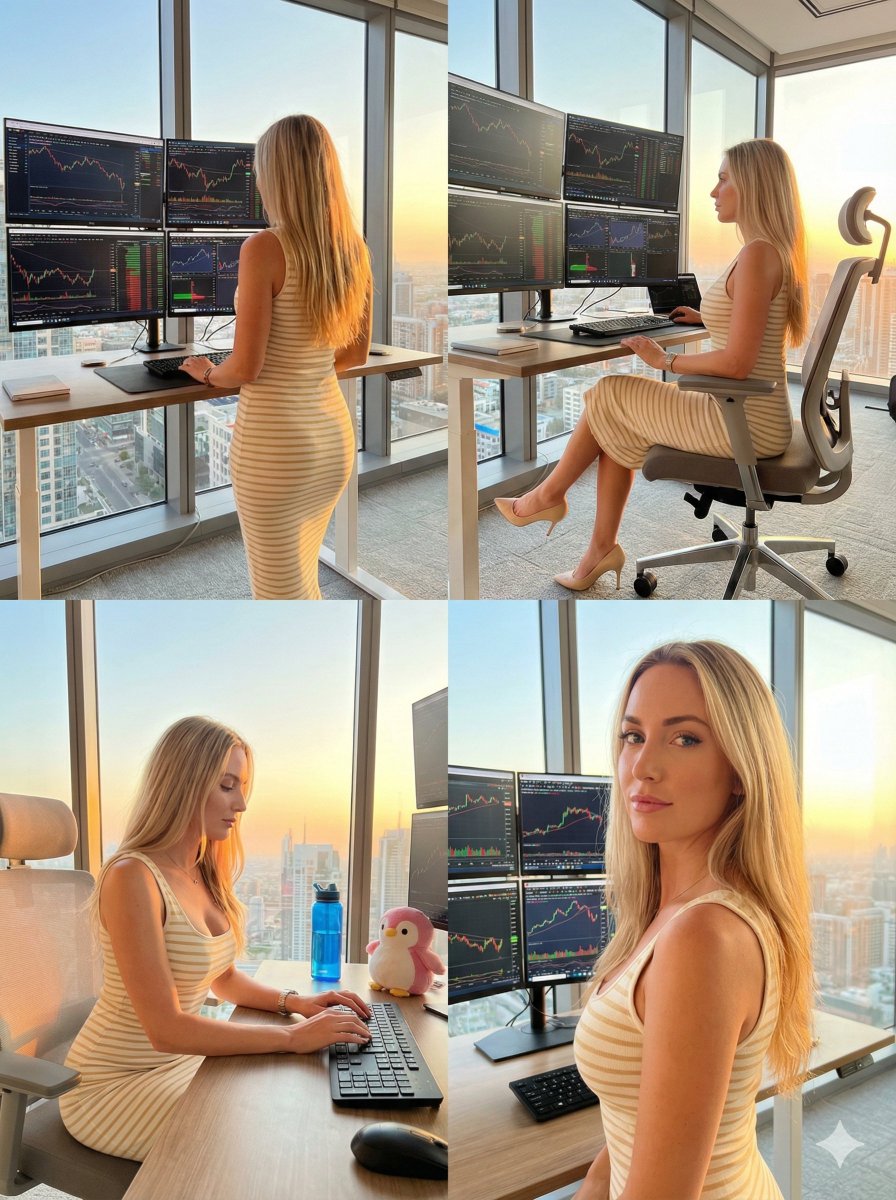
Four-Panel Trading Workspace Lifestyle Collage Prompt
Browse template categories
Retro Film Fashion Editorial Park Portrait questions
How do I use the Retro Film Fashion Editorial Park Portrait template?
Add your photo if the template asks for one, edit the prompt if you like — the template's model and format are already selected — and press Generate. Your version opens in PicX Studio.
Can I customize the Retro Film Fashion Editorial Park Portrait template?
Yes. You can change the subject, setting, lighting, mood, format, and available model controls before creating your image.
Is the Retro Film Fashion Editorial Park Portrait template free?
Opening and editing this template is free. Generating uses credits, shown on the Generate button when you are signed in.
Which AI model should I use?
Start with Gemini 3 Pro Image Preview, which is the model associated with this template. You can compare another compatible model for a different finish.
Looking for something else? Browse all templates.

Your photo, any look
Thousands of ready templates for every top image and video model, from one credit balance.