
Cinematic Liquid Splash Portrait
A dynamic high-energy portrait prompt featuring a subject reaching toward the camera amidst vibrant liquid and paint splashes.
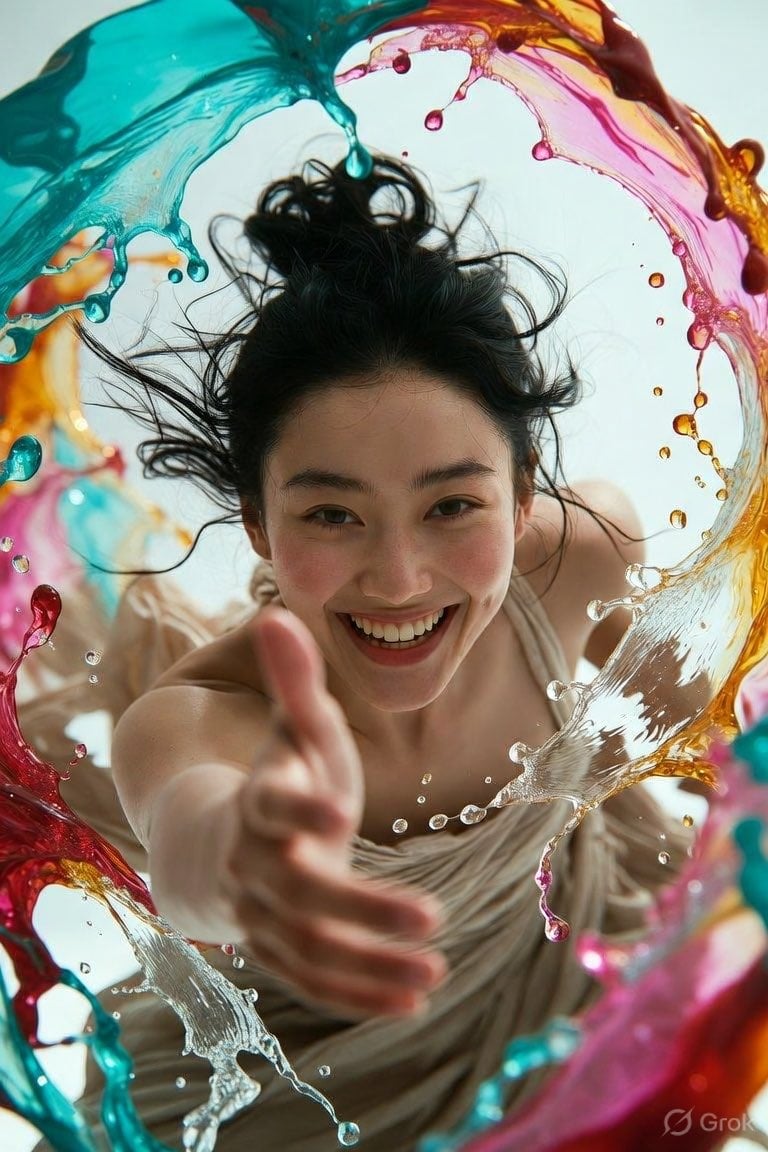
- Prompt included
- Model and format preset
- Free template
The prompt behind this image
Copy the exact prompt behind Cinematic Liquid Splash Portrait, or open it in the studio and make it yours.
Ultra-realistic IMAX-level Netflix-style cinematic fantasy portrait, 4:5 vertical frame, use the uploaded image as the primary facial reference with maximum face consistency, create a young woman leaning dynamically toward the camera while reaching one hand directly forward into the foreground, her extended hand appearing dramatically larger due to strong perspective and shallow depth of field, fingers naturally spread as if playfully reaching toward the viewer, her other arm positioned naturally closer to her body, upper body leaning forward with an energetic spontaneous posture, wearing a {argument name="clothing" default="soft beige flowing draped outfit"} wrapped naturally around her upper body, {argument name="hair style" default="messy high bun"} with abundant textured strands escaping around the crown, temples and sides of her face, several fine flyaway strands lifted naturally around her head, surrounded by dramatic frozen splashes of {argument name="liquid colors" default="vivid turquoise, red, pink, golden-yellow and orange paint-like fluid"} forms sweeping upward and outward around her body, individual droplets suspended sharply in the air, colorful fluid arcs creating a dynamic circular frame around her, bright neutral background visible between the splashes, highly detailed translucent liquid surfaces with realistic reflections and refractions, strong foreground-background depth separation, cinematic perspective, crisp facial detail with the reaching hand gradually becoming softer toward the closest foreground due to lens depth, realistic motion energy frozen at the exact moment of the splash, sophisticated studio lighting with soft frontal illumination on her face and subtle highlights along the wet fluid droplets and hair strands, vibrant but naturally balanced colors, realistic fabric texture, natural photographic detail, cinematic depth of field, high dynamic range. Facial Expression: her eyes are wide open and looking directly into the camera with a bright playful gaze, eyebrows naturally raised with excitement, mouth opened into a broad genuine smile showing her upper teeth, lips naturally stretched by the smile, cheeks noticeably lifted and rounded with natural smile lines forming around the eyes and mouth, creating a joyful spontaneous energetic expression.
How to use Cinematic Liquid Splash Portrait in 3 steps
- 1Upload ImagePNG, JPG or paste
Add your photo
Upload the photo the template builds on. The prompt, model and format are already set.
- 2…a portrait of your subject in softgolden-hour light, 85mm…
Personalize
Edit the subject and creative details for your destination.
- 3Generate
Generate
Press Generate — your image is created in PicX Studio, so you can compare it with the original and refine one variable at a time.
More like this
Templates with the same subject, style or setup. Open one to see its prompt.

Black Liquid Cyberpunk Portrait Poster

Underwater Macro Face Portrait

Noir Punk Street Portrait

High Contrast Cinematic Face Portrait

Monochrome Studio Portrait with Colored Lens

Ultra-Realistic Yacht Sunset Portrait

Nano Banana Pro Photoreal Playful Couple

Found Photograph: Us, 1970

80s Couple Studio Portrait

80s Bollywood Star

80s Golden Hour Cinema

Me in 1985
Make it yours
Cinematic Liquid Splash Portrait works as-is. These are the safest ways to change it without losing the look.
Change one field
Copy a single group, rewrite it, and generate again so you can see what that field is doing.
Keep the frame, change the subject
Hold the composition and light of Cinematic Liquid Splash Portrait, then swap wardrobe, props or the person for a new take.
| If the result… | Why | Fix |
|---|---|---|
| The result drifts from the preview | Too many fields changed at once. | Reuse Cinematic Liquid Splash Portrait as-is first, then change one group — subject, light, or setting. |
| The model over-stylizes the scene | The prose prompt leaves finish and camera underspecified. | Add one camera or lighting sentence and stay on Gemini 3 Pro Image Preview. |
More Gemini 3 Pro Image Preview templates
Other prompts made for Gemini 3 Pro Image Preview.

Mushroom Still Life Composition

Whimsical Anthropomorphic Friendly Insect

Cinematic Urban Night Billboard Portrait

Pop Art Summer Fruit Fashion Illustration

Ultra-Realistic iPhone Selfie with Motion Blur

Cinematic Mirror Reflection Portrait

Elegant Men's Twilight Editorial

Coastal Freedom Sunset Portrait

Ergonomic Office Chair E-commerce Mobile Detail Page

Macro Guitar Fret Dressing
More image prompts
Fresh picks from across the catalog.
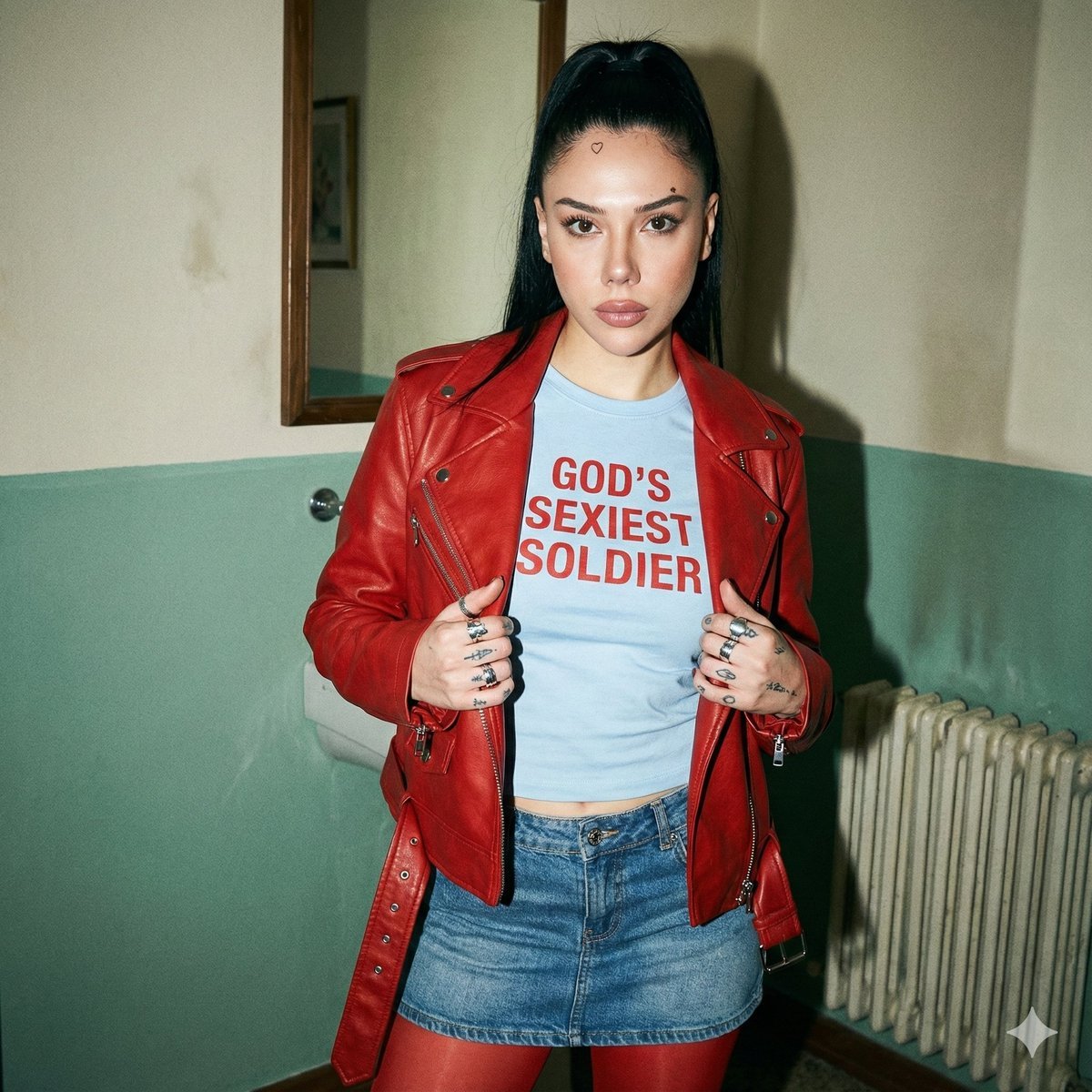
Indie Sleaze 2000s Street Style Portrait Prompt

Magazine Page Generation for Travel Guide
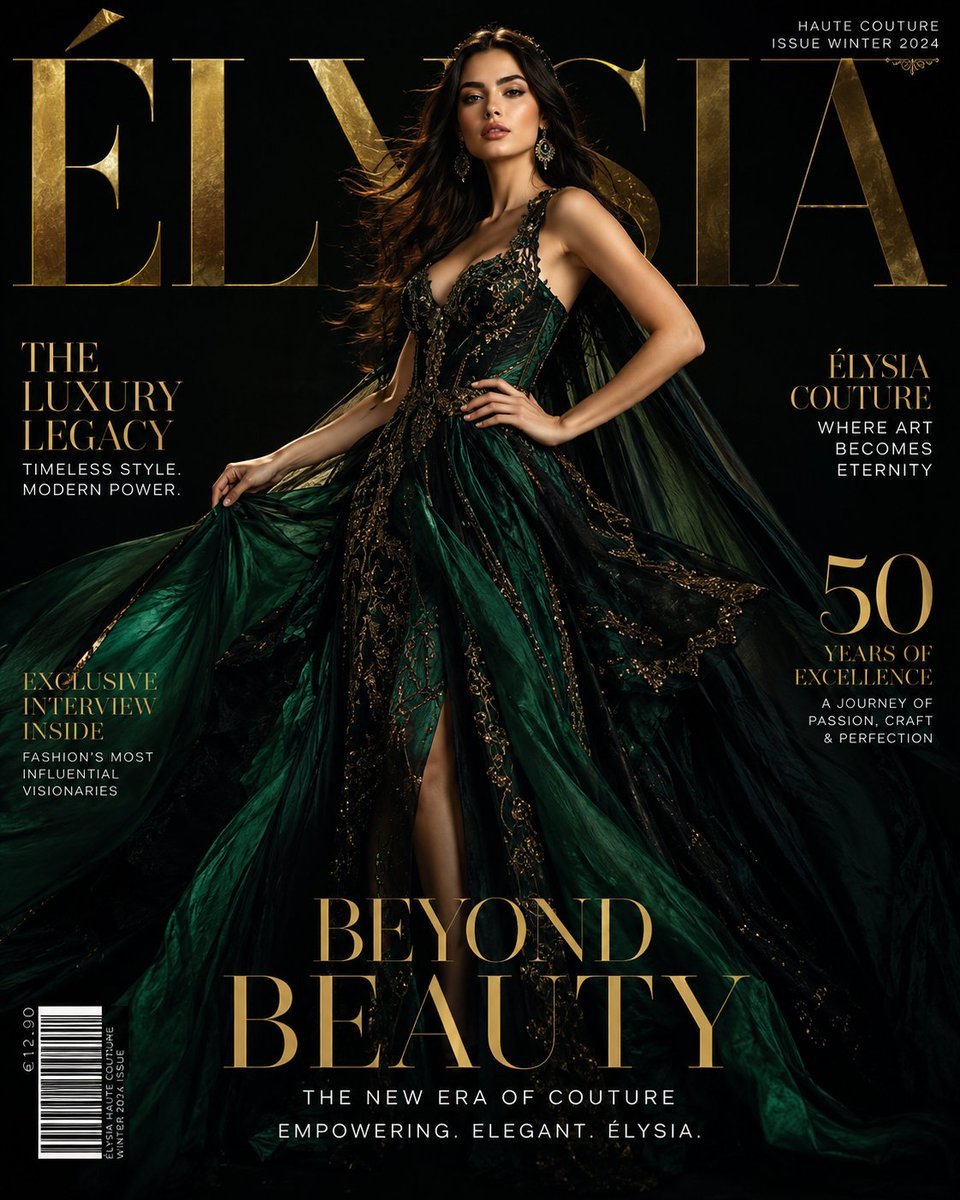
Luxury Fashion Magazine Cover
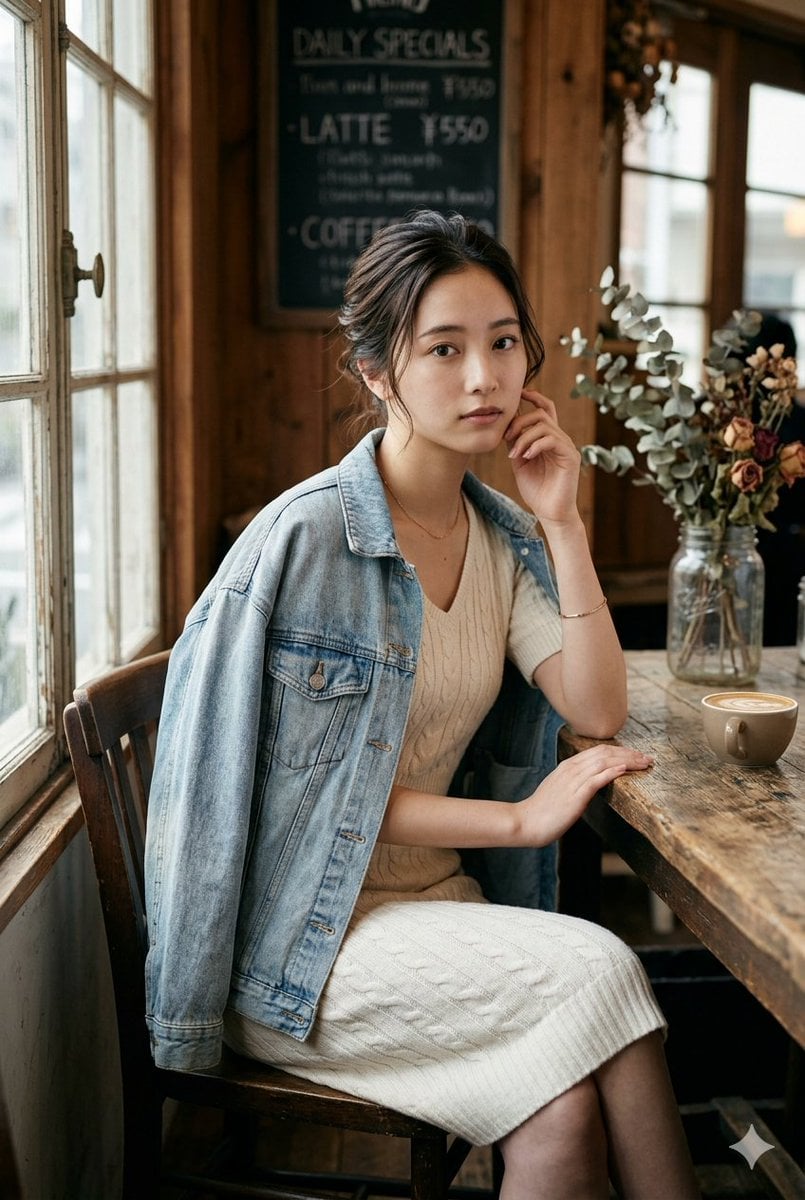
Realistic Vintage Cafe Portrait
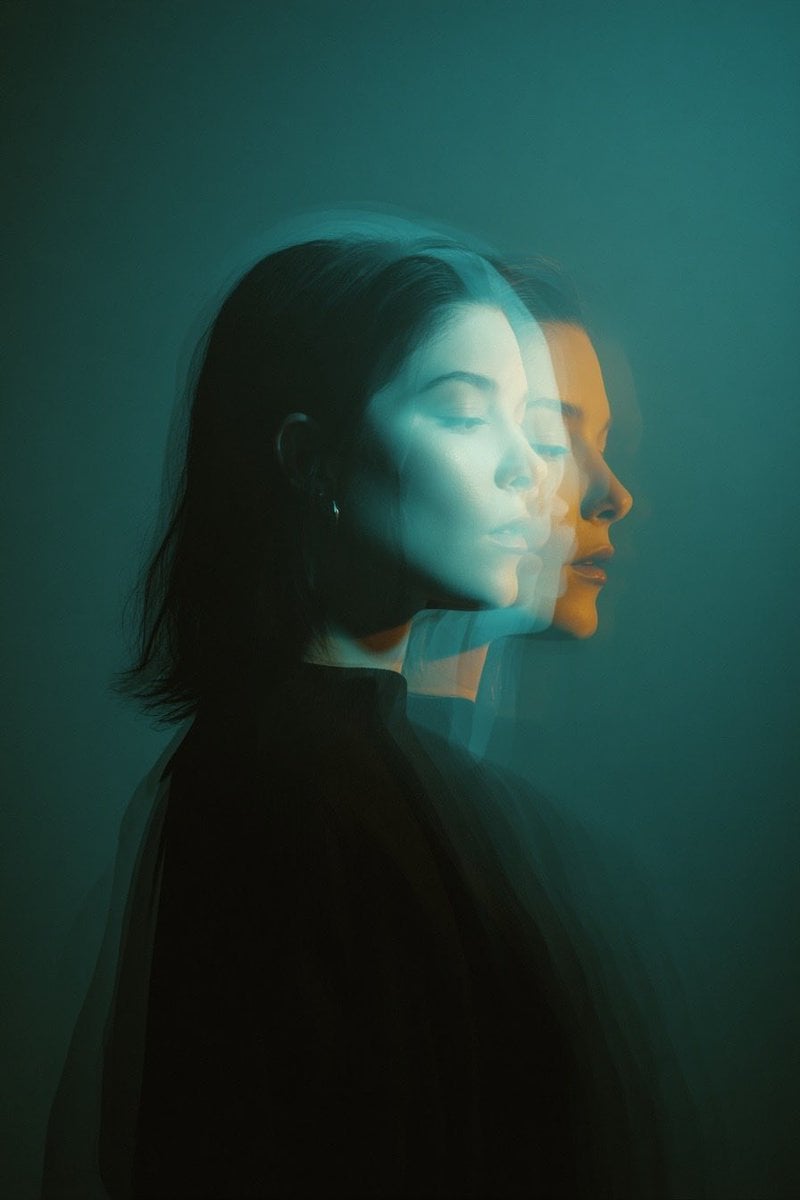
Cinematic Double Exposure Portrait Prompt for Nano Banana Pro

Universal JSON Template for Editorial Product Ads
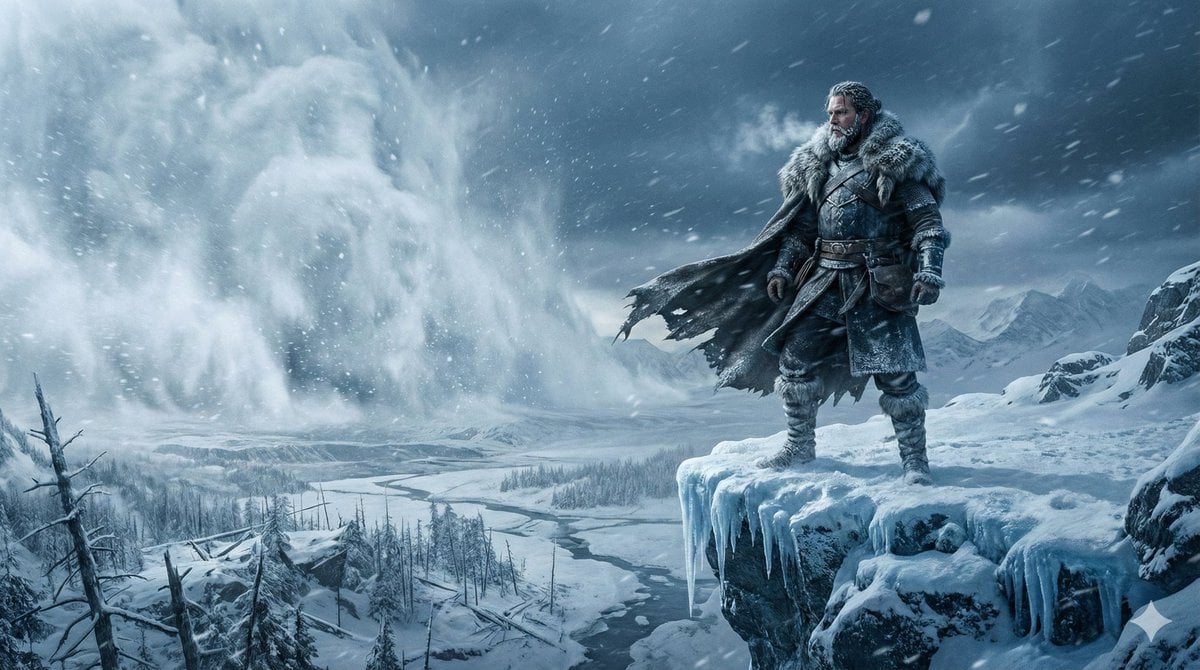
Epic Frozen Cliff Warrior Scene
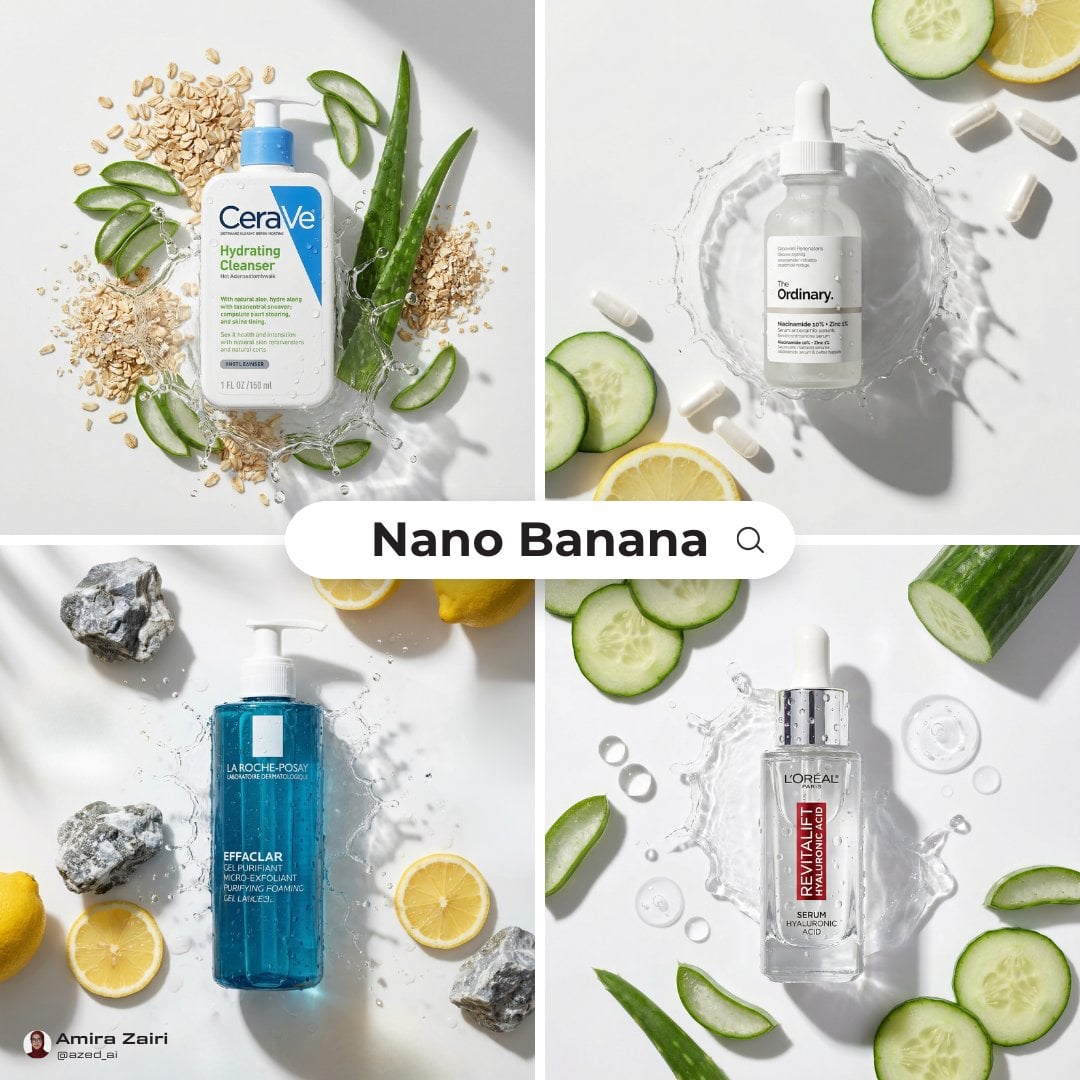
High-End Skincare Product Macro Photography Ad
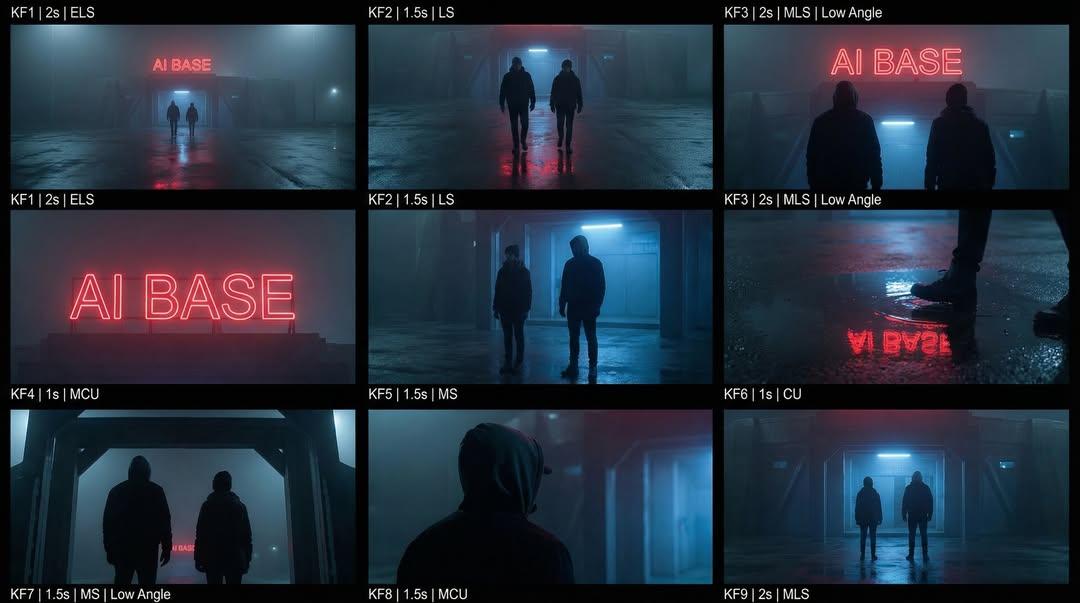
Cinematic Sci-Fi Storyboard Prompt for Nano Banana Pro

Write Arabic text on a Nile river image
Browse template categories
Cinematic Liquid Splash Portrait questions
How do I use the Cinematic Liquid Splash Portrait template?
Add your photo if the template asks for one, edit the prompt if you like — the template's model and format are already selected — and press Generate. Your version opens in PicX Studio.
Can I customize the Cinematic Liquid Splash Portrait template?
Yes. You can change the subject, setting, lighting, mood, format, and available model controls before creating your image.
Is the Cinematic Liquid Splash Portrait template free?
Opening and editing this template is free. Generating uses credits, shown on the Generate button when you are signed in.
Which AI model should I use?
Start with Gemini 3 Pro Image Preview, which is the model associated with this template. You can compare another compatible model for a different finish.
Looking for something else? Browse all templates.

Your photo, any look
Thousands of ready templates for every top image and video model, from one credit balance.