
90s Backstage Fashion Week Film
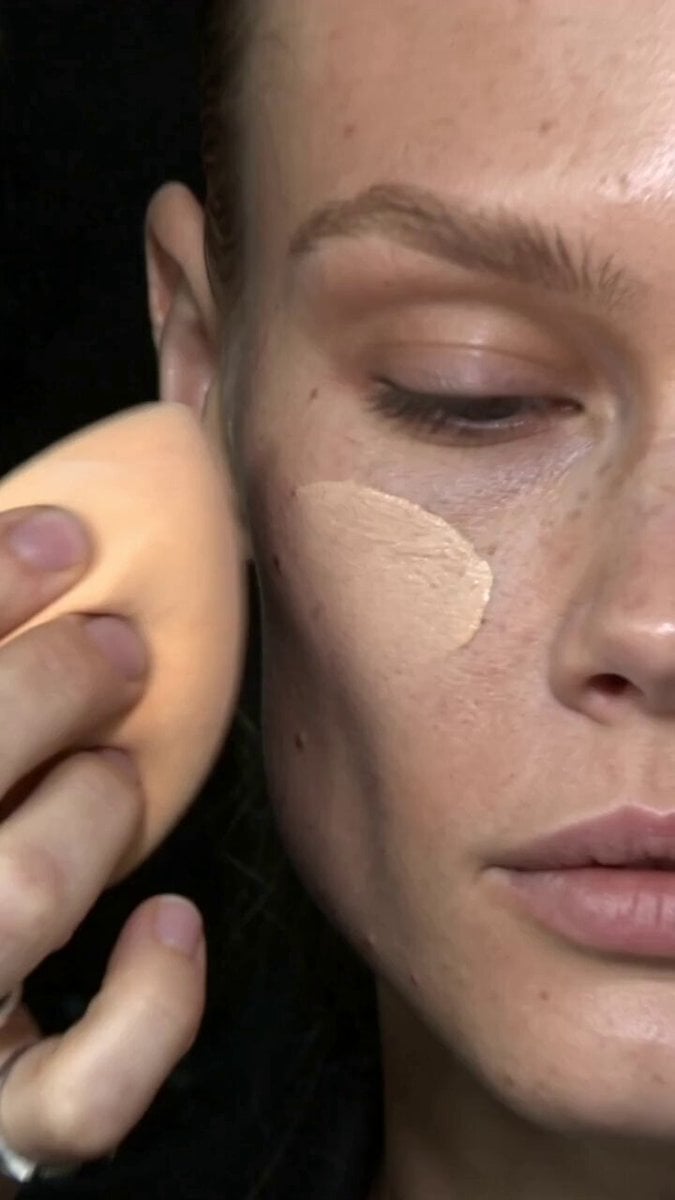
A stylized video prompt capturing the chaotic energy and aesthetic of an archive fashion week backstage environment using analog camcorder effects.
- Prompt included
- Model and format preset
- Free template
The prompt behind this video
Copy the exact prompt behind 90s Backstage Fashion Week Film, or open it in the studio and make it yours.
Model appearance (no reference photo, text description only): An androgynous, 90s-inspired editorial model look — sharp, striking features, high cheekbones, thin natural unshaped eyebrows, smooth, flawless, beautiful skin, unfiltered lips, a direct, slightly defiant gaze. Lean, angular build. Not glamorous or symmetrically "Instagram-perfect" — an interesting, characterful face, but with impeccable, well-cared-for skin. Dark or ashy hair, styled loosely for backstage. archive fashion week backstage atmosphere and energy; editing rhythm and rapid cut pacing; vintage visual aesthetic and color grade; 2000 cam lighting quality and mood, emotional tone (candid, unposed, lively); and the makeup look (metallic/silver glittery smoky eye, blended, applied quickly backstage-style). Camera: shot as if on an amateur early-2000s camera/analog camcorder — visible grain, characteristic slightly faded color, natural handheld shake, sharp manual zoom, home-video compression artifacts. Sound: no music. Live backstage sound — background chatter, fragments of conversation, clicks of other people's cameras, rustle of brushes and sponge on skin, laughter, her own voice answering interview questions — natural, indistinct speech over the ambient noise. Storyboard — 8 dynamic backstage moments, short hard cuts, each shot a new detail or moment: 0–2s: Extreme close-up — a damp sponge presses foundation into the skin, macro texture of blending, product settling evenly onto smooth skin, handheld camera shaking, sharp zoom. 2–4s: Quick cut. Close-up — a brush lines the lower waterline with dark pencil/shadow, the eye slightly squinting, macro detail, a natural light watery reflex from touching the waterline. 4–6s: Quick cut. A brush/sponge applies silver eyeshadow to the lid, macro texture of glitter, sharp manual zoom. 6–8s: Quick cut. She answers interview questions — camera pulls back, natural conversational expression, gaze sometimes at the lens, sometimes away. 8–10s: Quick cut. Genuine laughter — head tilted back slightly or hand covering her mouth. 10–12s: Quick cut. She sits while a makeup artist's hands adjust her makeup/hair in frame — relaxed, half-ignoring the process. 12–13.5s: Quick cut. A coquettish glance over her shoulder, playfully sticking her tongue out at the camera. 13.5–15s: Quick cut. A wide departing shot — she turns and walks into the busy backstage space, silhouettes of people, clothing racks. Facial naturalness: alive expression throughout — talking, laughing, reacting, blinking naturally
How to use 90s Backstage Fashion Week Film in 3 steps
- 1Upload ImagePNG, JPG or paste
Add your photo
Upload the photo the template builds on. The prompt, model and format are already set.
- 2…a portrait of your subject in softgolden-hour light, 85mm…
Personalize
Edit the subject and creative details for your destination.
- 3Generate
Generate
Press Generate — your video is created in PicX Studio, so you can compare it with the original and refine one variable at a time.
More like this
Templates with the same subject, style or setup. Open one to see its prompt.
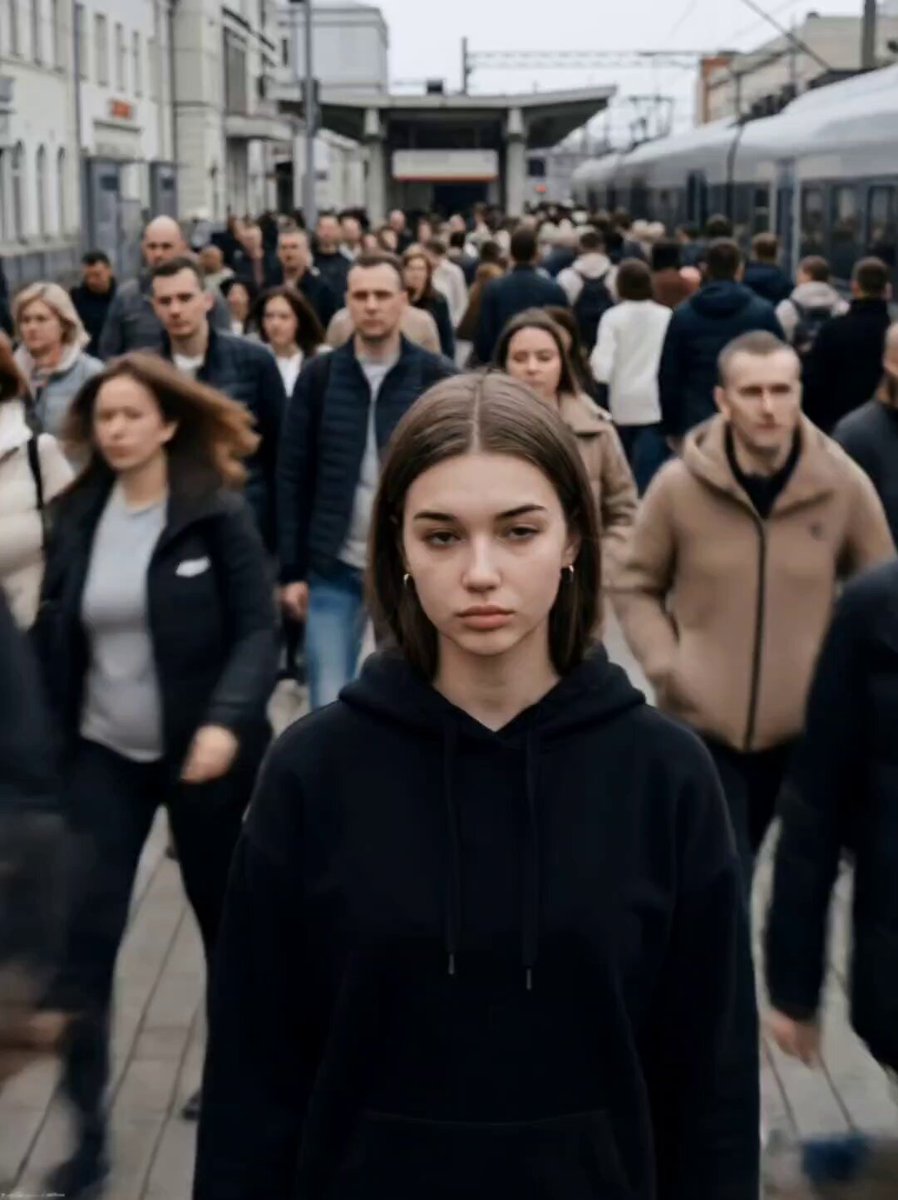
Cinematic Short Film Scene
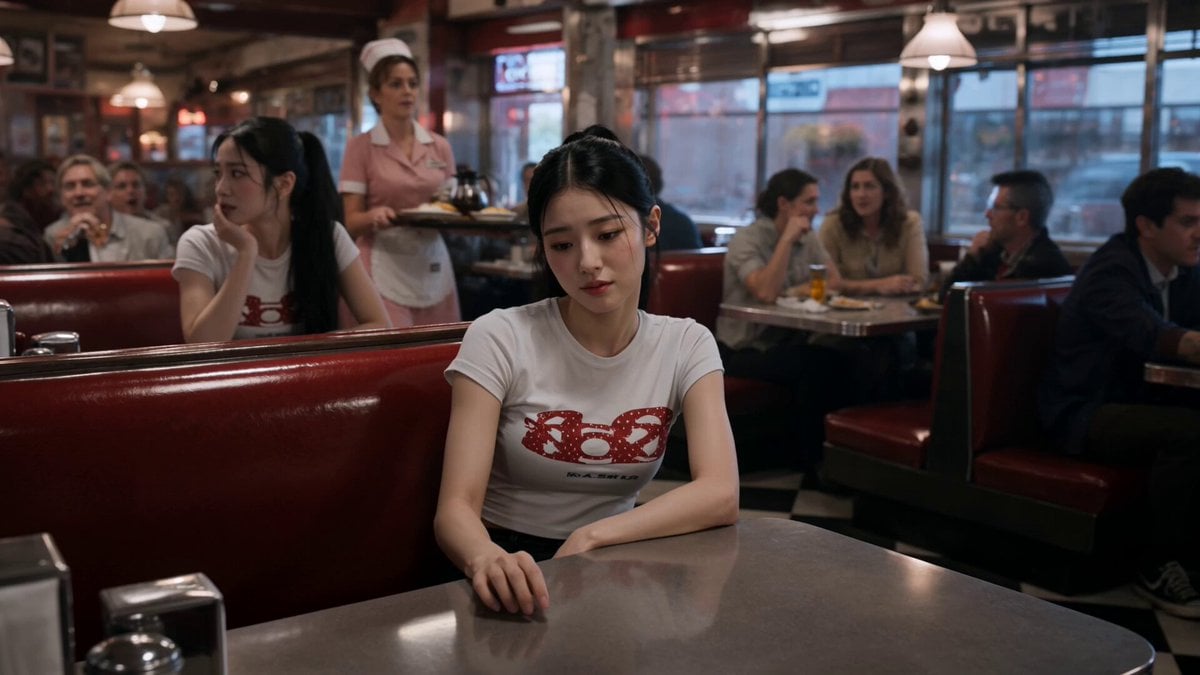
Slow-Motion 90s Diner Explosion - Seedance 2.5
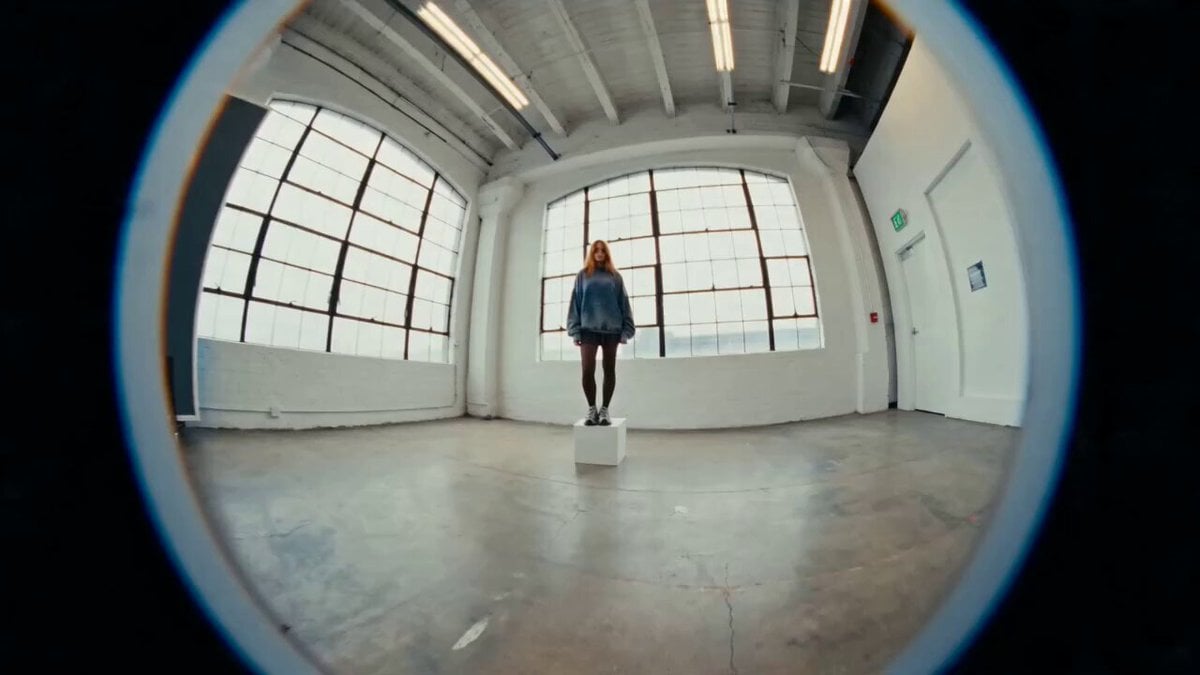
Industrial Loft Fashion Performance Film
Industrial Underground Fashion Film
Hospital Car Park Dialogue Lip Sync
Global Flower Thank-You Film
Youth Racing Short Film
Mechanical Flower Bloom Brand Film
Oceanic Civilization Epic Sci-Fi Film
Floating Desert Museum Cinematic Film

Haute Couture Dream Bokeh Film
Window-to-Eye Concept Film
Make it yours
90s Backstage Fashion Week Film works as-is. These are the safest ways to change it without losing the look.
Change one field
Copy a single group, rewrite it, and generate again so you can see what that field is doing.
Keep the frame, change the subject
Hold the composition and light of 90s Backstage Fashion Week Film, then swap wardrobe, props or the person for a new take.
| If the result… | Why | Fix |
|---|---|---|
| The result drifts from the preview | Too many fields changed at once. | Reuse 90s Backstage Fashion Week Film as-is first, then change one group — subject, light, or setting. |
| The model over-stylizes the scene | The prose prompt leaves finish and camera underspecified. | Add one camera or lighting sentence and stay on Seedance 2.0. |
More Seedance 2.0 templates
Other prompts made for Seedance 2.0.

Comical Martial Arts Punch Scene

Maglev Train Action Sequence

Martial Arts Fight Sequence

Wuxia Protection and Trust Script

Vintage Korean Arcade MiniDV Vlog

Mercedes 190 SL Luxury Ad

Rainy Night Supernatural Reverse Comedy Video Script

Amazon Civilization Discovery

Futuristic South Asian City Transformation

Cozy Luxury Cafe Commercial
More video prompts
Fresh picks from across the catalog.
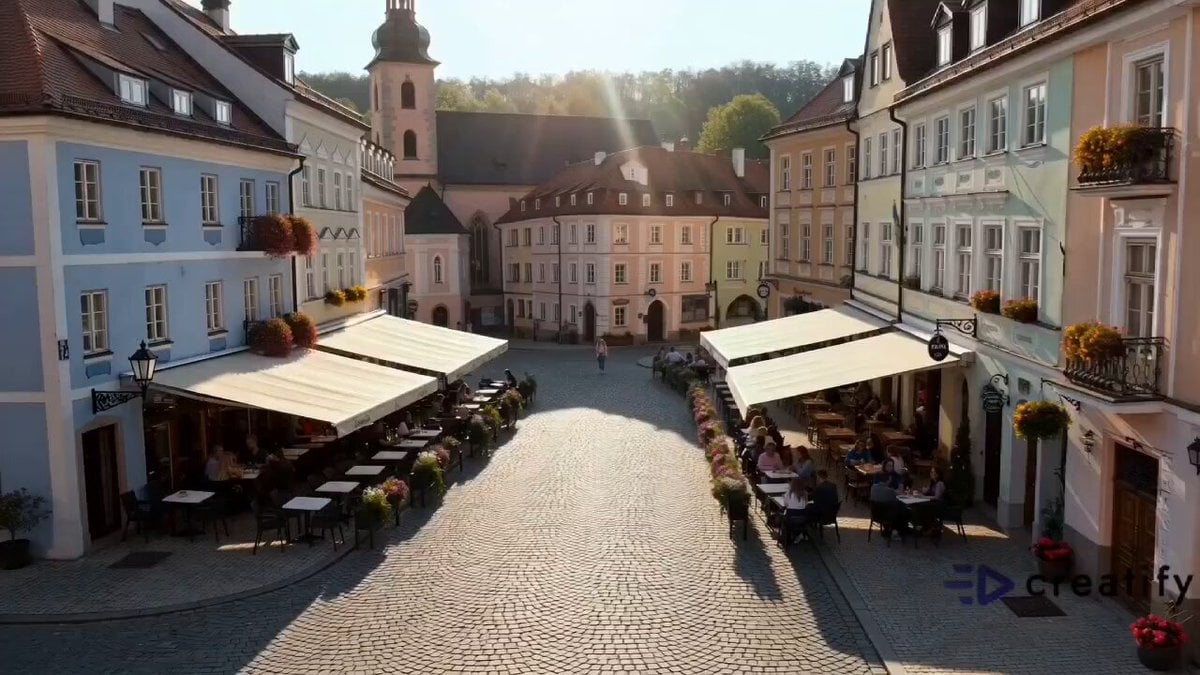
Refreshing European Town Soda Commercial
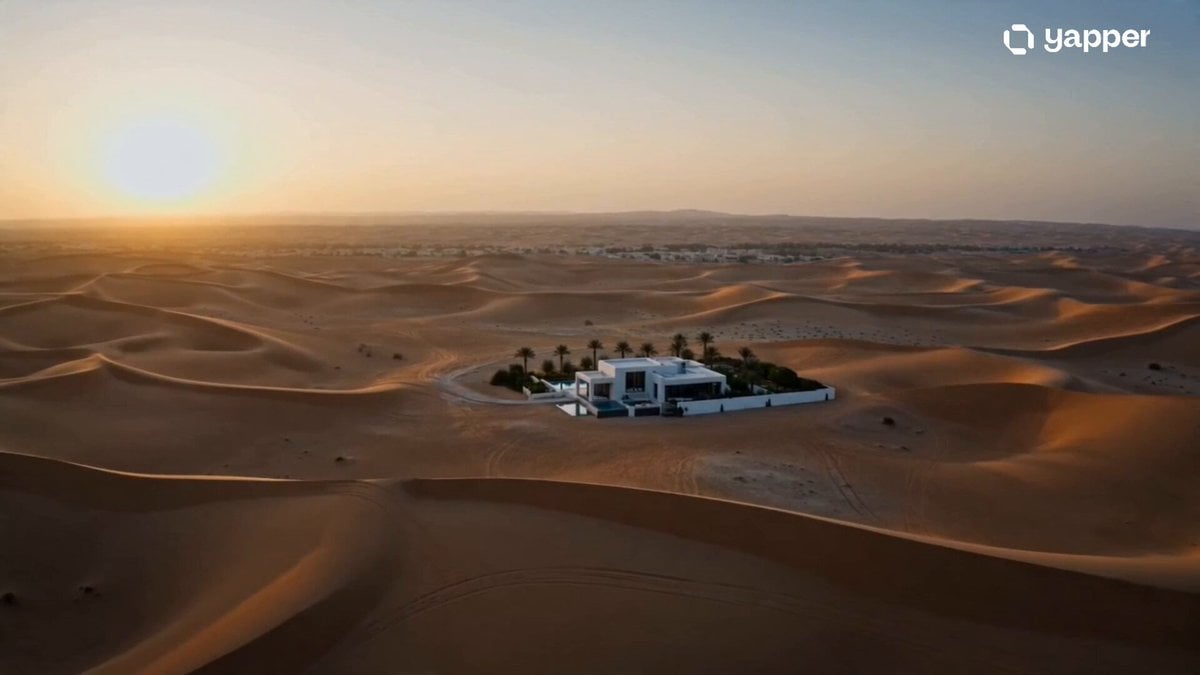
Luxury Desert Villa Sunrise Vlog
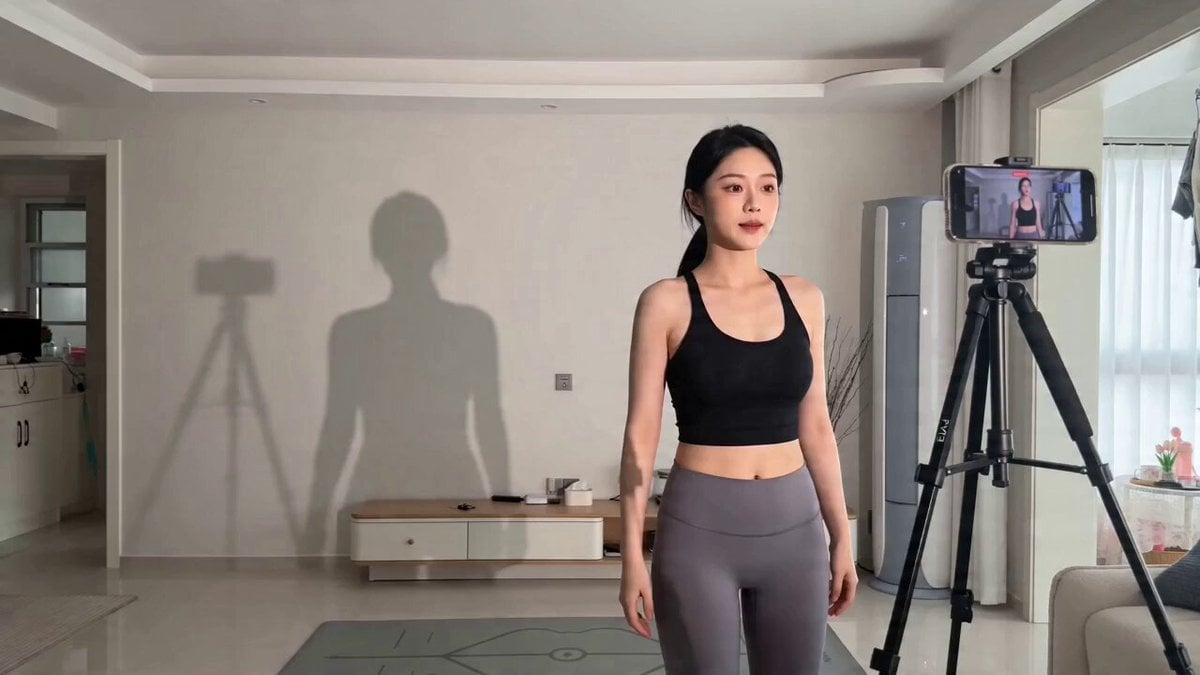
Found Footage Comedy: Shadow Glitch Dance Video Prompt
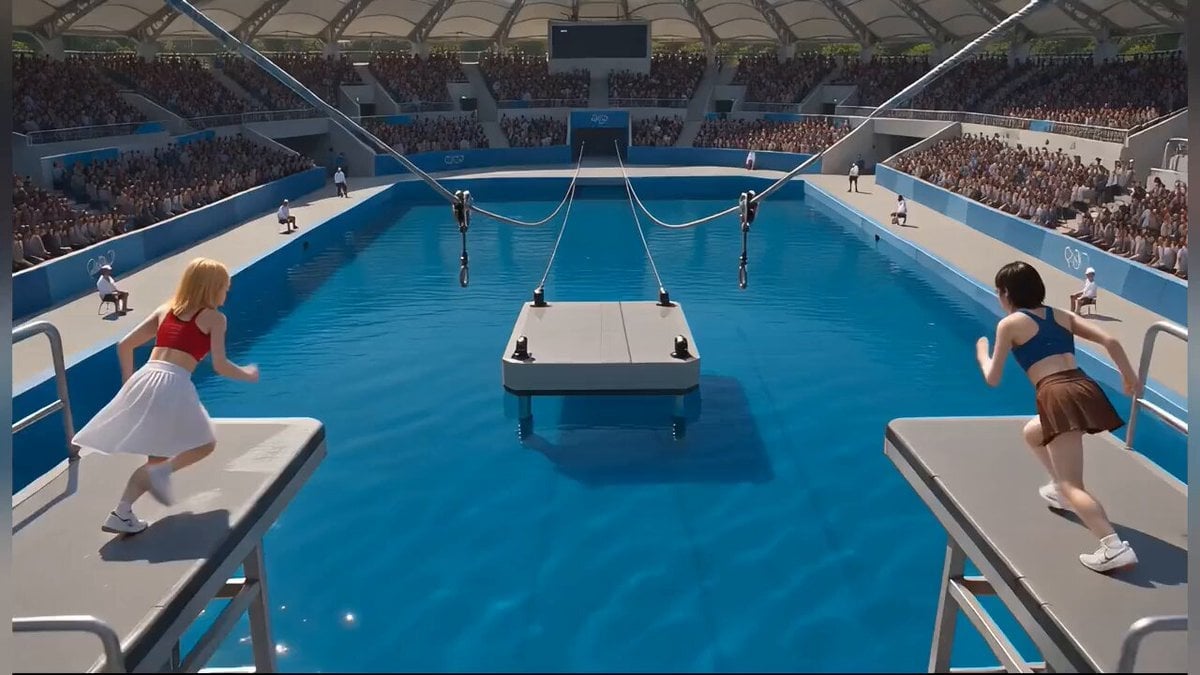
Photorealistic Water Reality Show Action
AI Video Motion Transfer for Character Identity
Cinematic Samurai Duel Sequence
Edo Street Smoke Creature
FPV Video of Ancient London
Cinematic Dark Underworld One-Shot Prompt
Hollywood Actor Near Burj Khalifa
Browse template categories
90s Backstage Fashion Week Film questions
How do I use the 90s Backstage Fashion Week Film template?
Add your photo if the template asks for one, edit the prompt if you like — the template's model and format are already selected — and press Generate. Your version opens in PicX Studio.
Can I customize the 90s Backstage Fashion Week Film template?
Yes. You can change the subject, setting, lighting, mood, format, and available model controls before creating your video.
Is the 90s Backstage Fashion Week Film template free?
Opening and editing this template is free. Generating uses credits, shown on the Generate button when you are signed in.
Which AI model should I use?
Start with Seedance 2.0, which is the model associated with this template. You can compare another compatible model for a different finish.
Looking for something else? Browse all templates.

Your photo, any look
Thousands of ready templates for every top image and video model, from one credit balance.