
Flying Pizza Dough Animation
A 3D animated comedy prompt involving a chef and a magical flying pizza dough in a busy kitchen.
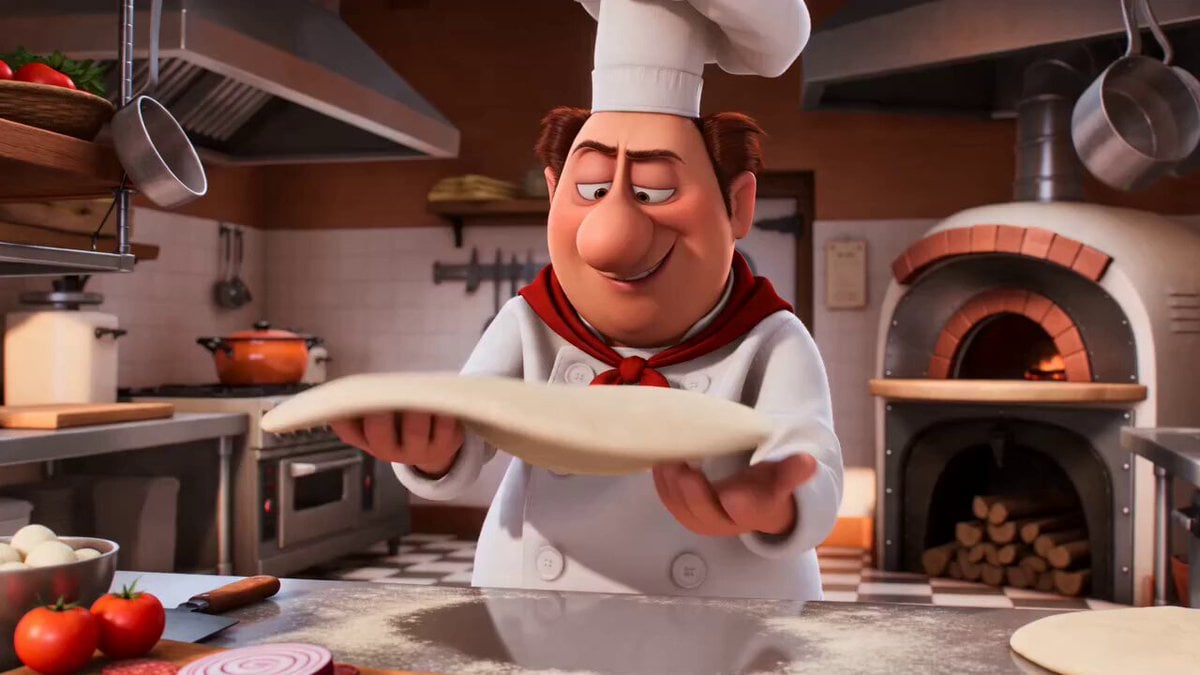
- Prompt included
- Model and format preset
- Free template
The prompt behind this video
Copy the exact prompt behind Flying Pizza Dough Animation, or open it in the studio and make it yours.
polished 3D animated comedy. Inside a busy cartoon pizzeria kitchen, one expressive chef confidently spins a large pizza dough disc and tosses it high into the air. He waits underneath with both hands ready, but the dough never comes back down. He slowly looks up, confused. Suddenly the dough swoops back into frame like a giant floppy bird, flapping wildly through the kitchen. It smacks the chef flat across the face, completely covering his head for one beat. He yanks it off in panic, but the dough whips around again, snatches his tall chef hat clean off his head, then flies toward the open kitchen window with the hat stuck proudly on top of it. The chef lunges after it and misses, crashing chest-first into the counter as the dough escapes outside. End on the chef staring through the window in stunned disbelief while the dough disappears into the distance wearing his hat. Bright high-quality 3D animation, exaggerated squash-and-stretch, fast readable physical comedy, expressive body language, clean cause-and-effect, energetic camera movement, one chef, one kitchen, no extra characters, no text, no logos, no famous celebrity faces, no recognizable actors, no movie-star resemblance, no public-figure likenesses.
How to use Flying Pizza Dough Animation in 3 steps
- 1
Open
The prompt is already in the box next to the preview, with the template's model and format selected.
- 2…a portrait of your subject in softgolden-hour light, 85mm…
Personalize
Edit the subject and creative details for your destination.
- 3Generate
Generate
Press Generate — your video is created in PicX Studio, so you can compare it with the original and refine one variable at a time.
More like this
Templates with the same subject, style or setup. Open one to see its prompt.
3D Glossy Fairy Animation - Seedance 2.5
Hermes Flying Shoes Animation
Cartoon Naan Pizza Animation

Silk Road Pomegranate Folk Animation
Multilingual Creative Typography Loop
Surreal Pizza Emergence Animation
Pixar-Style Cosmic Dough Animation Video Prompt
Walking Factory with Rebel on Hoverbike - Wasteland
Cartoon Bullfight Arena — Girl vs Bull (Seedance)
Dim Sum Chase — Shrimp Dumpling Monster
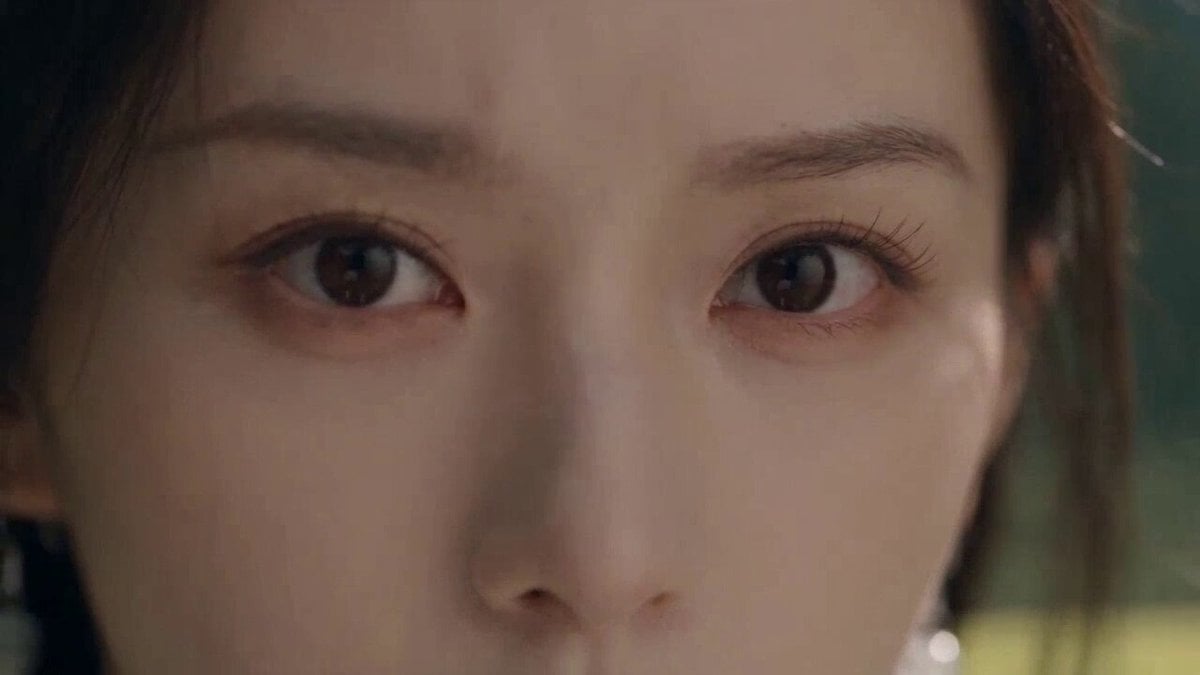
Cinematic Wuxia Flying Sword Scene
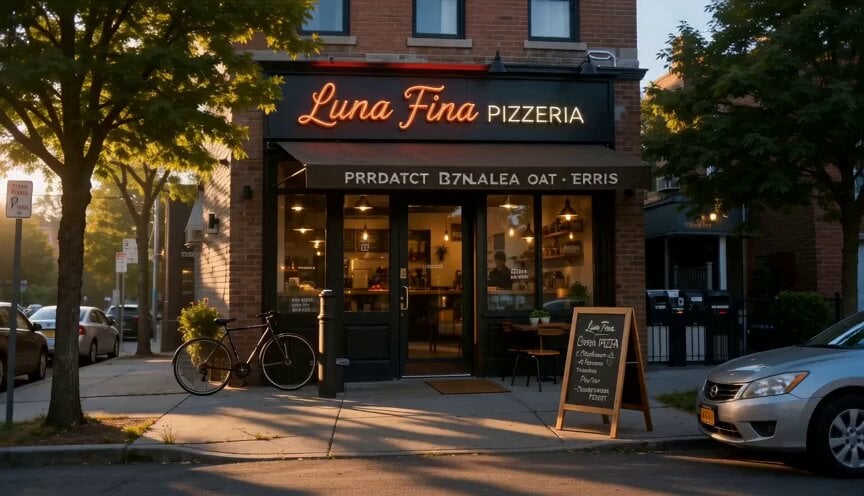
Cinematic Pizza Storefront Commercial
Make it yours
Flying Pizza Dough Animation works as-is. These are the safest ways to change it without losing the look.
Change one field
Copy a single group, rewrite it, and generate again so you can see what that field is doing.
Keep the frame, change the subject
Hold the composition and light of Flying Pizza Dough Animation, then swap wardrobe, props or the person for a new take.
| If the result… | Why | Fix |
|---|---|---|
| The result drifts from the preview | Too many fields changed at once. | Reuse Flying Pizza Dough Animation as-is first, then change one group — subject, light, or setting. |
| The model over-stylizes the scene | The prose prompt leaves finish and camera underspecified. | Add one camera or lighting sentence and stay on Seedance 2.0. |
More Seedance 2.0 templates
Other prompts made for Seedance 2.0.

Comical Martial Arts Punch Scene

Maglev Train Action Sequence

Martial Arts Fight Sequence

Wuxia Protection and Trust Script

Vintage Korean Arcade MiniDV Vlog

Mercedes 190 SL Luxury Ad

Rainy Night Supernatural Reverse Comedy Video Script

Amazon Civilization Discovery

Futuristic South Asian City Transformation

Cozy Luxury Cafe Commercial
More video prompts
Fresh picks from across the catalog.

Grok Imagine Video Prompt: Goddess Rises from a Pink Lotus at Sunset
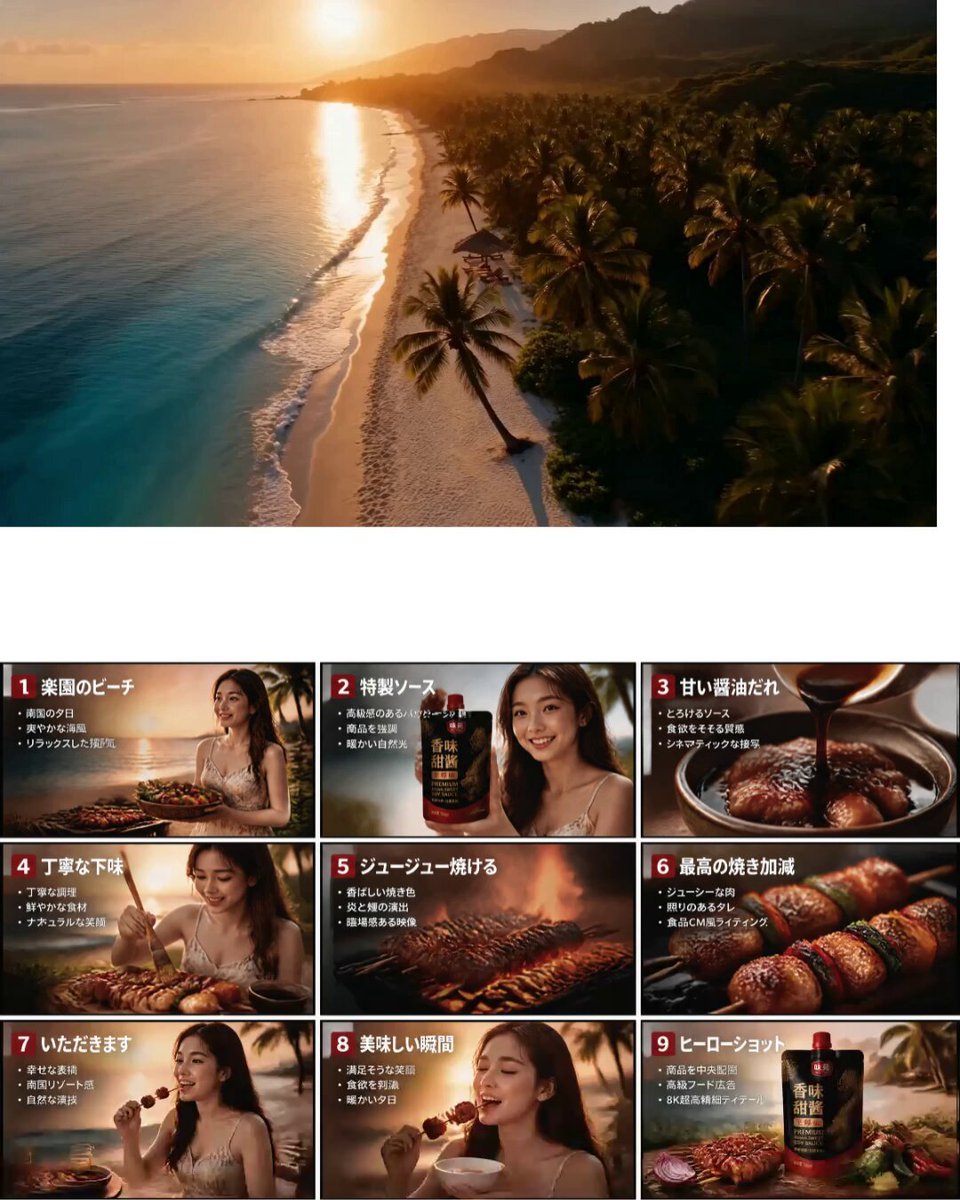
Japanese Tropical Food Commercial
Cinematic 10-second ultra-realistic video prompt

Vexaria Cinematic Sequence Animation
Violet Lightning Storm Warrior

Soft Spoken Fashion Model Video

Woman on an endless staircase in baroque and deco architecture

Futuristic Seoul Action Cinematic

Glow Mask Rebirth
Surreal Free Range Trees Video
Browse template categories
Flying Pizza Dough Animation questions
How do I use the Flying Pizza Dough Animation template?
Add your photo if the template asks for one, edit the prompt if you like — the template's model and format are already selected — and press Generate. Your version opens in PicX Studio.
Can I customize the Flying Pizza Dough Animation template?
Yes. You can change the subject, setting, lighting, mood, format, and available model controls before creating your video.
Is the Flying Pizza Dough Animation template free?
Opening and editing this template is free. Generating uses credits, shown on the Generate button when you are signed in.
Which AI model should I use?
Start with Seedance 2.0, which is the model associated with this template. You can compare another compatible model for a different finish.
Looking for something else? Browse all templates.

Your photo, any look
Thousands of ready templates for every top image and video model, from one credit balance.