
Thematic Artistic Collage Template
An extensive template for creating artistic multi-scene collages based on a specific theme, allowing for varied layouts and visual scale while maintaining harmony.
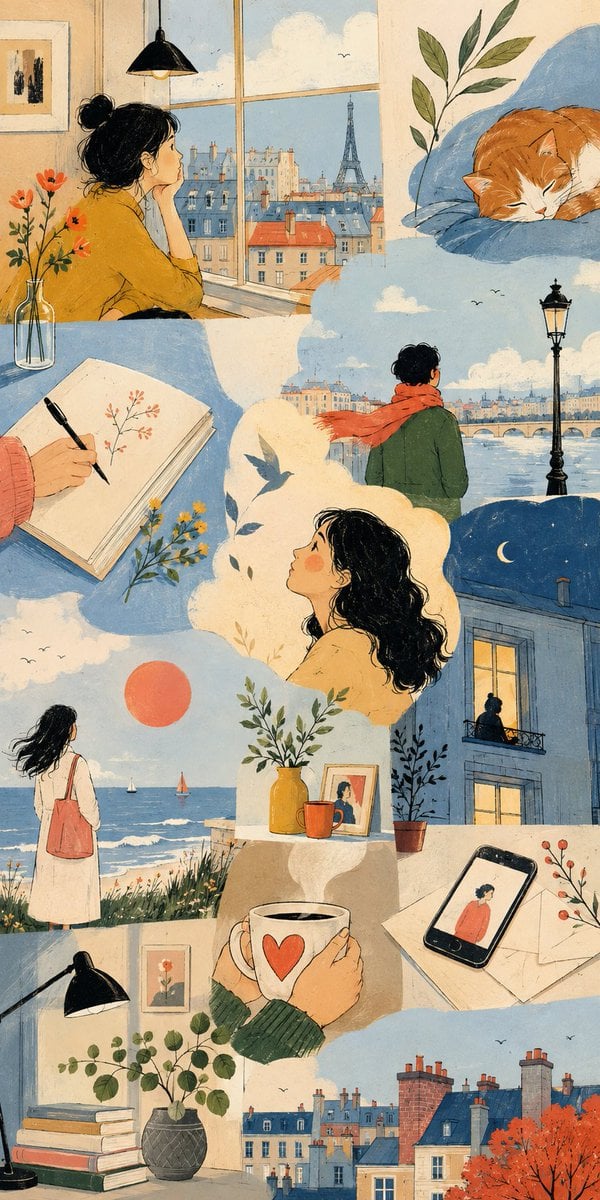
- Prompt included
- Model and format preset
- Free template
The prompt behind this image
Copy the exact prompt behind Thematic Artistic Collage Template, or open it in the studio and make it yours.
THEME = {argument name="theme" default="enter theme"} STYLE = {argument name="style" default="enter the style you want"} PALETTE = {argument name="palette" default="enter the color palette"} ASPECT RATIO = {argument name="aspect ratio" default="enter the aspect ratio you want"} DO: Create an artistic multi-scene collage built entirely around THEME. Derive subjects, environments, objects, characters and visual events naturally from THEME. Derive the emotional tone, atmosphere and energy naturally from THEME. Use people, animals, objects, landscapes, architecture, abstract forms or any combination of them when they meaningfully support THEME. Treat each scene as a distinct emotional or conceptual fragment from the same world. Build the composition like an expressive editorial art spread rather than a storyboard or regular panel grid. Freely vary the number, scale, proportions and placement of scenes. Combine large dominant images with narrow vertical fragments, wide horizontal crops, small detail scenes and partially cropped compositions. Stagger scene edges and shift their alignments to create an irregular visual rhythm. Let some scenes extend fully to the canvas edge while others terminate against neighboring imagery. Use occasional L-shaped, stepped or offset arrangements created naturally by neighboring scene proportions. Avoid repeating the same rectangle size or alignment across the composition. Keep scenes visually separate without visible frames or empty gaps between them. Let neighboring scenes meet through irregular crop relationships while keeping their environments independent. Do not blend separate locations into one continuous environment. Keep the main subjects of each scene visually contained within that scene. Use architecture, large color fields and negative space to shape the overall composition. Connect neighboring scenes through color relationships, visual rhythm and thematic echoes rather than physically merging their content. Choose environments and situations specifically suited to THEME. Include occasional intimate fragments such as hands, objects, windows, silhouettes, architectural details or empty spaces when they strengthen THEME. Give each scene a different visual scale, point of view and conceptual focus. Use expressive lighting, shape, perspective and negative space according to STYLE. Vary the emphasis of PALETTE from scene to scene while preserving overall harmony. Maintain consistency whenever subjects, characters, objects or locations recur. Keep the final composition visually clean, sophisticated and intentionally irregular. CAMERA: varied editorial framing, environmental wides, cropped medium views, isolated details, unusual negative-space compositions, overhead fragments and off-center perspectives chosen according to THEME RULES: Use STYLE as the authority for medium, linework, text
How to use Thematic Artistic Collage Template in 3 steps
- 1
Open
The prompt is already in the box next to the preview, with the template's model and format selected.
- 2…a portrait of your subject in softgolden-hour light, 85mm…
Personalize
Edit the subject and creative details for your destination.
- 3Generate
Generate
Press Generate — your image is created in PicX Studio, so you can compare it with the original and refine one variable at a time.
More like this
Templates with the same subject, style or setup. Open one to see its prompt.












Make it yours
Thematic Artistic Collage Template works as-is. These are the safest ways to change it without losing the look.
Change one field
Copy a single group, rewrite it, and generate again so you can see what that field is doing.
Keep the frame, change the subject
Hold the composition and light of Thematic Artistic Collage Template, then swap wardrobe, props or the person for a new take.
| If the result… | Why | Fix |
|---|---|---|
| The result drifts from the preview | Too many fields changed at once. | Reuse Thematic Artistic Collage Template as-is first, then change one group — subject, light, or setting. |
| The model over-stylizes the scene | The prose prompt leaves finish and camera underspecified. | Add one camera or lighting sentence and stay on GPT Image 2. |
More GPT Image 2 templates
Other prompts made for GPT Image 2.

Six VTuber Japanese Logo Sheet

Realistic Portrait of Woman and Deer

The Vista Modular Condo Poster

AI Model Routing Comparison Infographic

2.5D Anime Art Board

Isometric Productivity Desk Scene

New York Double Exposure Poster

Four-Panel AI Landscape Comparison

Japanese Tatami Lifestyle Magazine Cover

NESCAFÉ Coffee Map Poster
More image prompts
Fresh picks from across the catalog.

Man Inside Giant Crocodile Mouth
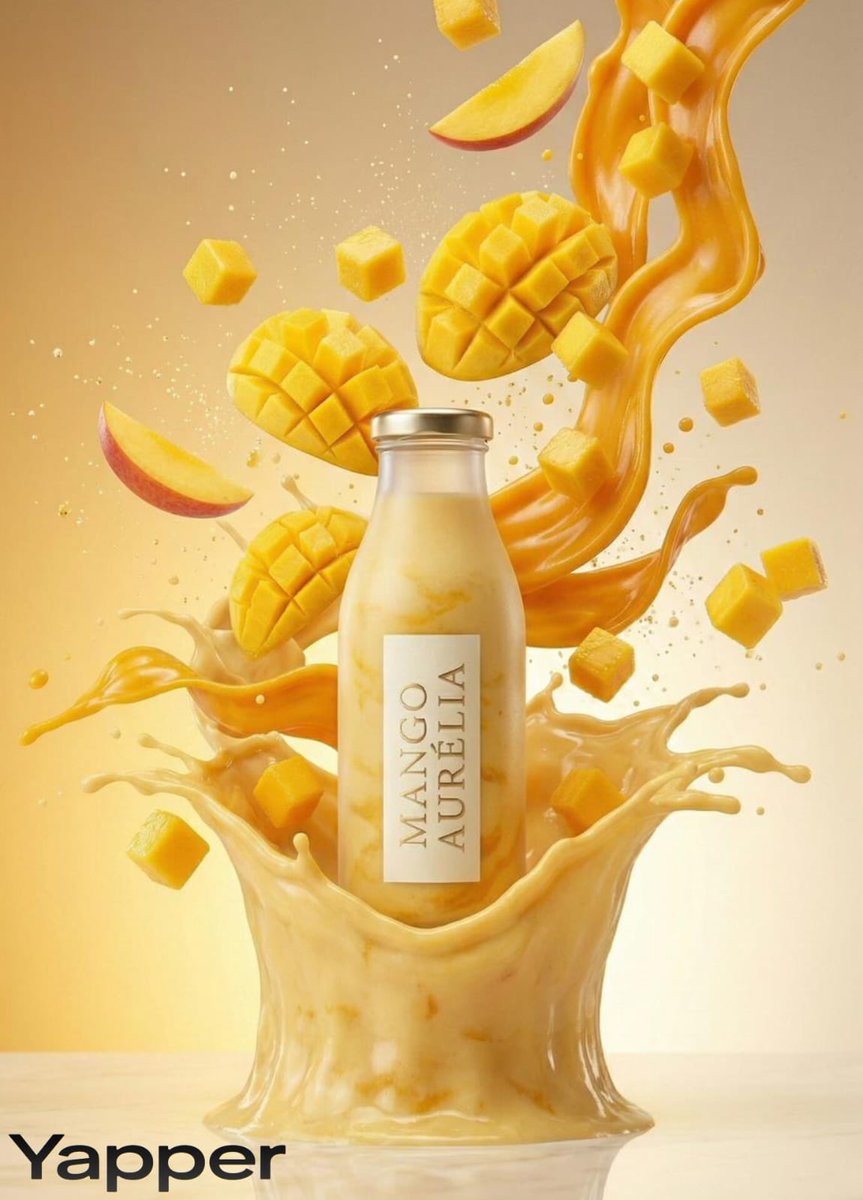
Luxury Mango Shake Splash Photography Prompt
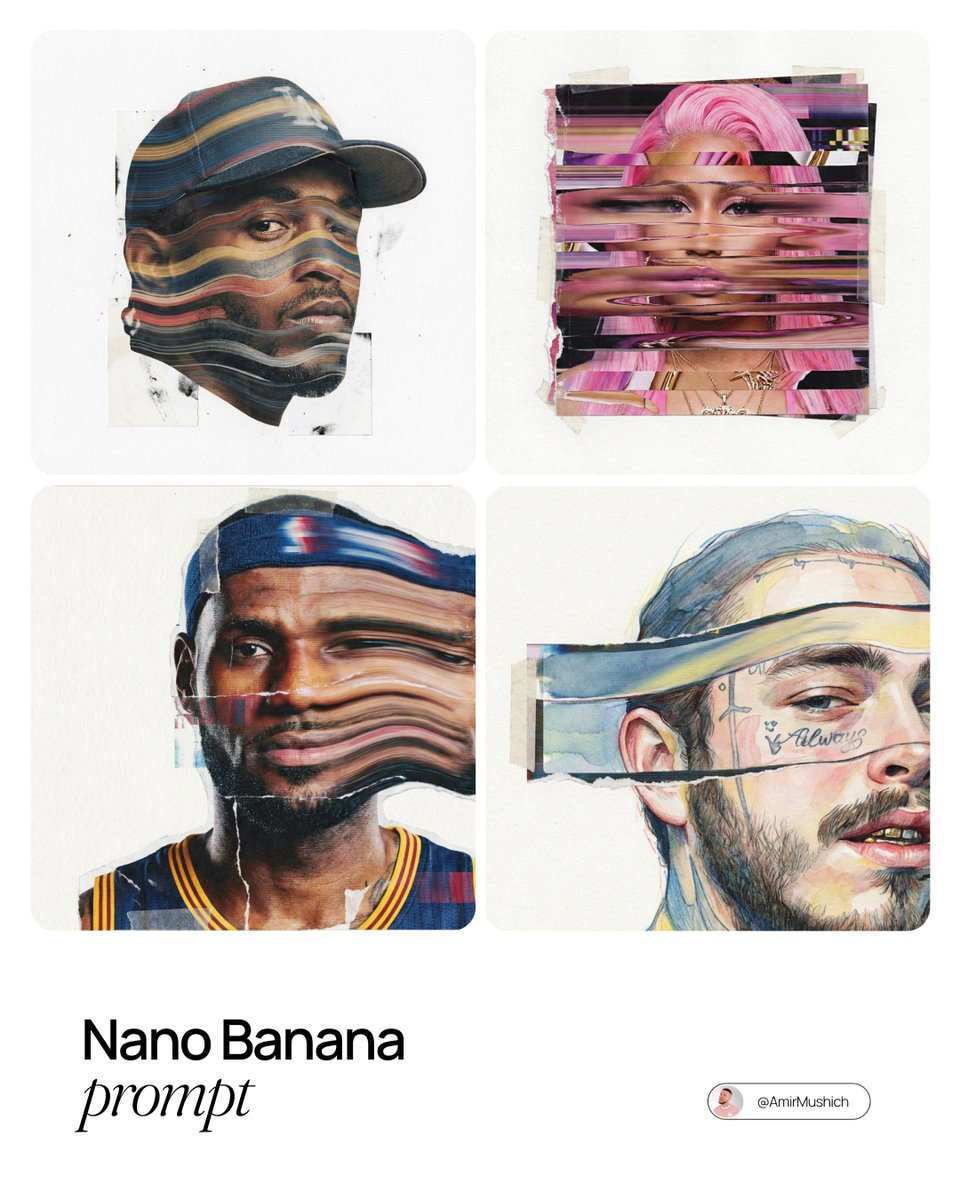
Mixed-Media Collage Posters Prompt
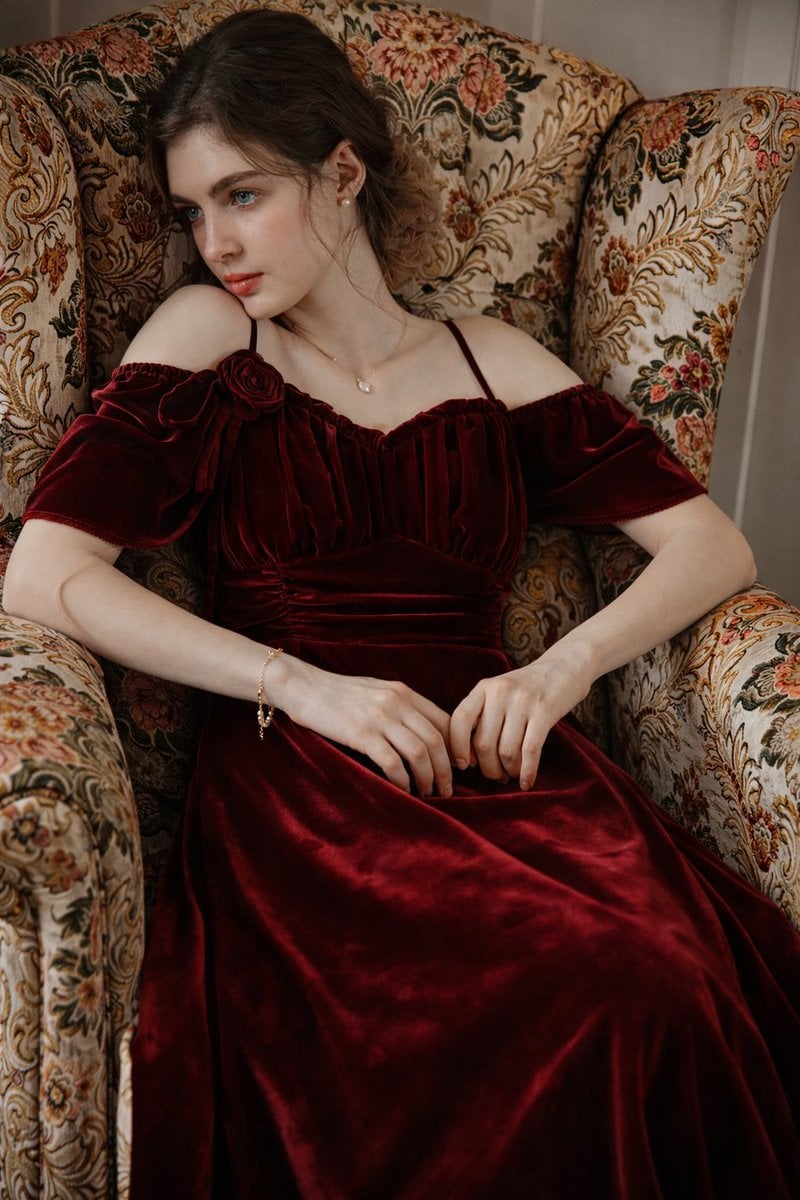
8K Photorealistic Portrait in Burgundy Velvet Dress
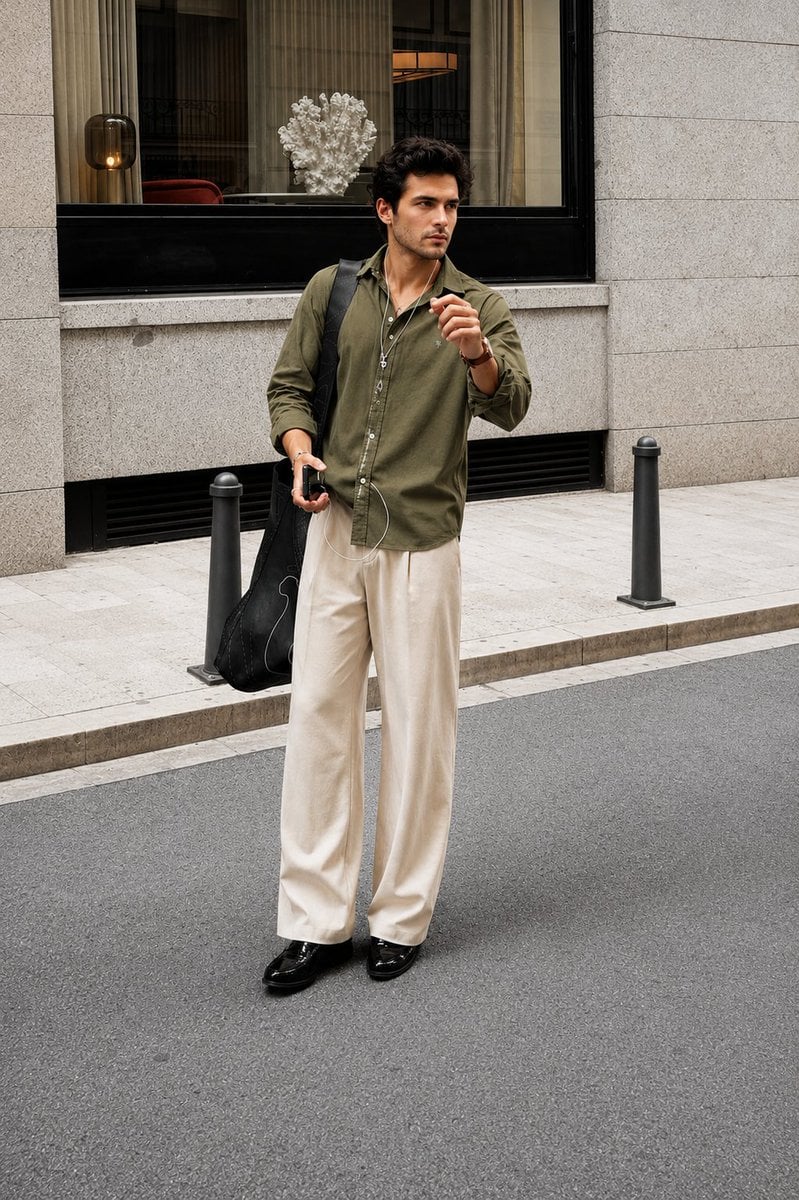
Ultra Realistic Luxury Street Fashion Portrait

Pink Anime Natsuki Banner

Simple Christmas dog and Santa image prompt
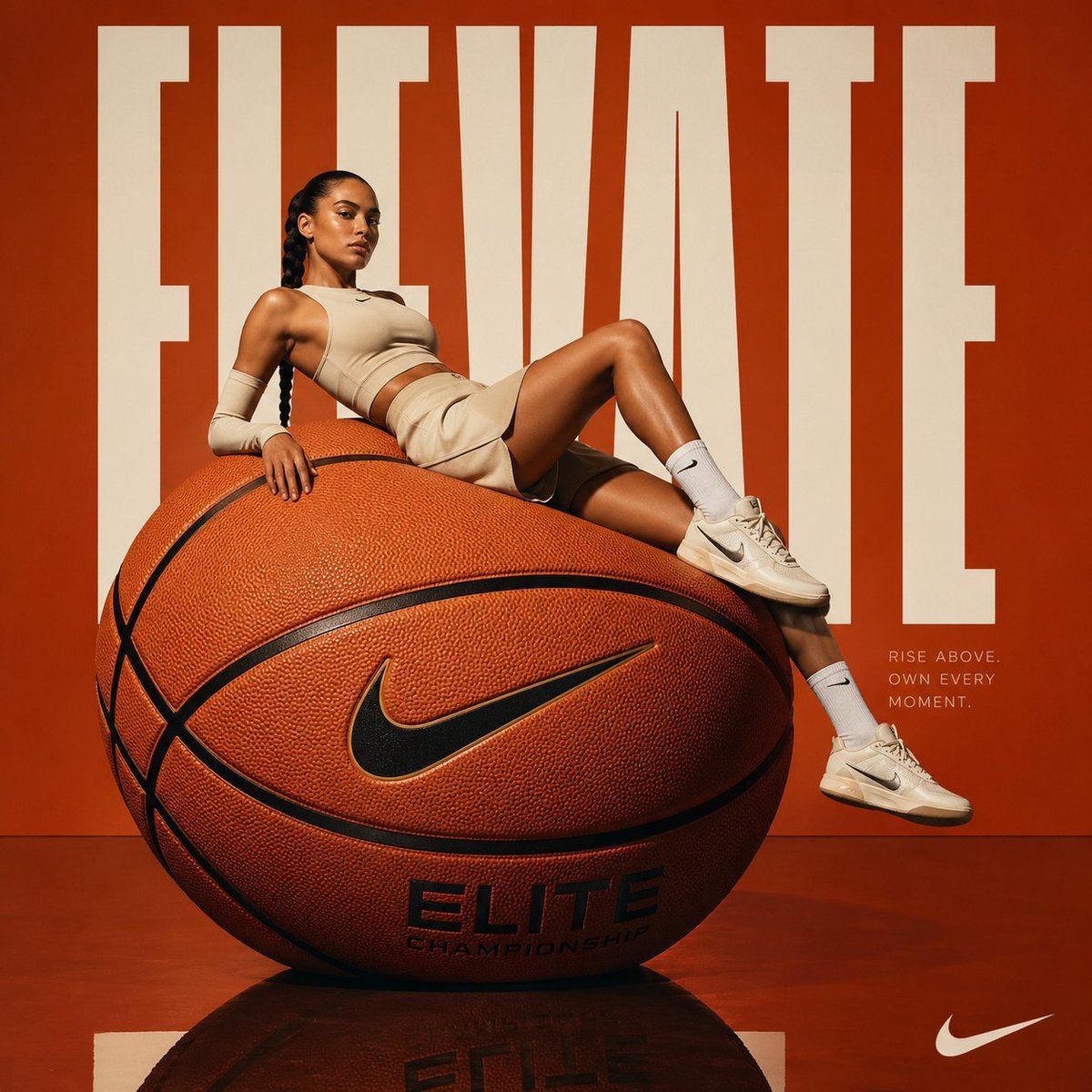
Avant-garde Basketball Fashion
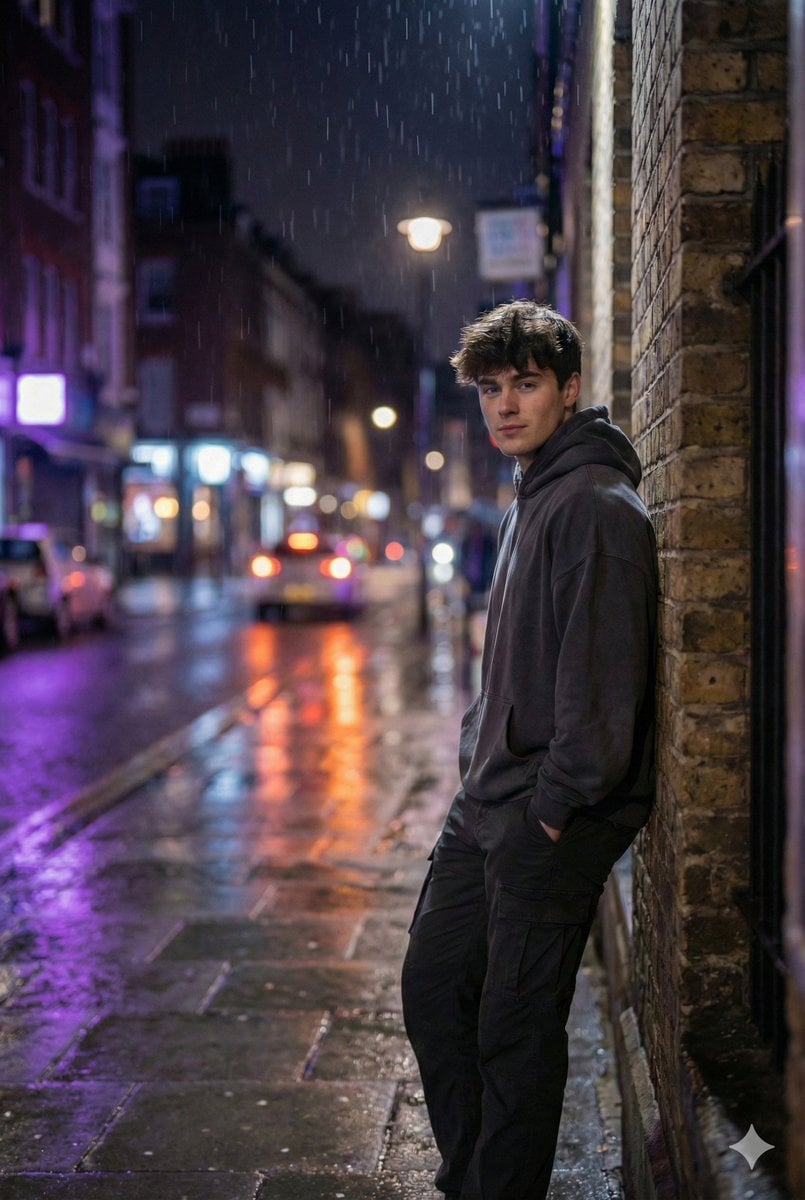
Photorealistic Urban Night Portrait of a British Man
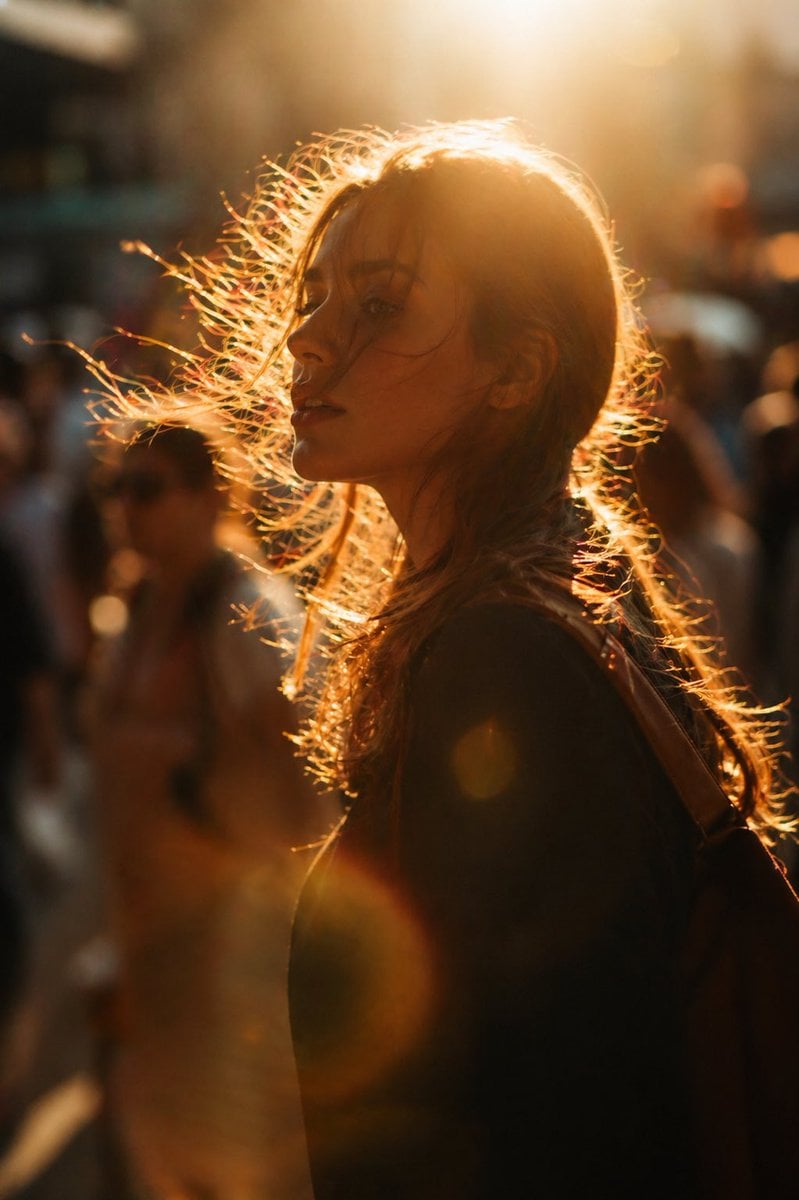
Golden hour editorial street portrait
Browse template categories
Thematic Artistic Collage Template questions
How do I use the Thematic Artistic Collage Template template?
Add your photo if the template asks for one, edit the prompt if you like — the template's model and format are already selected — and press Generate. Your version opens in PicX Studio.
Can I customize the Thematic Artistic Collage Template template?
Yes. You can change the subject, setting, lighting, mood, format, and available model controls before creating your image.
Is the Thematic Artistic Collage Template template free?
Opening and editing this template is free. Generating uses credits, shown on the Generate button when you are signed in.
Which AI model should I use?
Start with GPT Image 2, which is the model associated with this template. You can compare another compatible model for a different finish.
Looking for something else? Browse all templates.

Your photo, any look
Thousands of ready templates for every top image and video model, from one credit balance.