
Morning Aperture Anime City
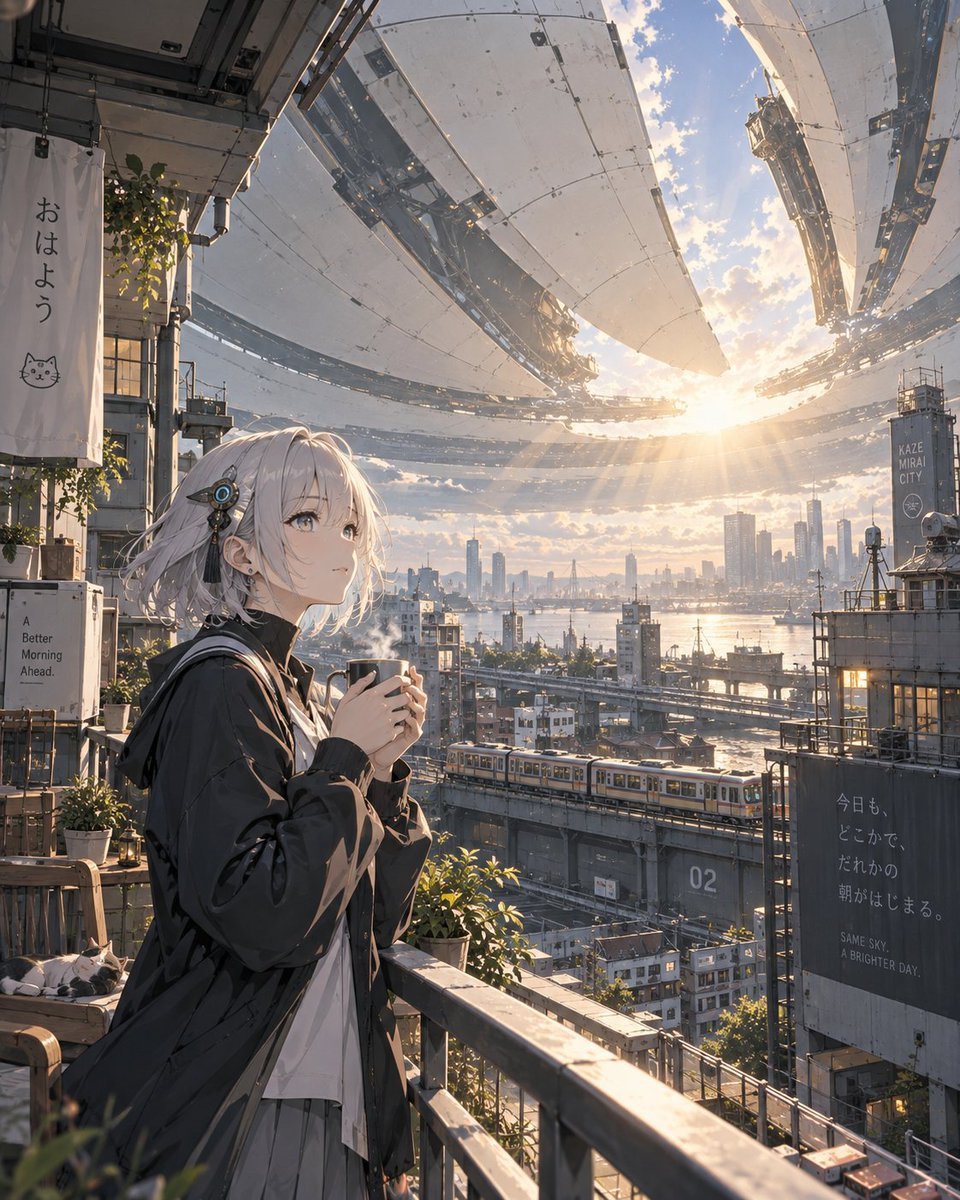
A cinematic vertical anime illustration of a girl on a balcony watching a futuristic city awaken beneath a giant orbital sky aperture at sunrise.
- Prompt included
- Model and format preset
- Free template
The prompt behind this image
Copy the exact prompt behind Morning Aperture Anime City, or open it in the studio and make it yours.
Create a highly detailed cinematic anime cityscape illustration titled {argument name="series title" default="EIRUNE | MORNING APERTURE"}. A young anime woman stands on a high apartment balcony in the left foreground at sunrise, holding a steaming mug with both hands and gazing upward in quiet wonder. She has short tousled {argument name="hair color" default="silver-white"} hair, pale skin, soft gray-blue eyes, small earrings, and a futuristic black-and-blue circular hair accessory near one ear. Her outfit is an oversized dark windbreaker over a white shirt and light pleated skirt, with a calm morning expression. The balcony is cluttered but cozy, with a metal railing, potted greenery, vines, a wooden bench, hanging fabric, pipes, utility boxes, and one relaxed cat sleeping on the bench. Add exactly four readable sign/text elements: a vertical white hanging banner on the left reading 「おはよう」 with a simple cat face drawing beneath it; a small white utility-box poster reading “A Better Morning Ahead.”; a tall distant tower sign reading “KAZE MIRAI CITY”; and a large dark wall billboard on the right reading 「今日も、どこかで、だれかの朝がはじまる。」 plus “SAME SKY, A BRIGHTER DAY.” In the middle distance, show an elevated train with multiple yellow-and-silver cars crossing the scene from left to right, dense futuristic residential blocks, bridges, cranes, rooftops, industrial platforms, and a bay or river reflecting sunlight. The sky is dominated by enormous segmented orbital aperture structures: several curved metallic petal-like panels opening around the sun, with exposed mechanical ribs, seams, rivets, maintenance rails, and suspended city-scale engineering details. The sun is low near the horizon, shining through the opening and casting dramatic golden rays, haze, volumetric light, lens glow, and warm reflections across the city. Use a vertical 4:5 composition, ultra-detailed anime realism, Makoto Shinkai-like lighting, soft atmospheric perspective, intricate hard-surface sci-fi architecture, peaceful hopeful mood, morning mist, sharp foreground details, and no watermark. Overall theme: {argument name="theme" default="another day begins as the city opens the sky"}.
How to use Morning Aperture Anime City in 3 steps
- 1Upload ImagePNG, JPG or paste
Add your photo
Upload the photo the template builds on. The prompt, model and format are already set.
- 2…a portrait of your subject in softgolden-hour light, 85mm…
Personalize
Edit the subject and creative details for your destination.
- 3Generate
Generate
Press Generate — your image is created in PicX Studio, so you can compare it with the original and refine one variable at a time.
More like this
Templates with the same subject, style or setup. Open one to see its prompt.












Make it yours
Morning Aperture Anime City works as-is. These are the safest ways to change it without losing the look.
Change one field
Copy a single group, rewrite it, and generate again so you can see what that field is doing.
Keep the frame, change the subject
Hold the composition and light of Morning Aperture Anime City, then swap wardrobe, props or the person for a new take.
| If the result… | Why | Fix |
|---|---|---|
| The result drifts from the preview | Too many fields changed at once. | Reuse Morning Aperture Anime City as-is first, then change one group — subject, light, or setting. |
| The model over-stylizes the scene | The prose prompt leaves finish and camera underspecified. | Add one camera or lighting sentence and stay on GPT Image 2. |
More GPT Image 2 templates
Other prompts made for GPT Image 2.

Six VTuber Japanese Logo Sheet

Realistic Portrait of Woman and Deer

The Vista Modular Condo Poster

AI Model Routing Comparison Infographic

2.5D Anime Art Board

Isometric Productivity Desk Scene

New York Double Exposure Poster

Four-Panel AI Landscape Comparison

Japanese Tatami Lifestyle Magazine Cover

NESCAFÉ Coffee Map Poster
More image prompts
Fresh picks from across the catalog.
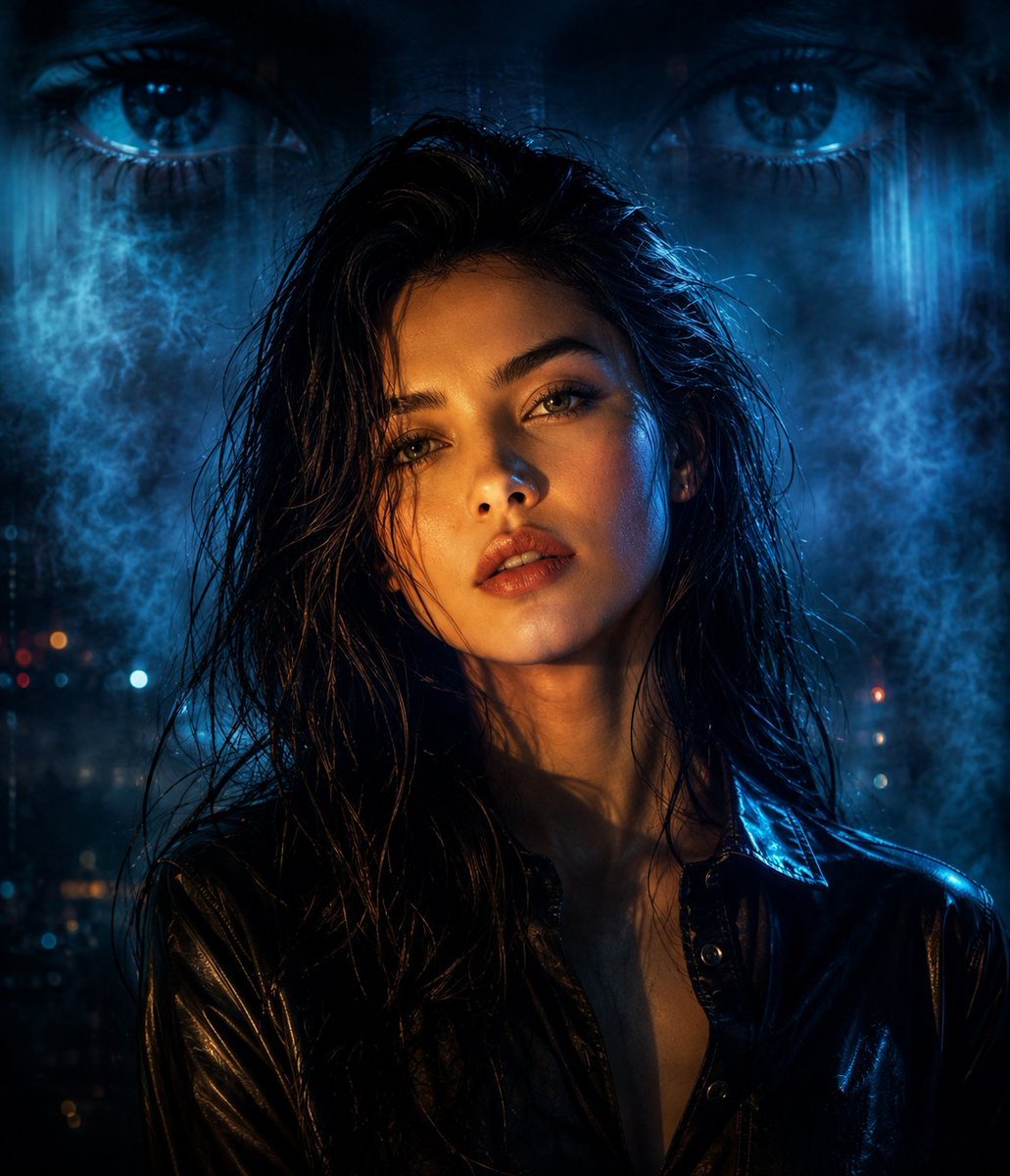
Cyberpunk Split Lighting Portrait
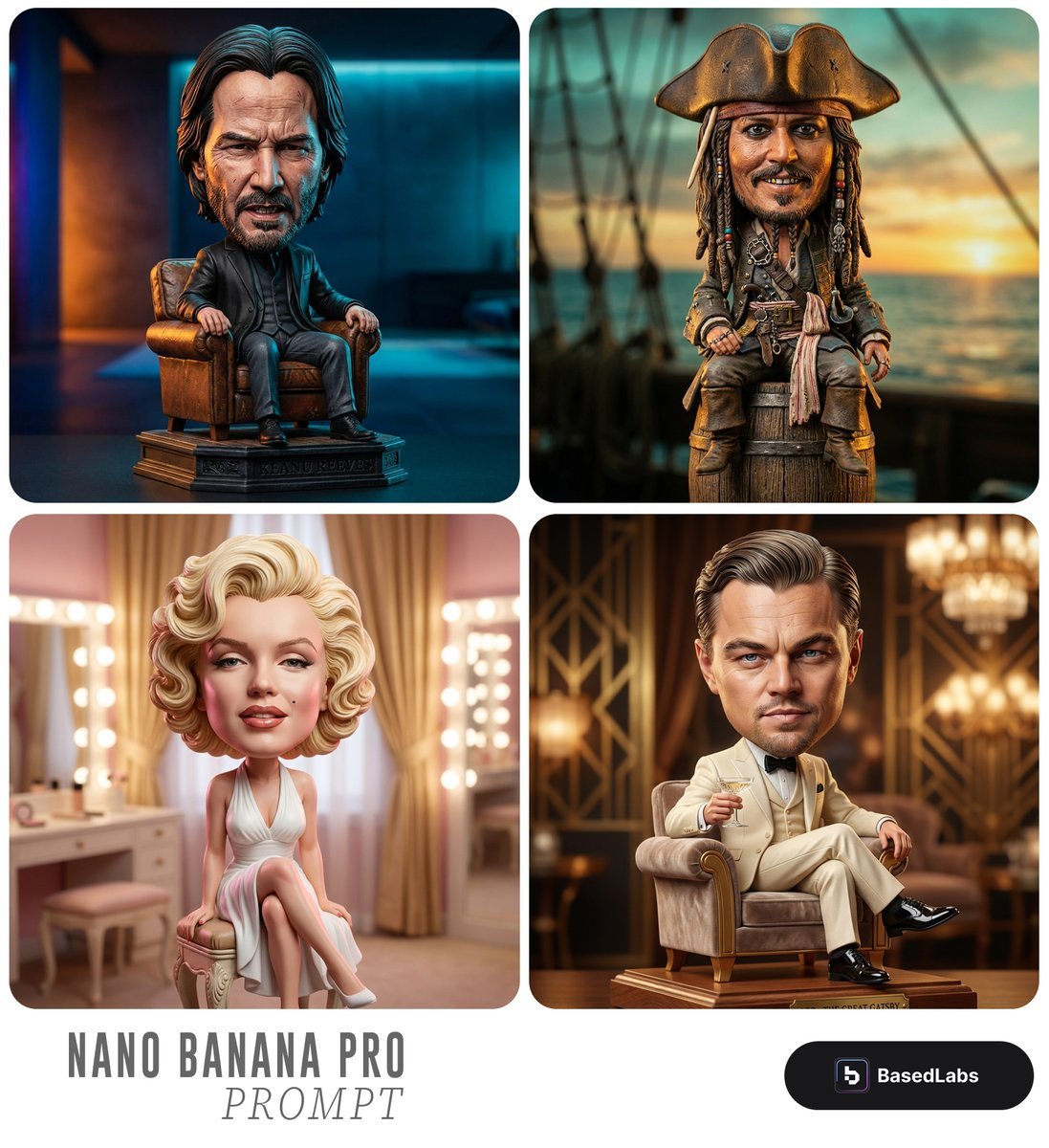
Caricature Bobblehead Figurine Prompt
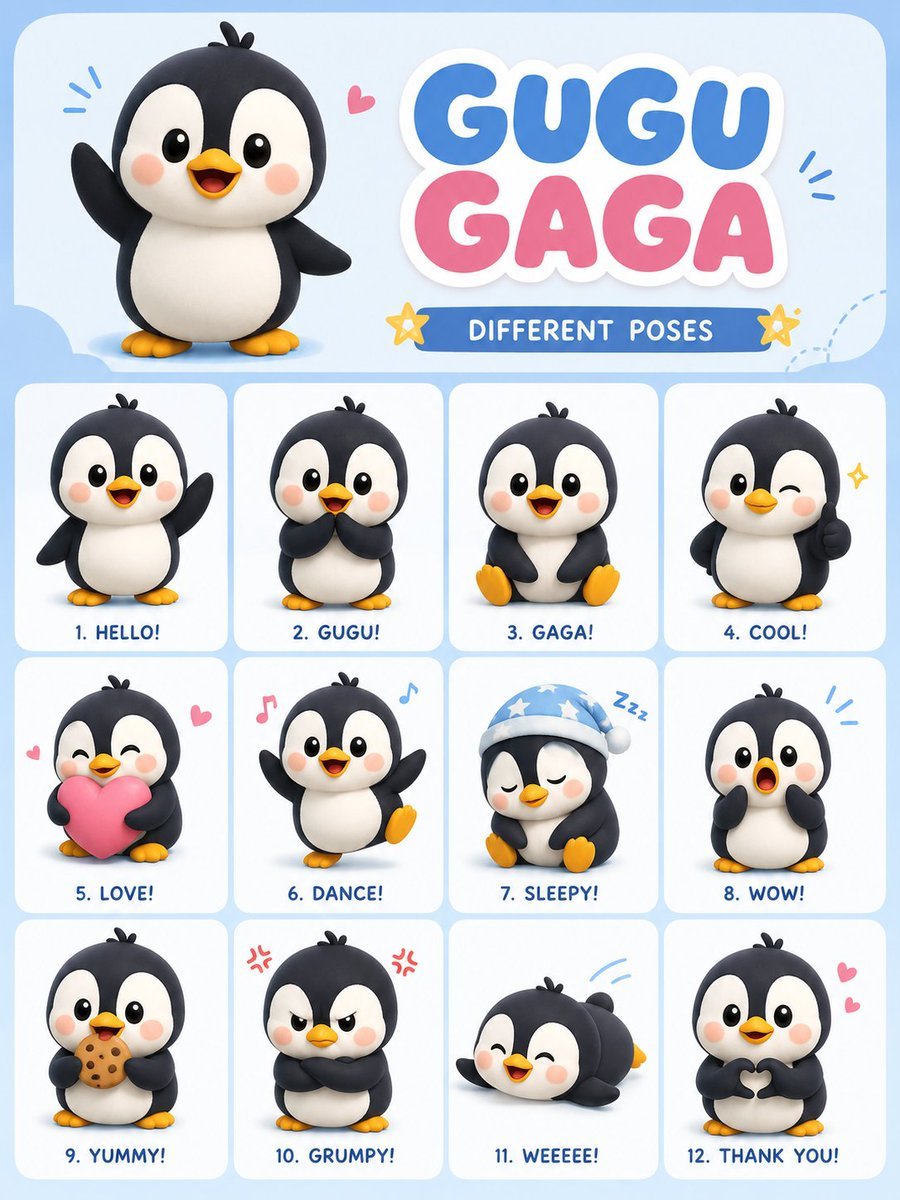
Chibi Penguin Expression Grid
Hyper-Realistic Celestial Archivist Portrait
Editorial Studio Portrait in Olive Tee
Claymation Style Scene Recreation
Accidental Kitchen Candid Realism
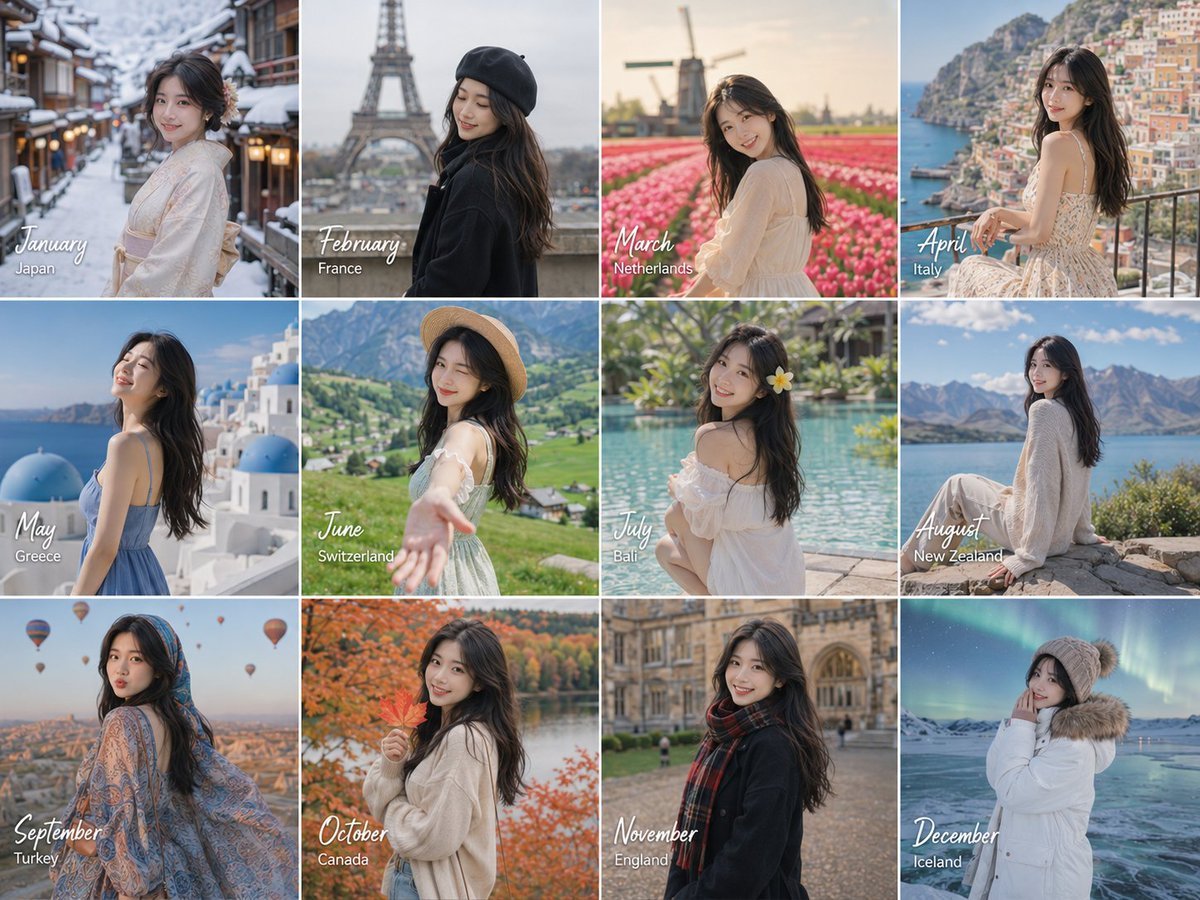
Month Travel Memory Grid
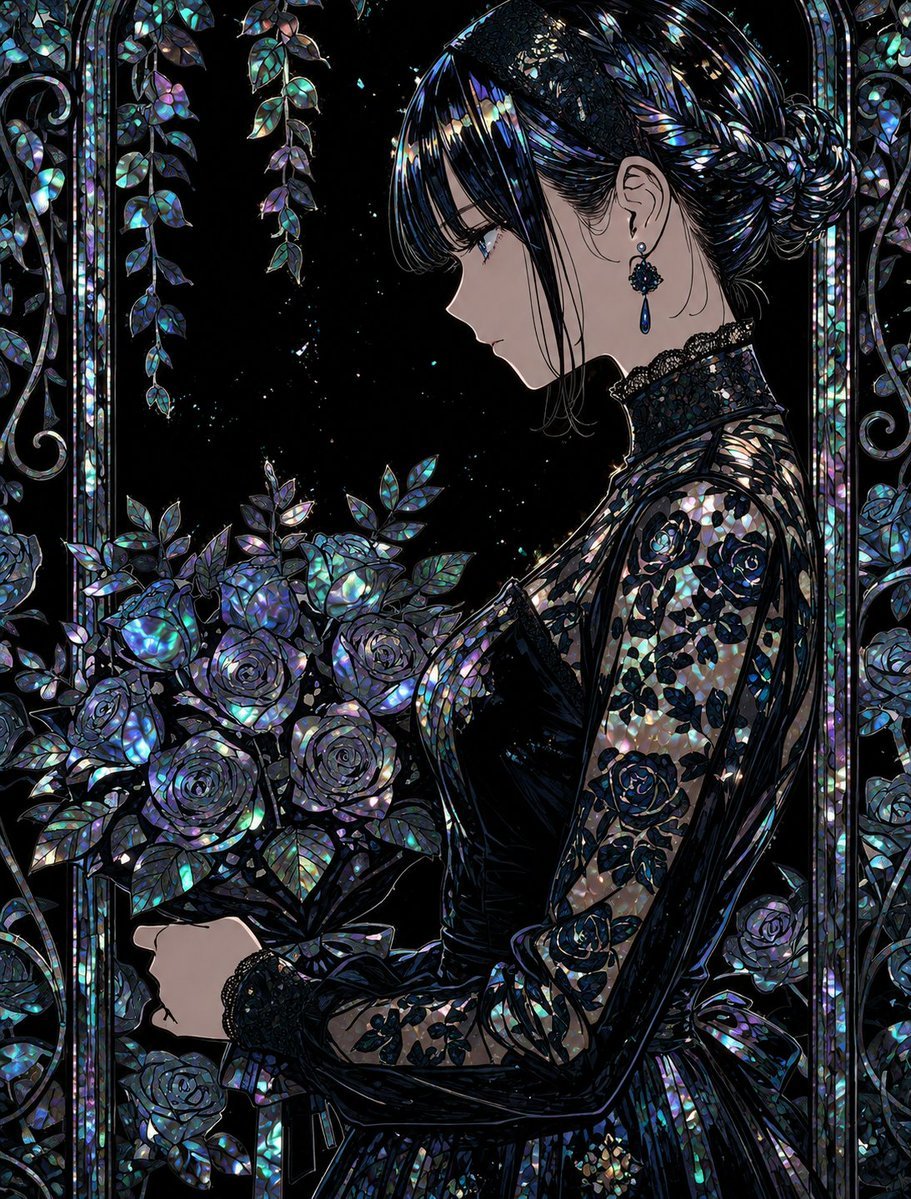
Raden Lacquerware Style Transformation
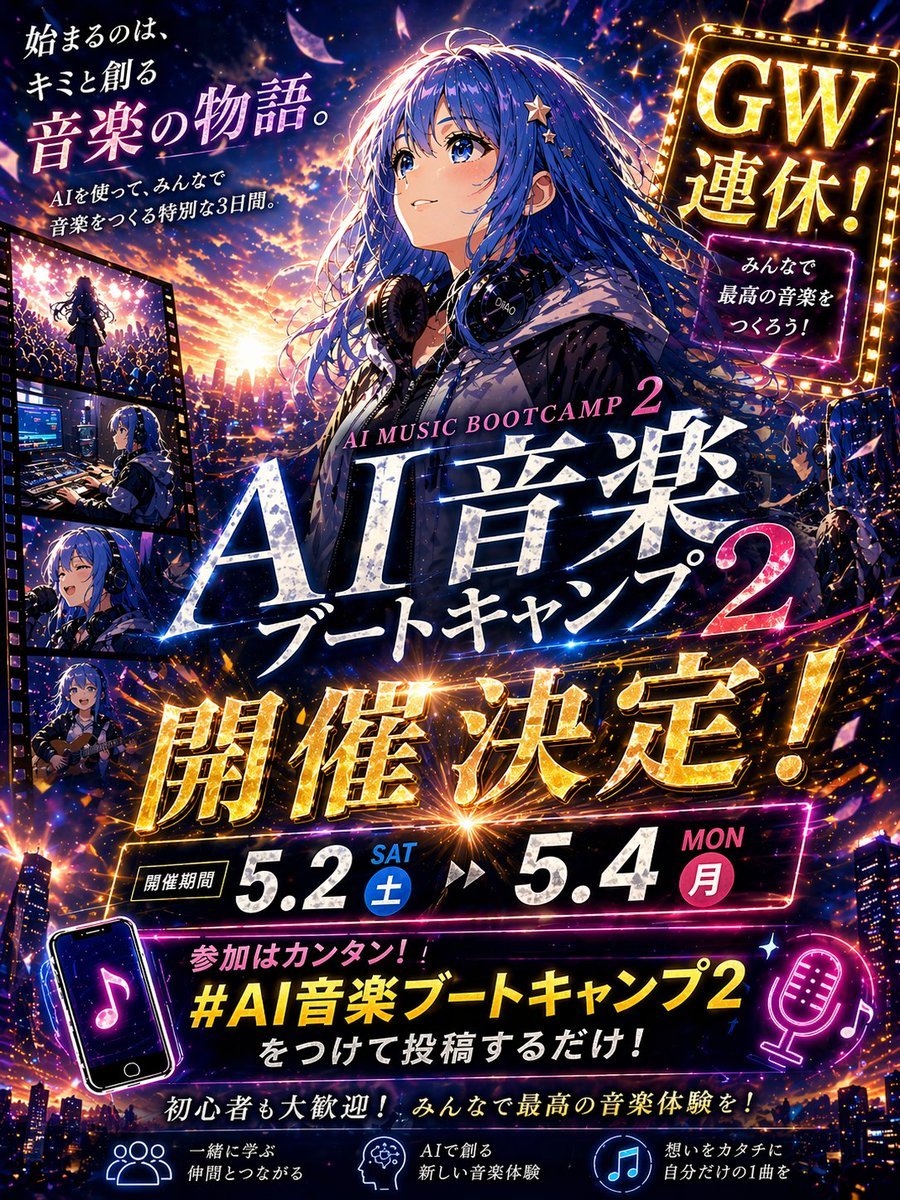
Anime Music Bootcamp Promo Poster
Browse template categories
Morning Aperture Anime City questions
How do I use the Morning Aperture Anime City template?
Add your photo if the template asks for one, edit the prompt if you like — the template's model and format are already selected — and press Generate. Your version opens in PicX Studio.
Can I customize the Morning Aperture Anime City template?
Yes. You can change the subject, setting, lighting, mood, format, and available model controls before creating your image.
Is the Morning Aperture Anime City template free?
Opening and editing this template is free. Generating uses credits, shown on the Generate button when you are signed in.
Which AI model should I use?
Start with GPT Image 2, which is the model associated with this template. You can compare another compatible model for a different finish.
Looking for something else? Browse all templates.

Your photo, any look
Thousands of ready templates for every top image and video model, from one credit balance.