How do I use the Sultry Studio Fashion Photo Prompt template?
Choose the primary action to open PicX Studio with the available template settings. Review the model and format, personalize the creative direction, and generate when ready.
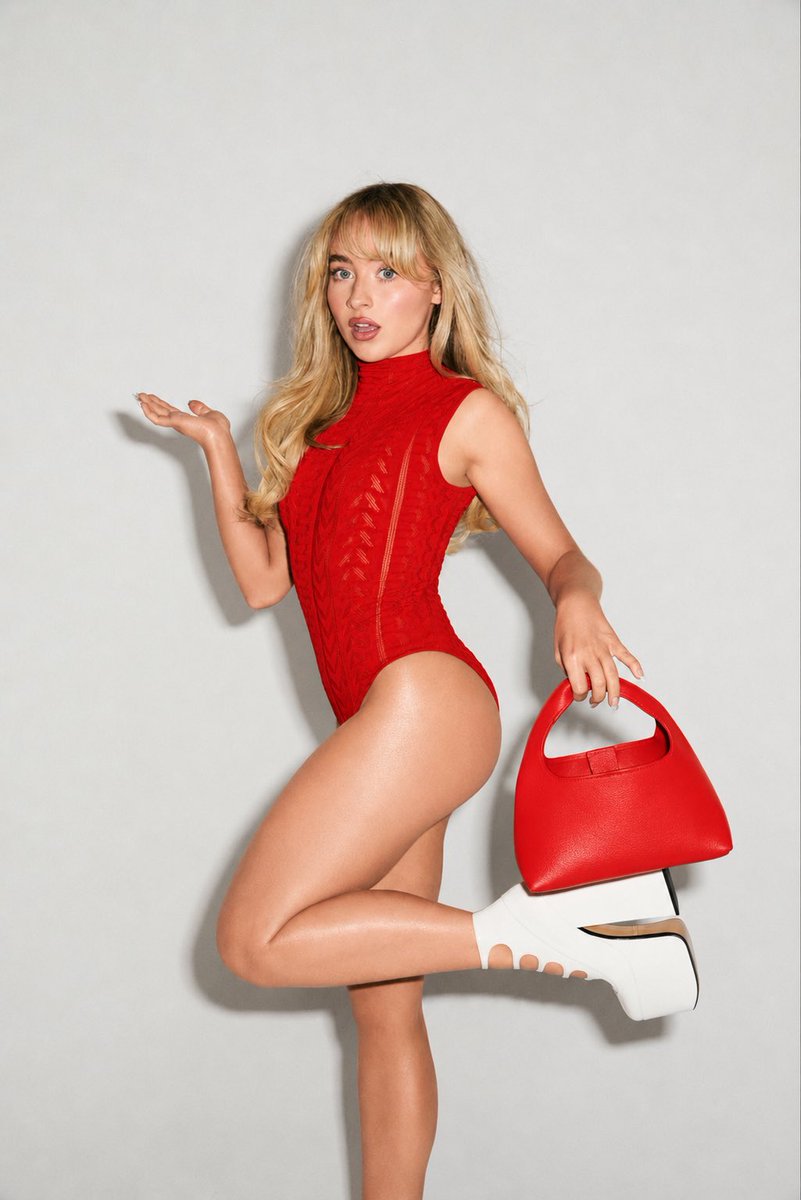
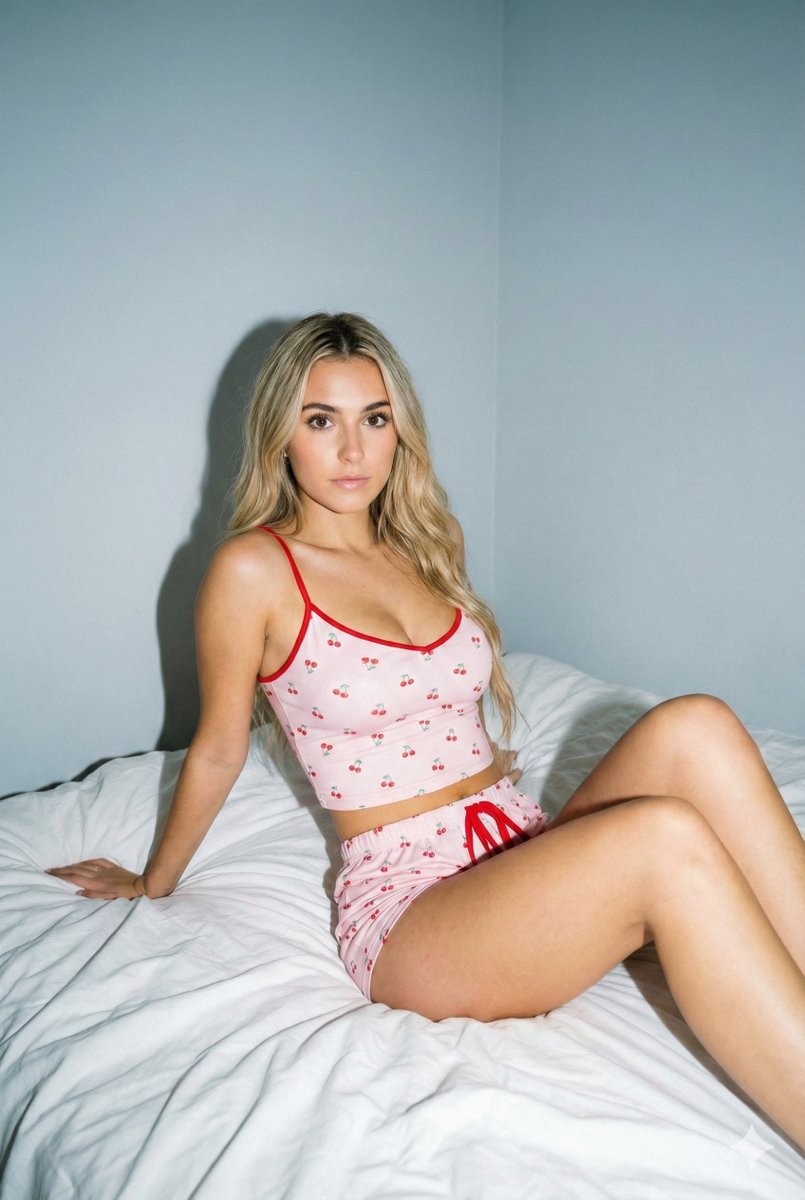
A highly detailed prompt for generating a studio fashion photo of a blonde woman in a stylized school setting, specifying her appearance, clothing (cropped shirt, mini skirt, knee-high boots), pose, and the background elements, aiming for a confident, sultry editorial vibe with crisp lighting. (free to use) — Free AI image template on PicX Studio.
A studio fashion photo of a blonde young Caucasian woman in her early–mid 20s, slim and fit, standing confidently in a stylized school setting. She has a fair lightly sun-kissed complexion, oval face with sharp jawline, almond dark-brown eyes with dramatic winged eyeliner and long lashes, full glossy nude-pink lips slightly parted, contoured cheeks, defined brows, and a sultry, intense gaze at the camera. Her long straight blonde hair is sleek, middle-parted, and falls over her shoulders. She wears a grey short-sleeve cropped collared shirt left unbuttoned, a white bralette, a loosely draped light-blue striped necktie, a very short low-rise grey pleated mini skirt, white slouched knee-high socks, and glossy black knee-high pointed-toe boots with a chunky heel. She stands tall facing forward, hips slightly right, legs shoulder-width apart, right arm down, left fingertips touching a white desk. The scene is shot in crisp editorial studio style (2:3 ratio) with bright direct flash from front-left creating hard shadows on the wall. Background includes white school lockers with cute stickers (heart, lips, bow, apple, daisy), a low white drawer unit, a white desk with a pastel pink rotary phone, a smooth white floor, and a visible rolling chair base behind her leg. Confident, sultry vibe.
Use Sultry Studio Fashion Photo Prompt to plan an AI image around nano-banana-2 generation. Match the preview's composition first, then personalize the subject, setting, and mood for your own project.
Use the primary action to load the template settings in PicX Studio.
Adjust the subject and creative details for your destination.
Create the image, compare the result with the preview, and refine one variable at a time.
A continuous mix — similar concepts first, woven with same-model prompts and fresh picks from the catalog.
Choose the primary action to open PicX Studio with the available template settings. Review the model and format, personalize the creative direction, and generate when ready.
Yes. You can change the subject, setting, lighting, mood, format, and available model controls before creating your image.
This template is free to open and customize. Generation usage is shown in PicX Studio before you create.
Start with nano-banana-2, which is the model associated with this template. You can compare another compatible model for a different finish.
Follow a topic to a crawlable collection of related PicX Studio templates.
39,155 public templates available. Verified via the PicX Studio public templates API; refreshed hourly.
A continuous mix — similar concepts first, woven with same-model prompts and fresh picks from the catalog.