How do I use the High-Appeal Rooftop Fashion Editorial template?
Choose the primary action to open PicX Studio with the available template settings. Review the model and format, personalize the creative direction, and generate when ready.
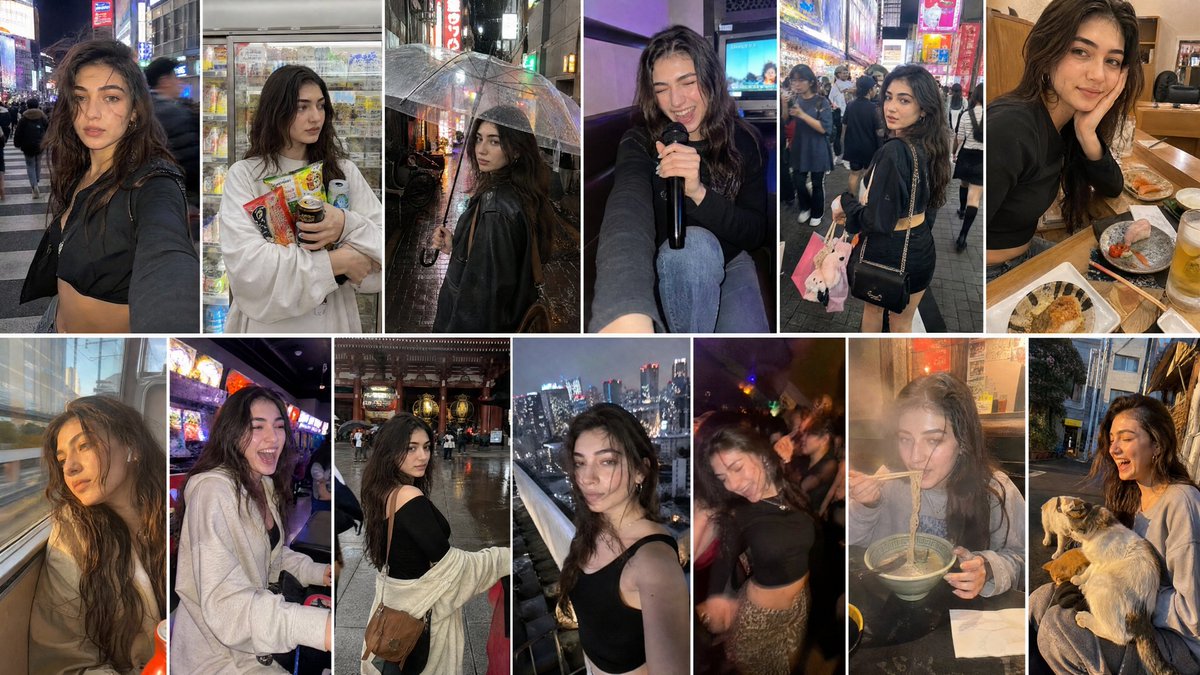
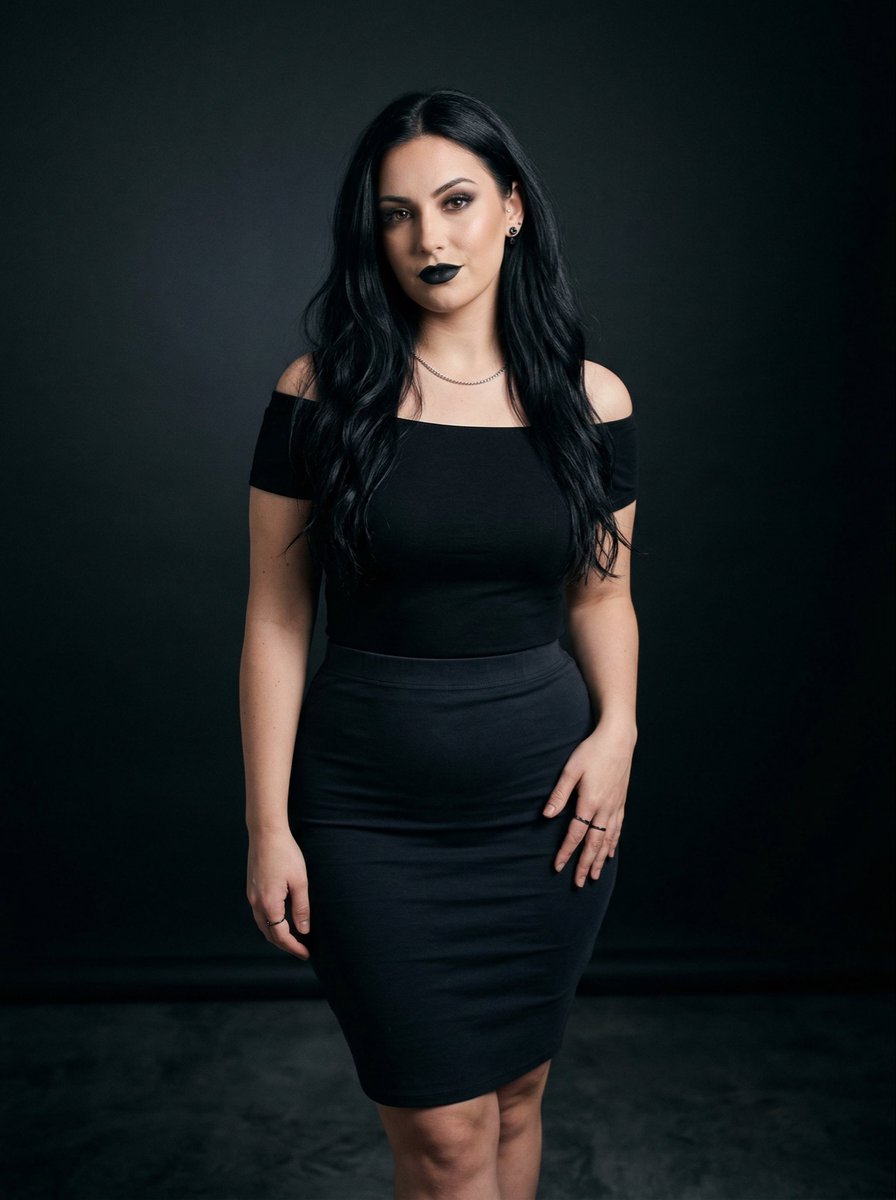
A highly detailed JSON prompt for generating a photorealistic, high-appeal fashion editorial image of a fictional AI character in a tight bodycon dress on a modern rooftop terrace at night, focusing on realistic body proportions and luxury nightlife ambiance. (free to use) — Free AI image template on PicX Studio.
{ "prompt": { "important_notice": "This image depicts a fictional, AI-generated adult fashion character (20+). Fashion editorial imagery. Not a real person.", "subject": { "identity": "fictional AI-generated fashion character", "editorial_context": "bold high-fashion rooftop editorial", "hair": { "color": "natural copper red", "style": "long, softly wavy hair worn loose", "movement": "slightly lifted by evening breeze" }, "face": { "visibility": "clearly visible with soft definition", "expression": "confident, subtly seductive, composed gaze", "makeup": { "style": "light but striking evening makeup", "details": [ "soft contour defining cheekbones", "natural glow finish", "defined lashes with subtle eyeliner", "nude or muted rosy lips" ] }, "skin": "very fair porcelain skin with light freckles and realistic texture" }, "body": { "silhouette": "natural feminine hourglass figure", "bust": "full bust emphasized by tight fabric and low neckline", "waist": "slim, sharply defined waist", "hips": "rounded hips strongly outlined by bodycon outfit", "overall": "realistic, attractive, fashion-model proportions" }, "outfit": { "type": "bodycon fashion dress", "description": "tight, revealing evening dress designed to highlight body curves", "neckline": "deep neckline or asymmetric cut", "cut_details": "strategic cut-outs at waist or side", "fabric": "stretchy, smooth fabric with slight sheen", "fit": "snug, curve-hugging, bold yet elegant", "color": "{argument name="dress color" default="black, deep red, or dark metallic tones"}" }, "pose": { "position": "standing confidently near the edge of a rooftop terrace", "posture": "upright stance with slight arch at the waist", "legs": "one leg subtly forward to emphasize hips", "arms": "relaxed, confident, high-fashion pose" } }, "environment": { "setting": "modern rooftop terrace overlooking city lights", "background_elements": [ "city skyline with blurred lights", "glass railings", "modern lounge furniture", "soft ambient lighting" ], "lighting": "evening or night lighting with soft highlights shaping body contours", "atmosphere": "luxury nightlife, confident, high-appeal fashion vibe" }, "visual_style": { "style": "realistic fashion editorial photography look", "camera": "medium-to-full body framing, torso and hip-focused composition", "mood": "bold, confident, attention-grabbing", "aesthetic": "viral luxury rooftop fashion content" }, "negative_prompt": { "avoid": "cartoon style, illustration look, nudity, explicit sexual acts, pornograph"
Use High-Appeal Rooftop Fashion Editorial to plan an AI image around nano-banana-2 generation. Match the preview's composition first, then personalize the subject, setting, and mood for your own project.
Use the primary action to load the template settings in PicX Studio.
Adjust the subject and creative details for your destination.
Create the image, compare the result with the preview, and refine one variable at a time.
A continuous mix — similar concepts first, woven with same-model prompts and fresh picks from the catalog.
Choose the primary action to open PicX Studio with the available template settings. Review the model and format, personalize the creative direction, and generate when ready.
Yes. You can change the subject, setting, lighting, mood, format, and available model controls before creating your image.
This template is free to open and customize. Generation usage is shown in PicX Studio before you create.
Start with nano-banana-2, which is the model associated with this template. You can compare another compatible model for a different finish.
Follow a topic to a crawlable collection of related PicX Studio templates.
39,155 public templates available. Verified via the PicX Studio public templates API; refreshed hourly.
A continuous mix — similar concepts first, woven with same-model prompts and fresh picks from the catalog.