9-Panel Dance Editorial Grid with Identity Lock
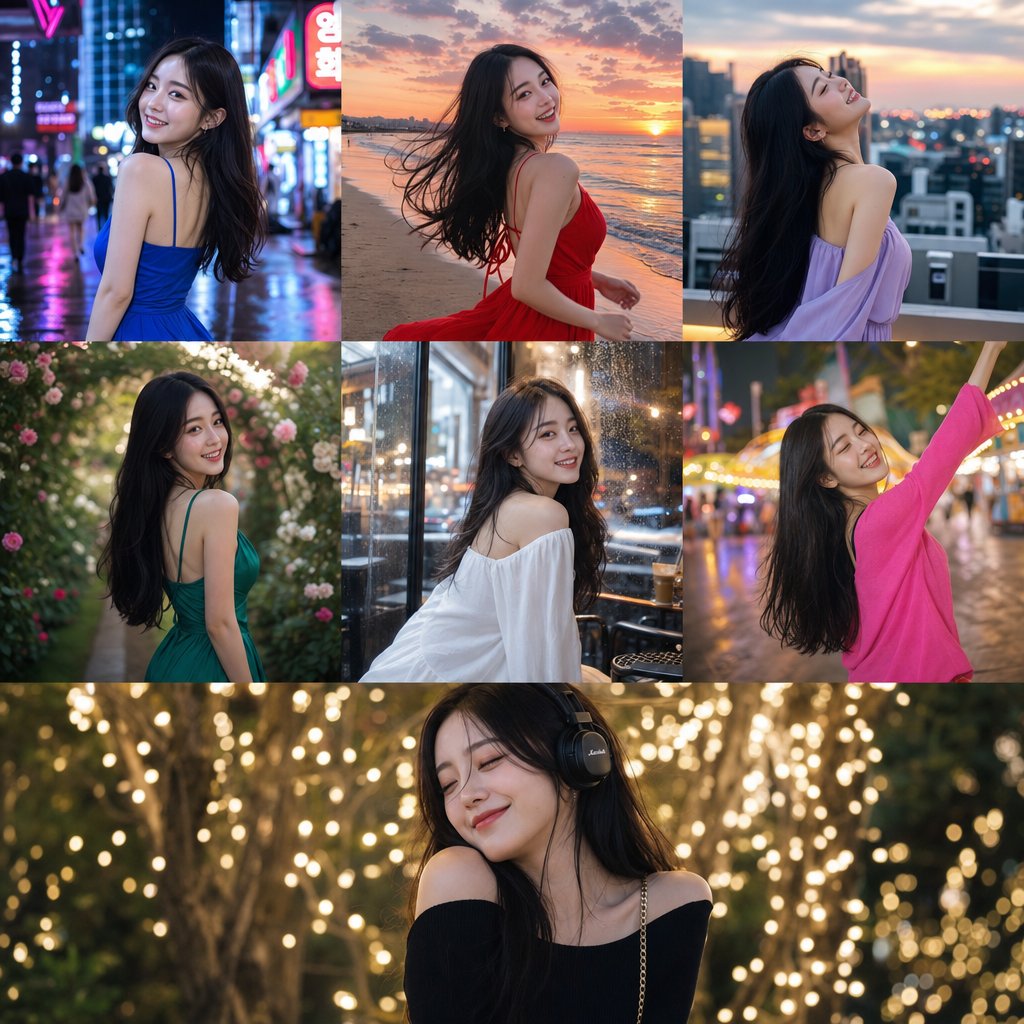
Create a photorealistic 3x3 editorial grid featuring one woman repeated across all nine panels with locked facial identity. Use the uploaded reference image only for facial identity, facial proportions, skin tone, and recognizability. Do not copy, preserve, inherit, reinterpret, or transfer any clothing, styling, accessories, pose, or background from the reference image. Ignore the original outfit completely.
SUBJECT: The woman should have a polished elegant hairstyle and refined editorial makeup with luminous skin and defined eyes, visually consistent across all panels. She wears an entirely new luxurious butter-yellow contemporary dance outfit generated from scratch: a fitted asymmetrical one-shoulder top in soft draped satin-stretch fabric with sculpted waist definition, paired with high-waisted fluid wide-leg dance trousers with graceful movement, elegant drape, and elongated leg lines.
SCENE: Clean minimal premium editorial studio background, visually consistent across all panels. Mood: confident, artistic, expressive, feminine, high-fashion, dance-driven.
PANEL DIRECTIONS:
- Panel 1: Strong standing dance pose with one arm lifted overhead and the other extended outward, long elegant line
- Panel 2: Seated dance pose with one knee folded, torso angled, expressive hand placement
- Panel 3: Deep torso curve with asymmetrical arm line, sculptural contemporary dance energy
- Panel 4: Floor-based pose with one arm reaching upward and the body leaning into a graceful side arc
- Panel 5: Hero center pose, grounded and powerful, strong stage presence, striking silhouette
- Panel 6: Kneeling pose with lifted chest, elongated neck, refined lyrical arm movement
- Panel 7: Off-balance standing pose with one leg extended and dynamic asymmetrical upper body shape
- Panel 8: Low seated or half-floor pose with curved spine and controlled expressive gesture
- Panel 9: Final signature pose with both arms raised, subtle hip shift, memorable campaign silhouette
TECHNICAL: 4:5 portrait aspect ratio, ultra high resolution. Cinematic editorial realism style with editorial crisp sharpness, subtle film grain, soft clean high-end dynamic range, warm editorial color grade. 3x3 grid layout with thin gutter and no outer border.
MOTION & PHYSICS: Perfect anatomy, believable balance, physically correct posture, elegant joint articulation. Realistic gravity-driven drape and subtle movement response. Clean realistic hands with correct fingers, no distortion.
CAMERA: Mixed full-body, mid-body, and seated editorial compositions with clean premium studio angles. Sharp focus on facial detail, pose lines, hands, and fabric texture. Clean studio clarity depth of field.
LIGHTING: Soft directional editorial lighting with gentle sculpting, elegant highlights, subtle shadows. Real skin texture, no plastic effect.
MUST HAVE: 3x3 grid layout, different dance pose in every panel, reference face identity preserved, consistent hair across all panels, consistent makeup across all panels, new butter-yellow dance outfit generated from prompt only, no clothing copied from reference, consistent studio background, photoreal quality, perfect anatomy, realistic hands, sharp face in every panel, no text.
NEGATIVE PROMPT: No reference outfit transfer, no copied clothing from source image, no same outfit as reference, no source styling retained, no reference accessories preserved, no reference pose copied, no different identity in each panel, no cheap dance costume, no sportswear, no awkward limbs, no bad anatomy, no extra fingers, no missing fingers, no deformed hands, no broken wrists, no stiff body, no unnatural spine, no plastic skin, no blurry face, no duplicate limbs, no text, no logo, no watermark.















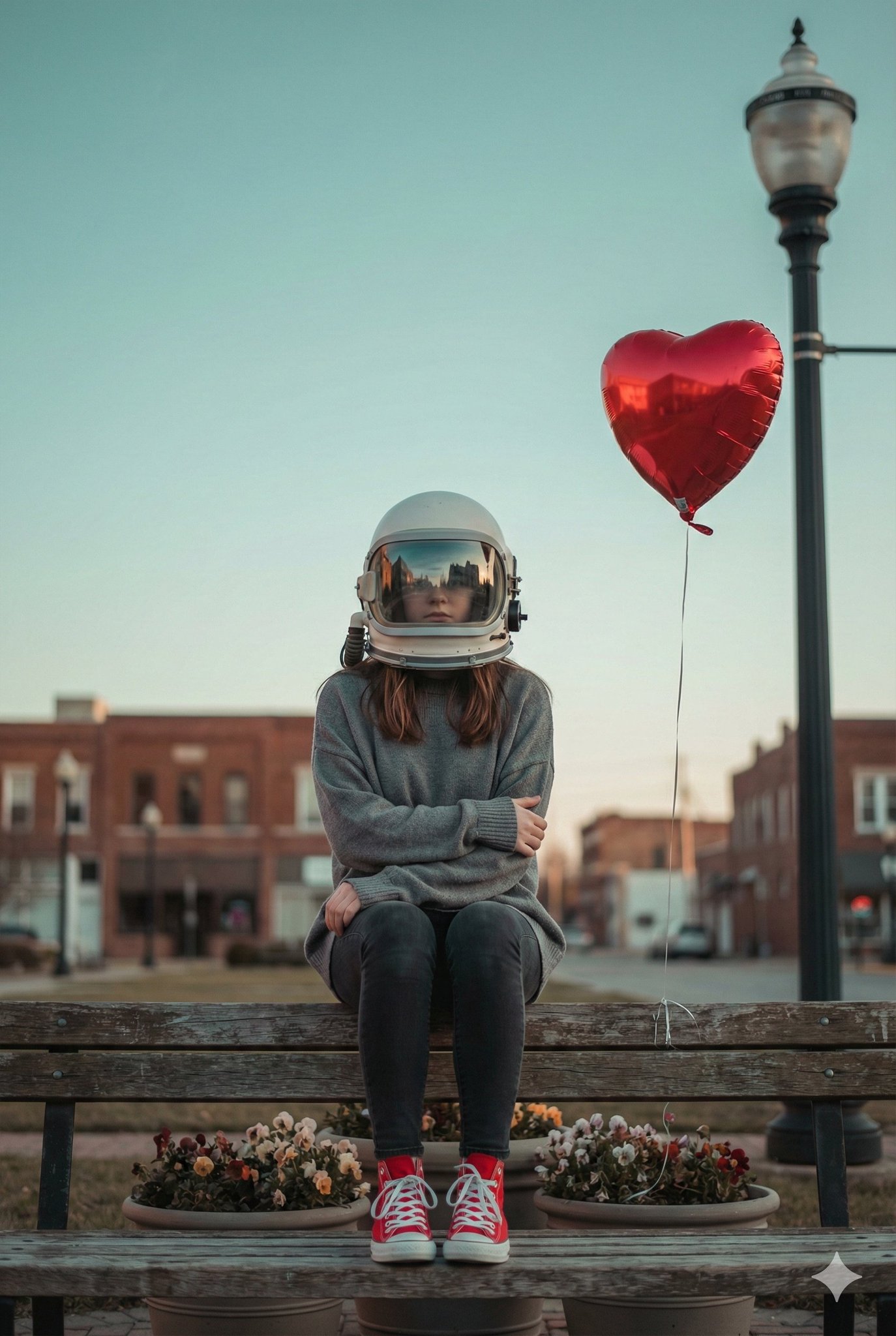
![This image into a 64K DSLR shot resolution of A stylish urban fashion — Transform this image [Upload Your Image] into a 64K DSLR shot resolution of A stylish ur](https://images.meigen.ai/tweets/2008470156146860416/0.jpg)
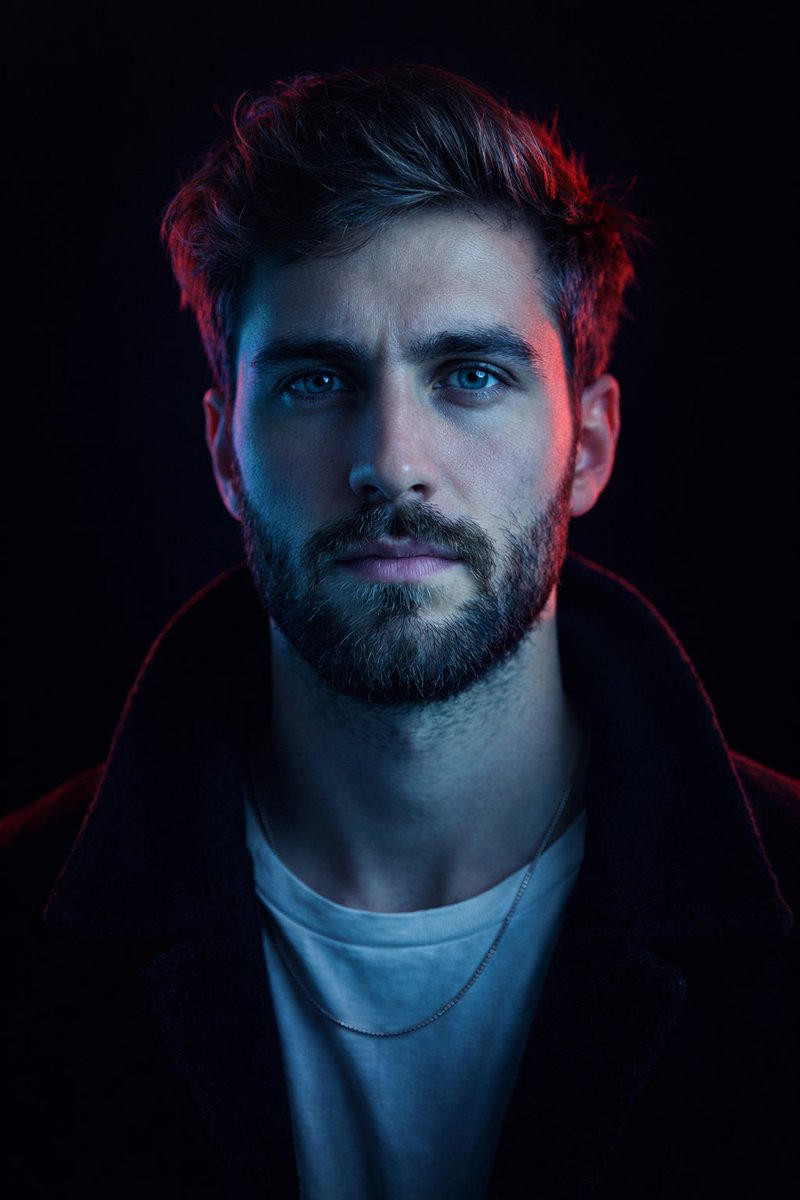
![Naive doodle-style subject illustration — A doodle-style {argument name="subject" default="[subject]"}, naive lines, humorous shape exaggeration](https://pbs.twimg.com/media/G6Wl2YxbsAARB2b.jpg)












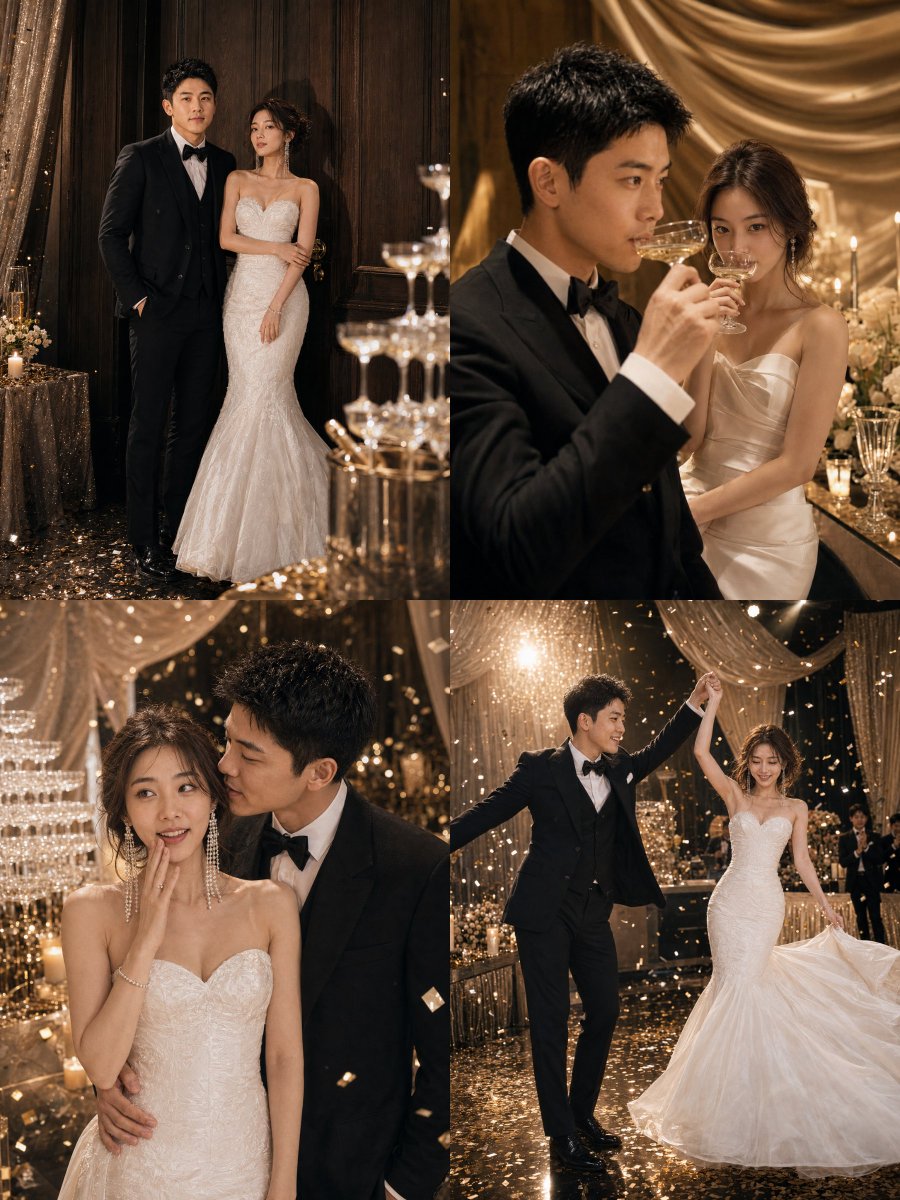






![Golden Hour Food Advertisement Prompt — “Luxury golden-hour styled hero shot of [{argument name="food item" default="FOOD"}] bathed in warm directional sunlight](https://pbs.twimg.com/media/G_CBWNUWEAA2pCv.jpg)