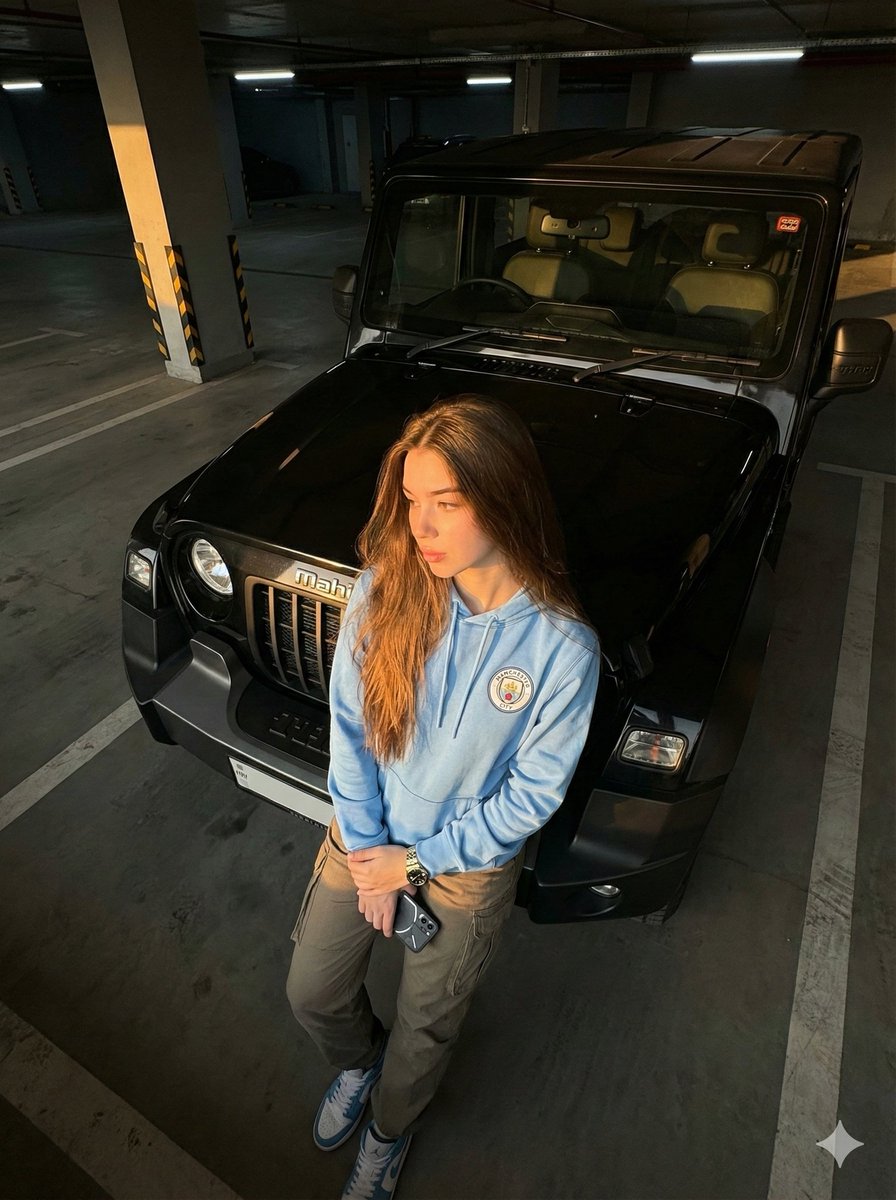
How do I use the Ethereal Sadie Sink Portrait in Miu Miu template?
Choose the primary action to open PicX Studio with the available template settings. Review the model and format, personalize the creative direction, and generate when ready.
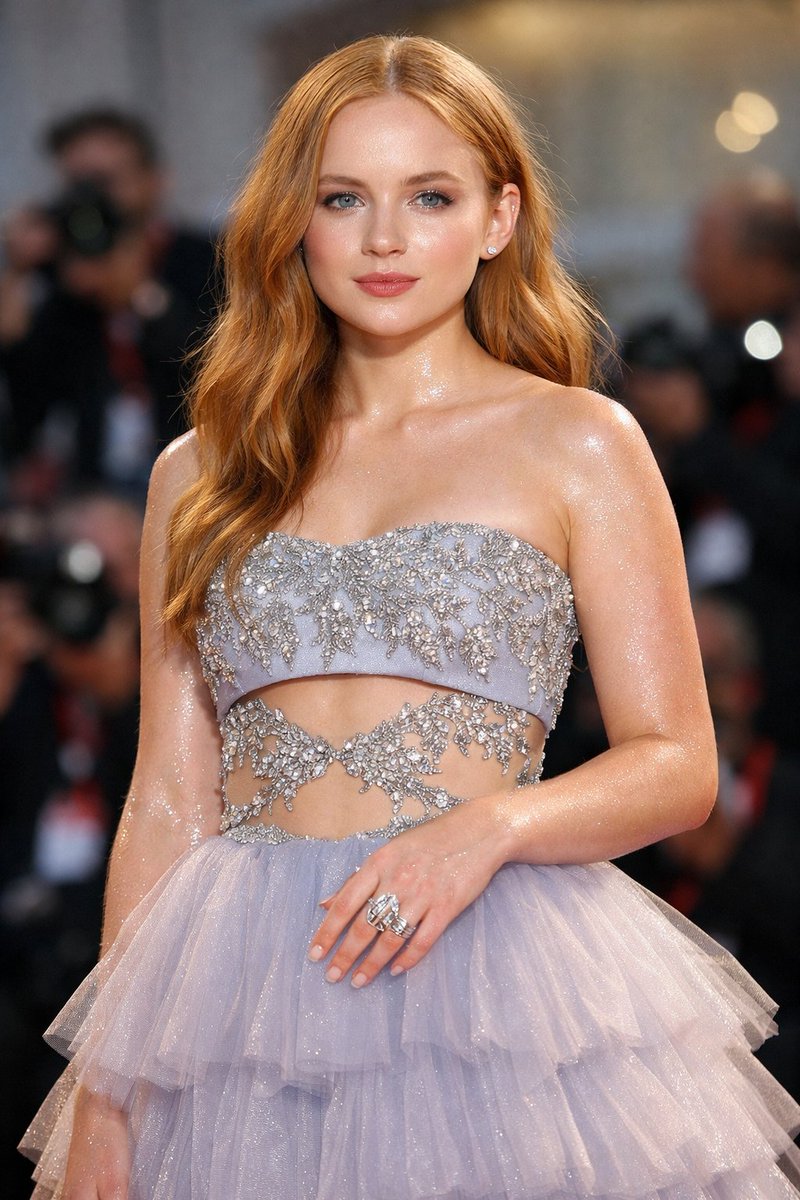
A prompt for generating a high-resolution, eye-level portrait of actress Sadie Sink with a sophisticated, ethereal aesthetic. Change the subject, setting, or lighting one variable at a time.

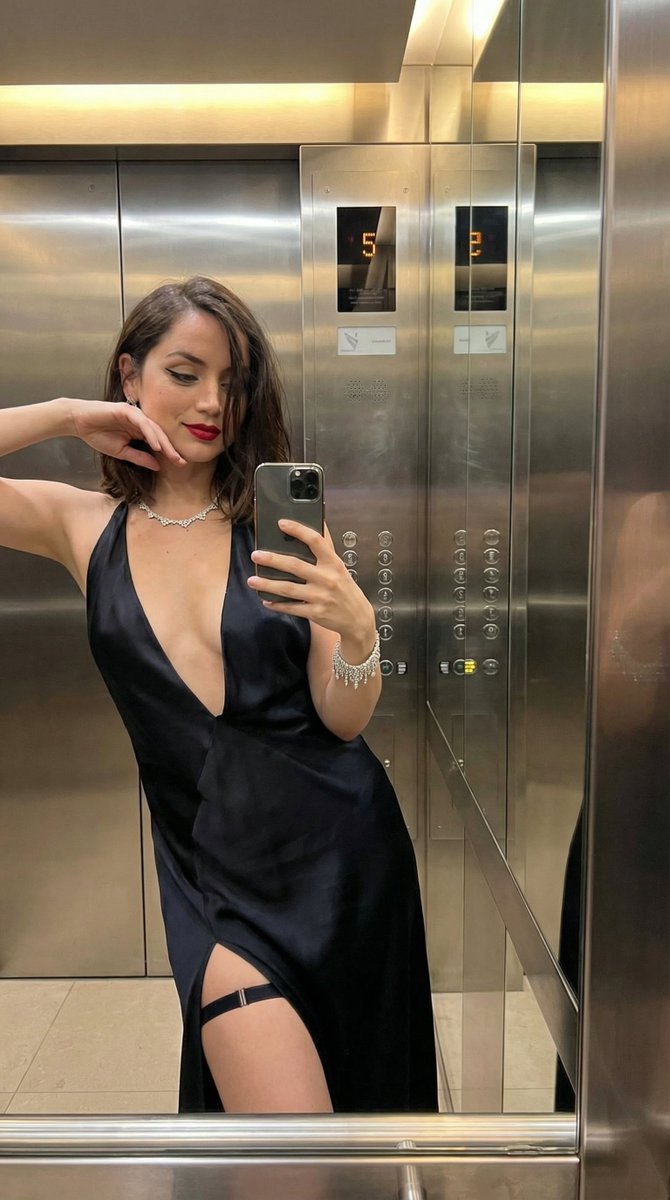
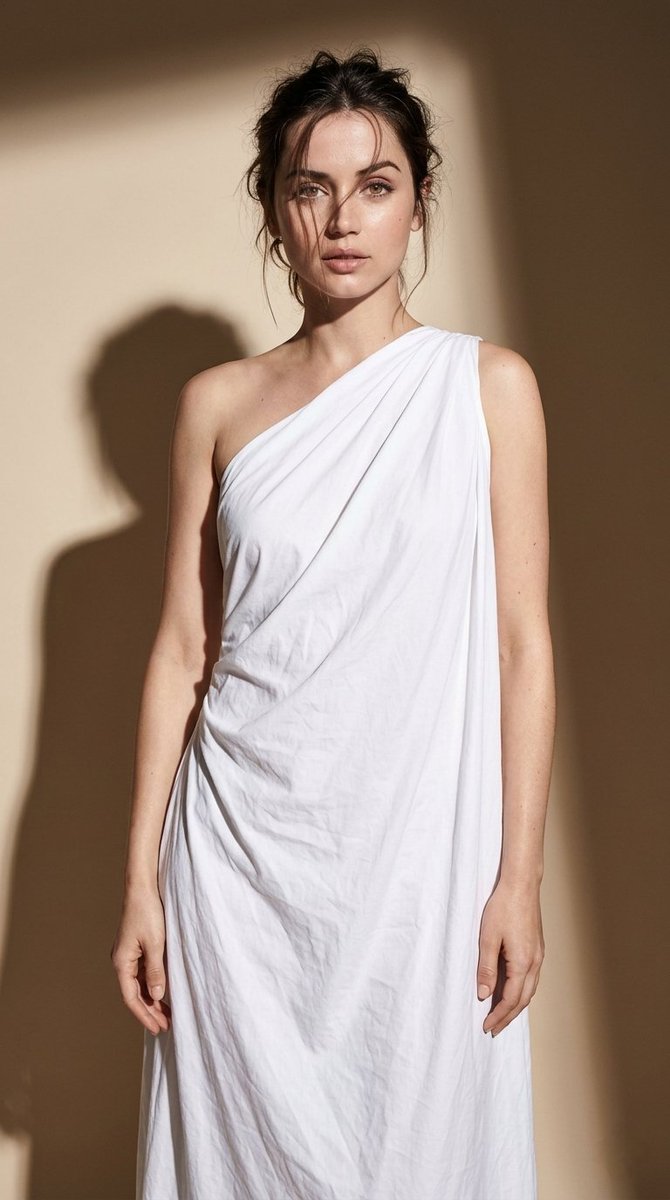
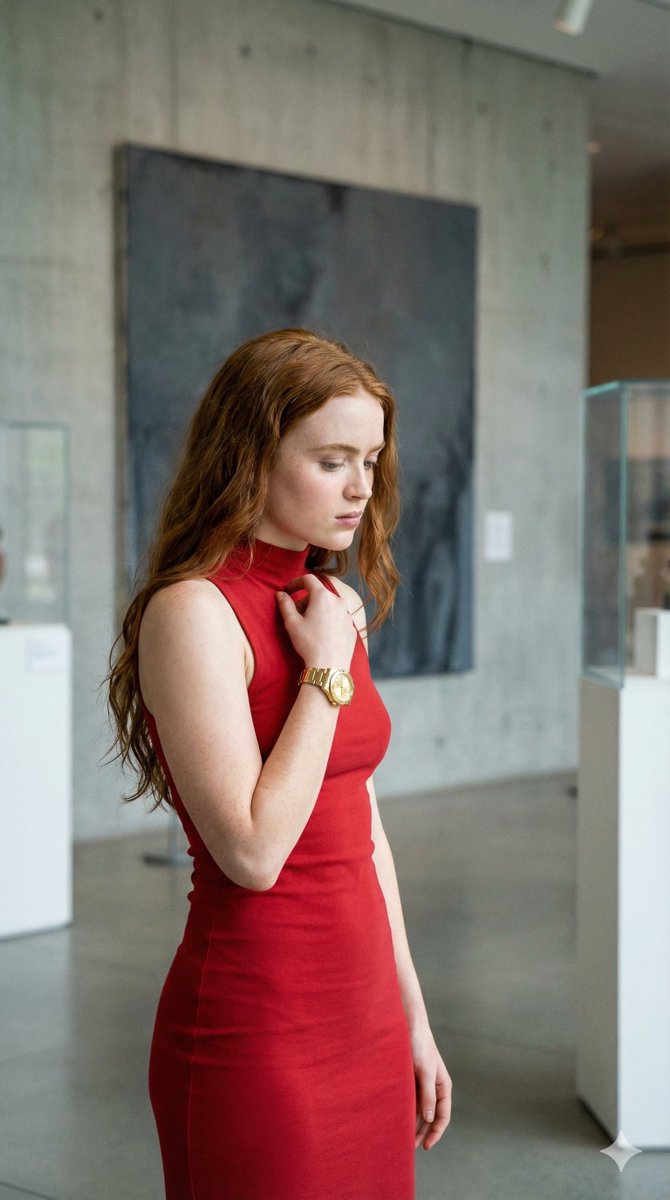
"A high-resolution, eye-level portrait of actress {argument name="celebrity name" default="Sadie Sink"} showcasing a sophisticated, ethereal aesthetic against a neutral indoor backdrop with soft, warm lighting. She is wearing a custom {argument name="brand name" default="Miu Miu"} two-piece ensemble featuring a cream-colored silk bralette and a matching high-waisted skirt, both intricately embellished with silver floral crystals and beadwork along the borders. Her signature long, copper-red hair is styled in a sleek, straight blowout with a soft inward curve at the ends, framing her face. The makeup is minimalist yet polished, highlighting her porcelain skin with a soft peach blush, a subtle winged eyeliner, and a natural matte mauve lip. Her expression is calm and poised, transitioning from a direct, piercing gaze into the camera to a graceful profile view that emphasizes the clean lines of the outfit and her striking features."
Choose the primary action to open PicX Studio with the available template settings. Review the model and format, personalize the creative direction, and generate when ready.
Yes. You can change the subject, setting, lighting, mood, format, and available model controls before creating your image.
This template is free to open and customize. Generation usage is shown in PicX Studio before you create.
Start with Nano Banana 2, which is the model associated with this template. You can compare another compatible model for a different finish.
© 2026 PicX Studio. All rights reserved.

Follow a topic to a crawlable collection of related PicX Studio templates.
43,474 public templates available. Verified via the PicX Studio public templates API; refreshed hourly.

![Ethereal Dream Editorial Through Fabric Portrait — A soft-focus dream photograph of a [subject] in a [setting], seen through translucent fabric and [atmospheric](/_next/image?url=https%3A%2F%2Fcdn.picxstudio.com%2Fuploads%2Fmeigen_b345369a2388_2215f51a-3769-4a47-bb9e-22de4573dbf4.jpg&w=828&q=100)











![Naive doodle-style subject illustration — A doodle-style {argument name="subject" default="[subject]"}, naive lines, humorous shape exaggeration](https://pbs.twimg.com/media/G6Wl2YxbsAARB2b.jpg)