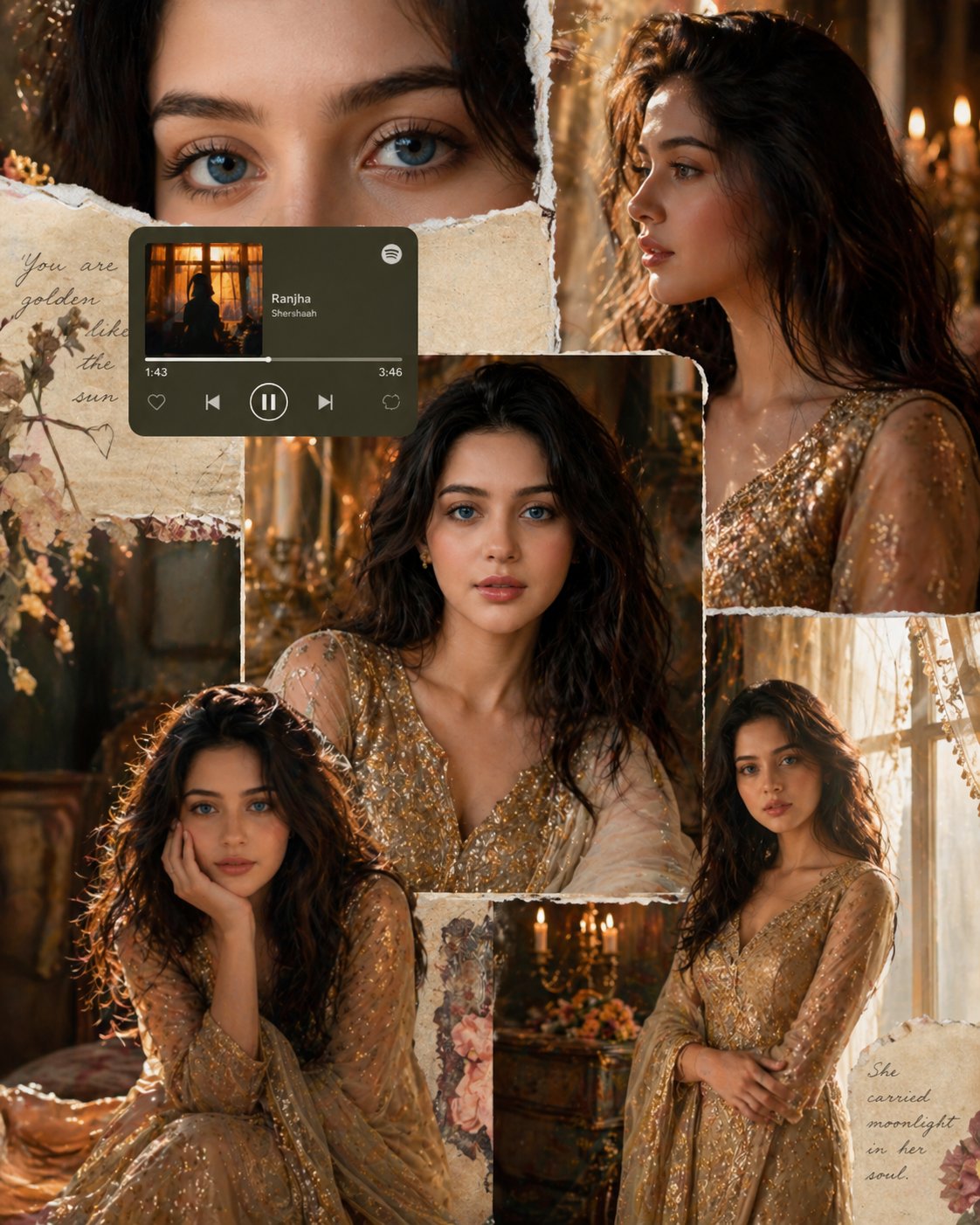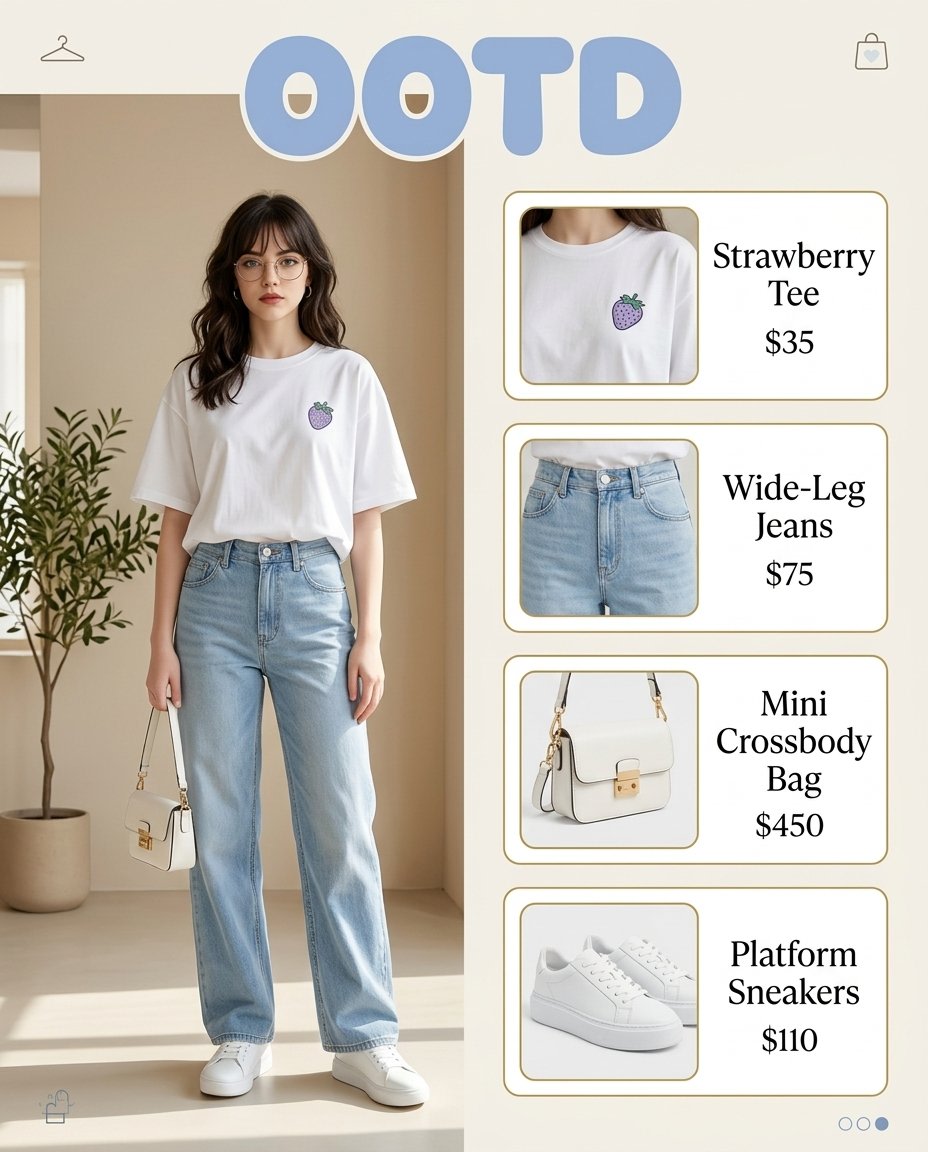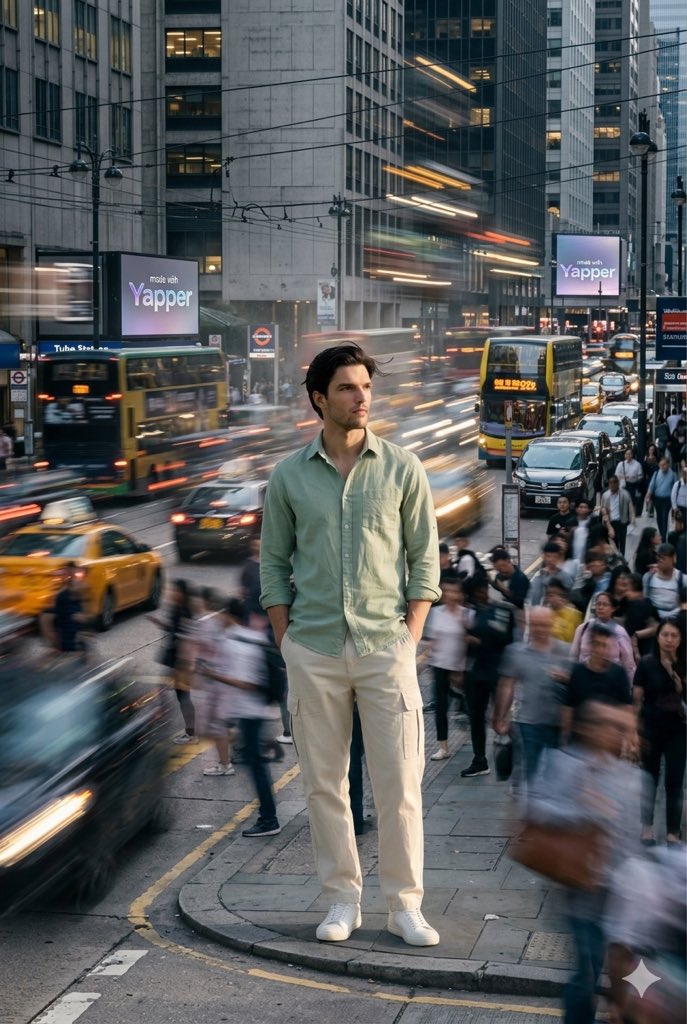
How do I use the Realistic Golden-Hour Porch Selfie template?
Choose the primary action to open PicX Studio with the available template settings. Review the model and format, personalize the creative direction, and generate when ready.
A natural-looking casual selfie prompt for generating an authentic organic smartphone portrait with warm sunlight and everyday realism. (free to use) — Free AI image template on PicX Studio.
A realistic organic smartphone selfie of a {argument name="subject age" default="middle-aged"} woman sitting outdoors on a porch or patio in warm late-afternoon golden-hour sunlight, framed from the chest up in a casual slightly imperfect front-facing composition. She has shoulder-length softly wavy auburn hair with a center part, natural texture, and a few loose flyaways, light skin with visible freckles and real skin texture on the chest and neck, and an everyday relaxed presence. She wears a light gray open-front cardigan over a pale lace-trim camisole. The setting shows a white exterior door and wall behind her, with a dark blue fabric-covered chair or cushion visible on the left side and strong sun casting soft warm highlights and natural shadows across her clothing and skin. The image should feel unfiltered, candid, and convincingly real rather than polished: subtle asymmetry, normal phone camera perspective, slightly tight crop, authentic household background, natural color, gentle contrast, and documentary-level photographic realism.
Use Realistic Golden-Hour Porch Selfie to plan an AI image around gpt-image-2 generation, themes such as en and gpt-image-2. Match the preview's composition first, then personalize the subject, setting, and mood for your own project.
Use the primary action to load the template settings in PicX Studio.
Adjust the subject and creative details for your destination.
Create the image, compare the result with the preview, and refine one variable at a time.
A continuous mix — similar concepts first, woven with same-model prompts and fresh picks from the catalog.
Choose the primary action to open PicX Studio with the available template settings. Review the model and format, personalize the creative direction, and generate when ready.
Yes. You can change the subject, setting, lighting, mood, format, and available model controls before creating your image.
This template is free to open and customize. Generation usage is shown in PicX Studio before you create.
Start with gpt-image-2, which is the model associated with this template. You can compare another compatible model for a different finish.
A continuous mix — similar concepts first, woven with same-model prompts and fresh picks from the catalog.
Follow a topic to a crawlable collection of related PicX Studio templates.
28,484 public templates available. Verified via the PicX Studio public templates API; refreshed hourly.