How do I use the Sydney Sweeney as 'The Star' Tarot Card template?
Choose the primary action to open PicX Studio with the available template settings. Review the model and format, personalize the creative direction, and generate when ready.
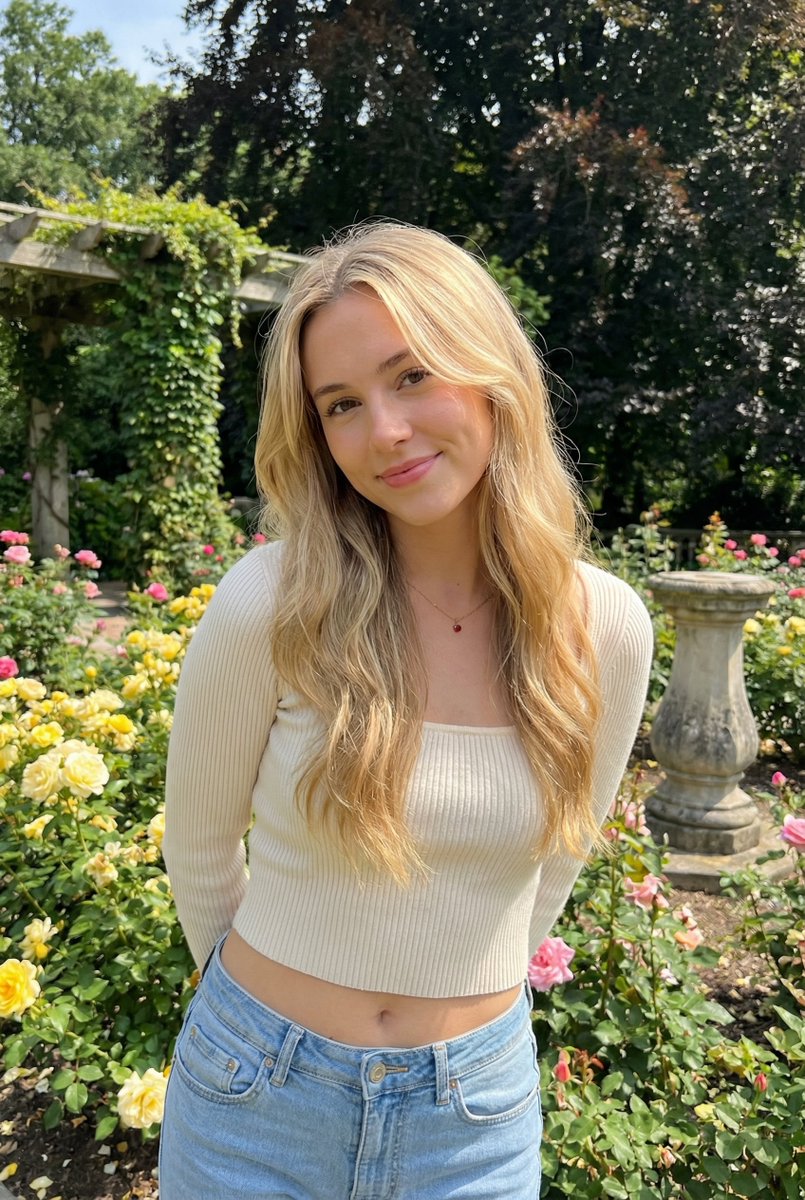
A prompt for Nano Banana 2 to generate a mystical tarot card featuring a photorealistic Sydney Sweeney as 'The Star' Arcana. Change the subject, setting, or lighting one variable at a time.

A mystical tarot card featuring a photorealistic {argument name="celebrity name" default="Sydney Sweeney"} as 'The Star' Arcana. She is kneeling gracefully beside a bioluminescent, glowing pool, pouring shimmering celestial water infused with stardust from two ornate, filigreed silver amphorae. The artistic style is a breathtaking fusion of high-fashion photography and intricate Art Nouveau illustration, reminiscent of Alphonse Mucha. The background features a grand, radiant eight-pointed star and swirling celestial patterns of constellations and cosmic nebulae. The card is framed by a heavy, embossed golden foil border with intricate floral and zodiac carvings. Text overlay: "THE STAR". Shot on Hasselblad X2D, 85mm lens, f/2.8 for a sharp focus on her ethereal features with a soft, magical background. Lighting is a mix of soft volumetric moonlight, golden rim lighting, and a bioluminescent glow reflecting off her skin. Rich palette of midnight blue, burnished gold, and shimmering teal. --ar 2:3
Choose the primary action to open PicX Studio with the available template settings. Review the model and format, personalize the creative direction, and generate when ready.
Yes. You can change the subject, setting, lighting, mood, format, and available model controls before creating your image.
This template is free to open and customize. Generation usage is shown in PicX Studio before you create.
Start with Nano Banana 2, which is the model associated with this template. You can compare another compatible model for a different finish.
© 2026 PicX Studio. All rights reserved.

Follow a topic to a crawlable collection of related PicX Studio templates.
43,474 public templates available. Verified via the PicX Studio public templates API; refreshed hourly.






![Naive doodle-style subject illustration — A doodle-style {argument name="subject" default="[subject]"}, naive lines, humorous shape exaggeration](https://pbs.twimg.com/media/G6Wl2YxbsAARB2b.jpg)