How do I use the High-Fashion Latex Portrait of Sydney Sweeney template?
Choose the primary action to open PicX Studio with the available template settings. Review the model and format, personalize the creative direction, and generate when ready.
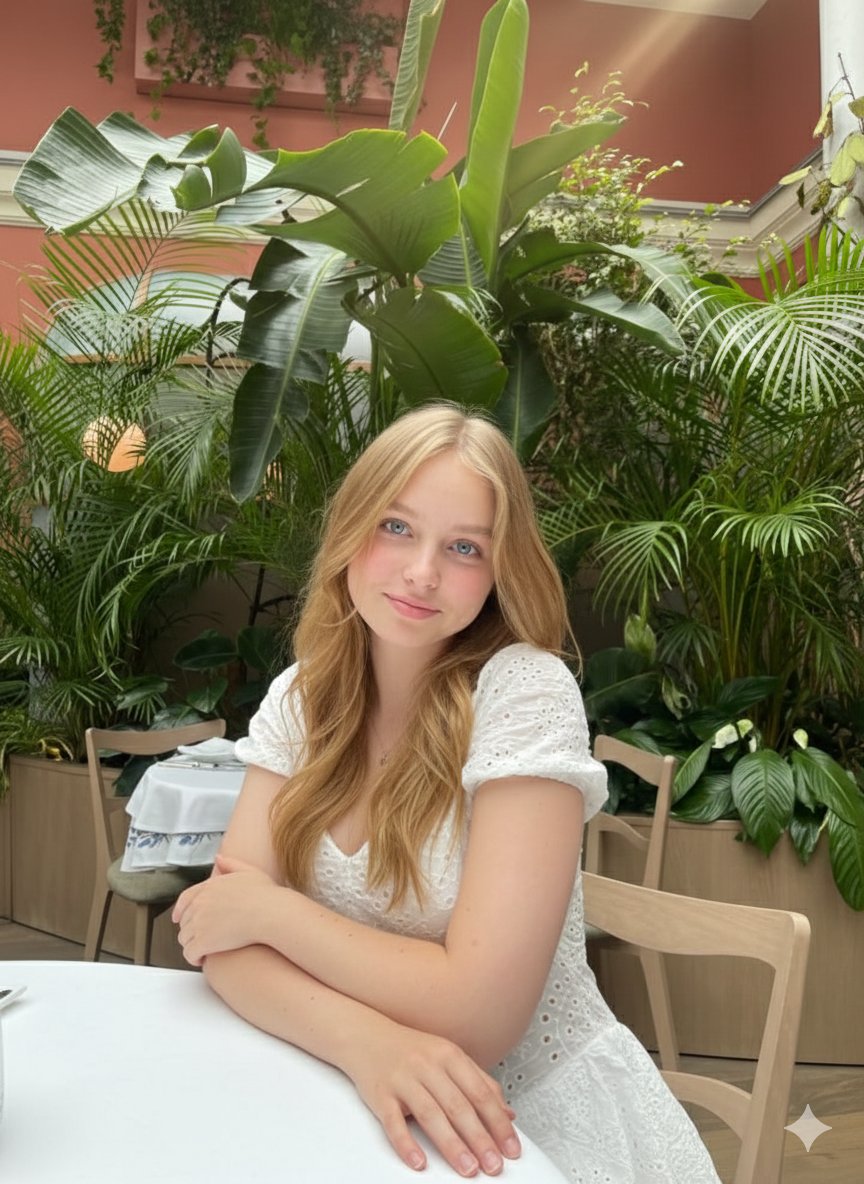
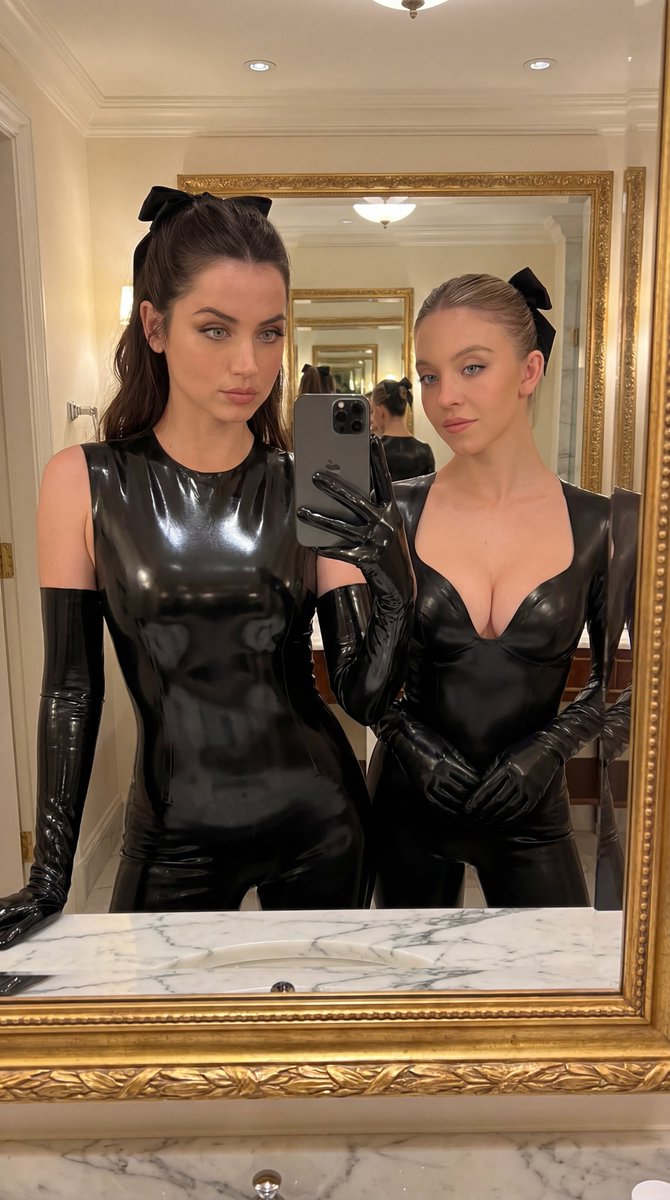
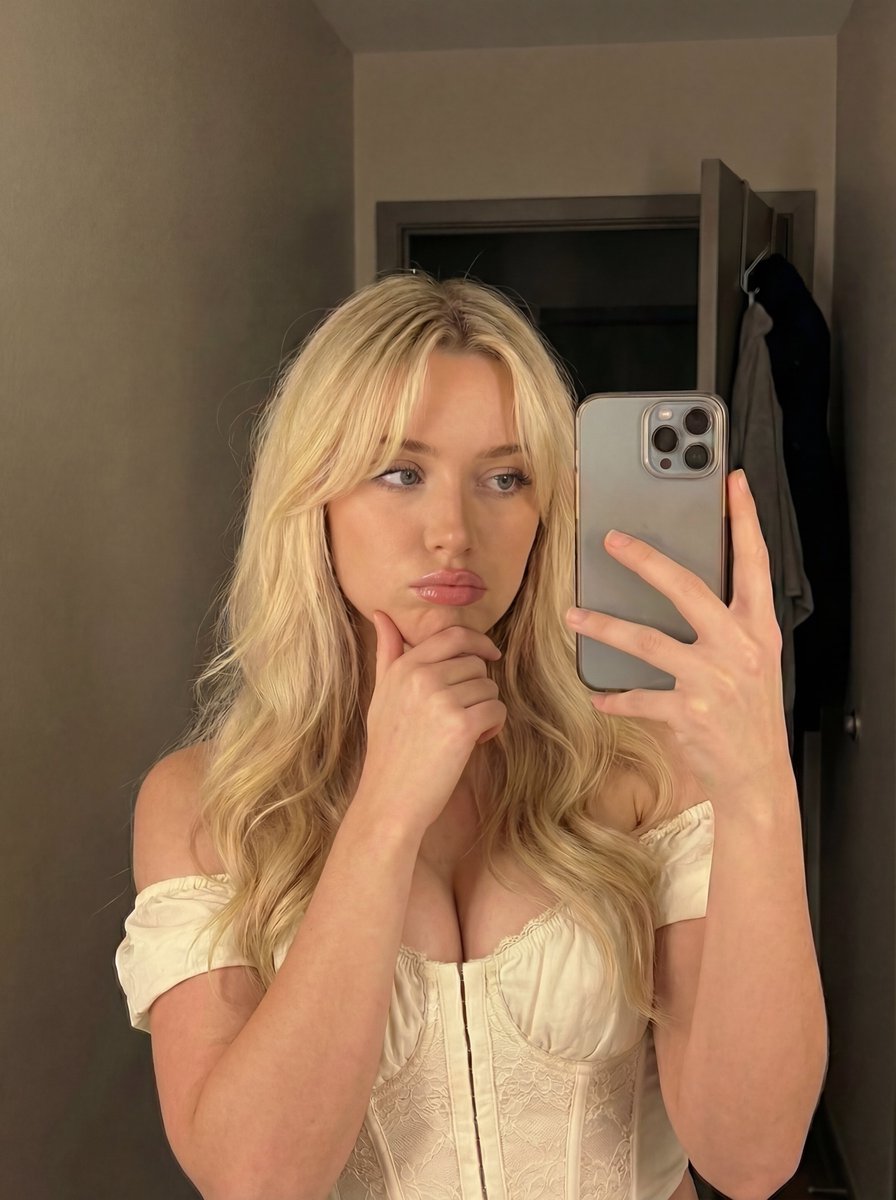
A structured prompt for Nano Banana Pro to generate a high-fashion, cinematic glamour portrait of Sydney Sweeney wearing a mirror-gloss scarlet red latex mini dress, emphasizing 8K resolution and paparazzi flash glamour. Change the subject, setting, or lighting one variable at a time.

{ "image_quality": { "resolution": "8K ultra-detailed", "focus": "ultra-sharp", "depth_of_field": "shallow", "texture_detail": "high, realistic skin, hair, fabric" }, "lighting": { "type": "soft studio lighting", "shadows": "gentle, soft", "contrast": "cinematic" }, "color_grading": { "skin_tone": "natural, slightly warm", "hair": "natural shine", "background": "neutral/desaturated", "overall_tone": "cinematic, high-fashion glamour realism" }, "parameters": { "aspect_ratio": "9:16", "steps": 50, "cfg_scale": 9.5, "style": "Photorealistic" } }, Subject: {argument name="subject name" default="Sydney Sweeney"}, High-fashion latex couture mini dress, Mirror-gloss scarlet red latex, Square neckline, ultra-sculpted waist, Paparazzi flash glamour, luxury magazine editorial
Choose the primary action to open PicX Studio with the available template settings. Review the model and format, personalize the creative direction, and generate when ready.
Yes. You can change the subject, setting, lighting, mood, format, and available model controls before creating your image.
This template is free to open and customize. Generation usage is shown in PicX Studio before you create.
Start with Nano Banana 2, which is the model associated with this template. You can compare another compatible model for a different finish.
© 2026 PicX Studio. All rights reserved.

Follow a topic to a crawlable collection of related PicX Studio templates.
43,474 public templates available. Verified via the PicX Studio public templates API; refreshed hourly.












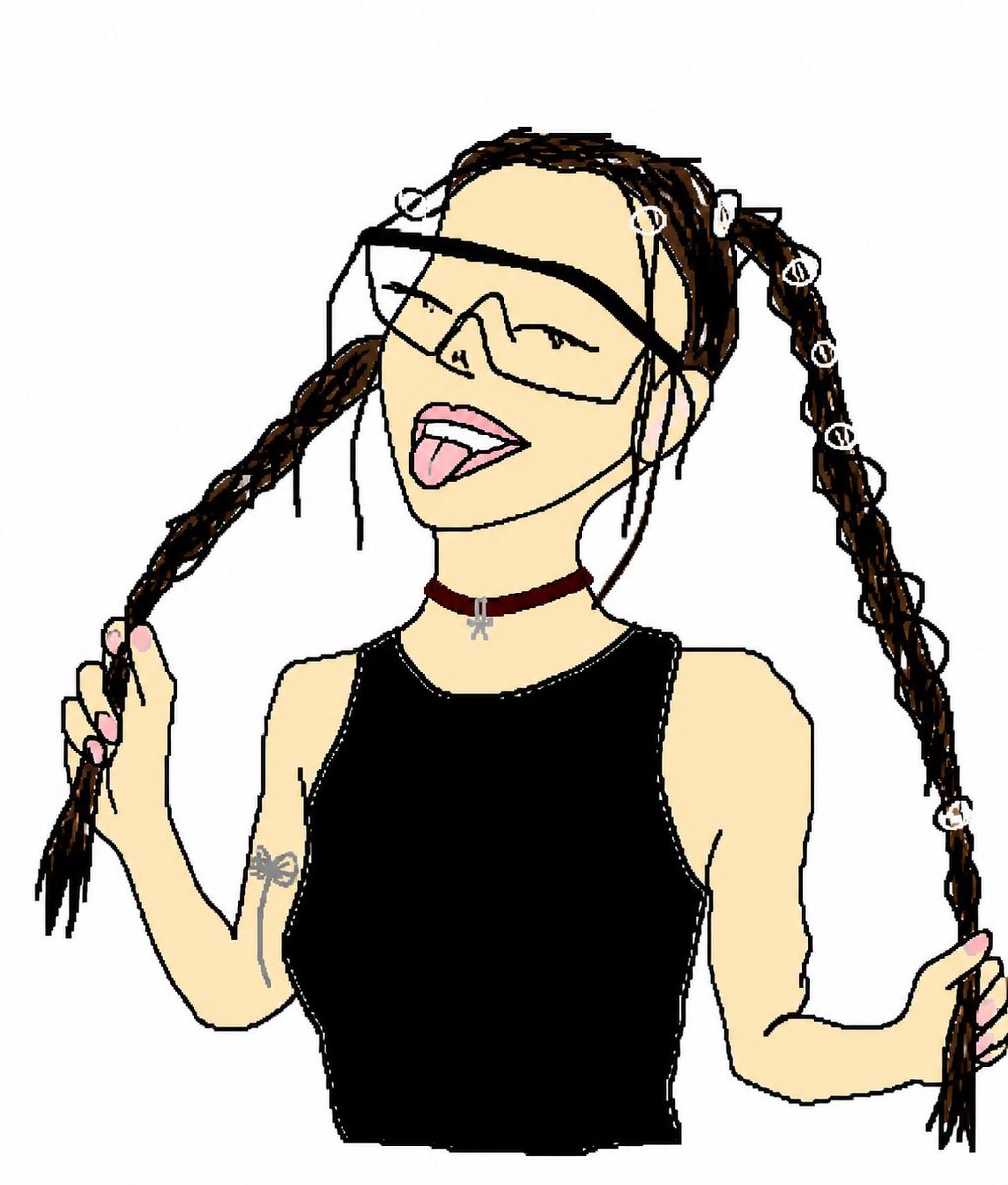
![Naive doodle-style subject illustration — A doodle-style {argument name="subject" default="[subject]"}, naive lines, humorous shape exaggeration](https://pbs.twimg.com/media/G6Wl2YxbsAARB2b.jpg)














![Image-to-Beverage Mockup Conversion — [AI指示: 画像→ペットボトル飲料変換]
[入力画像] を分析する。
抽出: [メインモチーフ]、[雰囲気]、[カラーパレット]を読み取る。
ドリンク選択: 画像の色と雰囲気からドリンクを自由に決める({argument name="ドリ](https://pbs.twimg.com/media/G_LW9LPaUAA0Kx2.jpg)