How do I use the Japanese Night Station Snap Portrait template?
Choose the primary action to open PicX Studio with the available template settings. Review the model and format, personalize the creative direction, and generate when ready.
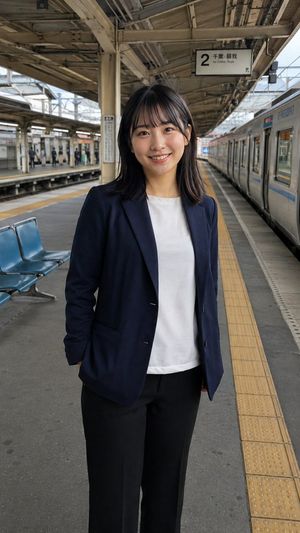
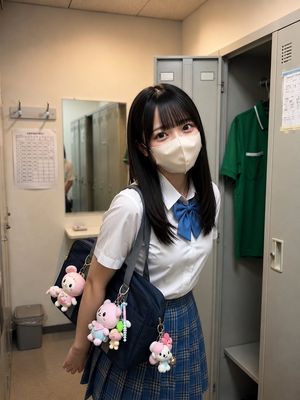
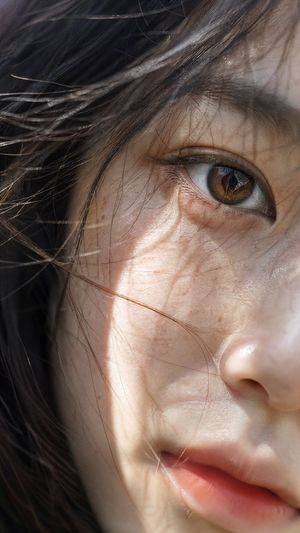
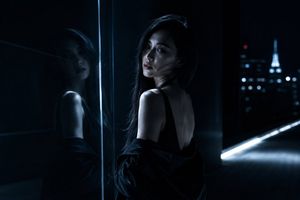
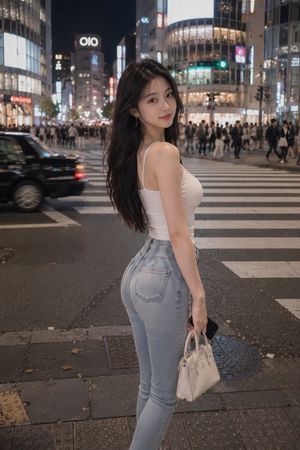
A sophisticated prompt for generating an emotional, cinematic portrait of a young woman at a Japanese train station at night, focusing on realistic textures and lighting. Change the subject, setting, or lighting one variable at a time.
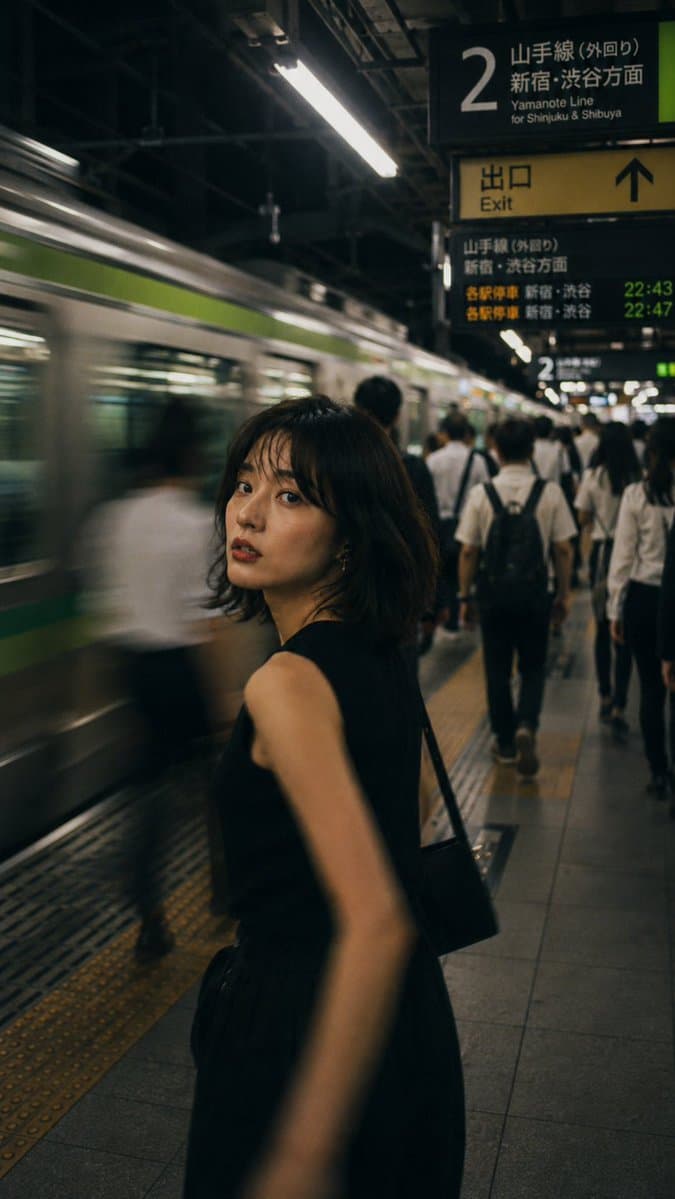
主題: {argument name="主題" default="帰り道"} 人物・表情: {argument name="人物" default="20代前半の若い女性。黒髪の切りっぱなしボブに薄めのシースルーバング。日系らしいナチュラルメイクで、やわらかなセミマット肌、自然な涙袋、繊細なアイライン、落ち着いたブラウン系アイシャドウ、血色感を少しだけ入れた頬、ツヤを抑えたローズベージュのリップ。少し疲れを残しながらも凛とした表情で、歩きながらふと振り返ってカメラを見る。視線は静かで、仕事終わりの余韻がある。"} 服装・ポーズ: 日系の都会的な通勤スタイル。黒のノースリーブニットトップス、黒の軽やかなフレアスカート、華奢な黒のショルダーバッグ。シンプルで上品、抜け感のある大人っぽいスタイリング。体は前へ進みながら、顔だけを振り返るポーズ。腕と体の一部に自然な動きのブレを入れる。 背景・光: {argument name="背景" default="夜の日本の駅ホーム。JR風のリアルな都内ターミナル駅、山手線風のグリーンラインが入った通勤電車、黒地に白文字のホーム案内板、黄色の「出口 / Exit」サイン、日本語と英語が併記された自然な駅サイン、発車案内の電光掲示板、黄色い点字ブロック、仕事帰りの通勤客。"}蛍光灯の光が連なるホームで、全体はやや暗めのシネマティックな色調。人物の顔にはやわらかい光が当たり、背景は少し黄緑寄りの夜の駅の空気感 構図・カメラ: 縦長構図、35mmレンズ、スナップ写真風。人物は画面中央よりやや左、腰上から太ももあたりまで入る構図。顔にピントを合わせ、背景の通勤客と電車はモーションブラーで流す。雑踏の中で人物だけが一瞬止まって見えるような構図。浅い被写界深度、自然な手持ち撮影感。 質感・スタイル: 高精細、4K品質、リアルなAIポートレート、写真風AI画像、映画のワンシーンのような雰囲気。フィルムライクな粒子感、少しアンバー寄りの駅照明、自然な肌の質感、毛穴や肌理がほんのり見えるリアルな描写。過度に加工されていない、下班後の空気を切り取ったような雑誌写真の仕上がり。都会的、静か、エモーショナル、日系ポートレート。 ネガティブ: 低画質、不自然な顔、不自然な手、余分な指、欠けた指、歪んだ指、奇妙な目線、左右非対称な目、崩れた顔、歪んだ体、破綻した服、過度な加工、過度な美肌補正、過剰な露出、AI特有の不自然な質感、背景の文字化け、不自然な駅サイン、不自然な電車、重複した人物、不要な小物、文字、ロゴ、透かし
Choose the primary action to open PicX Studio with the available template settings. Review the model and format, personalize the creative direction, and generate when ready.
Yes. You can change the subject, setting, lighting, mood, format, and available model controls before creating your image.
This template is free to open and customize. Generation usage is shown in PicX Studio before you create.
Start with GPT Image 2, which is the model associated with this template. You can compare another compatible model for a different finish.
© 2026 PicX Studio. All rights reserved.

Follow a topic to a crawlable collection of related PicX Studio templates.
43,474 public templates available. Verified via the PicX Studio public templates API; refreshed hourly.












![Minimalist Flat Vector Travel Poster — Premium minimalist flat-vector travel poster for {argument name="city name" default="[CITY_NAME]"}, 3:4 vertical format.](https://cms-assets.youmind.com/media/1787917359711_3ug846_HQX205cbMAA6F6S-300x400.jpg)






























![Soft UI Style Illustration Generator — Soft minimal illustration of {argument name="subject" default="[SUBJECT]"}, rounded shapes, gentle gradients, calming ton](https://pbs.twimg.com/media/G_BPu_1WAAAASVe.jpg)