
Japanese Seaside Travel Portrait
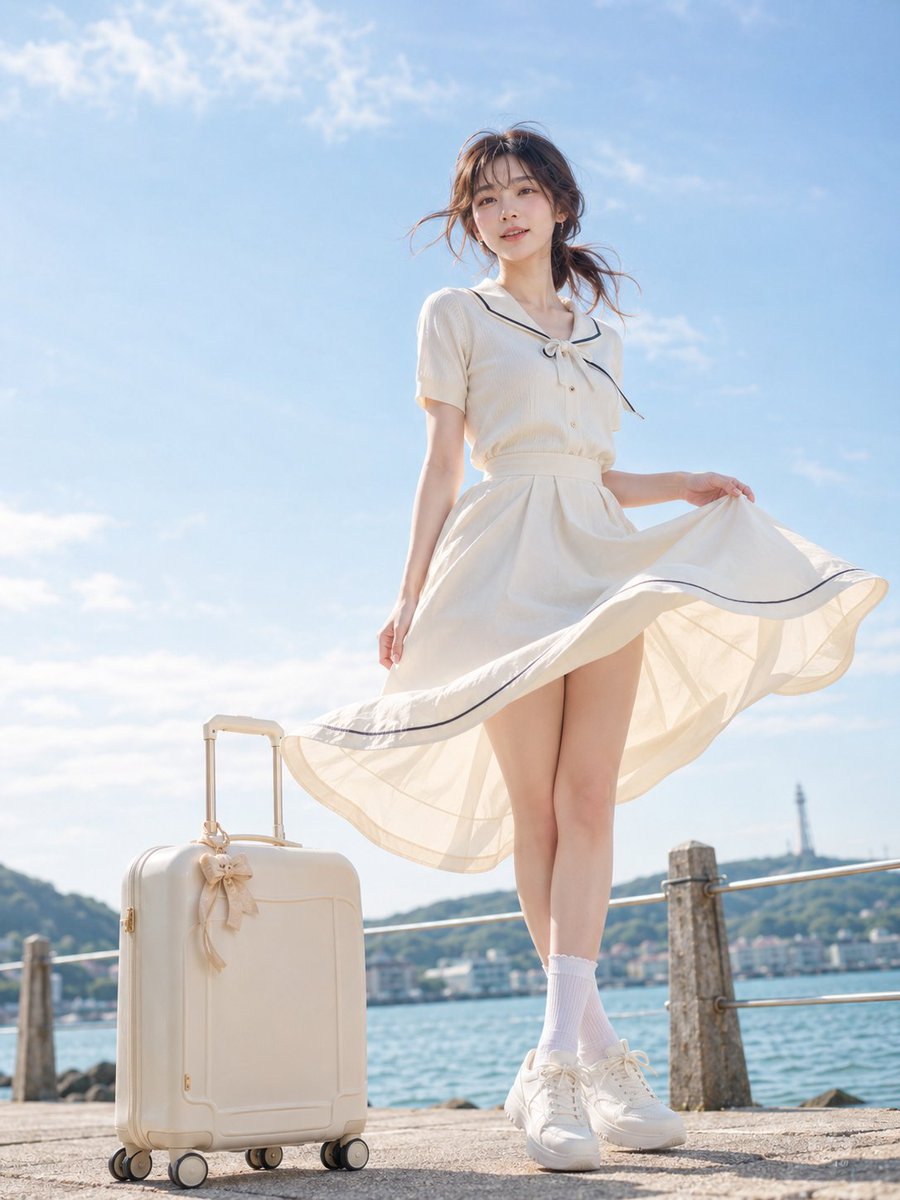
A cinematic, high-quality Japanese-style portrait prompt of a woman at the seaside, focusing on summer light, natural textures, and a nostalgic travel vibe.
- Prompt included
- Model and format preset
- Free template
The prompt behind this image
Copy the exact prompt behind Japanese Seaside Travel Portrait, or open it in the studio and make it yours.
主題:\n{argument name="主題" default="海風の旅"}\n\n人物・表情:\n{argument name="人物" default="20代女性"}。自然で成熟した日本女性らしい雰囲気。黒茶色の髪を低めのゆるいサイドポニーにまとめ、空気感のある薄めの前髪と顔まわりの後れ毛が海風で少し揺れている。清透感のある日系写真メイク、薄いピンクベージュのリップ、自然なチーク、肌のきめを残したリアルな質感。表情は穏やかな微笑みで、少し上からではなく低い位置のカメラを自然に見下ろす。\n\n服装・ポーズ:\n{argument name="服装" default="アイボリーの半袖ブラウスと、同色のハイウエストフレアスカート"}を合わせた日系マリン風コーデ。襟元に細いネイビーのラインと小さなリボン、透けすぎない軽い夏素材。足元は白いソックスと白い厚底スニーカー。人物は海辺の石畳に立ち、重心は右脚、左脚を軽く前に出す。人物自身の右手でスカートの裾を横に大きく持ち上げ、海風で布がふんわり広がる。安全な白いインナーショートパンツが自然に見える程度で、下品な露出はない。人物自身の左手は体の横でリラックスさせる。\n\n背景・光:\n海沿いの遊歩道。左下にクリーム色の可愛いキャリーケース、淡いベージュのリボン飾り付き。後景には青い海、低い山並み、遠くの灯台のようなシルエット、石柱と金属ロープの柵。晴れた夏の昼下がり。太陽は画面左上から強めに差し、髪とスカートの縁に明るいハイライトを作る。人物の右側には柔らかい影が落ち、海からの反射光で脚と白い服が明るく戻る。空は淡い青、雲は薄く白い。\n\n構図・カメラ:\n縦長構図。ローアングルの全身ポートレート。人物は画面右寄りに大きく配置し、頭上に広い青空の余白を残す。キャリーケースは画面左下、人物の脚元より少し手前。人物の全身が入る距離で、スカートの広がりが画面中央を横切る。カメラは腰より低い位置、やや見上げ。焦点は人物の顔、背景は自然に浅くぼかす。広角すぎず、脚や顔が歪まない自然なポートレート表現。\n\n質感・スタイル:\n高品質な日系写真、夏の海辺の透明感、柔らかい白と淡い青を基調にした明るい色調。肌は自然な質感を残し、過度な美肌補正やプラスチック感を避ける。白い布の薄さ、風で膨らむスカートの重なり、キャリーケースの丸みとリボンの質感を丁寧に描写。爽やかで少し文芸的な旅行写真の雰囲気。\n\nネガティブ:\n未成年に見える顔、幼態化、過度な露出、下着の強調、透けすぎる服、露点、性的なポーズ、不自然な顔や視線、余分または欠けた指、手足の融合、関節の破綻、スカートや布の重力破綻、キャリーケースの歪み、光源と矛盾する影、過度な美肌補正、プラスチック肌、過度なHDR、文字、ロゴ、透かし、ブランドマーク、明らかなAI感。
How to use Japanese Seaside Travel Portrait in 3 steps
- 1
Open
The prompt is already in the box next to the preview, with the template's model and format selected.
- 2…a portrait of your subject in softgolden-hour light, 85mm…
Personalize
Edit the subject and creative details for your destination.
- 3Generate
Generate
Press Generate — your image is created in PicX Studio, so you can compare it with the original and refine one variable at a time.
More like this
Templates with the same subject, style or setup. Open one to see its prompt.

untitled

Kids Crayon Travel Journal Illustration

Found Photograph: Us, 1970

80s Couple Studio Portrait

80s Bollywood Star

80s Golden Hour Cinema

Me in 1985

1985 Studio Portrait

Hyper-Realistic Minecraft POV Portrait

Minecraft Japanese Research Lab Exploration

Japan Travel Brochure Poster
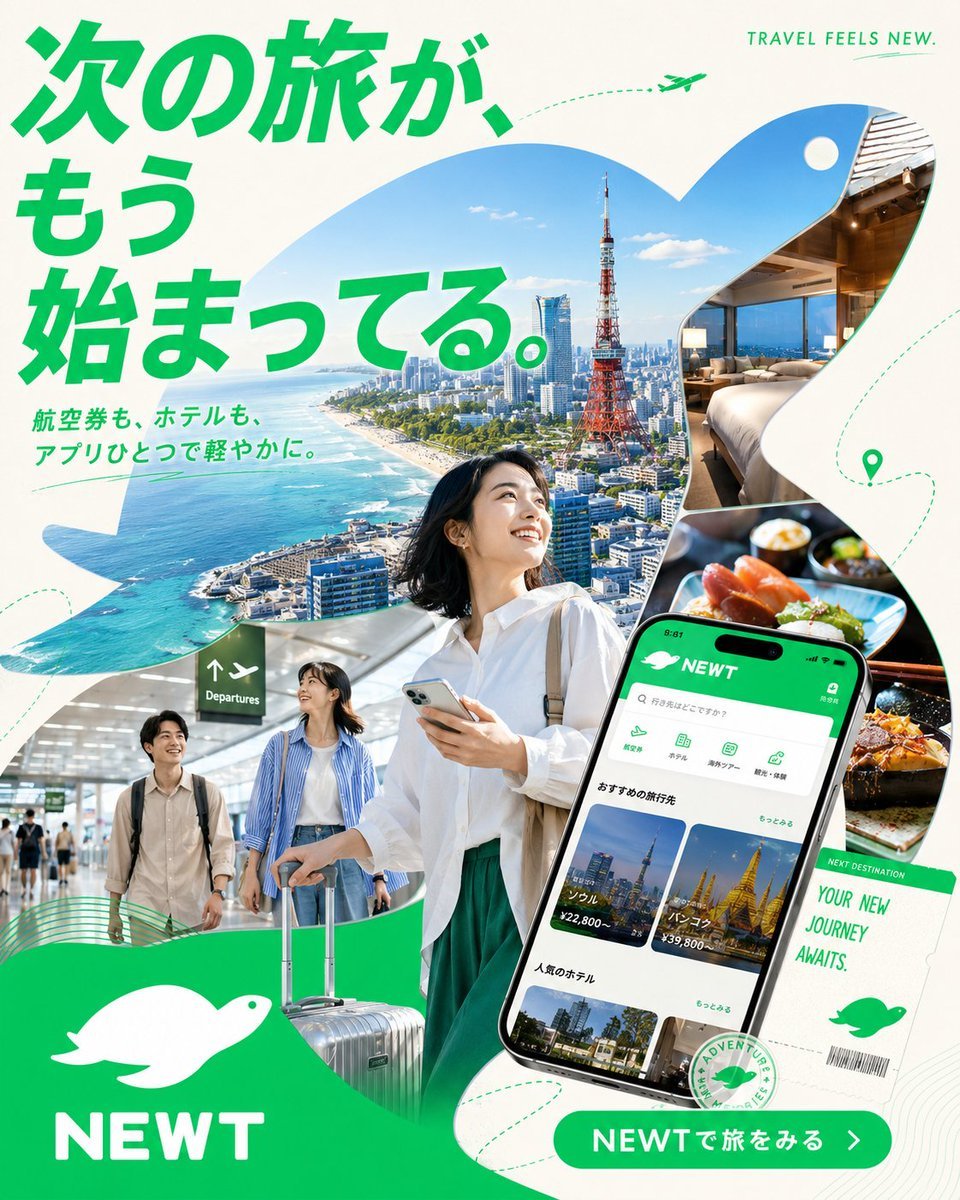
Japanese NEWT Travel App Poster
Make it yours
Japanese Seaside Travel Portrait works as-is. These are the safest ways to change it without losing the look.
Change one field
Copy a single group, rewrite it, and generate again so you can see what that field is doing.
Keep the frame, change the subject
Hold the composition and light of Japanese Seaside Travel Portrait, then swap wardrobe, props or the person for a new take.
| If the result… | Why | Fix |
|---|---|---|
| The result drifts from the preview | Too many fields changed at once. | Reuse Japanese Seaside Travel Portrait as-is first, then change one group — subject, light, or setting. |
| The model over-stylizes the scene | The prose prompt leaves finish and camera underspecified. | Add one camera or lighting sentence and stay on GPT Image 2. |
More GPT Image 2 templates
Other prompts made for GPT Image 2.

Six VTuber Japanese Logo Sheet

Realistic Portrait of Woman and Deer

The Vista Modular Condo Poster

AI Model Routing Comparison Infographic

2.5D Anime Art Board

Isometric Productivity Desk Scene

New York Double Exposure Poster

Four-Panel AI Landscape Comparison

Japanese Tatami Lifestyle Magazine Cover

NESCAFÉ Coffee Map Poster
More image prompts
Fresh picks from across the catalog.

Mixed Media Portrait with Pop Art Doodles
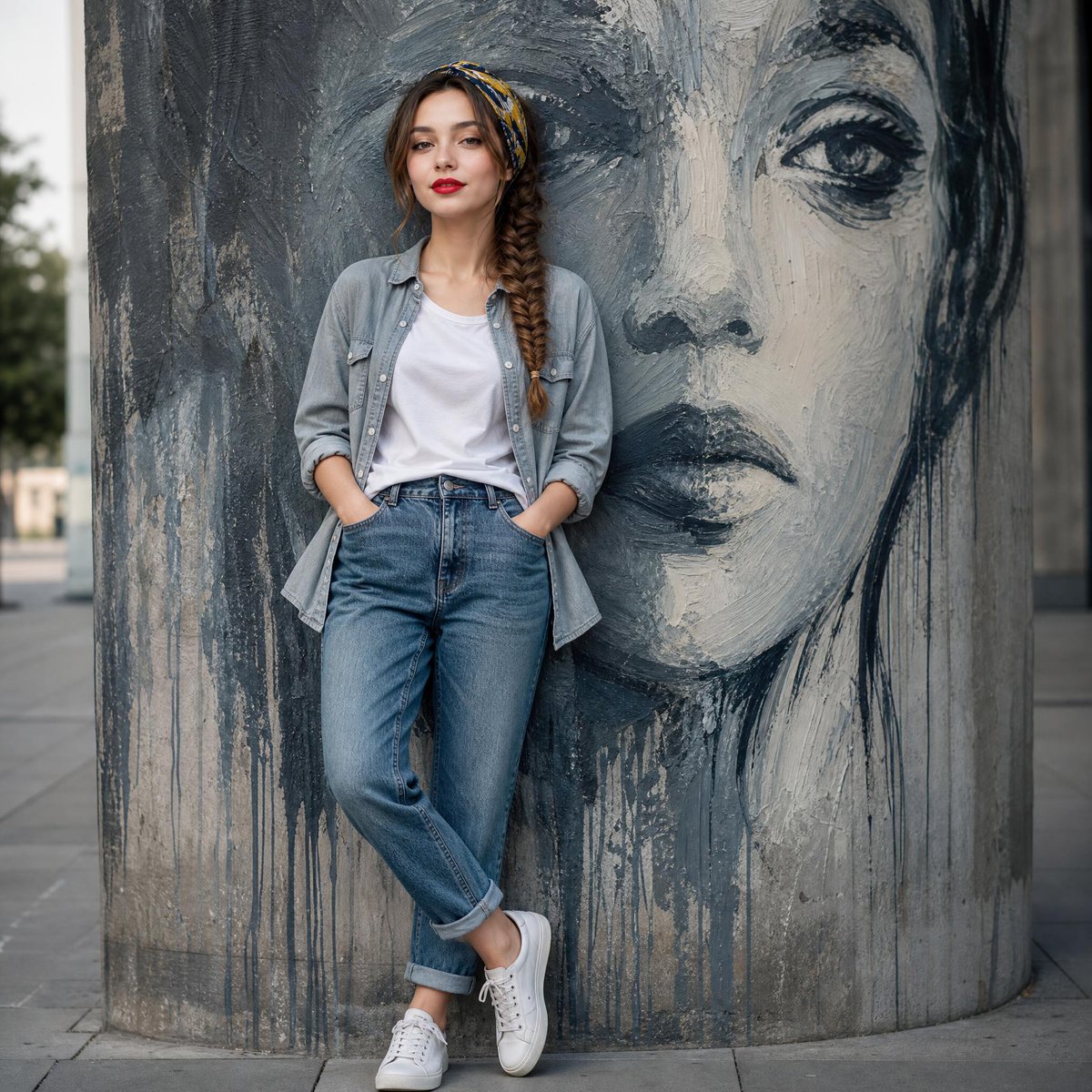
Fashion Mural Editorial Portrait
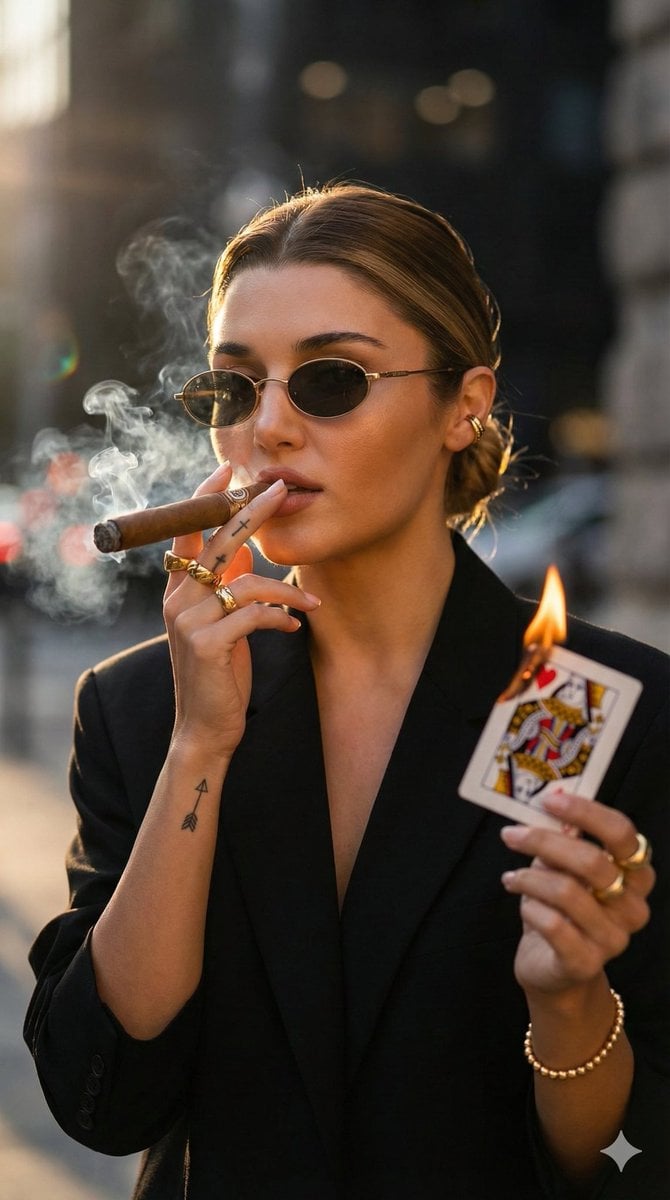
Edgy Fashion Portrait with Cigar and Playing Card Prompt (Urdu/Hindi)

Cinematic Nightclub Portrait with Neon Lights Prompt
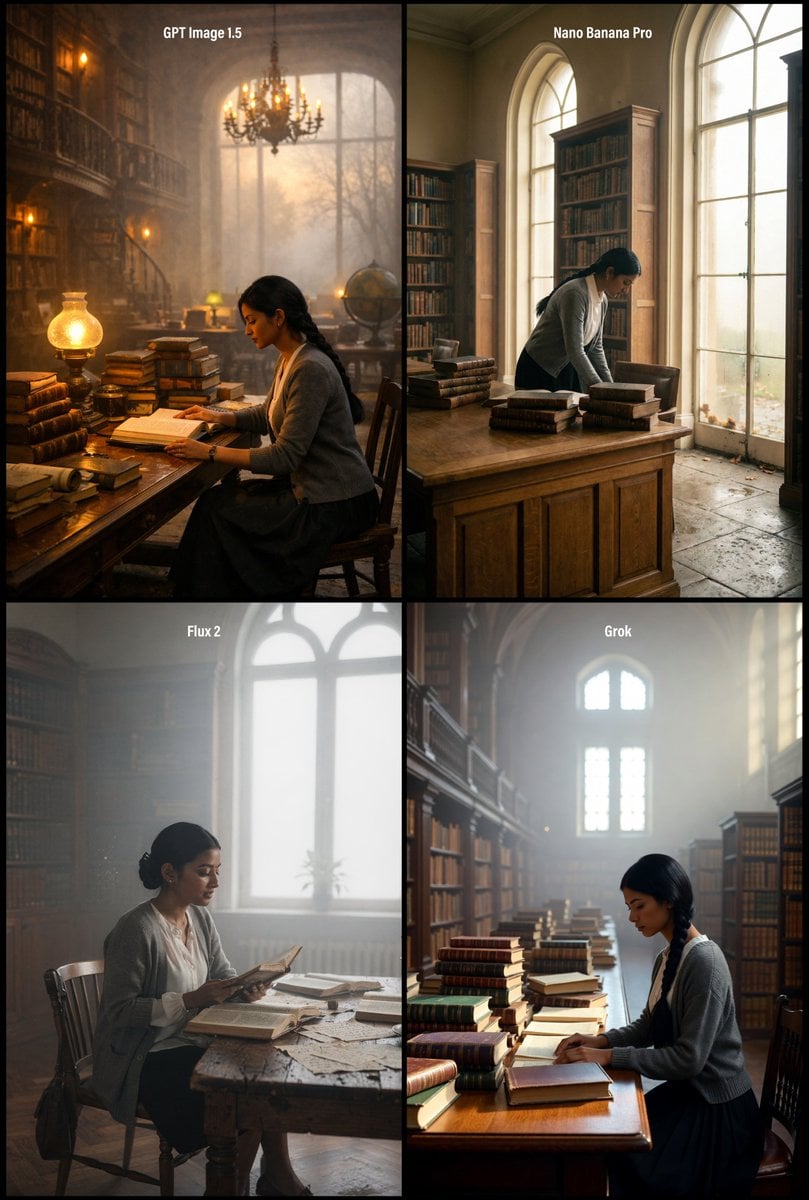
Realistic Library Scene at Foggy Autumn Dawn
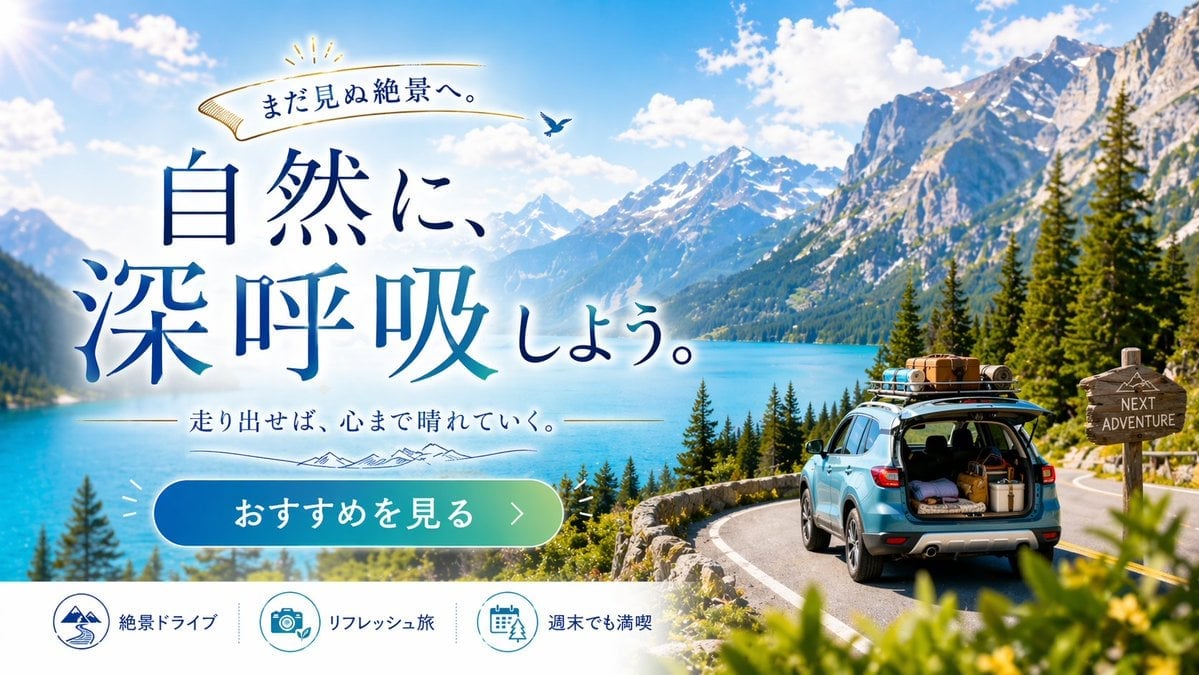
Scenic Travel Ad Banner Generator
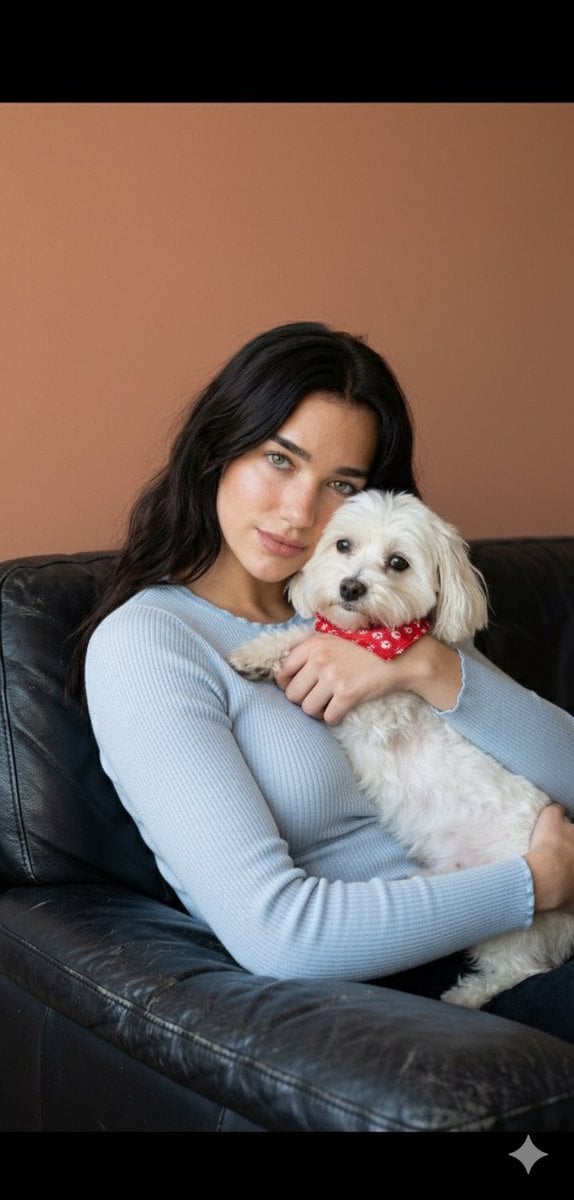
Dua Lipa Cozy Portrait with Maltese Dog Prompt
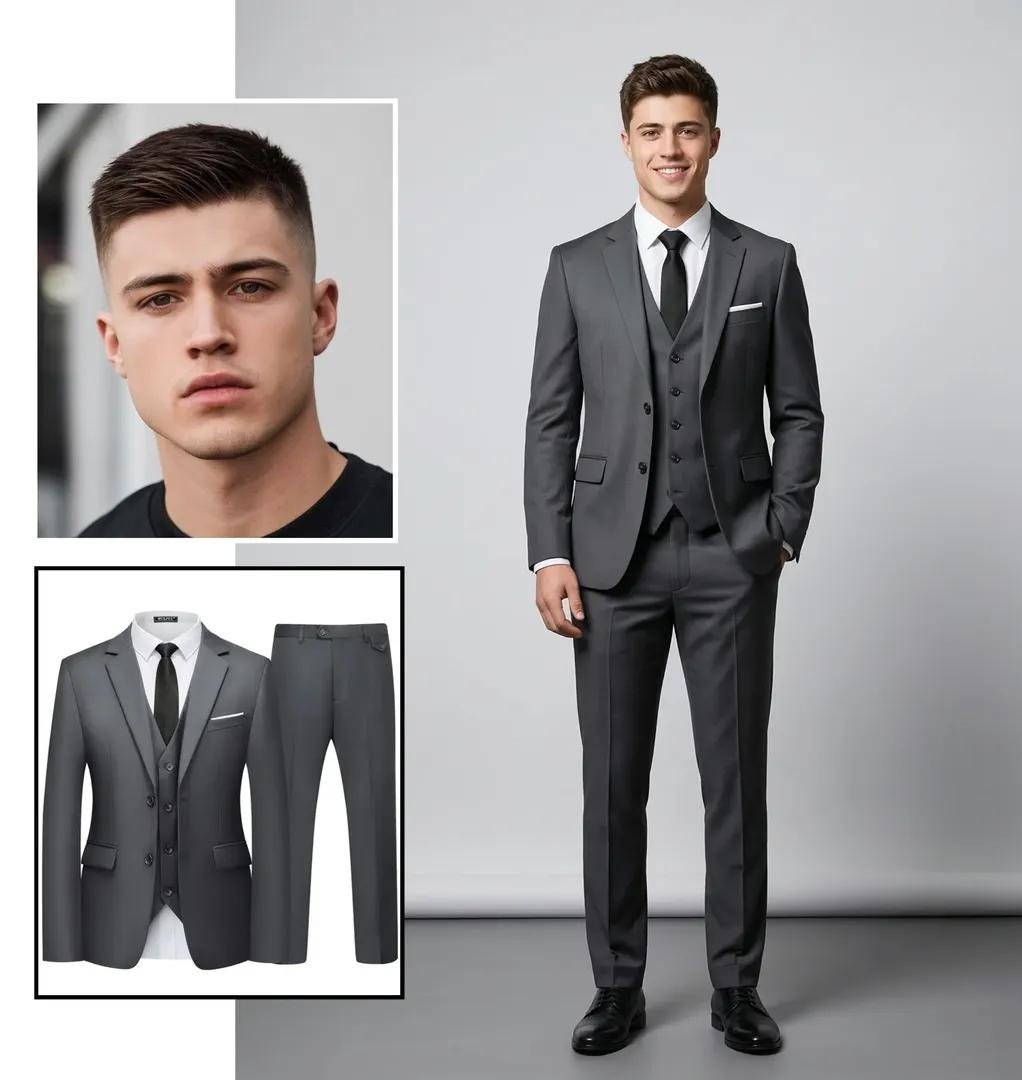
Ultra-realistic Full-Body Fashion Studio Portrait
Sunlit Desk with White Cat and Laptop
Seaside Anime Crossover Manga Page
Browse template categories
Japanese Seaside Travel Portrait questions
How do I use the Japanese Seaside Travel Portrait template?
Add your photo if the template asks for one, edit the prompt if you like — the template's model and format are already selected — and press Generate. Your version opens in PicX Studio.
Can I customize the Japanese Seaside Travel Portrait template?
Yes. You can change the subject, setting, lighting, mood, format, and available model controls before creating your image.
Is the Japanese Seaside Travel Portrait template free?
Opening and editing this template is free. Generating uses credits, shown on the Generate button when you are signed in.
Which AI model should I use?
Start with GPT Image 2, which is the model associated with this template. You can compare another compatible model for a different finish.
Looking for something else? Browse all templates.

Your photo, any look
Thousands of ready templates for every top image and video model, from one credit balance.