
Japanese Cafe Fashion Snapshot
A natural fashion portrait prompt for a woman relaxing at a street corner cafe in Japan.
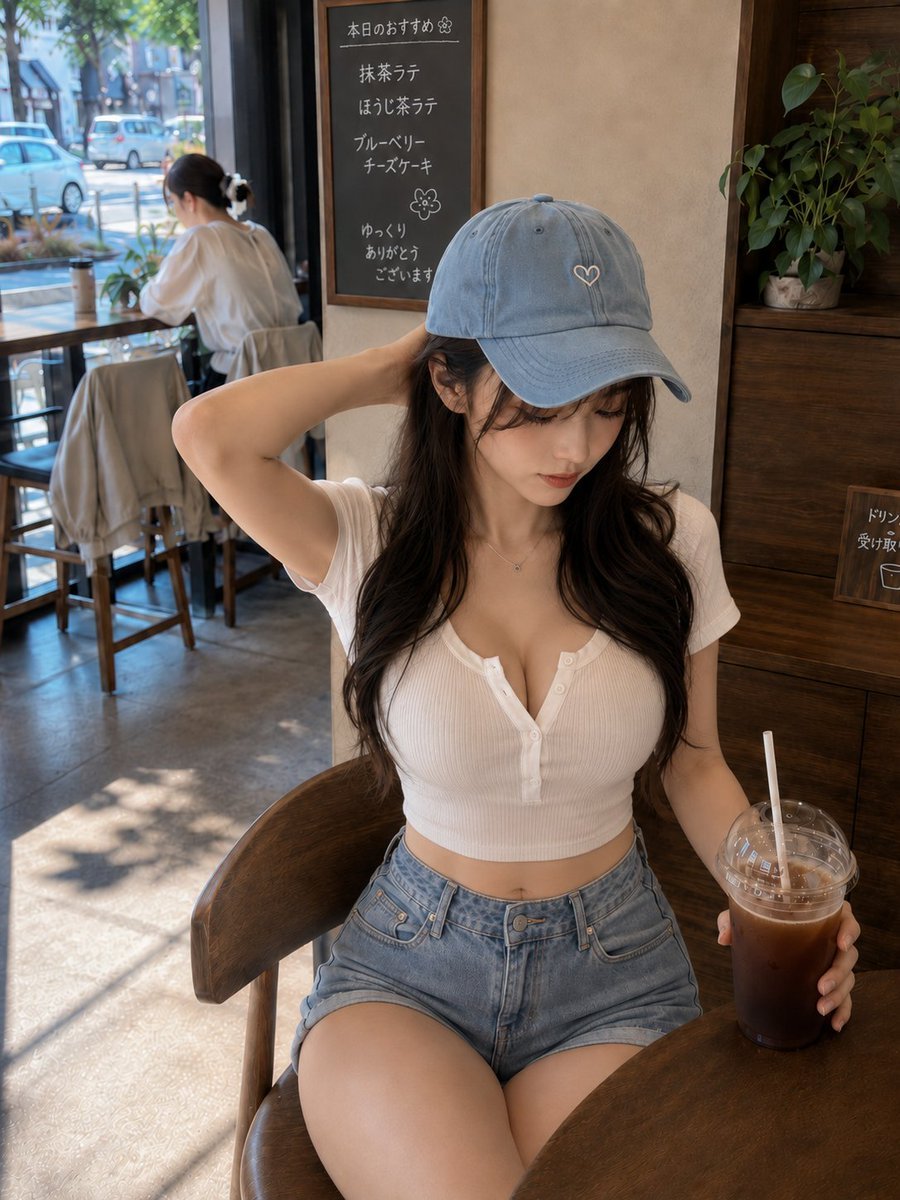
- Prompt included
- Model and format preset
- Free template
The prompt behind this image
Copy the exact prompt behind Japanese Cafe Fashion Snapshot, or open it in the studio and make it yours.
主題: 帽子越しの休息 主体: {argument name="カフェの雰囲気" default="日本の街角にある落ち着いたカフェ"}で、木製の椅子に座り{argument name="飲み物" default="アイスコーヒー"}を手にする、自然な大人の女性を描いた縦長3:4のリアルなファッションポートレート。人物は画面中央からやや右を大きく占め、頭部から太腿までを収める。テーブルの丸い縁を右下に入れ、窓際の客席と通りの景色を左奥へ続ける。 人物・表情: {argument name="髪の色" default="黒に近いダークブラウン"}のロングヘア。毛先にはゆるい波があり、頬の横に細い後れ毛を残す。淡いブルーのキャップを深めにかぶり、顔を少し右下へ傾けて飲み物へ視線を落とする。落ち着いた眉、繊細なまつ毛、薄いコーラルチーク、自然な涙袋、ツヤを抑えたローズベージュのリップ。静かで穏やかな表情。 服装・ポーズ: {argument name="服装" default="白い細リブ素材の半袖クロップドヘンリーネックトップ"}。腰骨の少し上で終わる短い丈で、前ボタンは上部を二つだけ自然に開ける。淡いブルーのハイウエストデニムショートパンツ、小さなシルバーネックレスを合わせる。人物自身の左腕を曲げて手を後頭部へ添え、肘を画面左へ張る。右手は透明なカップの下部を包み、指先を自然に沿わせる。脚は椅子の上で軽く交差させ、身体の重心を右腰側へ預ける。 背景・光: 日本の小さな路面カフェ。右側に濃い木目の収納棚と観葉植物、中央奥に手書き風の日本語メニューがある黒板。左奥には大きな窓、木製カウンター、背を向けて座る客、街路樹とぼかされた車を配置する。午前中の明るい日差しが左上の窓から差し込み、腕、頬、白いトップス、太腿の左側を柔らかく照らす。床には葉の影が落ち、右側には木材からの暖かな反射光を入れる。 構図・カメラ: 縦長3:4、やや高い目線から撮影した腰掛け姿のミディアムショット。人物の顔を上部中央、カップを右下の三分割線付近に置く。キャップ上部には適度な余白を残し、太腿は画面下端で自然に裁切する。35〜50mm相当の自然な遠近感、人物の顔と上半身に焦点を合わせ、背景は内容が分かる程度に穏やかにぼかす。 質感・スタイル: 高性能フルサイズデジタルカメラで撮影した自然なカフェスナップ。細かな髪の毛、コットンリブの凹凸、デニムの色落ち、カップの結露、木目を繊細に描写する。肌は明るく滑らかだが、毛穴や陰影を適度に残す。暖色寄りのナチュラルカラー、控えめなコントラスト、透明感のあるハイライト。 ネガティブ: 不自然な顔、不自然な視線、余分な指、欠けた指、手足の融合、関節の破綻、カップとの接触不良、歪んだ椅子、誤った遠近法、光源と矛盾する影、読めない不自然な文字、ブランドロゴ、透かし、過度な美肌補正、プラスチックのような肌。
How to use Japanese Cafe Fashion Snapshot in 3 steps
- 1
Open
The prompt is already in the box next to the preview, with the template's model and format selected.
- 2…a portrait of your subject in softgolden-hour light, 85mm…
Personalize
Edit the subject and creative details for your destination.
- 3Generate
Generate
Press Generate — your image is created in PicX Studio, so you can compare it with the original and refine one variable at a time.
More like this
Templates with the same subject, style or setup. Open one to see its prompt.

Blue Backdrop Luxury Fashion Portrait Campaign

Nano Banana - Paris Cafe Editorial

80s College Gate

1988 Mall Style

80s Polka Dot Saree

Minecraft Japanese Research Lab Exploration
Japanese Minimalist Editorial Fashion Poster
Nostalgic Early-2000s Cafe Snapshot

Polo Ralph Lauren Luxury American Heritage Fashion Campaign

Cinematic Street Fashion Photographer Portrait

High-Fashion Editorial Magazine Cover ICON

Fine Art Monochrome Fashion Portrait
Make it yours
Japanese Cafe Fashion Snapshot works as-is. These are the safest ways to change it without losing the look.
Change one field
Copy a single group, rewrite it, and generate again so you can see what that field is doing.
Keep the frame, change the subject
Hold the composition and light of Japanese Cafe Fashion Snapshot, then swap wardrobe, props or the person for a new take.
| If the result… | Why | Fix |
|---|---|---|
| The result drifts from the preview | Too many fields changed at once. | Reuse Japanese Cafe Fashion Snapshot as-is first, then change one group — subject, light, or setting. |
| The model over-stylizes the scene | The prose prompt leaves finish and camera underspecified. | Add one camera or lighting sentence and stay on GPT Image 2. |
More GPT Image 2 templates
Other prompts made for GPT Image 2.

Six VTuber Japanese Logo Sheet

Realistic Portrait of Woman and Deer

The Vista Modular Condo Poster

AI Model Routing Comparison Infographic

2.5D Anime Art Board

Isometric Productivity Desk Scene

New York Double Exposure Poster

Four-Panel AI Landscape Comparison

Japanese Tatami Lifestyle Magazine Cover

NESCAFÉ Coffee Map Poster
More image prompts
Fresh picks from across the catalog.
Partial Petrification Knight Card Art
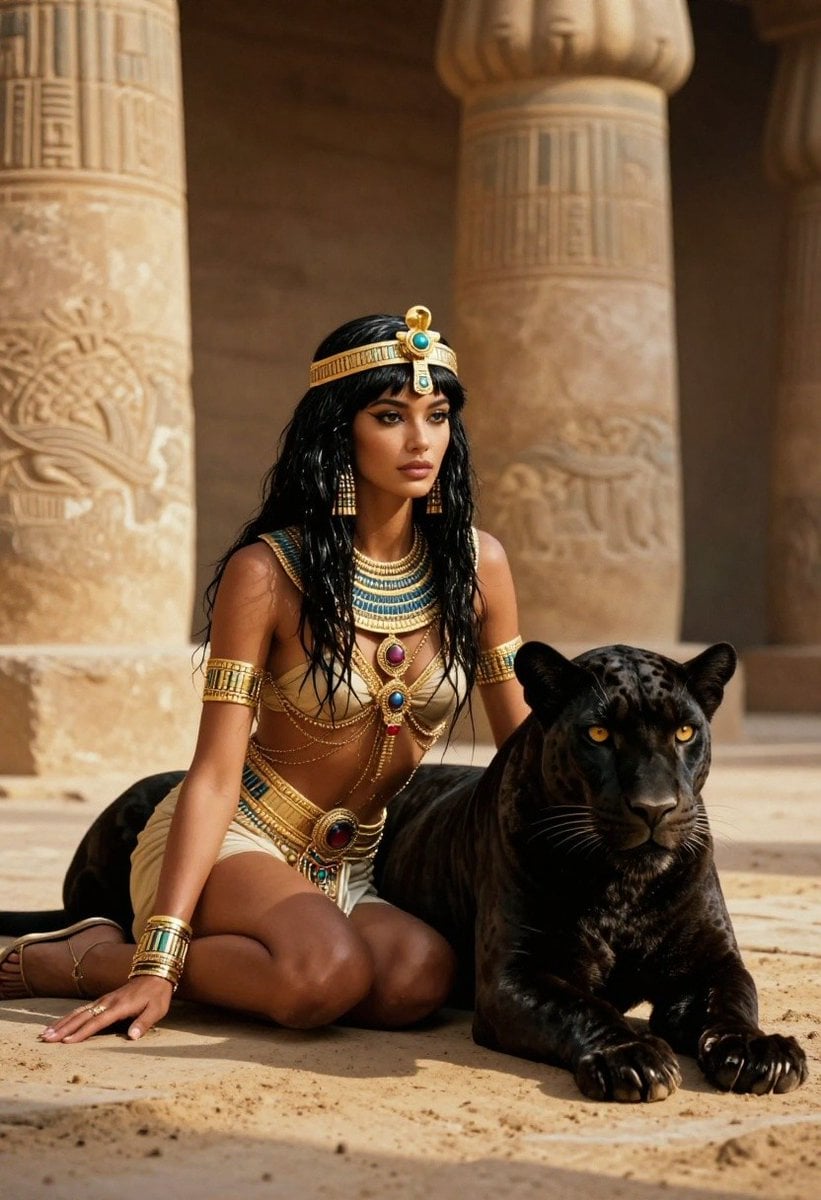
Ancient Egyptian Queen with Black Panther
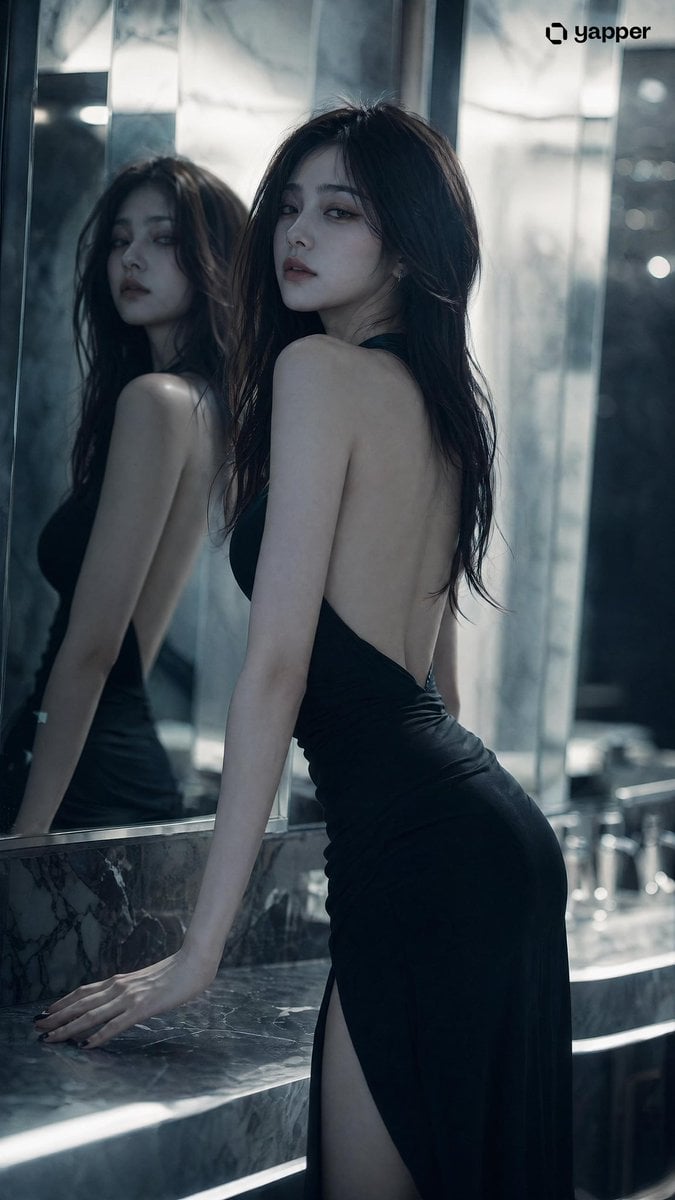
Aloof Portrait with Mirror Reflections
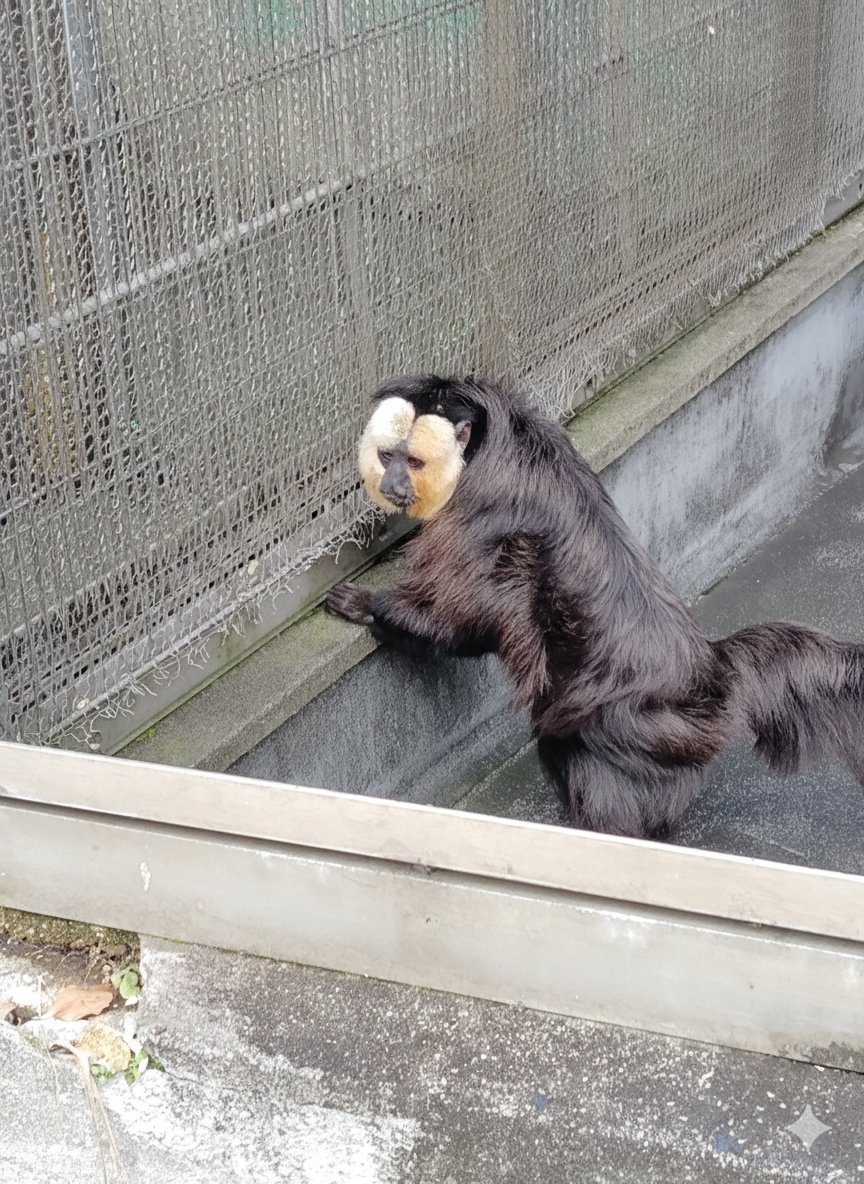
Image Editing with Nano Banana: Removing a Fence
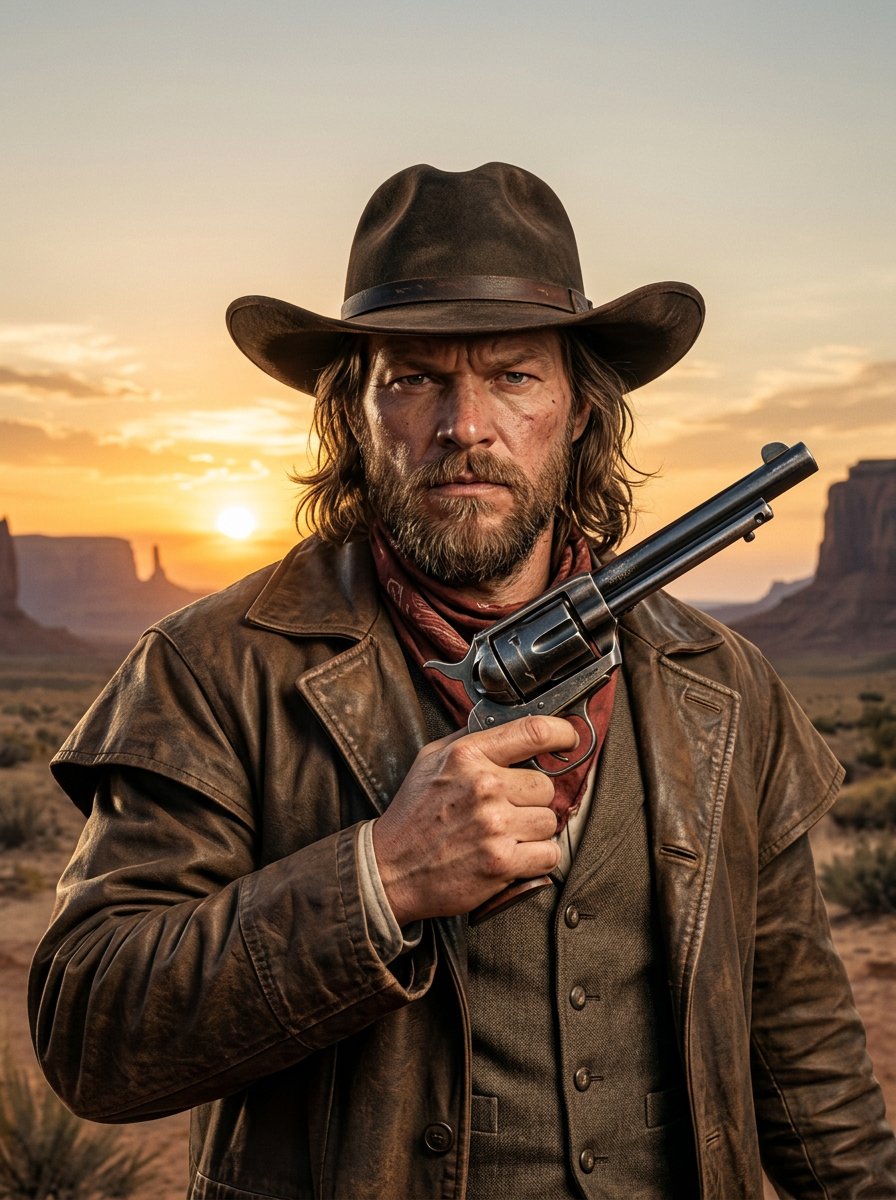
make me a cowboy poster
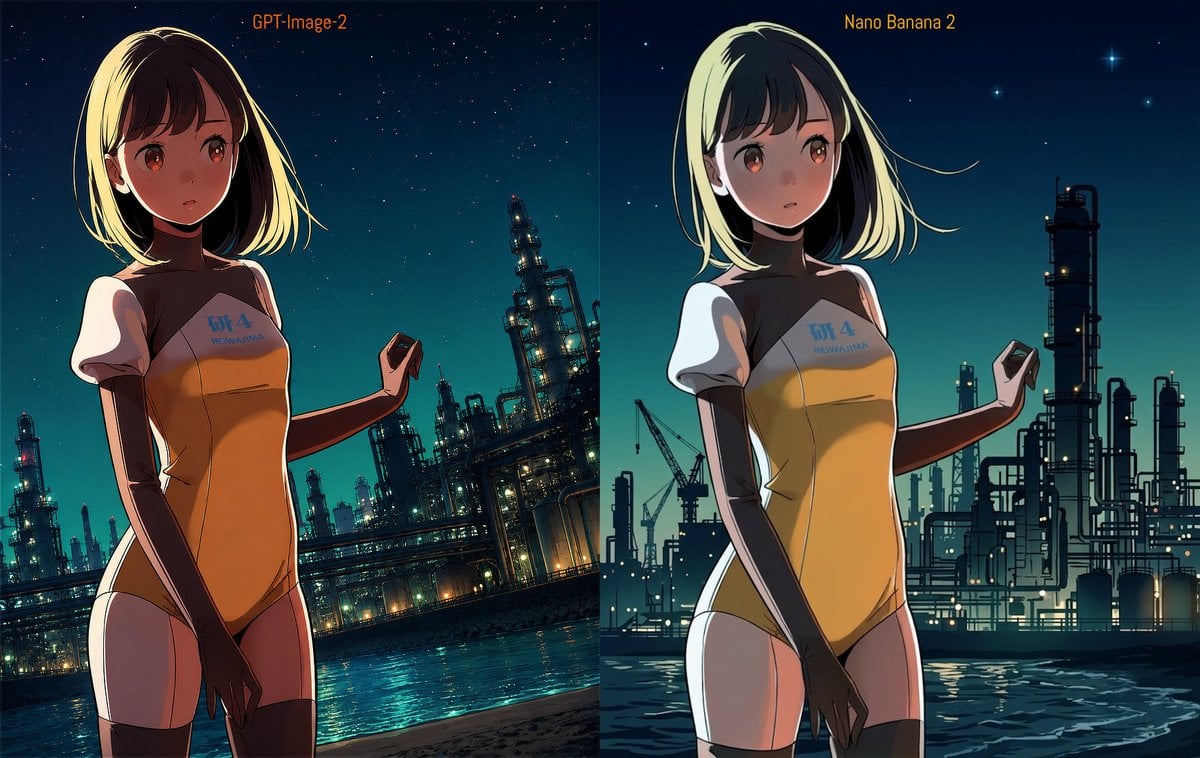
Industrial Night Background Replacement
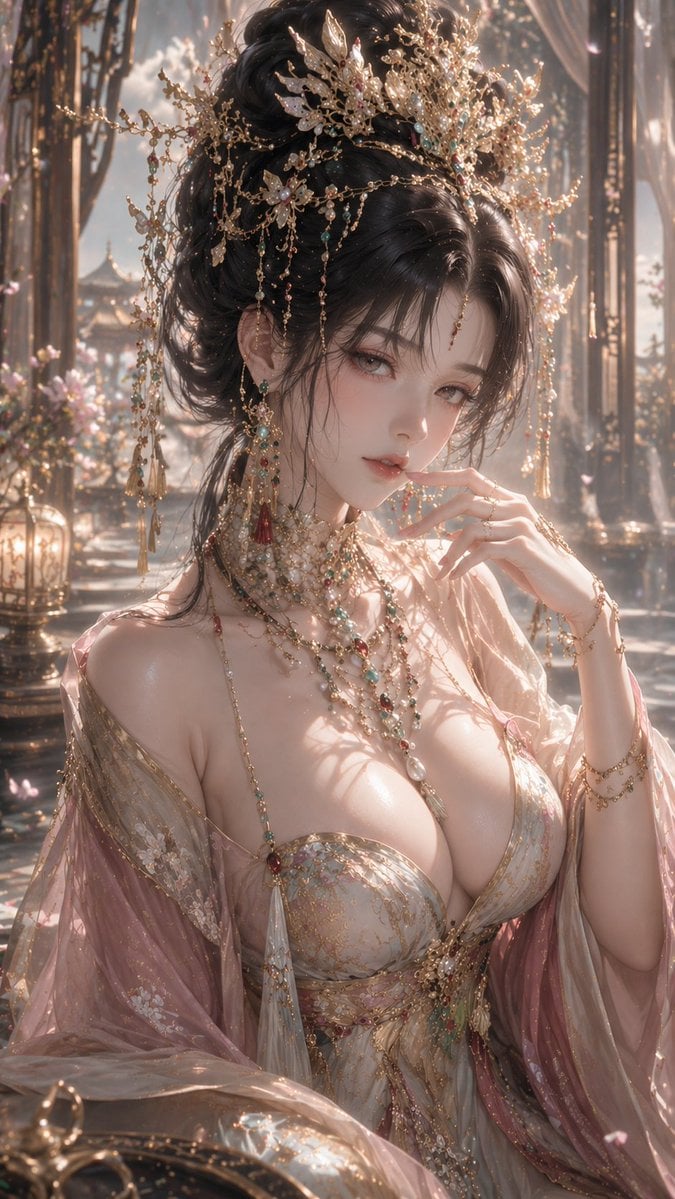
3D CG Oriental Fantasy Goddess Portrait
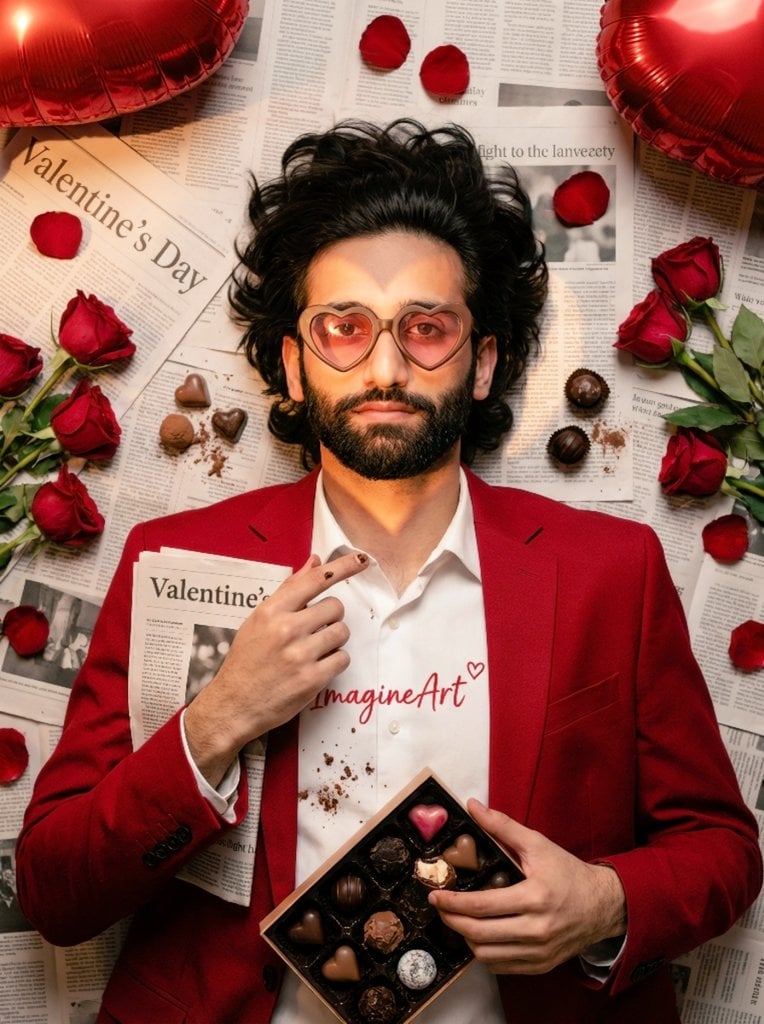
Valentine's Day Chocolate and Roses Editorial Portrait
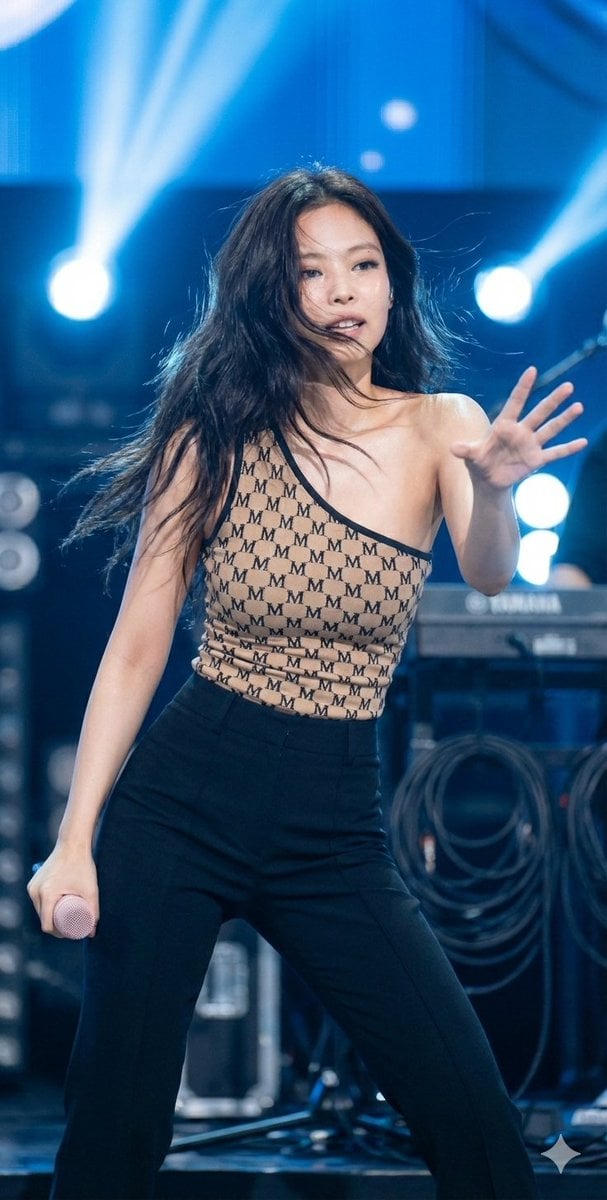
Dynamic Editorial Portrait of Jennie Kim in Monogram Bodysuit
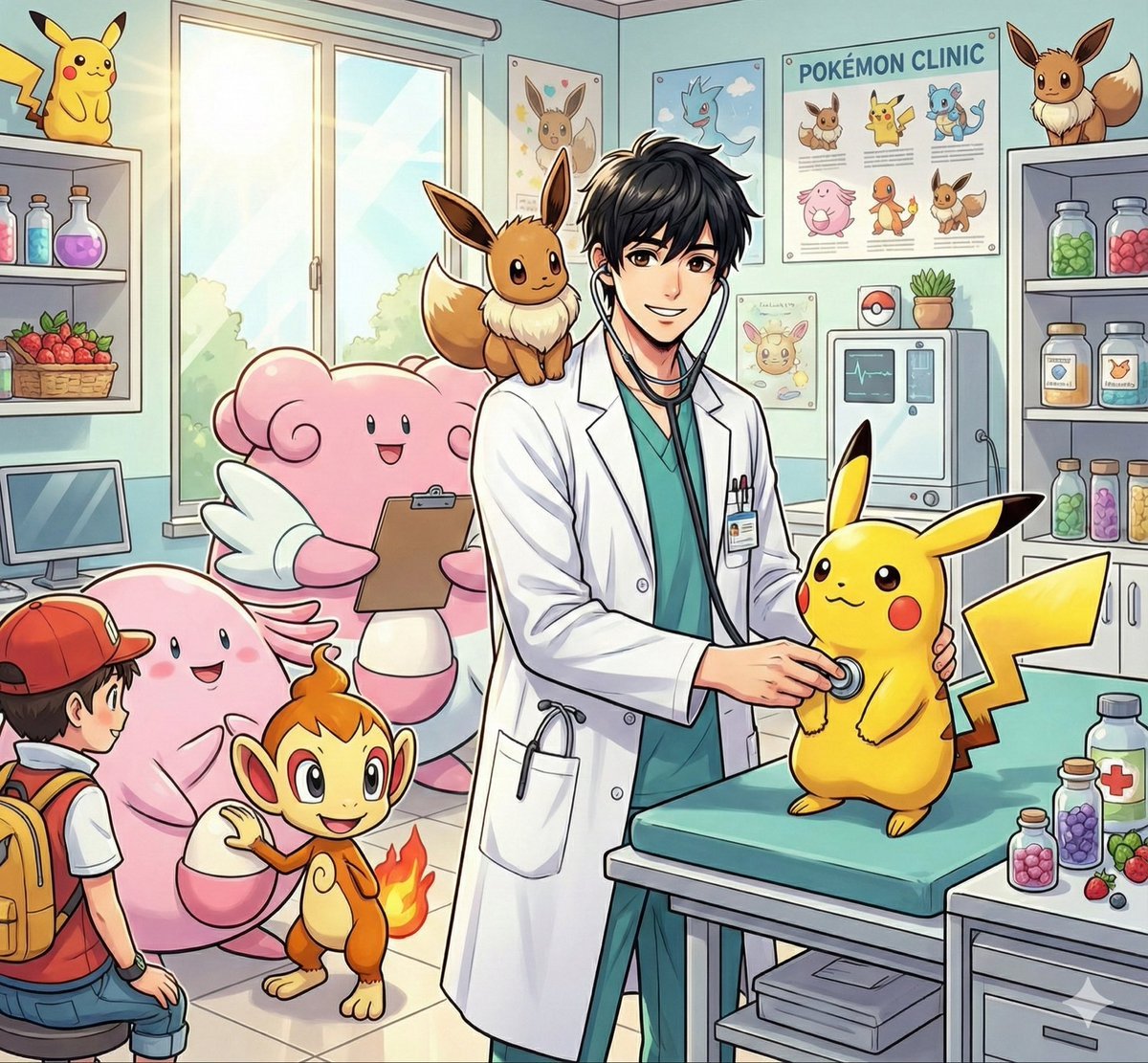
Pokémon World Icon Generation Prompt
Browse template categories
Japanese Cafe Fashion Snapshot questions
How do I use the Japanese Cafe Fashion Snapshot template?
Add your photo if the template asks for one, edit the prompt if you like — the template's model and format are already selected — and press Generate. Your version opens in PicX Studio.
Can I customize the Japanese Cafe Fashion Snapshot template?
Yes. You can change the subject, setting, lighting, mood, format, and available model controls before creating your image.
Is the Japanese Cafe Fashion Snapshot template free?
Opening and editing this template is free. Generating uses credits, shown on the Generate button when you are signed in.
Which AI model should I use?
Start with GPT Image 2, which is the model associated with this template. You can compare another compatible model for a different finish.
Looking for something else? Browse all templates.

Your photo, any look
Thousands of ready templates for every top image and video model, from one credit balance.