How do I use the Candid Breakfast Shop Portrait template?
Choose the primary action to open PicX Studio with the available template settings. Review the model and format, personalize the creative direction, and generate when ready.
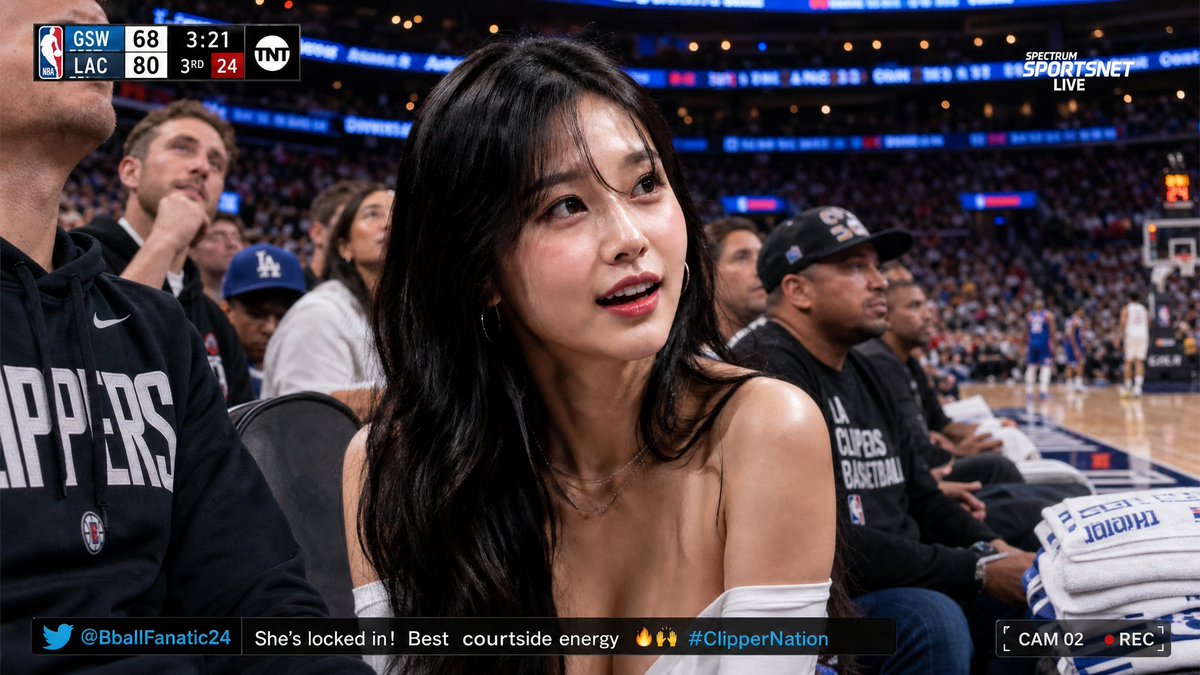
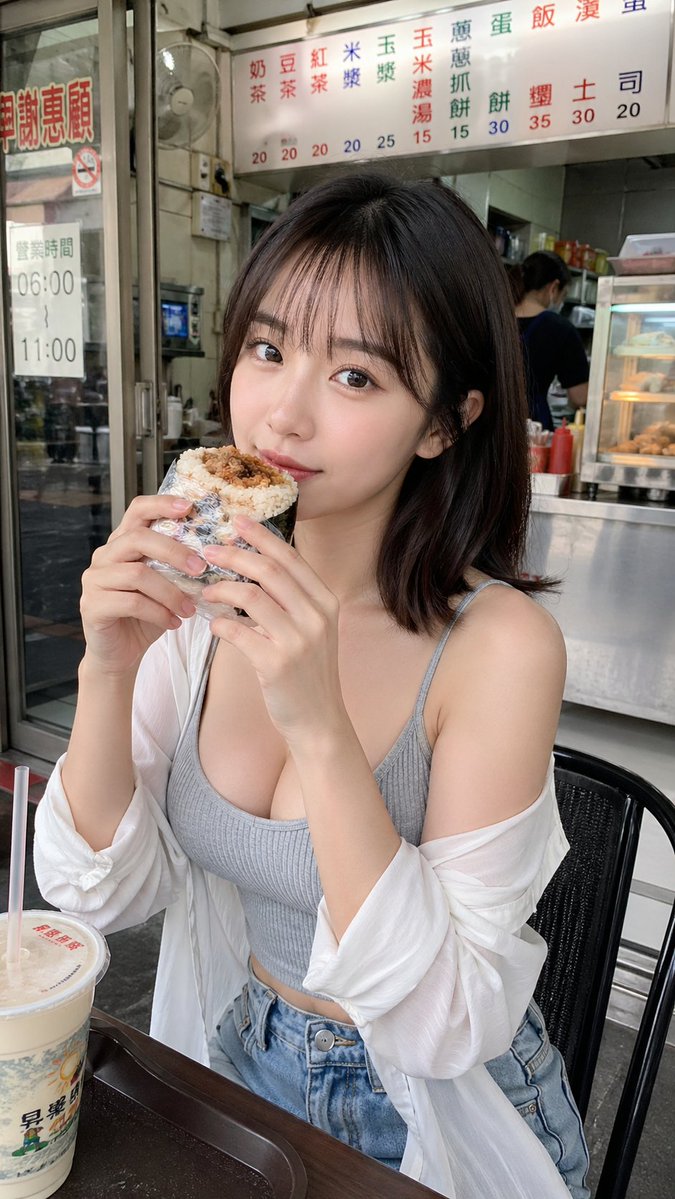
This prompt generates a realistic vertical lifestyle photo of a woman eating at a Taiwanese breakfast shop, useful for casual social-media or street-photography style imagery. (free to use) — Free AI image template on PicX Studio.
A candid smartphone photo of a young East Asian woman sitting at a small table inside a casual Taiwanese breakfast shop, medium shot in vertical 9:16 composition. She has shoulder-length straight dark brown to black hair with a side part and is wearing a fitted ribbed camisole in {argument name="top color" default="light gray"}, high-waisted light blue denim shorts, and a loose sheer white cardigan slipping off both shoulders. She is seated on a black chair and holding a foil-wrapped breakfast rice roll or sandwich with both hands close to her mouth as if about to take a bite. Her body is angled slightly to the right, with a relaxed, natural pose and a soft lifestyle-photo aesthetic. Place a large rectangular blur censor block over her face, centered and covering the entire face area. On the table in the lower left foreground, include 1 large takeaway cup with a plastic lid and 1 red straw. In the background, show the open storefront interior of a traditional breakfast stall with stainless steel counters, a glass warming display, condiment bottles, 1 worker behind the counter, 1 wall fan, and overhead menu boards with red and blue Chinese characters and prices. Also include a glass door on the left with Chinese signage and hours posted. Lighting should be natural daylight, slightly soft, with realistic skin tones, casual street-photo realism, shallow depth but still readable background details, authentic urban Taiwan eatery atmosphere.
Use Candid Breakfast Shop Portrait to plan an AI image around gpt-image-2 generation, themes such as en and gpt-image-2. Match the preview's composition first, then personalize the subject, setting, and mood for your own project.
Use the primary action to load the template settings in PicX Studio.
Adjust the subject and creative details for your destination.
Create the image, compare the result with the preview, and refine one variable at a time.
A continuous mix — similar concepts first, woven with same-model prompts and fresh picks from the catalog.
Choose the primary action to open PicX Studio with the available template settings. Review the model and format, personalize the creative direction, and generate when ready.
Yes. You can change the subject, setting, lighting, mood, format, and available model controls before creating your image.
This template is free to open and customize. Generation usage is shown in PicX Studio before you create.
Start with gpt-image-2, which is the model associated with this template. You can compare another compatible model for a different finish.
Follow a topic to a crawlable collection of related PicX Studio templates.
39,157 public templates available. Verified via the PicX Studio public templates API; refreshed hourly.
A continuous mix — similar concepts first, woven with same-model prompts and fresh picks from the catalog.