Electric Energy Drink Poster
Create a premium commercial hero poster for an original electric energy drink brand named "VOLTERRA". Show one single transparent blue glass bottle standing upright at the exact center of a dark blue-black void, placed directly on a wet reflective floor. The bottle must remain the absolute visual hero. Core composition: front-facing centered bottle, full bottle visible, vertical composition, symmetrical balance, large surrounding negative space, low horizon, deep dark background. The bottle stands firmly on a glossy wet ground plane with a crisp mirrored reflection directly beneath it. Behind the bottle, faint cold mist spreads horizontally. Around the bottle midsection, build one dominant electric-blue orbital light ring wrapping diagonally in a clean controlled path, plus only a few secondary broken energy traces. Add several restrained branching lightning bolts extending outward from behind the bottle into the dark background, but keep them secondary to the bottle silhouette. Port logic: turn this exact visual into the unmistakable super-symbol of VOLTERRA. The permanent identity must be built from four fixed codes: one grounded transparent blue glass bottle, one dominant high-voltage orbital ring around the bottle body, one deep blue-black void background with rear lightning activity, and one wet reflective floor catching the electric glow. The image should feel instantly ownable, repeatable, and scalable across future flavor and campaign extensions. Orbit logic: build a strong closed visual loop through the product. The eye should move from the cap highlight into the bottle neck, travel down the central label, continue through the main electric ring around the waist, drop into the bottle base and its mirrored floor reflection, then rise back through the outer bottle edge highlights and rear lightning into the cap again. The bottle tilt, ring placement, label position, floor reflection, and rear electrical branches must all reinforce one continuous circulation path. Product design: transparent glass energy bottle with deep electric-blue liquid fill, realistic bottle thickness, molded shoulder and neck structure, metallic cap, clean sporty label reading "VOLTERRA ENERGY", white-silver logo language, and subtle angular emblem detailing. Show dense condensation droplets, tiny water beads, light surface frost, realistic internal liquid meniscus, and clean refraction through the blue liquid. The label must remain readable and sharply resolved. Lighting: main illumination comes from the electric ring and lightning arcs, producing intense blue-white glow on the bottle edges, cap rim, droplets, and label contours. Add a soft cold overhead spotlight to separate the top of the bottle from the background. Keep shadows deep but readable. The wet floor must catch bright electric reflections and a clean bottle reflection without clutter. Energy effects: use high-voltage blue-white electricity with bright white cores and cyan-blue outer bloom. One main ring wraps around the bottle waist diagonally and acts as the key brand energy gesture. Add a few controlled broken arcs striking outward and downward toward the floor, plus tiny sparks and scattered droplets near the bottle body. Keep all energy clean, directional, and supportive of the bottle silhouette rather than hiding it. Environment: dark studio-like void, soft blue haze, low cold fog, wet reflective floor, no city, no crowd, no extra props, no debris. The environment exists only to amplify the bottle and the electrical atmosphere. Materials and texture: realistic glass bottle, glossy condensation, cold liquid translucency, printed label texture, electric plasma bloom, wet floor reflection, and fine mist diffusion. All materials must obey real lighting physics and remain extremely clean. Color system: dominant midnight blue and black background, hero electric-blue bottle, white-blue lightning, cyan glow, subtle silver-white label accents. No warm colors. Keep the palette cold, charged, and high-contrast. Typography and layout: no extra headline, no slogan, no body copy, no graphic clutter. Only the bottle label carries branding. The composition must function as a pure hero key visual. Image quality and physical rules: extreme commercial sharpness on bottle edges, cap, label, droplets, and brightest electric arcs; realistic reflections; grounded bottle perspective; no black blotches; no muddy shadows; no warped bottle shape; no unreadable logo; no excessive bloom hiding details; no fake plastic look; no watermark. Negative prompt: floating bottle, cartoon lightning, low-detail bottle, warped glass, broken cap, unreadable label, muddy blue haze, excessive bloom, dead black patches, warm orange light, cluttered background, extra products, hands, city scene, illustration style, CGI toy look, low resolution, random text, watermark.

![Exploded Mechanics Product Macro Campaign — Create an exploded product with inner mechanics [product], high-end product advertising, white seamless background,](/_next/image?url=https%3A%2F%2Fcdn.picxstudio.com%2Fuploads%2Fmeigen_b78883f3cfcc_6422efa5-5e5b-4a13-aa00-aa65996e48a8.jpg&w=828&q=100)



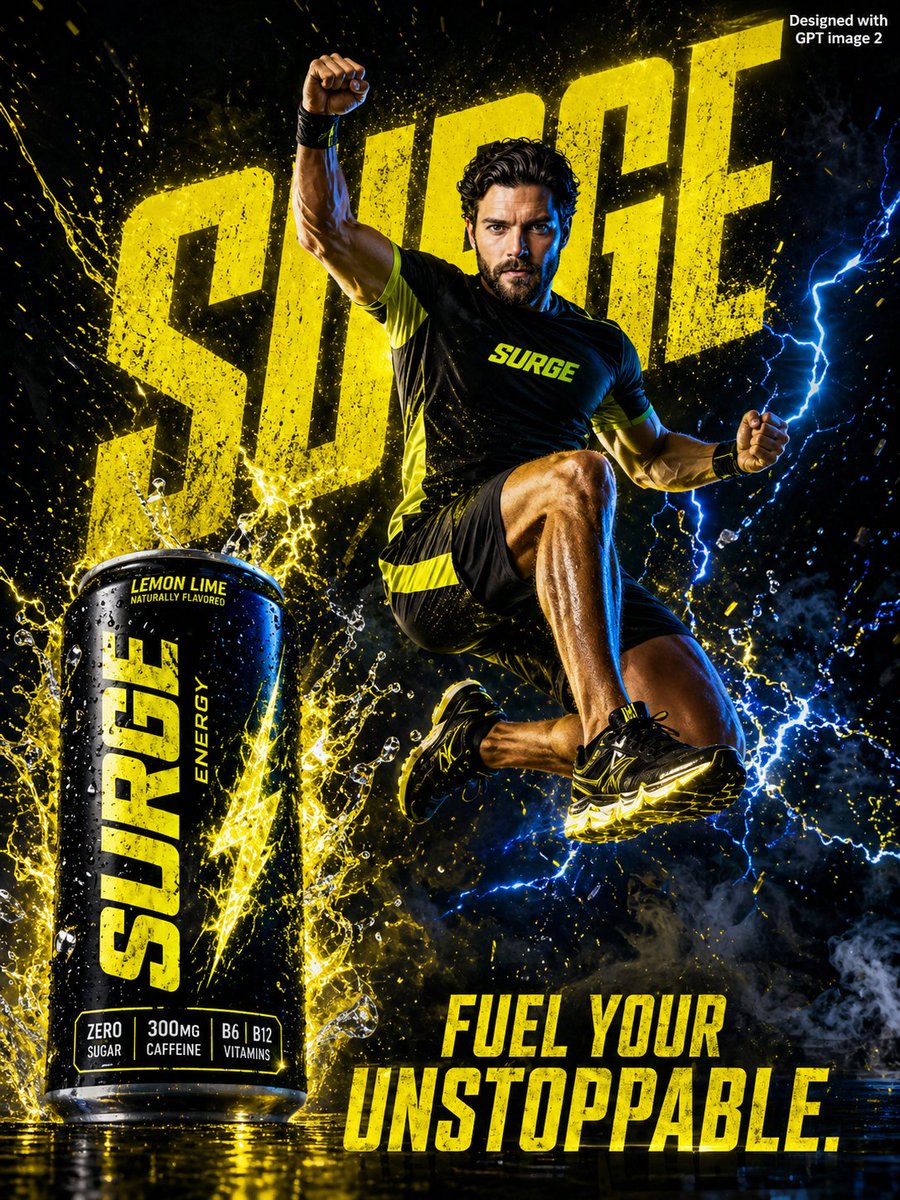
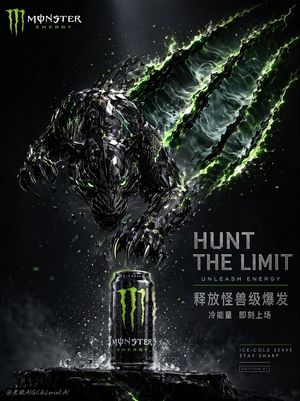
![Premium Energy Drink Brand Concept — Transform {argument name="brand name" default="[BRAND NAME]"} into a futuristic, premium energy drink brand using its exist](https://cms-assets.youmind.com/media/1786263495508_4pctw9_HPL7oOMbsAA6Su5-300x402.jpg)



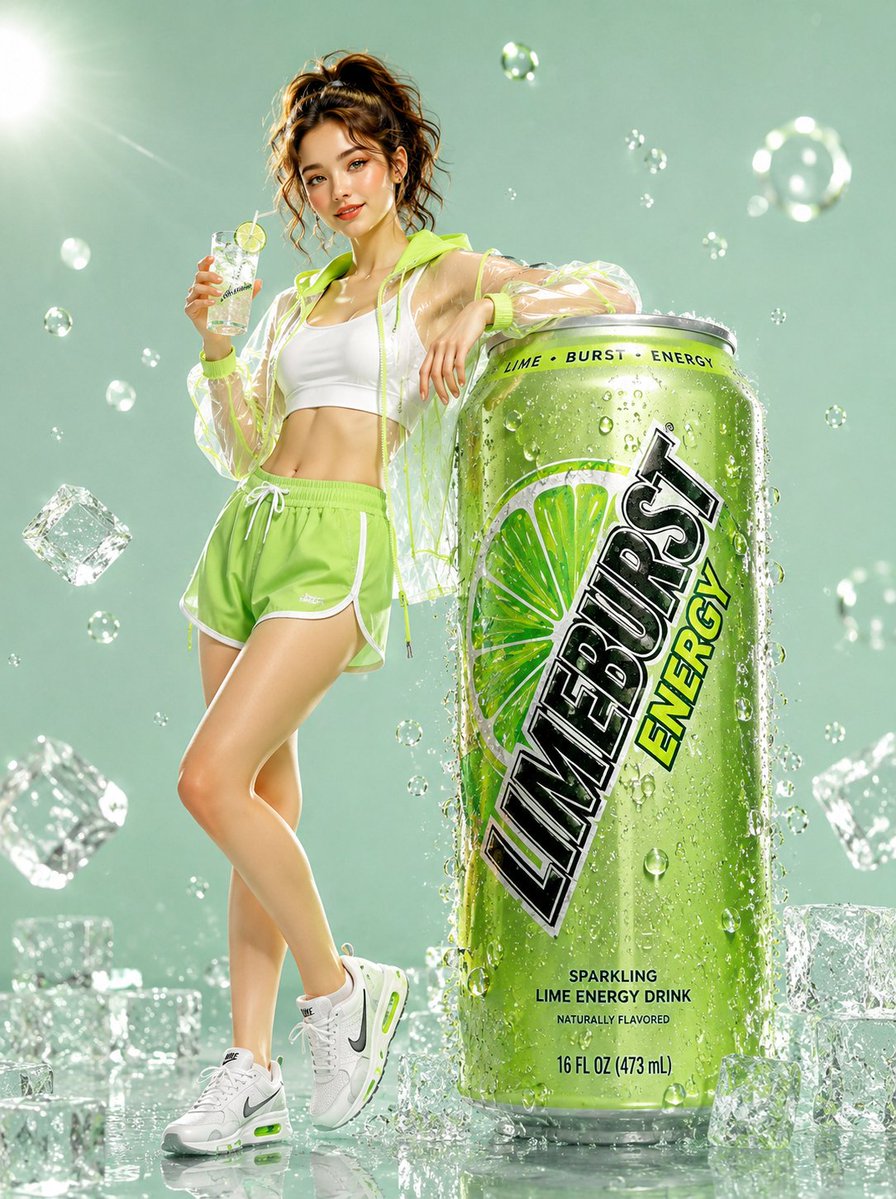

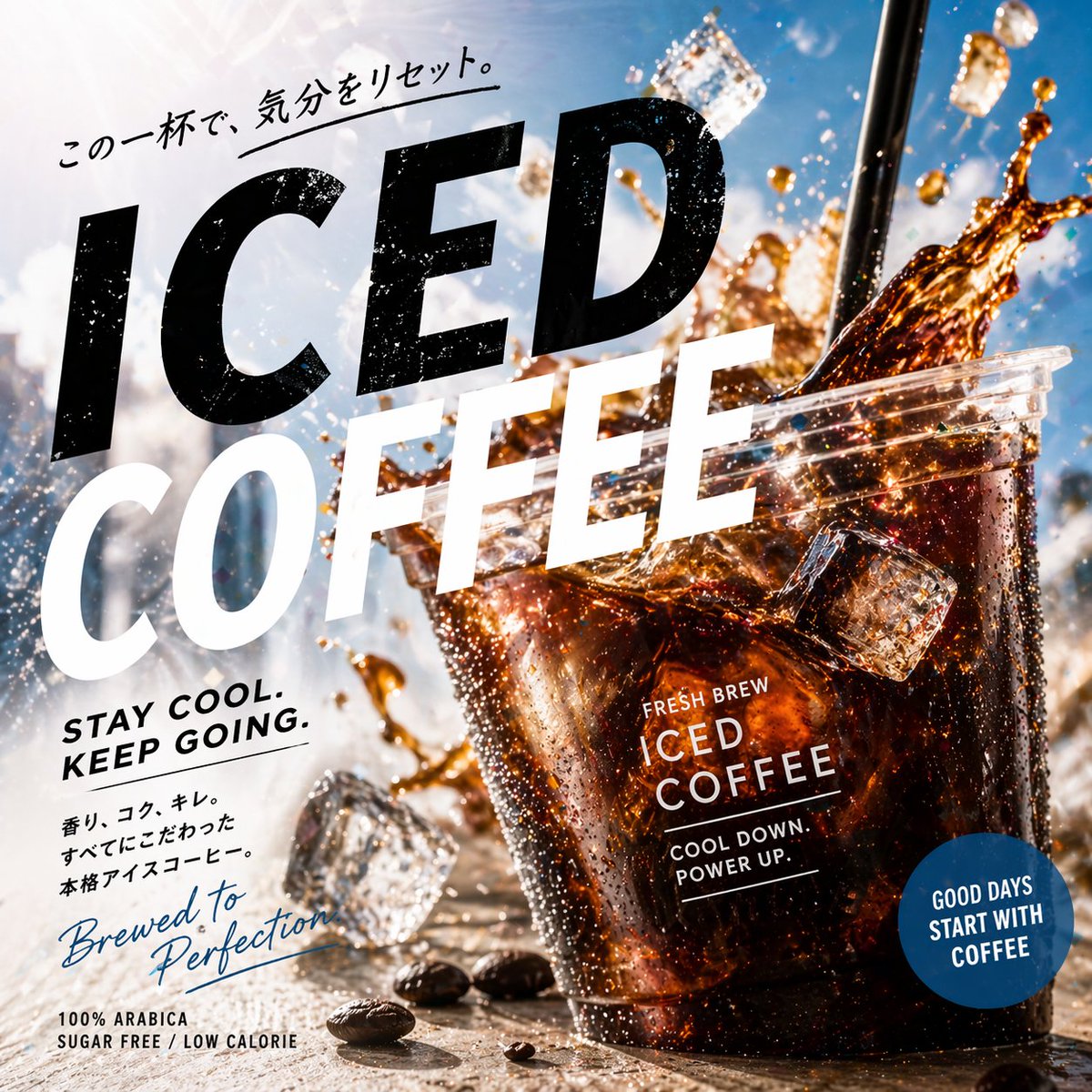
![Trendy Cafe Drink Promo Poster — Create a trendy 3:2 square promotional poster for "[PRODUCT NAME]" using the uploaded product image or generate a premium reali](/_next/image?url=https%3A%2F%2Fcdn.picxstudio.com%2Fuploads%2F0_908138d6-c2ce-479f-b50d-890fcdc0a491.jpg&w=828&q=100)



![Minimalist Flat Vector Travel Poster — Premium minimalist flat-vector travel poster for {argument name="city name" default="[CITY_NAME]"}, 3:4 vertical format.](https://cms-assets.youmind.com/media/1787917359711_3ug846_HQX205cbMAA6F6S-300x400.jpg)























![Instrument Genealogy Board (Luthier's Legacy) — A luthier's legacy board for {argument name="instrument" default="[INSTRUMENT]"} — {argument name="maker" defaul](https://pbs.twimg.com/media/G9yl4ltXMAAjVmm.jpg)








![Rubberhose 3D Character Prompt — [{argument name="subject" default="Subject"}], stylized 3D rubberhose character, smooth 3D render,…](https://pbs.twimg.com/media/G8uFnHrW0AAvw4a.jpg)
![travel-poster-graphic-collage — Create a stylized travel poster / graphic collage for [country]. The main subject should be a stylish international tourist visi](https://pbs.twimg.com/media/HGwXN0JbgAAY5vm?format=jpg&name=large)