How do I use the Intimate Mirror Selfie in Bedroom template?
Choose the primary action to open PicX Studio with the available template settings. Review the model and format, personalize the creative direction, and generate when ready.
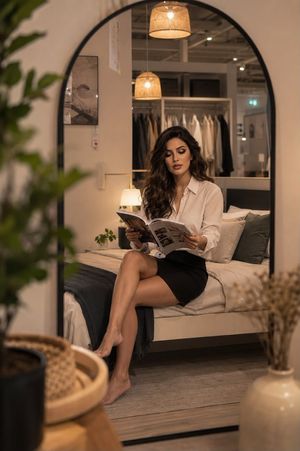
A detailed prompt for generating an ultra-photorealistic mirror selfie of a platinum blonde woman with illustrative tattoos, seated on a bed in white sleepwear. Change the subject, setting, or lighting one variable at a time.

{ "scene_type": "Indoor lifestyle portrait", "environment": { "location": "Bright bedroom with soft natural daylight", "background": { "bed": "White metal-frame bed with delicate floral bedding", "decor": "Minimalistic decor with small potted plants and subtle floral accents", "windows": "Large window with sheer white curtains allowing diffused sunlight", "color_palette": "Soft whites, creams, light neutrals with subtle floral tones" }, "atmosphere": "Calm, intimate, cozy, airy" }, "subject": { "gender_presentation": "Feminine", "approximate_age_group": "Young adult", "skin_tone": "Fair with natural texture", "hair": { "color": "{argument name="hair color" default="Platinum blonde"}", "style": "Long, straight, center-parted" }, "facial_features": { "expression": "Soft, contemplative, relaxed", "makeup": "Minimal, natural look" }, "body_details": { "build": "Slim to average", "visible_tattoos": [ "Floral and illustrative tattoos on arms", "Small tattoo on thigh" ] } }, "pose": { "position": "Seated on a bed", "legs": "Bent and drawn close to the body", "hands": "One hand holding a phone in front of face, the other gently touching lips", "orientation": "Facing a mirror for a selfie-style composition" }, "clothing": { "outfit_type": "Light, delicate sleepwear or lounge dress", "color": "White", "material": "Soft, semi-sheer fabric", "details": "Thin shoulder straps, subtle lace trim" }, "styling": { "accessories": [ "Simple necklace", "Small hoop earrings" ], "nails": "Natural or lightly manicured", "overall_style": "Soft, feminine, intimate aesthetic" }, "lighting": { "type": "Natural light", "source": "Window from the side", "quality": "Soft, diffused, even illumination", "shadows": "Gentle and minimal, enhancing natural contours" }, "mood": { "emotional_tone": "Serene, introspective, warm", "visual_feel": "Peaceful, intimate, aesthetically soft" }, "camera_details": { "camera_type": "Smartphone camera", "lens_equivalent": "Wide-angle (approx. 24–28mm)", "perspective": "Mirror selfie perspective", "focus": "Sharp focus on subject with natural depth", "aperture_simulation": "f/1.8 – f/2.2 look", "iso_simulation": "Low ISO for clean image", "shutter_speed_simulation": "Fast enough to avoid motion blur", "white_balance": "Neutral daylight" }, "rendering_style": { "realism_level": "Ultra photorealistic", "detail_level": "High skin texture detail, realistic lighting falloff, natural fabric behavior", "post_processing": "Soft contrast, gentle highlights, natural color grading", "artifacts": "None, clean and crisp image quality" } }
Choose the primary action to open PicX Studio with the available template settings. Review the model and format, personalize the creative direction, and generate when ready.
Yes. You can change the subject, setting, lighting, mood, format, and available model controls before creating your image.
This template is free to open and customize. Generation usage is shown in PicX Studio before you create.
Start with Nano Banana 2, which is the model associated with this template. You can compare another compatible model for a different finish.
Follow a topic to a crawlable collection of related PicX Studio templates.
43,474 public templates available. Verified via the PicX Studio public templates API; refreshed hourly.
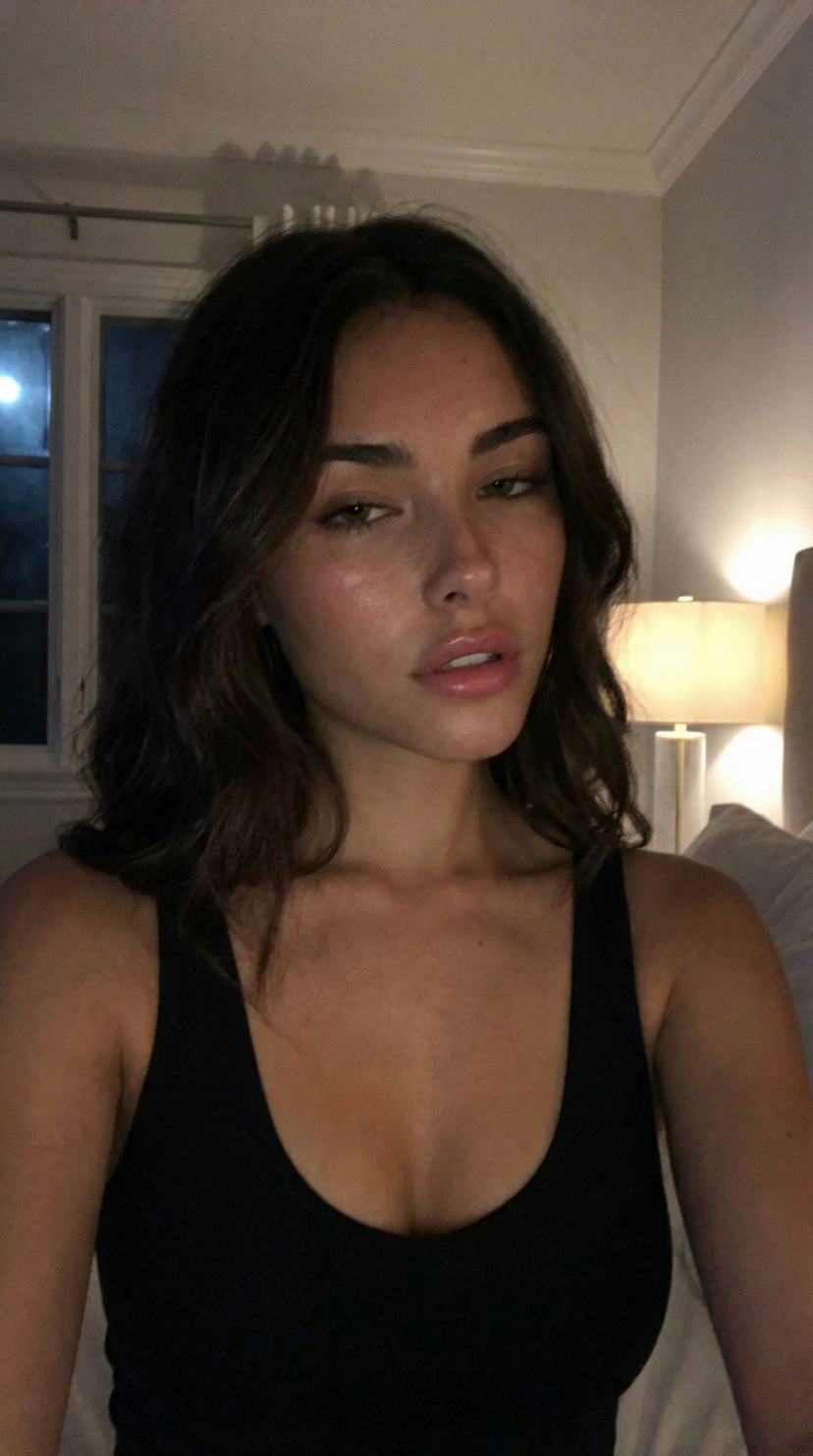


![nano-banana-grwm-mirror-selfie-pink — Nano Banana 2
Prompt (JSON):
{
"type": "image_prompt",
"description": {
"subject": {
"main": "[NAME] com o](/_next/image?url=https%3A%2F%2Fcdn.picxstudio.com%2Fuploads%2Ftweet_img_10a_612da6f9-cf6d-417e-bdd5-cc1300d1d830.jpg&w=828&q=100)











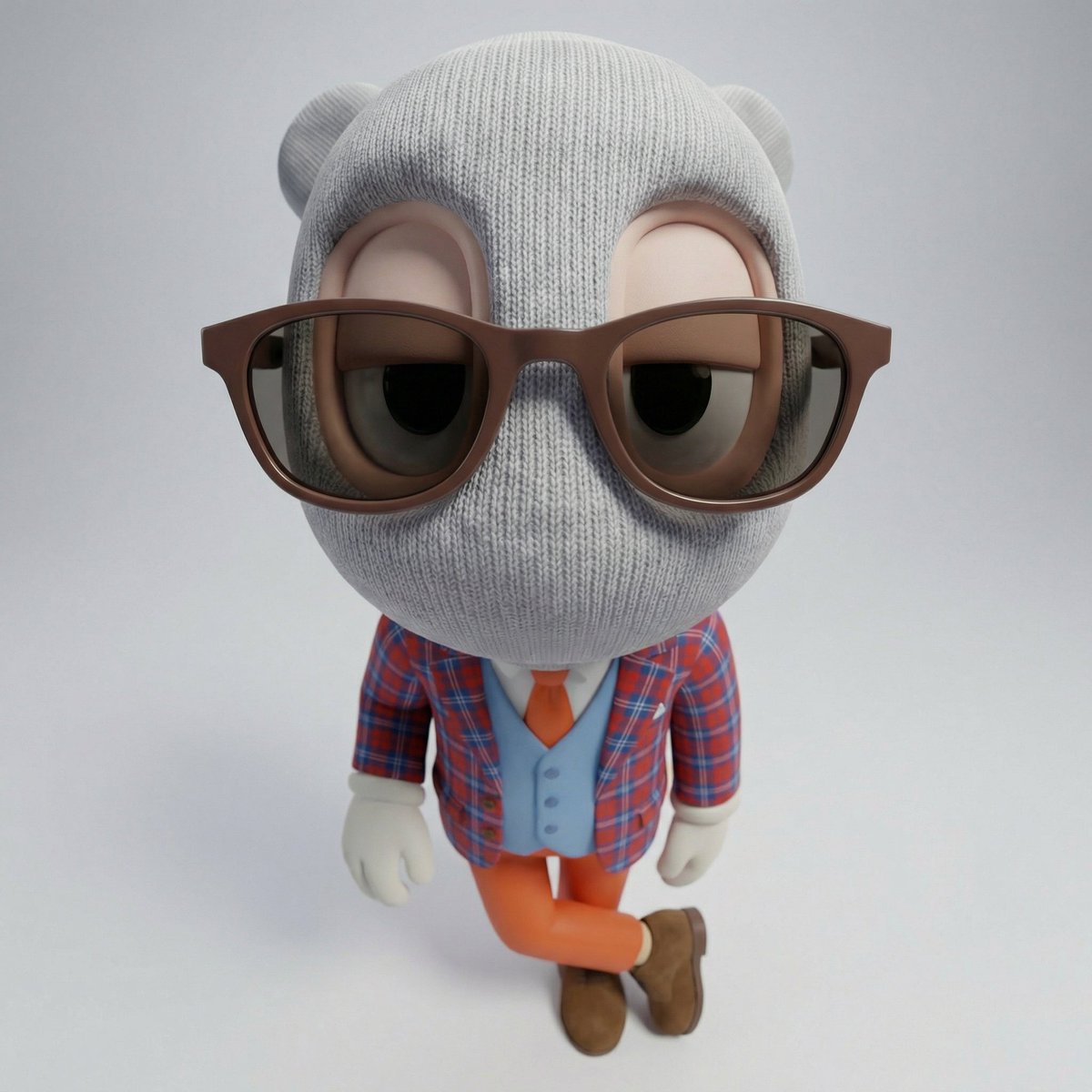
![Naive doodle-style subject illustration — A doodle-style {argument name="subject" default="[subject]"}, naive lines, humorous shape exaggeration](https://pbs.twimg.com/media/G6Wl2YxbsAARB2b.jpg)