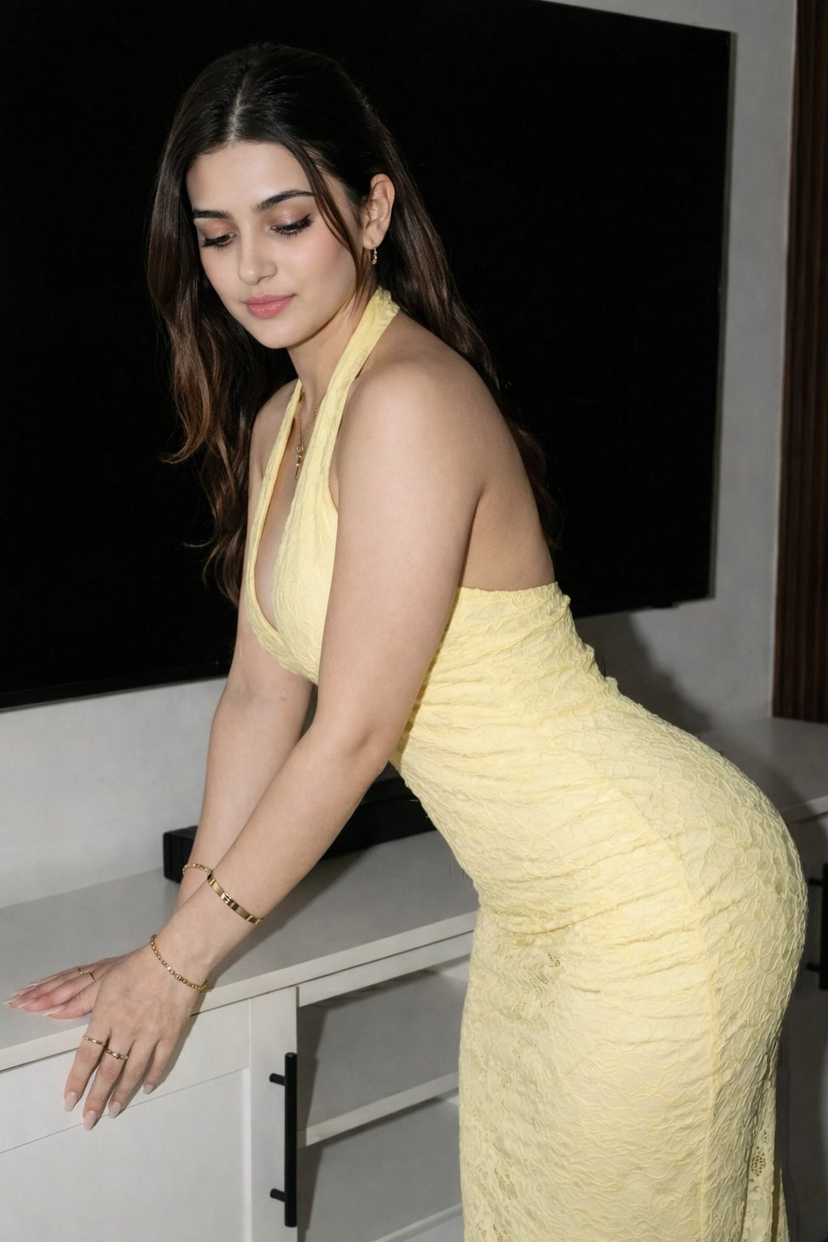
How do I use the Photorealistic Dual Gym Mirror Selfie Prompt template?
Choose the primary action to open PicX Studio with the available template settings. Review the model and format, personalize the creative direction, and generate when ready.
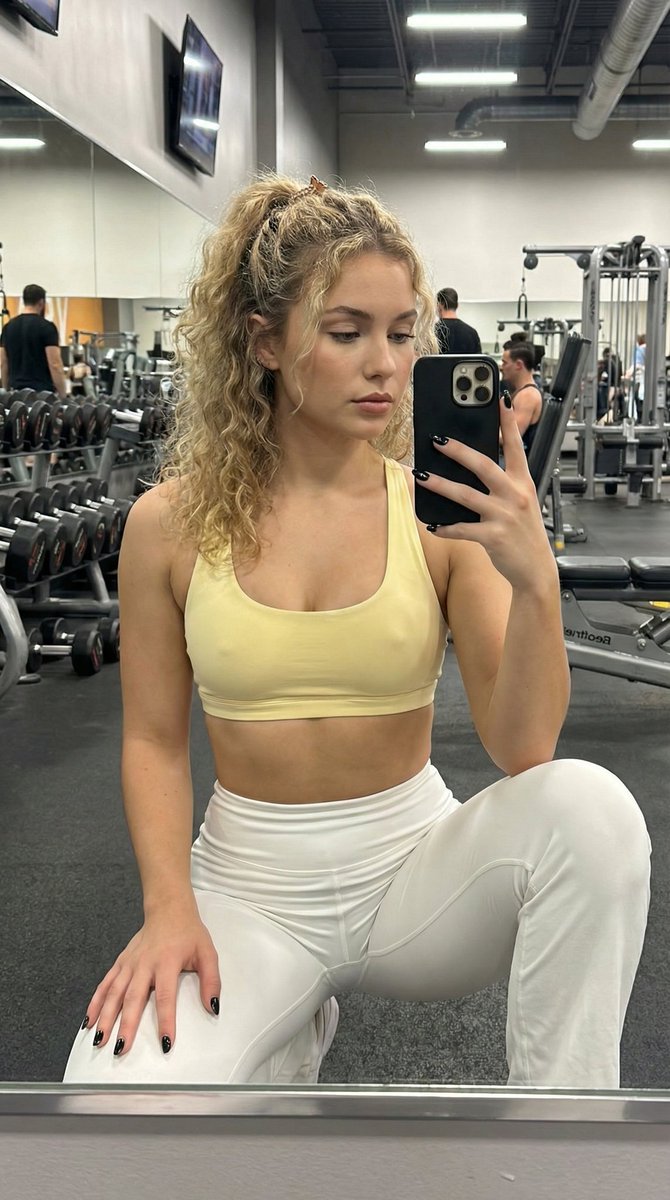
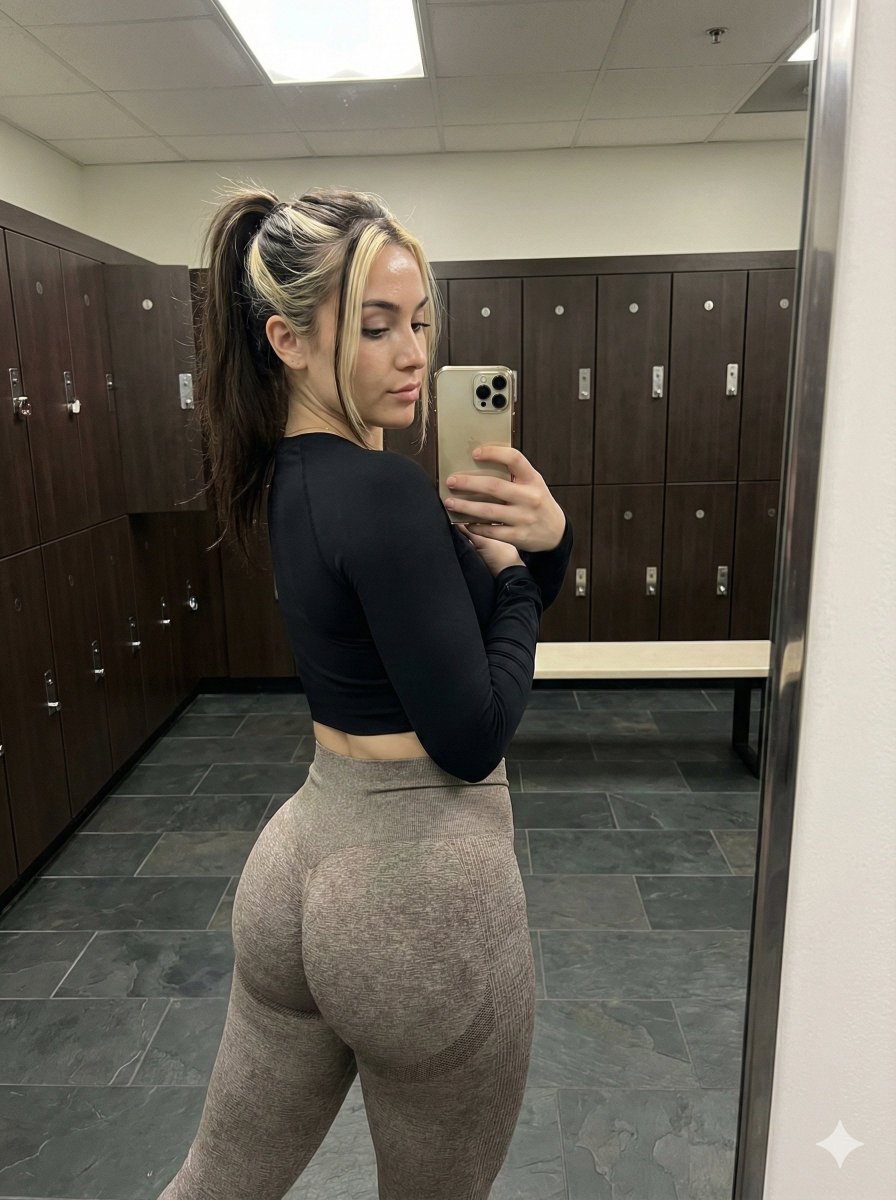
A structured JSON prompt for generating a photorealistic mirror selfie featuring two athletic young women in a dimly lit, modern gym. Change the subject, setting, or lighting one variable at a time.

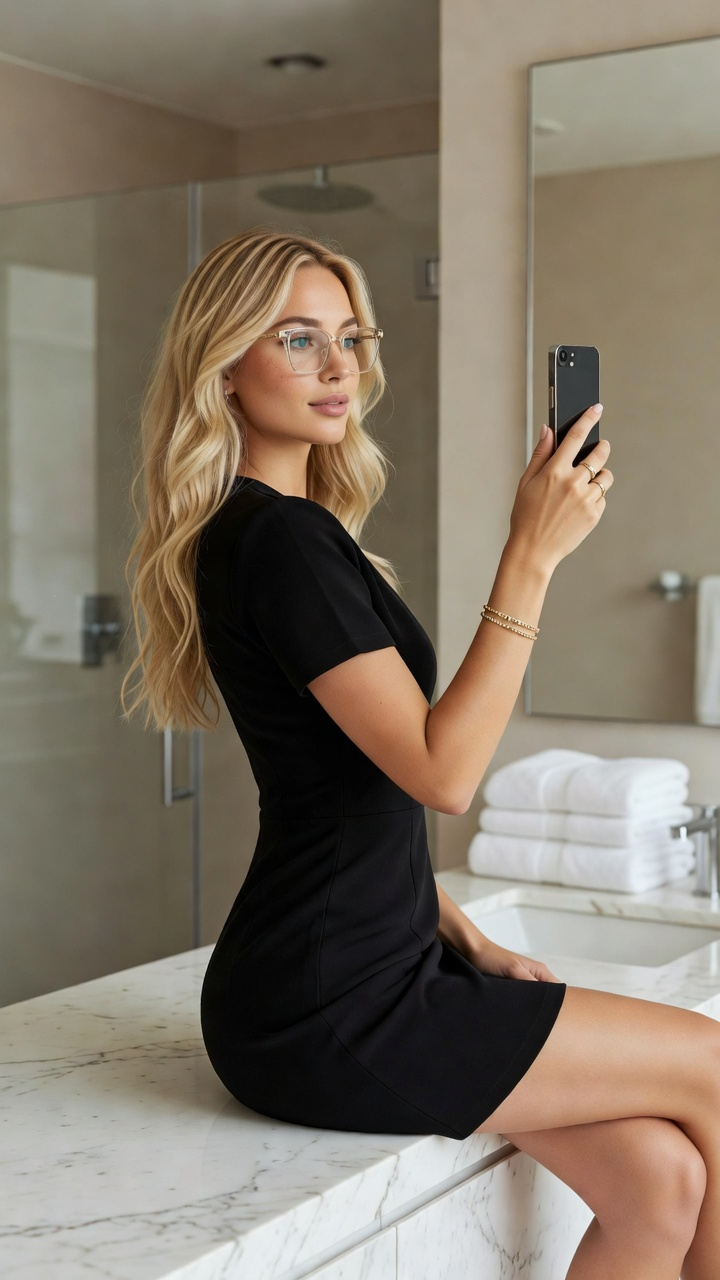
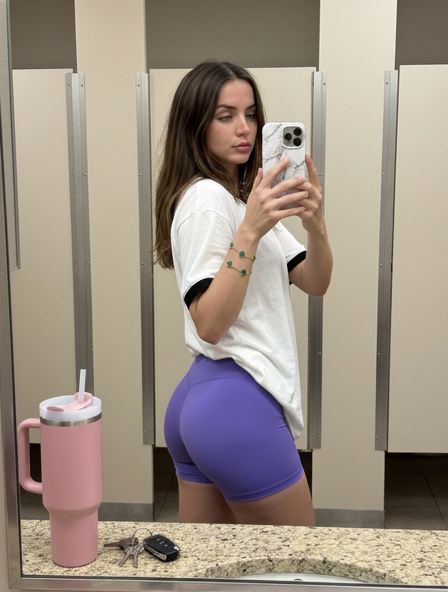
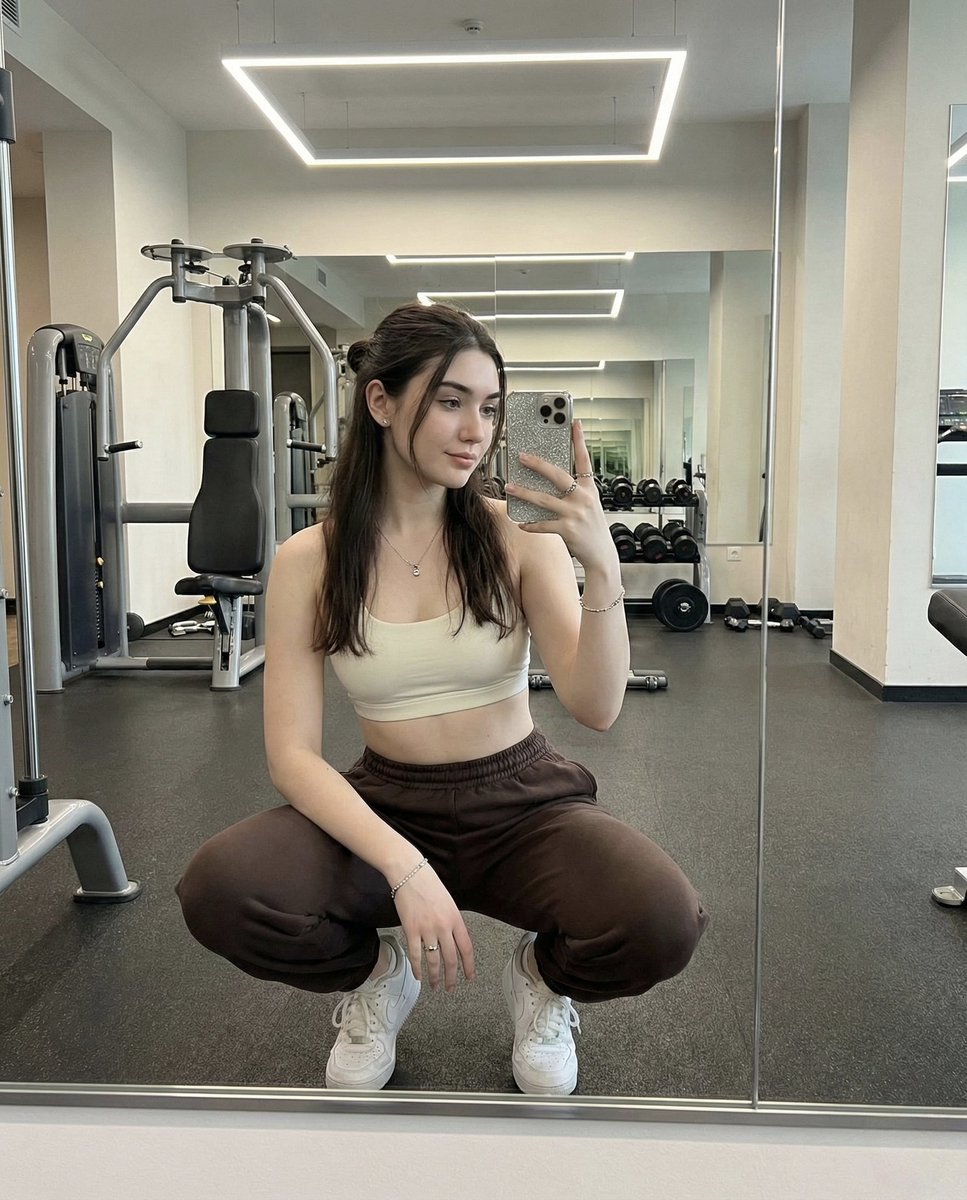
{ "prompt_type": "photorealistic gym mirror selfie", "main_composition": "mirror selfie of two athletic young women standing side by side with backs to the camera in a dimly lit modern gym, confidently posing with hands on hips and slight arch to emphasize curves, full reflections visible in large mirror showing their front sides and subtle expressions, vibrant colorful workout outfits contrasting moody blue/purple ambient lighting, professional fitness studio with equipment blurred in background", "subject_1_left": { "description": "beautiful young woman in her early 20s, fit curvy athletic build with toned glutes and legs, long wavy light brown or blonde pigtails hair styled in high ponytail with loose strands, fair tanned smooth skin with healthy glow", "clothing": "bright pink long-sleeve crop top with thumb holes and subtle sheen, matching high-waisted seamless short scrunch-butt pink leggings with 'DFYNE' logo on waistband, white athletic socks", "details": "confident pose with hand on hip and slight smile visible in mirror reflection, hair naturally tousled, relaxed athletic stance" }, "subject_2_right": { "description": "beautiful young woman in her early 20s, fit curvy athletic build with toned glutes and legs, long wavy darker brown hair in loose ponytail or braids, fair tanned smooth skin with healthy glow", "clothing": "light yellow halter-style sports bra with thin straps, matching high-waisted seamless short scrunch-butt pink leggings, white athletic socks", "details": "playful confident pose with hand on hip and subtle expression in mirror reflection, hair with natural volume" }, "environment": { "foreground": "dark rubberized gym floor with subtle texture", "midground": "large wall mirror reflecting both women fully and gym interior", "background": "modern gym with dim blue/purple ambient lighting, blurred cardio machines and weight equipment, exposed ceiling ducts and pipes, clean spacious professional fitness center atmosphere" }, "lighting_and_atmosphere": "dim moody indoor gym lighting with cool blue/purple neon accents and overhead spots, subtle highlights on skin, hair, and shiny leggings fabric creating vibrant color pops, energetic confident workout vibe with high contrast between bright outfits and dark surroundings, photorealistic detail", "technical_quality": "highly detailed, sharp focus on subjects with realistic seamless fabric textures (scrunch-butt shine, crop top stretch), skin glow, hair movement, and mirror reflections, 8k resolution, professional mirror selfie photography style with slight wide-angle lens effect and natural depth of field softly blurring background equipment", "negative_prompt_suggestions": "blurry, deformed, extra limbs, phone screen visible, mirror distortion or misalignment, overexposed neon lights, underexposed faces, low quality, cartoon, anime, text watermark, extra pe"
Choose the primary action to open PicX Studio with the available template settings. Review the model and format, personalize the creative direction, and generate when ready.
Yes. You can change the subject, setting, lighting, mood, format, and available model controls before creating your image.
This template is free to open and customize. Generation usage is shown in PicX Studio before you create.
Start with Nano Banana 2, which is the model associated with this template. You can compare another compatible model for a different finish.
Follow a topic to a crawlable collection of related PicX Studio templates.
43,474 public templates available. Verified via the PicX Studio public templates API; refreshed hourly.





![nano-banana-grwm-mirror-selfie-pink — Nano Banana 2
Prompt (JSON):
{
"type": "image_prompt",
"description": {
"subject": {
"main": "[NAME] com o](/_next/image?url=https%3A%2F%2Fcdn.picxstudio.com%2Fuploads%2Ftweet_img_10a_612da6f9-cf6d-417e-bdd5-cc1300d1d830.jpg&w=828&q=100)








![Naive doodle-style subject illustration — A doodle-style {argument name="subject" default="[subject]"}, naive lines, humorous shape exaggeration](https://pbs.twimg.com/media/G6Wl2YxbsAARB2b.jpg)













![Summer Beach Portrait with Coconut — [인물의 포즈 및 표정]
하얀 모래사장 위에 쪼그려 앉아 한 손으로 커다란 {argument name="음료" default="초록색 생코코넛"}을 들고 빨대로 음료를 마시는 듯한 포즈를 취하고 있습니다. 카메라를 정면](https://cms-assets.youmind.com/media/1780822692209_n7bzi0_HKAfK4XagAAVDJx.jpg)





![Thermal X-Ray Style Infographic Prompt (Nintendo Switch Example) — 純黒の虚無を背景に、高コントラストな科学スタジオレンダリングで表現された{argument name="対象物" default="[対象物]"}。{argument name="角度"](https://pbs.twimg.com/media/G775aIkagAQKUTV.jpg)