
Woman in Museum
Woman in Museum is a ready photo look.
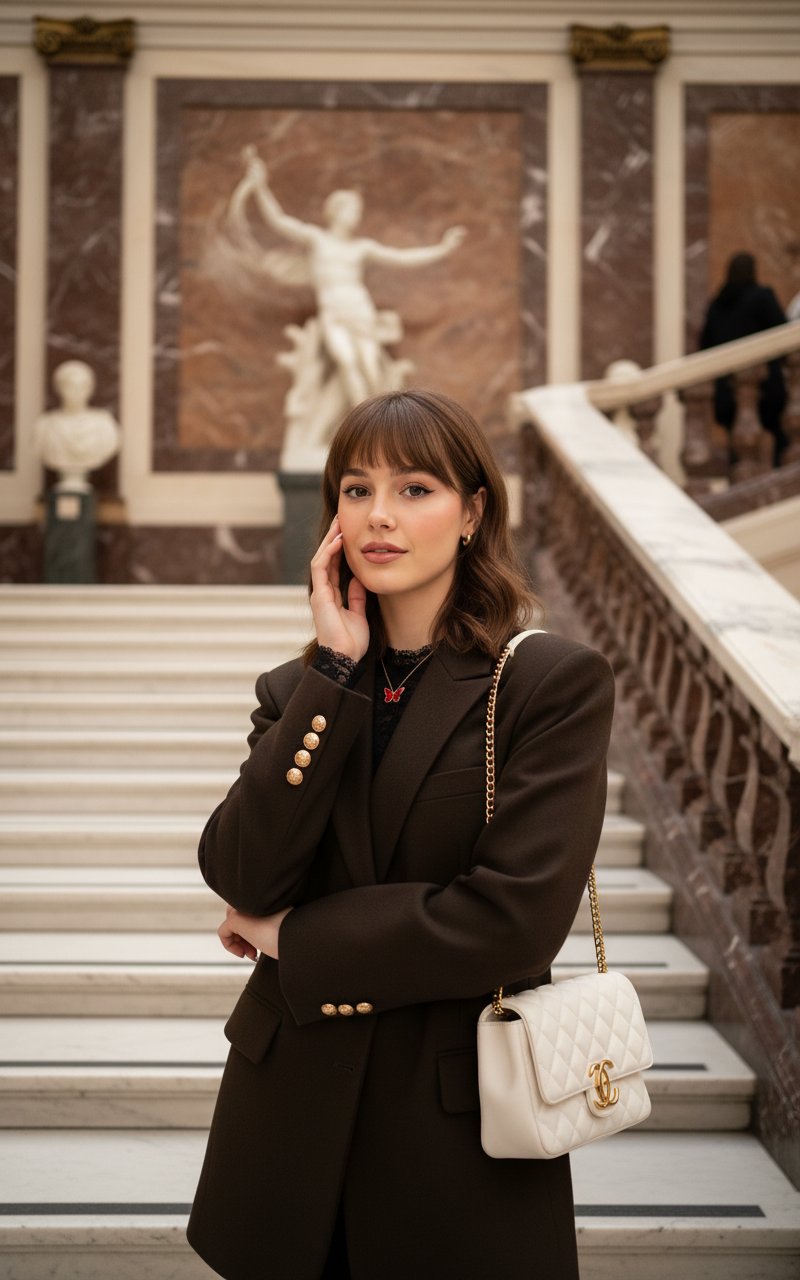
- Prompt included
- Model and format preset
- Free template
The prompt behind this image
Copy the exact prompt behind Woman in Museum, or open it in the studio and make it yours.
A hyperrealistic, ultra-detailed medium close-up photograph taken with an iPhone 17 Pro Max back camera, uploaded image posing on a grand marble staircase in a richly decorated interior, likely an art gallery or museum. The uploaded image is looking directly at the camera with a captivating gaze and a slight smile. Her makeup is pronounced, with flushed cheeks, full lips, and defined eyes. She is dressed in a fashionable ensemble: a dark brown oversized blazer with gold buttons on the sleeves is worn over a black lace-trimmed long sleeves, hinting at a darker garment underneath. Around her neck, she wears a delicate gold chain with a small red butterfly charm. Her left hand, gently touches her face, highlighting her manicured nails. Her right arm rests casually on a white marble balustrade with intricate reddish-brown marble inlays, and a chic quilted white shoulder bag with a gold chain strap and prominent logo hangs from her arm. The background reveals a magnificent architectural space with ornate marble walls, featuring dark reddish-brown panels interspersed with lighter marble. Behind her, on a landing, a classical white marble sculpture of dynamic figures (possibly depicting a struggle or mythological scene) is visible, along with smaller busts. The lighting is soft and luxurious, accentuating the textures of her clothing, the marble, and her features, contributing to the hyper-realistic and opulent quality of the image. The image also captures a sense of depth, with hints of other visitors in the blurred background. Use photo reference for facial features.
How to use Woman in Museum in 3 steps
- 1Upload ImagePNG, JPG or paste
Add your photo
Upload the photo the template builds on. The prompt, model and format are already set.
- 2…a portrait of your subject in softgolden-hour light, 85mm…
Personalize
Edit the subject and creative details for your destination.
- 3Generate
Generate
Press Generate — your image is created in PicX Studio, so you can compare it with the original and refine one variable at a time.
More like this
Templates with the same subject, style or setup. Open one to see its prompt.

Woman in Mall with Chanel Bag - Heart Gesture

Floating Woman Above Cityscape with Notifications
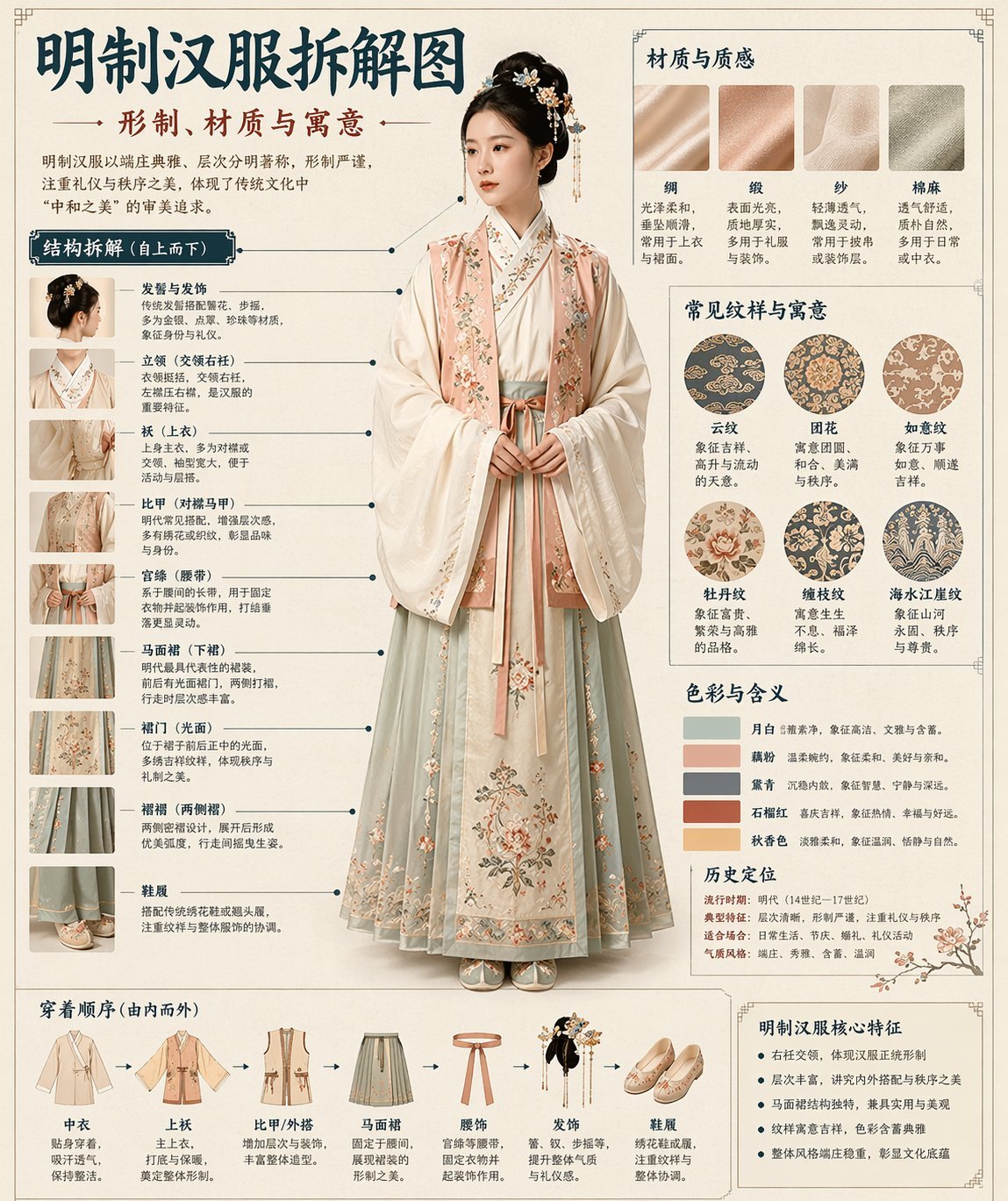
博物馆图鉴式汉服拆解图 — GPT-image-2
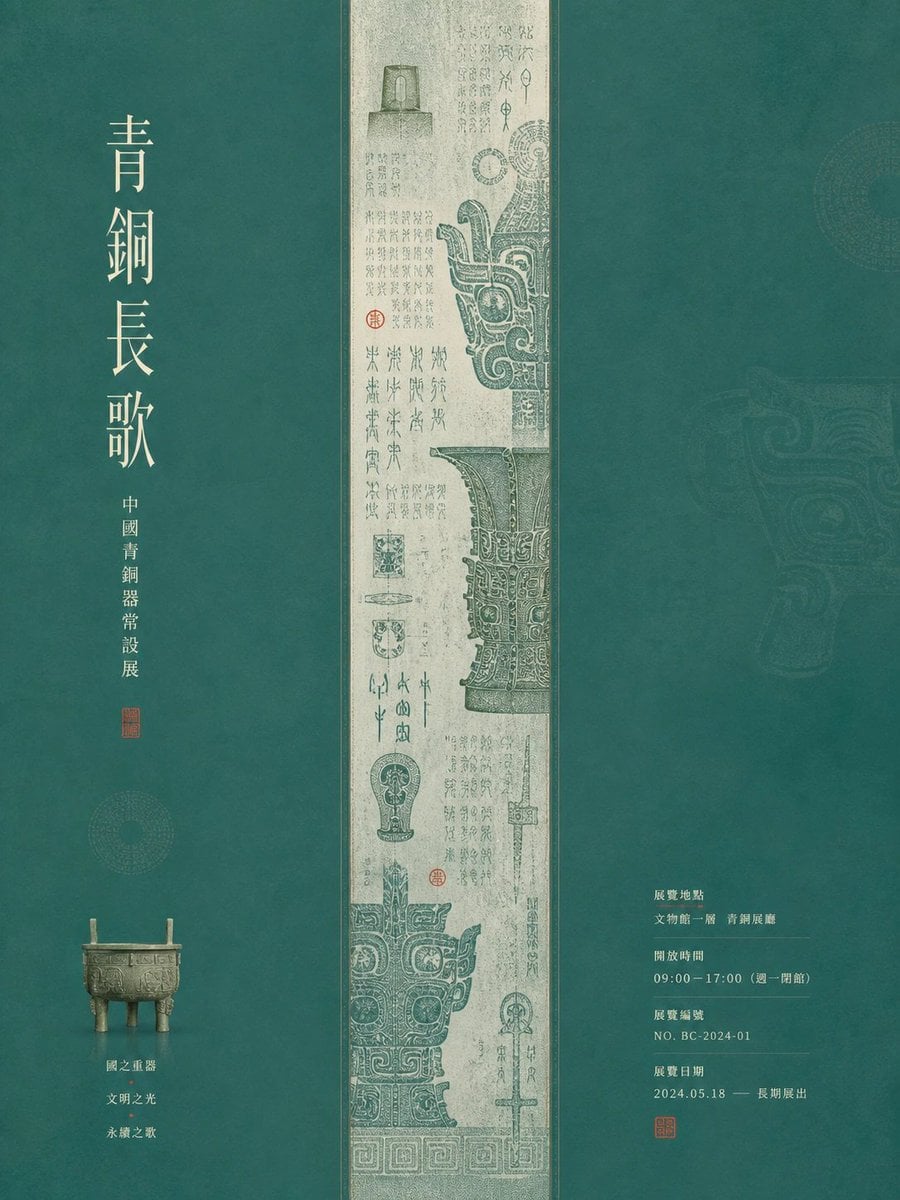
Museum Poster Design Template
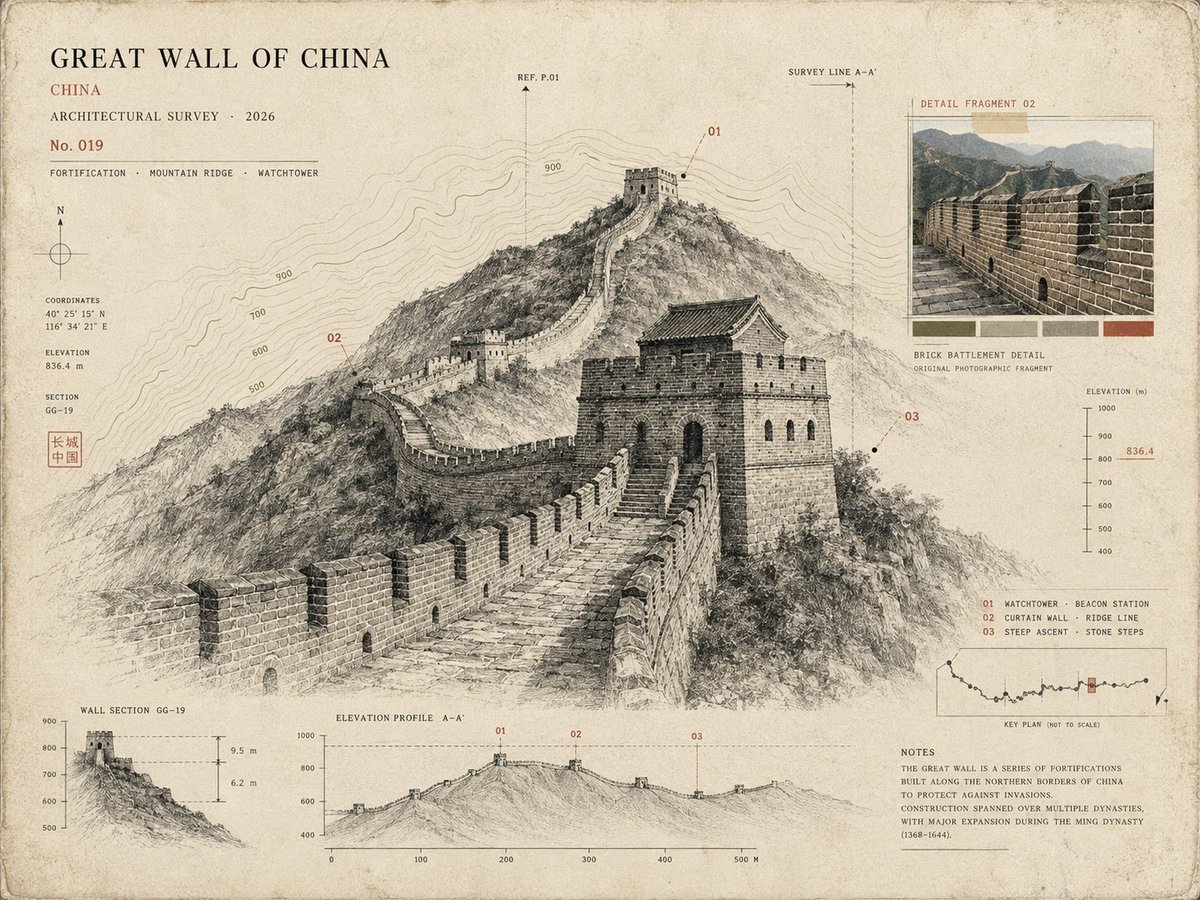
Architectural Museum Specimen Card
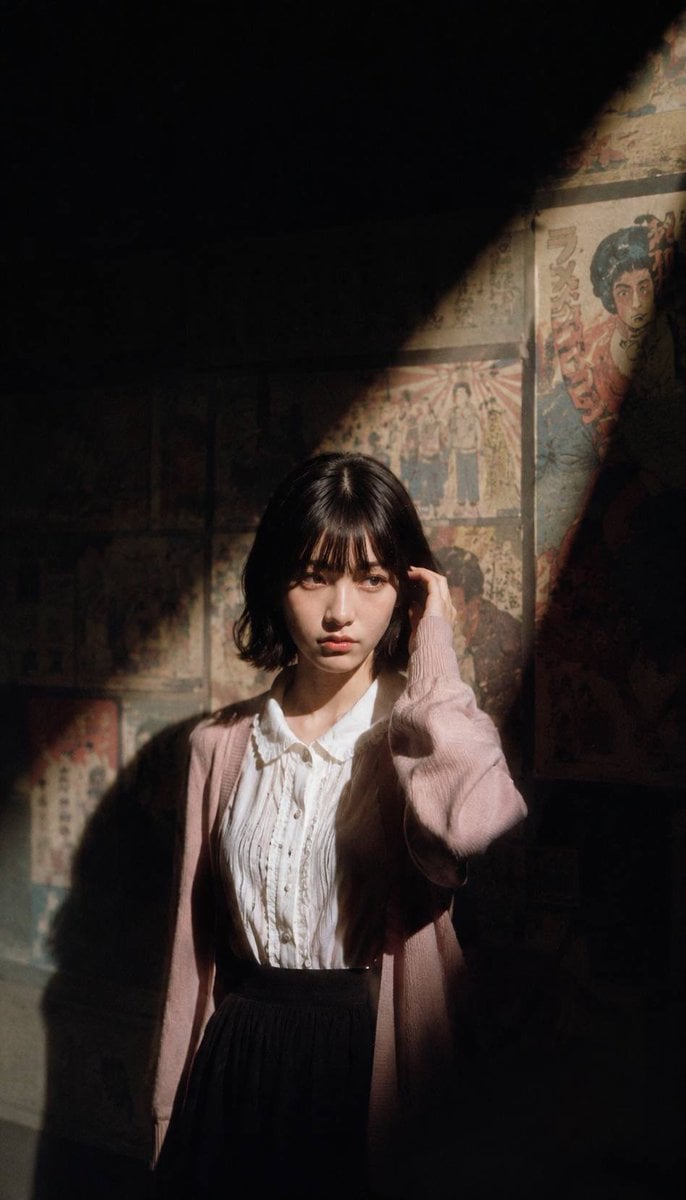
Mysterious Museum Exhibition Portrait
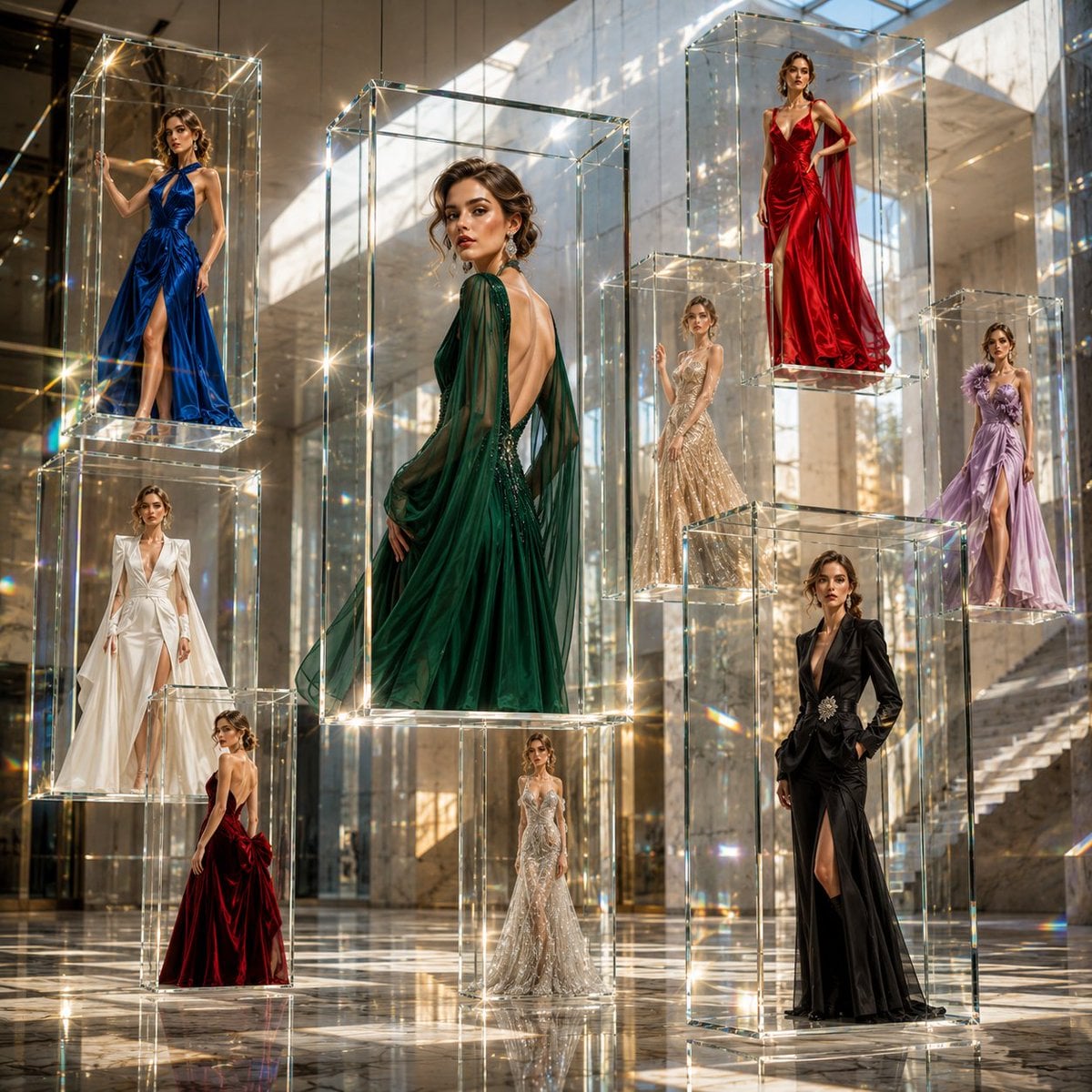
Museum Art Installation Fashion Editorial
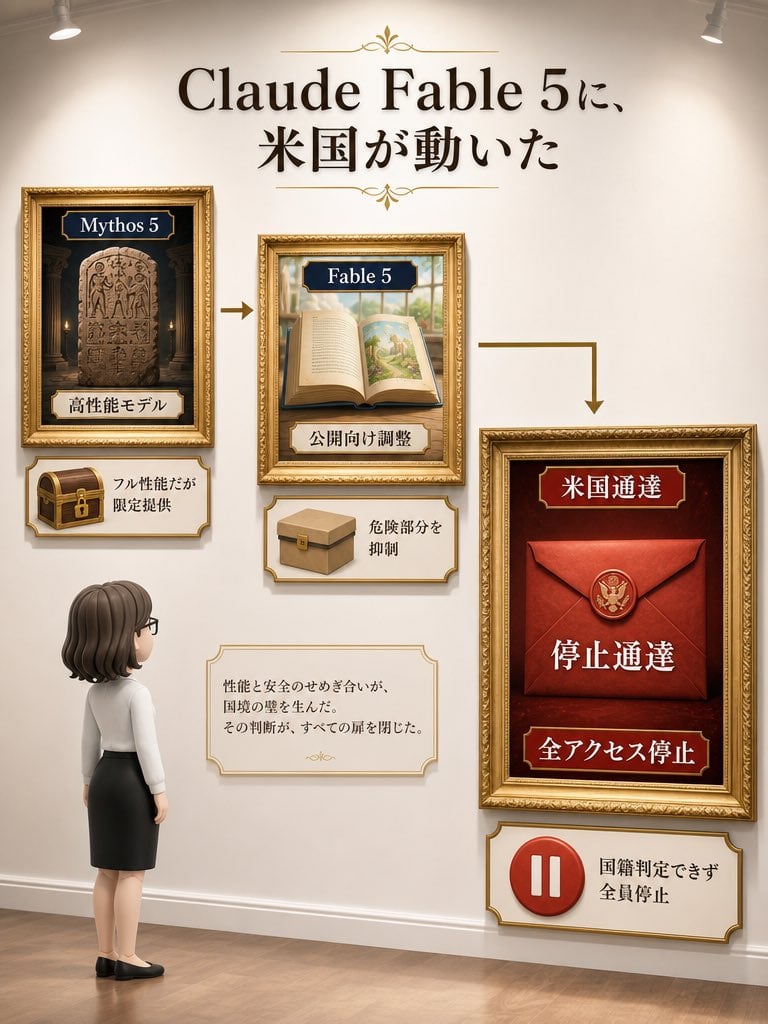
Museum Wall Claude Fable 5 Infographic
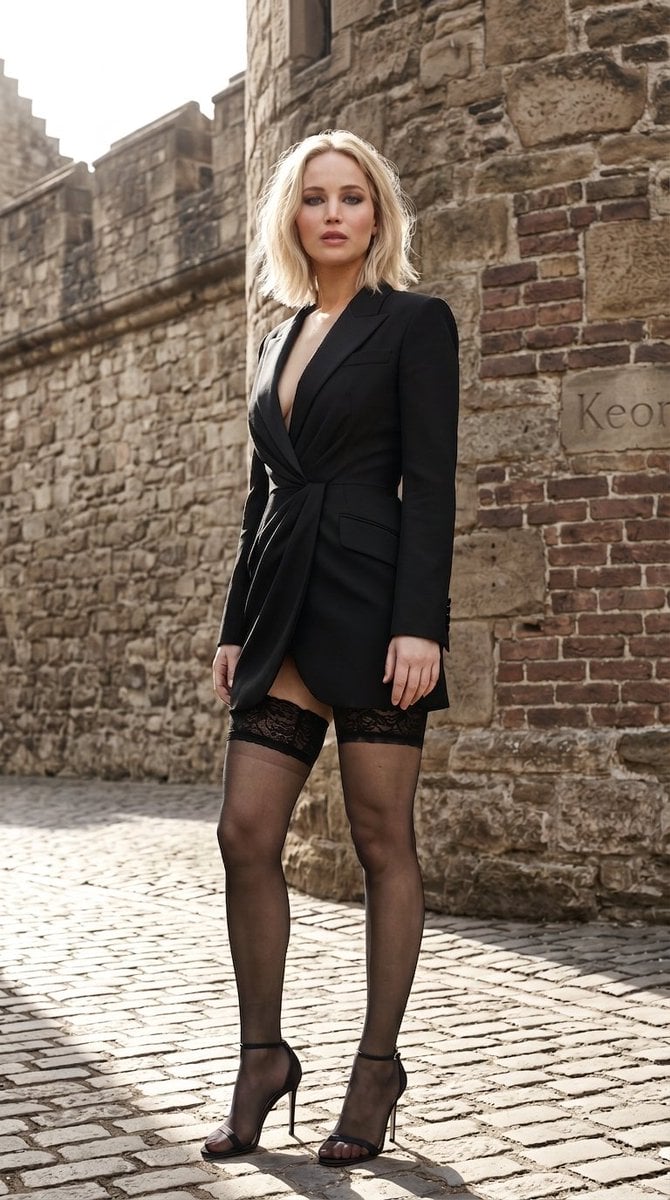
Coliseum Fashion Editorial Museum Quality Portrait
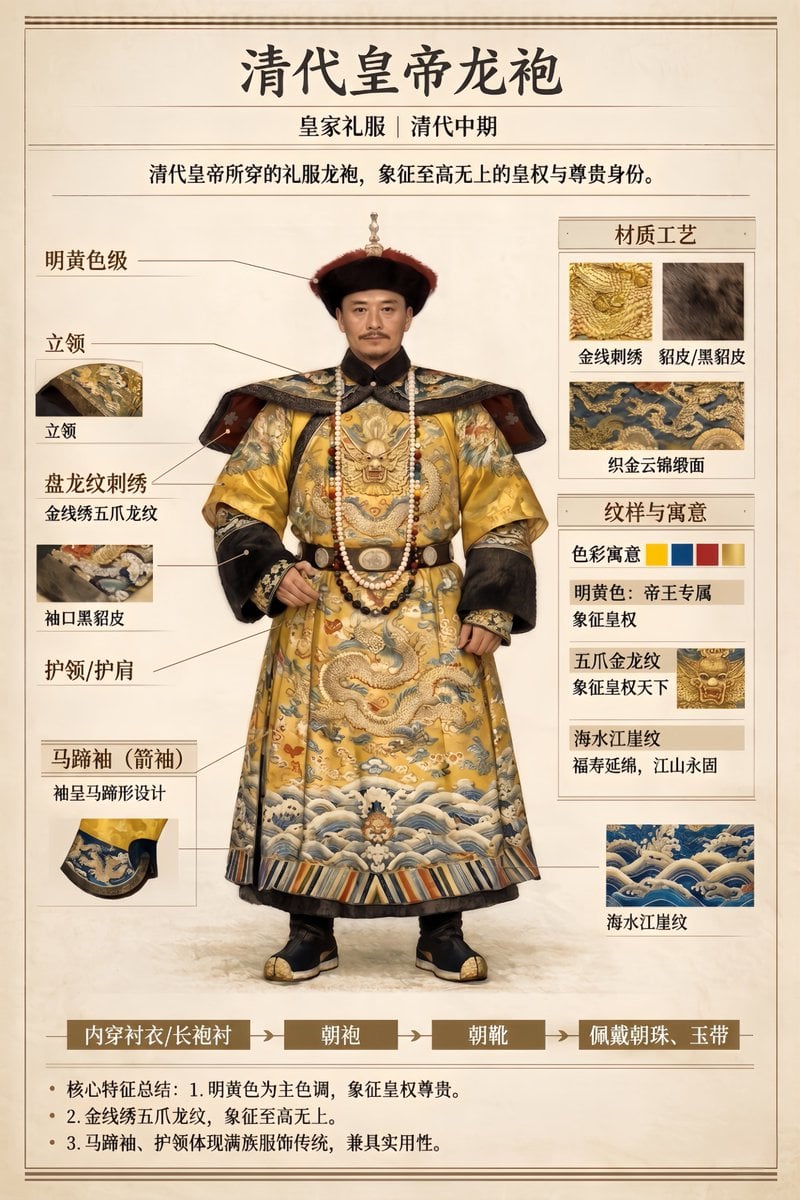
Museum Catalog Artifact Breakdown
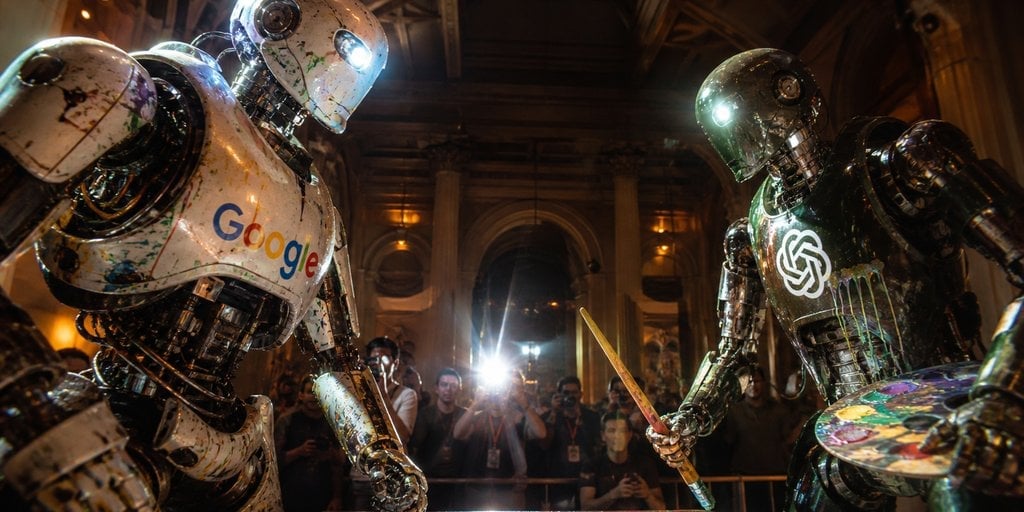
Museum Robot Art Duel
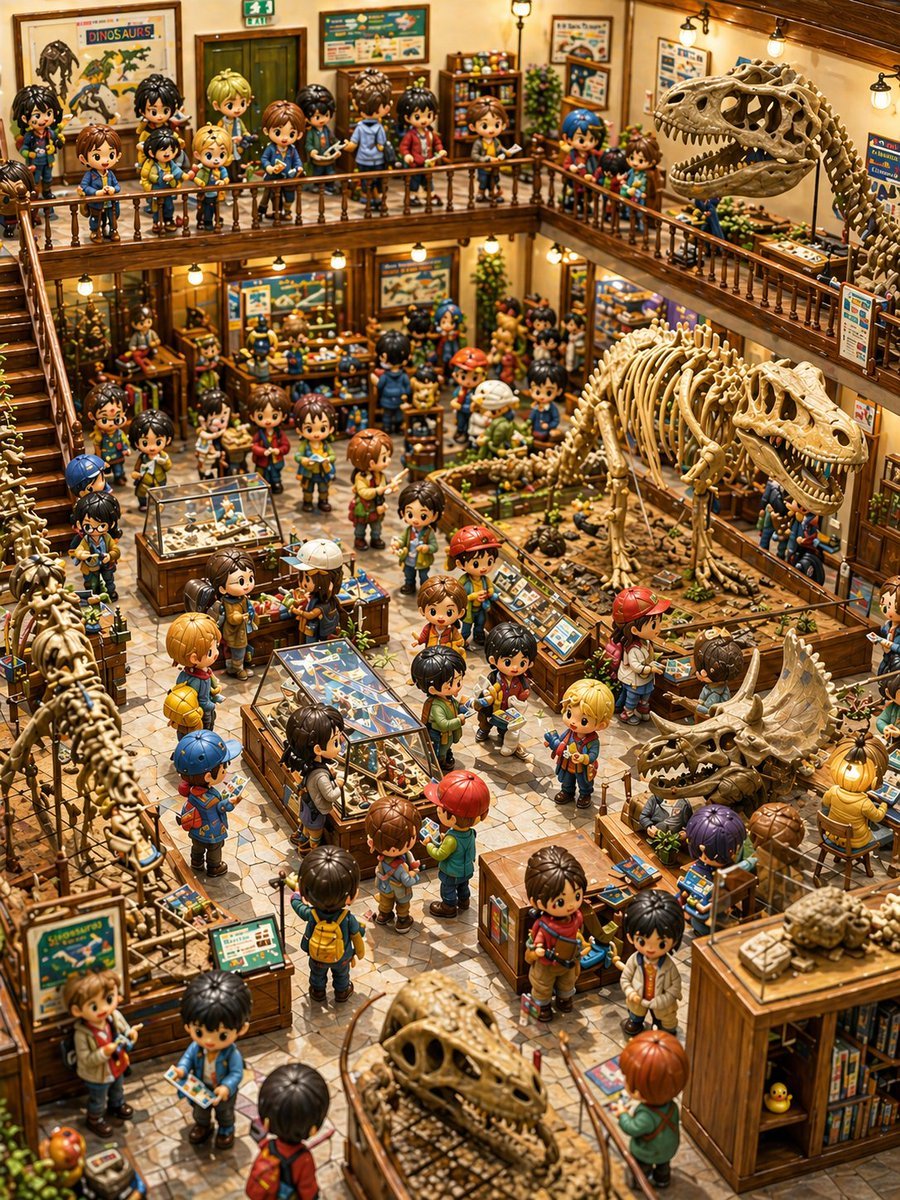
Chibi Dinosaur Museum Diorama
Make it yours
Woman in Museum works as-is. These are the safest ways to change it without losing the look.
Change one field
Copy a single group, rewrite it, and generate again so you can see what that field is doing.
Keep the frame, change the subject
Hold the composition and light of Woman in Museum, then swap wardrobe, props or the person for a new take.
| If the result… | Why | Fix |
|---|---|---|
| The result drifts from the preview | Too many fields changed at once. | Reuse Woman in Museum as-is first, then change one group — subject, light, or setting. |
| The model over-stylizes the scene | The prose prompt leaves finish and camera underspecified. | Add one camera or lighting sentence and stay on PicX Studio. |
More image prompts
Fresh picks from across the catalog.
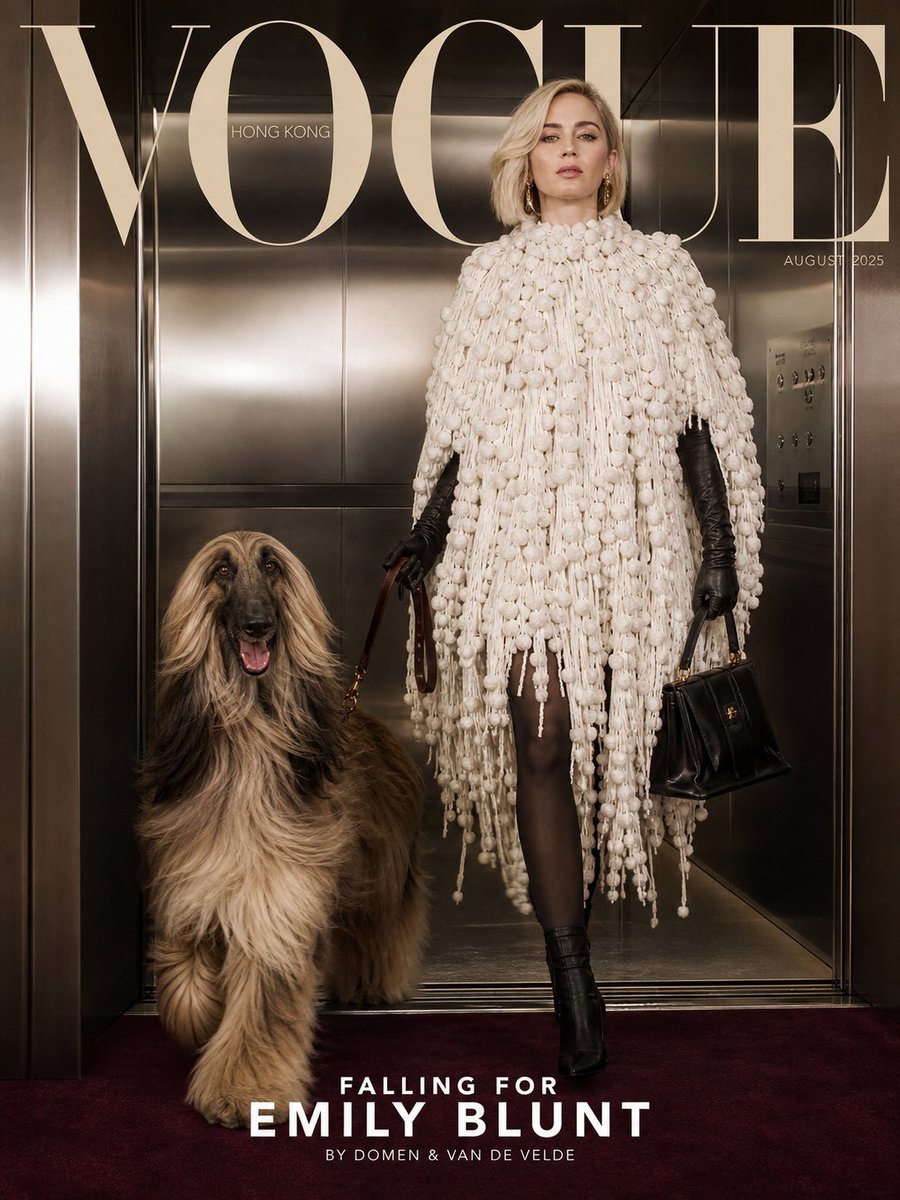
Vogue Cover with Emily Blunt
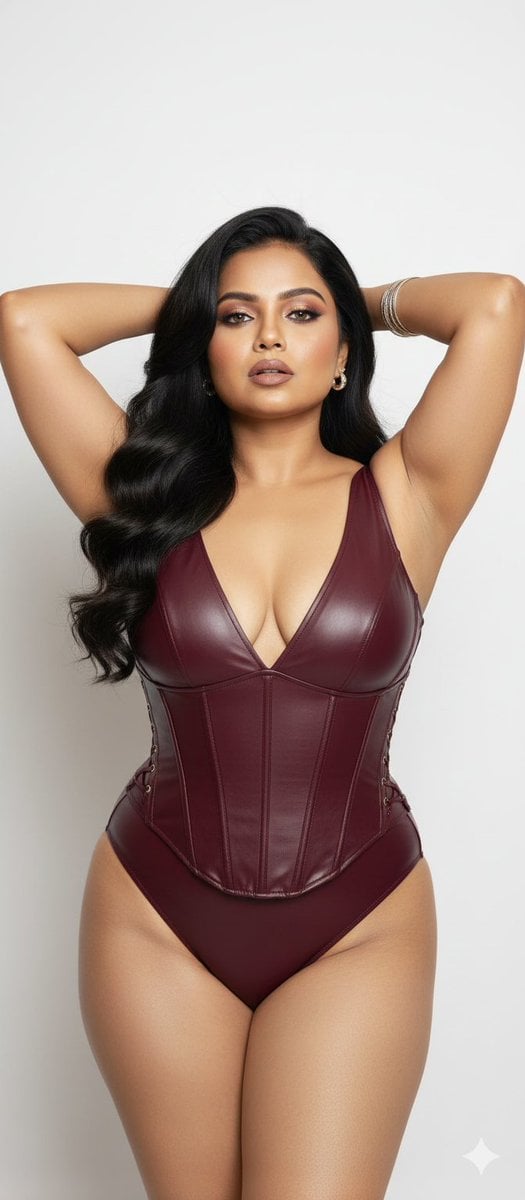
Glamorous Photo Prompt for Gemini Nano Banana Creation
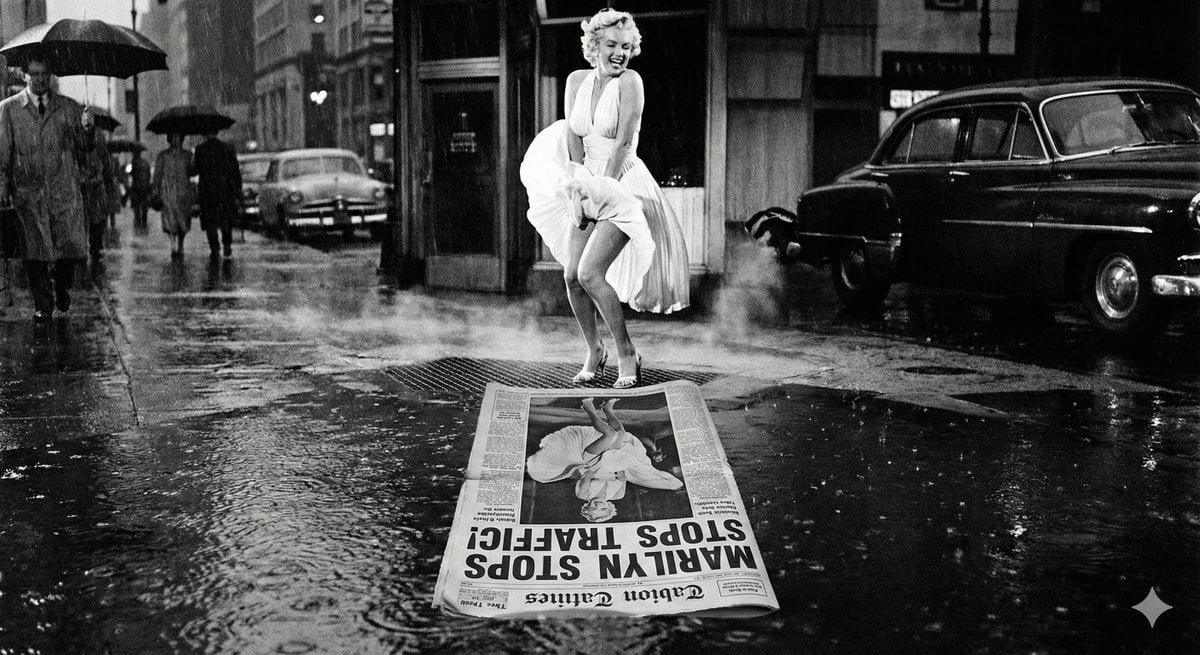
Cinematic Reflection Headline Prompt
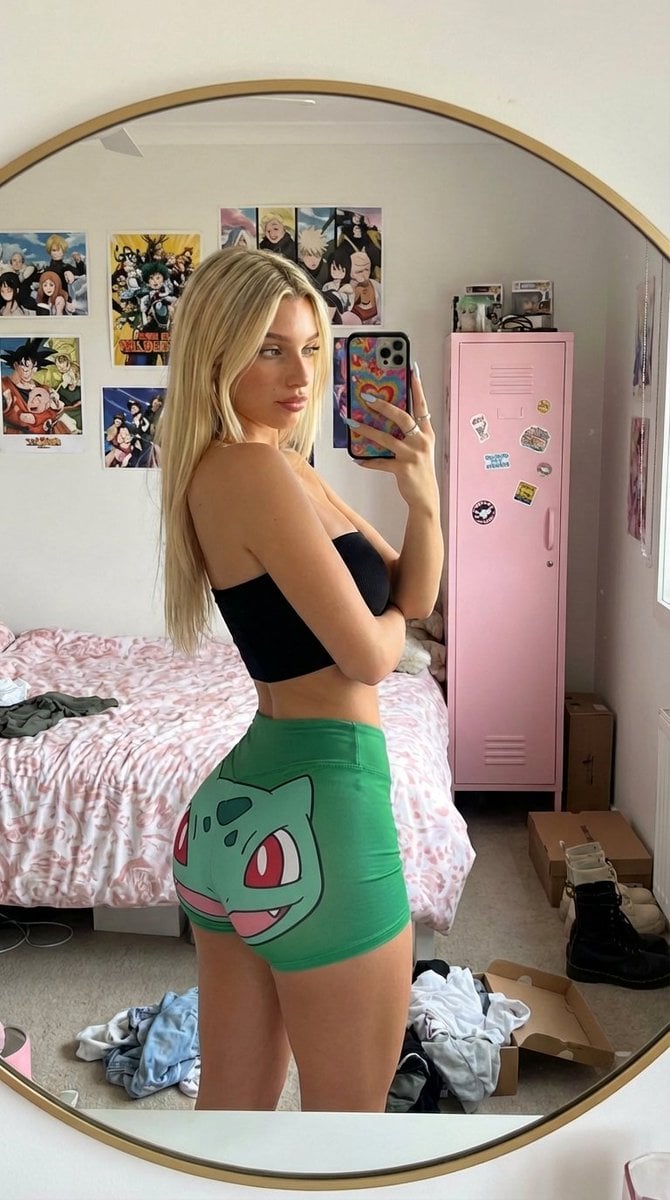
Cluttered Bedroom Mirror Selfie with Exaggerated Physique

Ultra-Realistic Cinematic Winter Portrait

Anime Horror Game Thumbnail Composite
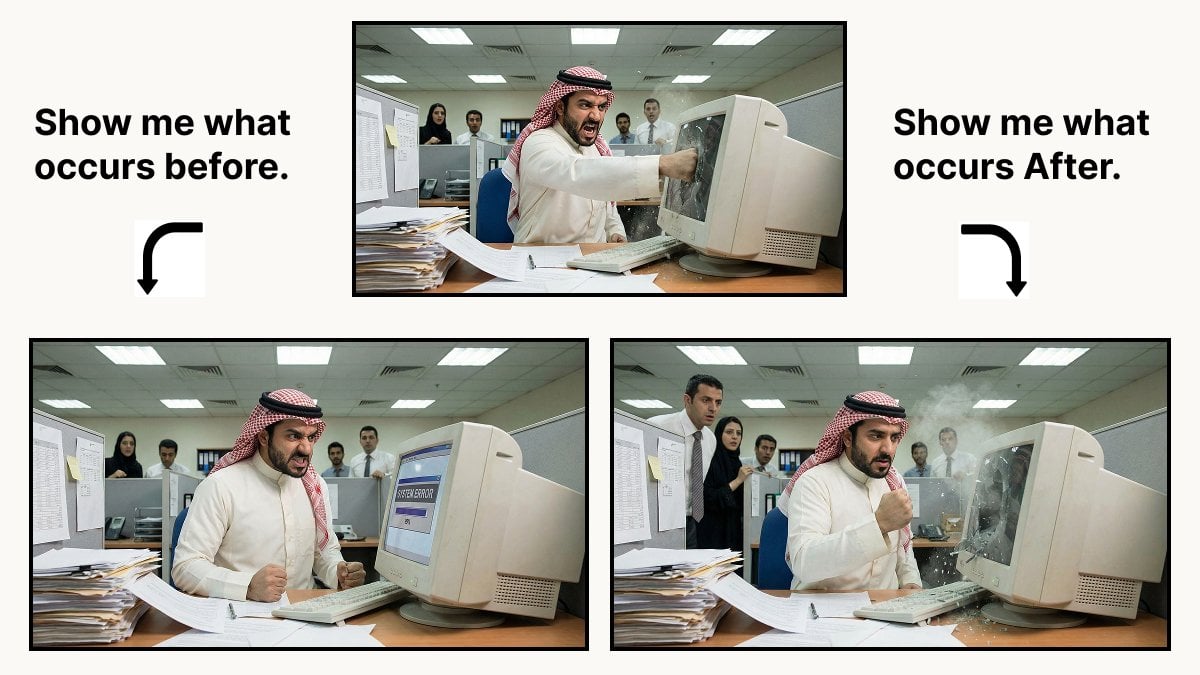
Prompt for Controlling Event Timing in Nano Banana Pro

Musical Kids Toy Ad Poster

Gemini Nano Banana Realistic Portrait Re

Style Transfer from Midjourney to Nanobanana
Browse template categories
Woman in Museum questions
How do I use the Woman in Museum template?
Add your photo if the template asks for one, edit the prompt if you like — the template's model and format are already selected — and press Generate. Your version opens in PicX Studio.
Can I customize the Woman in Museum template?
Yes. You can change the subject, setting, lighting, mood, format, and available model controls before creating your image.
Is the Woman in Museum template free?
Opening and editing this template is free. Generating uses credits, shown on the Generate button when you are signed in.
Which AI model should I use?
Choose a compatible model in PicX Studio based on the style, speed, and output controls your project needs.
Looking for something else? Browse all templates.

Your photo, any look
Thousands of ready templates for every top image and video model, from one credit balance.