How do I use the Museum Robot Art Duel template?
Choose the primary action to open PicX Studio with the available template settings. Review the model and format, personalize the creative direction, and generate when ready.
A cinematic photoreal scene of two branded painting robots confronting each other in a crowded museum gallery. Change the subject, setting, or lighting one variable at a time.
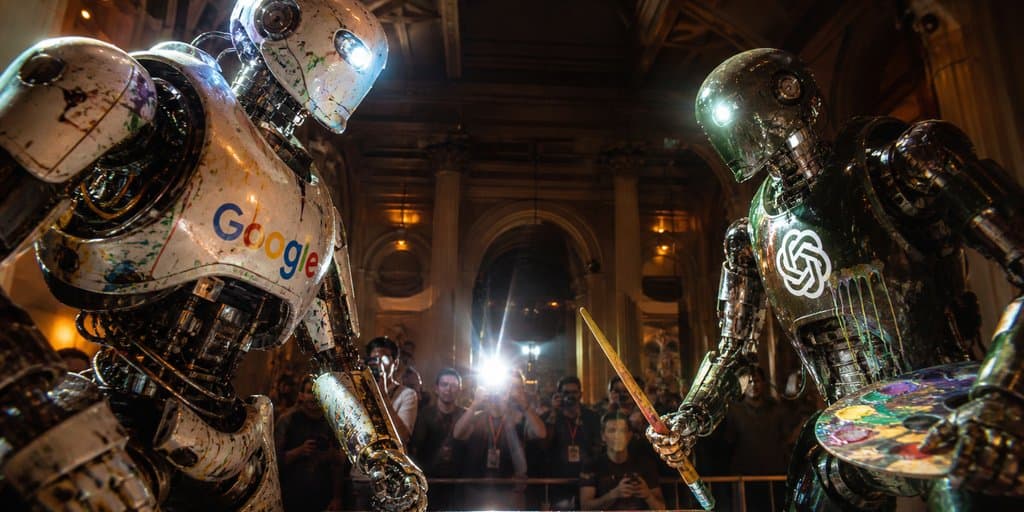
Create a cinematic ultra-realistic wide-angle photo of two giant humanoid painting robots facing off in an ornate, dimly lit museum gallery at night. On the left, a battered white chrome robot with peeling paint, exposed mechanical joints, splattered pigments, a glowing blue eye, and the multicolored {argument name="left robot logo" default="Google"} wordmark across its chest leans forward aggressively. On the right, a darker gunmetal chrome robot with glossy black mechanical limbs, paint stains, a bright white eye light, and a glowing {argument name="right robot logo" default="OpenAI knot logo"} emblem on its chest holds a wooden paintbrush like a sword in one hand and a colorful artist palette in the other. The robots should look enormous, scratched, dented, wet with reflective paint, and illuminated by dramatic warm museum lighting mixed with cold blue robot lights. Behind them, show a crowd of photographers and spectators behind a barrier, with one intense camera flash bursting in the center background; faces are slightly blurred for realism. The setting is a grand classical interior with tall columns, arched doorways, dark wood ceiling beams, gilded wall sconces, and deep shadows. Use strong perspective, low camera angle, 2.39:1 cinematic aspect ratio, shallow depth of field, high contrast, lens flare, gritty photorealism, blockbuster robot duel atmosphere, no captions or extra text beyond the chest logos.
Choose the primary action to open PicX Studio with the available template settings. Review the model and format, personalize the creative direction, and generate when ready.
Yes. You can change the subject, setting, lighting, mood, format, and available model controls before creating your image.
This template is free to open and customize. Generation usage is shown in PicX Studio before you create.
Start with GPT Image 2, which is the model associated with this template. You can compare another compatible model for a different finish.
© 2026 PicX Studio. All rights reserved.

Follow a topic to a crawlable collection of related PicX Studio templates.
43,474 public templates available. Verified via the PicX Studio public templates API; refreshed hourly.
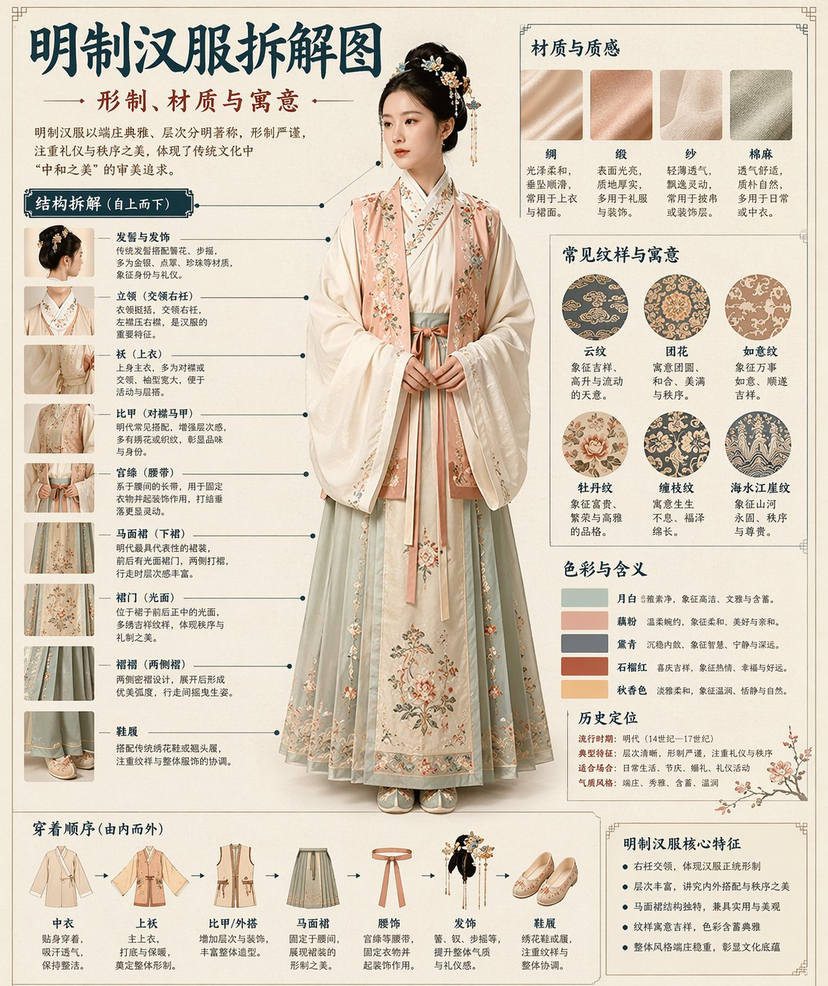














![Minimalist Flat Vector Travel Poster — Premium minimalist flat-vector travel poster for {argument name="city name" default="[CITY_NAME]"}, 3:4 vertical format.](https://cms-assets.youmind.com/media/1787917359711_3ug846_HQX205cbMAA6F6S-300x400.jpg)