
Artistic Eye Makeup Close-Up
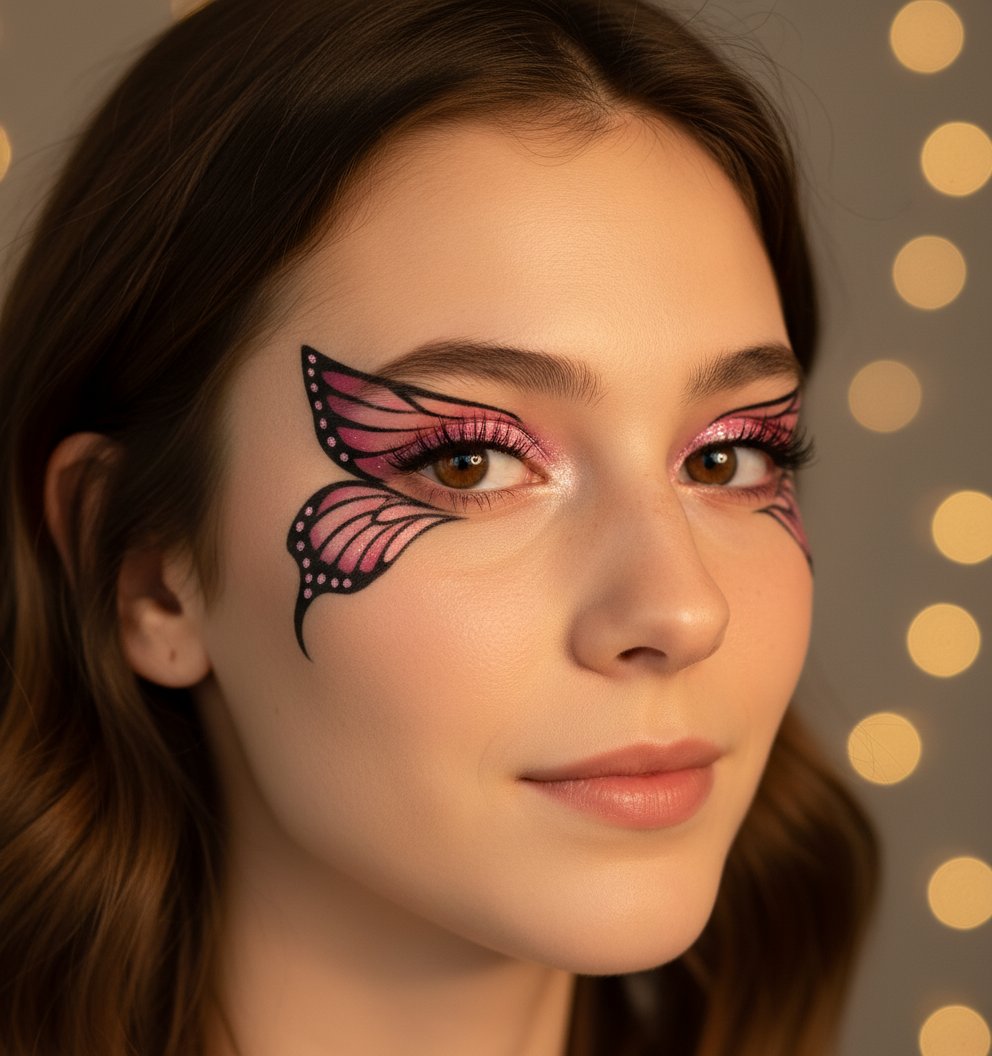
Artistic Eye Makeup Close-Up is a ready photo look.
- Prompt included
- Model and format preset
- Free template
The prompt behind this image
Copy the exact prompt behind Artistic Eye Makeup Close-Up, or open it in the studio and make it yours.
A high-resolution close-up portrait of this girl with the same face and features, showcasing detailed pink and black butterfly-wing inspired eyeliner on shimmery eyelids. Her skin has a soft glow with natural texture, and the lighting highlights the shimmer and lashes clearly. The composition is artistic and editorial — makeup-focused, realistic, and vibrant with soft golden lighting.
How to use Artistic Eye Makeup Close-Up in 3 steps
- 1
Open
The prompt is already in the box next to the preview, with the template's model and format selected.
- 2…a portrait of your subject in softgolden-hour light, 85mm…
Personalize
Edit the subject and creative details for your destination.
- 3Generate
Generate
Press Generate — your image is created in PicX Studio, so you can compare it with the original and refine one variable at a time.
More like this
Templates with the same subject, style or setup. Open one to see its prompt.

Artistic Patchwork Fashion Portrait Spring Festival
Artistic Patchwork Fashion Portrait Spring Festival
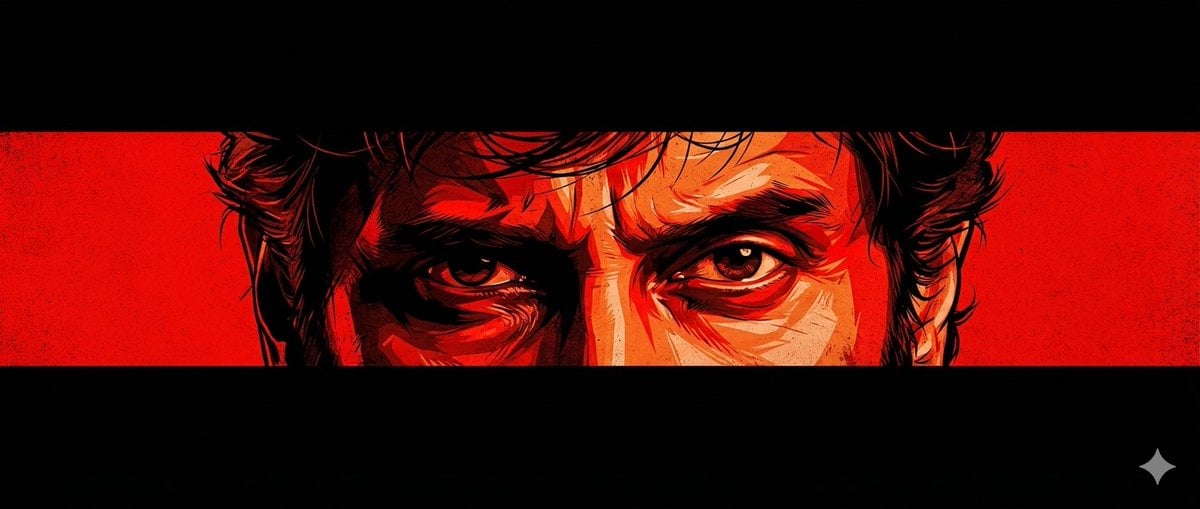
Graphic Novel Eye Close-up
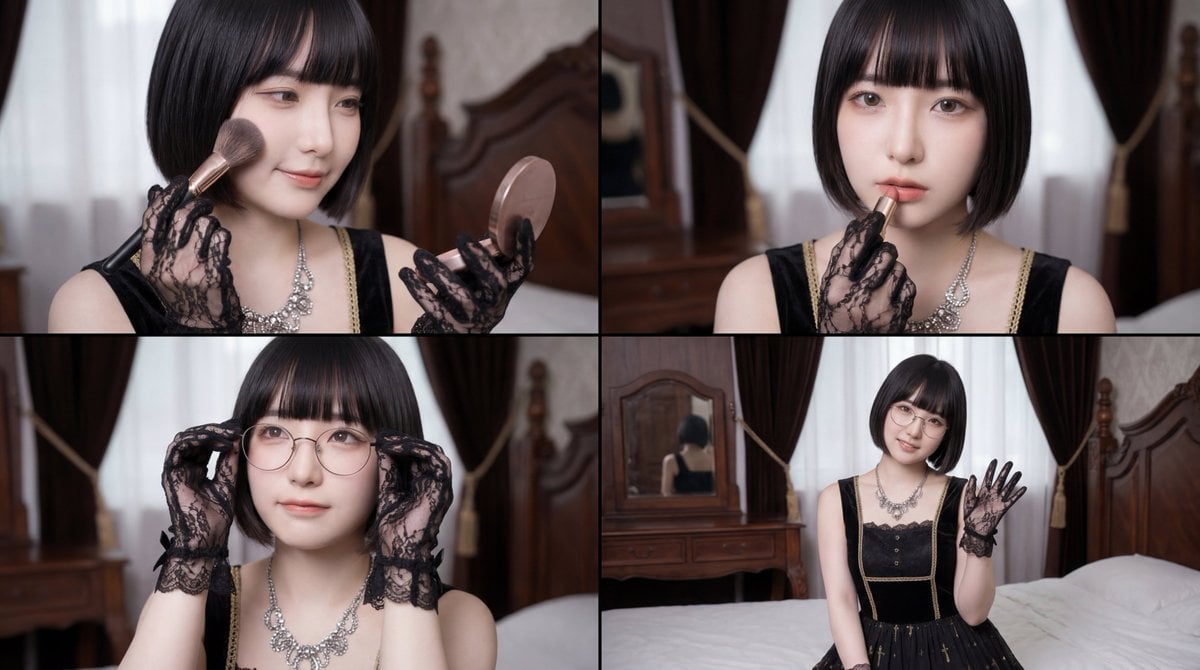
Cinematic Close-up of Woman Applying Makeup Video Prompt
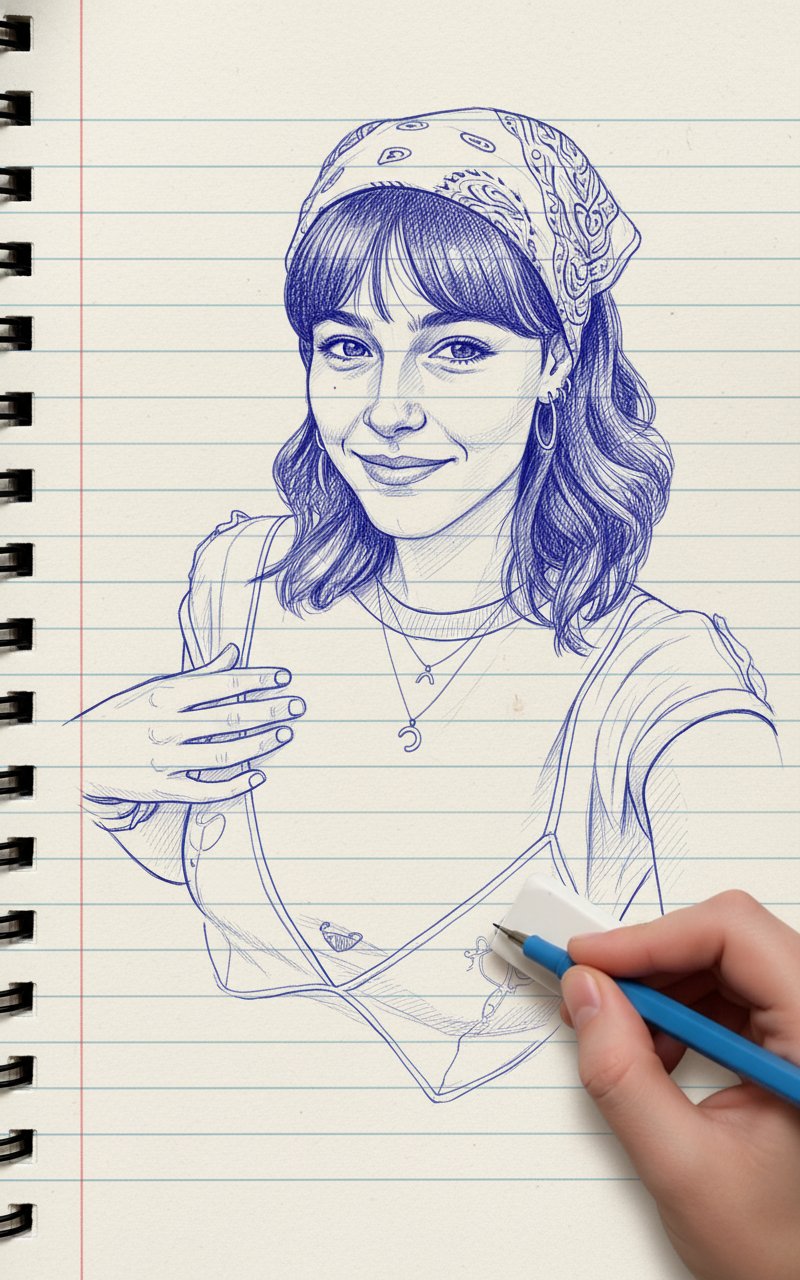
Blue Pencil Sketching
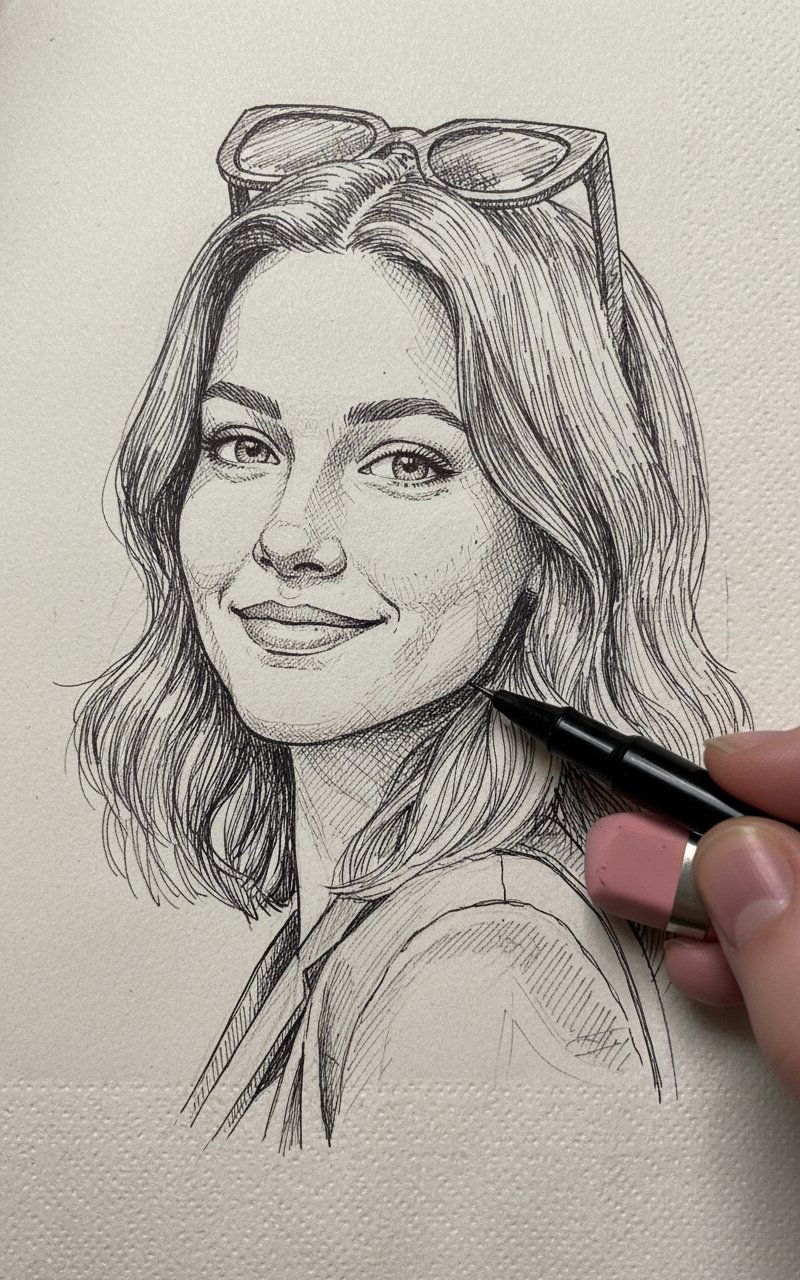
Pencil Sketch
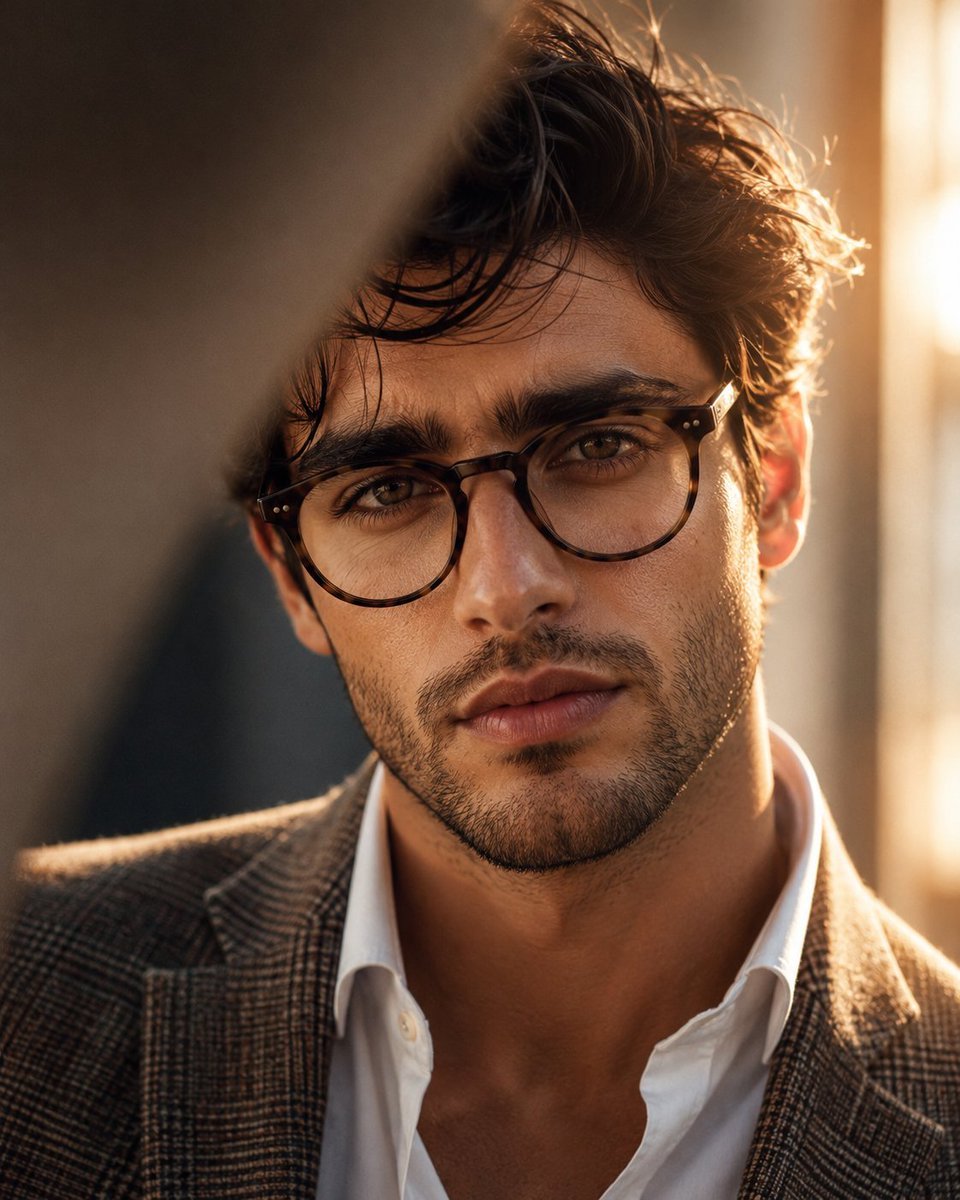
Masculine Close-up Editorial Portrait
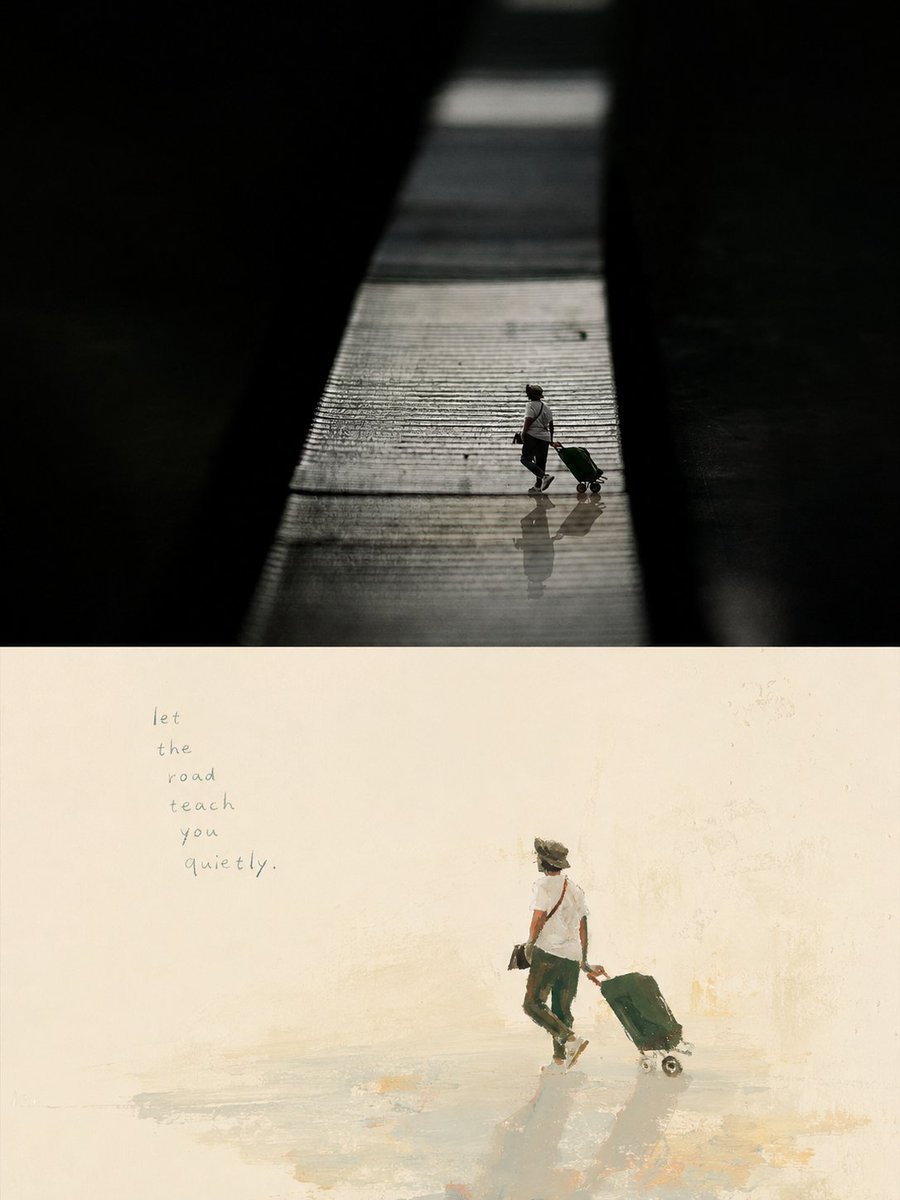
Artistic Memory Collage Poster
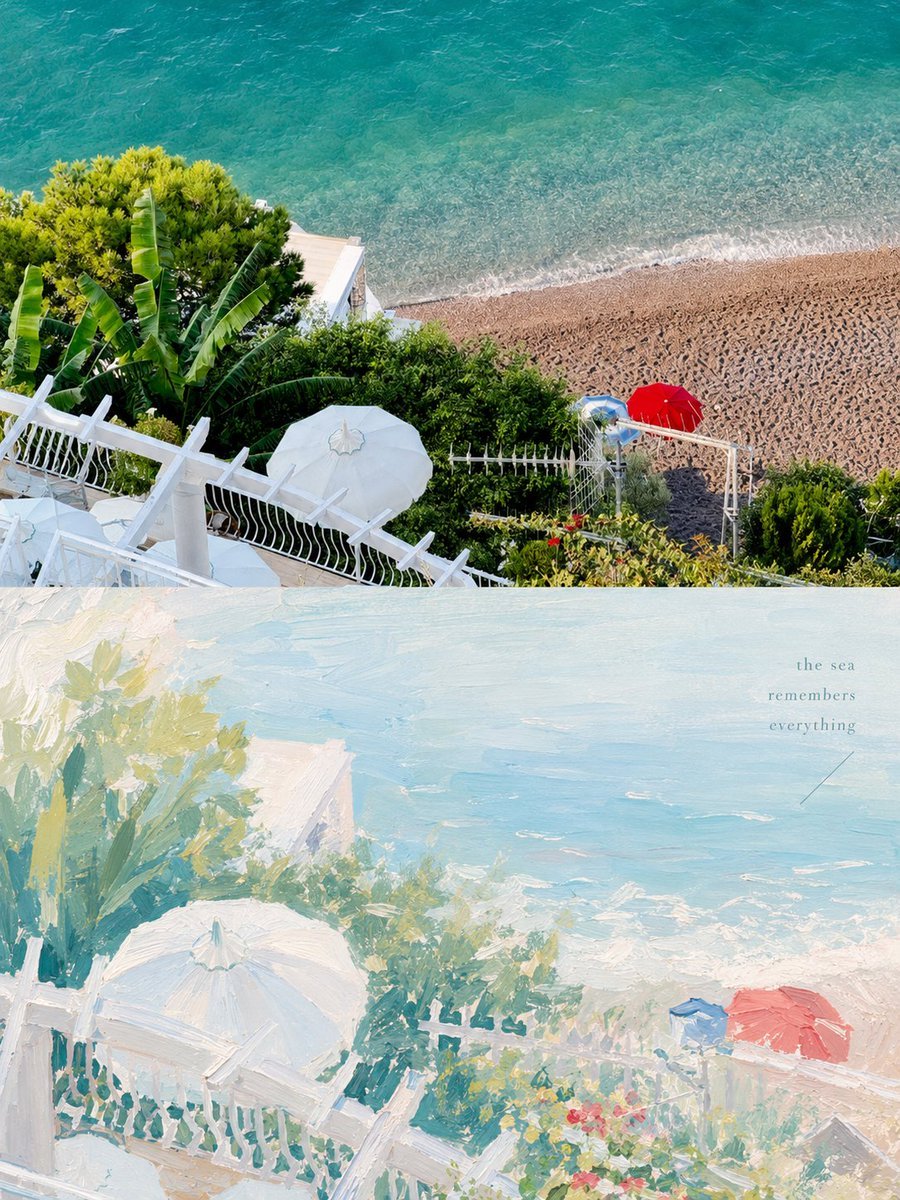
Healing Pastel Style Artistic Reconstruction
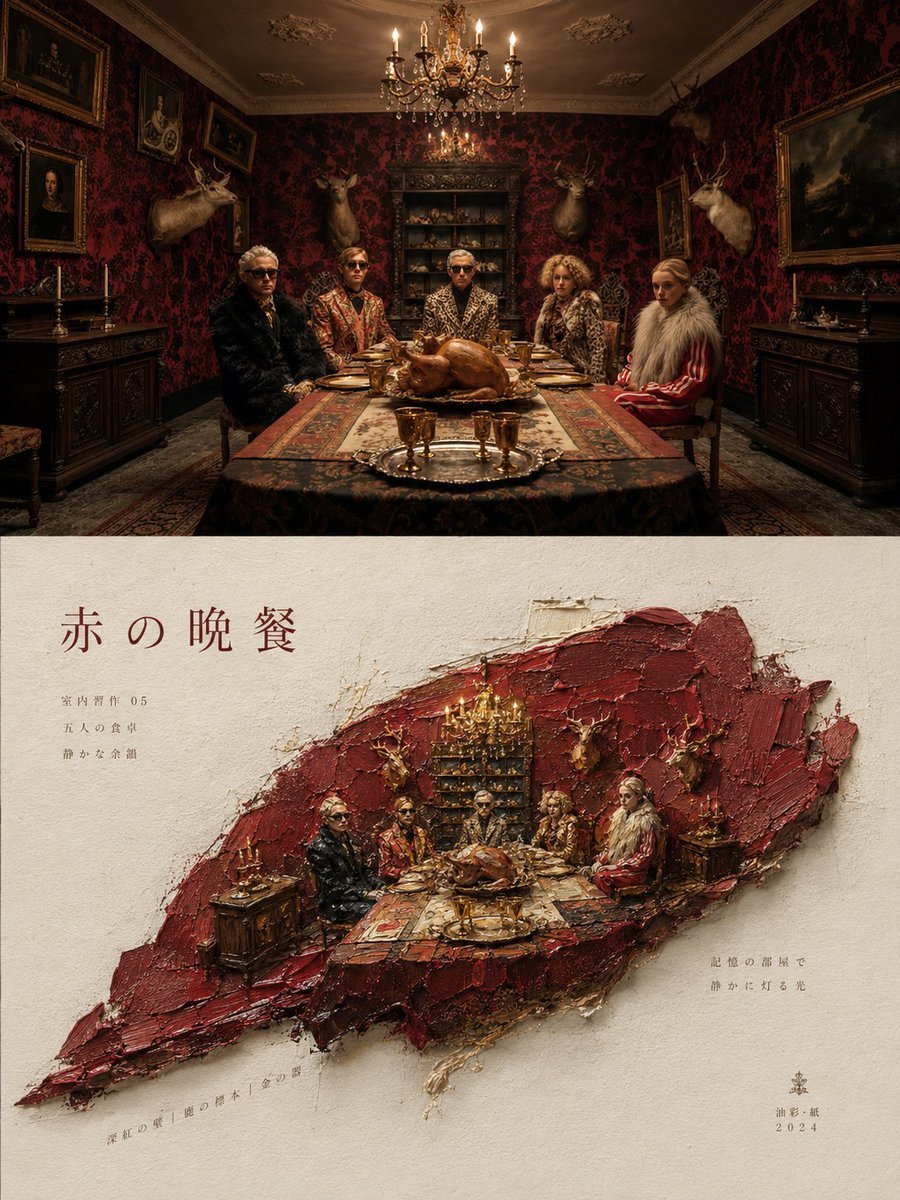
Artistic Magazine Design Poster Layout

Artistic portrait of an elegant Asian woman wearing a black silk
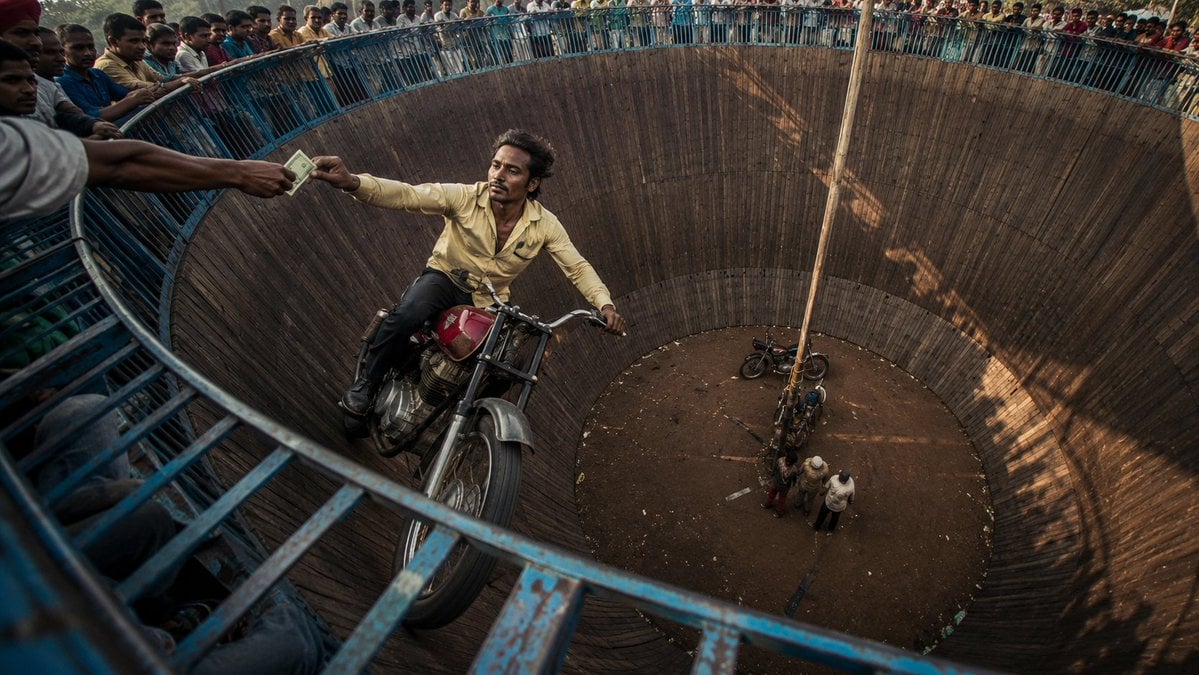
Wall of Death Fisheye Documentary
Make it yours
Artistic Eye Makeup Close-Up works as-is. These are the safest ways to change it without losing the look.
Change one field
Copy a single group, rewrite it, and generate again so you can see what that field is doing.
Keep the frame, change the subject
Hold the composition and light of Artistic Eye Makeup Close-Up, then swap wardrobe, props or the person for a new take.
| If the result… | Why | Fix |
|---|---|---|
| The result drifts from the preview | Too many fields changed at once. | Reuse Artistic Eye Makeup Close-Up as-is first, then change one group — subject, light, or setting. |
| The model over-stylizes the scene | The prose prompt leaves finish and camera underspecified. | Add one camera or lighting sentence and stay on PicX Studio. |
More image prompts
Fresh picks from across the catalog.
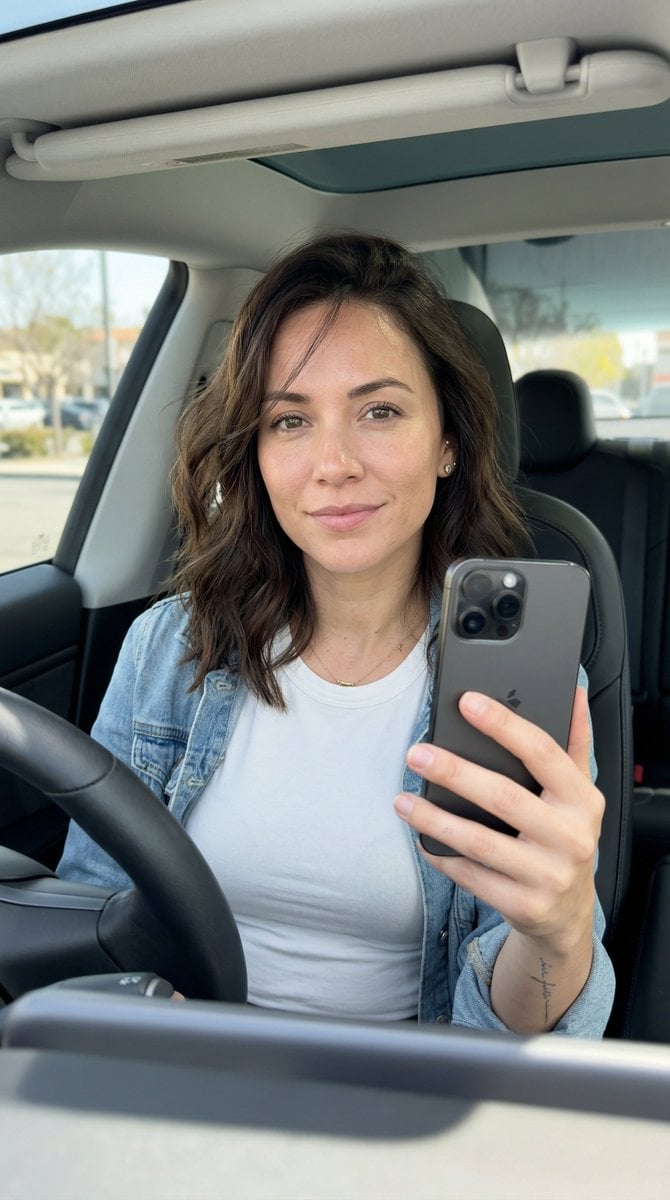
Hyper-Photorealistic Car Selfie Prompt for Nano Banana 2

Tower of Druaga Gilgamesh vs. Druaga Prompt

Gpt2 Product Marketing Japanese Chinese Food Delivery Flyer
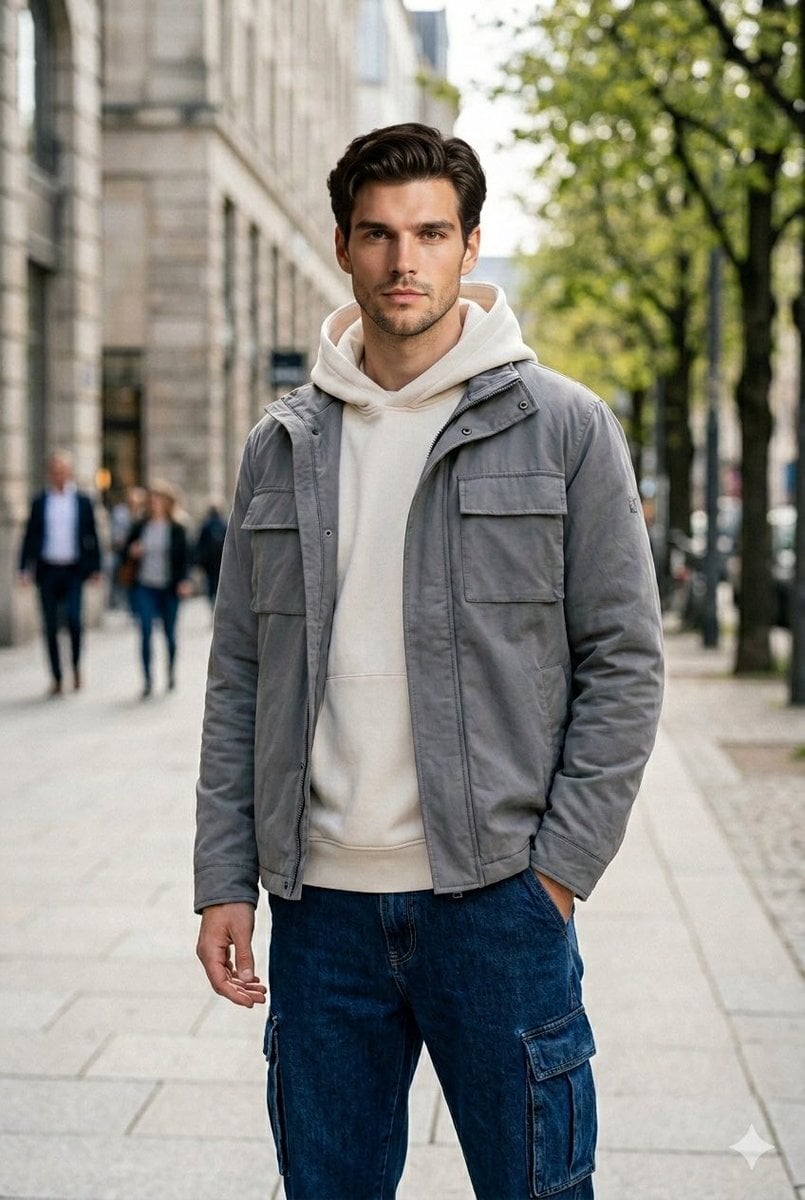
Ultra-Realistic Urban Portrait of a Young Man

Low-Key Product Photography Prompt for Gemini Nano Banana Pro
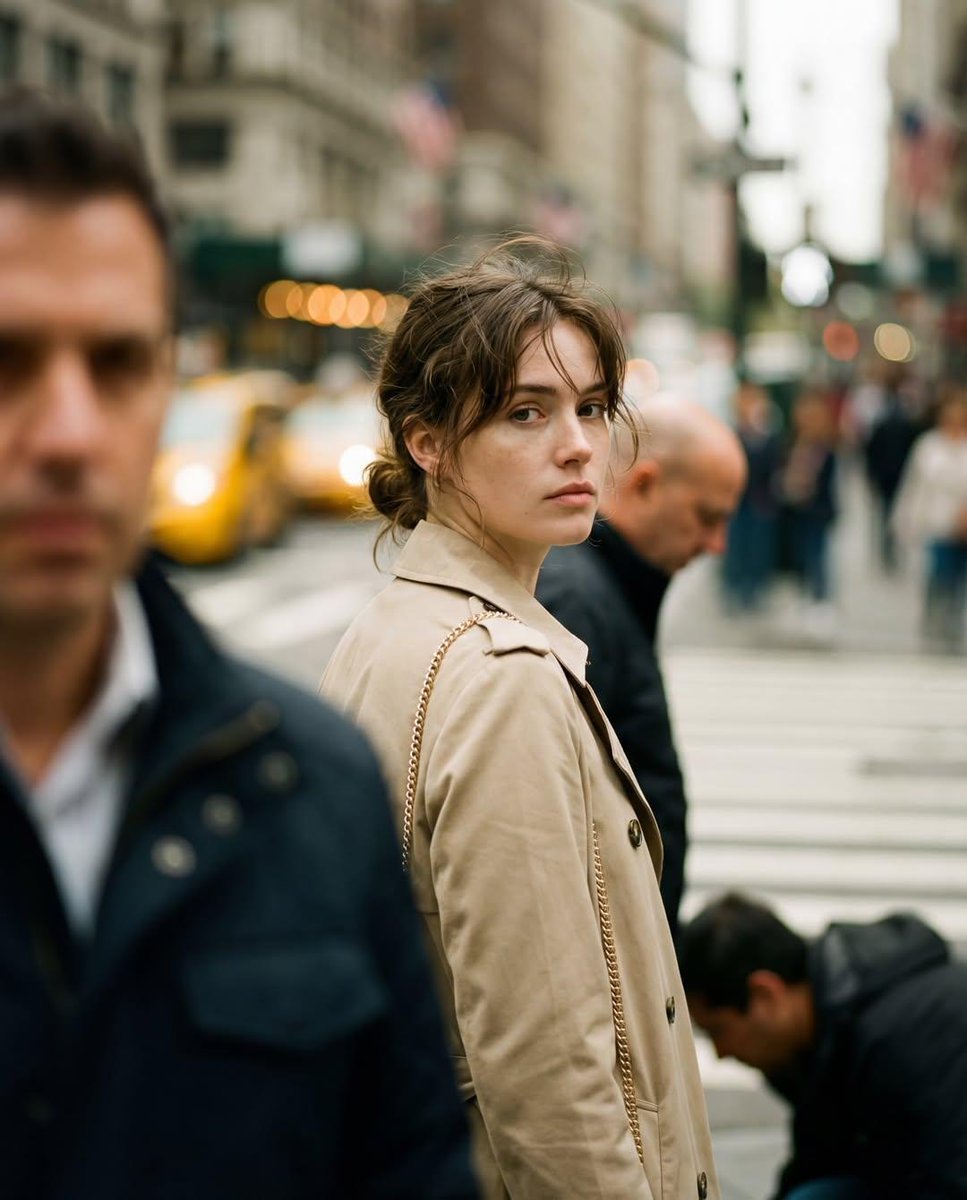
Candid Street Photography with Documentary Realism

Urban Street Portrait with Cartoon Inner Self Duo
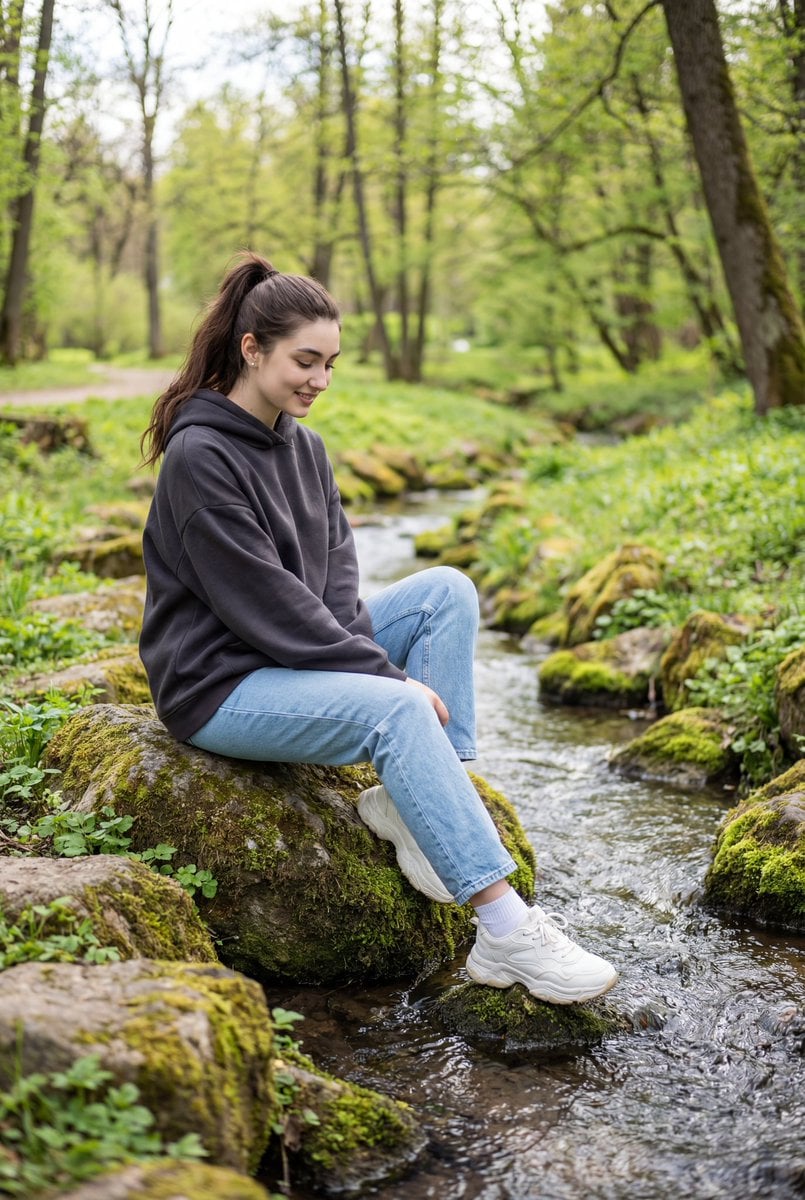
Candid Outdoor Portrait by a Creek
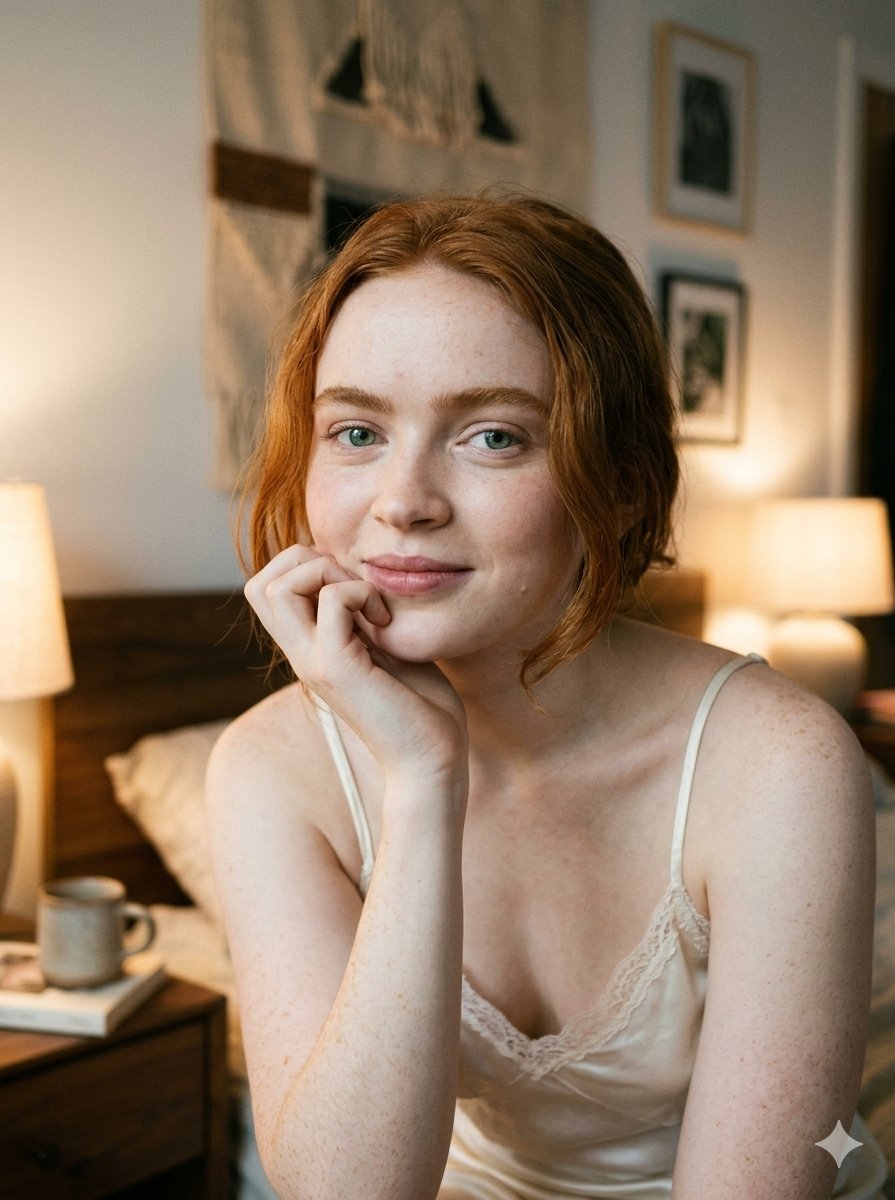
Google Nano Banana 2 — Cozy Bedroom Editorial
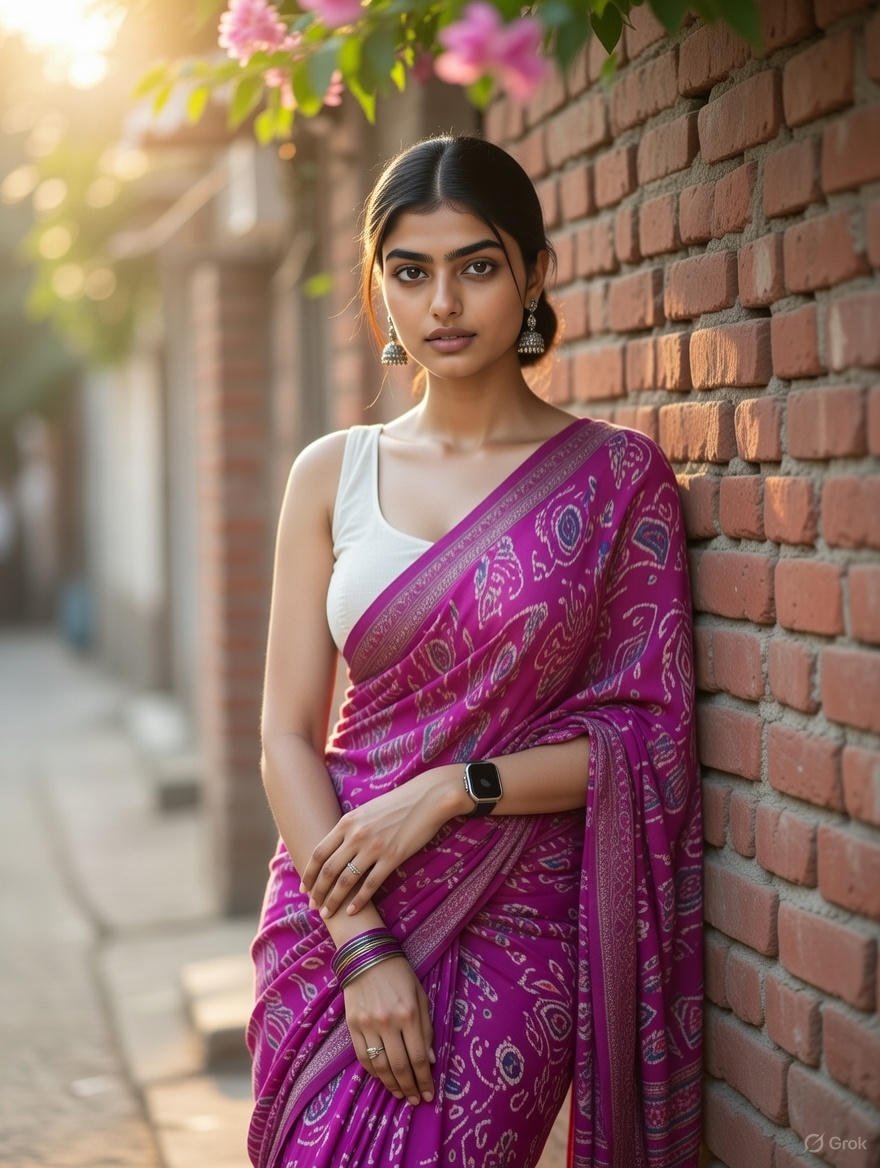
Grok Identity Lock Prompt for Saree Portrait
Browse template categories
Artistic Eye Makeup Close-Up questions
How do I use the Artistic Eye Makeup Close-Up template?
Add your photo if the template asks for one, edit the prompt if you like — the template's model and format are already selected — and press Generate. Your version opens in PicX Studio.
Can I customize the Artistic Eye Makeup Close-Up template?
Yes. You can change the subject, setting, lighting, mood, format, and available model controls before creating your image.
Is the Artistic Eye Makeup Close-Up template free?
Opening and editing this template is free. Generating uses credits, shown on the Generate button when you are signed in.
Which AI model should I use?
Choose a compatible model in PicX Studio based on the style, speed, and output controls your project needs.
Looking for something else? Browse all templates.

Your photo, any look
Thousands of ready templates for every top image and video model, from one credit balance.