How do I use the Fairy-Core Gown Mirror Selfie in a Floral Cafe template?
Choose the primary action to open PicX Studio with the available template settings. Review the model and format, personalize the creative direction, and generate when ready.
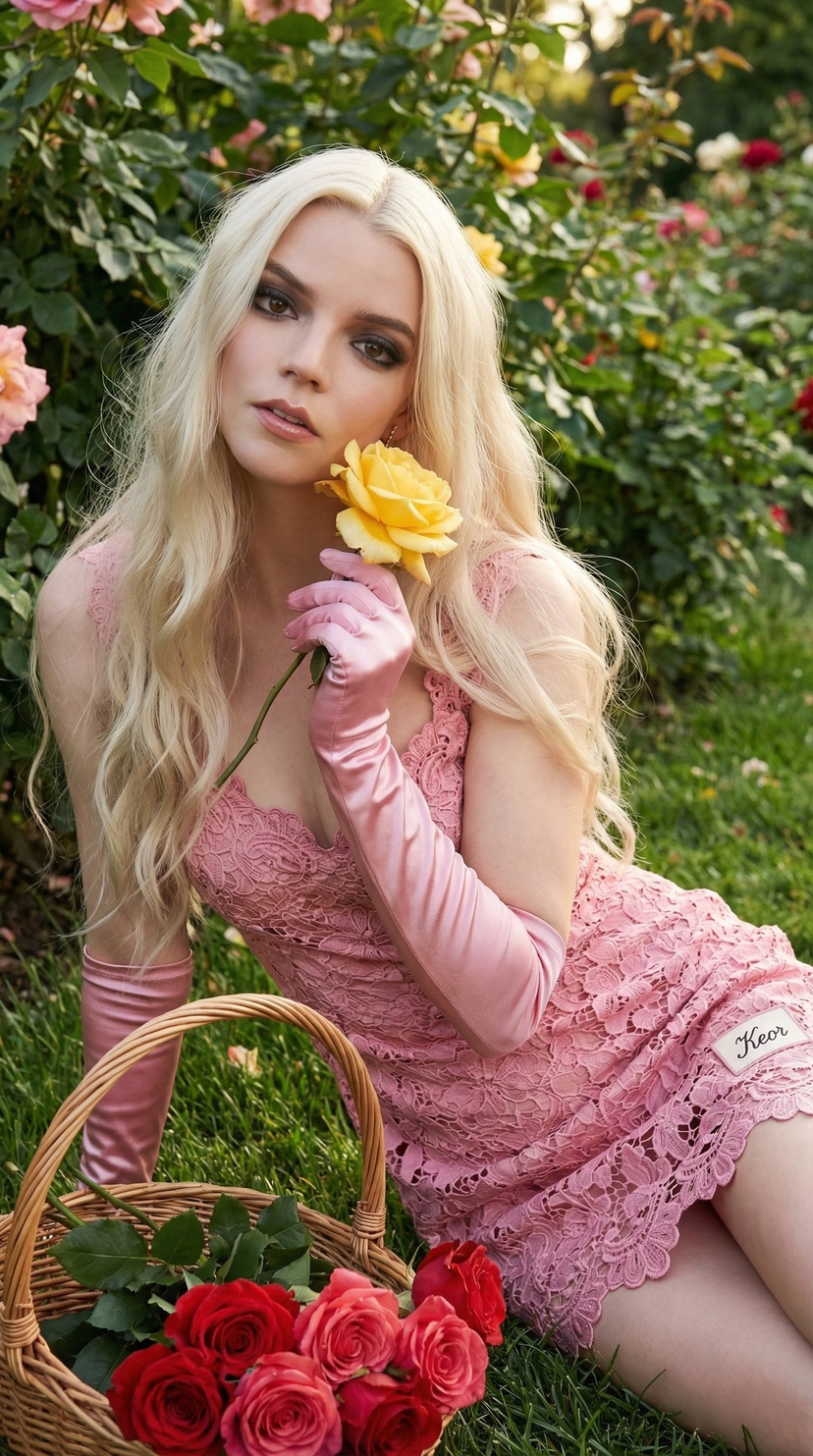
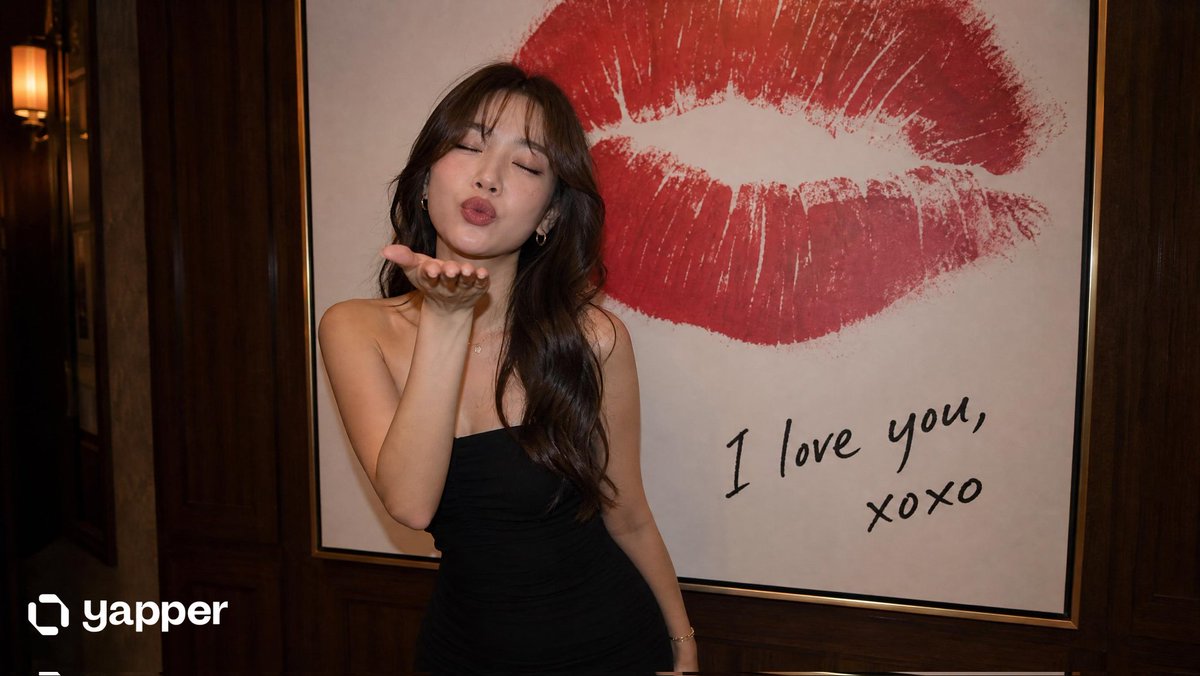
A detailed JSON prompt for generating a full-body mirror selfie of a woman in an elegant, pastel pink fairy-core gown and high-heeled sandals, set in a romantic European-style floral cafe. Change the subject, setting, or lighting one variable at a time.

{ "image_generation_prompt": { "subject": { "reference_adherence": "Strictly match the provided reference photo face exactly", "facial_features": [ "Preserve exact face shape", "Match eye structure and eyebrow shape", "Retain lip shape and natural color" ], "hair": "Blonde hair, exact hairstyle from reference, natural shine and soft texture", "makeup": "Natural style as per reference", "expression": "Soft, calm, looking at phone screen" }, "apparel": { "main_garment": "Elegant full-length pastel pink gown with a romantic fairy-core aesthetic. Fitted corset-style bodice that cinches the waist, off-shoulder neckline with delicate gathered fabric, and a flowing floor-length chiffon skirt with layered movement. Long, sheer, flared sleeves that drape gracefully with soft fabric transparency. Gown appears ethereal, feminine, and luxurious.", "fabric_physics": "Lightweight chiffon and satin blend, airy movement, natural folds, soft wind-like flow", "footwear": "Pastel blush pink satin high-heeled sandals with a square toe. Delicate thin straps adorned with embroidered 3D butterfly appliqués across the front and ankle straps. Slim feminine heel, elegant fairy-core aesthetic.", "accessories": [ "Silver necklace", "Silver bracelet", "Silver rings" ] }, "pose_and_action": { "type": "Full-body mirror selfie", "stance": "Graceful standing pose with slight hip shift, gown flowing naturally", "head_position": "Tilted slightly downward", "hands": { "right_hand": "Holding phone vertically in front of face", "left_hand": "Resting gently along the side of the gown" }, "props": "iPhone 16 Pro Max, silver color" }, "environment": { "location": "Charming floral cafe interior", "background": "Romantic European-style floral cafe with stone-textured walls, hanging wicker baskets, dried flower arrangements, pastel floral bouquets, vintage wooden shelves, rustic beams, and soft decorative mirrors. Warm neutral stone tones mixed with soft pinks, greens, creams, and lavender florals. Cozy, aesthetic, feminine atmosphere.", "flooring": "Vintage patterned tile floor with subtle reflections" }, "lighting_and_atmosphere": { "quality": "Soft, ambient cafe lighting with gentle highlights", "mood": "Feminine, romantic, elegant, fairy-core, social media aesthetic" }, "technical_specifications": { "quality": "8K resolution, photorealistic, high fidelity", "focus": "Sharp focus on face and gown details", "perspective": "Eye-level mirror perspective", "aspect_ratio": "4:5" } }
Choose the primary action to open PicX Studio with the available template settings. Review the model and format, personalize the creative direction, and generate when ready.
Yes. You can change the subject, setting, lighting, mood, format, and available model controls before creating your image.
This template is free to open and customize. Generation usage is shown in PicX Studio before you create.
Start with Nano Banana 2, which is the model associated with this template. You can compare another compatible model for a different finish.
Follow a topic to a crawlable collection of related PicX Studio templates.
43,474 public templates available. Verified via the PicX Studio public templates API; refreshed hourly.






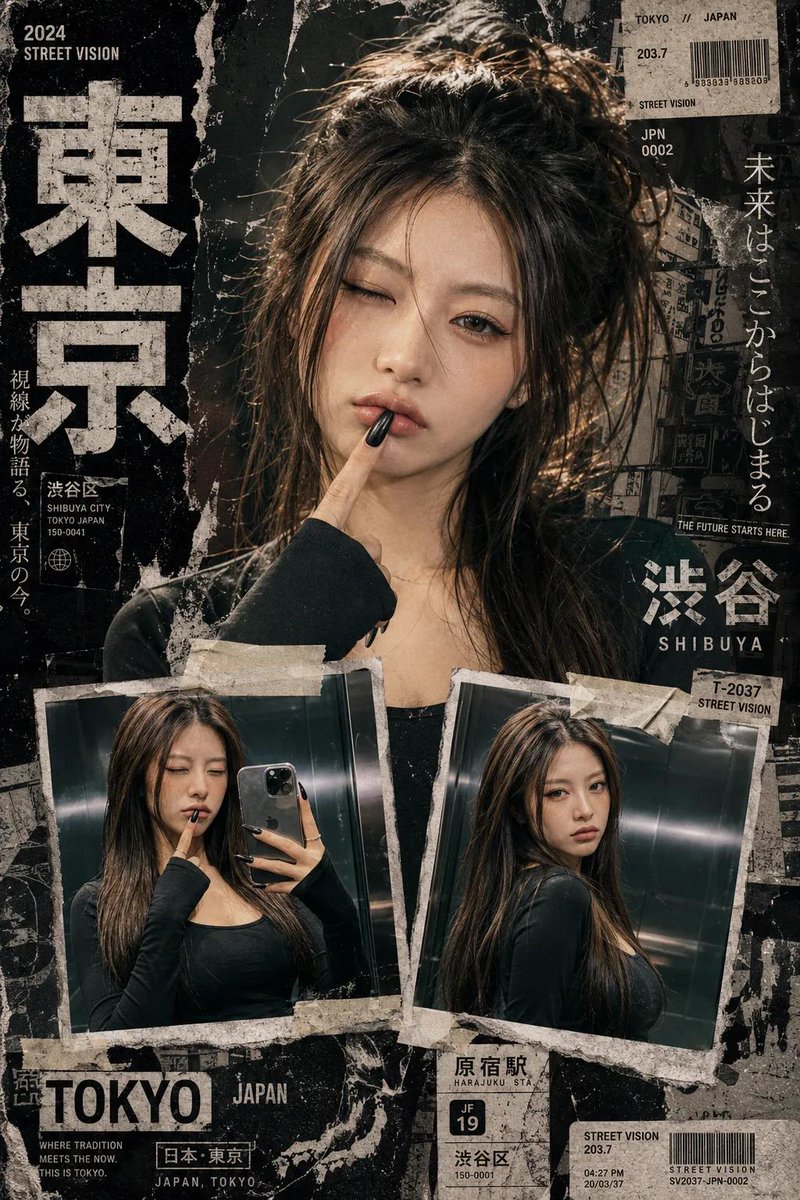
![Fairy-Core Mirror Selfie in Floral Cafe (Structured) — [subject]
reference_adherence = Strictly match the provided reference photo face exactly
hair = black
hai](https://pbs.twimg.com/media/G8lGMpjXQAANVqI.jpg)



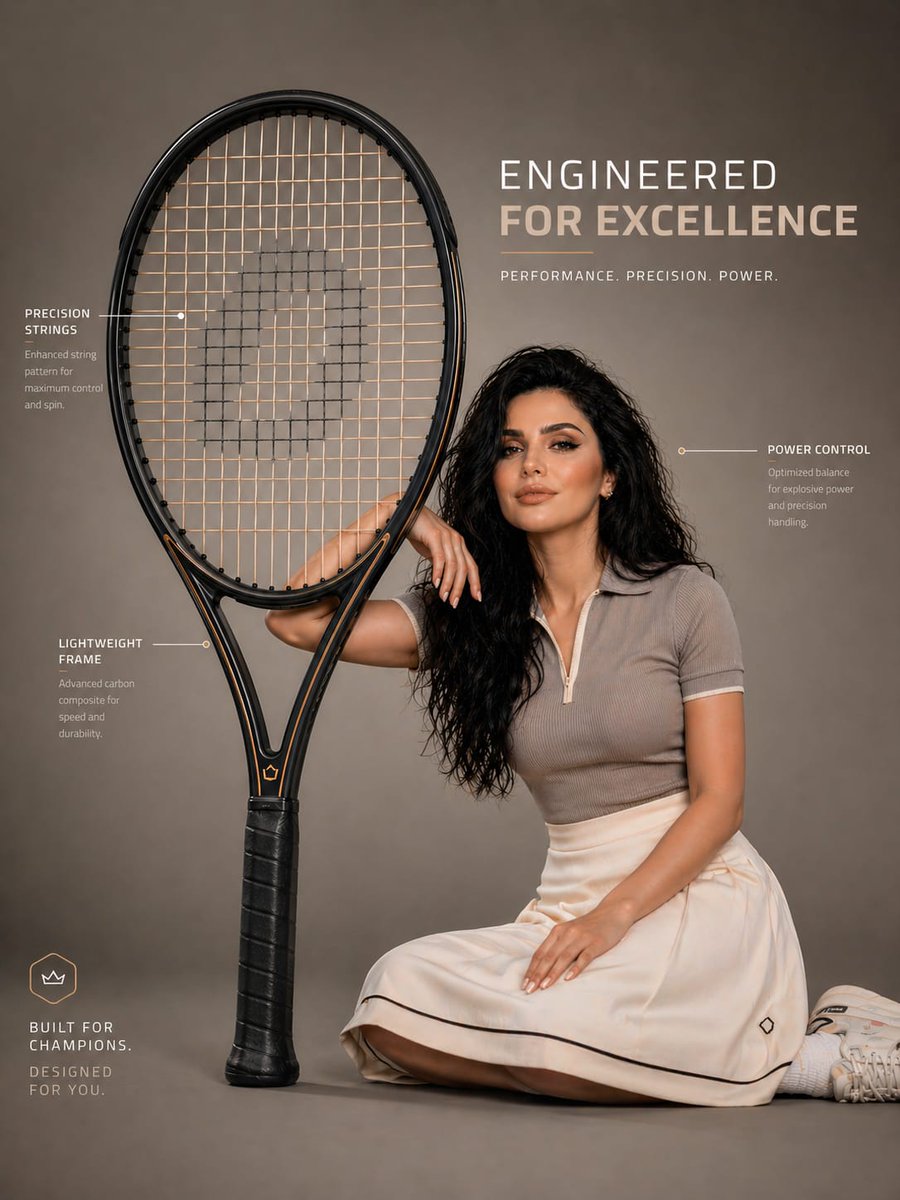
![nano-banana-grwm-mirror-selfie-pink — Nano Banana 2
Prompt (JSON):
{
"type": "image_prompt",
"description": {
"subject": {
"main": "[NAME] com o](/_next/image?url=https%3A%2F%2Fcdn.picxstudio.com%2Fuploads%2Ftweet_img_10a_612da6f9-cf6d-417e-bdd5-cc1300d1d830.jpg&w=828&q=100)







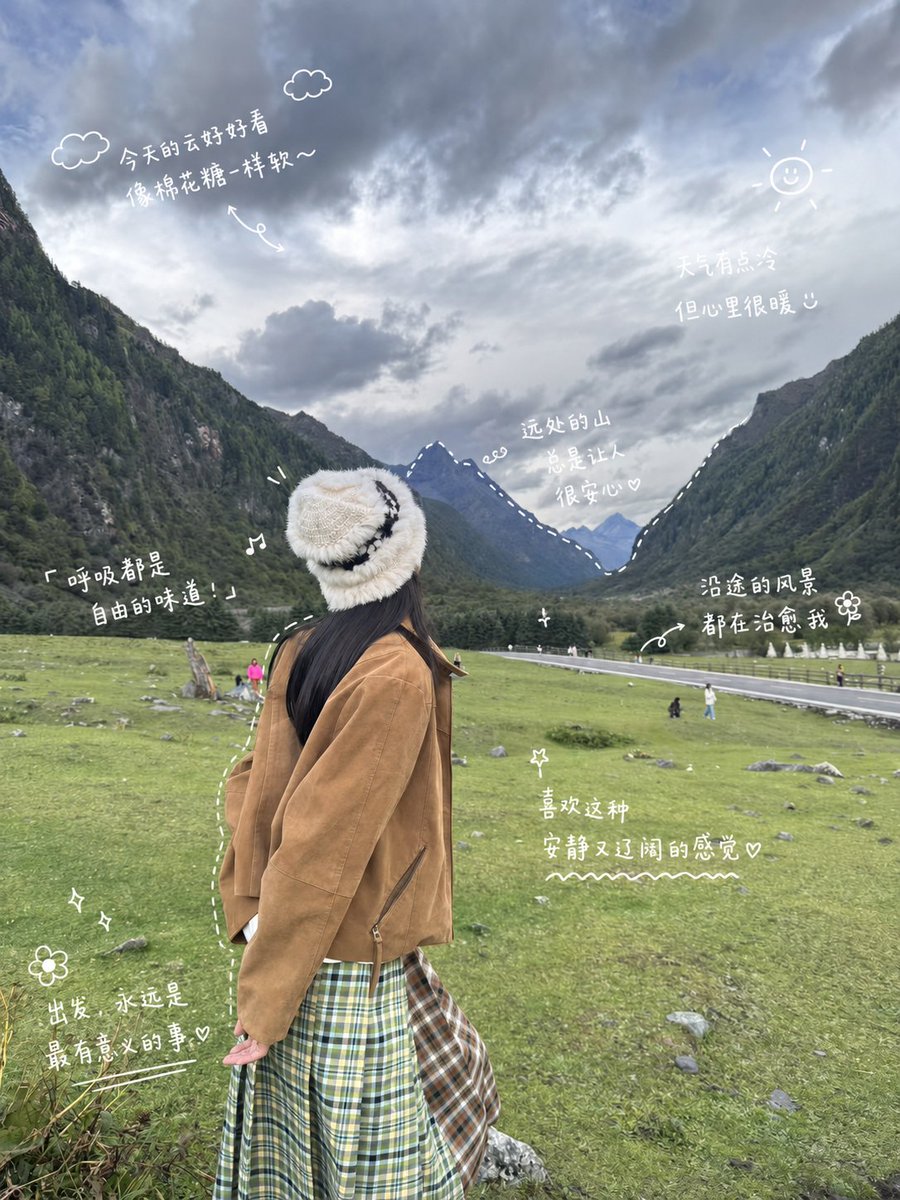
![Naive doodle-style subject illustration — A doodle-style {argument name="subject" default="[subject]"}, naive lines, humorous shape exaggeration](https://pbs.twimg.com/media/G6Wl2YxbsAARB2b.jpg)