
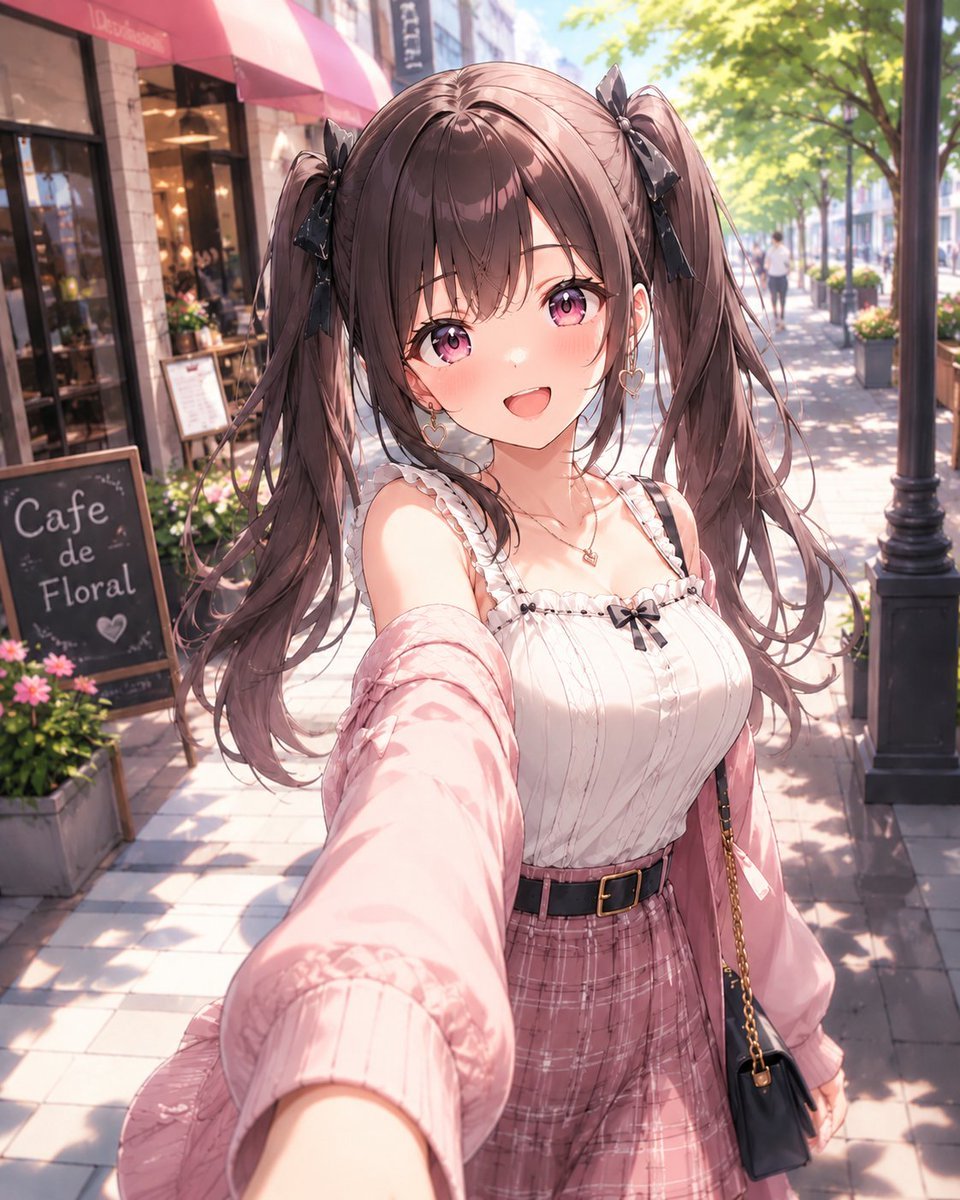
Anime Cafe Selfie Girl
A detailed prompt for generating a cute modern anime girl taking a sunny selfie outside a fashionable cafe.
- Prompt included
- Model and format preset
- Free template
The prompt behind this image
Copy the exact prompt behind Anime Cafe Selfie Girl, or open it in the studio and make it yours.
Create a polished modern moe anime illustration of a cheerful young woman taking a selfie on a sunny city cafe street. She has {argument name="hair color" default="soft chocolate brown"} hair styled into two high twin tails with loose flowing strands and black ribbon bows, large sparkling {argument name="eye color" default="pink violet"} eyes, flushed cheeks, and an open happy smile. Use a close wide-angle selfie perspective with her extended arm large in the foreground, camera slightly above chest height, making her face and upper body the focal point. Her outfit is a feminine summer casual look: a white frilled camisole with tiny black bow detail and vertical pintuck texture, a loose pale pink cardigan slipping off one shoulder, a pink plaid high-waisted skirt, a black belt with gold buckle, heart earrings, delicate necklace, and a small black crossbody bag with a gold chain. Set the scene on a bright tree-lined sidewalk outside a stylish cafe with storefront windows, warm interior lights, a pink awning, flower planters, a blackboard sign reading {argument name="cafe sign text" default="Cafe de Floral"}, street lamps, pedestrians softly blurred in the distance, and dappled sunlight across the pavement. Use glossy high-detail anime rendering, soft pastel colors, delicate linework, luminous skin shading, detailed hair highlights, shallow depth of field, bokeh, warm midday sunlight, and a cute light-novel cover aesthetic. Vertical portrait composition, no watermark, no extra captions, no distorted hands, preserve a clean attractive anime style.
How to use Anime Cafe Selfie Girl in 3 steps
- 1Upload ImagePNG, JPG or paste
Add your photo
Upload the photo the template builds on. The prompt, model and format are already set.
- 2…a portrait of your subject in softgolden-hour light, 85mm…
Personalize
Edit the subject and creative details for your destination.
- 3Generate
Generate
Press Generate — your image is created in PicX Studio, so you can compare it with the original and refine one variable at a time.
More like this
Templates with the same subject, style or setup. Open one to see its prompt.

Cel 2D Cafe Morning
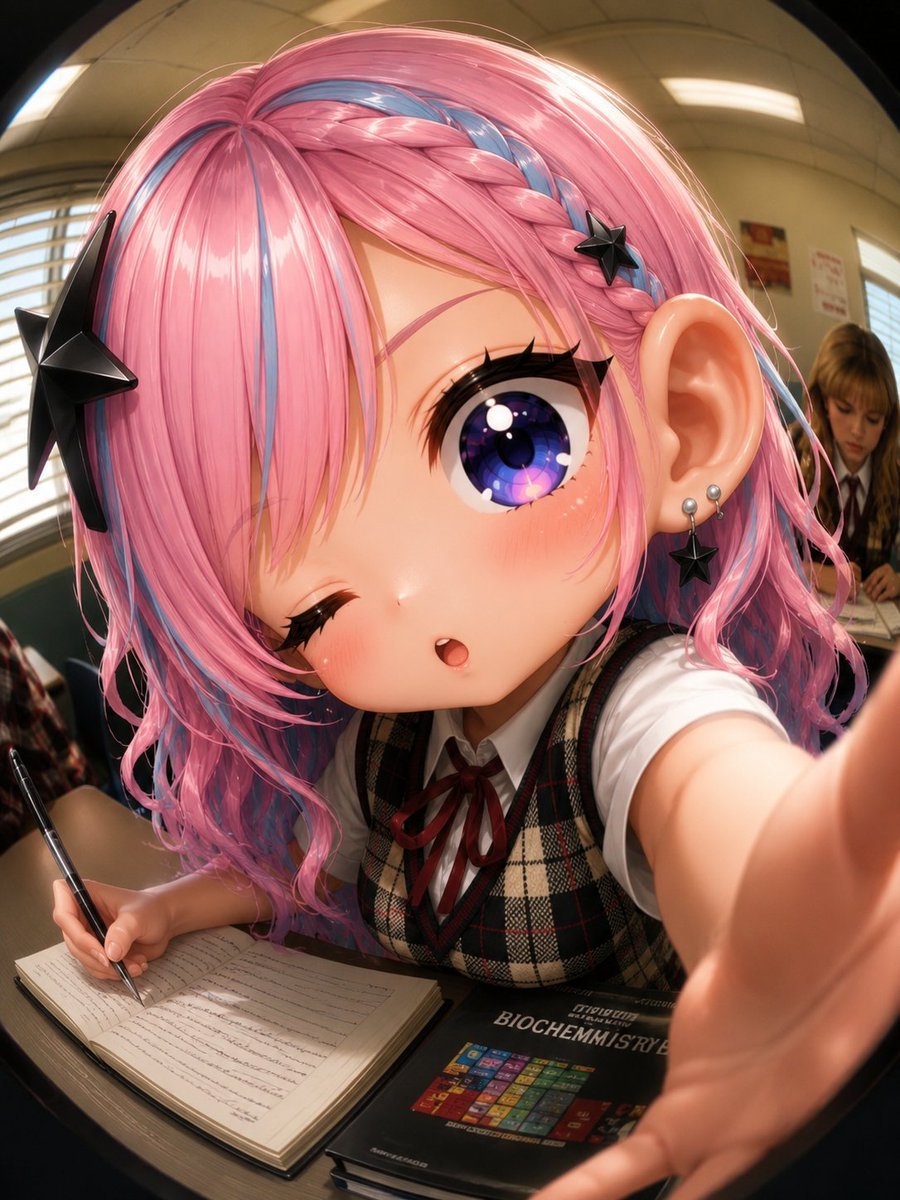
Fisheye Anime Schoolgirl Selfie

Teen Girl Alpine Lake Mountain View

Framed Quilling Anime Girl

Anime Lantern Girl Character Sheet

Anime Girl Generation Grid

Chaotic Anime Schoolgirl Fan Collage

Rooftop Fisheye — Cat-Ear Balaclava at Golden Hour

Felt & Knit 3D Character — Photo-Exact Face, Pixar-Quality Plush Figurine

Surreal Cat Astronaut — Humanoid Face Freefall

Cel 2D Finale Fireworks

Cel 2D Garden Maze
Make it yours
Anime Cafe Selfie Girl works as-is. These are the safest ways to change it without losing the look.
Change one field
Copy a single group, rewrite it, and generate again so you can see what that field is doing.
Keep the frame, change the subject
Hold the composition and light of Anime Cafe Selfie Girl, then swap wardrobe, props or the person for a new take.
| If the result… | Why | Fix |
|---|---|---|
| The result drifts from the preview | Too many fields changed at once. | Reuse Anime Cafe Selfie Girl as-is first, then change one group — subject, light, or setting. |
| The model over-stylizes the scene | The prose prompt leaves finish and camera underspecified. | Add one camera or lighting sentence and stay on GPT Image 2. |
More GPT Image 2 templates
Other prompts made for GPT Image 2.

Six VTuber Japanese Logo Sheet

Realistic Portrait of Woman and Deer

The Vista Modular Condo Poster

AI Model Routing Comparison Infographic

2.5D Anime Art Board

Isometric Productivity Desk Scene

New York Double Exposure Poster

Four-Panel AI Landscape Comparison

Japanese Tatami Lifestyle Magazine Cover

NESCAFÉ Coffee Map Poster
More image prompts
Fresh picks from across the catalog.
Cinematic TV Still Prompt
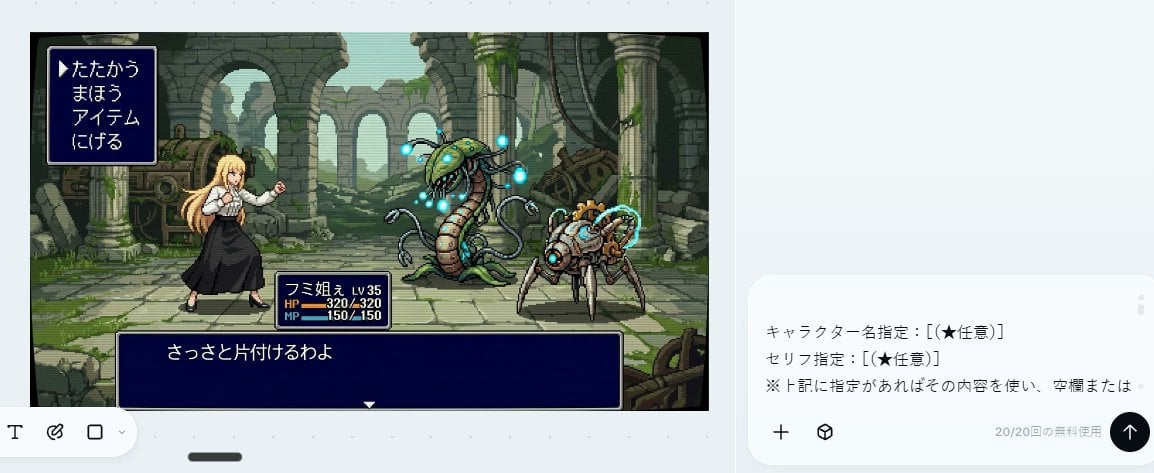
Bit RPG Battle Screen
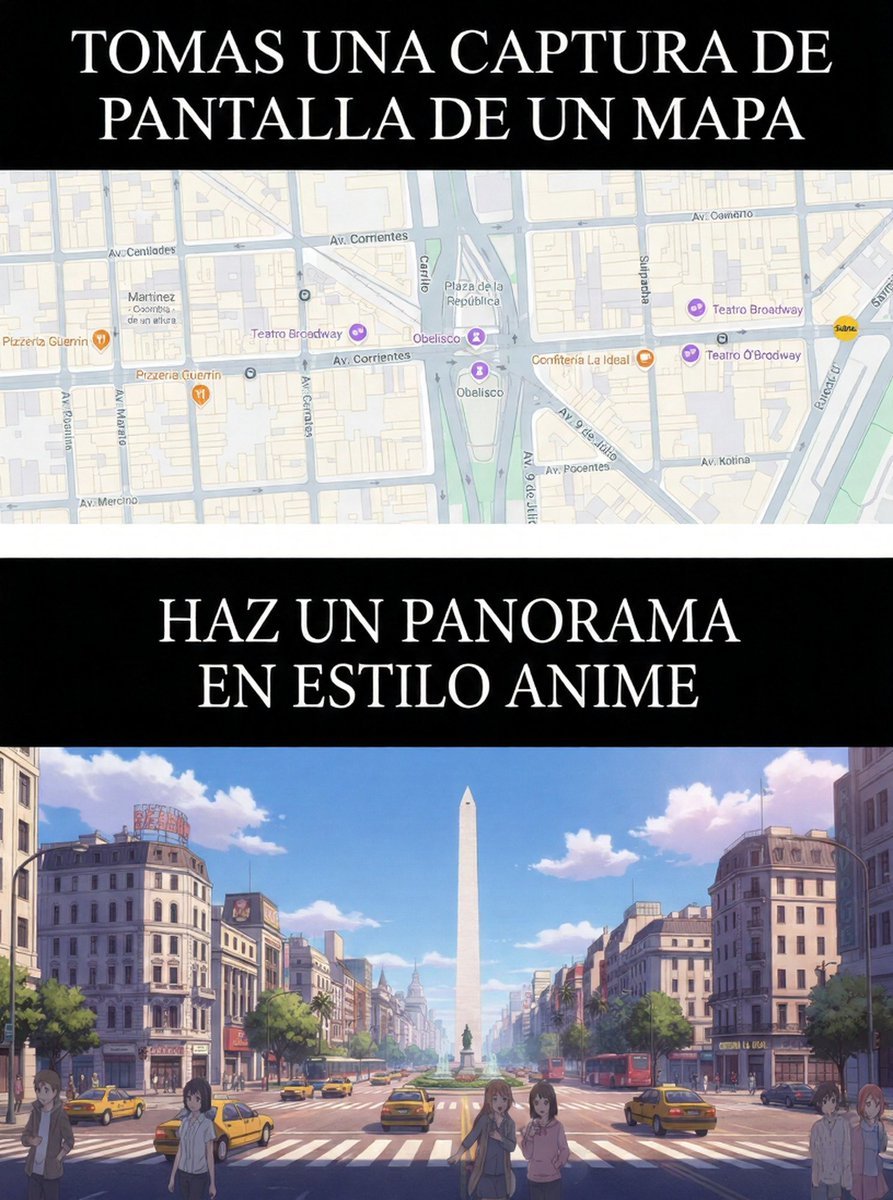
Map to Anime Panorama Conversion
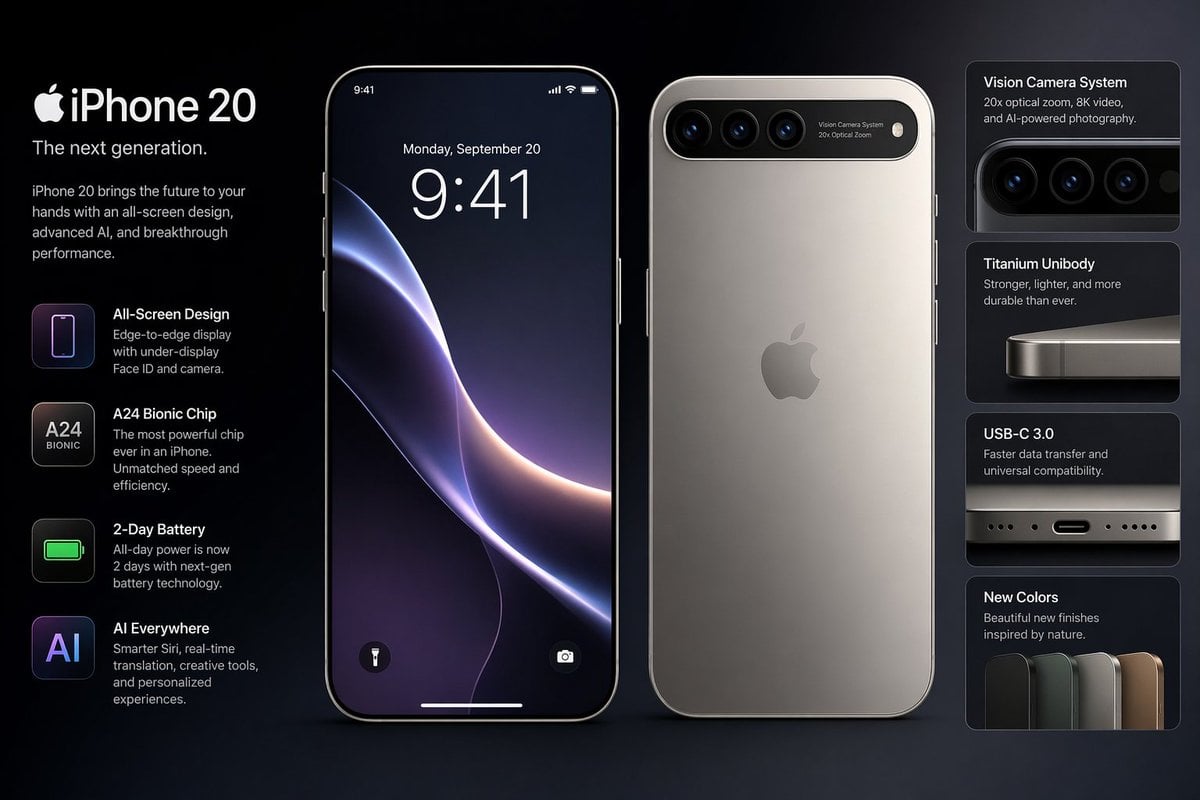
Future iPhone Design
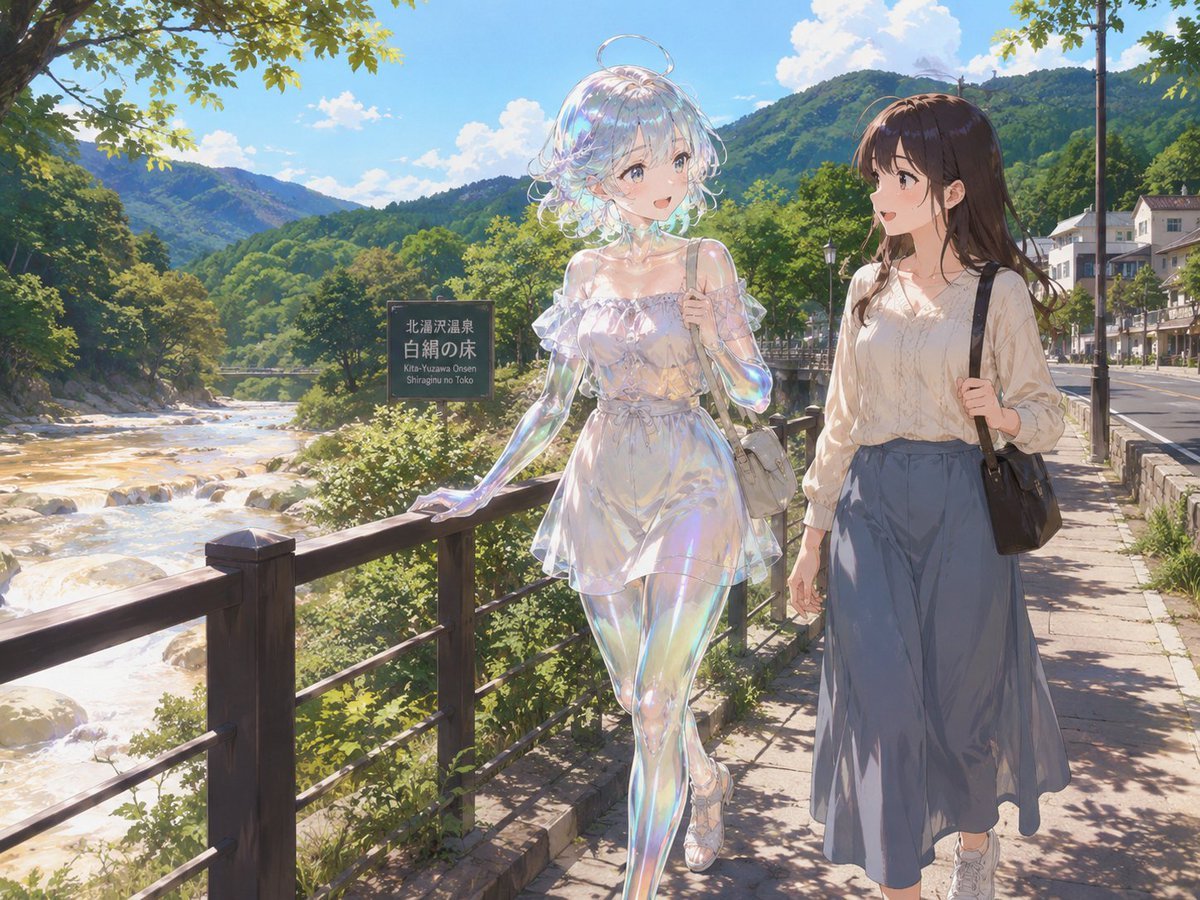
Soap Slime Girl at Kitayuzawa
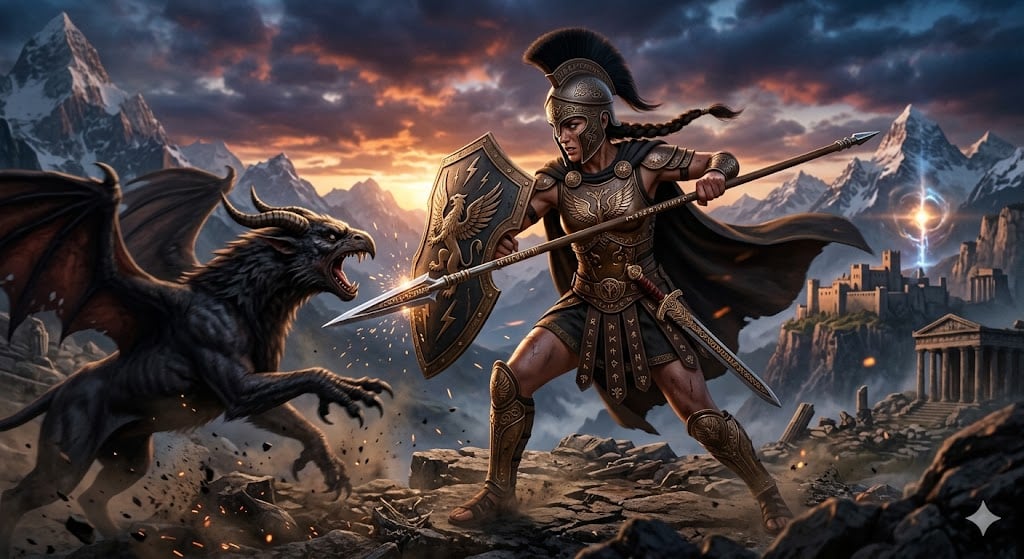
Nano Banana Pro Image Generation of a Mythological Warrior
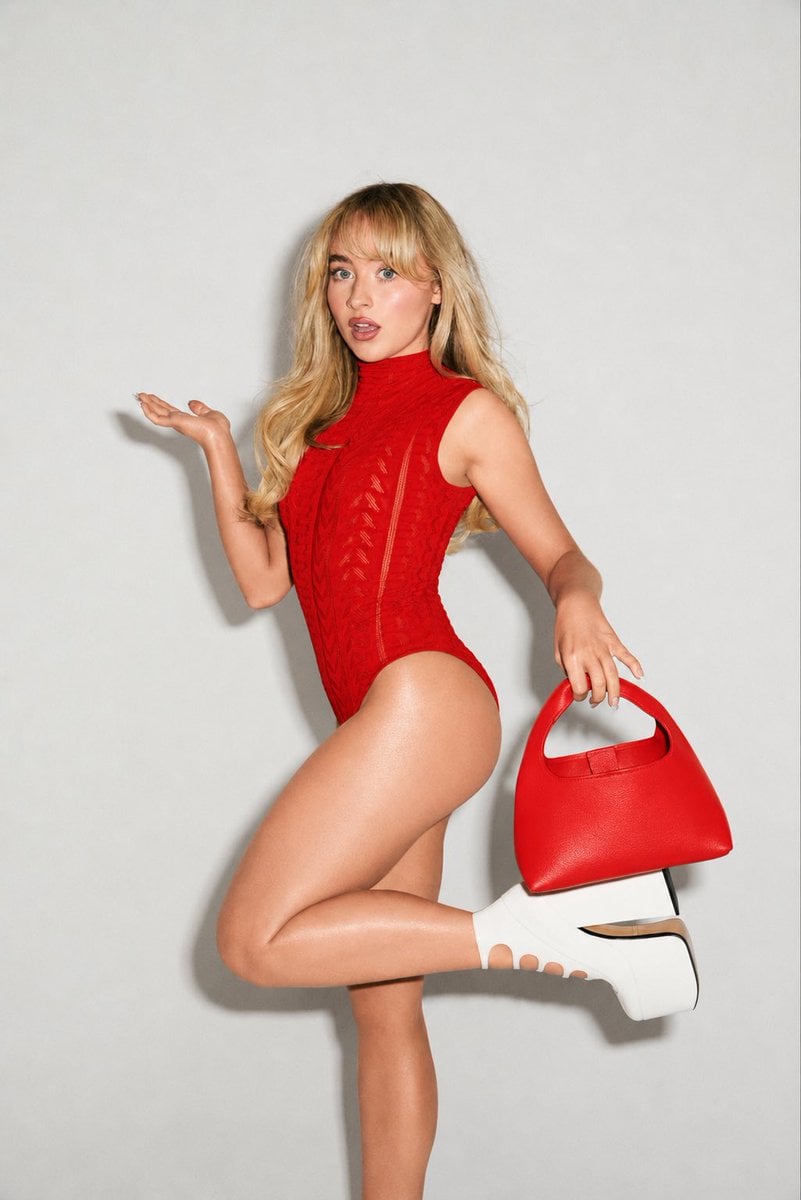
High-Fashion Editorial Portrait Edit
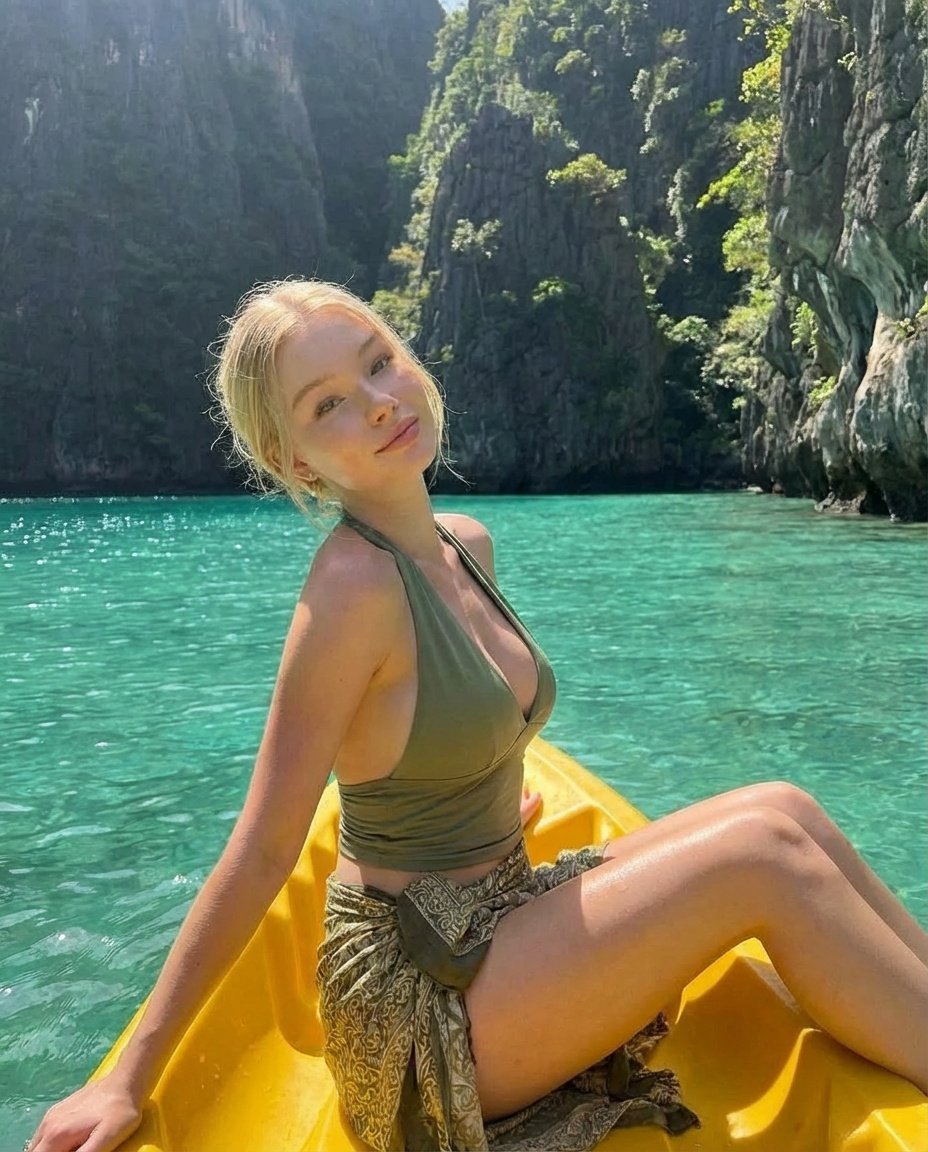
Tropical Kayaking Travel Photography
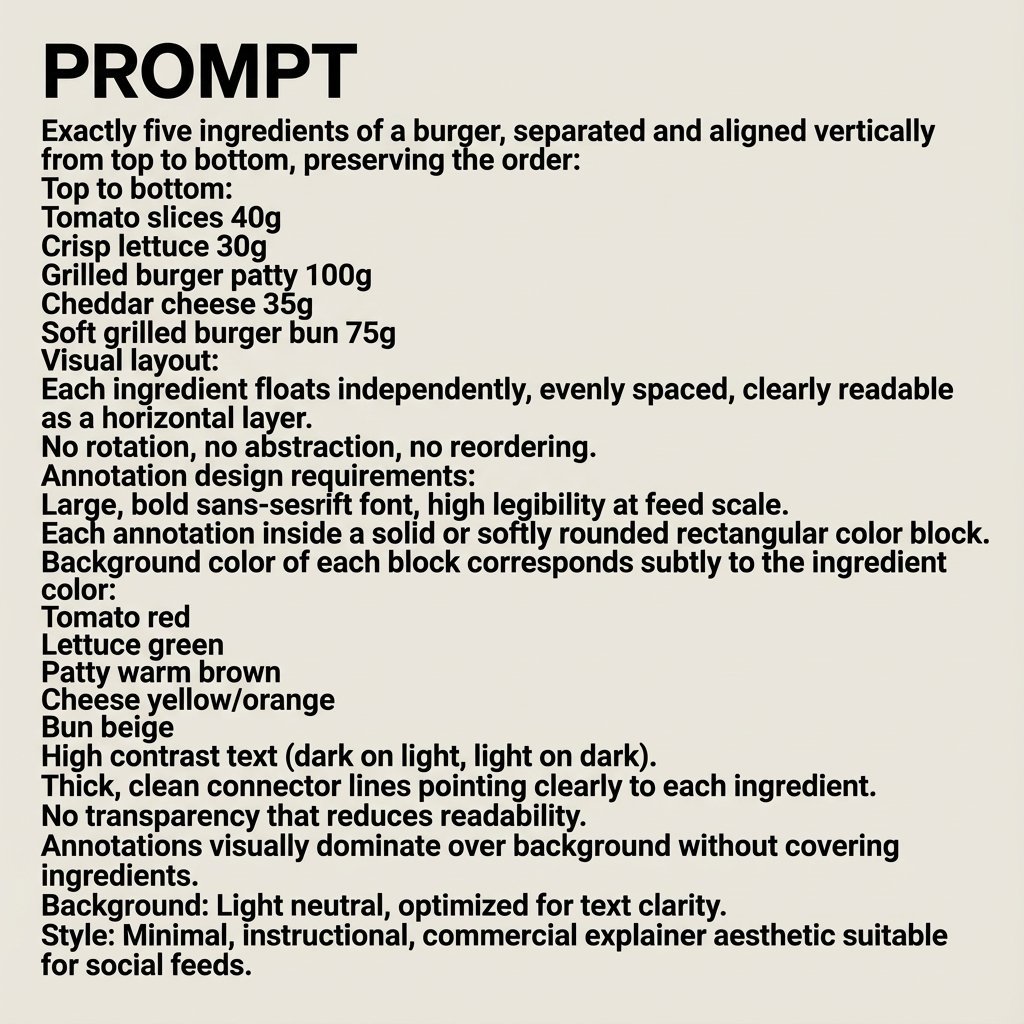
Nano Banana Pro Image Generation Prompt
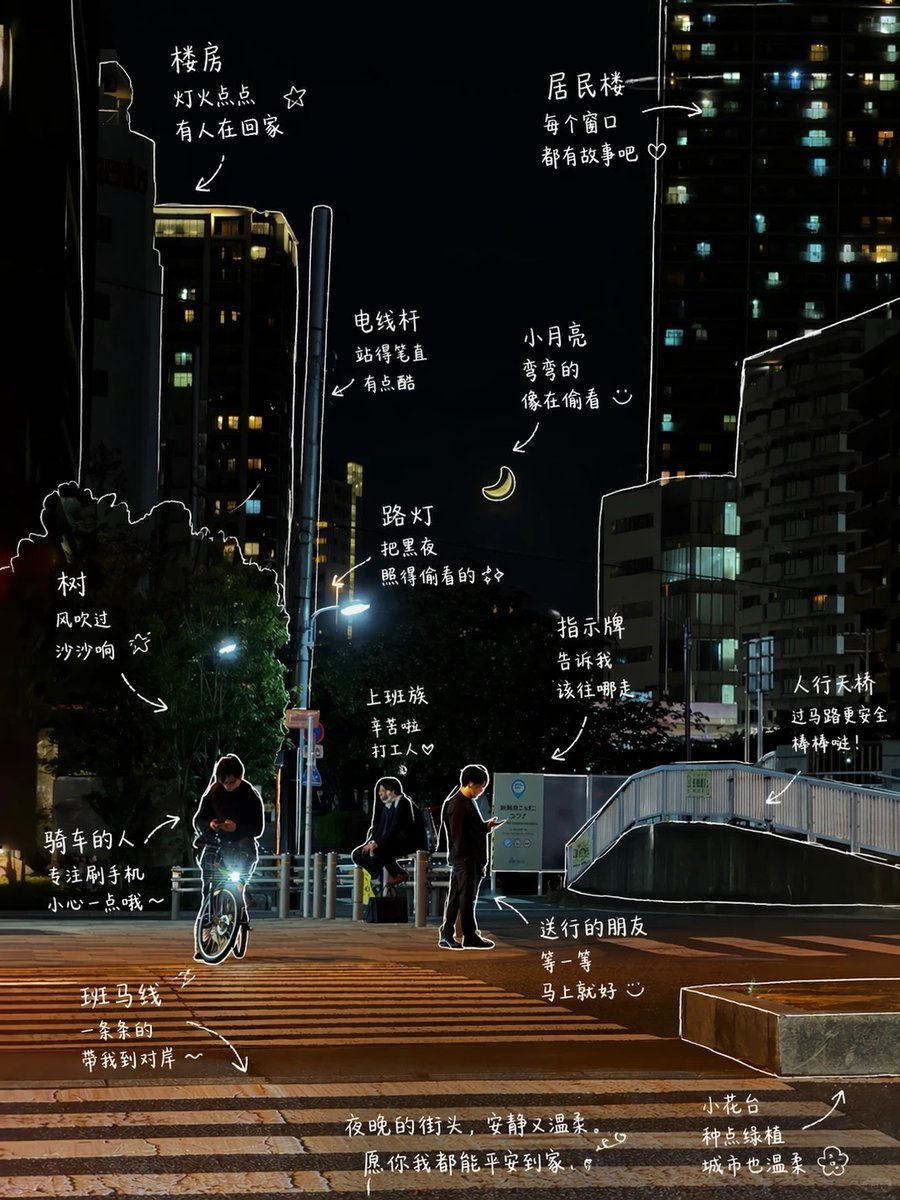
Hand-Drawn Style Photo Annotation
Browse template categories
Anime Cafe Selfie Girl questions
How do I use the Anime Cafe Selfie Girl template?
Add your photo if the template asks for one, edit the prompt if you like — the template's model and format are already selected — and press Generate. Your version opens in PicX Studio.
Can I customize the Anime Cafe Selfie Girl template?
Yes. You can change the subject, setting, lighting, mood, format, and available model controls before creating your image.
Is the Anime Cafe Selfie Girl template free?
Opening and editing this template is free. Generating uses credits, shown on the Generate button when you are signed in.
Which AI model should I use?
Start with GPT Image 2, which is the model associated with this template. You can compare another compatible model for a different finish.
Looking for something else? Browse all templates.

Your photo, any look
Thousands of ready templates for every top image and video model, from one credit balance.