
Soap Slime Girl at Kitayuzawa
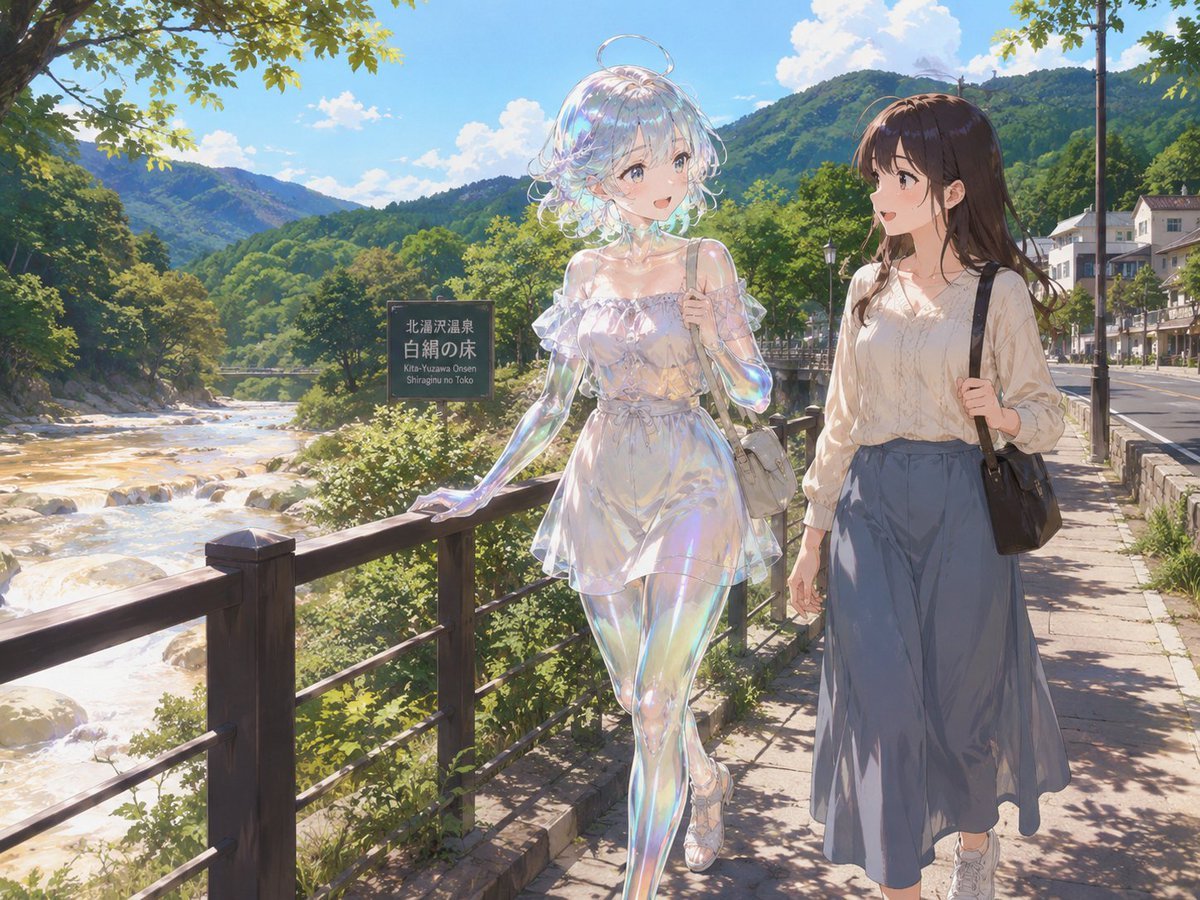
An anime travel scene of a translucent soap-slime girl and a human companion walking beside a mountain hot-spring river.
- Prompt included
- Model and format preset
- Premium template
The prompt behind this image
Copy the exact prompt behind Soap Slime Girl at Kitayuzawa, or open it in the studio and make it yours.
Create a sunlit anime-style travel illustration at {argument name="location" default="Kitayuzawa Onsen, Shiroginu no Toko riverside promenade"} in a lush Japanese mountain hot-spring town. The scene shows exactly two young women walking side by side on a stone sidewalk beside a wooden riverside railing: the left figure is {argument name="main character" default="a transparent soap-slime girl with a hollow glassy body, thick iridescent bubble-like membrane skin, rainbow highlights, short translucent pearly hair, and a floating soap-bubble halo"}, wearing a sheer off-shoulder frilly white summer dress, sandals, and a small pale shoulder bag, with one hand resting on the railing; the right figure is {argument name="companion character" default="a normal human young woman with long brown hair"}, wearing a cream blouse, a long blue-gray skirt, white sneakers, and carrying a black shoulder bag. Include exactly two shoulder bags, one pale bag on the slime girl and one black bag on the companion. Their faces are intentionally covered by soft rectangular beige blur masks, while the rest of the image is highly detailed. Behind them is a bright river with white rapids and rocks on the left, dense green forest, layered mountains, a vivid blue sky with puffy white clouds, and small roadside buildings on the right. Add exactly one dark roadside sign near the river reading 「北湯沢温泉」, 「白絹の床」, and small romanized text “Kita-Yuzawa Onsen / Shiroginu no Toko.” Use polished GPT-image anime realism, delicate linework, luminous summer lighting, dappled tree shadows, sparkling reflections on the slime body, and a peaceful sightseeing atmosphere. Aspect ratio 4:3.
How to use Soap Slime Girl at Kitayuzawa in 3 steps
- 1Upload ImagePNG, JPG or paste
Add your photo
Upload the photo the template builds on. The prompt, model and format are already set.
- 2…a portrait of your subject in softgolden-hour light, 85mm…
Personalize
Edit the subject and creative details for your destination.
- 3Generate
Generate
Press Generate — your image is created in PicX Studio, so you can compare it with the original and refine one variable at a time.
More like this
Templates with the same subject, style or setup. Open one to see its prompt.

Teen Girl Alpine Lake Mountain View

Anime Girl with Blue Slime Hat
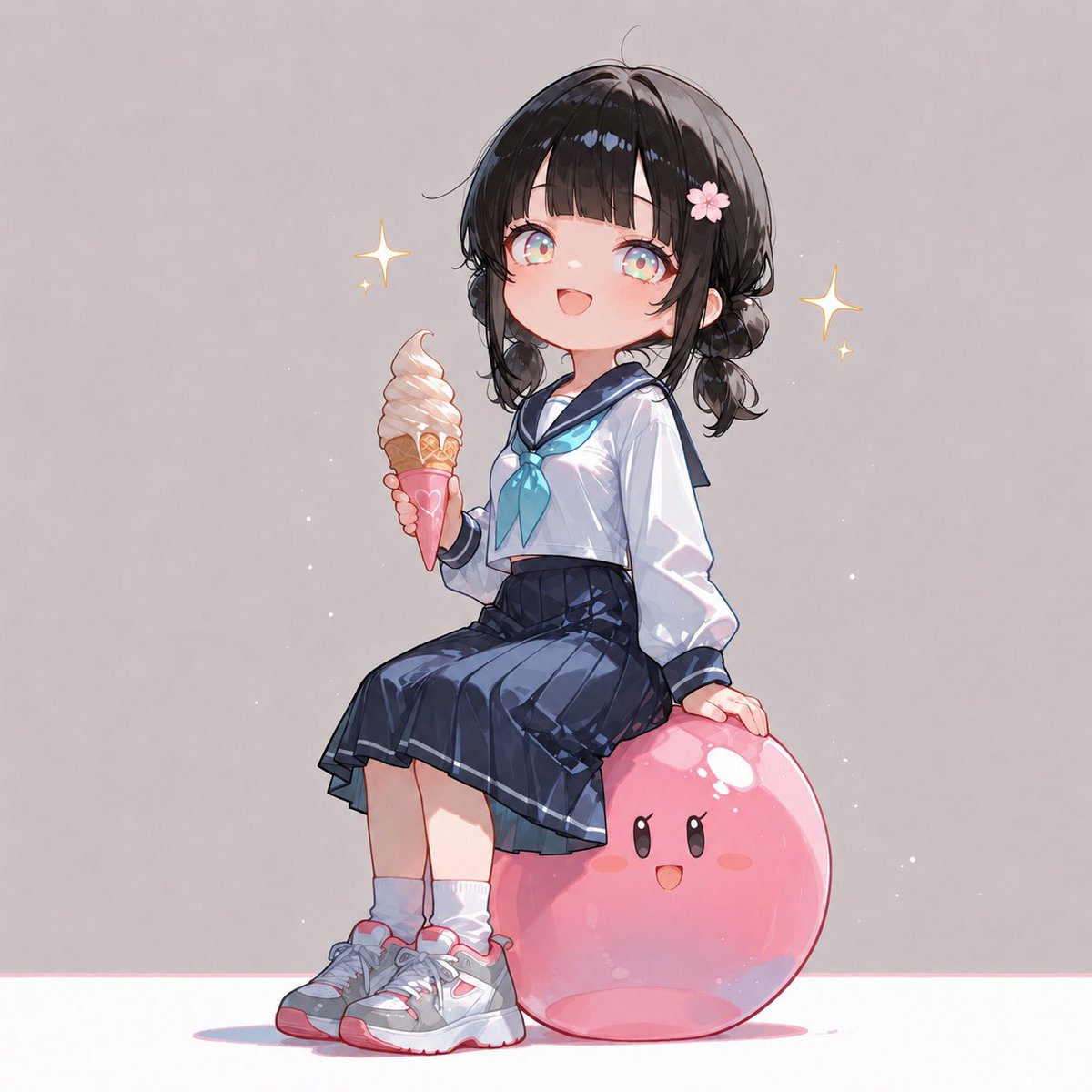
Anime Schoolgirl on Pink Slime
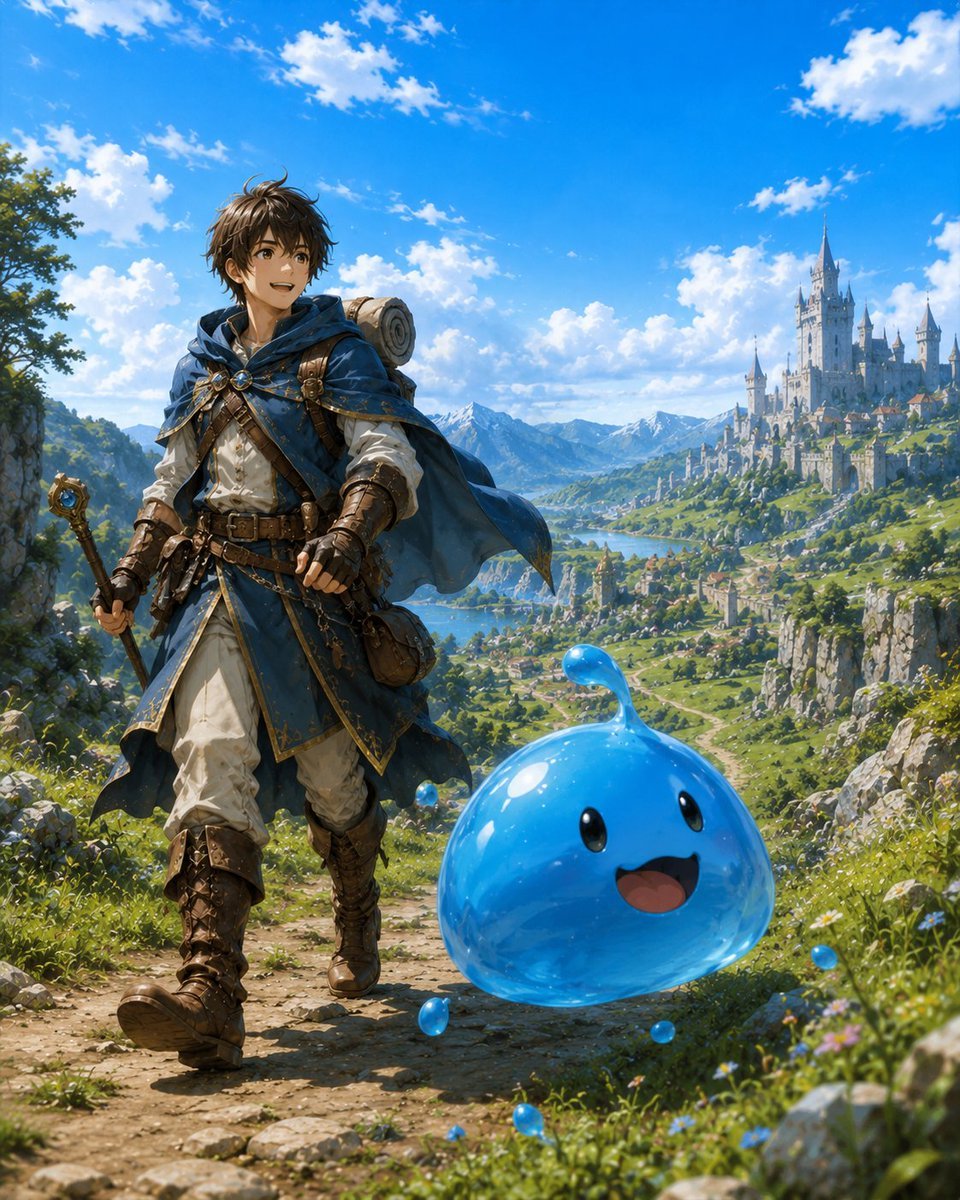
Adventurer and Tamed Slime Journey

Cute Blue Water Slime Pixel Sprite
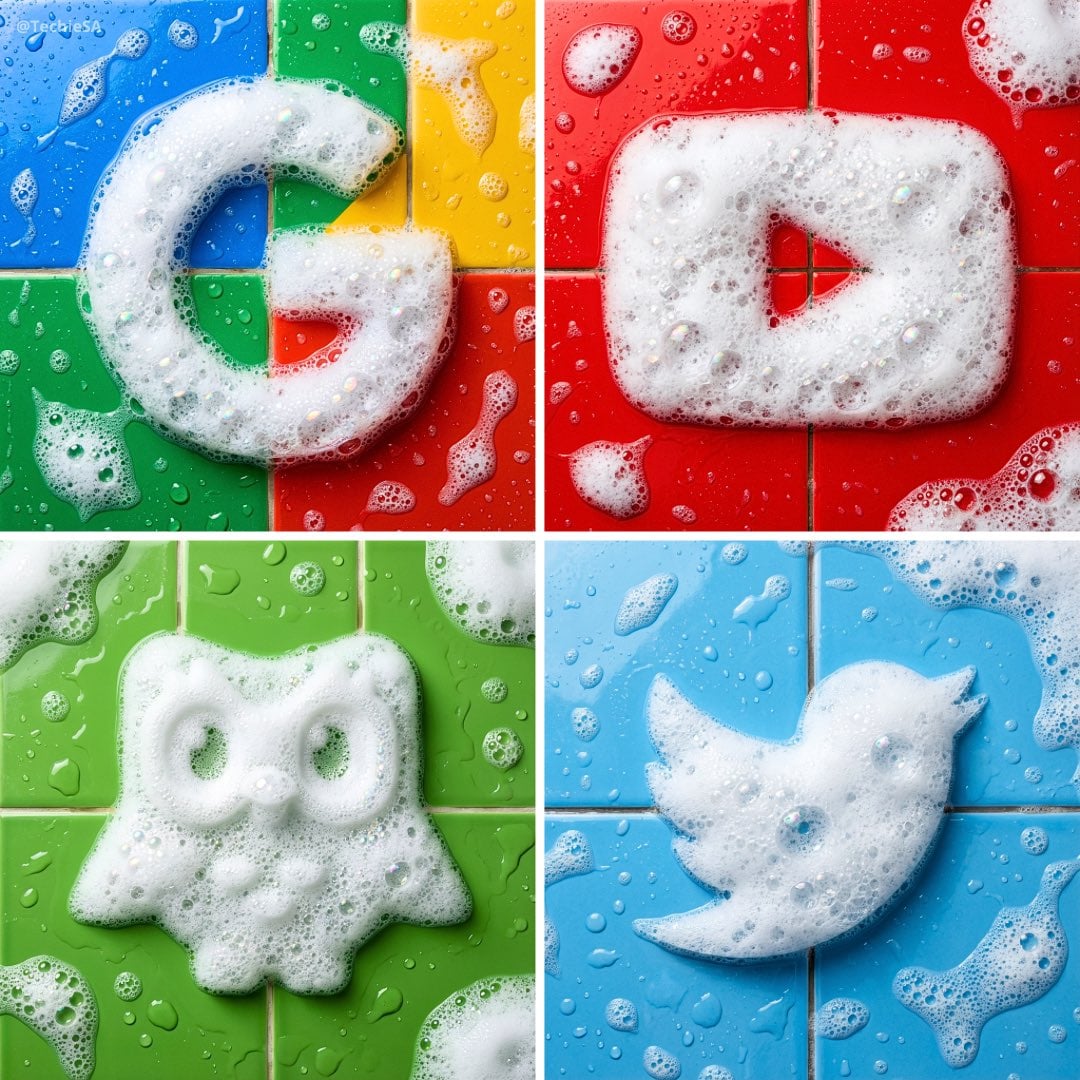
Soap foam sculpture in the exact shape of the uploaded logo, made
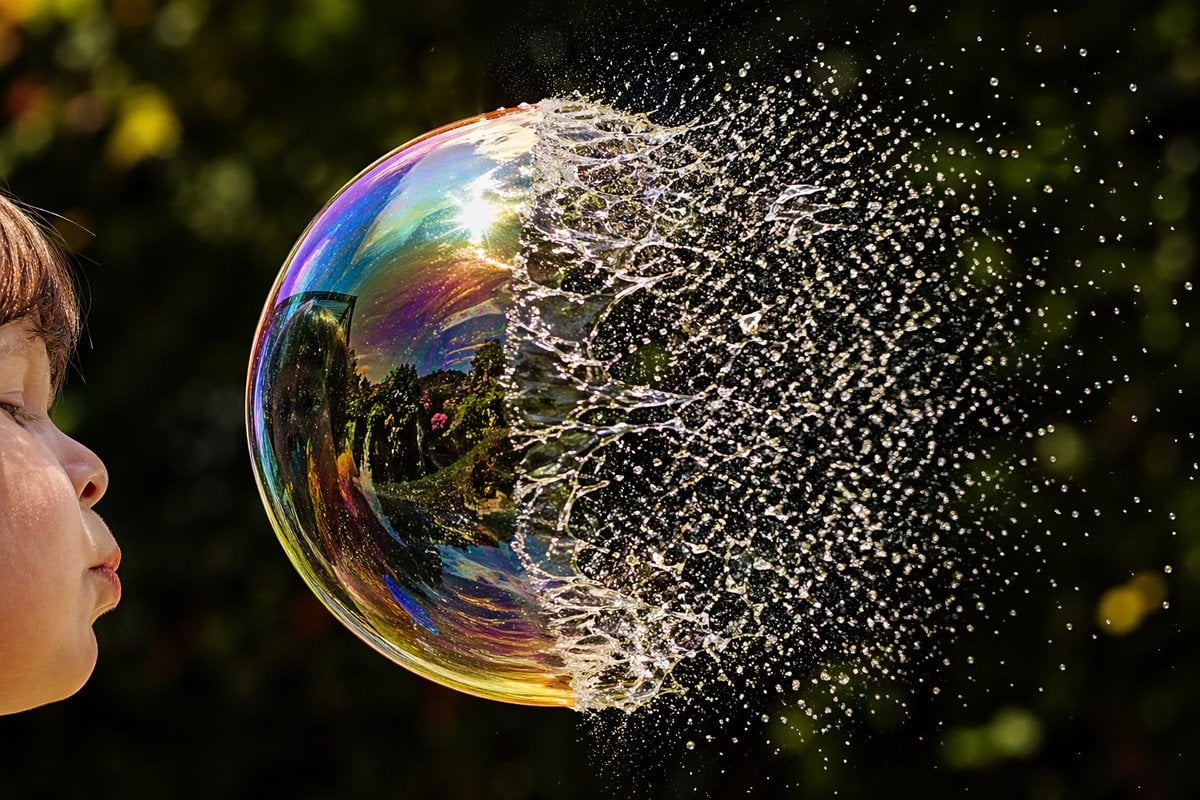
Bursting Soap Bubble Macro Photo
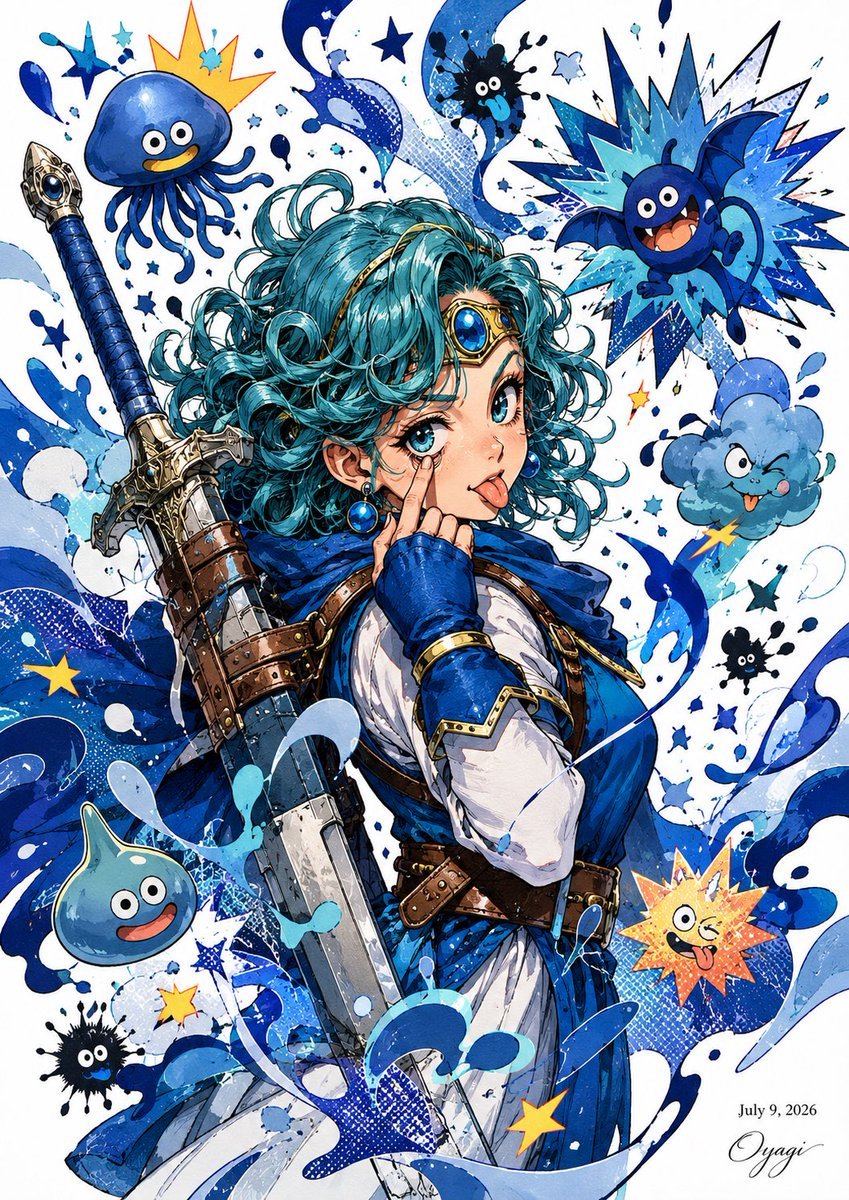
Blue Slime Adventurer Anime Poster
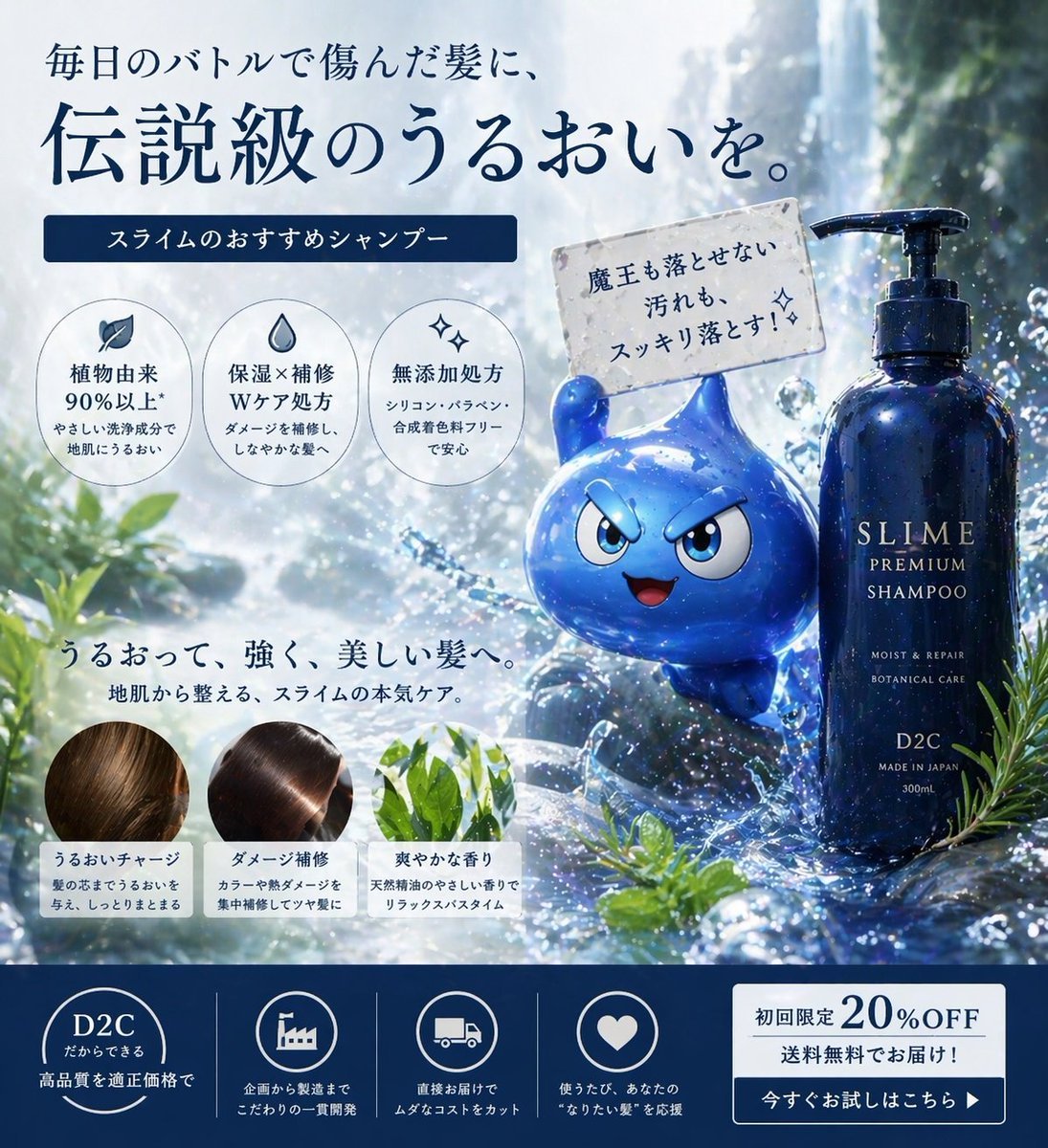
Japanese Slime Shampoo Ad
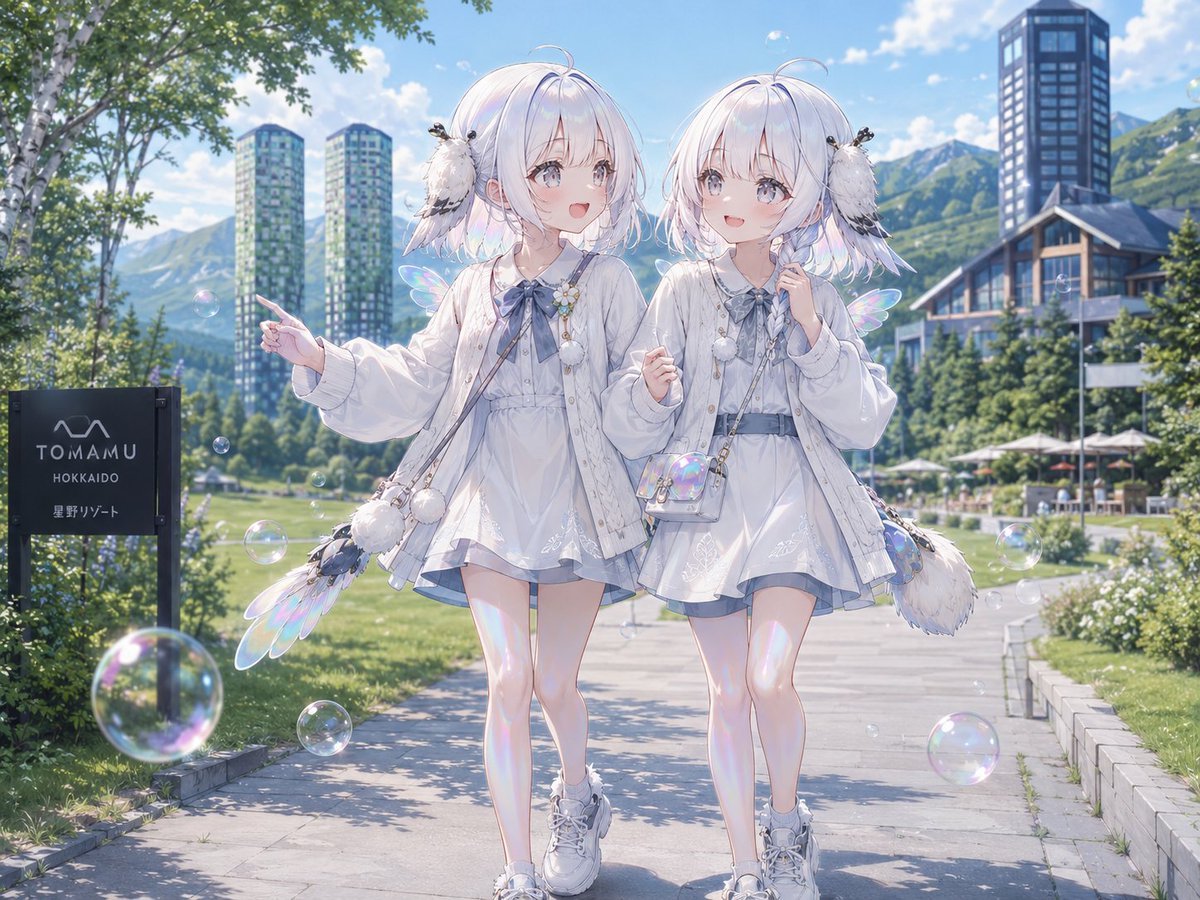
Twin Soap Bubble Birds at Tomamu
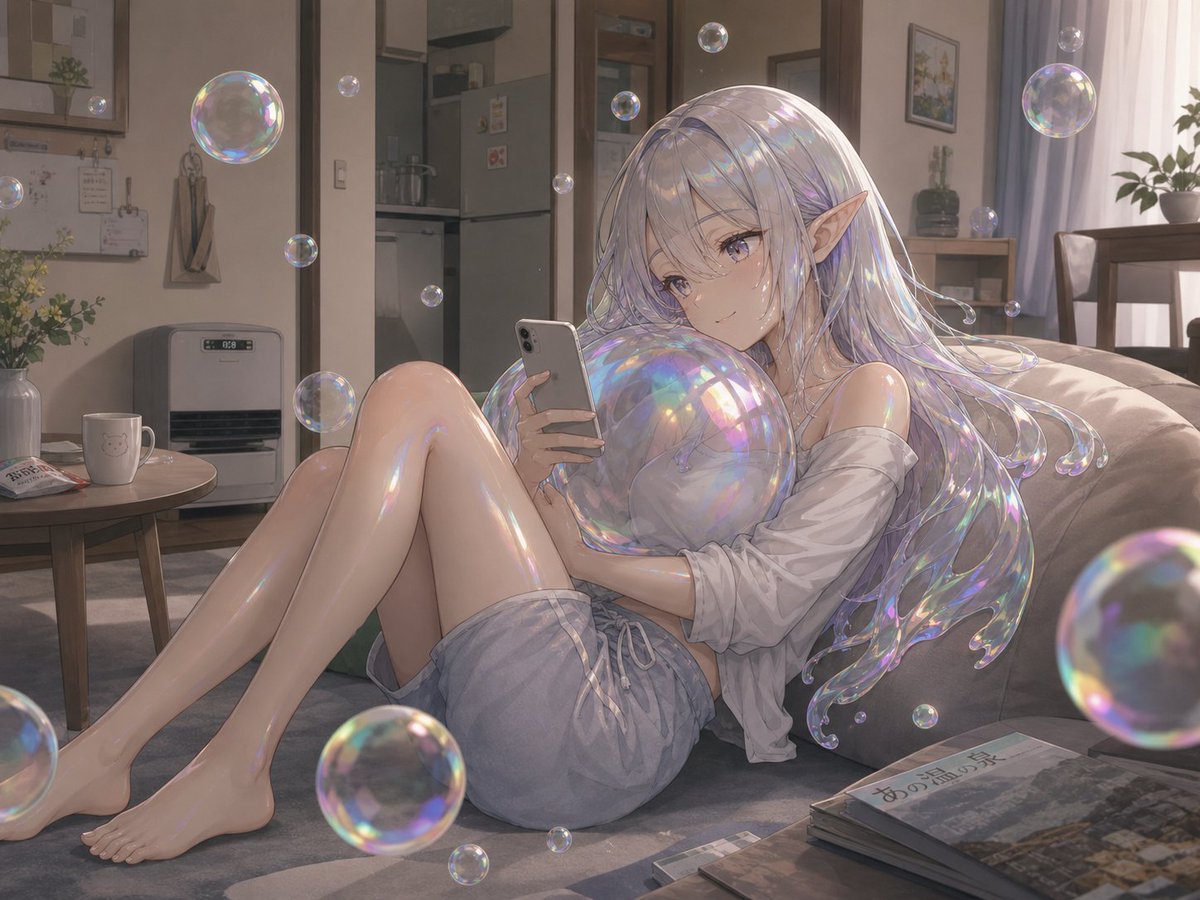
Soap Bubble Elf in Cozy Apartment
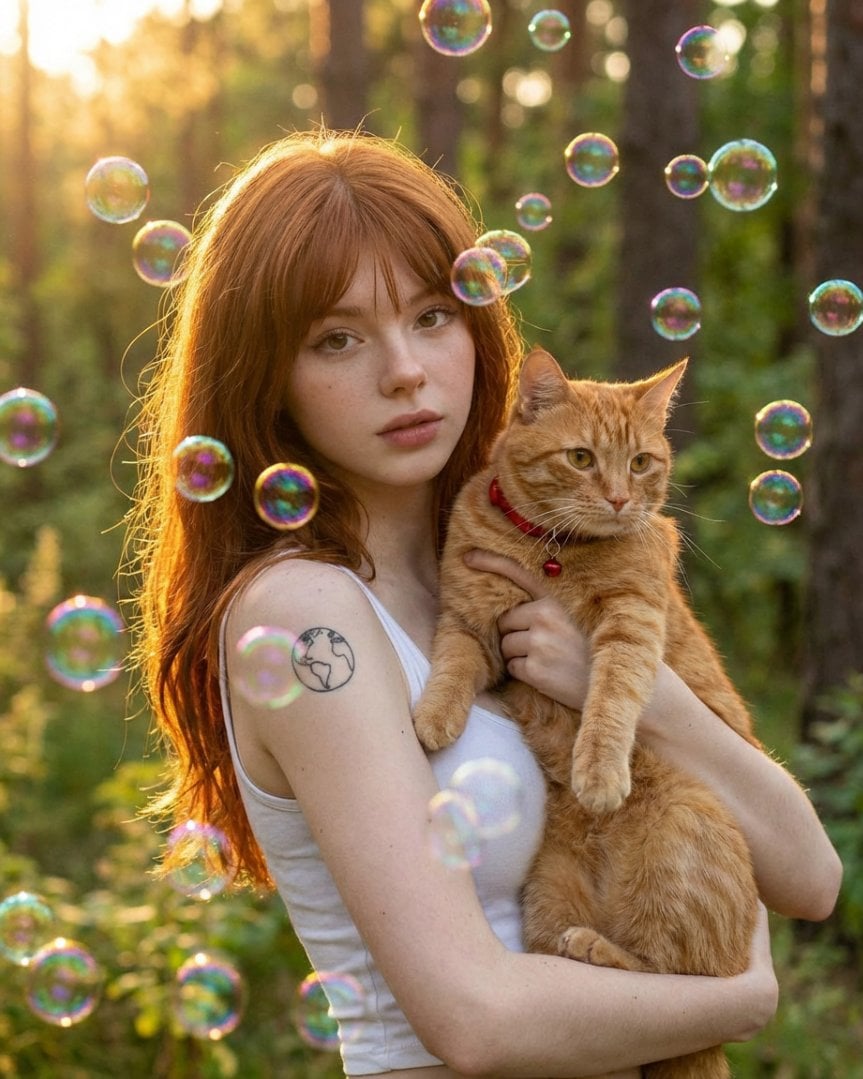
Dreamy Golden Hour Portrait with Cat and Soap Bubbles
Make it yours
Soap Slime Girl at Kitayuzawa works as-is. These are the safest ways to change it without losing the look.
Change one field
Copy a single group, rewrite it, and generate again so you can see what that field is doing.
Keep the frame, change the subject
Hold the composition and light of Soap Slime Girl at Kitayuzawa, then swap wardrobe, props or the person for a new take.
| If the result… | Why | Fix |
|---|---|---|
| The result drifts from the preview | Too many fields changed at once. | Reuse Soap Slime Girl at Kitayuzawa as-is first, then change one group — subject, light, or setting. |
| The model over-stylizes the scene | The prose prompt leaves finish and camera underspecified. | Add one camera or lighting sentence and stay on GPT Image 2. |
More GPT Image 2 templates
Other prompts made for GPT Image 2.

Six VTuber Japanese Logo Sheet

Realistic Portrait of Woman and Deer

The Vista Modular Condo Poster

AI Model Routing Comparison Infographic

2.5D Anime Art Board

Isometric Productivity Desk Scene

New York Double Exposure Poster

Four-Panel AI Landscape Comparison

Japanese Tatami Lifestyle Magazine Cover

NESCAFÉ Coffee Map Poster
More image prompts
Fresh picks from across the catalog.
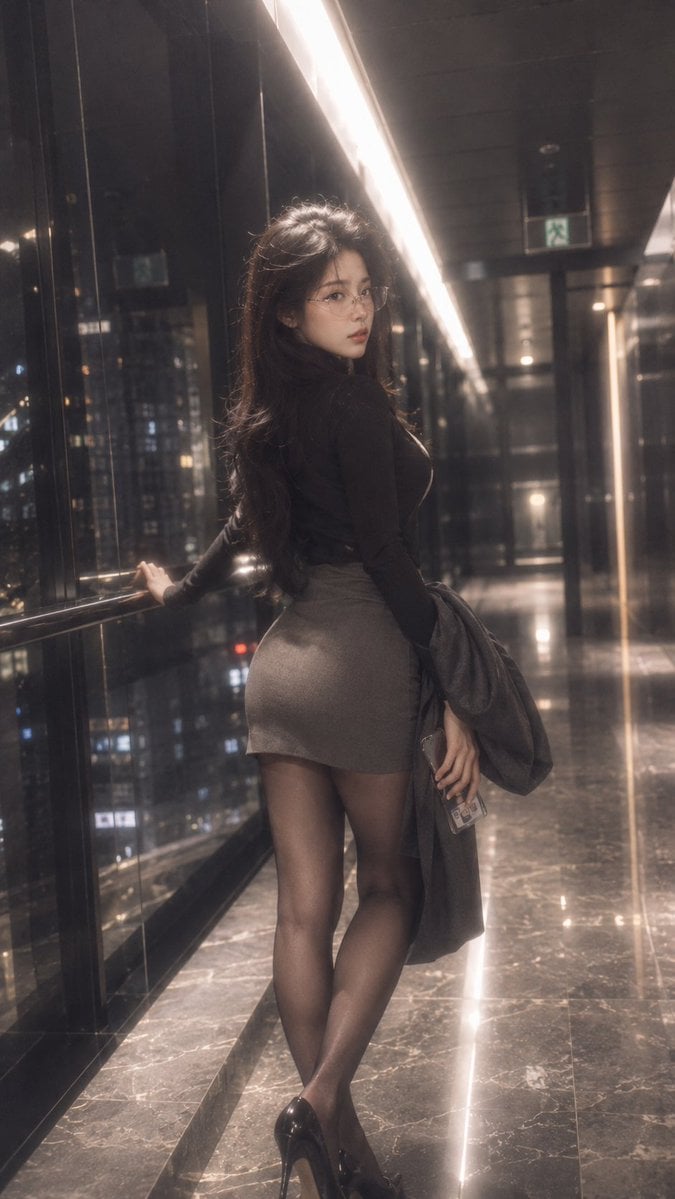
Night Corridor Fashion Portrait
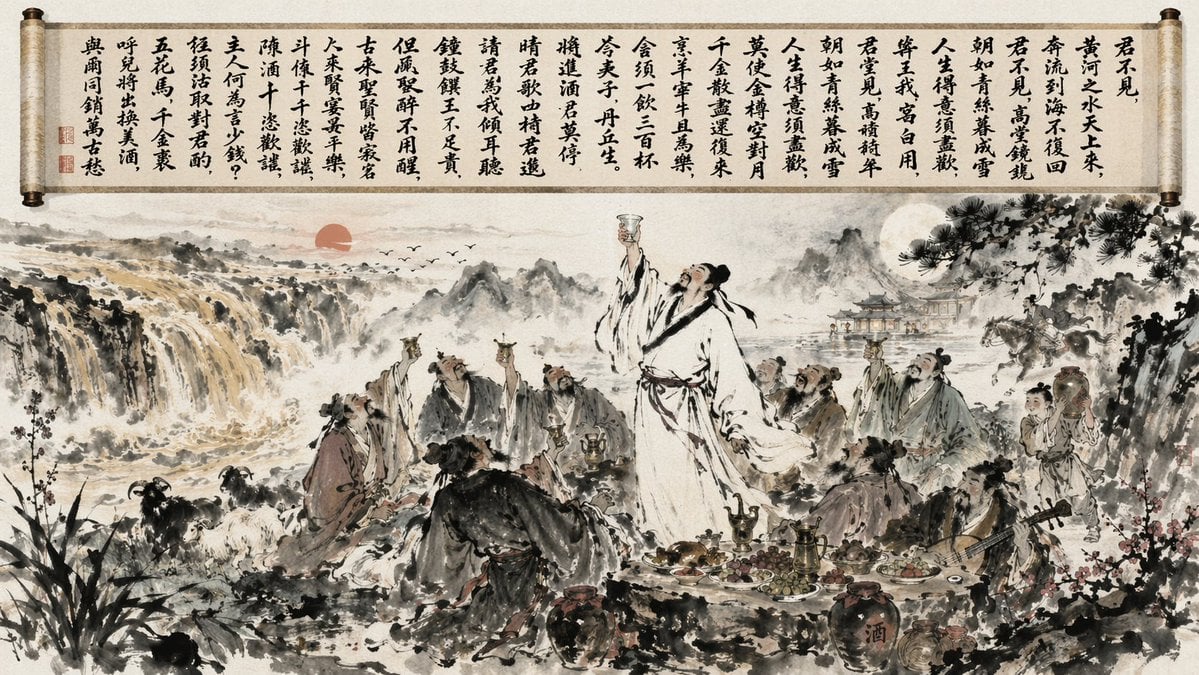
Traditional Chinese Ink Wash Banquet

Magazine-style photo containing given article text
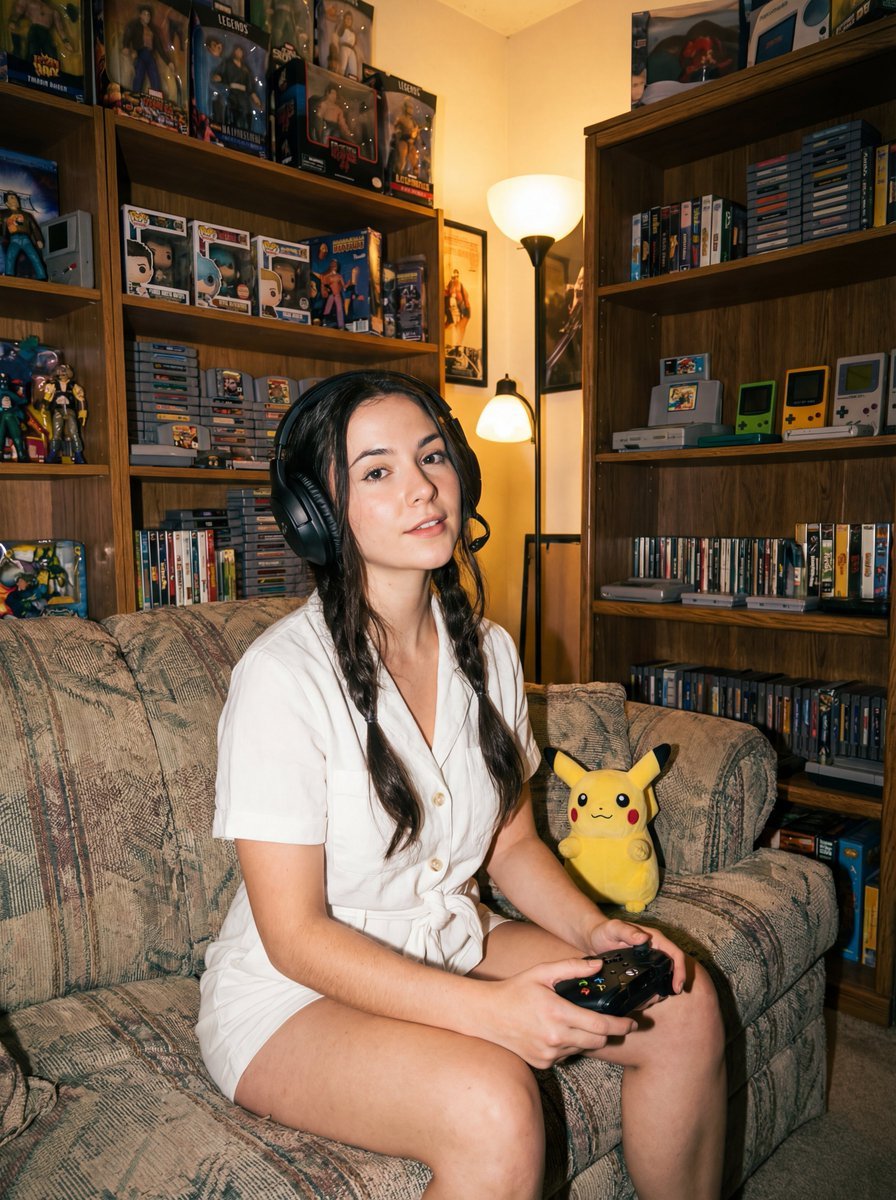
Direct flash gamer girl Nano Banana Pro JSON tag prompt
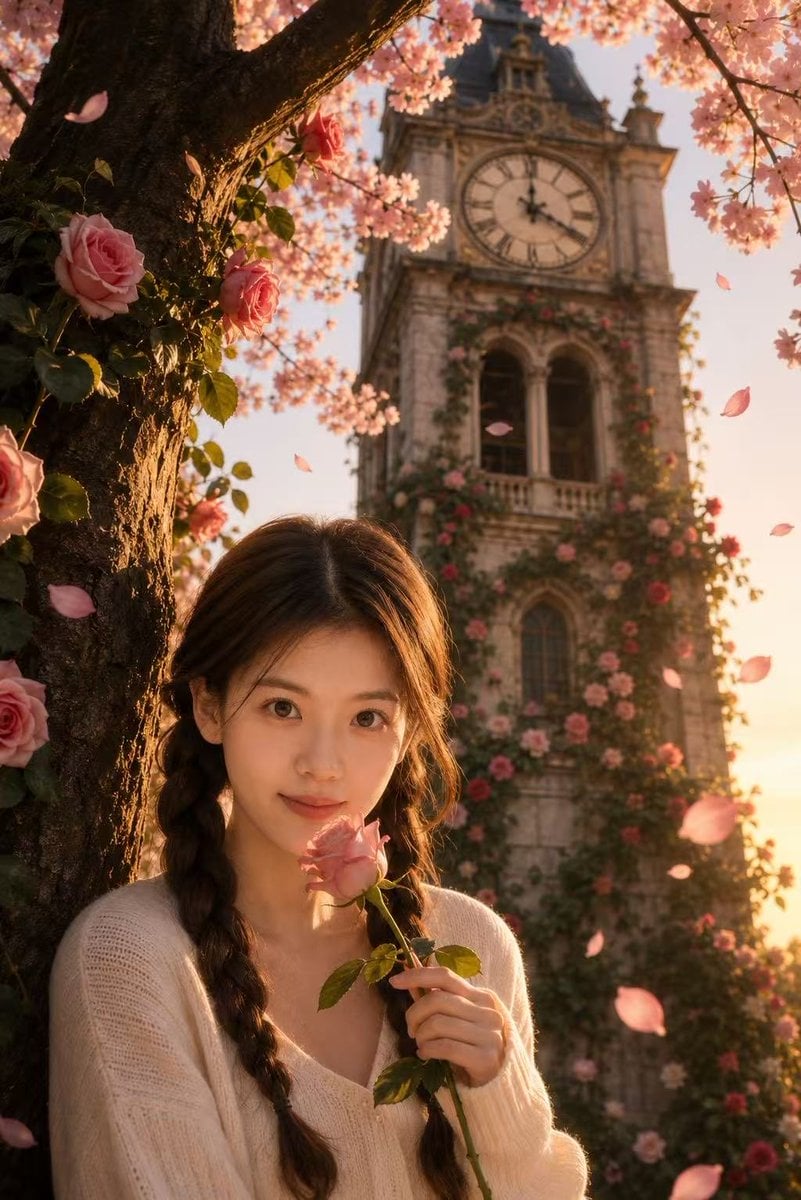
Sakura Rose Clock Tower Portrait
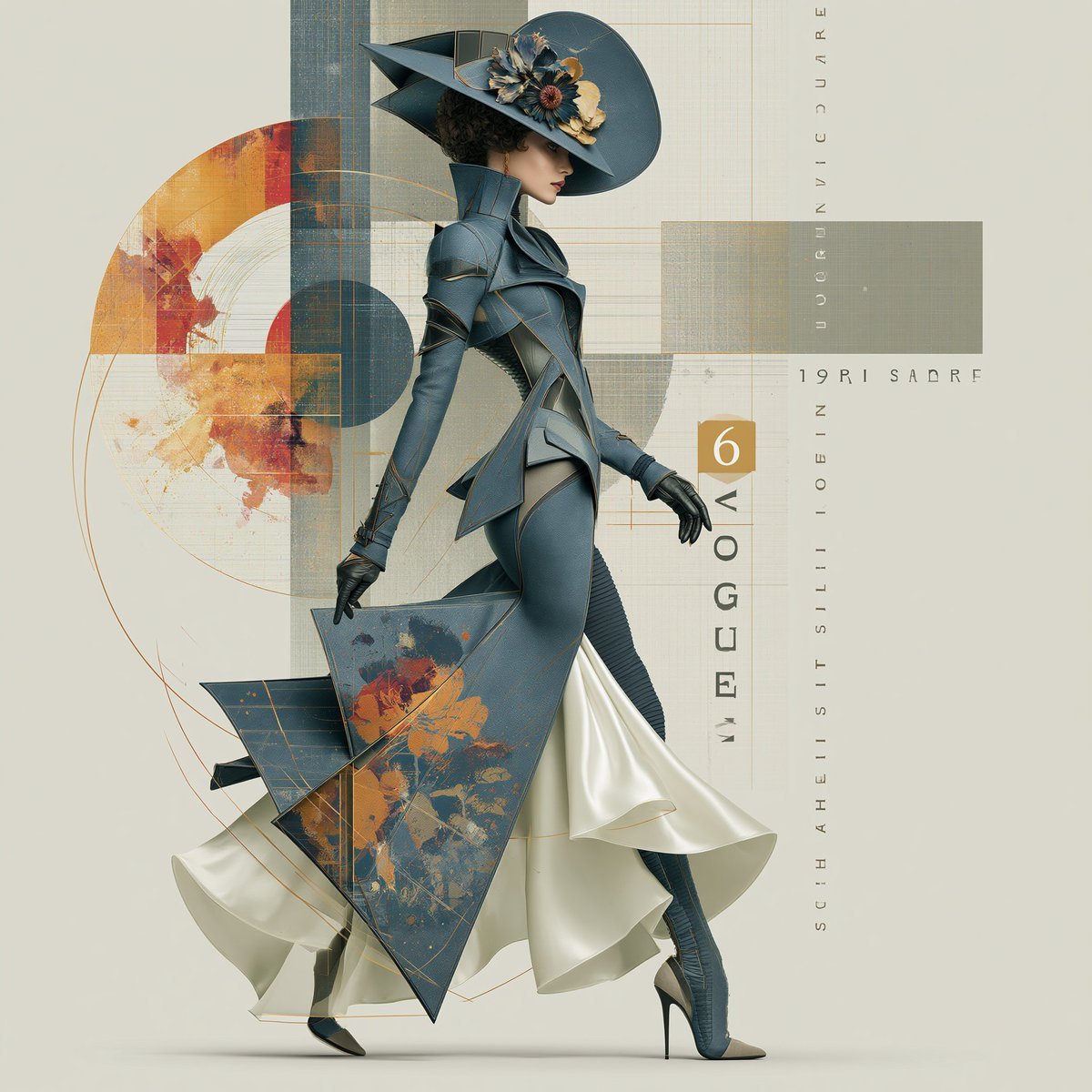
Elegant Vintage Glamour Fashion Illustration
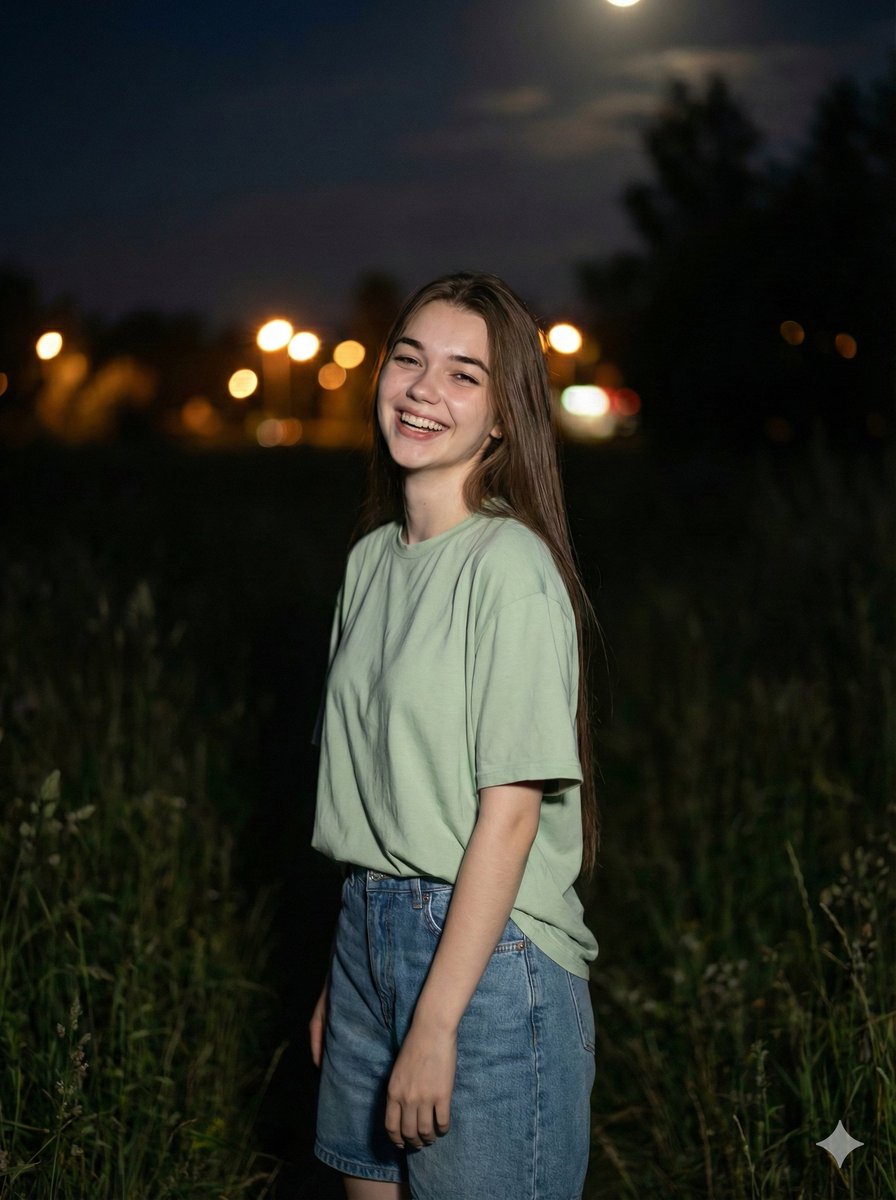
Cinematic Night Portrait Prompt
Dark Neo-Chinese Style Portrait Photography

3D Caricature Avatar With Privacy Block

Hyper-Realistic Commercial Food Photography Prompt for Gemini Nano Banana Pro
Browse template categories
Soap Slime Girl at Kitayuzawa questions
How do I use the Soap Slime Girl at Kitayuzawa template?
Add your photo if the template asks for one, edit the prompt if you like — the template's model and format are already selected — and press Generate. Your version opens in PicX Studio.
Can I customize the Soap Slime Girl at Kitayuzawa template?
Yes. You can change the subject, setting, lighting, mood, format, and available model controls before creating your image.
Is the Soap Slime Girl at Kitayuzawa template free?
Opening and editing this template is free. Generating uses credits, shown on the Generate button when you are signed in.
Which AI model should I use?
Start with GPT Image 2, which is the model associated with this template. You can compare another compatible model for a different finish.
Looking for something else? Browse all templates.

Your photo, any look
Thousands of ready templates for every top image and video model, from one credit balance.