
Replace Objects in a Video with AIFilm it on your phone. Swap the watch, the car or the outfit after.
Swap a watch, a car, an outfit or a bag in your own video. Upload your clip and a photo of the new item to Seedance on PicX and describe the swap.
- Credits never expire
- Commercial use
What you get with PicX Studio
Film it on your phone. Swap the watch, the car or the outfit after.
Upload your own clip plus a photo of the item you want in it, then describe the swap
Swap a watch, a car interior, a suitcase, a t-shirt or a whole outfit while your movement stays the same
Made with Seedance 2.5 and Seedance 2.0 reference-to-video, which take video clips as references
A short prompt is enough: "Change the t-shirt to the t-shirt from the reference photo"
Vertical 9:16 for TikTok and Reels, landscape 16:9 for YouTube
Generate a few takes and keep the one that looks most real
Make it in 3 steps
- 01
Describe it or pick a template
Write what you want, or open one of the AI video object replacement templates below with its prompt filled in.
- 02
Choose a model
Seedance 2.5 is selected for you. Switch to any other image or video model in the studio; each shows its credit cost first.
- 03
Generate and download
Downloads are watermark-free and yours to use commercially.
AI video object replacement prompt ideas
Open any of these in the studio with the prompt filled in, then change the subject.
Outfit swap
Change the t-shirt in @Image1 to the t-shirt from @Image2. Keep the person, the movement and the room exactly the same.
Use this promptWatch swap
Replace the watch on the wrist in @Image1 with the watch from @Image2. Keep the hand, the steering wheel and the lighting the same.
Use this promptCar interior
Turn the car interior in @Image1 into the luxury interior from @Image2. Keep the person and the camera move the same.
Use this promptLuggage swap
Replace the suitcase in @Image1 with the aluminium suitcase from @Image2. Keep the hand and the tap on the case the same.
Use this prompt
AI video object replacement examples
Real outputs from PicX Studio. Open any template to see its full prompt and make your own version.
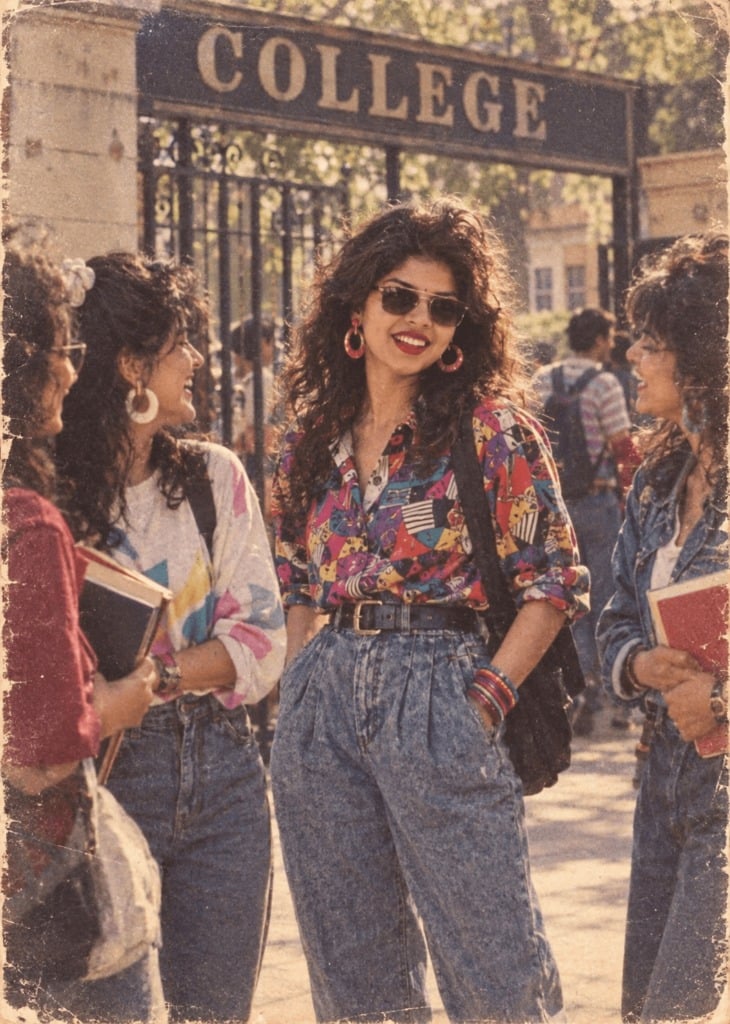
80s College Gate
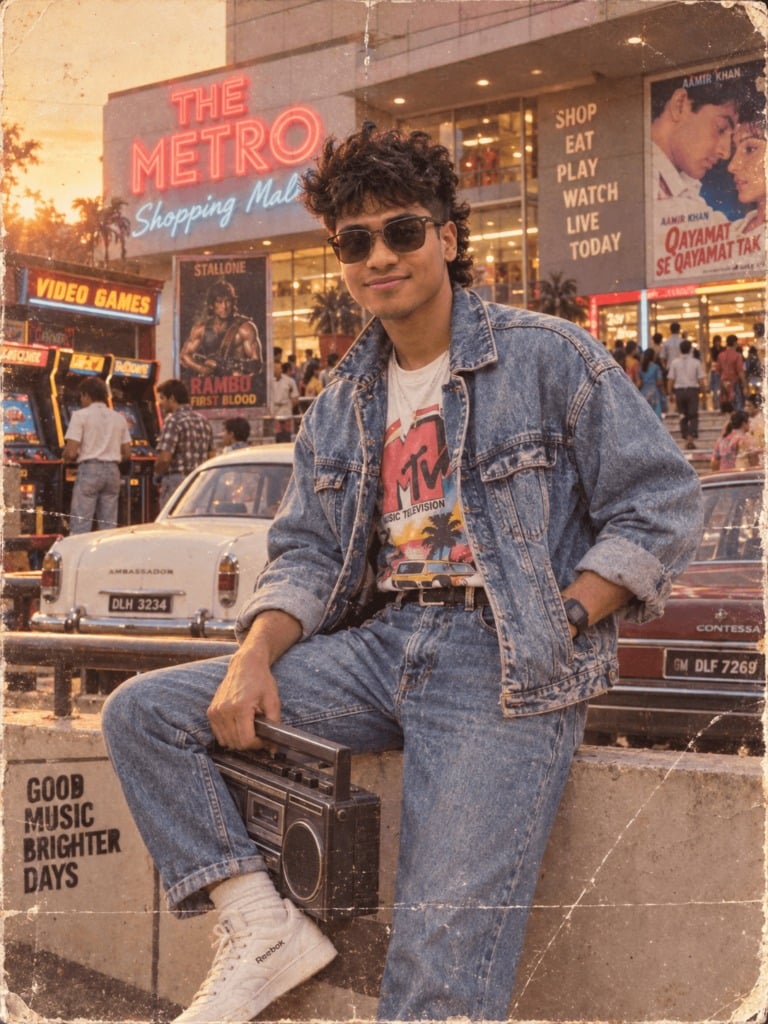
1988 Mall Style
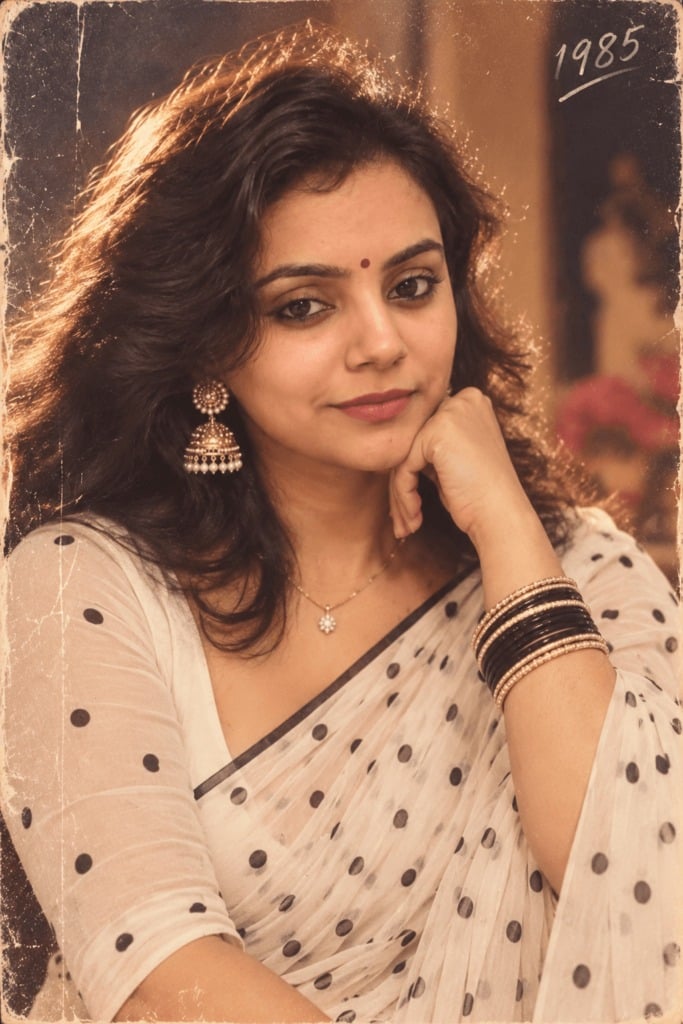
80s Polka Dot Saree
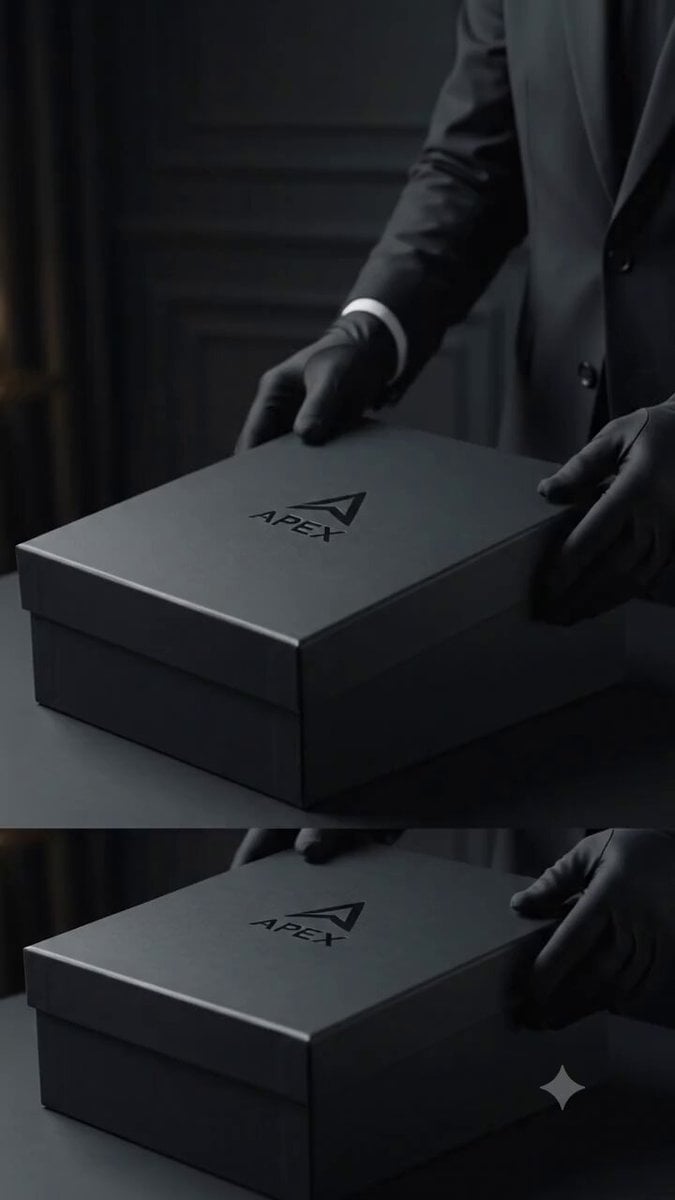
Sneaker Product Commercial
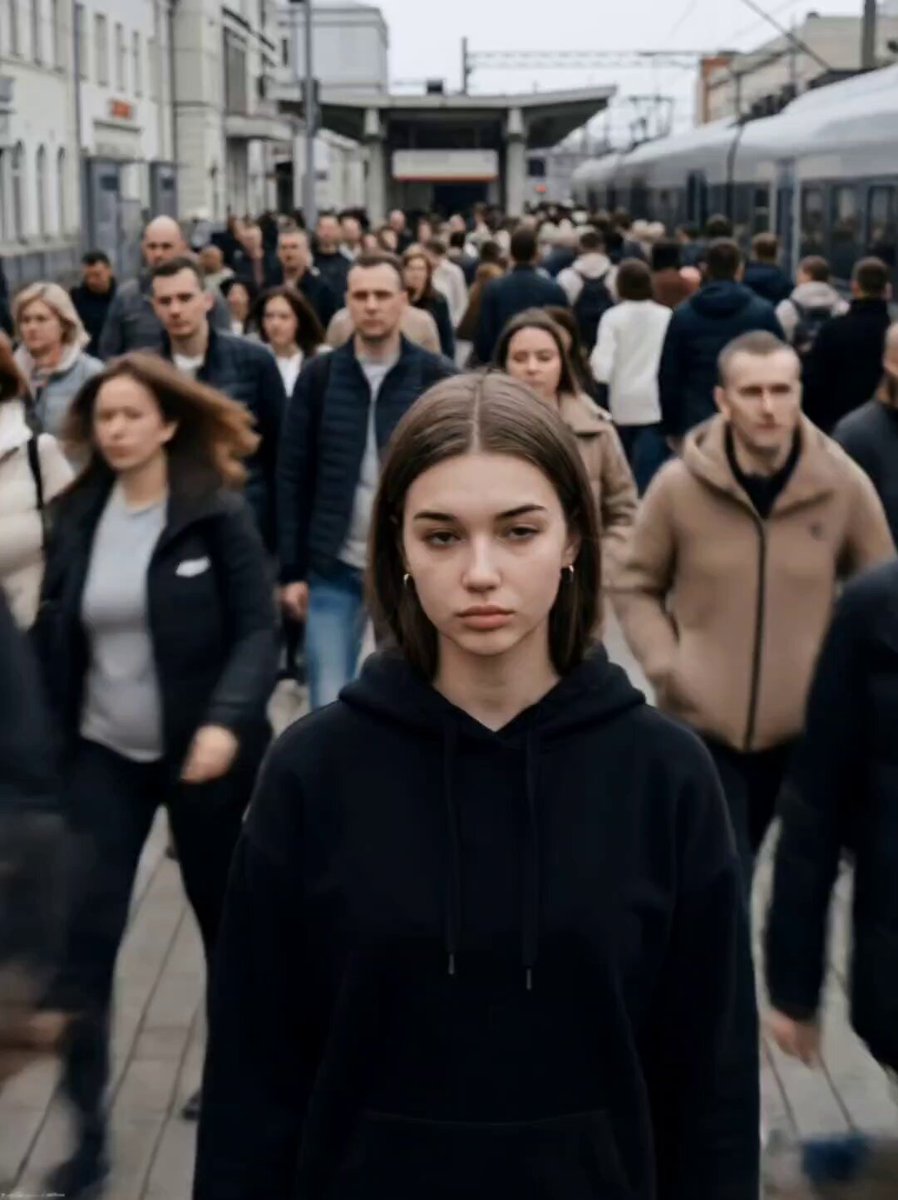
Cinematic Short Film Scene
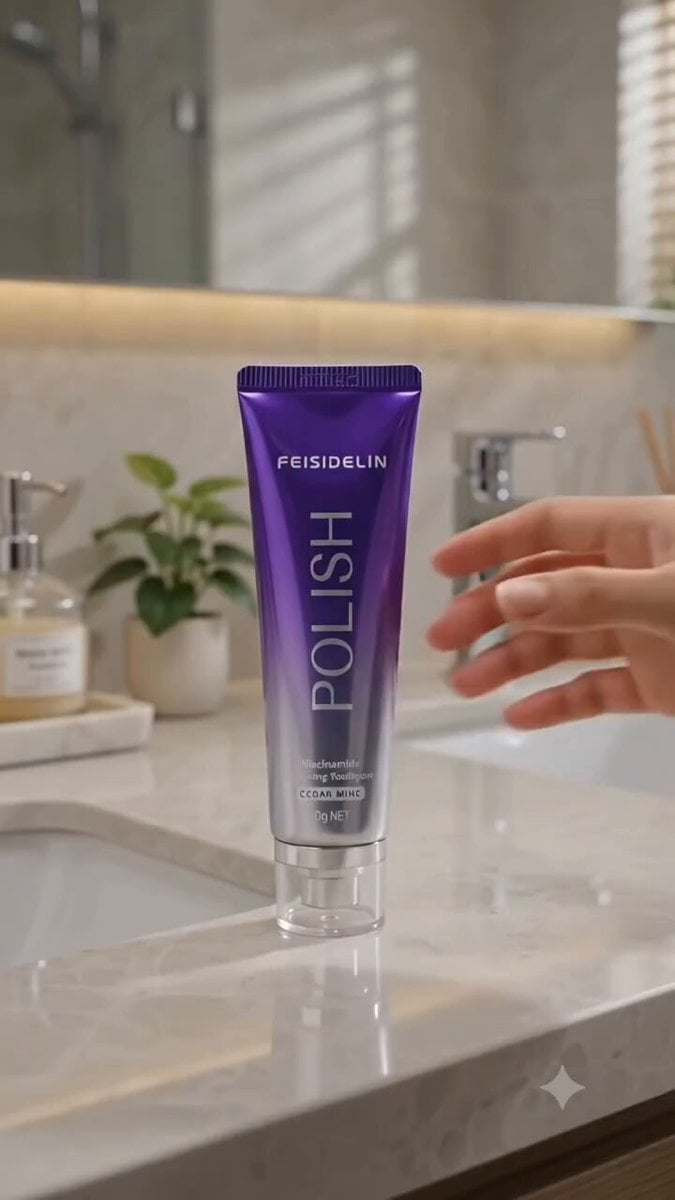
Cinematic Portrait Study 3
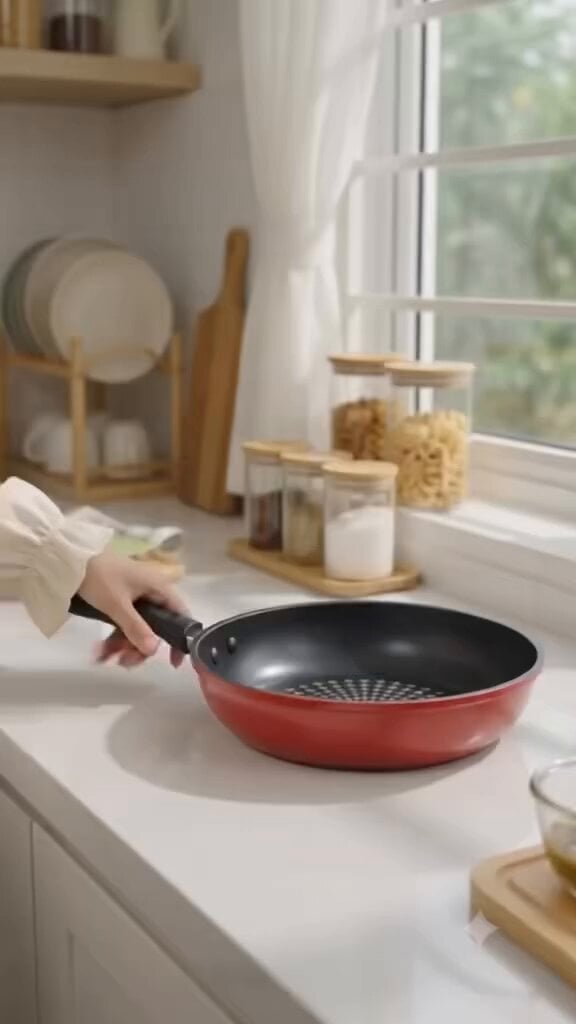
Cinematic Portrait Study
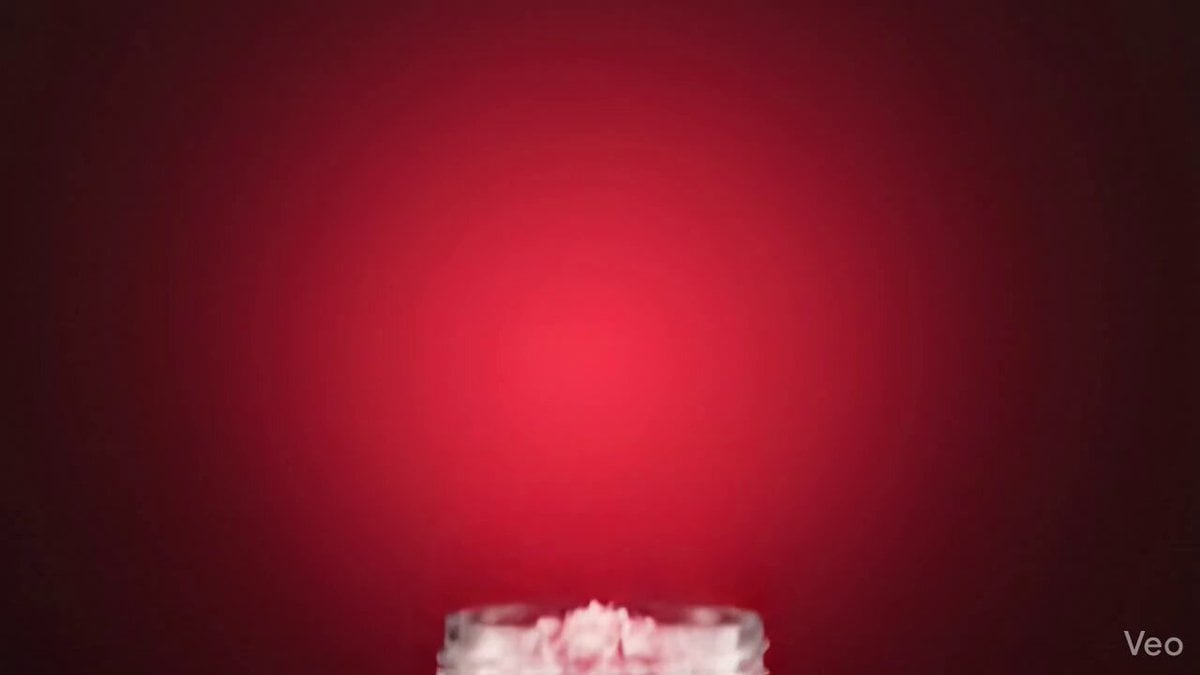
Skincare Product Commercial
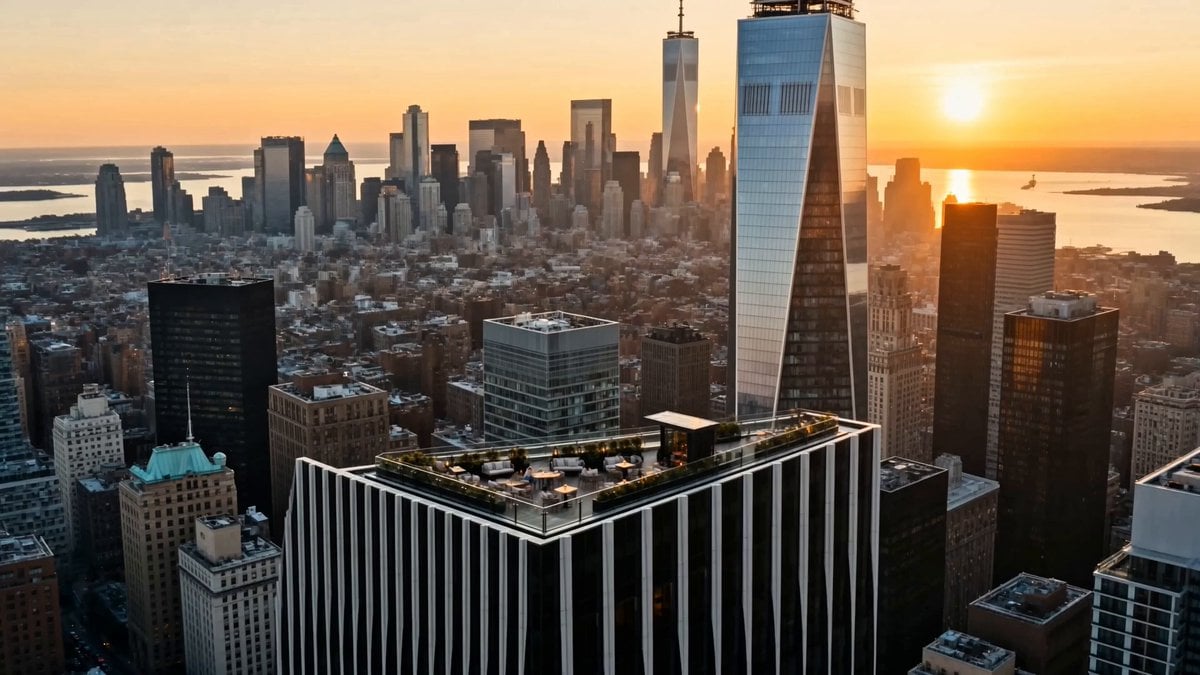
Luxury Lifestyle Day Vlog
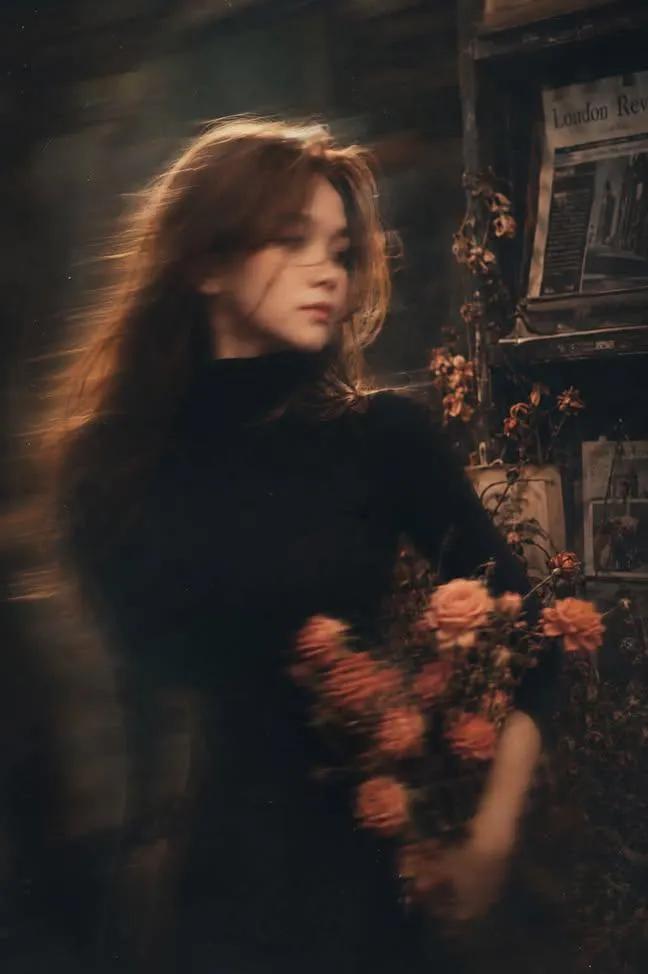
Sealing Wax Letter Desk

Ballroom Floor Reflections
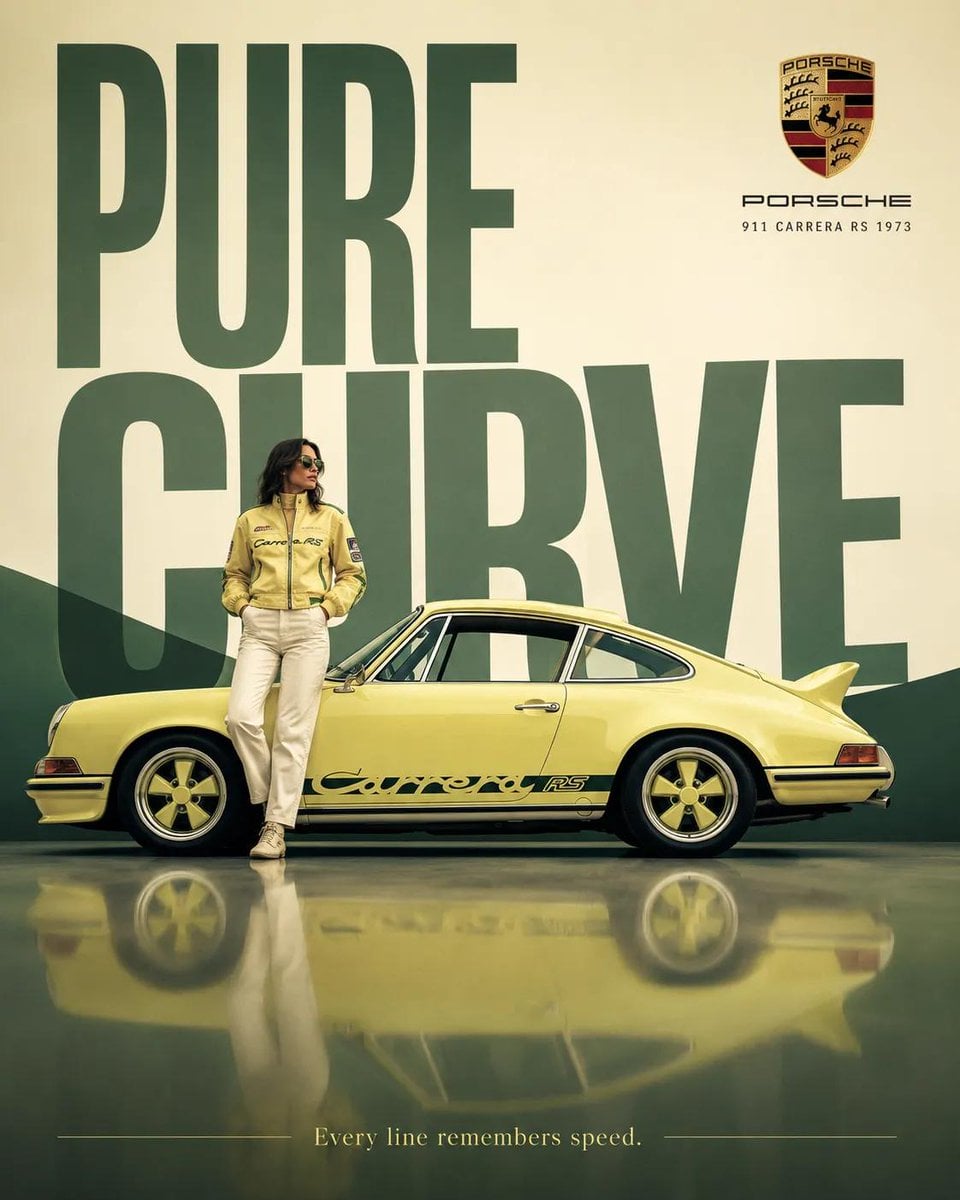
Vintage Camera Leather Case
Hedge Maze Aerial Dawn
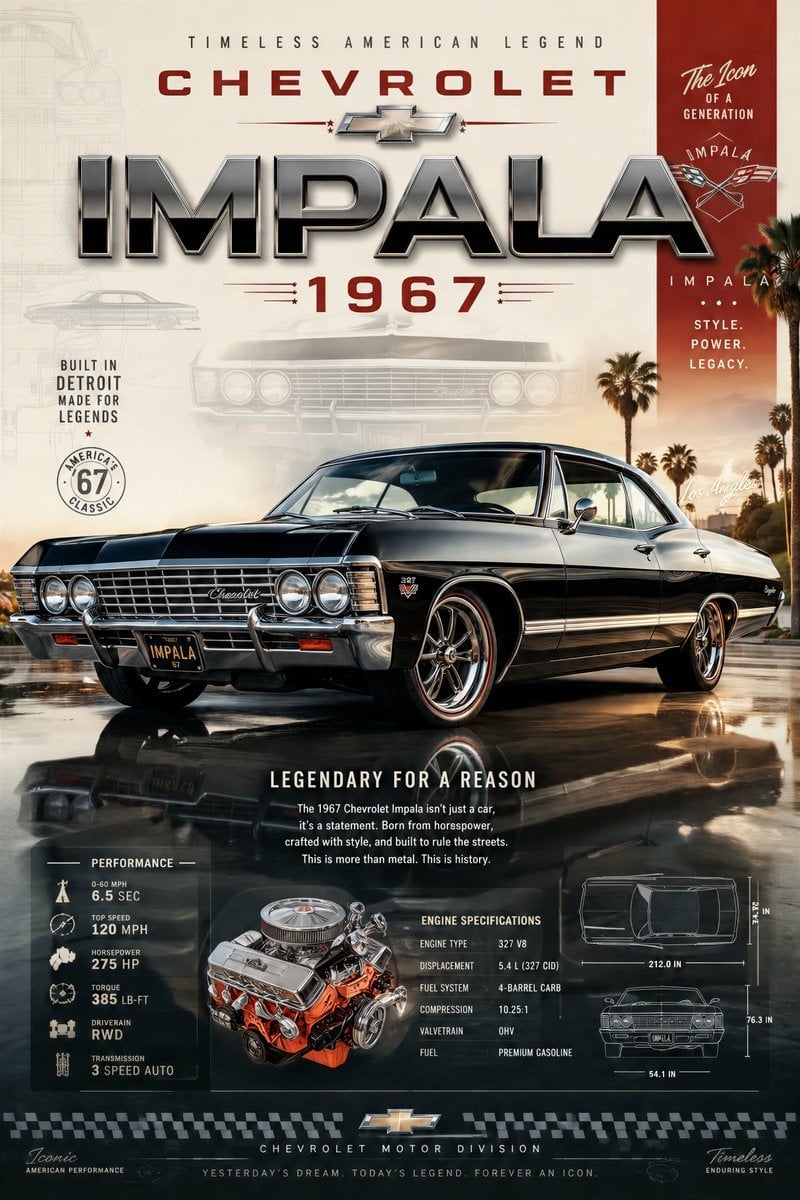
Tuxedo Cuff Adjust
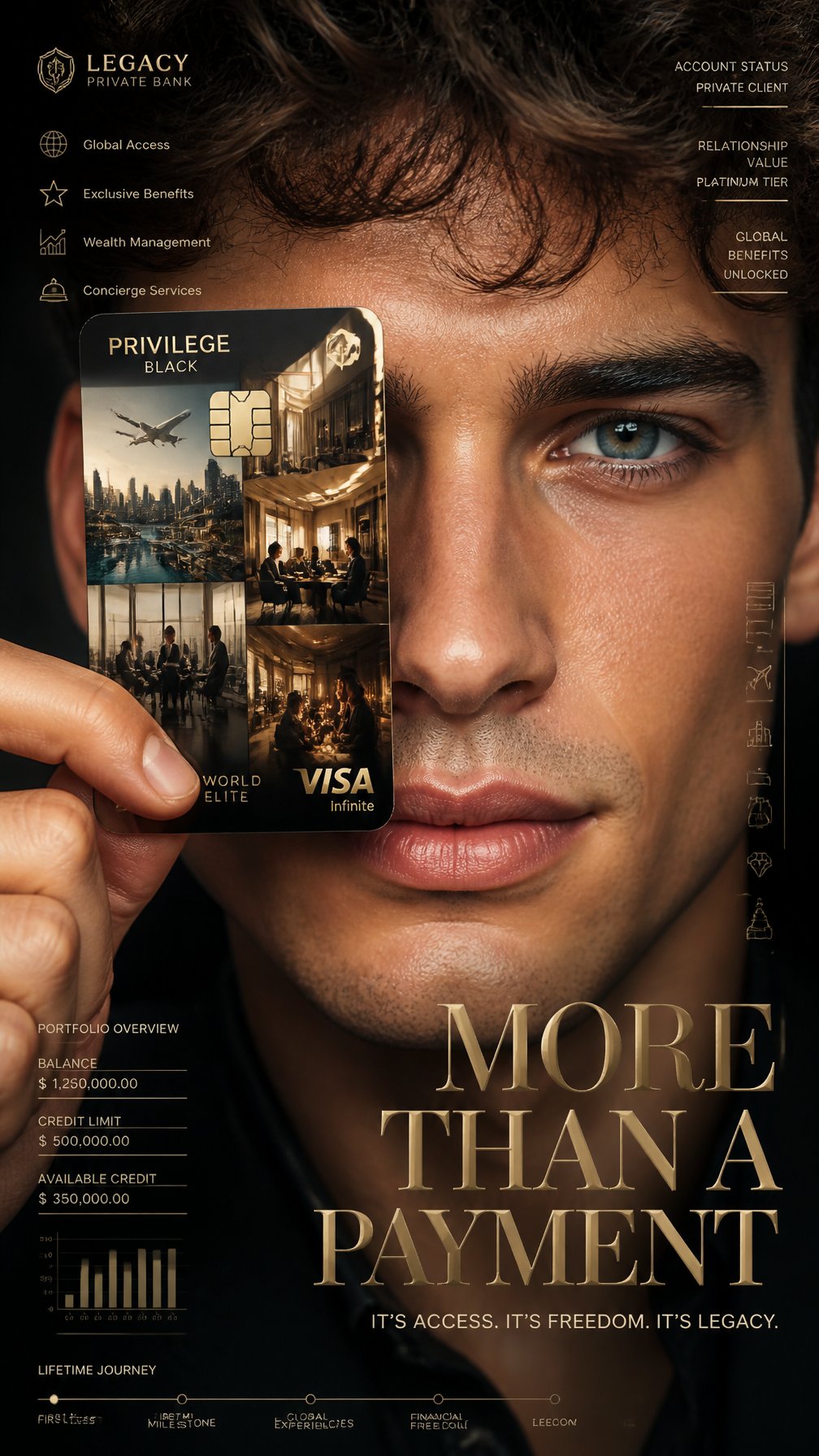
Cathedral Choir Loft
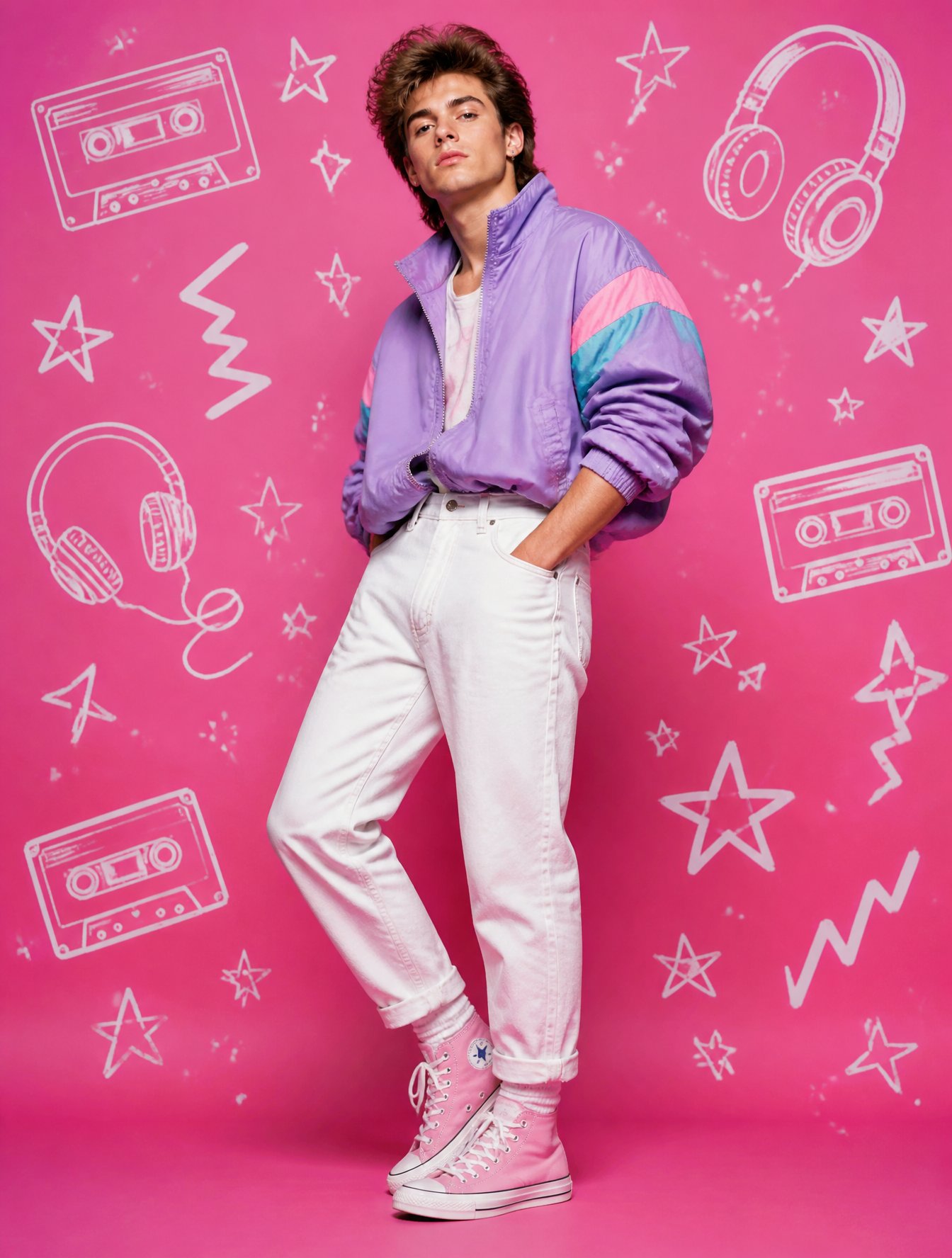
Pearl Necklace Vanity
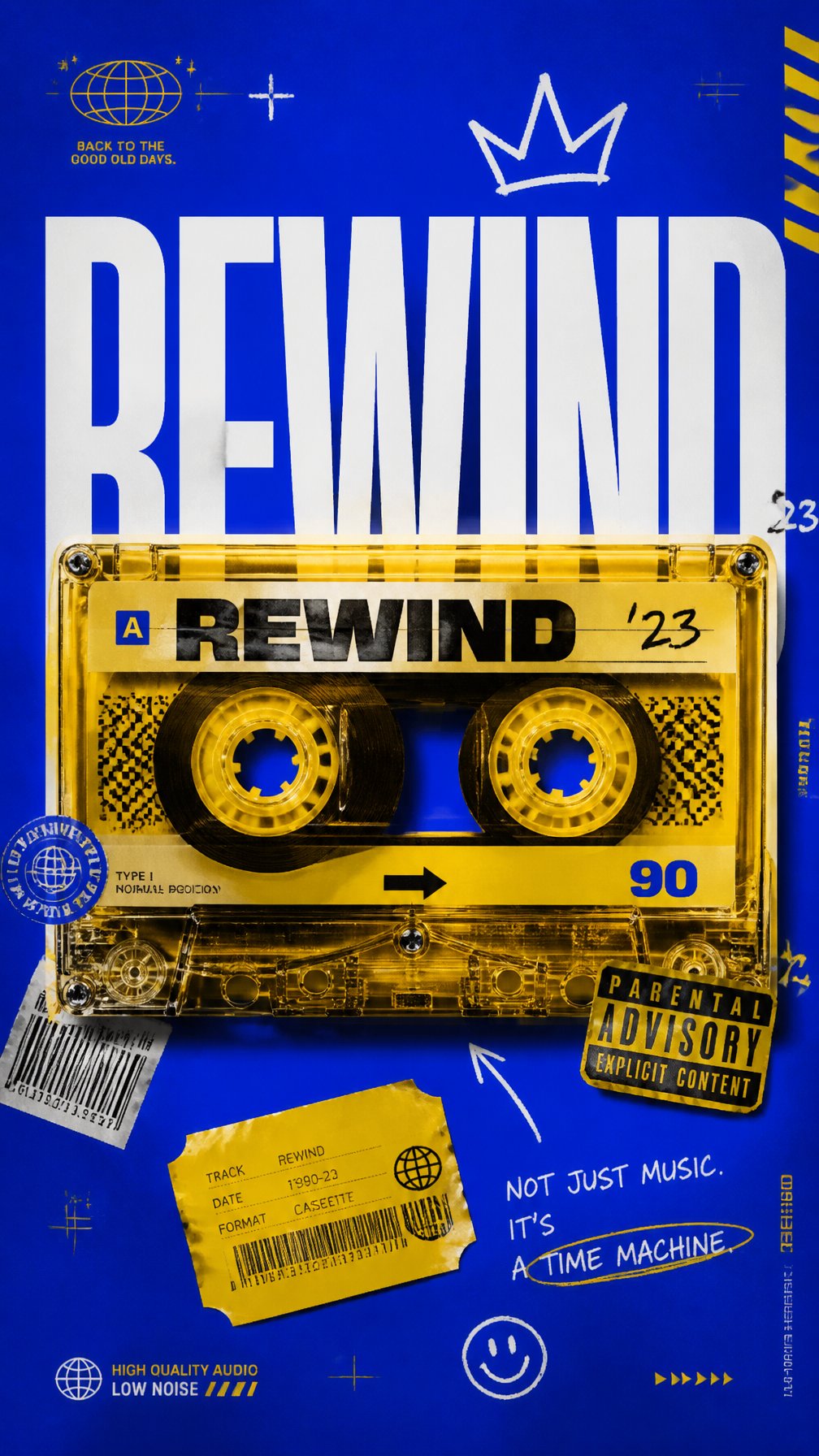
Carriage House Courtyard
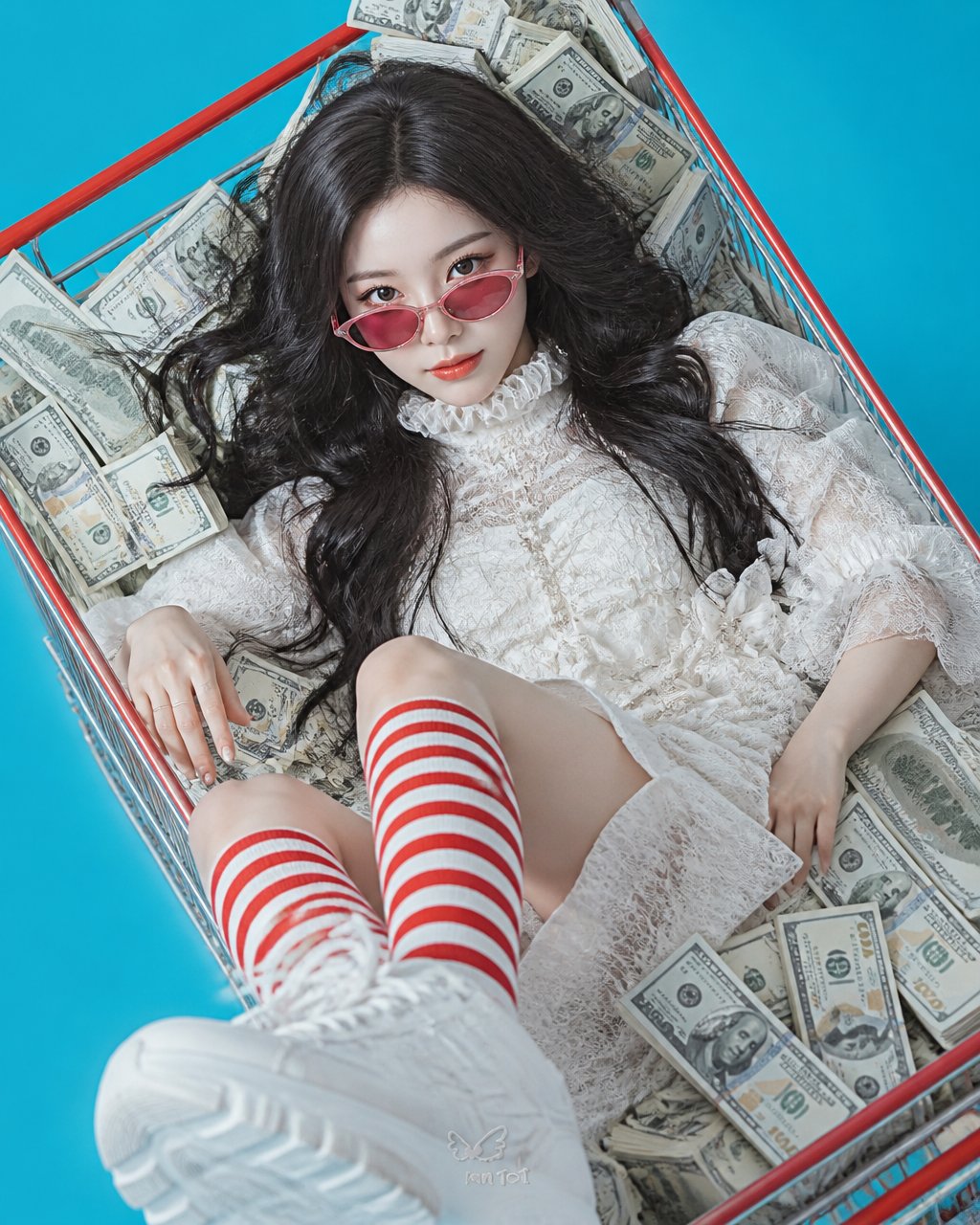
Leather Bound Law Books
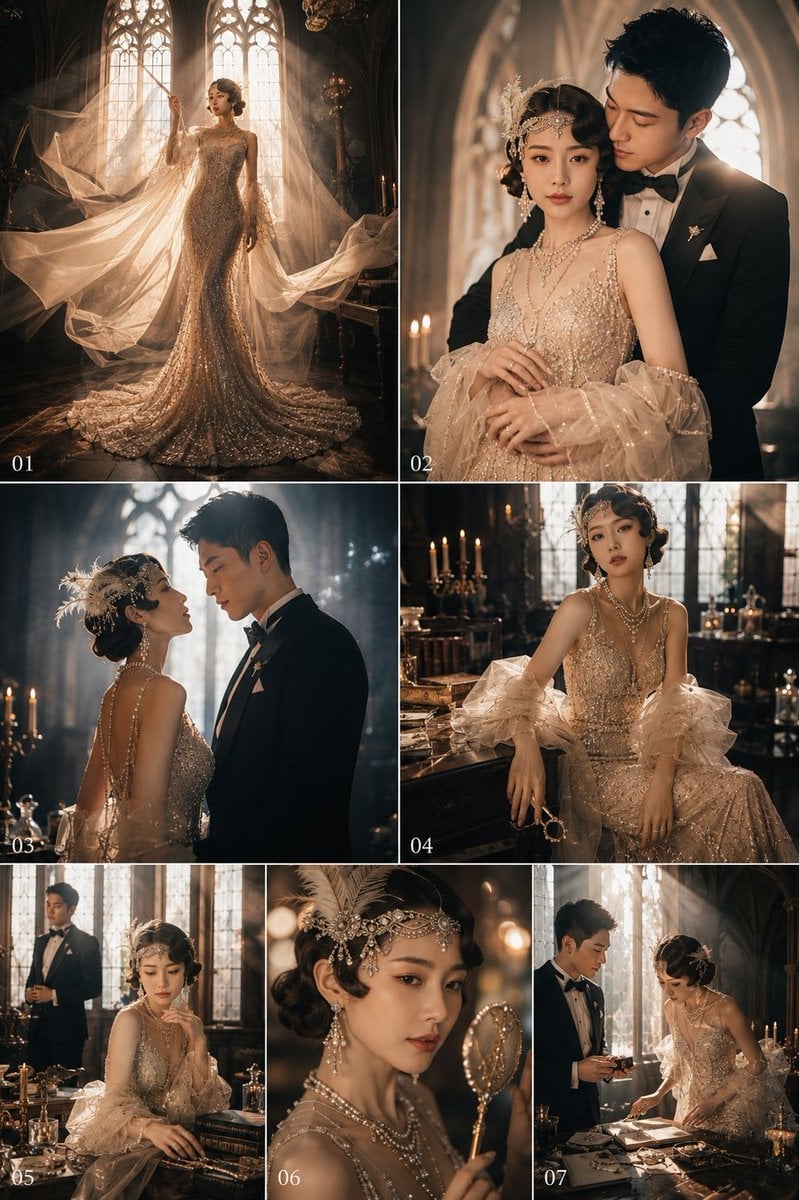
Monochrome Jazz Club

Sculpture Garden Geometry
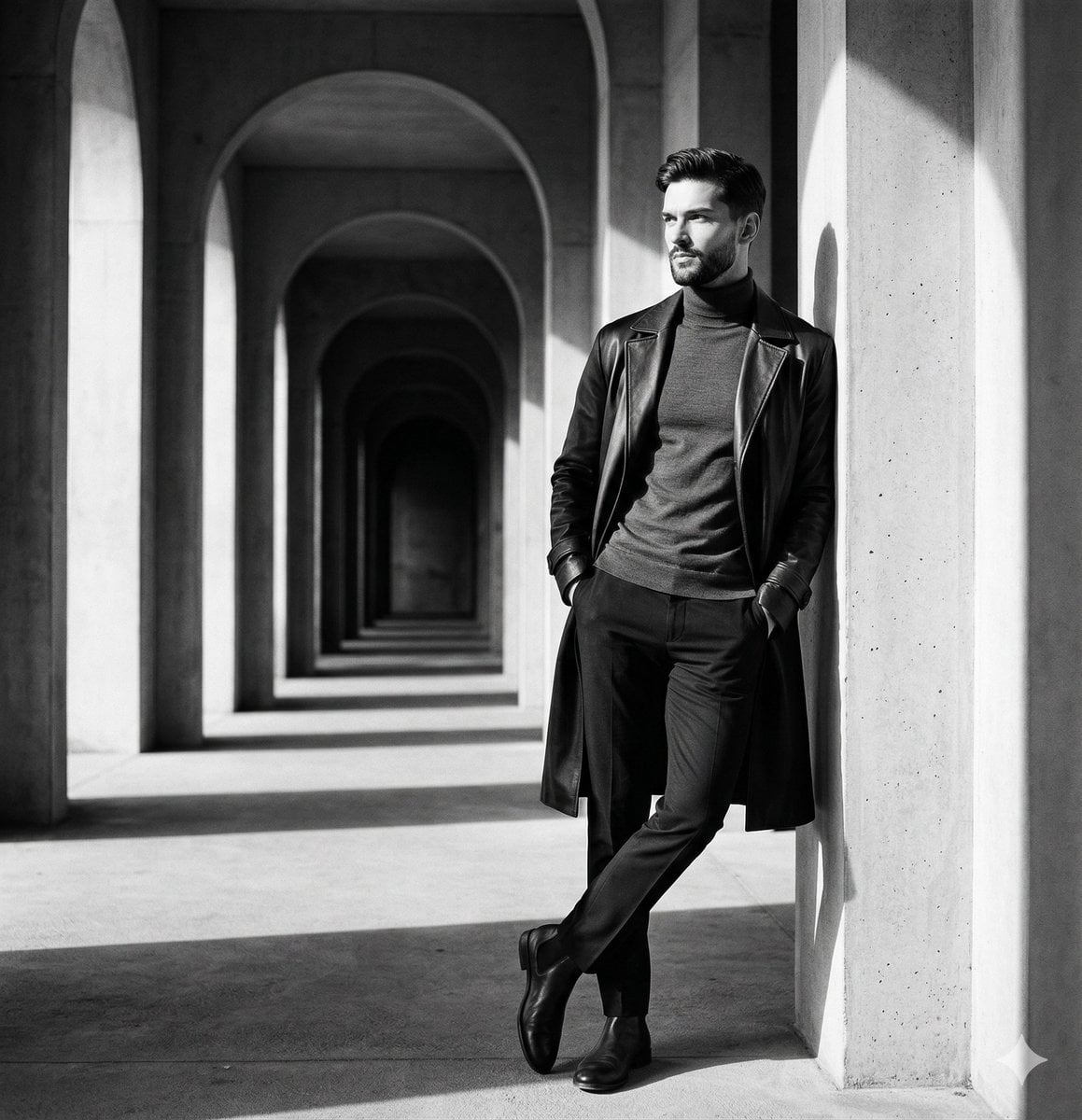
Top Hat Coat Check
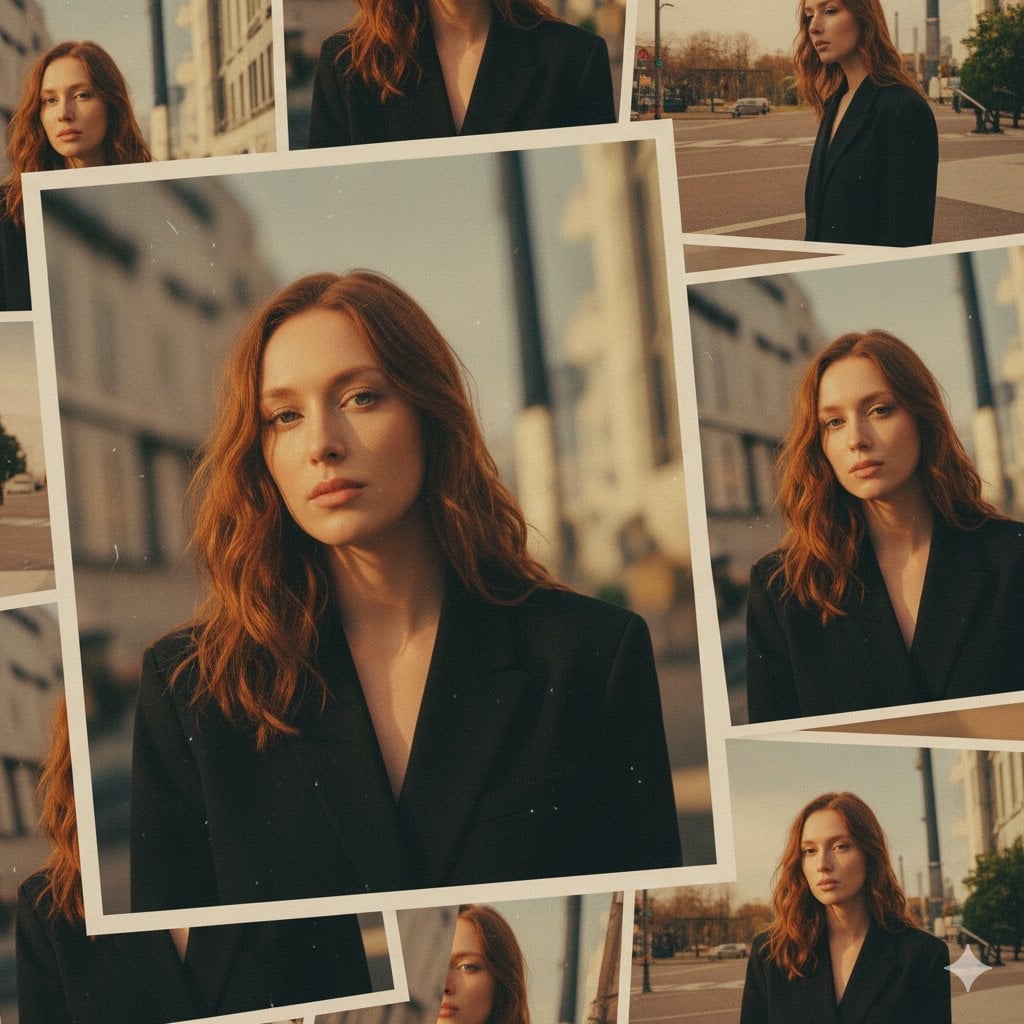
Formal Dining Candle Row
Bronze Door Knocker Lion
Calligraphy Practice Sheets
AI video object replacement templates & examples
- 80s College Gate
Convert the girl in this picture into a stylish woman from 1980s. Dress her in a high-waisted, pleated jeans, with a colourful graphic print shirt tucked inside, giving full 80s fashion vibe. Her hair should look big and
- 1988 Mall Style
Transform this photo into a realistic portrait of a trendy young adult in 1988. Keep my facial features exactly the same. Dress me in an oversized denim jacket, graphic T-shirt, high-waisted jeans, white sneakers, and re
- 80s Polka Dot Saree
Give the woman in this photo an 80s Bollywood heroine look. Keep their facial features exactly the same as in the original picture provided. Dress them in a white georgette polka dot saree with a decent blouse, soft plea
- Sneaker Product Commercial
GPT image 2 × Gemini Omni flash Prompt - TITLE: Luxury Sneaker Commercial Storyboard FORMAT: • Single-page premium storyboard • 3:4 Portrait • Fashion footwear campaign • Client presentation • 8 cinematic storyboard sc
- Cinematic Short Film Scene
Nano banana Pro+ Kling 3.0 Omni on @openart_ai Image prompt: Cinematic motion-blur photography shot on a Leica SL3 with a 50mm Summilux at f/2.8, captured from a chest-level frontal angle using slow shutter panning. Li
- Cinematic Portrait Study 3
GPT image 2 × Gemini Omni flash Prompt - Create a premium commercial storyboard sheet for a luxury toothpaste advertisement in a clean A4 portrait layout. White background with elegant purple branding, minimal editorial
- Cinematic Portrait Study
GPT image 2 × Gemini Omni flash Prompt ↓ TITLE: Premium Commercial Storyboard Presentation FORMAT: • Single-page premium storyboard • 3:4 Portrait ratio • Luxury advertising agency presentation board • Client-ready st
- Skincare Product Commercial
Nano Banana Pro + Veo 3.1 Use the uploaded image as the exact visual reference for jar design, label, strawberries, raspberries, flowers, leaves, condensation droplets, red gradient background, and reflective surface.
- Luxury Lifestyle Day Vlog
A cinematic 15-second ultra-realistic luxury lifestyle vlog following a young woman enjoying a peaceful evening at a rooftop café overlooking a modern city skyline. She relaxes with a cappuccino and dessert, chats natura
- Sealing Wax Letter Desk
Hand pressing a seal into red wax on thick cream paper, correspondence ritual of old money, 4:5
- Ballroom Floor Reflections
Empty ballroom polished floor reflecting chandeliers, quiet before the dance, cinematic classic, 16:9
- Vintage Camera Leather Case
Classic rangefinder camera with worn leather case on a cafe table, photographer heritage still, 1:1
Related explorations
More pages and searches around AI video object replacement.
AI video object replacement questions
How do I replace an object in a video with AI?
In the generator, pick Seedance 2.5 or Seedance 2.0, add your clip and a photo of the new item as references, and write what to change, such as "Change the watch to the watch from the reference photo." Generate a few takes and keep the best one.
How long can my clip be?
Keep reference clips short: a few seconds up to about 15 seconds works best. Seedance 2.5 takes up to 30 seconds of reference video in total.
Does it keep my movement?
Reference-to-video uses your clip as the guide, so the camera move and your movement usually carry through. It is a new generation, not a frame-by-frame edit, so check each take.
Can I use photos of real brands?
Only use photos and products you have the rights to use. Don't use another company's logo or product in a way that suggests they endorse you.

Start your AI video object replacement
Every top image and video model, one credit balance, credits that never expire.